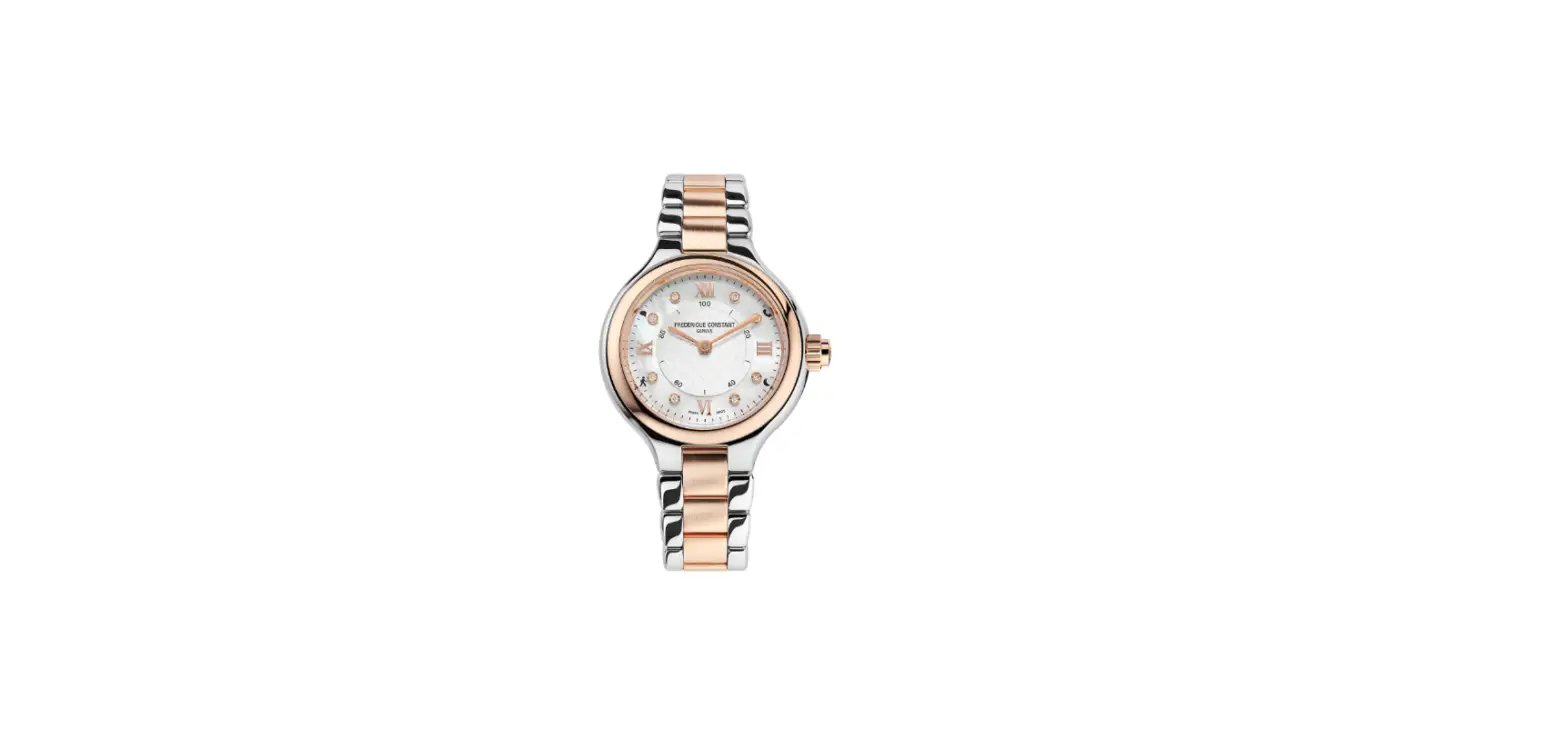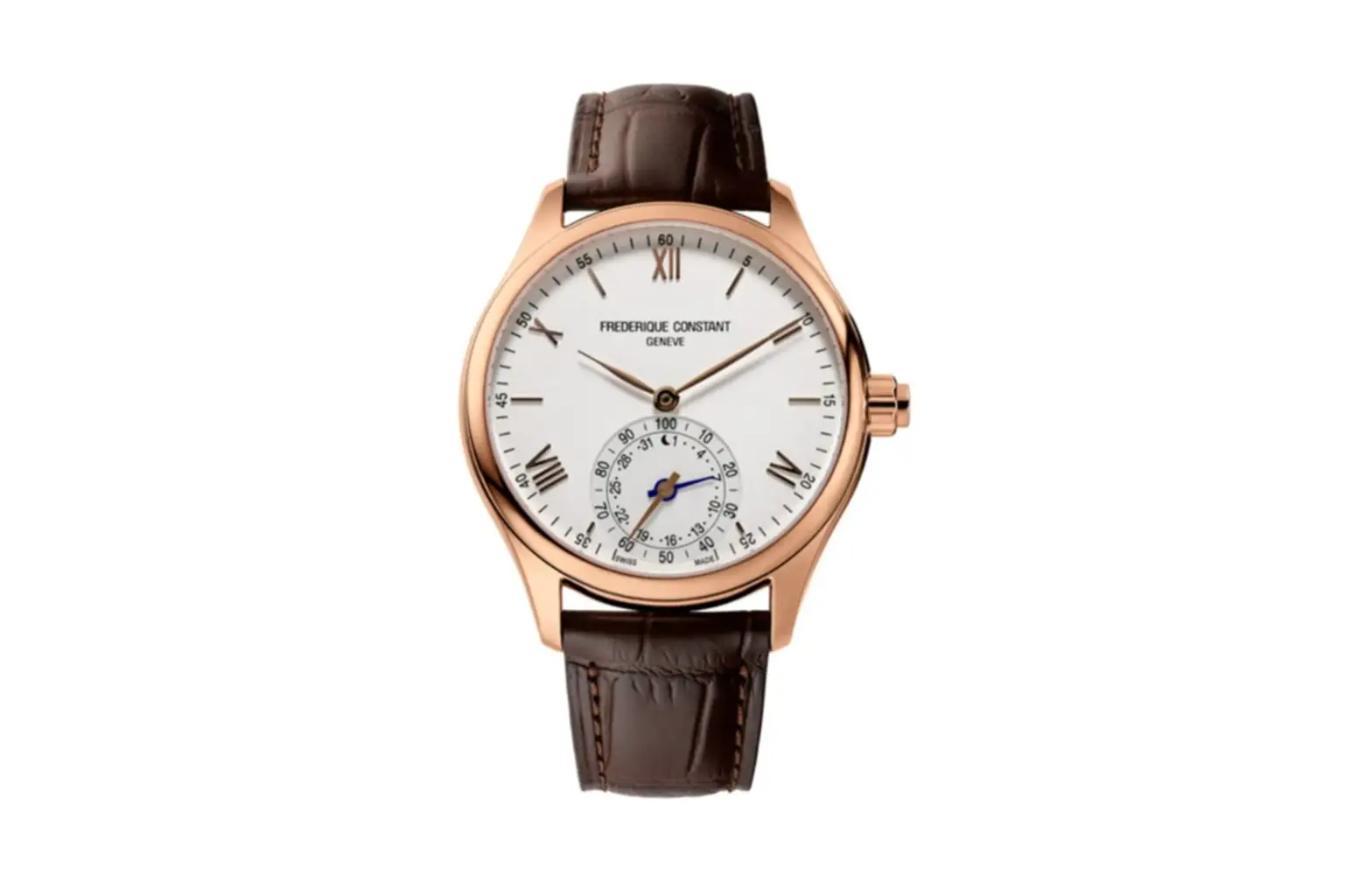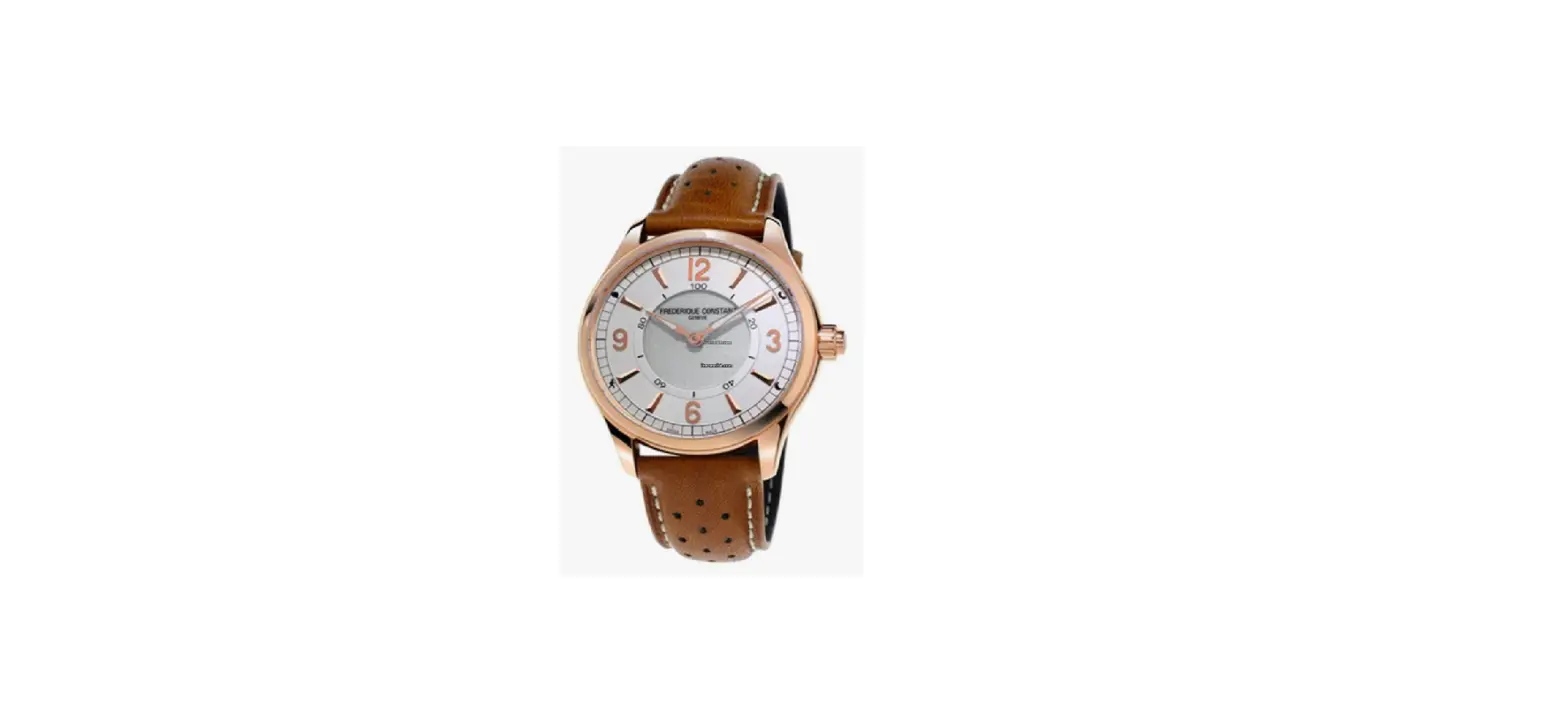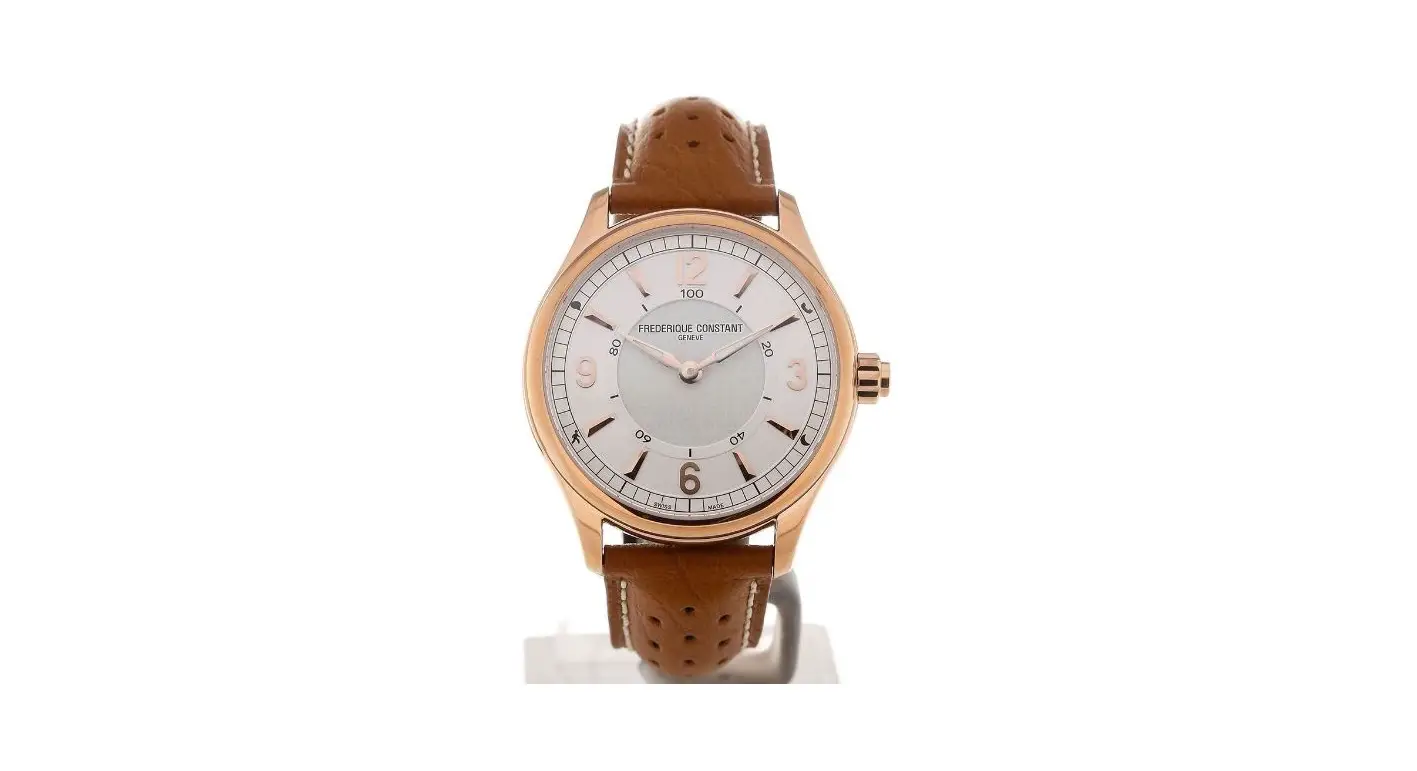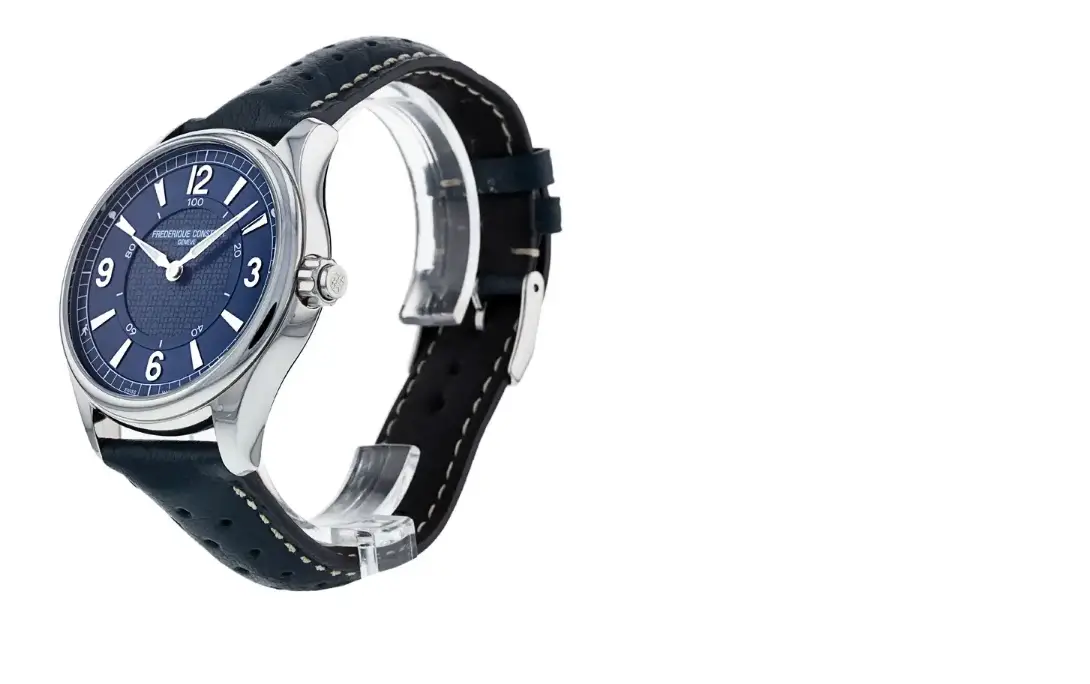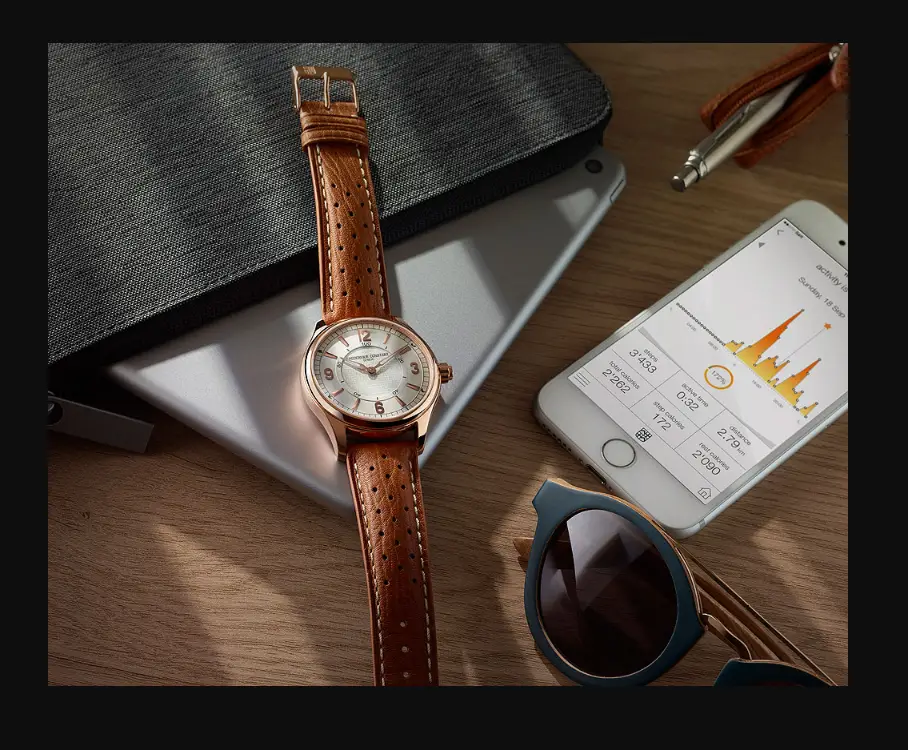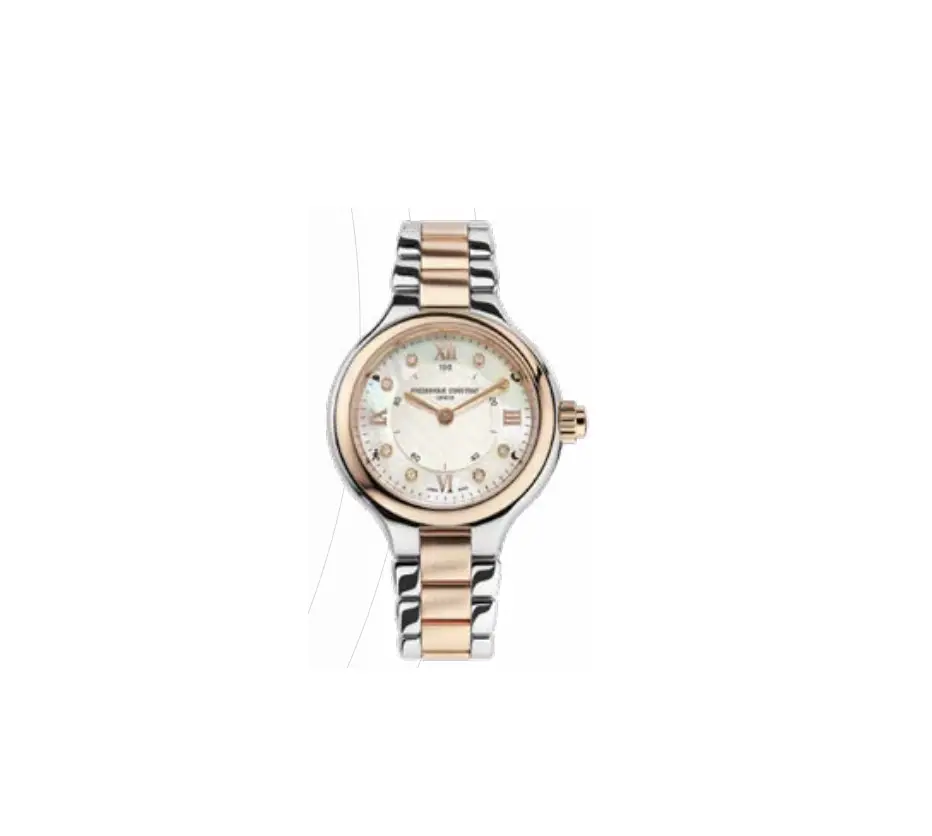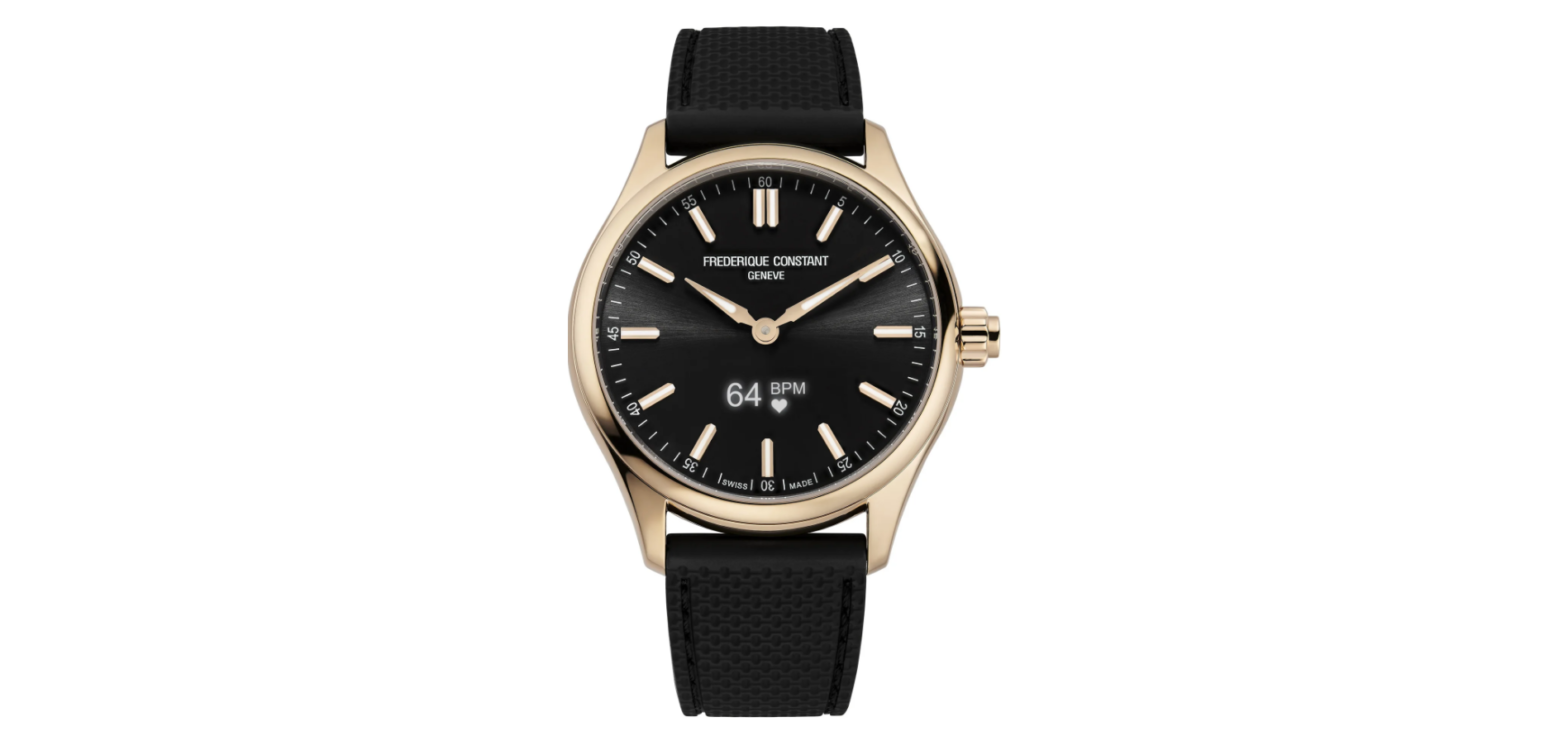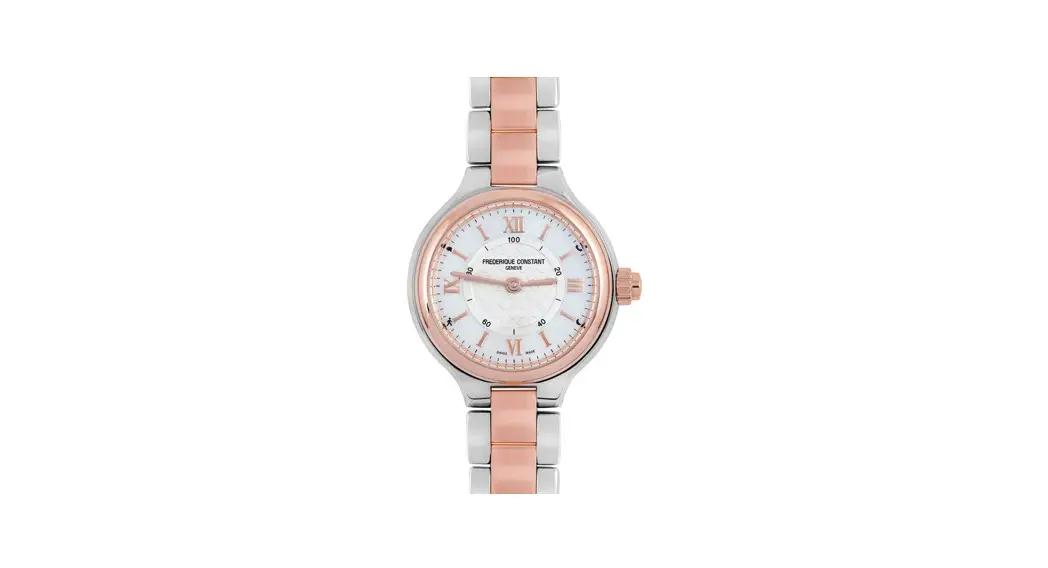
 FC-281 Smartwatch
User Manual 
GET STARTED
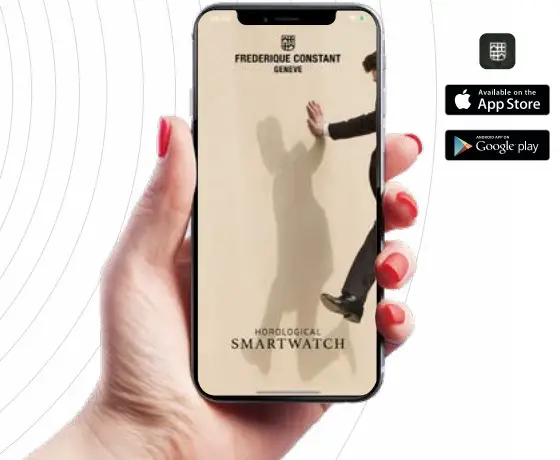
- GET THE APP
Download the FREDERIQUE CONSTANT SMARTWATCH app for iPhone ® or Android. - ACTIVATE BLUETOOTH ON YOUR PHONE
- LAUNCH THE APP AND
FOLLOW THE INSTRUCTIONS
You will first be invited to create your own profile, then to pair your watch with the app, and finally set your own goals. - YOU ARE NOW READY TO USE YOUR SMARTWATCH DELIGHT NOTIFY
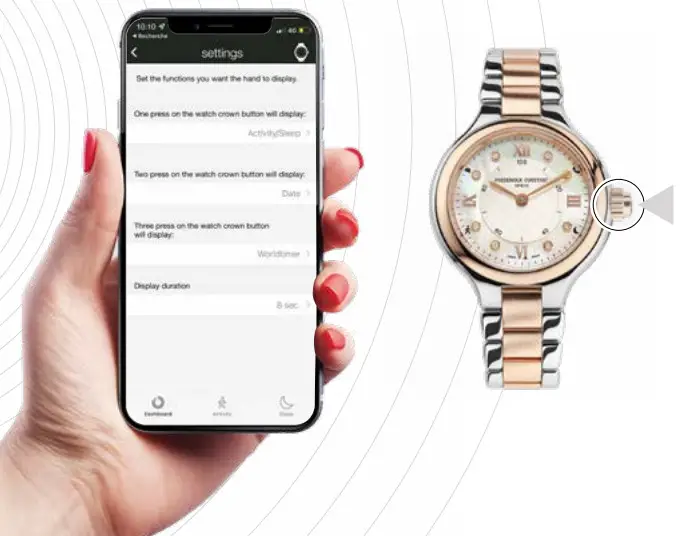
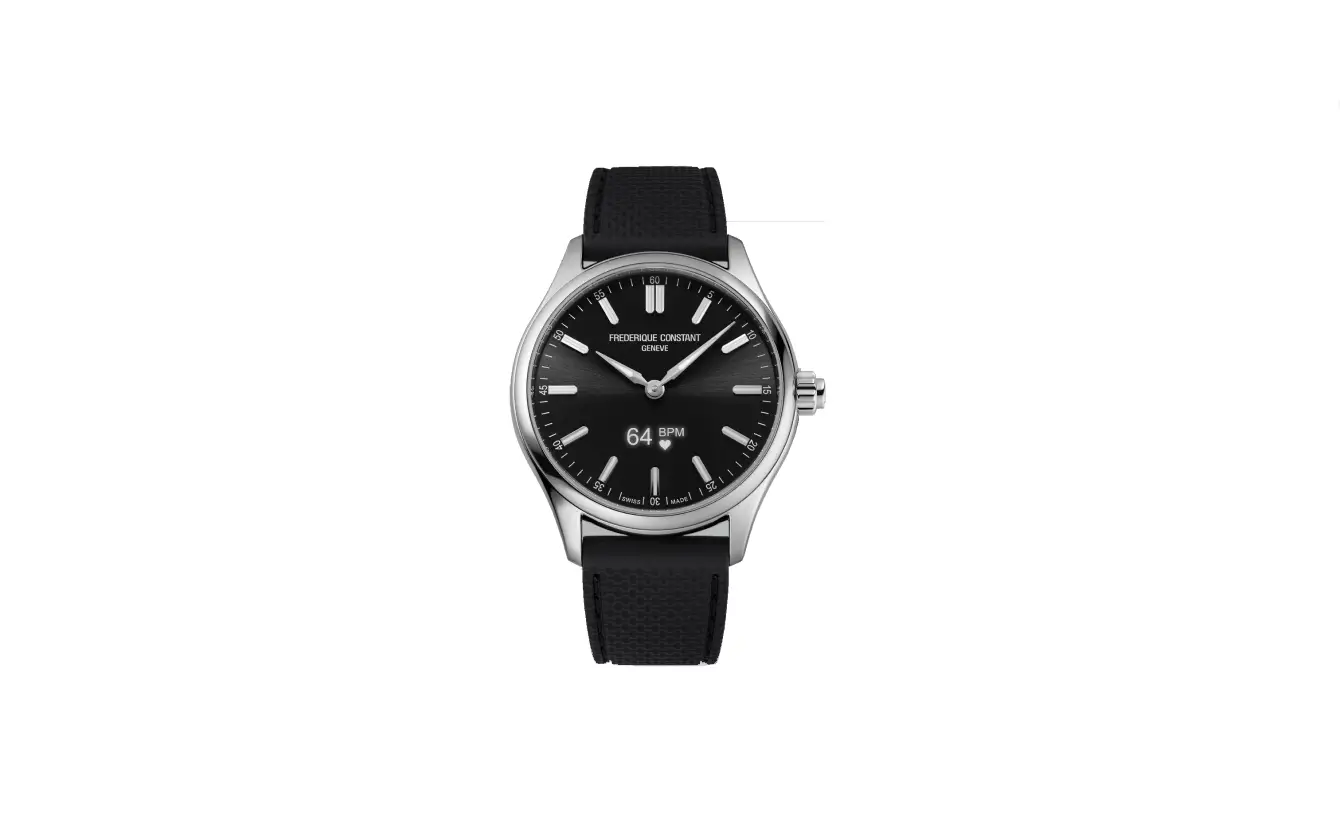
The Smartwatch Delight Notify is equipped with a crown button that allows you to access its different functions:
- Activity/Sleep
- Date
- Worldtimer (2nd-time zone)
- Temperature (watch temperature)
- Chronograph
- Workout (5 different sports available that can be monitored)
Via the companion app, you can set up 3 different functions to be displayed on your watch.
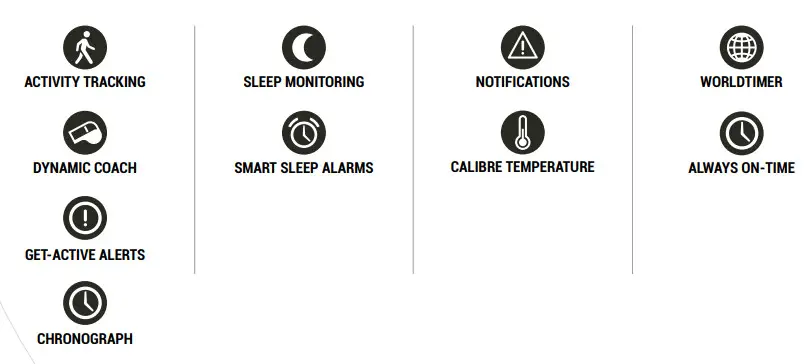
FUNCTIONS
SPECIFICITIES
 ALWAYS ON-TIME
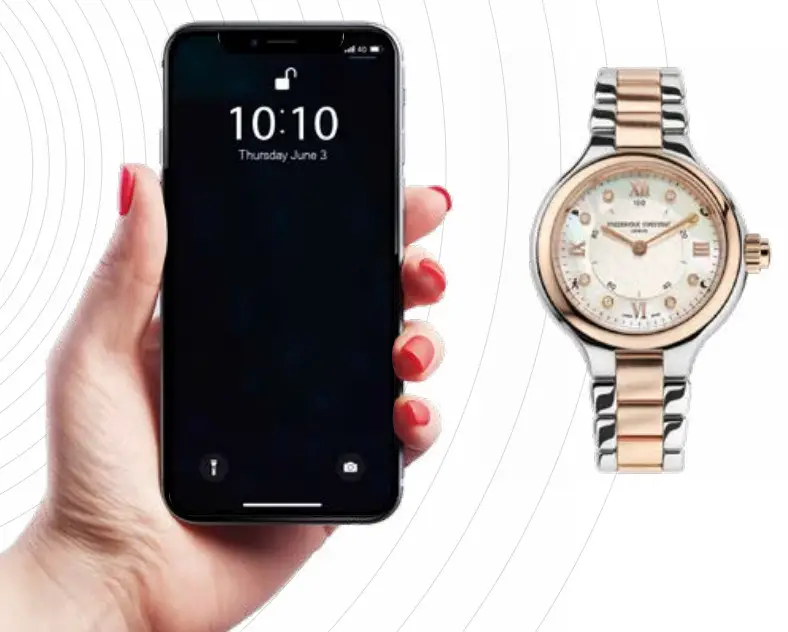
You won’t ever need to set a time and date – travelling across time zones, the watch picks-up the time from your smartphone and displays the current time automatically.
The date can be displayed on your watch via the hour hand.
To do so:
- Set your push button in the companion app.
- Push the crown’s push button (one push, two push or three push depending on your settings).
- The minute hand will display the date on the minutes graduation.
 WORLDTIMER
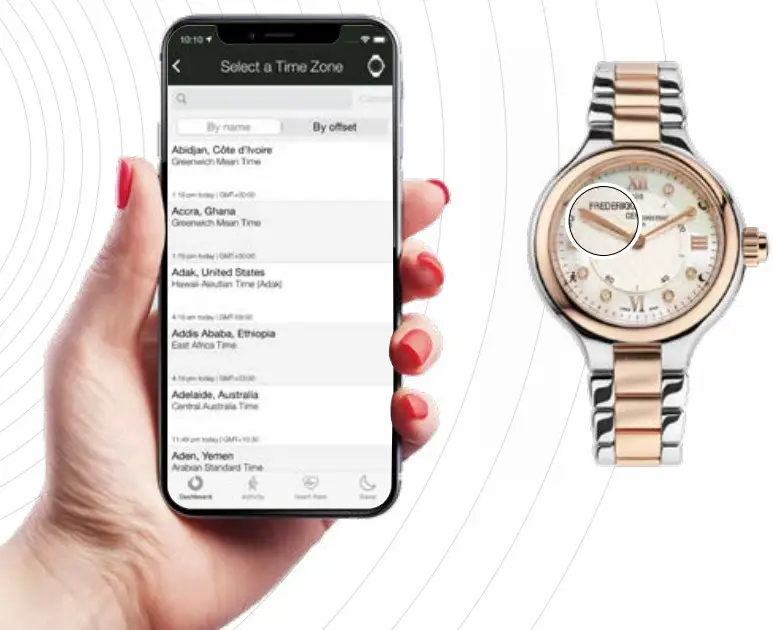 You can choose to display a second time zone on your watch. A feature particularly useful when travelling in order to keep track of your time at home.
Depending on your push button settings (one push, two push or three push on the watch crown), the hour hand will move to display your selected second time zone (display duration can be set in the push button settings).
 ACTIVITY TRACKING
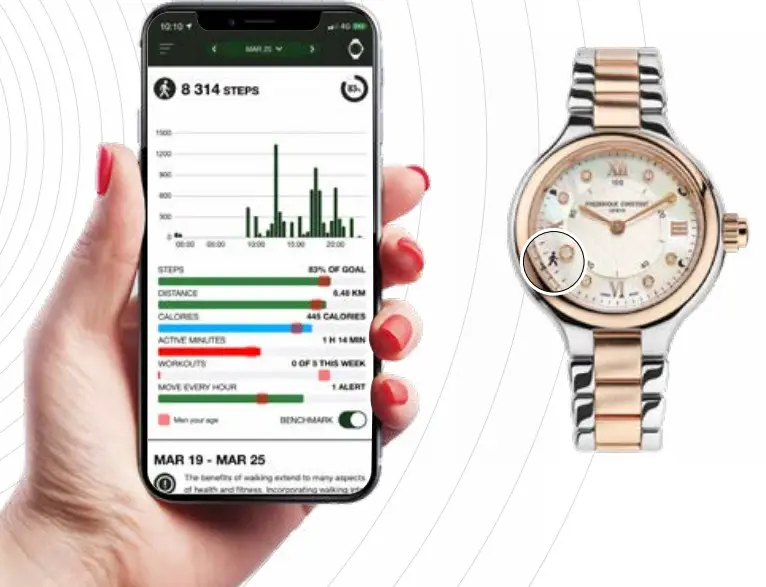
Keep track of your daily steps, calories burnt and total distance travelled. The companion app’s charts will help you to get an overview of your results per week as well as compare your results to people of your age worldwide thanks to a benchmarking tool.
SET YOUR ACTIVITY GOAL IN THE COMPANION APP
The first step to do is to set your own activity goal in the app.
HOW TO READ YOUR ACTIVITY RESULTS ON YOUR WATCH
In activity mode (see page 6), after the crown press:
- Minute hand moves to 8 o’clock icon.
- Hour hand moves on the 0-100 scale (central ring) representing your activity goal percentage reached (depending on your own goal set previously within the app).
Few seconds later, hands will move back to time. The display time can be set within the app in the push button settings section.
 SLEEP MONITORING
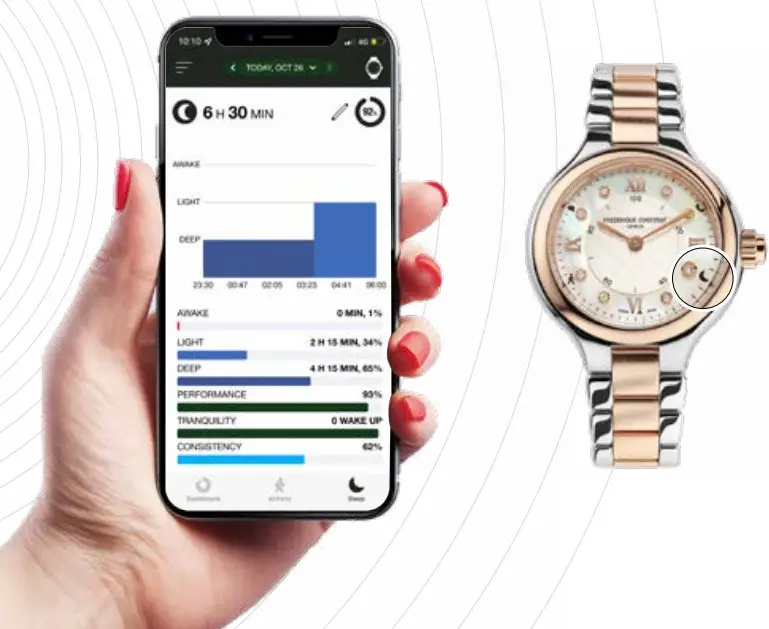
Wear your watch at night or put it under your pillow to record your sleep. You can set your favorite mode in the app.
The sleep monitoring function provides details on your sleeping pattern, including how much time you have spent in deep sleep, light sleep, or awake.
SET YOUR SLEEP GOAL IN THE COMPANION APP
The first step to do is to set your own sleep goal in the app.
HOW TO READ YOUR SLEEP RESULTS ON YOUR WATCH
In sleep mode (see page 6), after the crown press:
- Minute hand moves to 4 o’clock icon.
- Hour hand moves on the 0-100 scale (central ring) representing your sleep goal percentage reached (depending on your own goal set previously within the app).
Few seconds later, hands will move back to time. The display time can be set within the app in the push button settings section.
 SMART SLEEP ALARMS
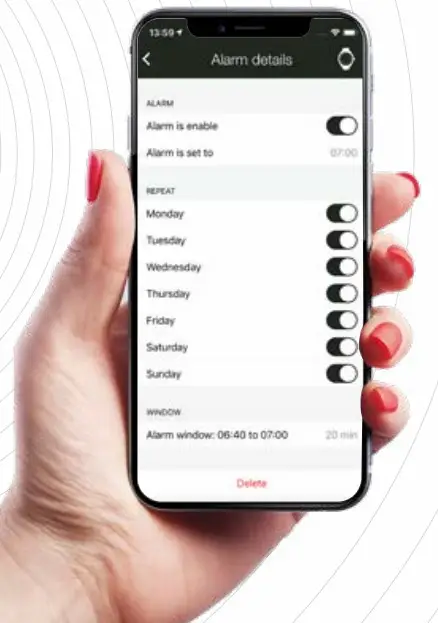
Set a smart sleep alarm that will help you to wake up at the best time based on your sleep cycle in order to feel rested and refreshed.
You can easily activate and diactivate the Smart Sleep Alarms within the companion App.
 NOTIFICATIONS
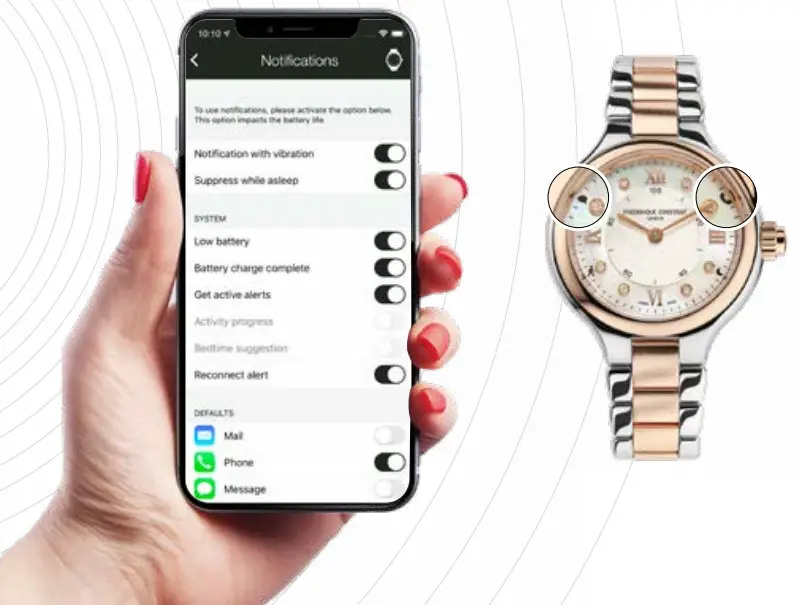
Never miss a call or text message!
MESSAGES:
Your watch will vibrate when a message is received and the hands will point to the icon at 10 o’clock. With a push on the crown, the hands will go back to time indication.
CALLS:
The watch will vibrate when a missed call is detected and the hands will point to the icon at 2 o’clock. With a push on the crown, the hands will go back to time indication.
CALIBRE TEMPERATURE
The calibre temperature can be displayed on your watch via the hour hand.
To do so:
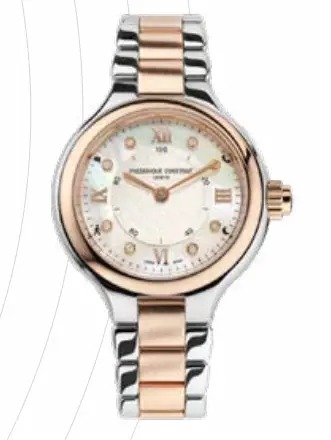
- Set your push button in the companion app.
- Push the crown’s push button (one push, two push or three push depending on your settings).
- The minute hand will display the calibre temperature on the minutes graduation.
 GET-ACTIVE ALERTS
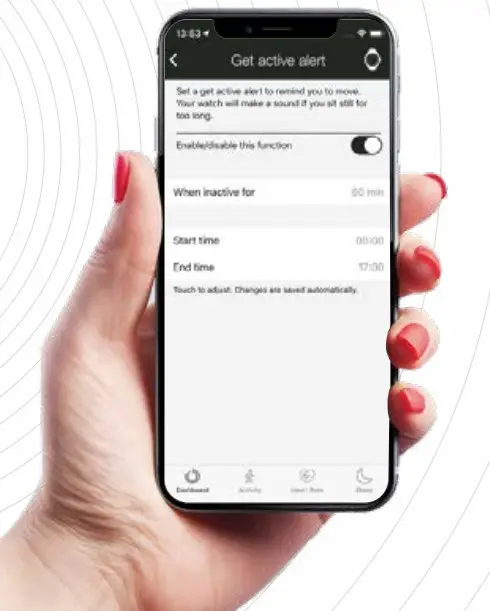
Set an alert to remind you to move if you’ve been idle for a set amount of time.
You will get notified by the watch’s vibration.
Customize your Get-Active alert in the companion app.
 CHRONOGRAPH
The chronograph function can be launched directly on your watch via the push button.
To do so:
- Set your push button in the companion app.
- Push the crown’s push button (one push, two push or three push depending on your settings).
- The hour and minute hands will go to 12 o’clock.
- To launch the chronograph: push the crown.
The minute hand will indicate the seconds while the hour hand will indicate the minutes. - To stop the chronograph: push the crown.
- To reset: push the crown.
The hands will automaticaly go back to time indication.
SPECIFICITIES
 DYNAMIC COACH
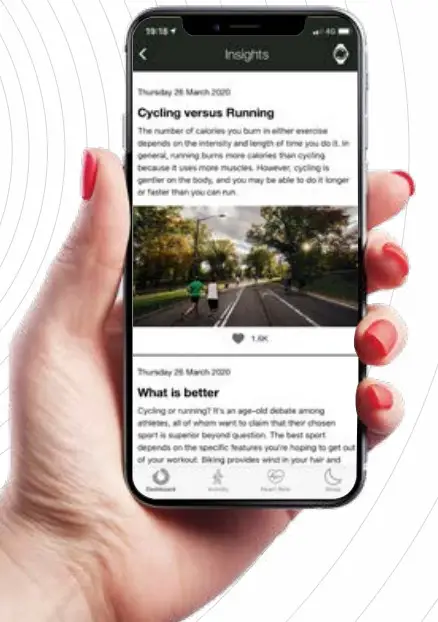
Get suggestions, tips, and information catered specifically to you based on your activity and sleep goals.
 CLOUD BACKUP & RESTORE
 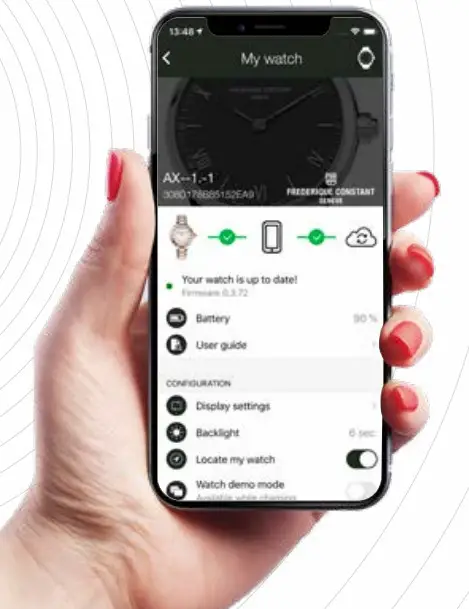 Recover all your data, even if you lose your watch or phone. Your data is saved on your personal profile.
 2 YEARS BATTERY LIFE
Your Frederique Constant Smartwatch is a real Swiss watch in its pure tradition.
Your timepiece features an electronic movement with 2 years battery life (depending on your usage).
LEGAL NOTICES
USA CANADA
FREDERIQUE CONSTANT SA
Chemin du Champ-des-Filles, 32 1228 Plan-les-Ouates Switzerland
NOTE
This equipment has been tested and found to comply with the limits for a Class B digital device, pursuant to Part 15 of the FCC Rules. These limits are designed to provide reasonable protection against harmful interference in a residential installation. This equipment generates, uses and can radiate radio frequency energy and, if not installed and used in accordance with the instructions, may cause harmful interference to radio communications. However, there is no guarantee that interference will not occur in a particular installation. If this equipment does cause harmful interference to radio or television reception, which can be determined by turning the equipment off and on, the user is encouraged to try to correct the interference by one or more of the following measures:
- Reorient or relocate the receiving antenna.
- Increase the separation between the equipment and receiver.
- Connect the equipment into an outlet on a circuit different from that to which the receiver is connected.
- Consult the dealer or an experienced technician for help.
NOTICE
This device complies with Part 15 of the FCC Rules and with Industry Canada licenseexempt RSS standard(s). Operation is subject to the following two conditions:
- this device may not cause harmful interference, and
- this device must accept any interference received, including interference that may cause undesired operation.
NOTICE
Changes or modifications made to this equipment not expresslyapproved by Frederique Constant SA may void the FCC authorization to operate this equipment.
Perchlorate Material -special handling may apply. See www.dtsc.ca.gov/hazardouswaste/perchlorate
EUROPE
FREDERIQUE CONSTANT SA
Chemin du Champ-des-Filles, 32
1228 Plan-les-Ouates
Switzerland
 Declares that the product: /SMARTWATCH FC-281X3ER2/6
complies with the essential requirements of Article 3 of the R&TTE 1999/5/EC Directive, if used for its intended use and that the following standards has been applied:
Geneva, October 1st, 2016,
Place and date of the declaration of conformity
Peter C. Stas Name and signature
(Name und Unterschrift)
(Nom et signature)
(Nome, cognome e firma)
- HEALTH
(ARTICLE 3.1.A OF THE R&TTE DIRECTIVE)
APPLIED STANDARD(S)
applied standard(s)
Sicurezza elettrica (Articolo 3.1 a della Direttiva R&TTE) - SAFETY
(ARTICLE 3.1.A OF THE R&TTE DIRECTIVE)
APPLIED STANDARD(S)
applied standard(s)
EN 60950-1:2006 + A11:2009 + AC:2011 + A12:2001 + A1:2010 - ELECTROMAGNETIC COMPATIBILITY (ARTICLE 3.1.B OF THE R&TTE DIRECTIVE)
Elektromagnetische Verträglichkeit (Artikel 3.1.b der R&TTE-Richtlinie)
APPLIED STANDARD(S)
applied standard(s)
EN 301 489-1 V1.9.2
EN 301 489-17 V2.2.1 - EFFICIENT USE OF THE RADIO
(ARTICLE 3.2 OF THE R&TTE DIRECTIVE)
APPLIED STANDARD(S)
applied standard(s)
EN 300 328 V1.8.1
SOUTH AFRICA
 TA-2015/1103 / TA-2015/1104 / TA-2015/1105
AUSTRALIA
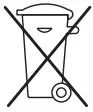 In compliance with eu directive 2002/96/ce, any parts of quartz watches should be disposed of at a deee/weee registered recycling organization.
Please contact your Frederique Constant distributor.
 dtsc.ca.gov/hazardouswaste/
 Frederique Constant Official Website - Live you Passion