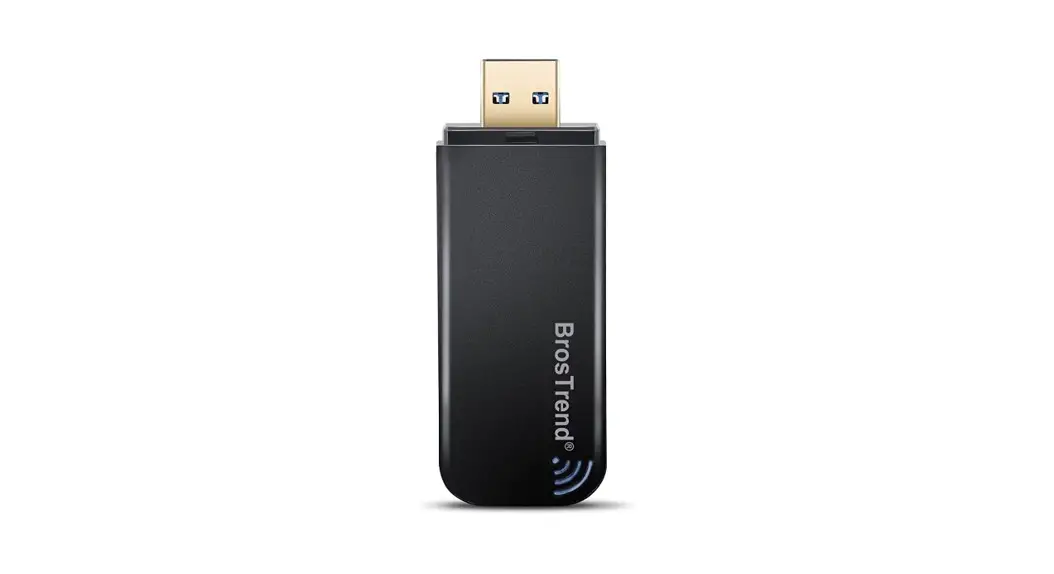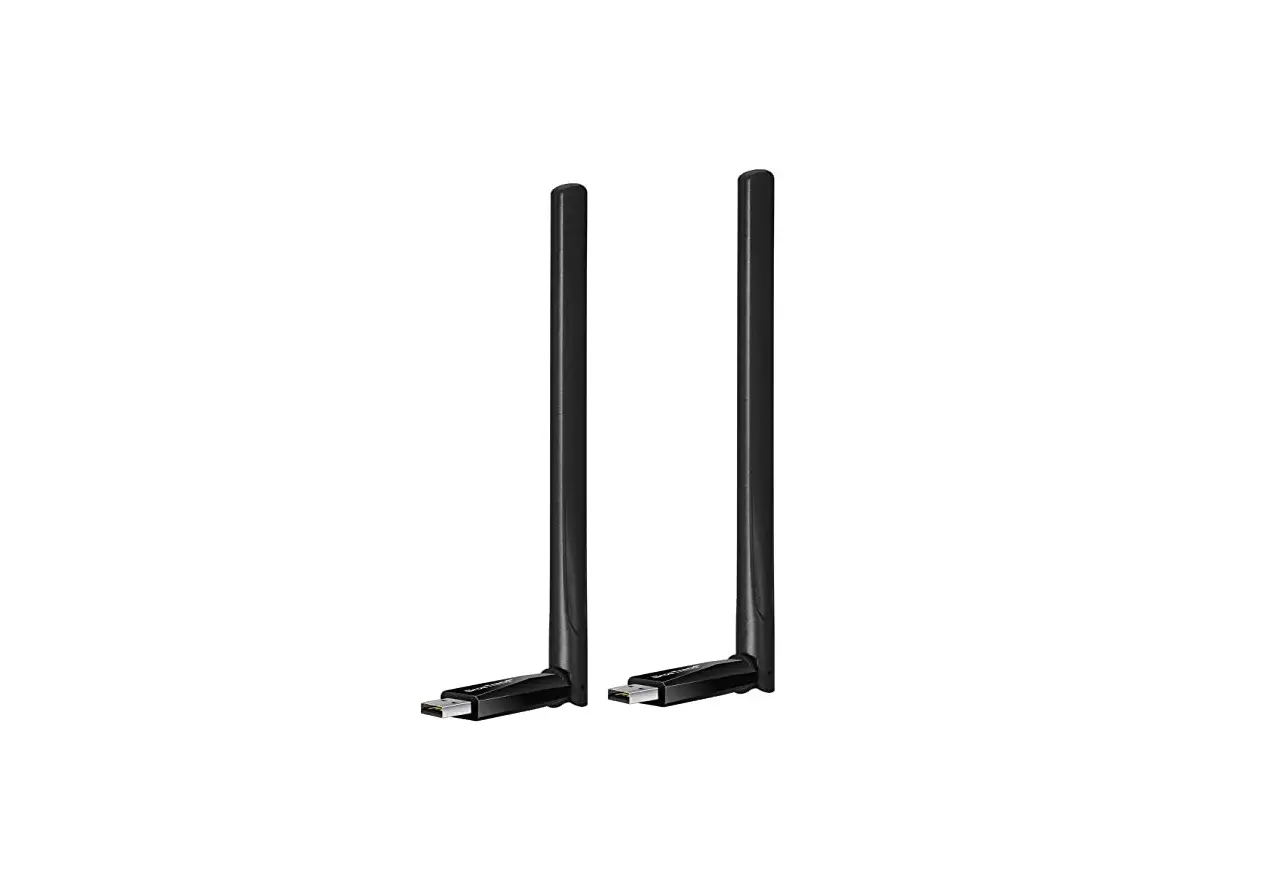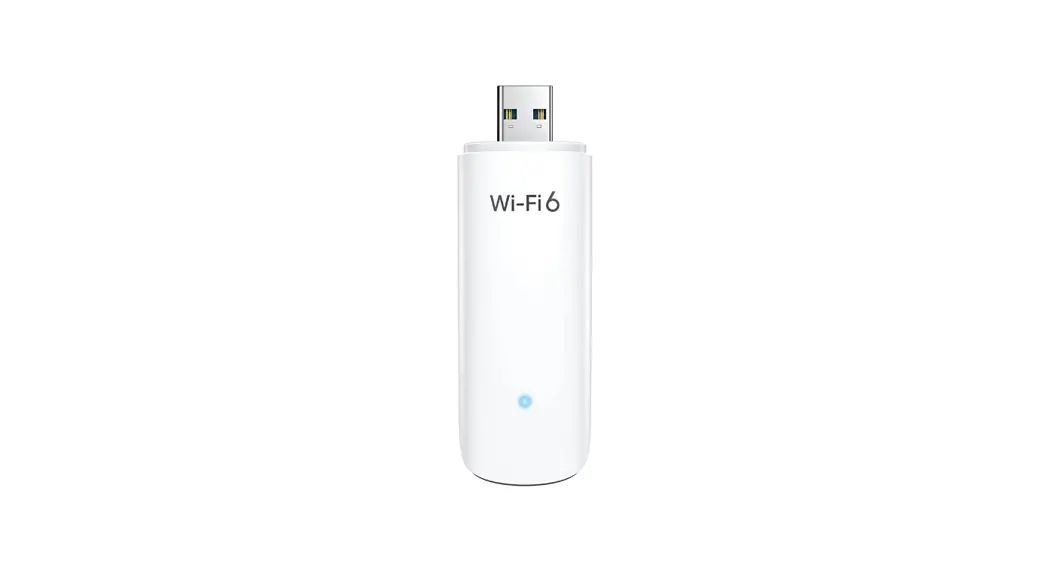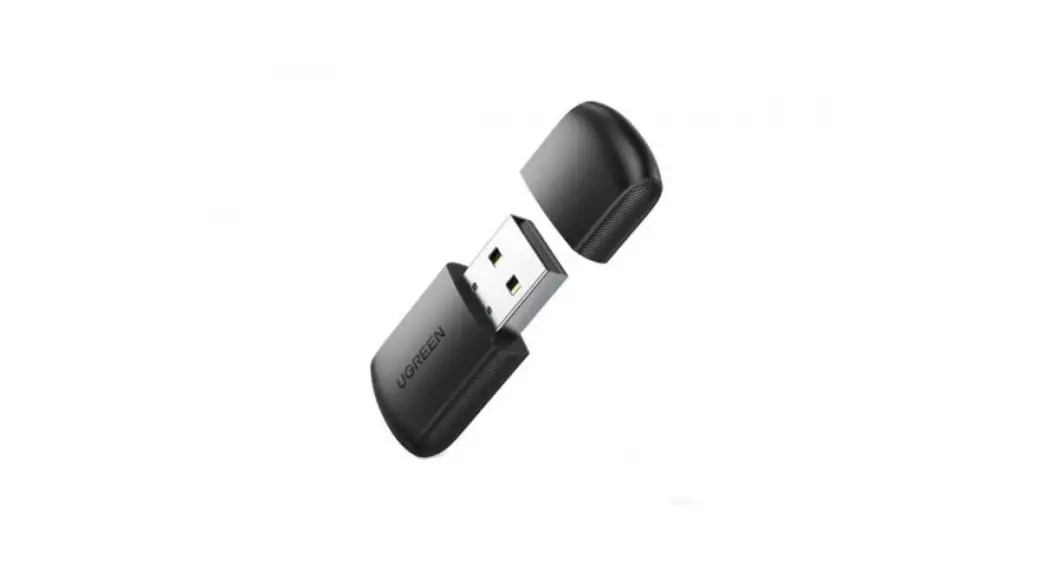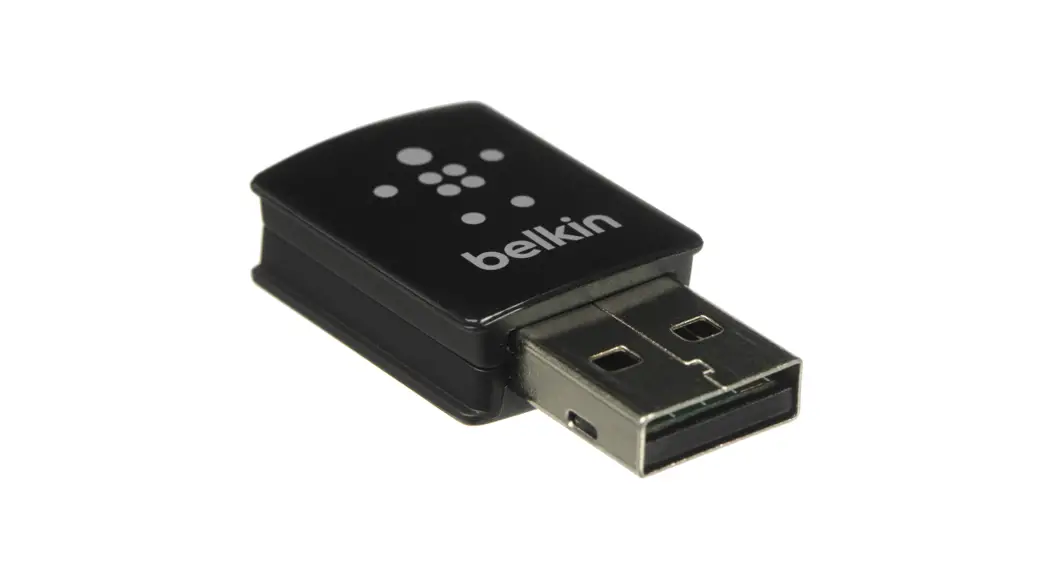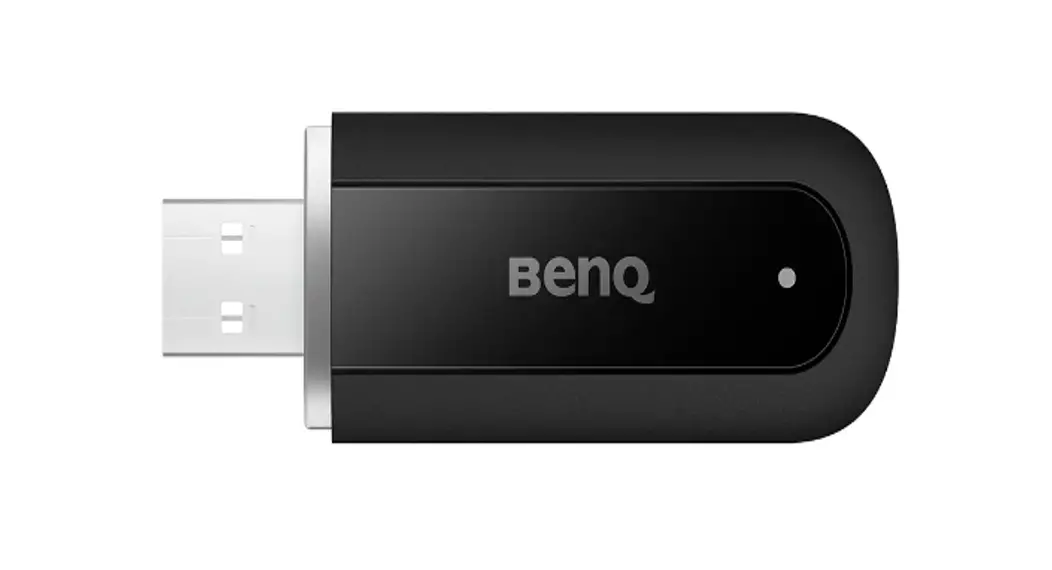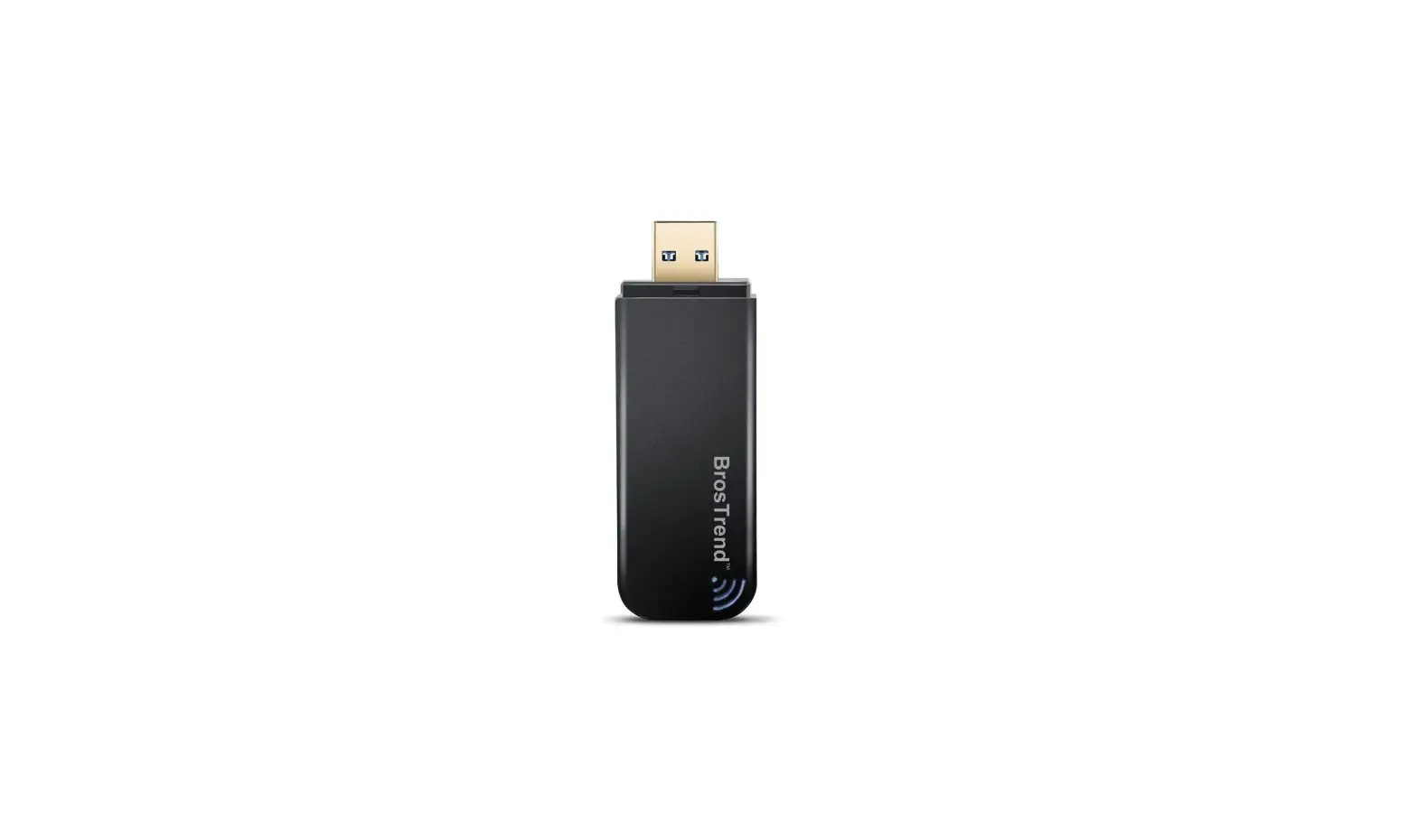
BrosTrend AC1 Wireless Dual Band USB Adapter Instruction Manual
 For Windows
 For Windows
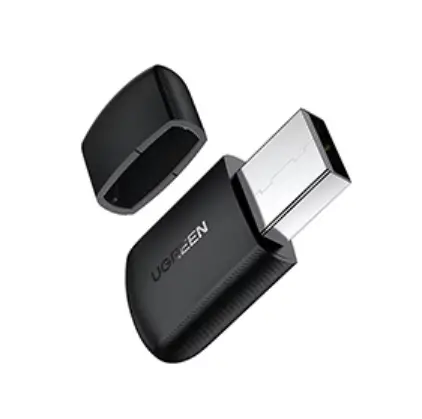
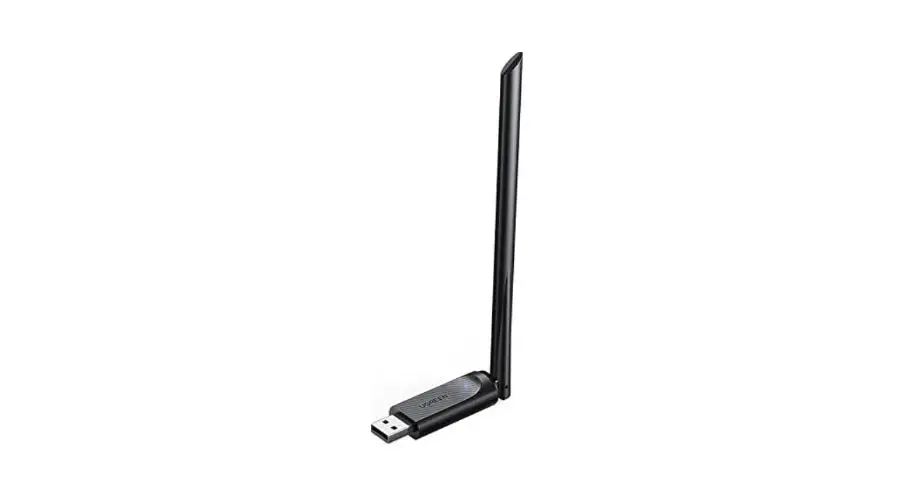
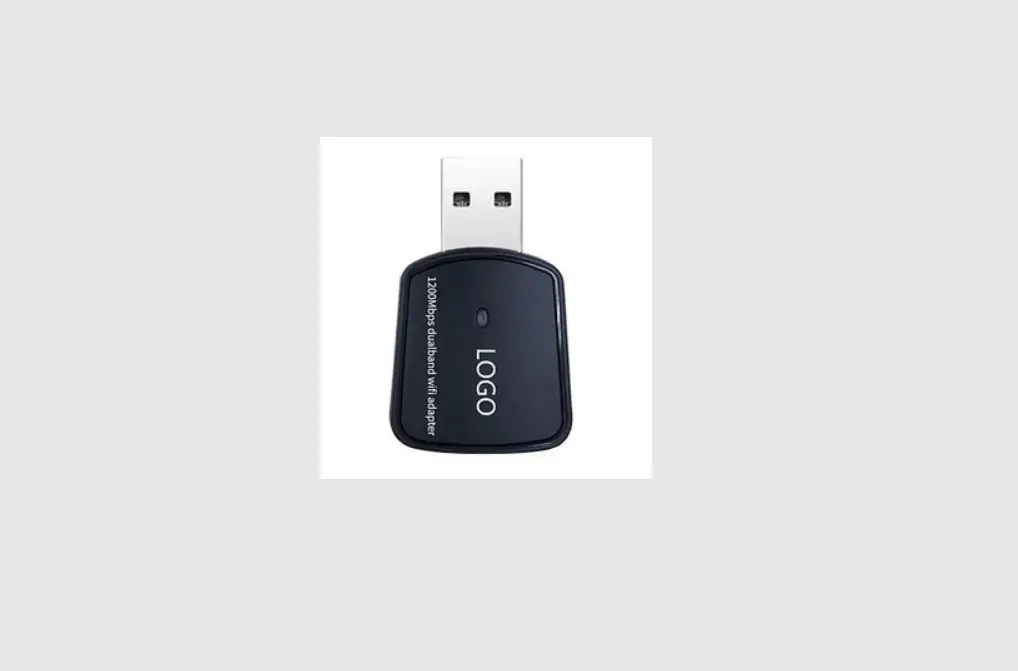
Step 1: Connect to a Computer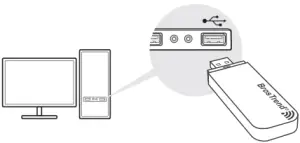
Step 2: Install Driver
Please run the CD or visit https://brostrend.me/driver or send us email at [email protected] to get the latest driver.
Open the driver folder for Windows and then click  to start the installation. Please follow the on-screen instruction to finish the installation and then restart your PC.
Step 3: Join a Wireless Network
On desktop, please click  or
or  to select and input the correct Wi-Fi Key to connect to your Wi-Fi network.
 For MAC OS X
 For MAC OS X
Please download the driver and Quick Installation Guide for MAC OS via this link: https://brostrend.me/driver
Customer Support:
The Authorized European Representative Information:
Name: Pegasus Trading GmbH
Address: Sperberweg 4G Neuss NRW 41468 Germany
Contact: Wells
Telephone: 004916098658323
E-Mail: [email protected]