
Instruction
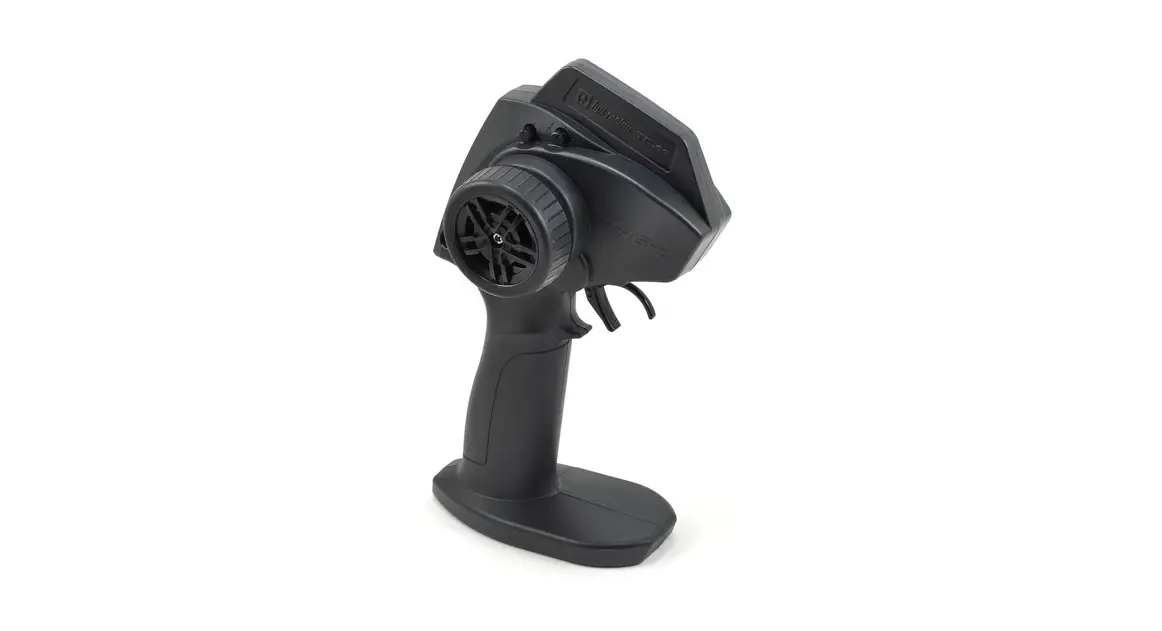
TF-50
2.4 GHz
2.4 GHz FHSS Digital RC System
Overview
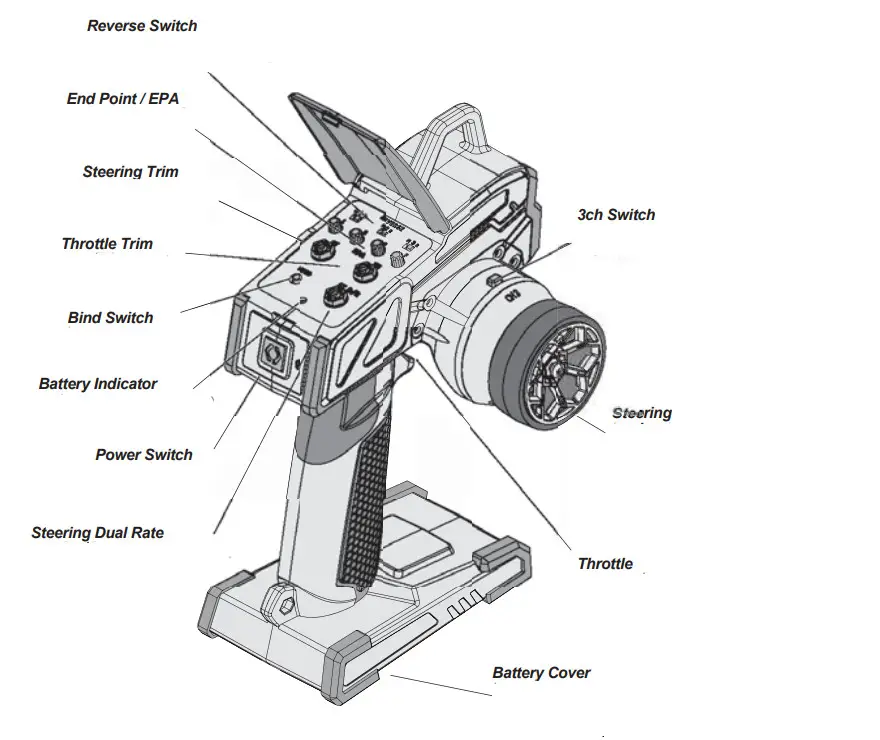
Equipment Needed
#101939
PLAZMA 1.5V Alkaline AA Battery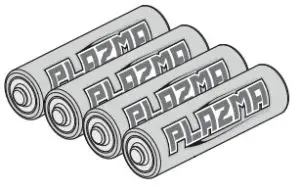 RF-50/N Receiver *
*Included with #160301 or #160302 Transmitter and Receiver sets
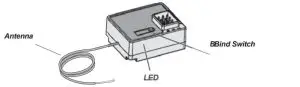
| Electric setup. | #160304 HPI RF-50 Receiver |
| or | |
| Nitro setup. | #160305 HPI RF-50N Receiver |
The caution or attention symbols will warn you about steps that can be very dangerous. Please read and understand the instructions carefully before proceeding.
 Cautions
Failure to follow these instructions can damage your kit, and cause serious bodily injury or death.Attention
Failure to follow these instructions can cause injury to yourself or others. You might also cause property damage or damage to your kit.
Operating Suggestions
Be sure to thoroughly read and understand these instructions before using this product. Pay particular attention to the items labeled Caution and Attention. Failure to follow these instructions may result in damage to your RC car and injury to yourself and other people.
Cautions
If you make changes or adjustments not shown in the instruction manual, your vehicle may be damaged.
Safety Guidelines about Products
- Turn on the transmitter first then the receiver. Turn off the receiver first then the transmitter.
- Before running you must check the radio function.
- This radio is made of precision electronics, does not expose to extreme heat, vibration, shock, or water.
- Do not cut antenna wire.
- 2.4GHz radio frequency only functions by a line of sight, if you drive behind a solid object or around a corner and lose sight of the vehicle you may lose control of the RC car.
Attention
If you make changes or adjustments not shown in the instruction manual, your vehicle may be damaged.
Safety Guidelines when Operating Products
- Turn on the transmitter first then the receiver. Turn off the receiver first then the transmitter.
- Be careful to not short circuit any of the wires as this will cause damage to the unit.
- After running, the motor, ESC, and wires may be hot. Do not touch as they can cause burns.
- Do not disassemble and make any Modi cations to the transmitter and receiver/ESC.
Transmitter Features
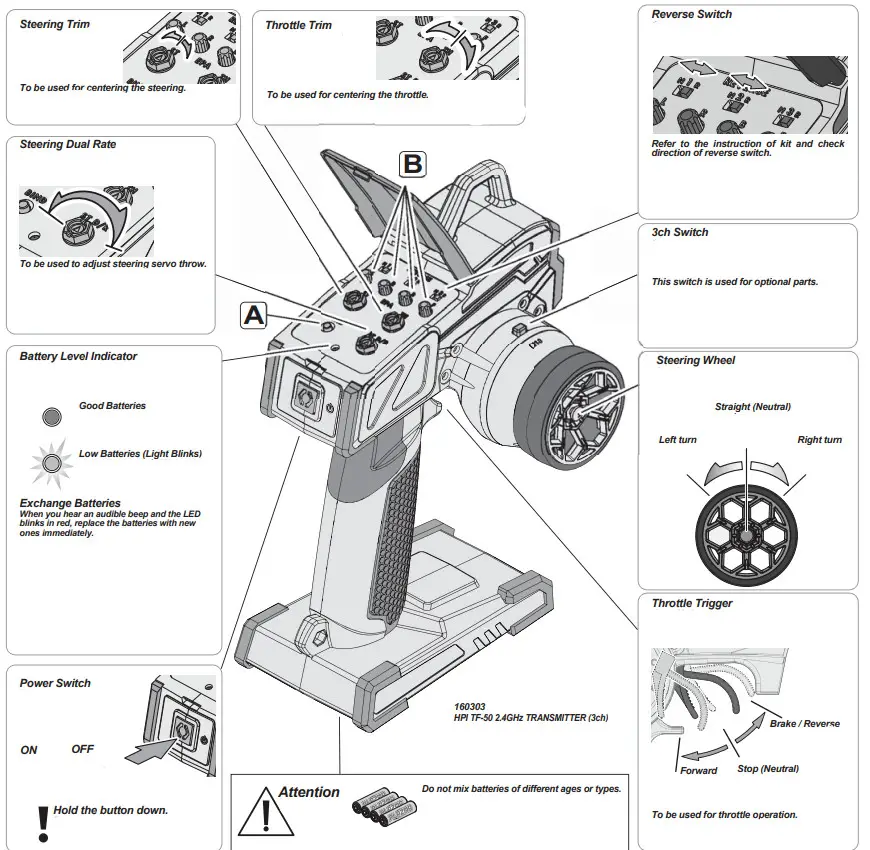
A
Bind Switch 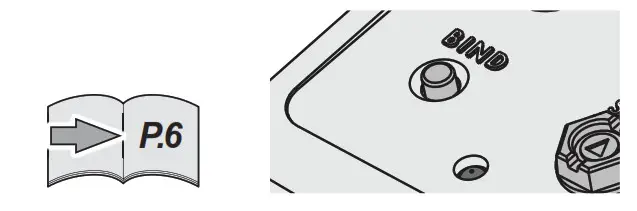
Programming a receiver to recognize the code of only one speci¿ c transmitter.
B
End Point/EPA
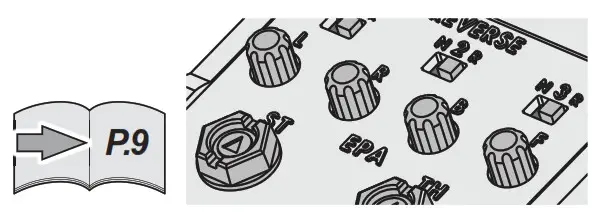
Endpoint adjustments allow you to set the limits of steering and throttle.
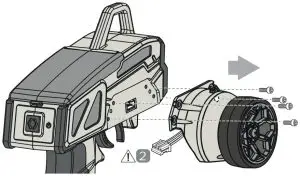
Steering Wheel Adjustment
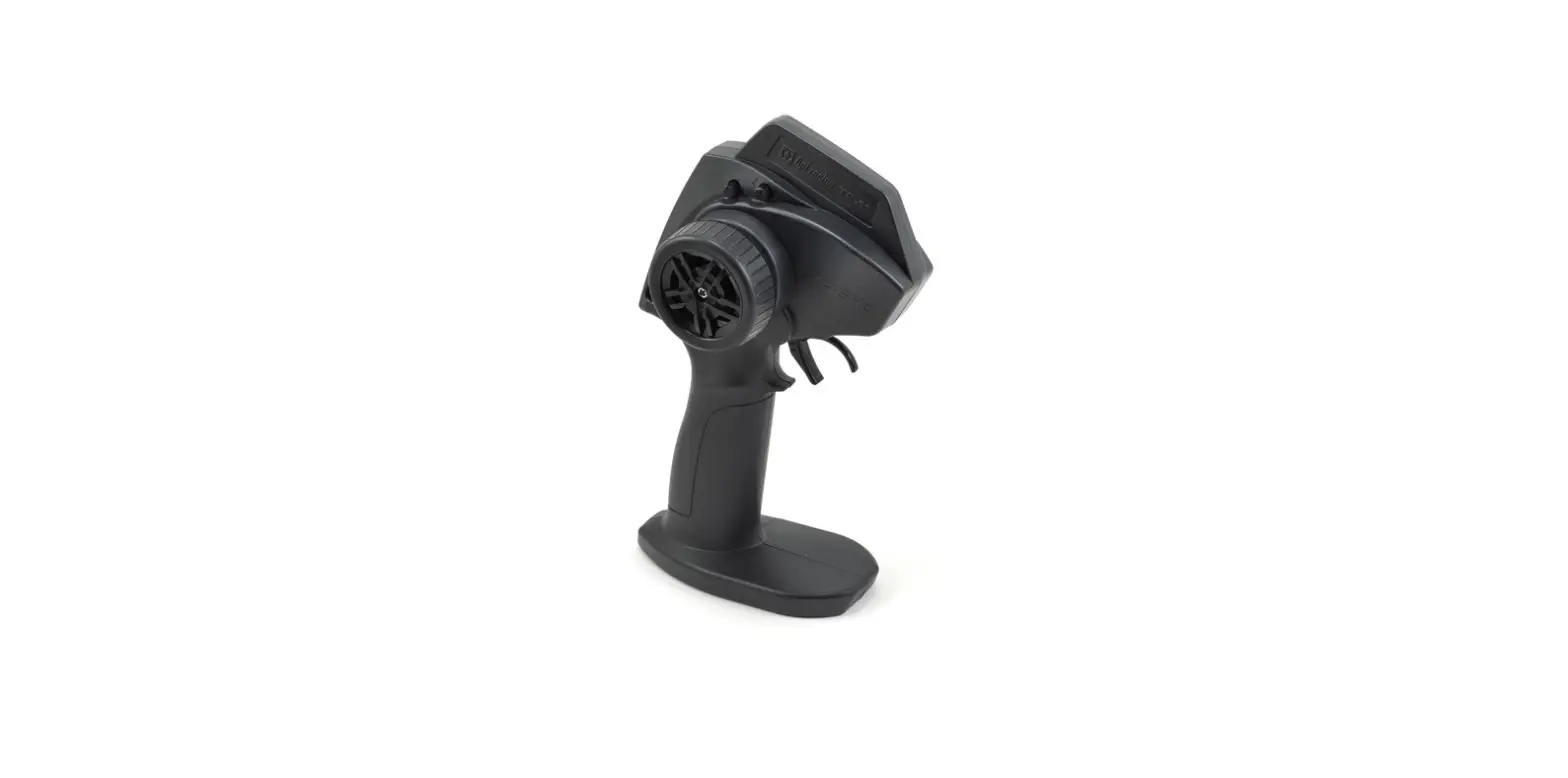
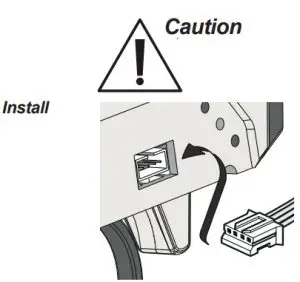
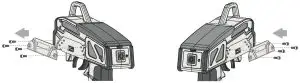
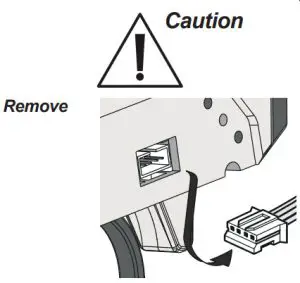
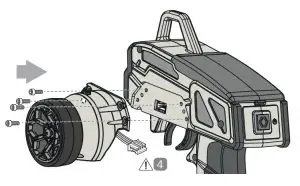
The steering module on the TF-50 can be swapped from one side of the Transmitter body to the other. This allows for Left as well as Right handed use. *
 Use correct size.


- *This step same for left and right


 Use correct size.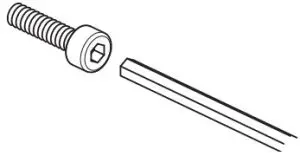
Magnetic Area
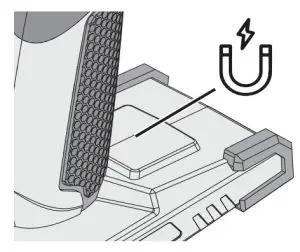
Magnetic area suitable for securing body clips or small screws while working on your RC vehicle