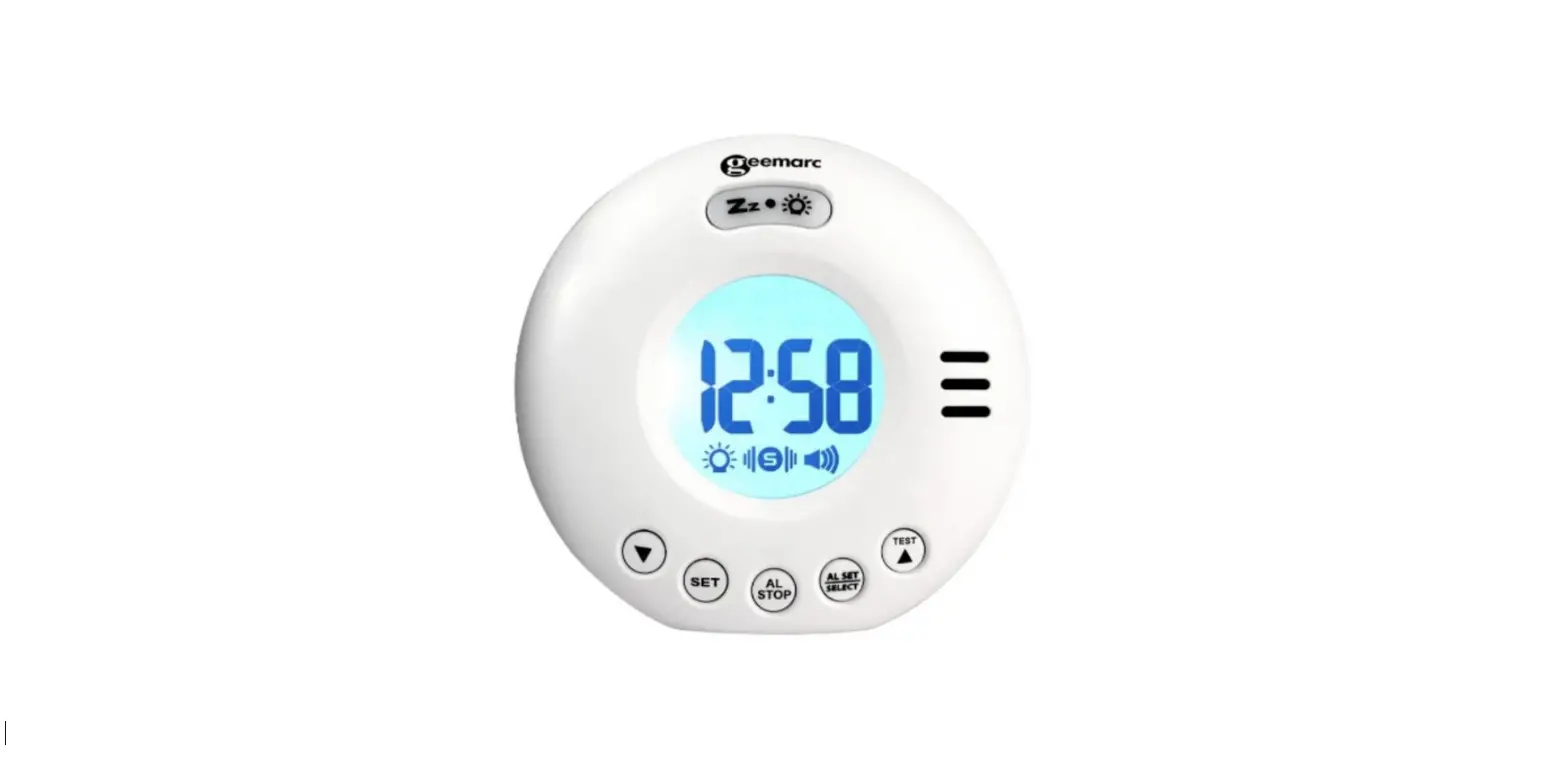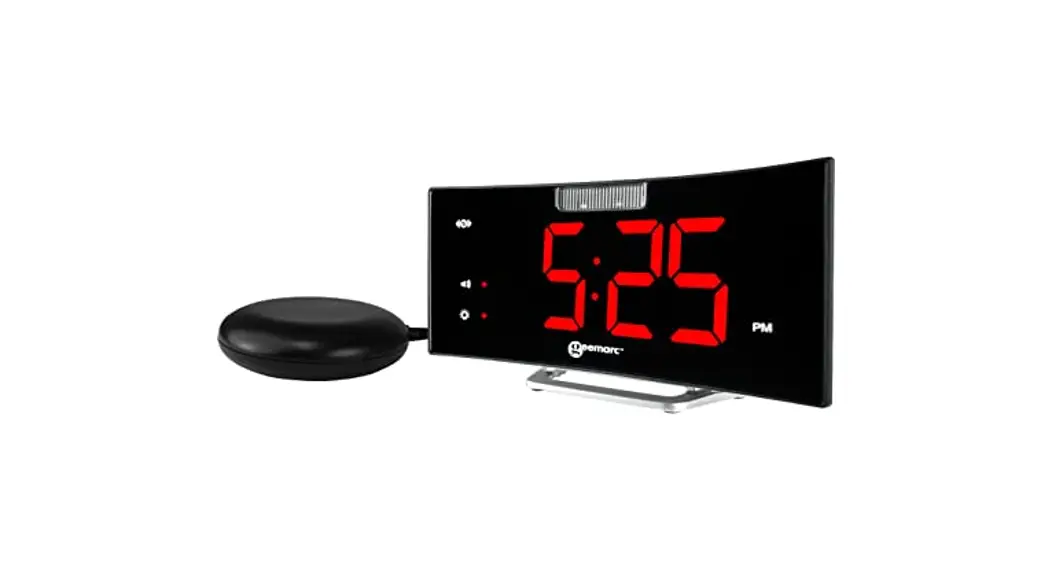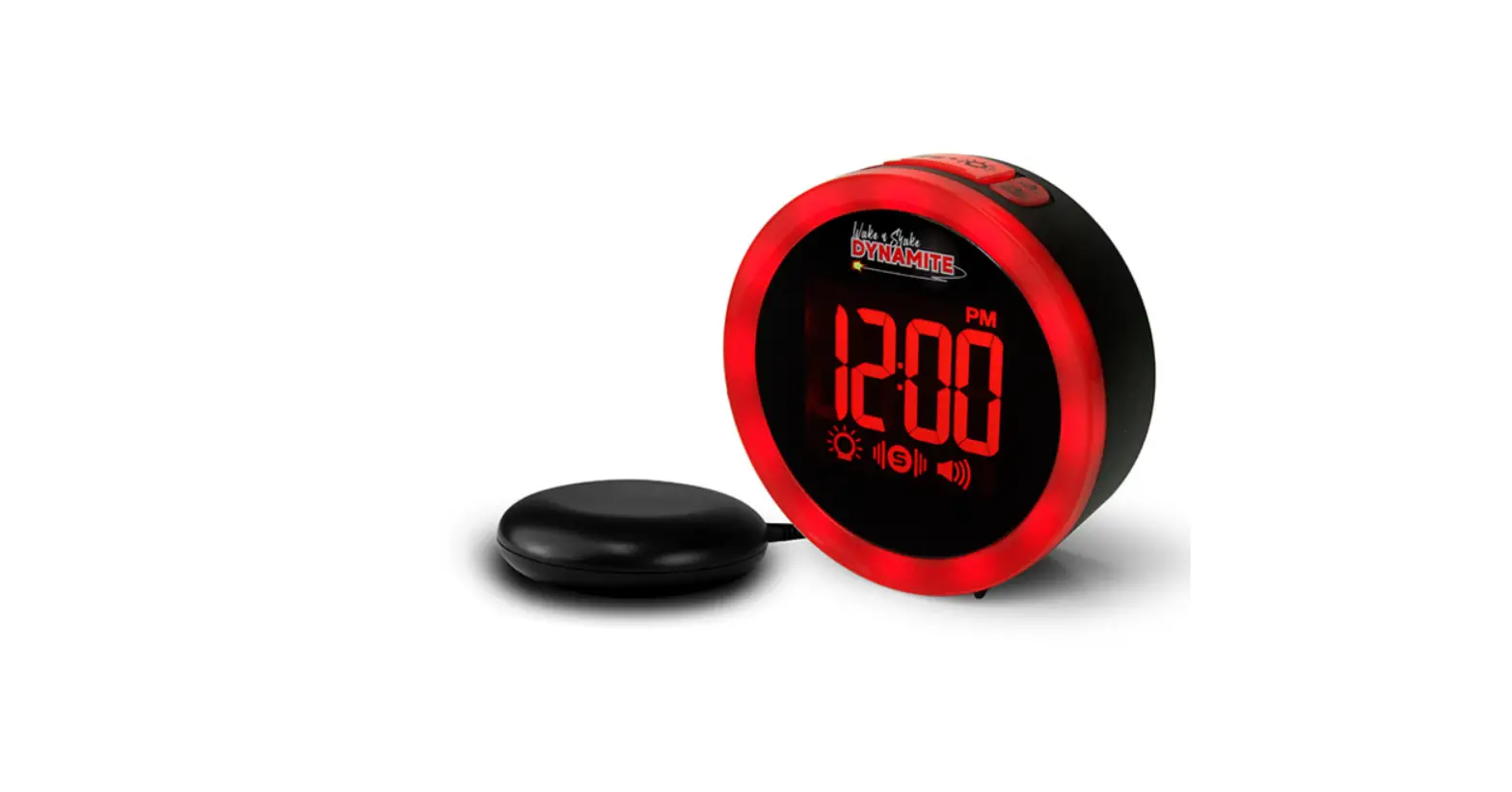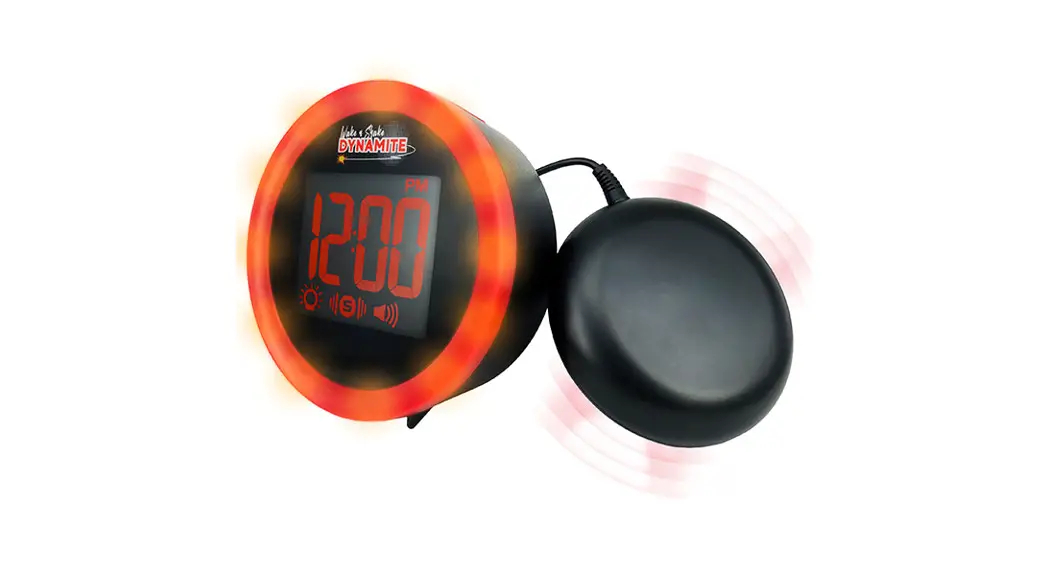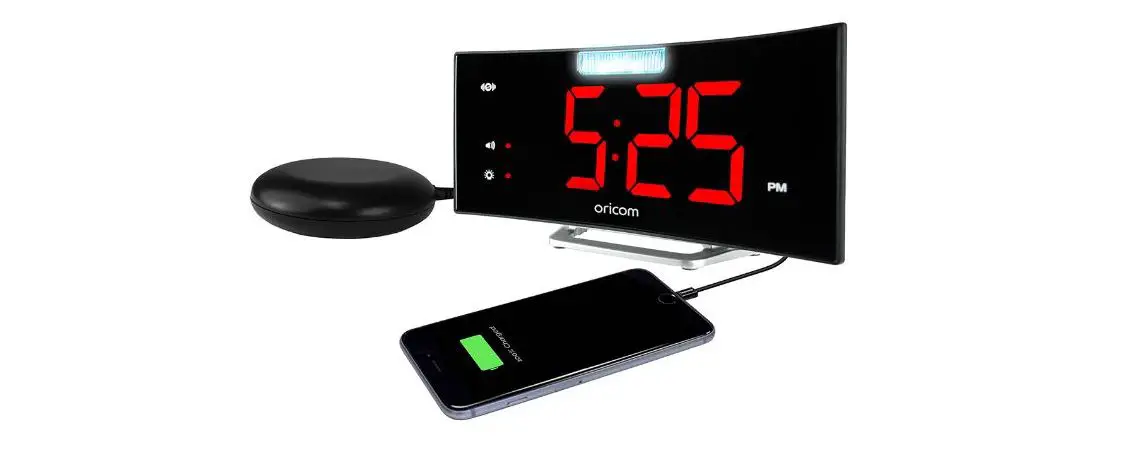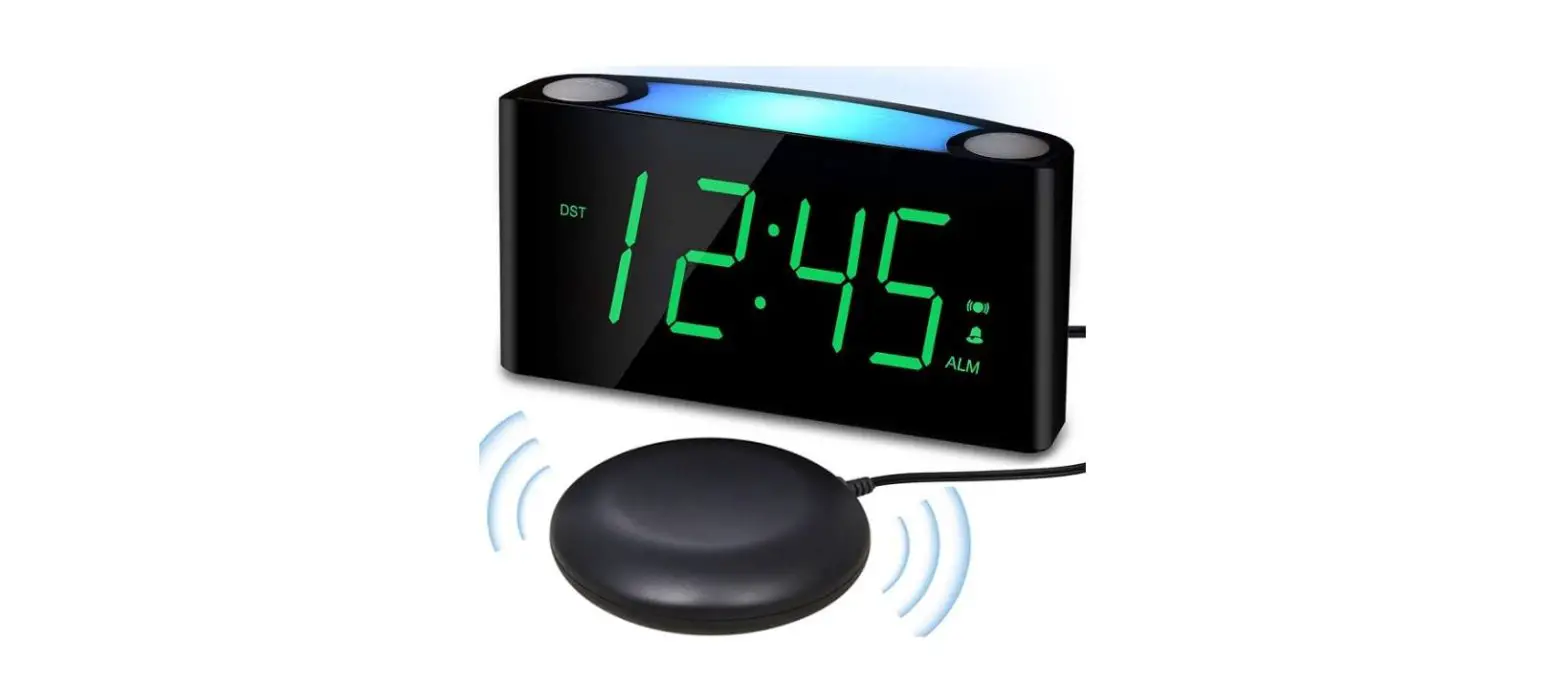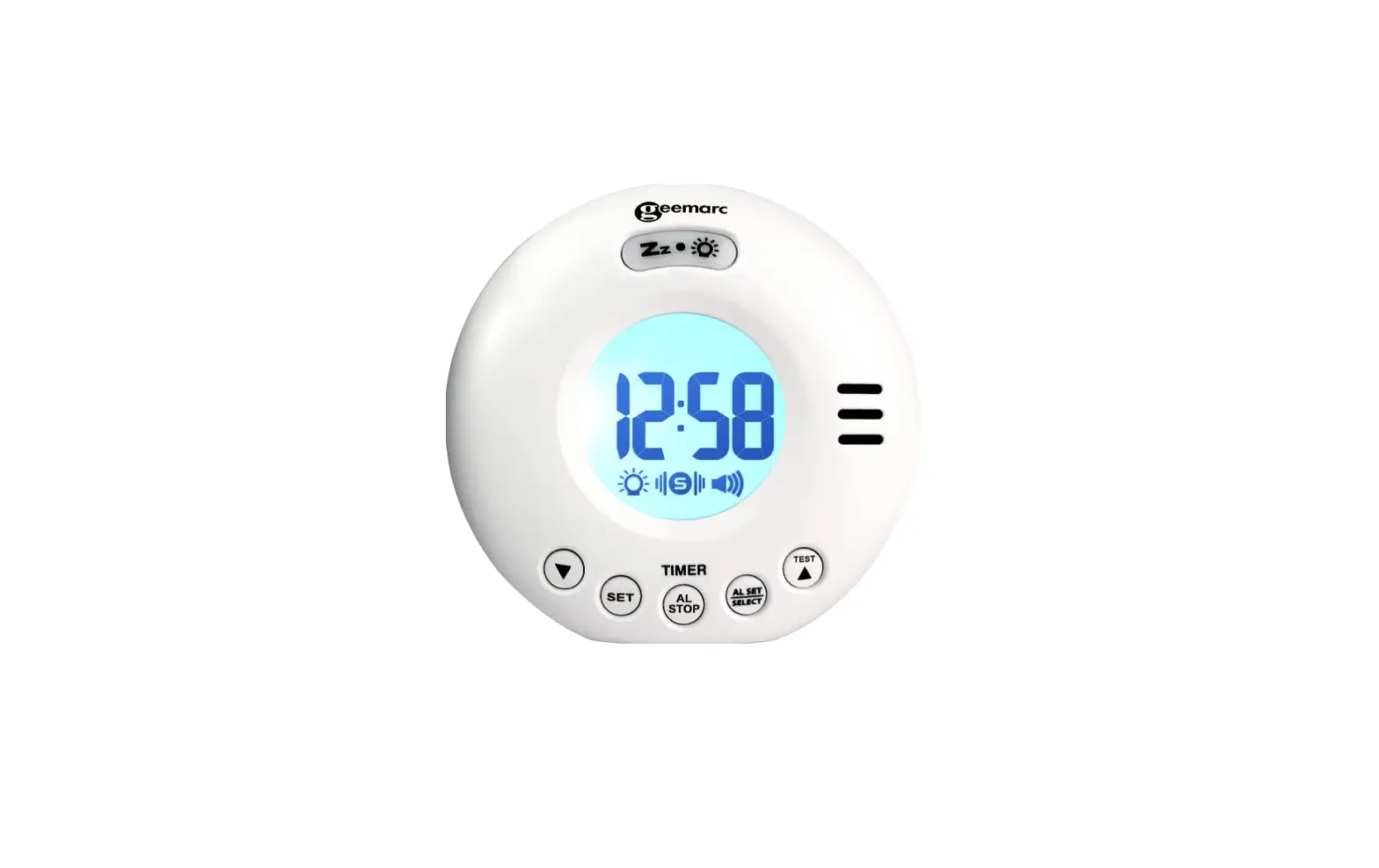

geemarc JWNS-VOYAGERV2_WH_I Wake Shake Voyager V2 75dB Loud Travel Alarm Clock
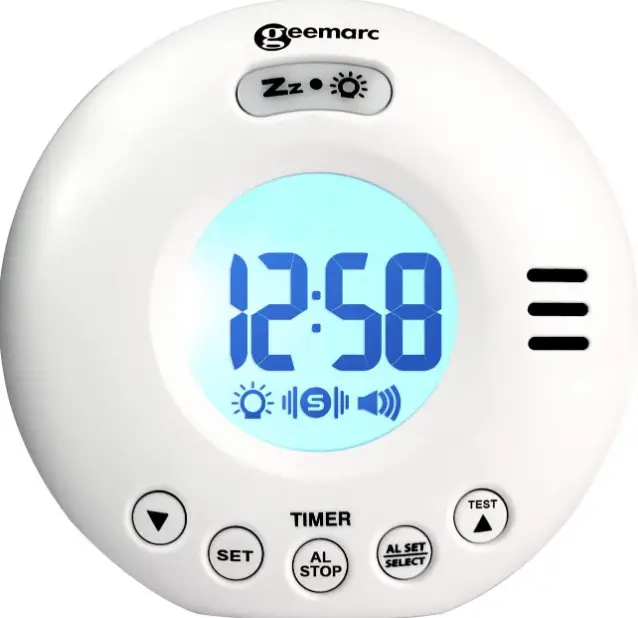
DESCRIPTION OF THE PRODUCT
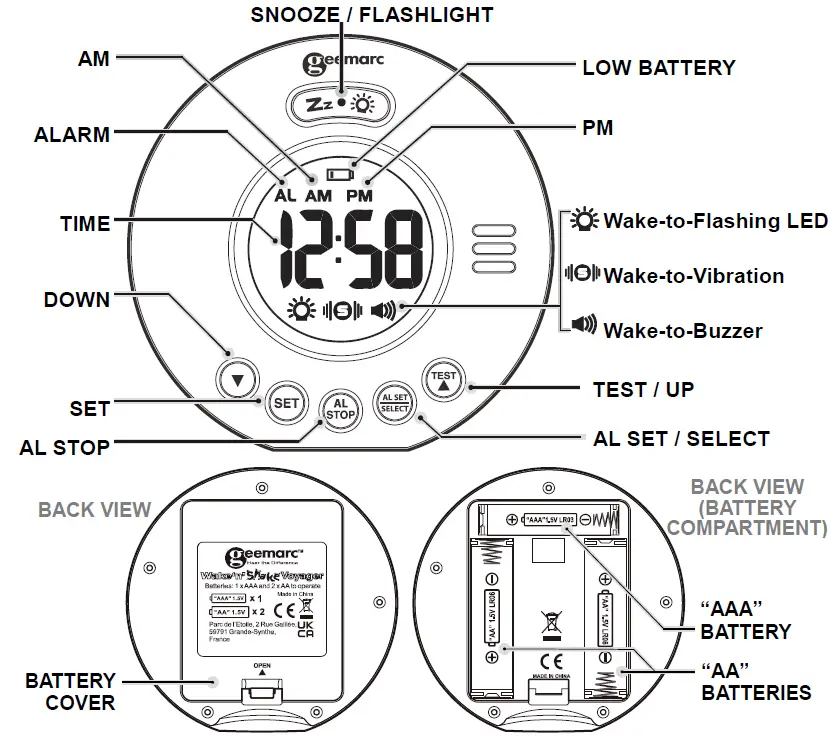
BATTERY INSTALLATION
Your clock requires 1 x AAA and 2 x AA alkaline batteries (included) to operate.
- Place your unit face down on a flat surface.
- Press the latch and remove the battery cover at the back of your unit.
- Insert 1 x AAA and 2 x AA new alkaline batteries into the battery compartment by observing the correct “+” and “– “polarity.
- Replace the battery cover.
TO SET TIME AND THE SNOOZE DURATION
- Press and hold SET, the hour digits “0” flash. Press
 or to set the time in hours (hold or to advance rapidly).
 - Press SET again, the minute digits “00” flash. Press or to set the time in minutes. (hold or to advance rapidly).
- Press SET again, the display shows “24Hr” and flashes. Press or to select “12Hr” or “24Hr” time format. There has AM icon to indicate the morning time and PM icon to indicate the afternoon time.
- Press SET again, the display shows “05” and flashes. Press or to select your snooze time from 5 to 60 minutes.
- Press SET again or if no key pressed for approx. 10 seconds to exit the setting mode.
 or to set the time in hours (hold
 TO SET THE ALARM (default at 6:00 AM)
- Press and hold AL SET / SELECT, the AL appear and the alarm’s hour digits’ flash. Press or to set the alarm in hours. (hold or to advance rapidly).
- Press AL SET / SELECT once again, the alarm’s minute digits’ flash. Press or to set the alarm in minutes. (hold or to advance rapidly).
- Press AL SET / SELECT again,
 and “HI” flash (vibration at HI level), press or to select “LO” (vibration at Low level) if need.
 - Press AL SET / SELECT again,
 and “HI” flash (Sound at HIGH level), press or to select “LO” (Sound at Low level) if need.
 - Press AL SET/SELECT once again or no button around 10 seconds to exit the alarm setting mode. Admist alarm setting, press SET once to exit and return to nomral time display mode.
 and “HI” flash (vibration at HI level), press
  and “HI” flash (Sound at HIGH level), press
 TO SELECT THE ALARM MODE
At normal time display mode, press AL SET / SELECT one at a time to activate the alarm(s), the corresponding alarm indicator(s) on the right side of the time display will be on:
Press AL SET / SELECT once more to turn off all the alarms, all alarm indicators disappear.
Remark: frequent use of the vibration and flash light will quickly shorten the battery life.
TO STOP AND RESET THE ALARM TO COME ON THE NEXT DAY
When alarm is sounding, the corresponding alarm indicator flashes. Press AL STOP once to stop the alarm and reset it to come on the following day. After that, the corresponding alarm indicator stays on the display.
TO USE SNOOZE
When alarm is sounding, presses  once, the alarm will be stopped temporarily and the corresponding alarm indicator keeps flashing. Alarm will come on again after the set snooze duration is over.
TO USE BACKLIGHT
Press once to active backlight 5 seconds.
TO USE FLASHLIGHT
Press and hold to active flashlight. Press and hold to de-active the flashlight.
TEST MODE
Press and hold  Button, strobe light flashing, shaker vibrating and buzzer sounding for 5 seconds and then stops.
LOW BATTERY ALERT
When the battery level becomes low, an low battery icon will apear on the upper middle of the LCD. Repalce batteries with new alkaline batteries. Remark: frequent use of the vibration alarm will quickly shorten the battery life.
TROUBLE SHOOTING
If your clock displays irrelevant time or does not function properly, which may be caused by electrostatic discharge or other interference, open the battery cover, take out the batteries and reinstall them by observing the correct +/- polarity. Your clock will be reset to default settings and you need to set it again.
Low battery level will decrease the vibration and the alarm sound. Once this happens, replace batteries with new ones.
CARE OF YOUR PRODUCT
- Place your clock on a stable surface, away from sources of direct sunlight or excessive heat or moisture.
- Protect your furniture when placing your units on natural wood and lacquered finish by using a cloth or protective material between it and the furniture.
- Clean your unit with a soft cloth moistened only with mild soap and water. Stronger agents such as Benzene, thinner or similar materials can damage the surface of the unit. Make sure the unit is unplugged before cleaning.
- If the unit is not to be used for a prolonged period, such as a month or longer, remove the batteries to prevent possible corrosion. Should the battery compartment become corroded or dirty, clean the compartment thoroughly and replace the batteries.
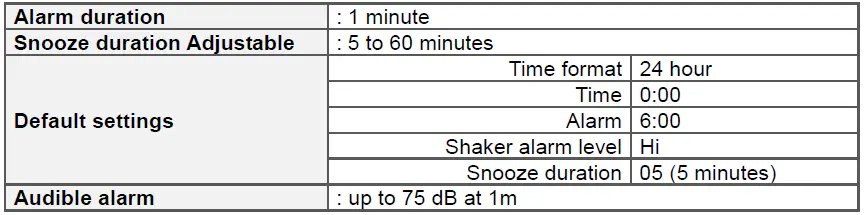
SPECIFICATIONS
GUARANTEE
From the moment your Geemarc product is purchased, Geemarc guarantee it for the period of two years. During this time, all repairs or replacements (at our discretion) are free of charge. Should you experience a problem then contact our help line or visit our website at www.geemarc.com. The guarantee does not cover accidents, negligence or breakages to any parts. The product must not be tampered with or taken apart by anyone who is not an authorized Geemarc representative. The Geemarc guarantee in no way limits your legal rights.
IMPORTANT: YOUR RECEIPT IS PART OF YOUR GUARANTEE AND MUST BE RETAINED AND PRODUCED IN THE EVENT OF A WARRANTY CLAIM.
Please note: The guarantee applies to the United Kingdom only.
DECLARATIONS
UKCA Directives: Geemarc Telecom SA hereby declares that this Wake ’n’ shake Voyager is in compliance with the UKCA Directive requirements. The UKCA declaration of conformity may be consulted at www.geemarc.com
Recycling Directives: The WEEE (Waste Electrical and Electronic Equipment) has been put in place for the products at the end of their useful life are recycled in the best way. When this product is finished with, please do not put it in your domestic waste bin. Please use one of the following disposal options:
- Remove the batteries and deposit them in an appropriate WEEE skip. Deposit the product in an appropriate WEEE skip.
- Or, hand the old product to the retailer. If you purchase a new one, they should accept it. Thus if you respect these instructions you ensure human health and environmental protection.

For product support and help visit our website at www.geemarc.com
E-mail: [email protected]
telephone 01707 387602 lines are open 09h00 to 16h00 Mon to Fri
Parc de l’Etoile, 2 Rue Galilée, 59791 Grande-Synthe, France
 Home - Geemarc UK