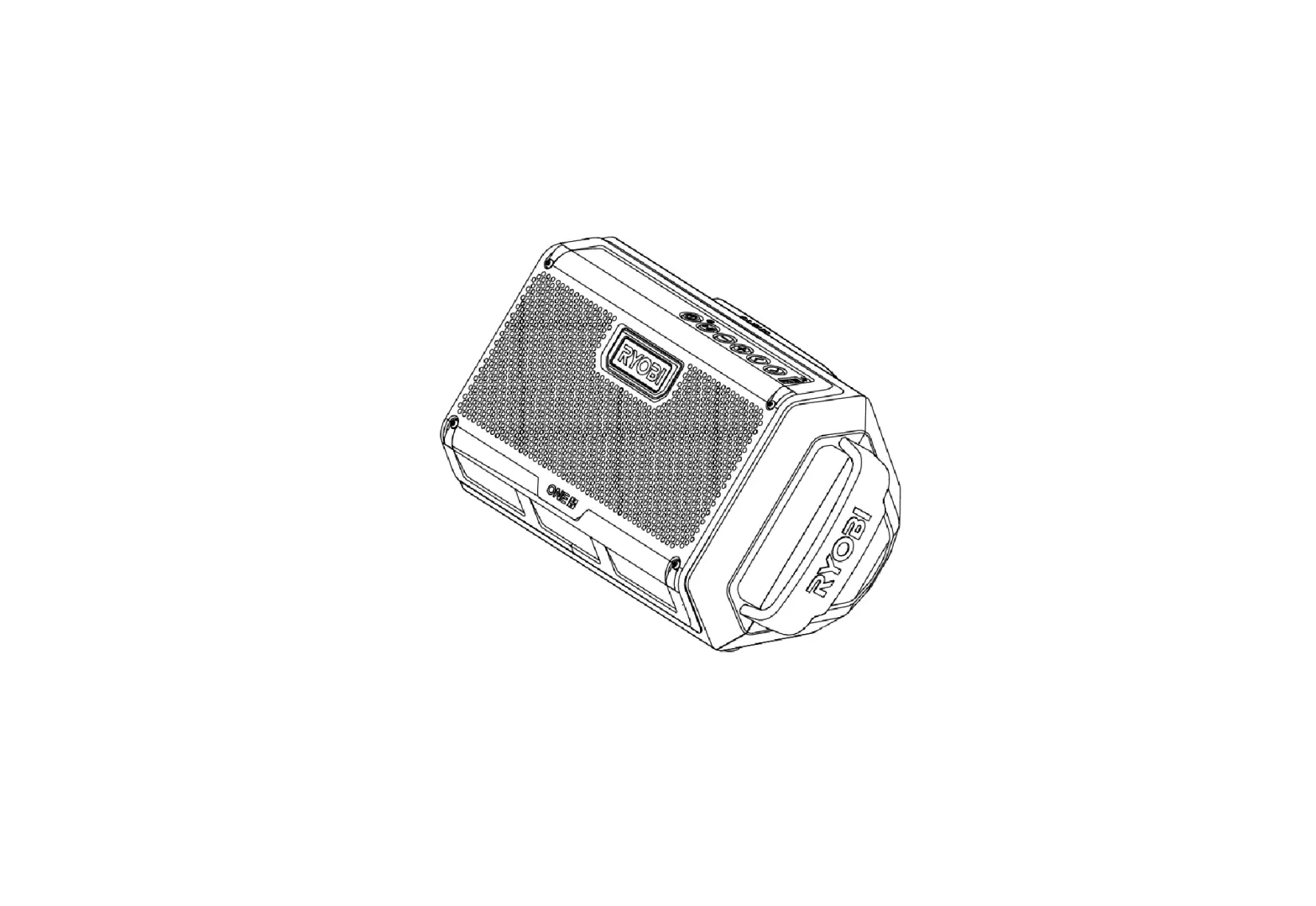
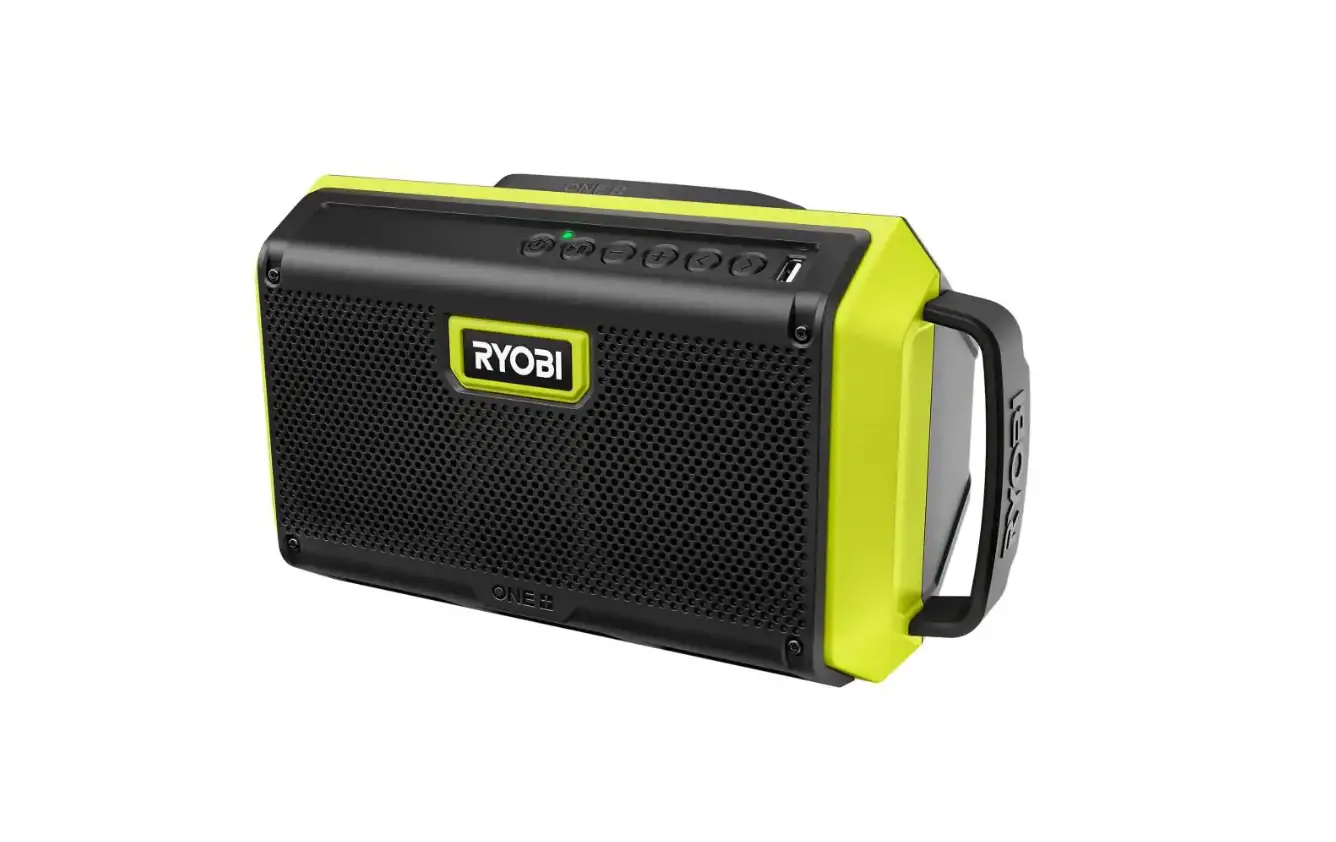
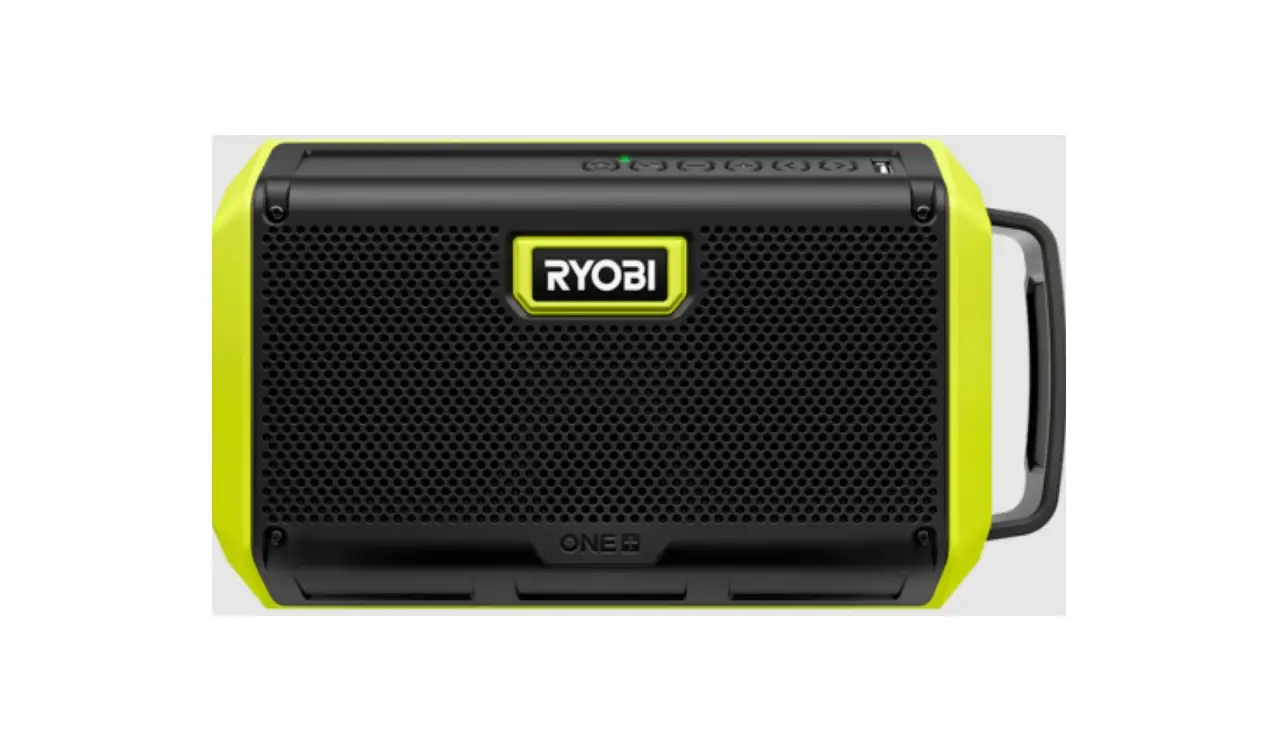
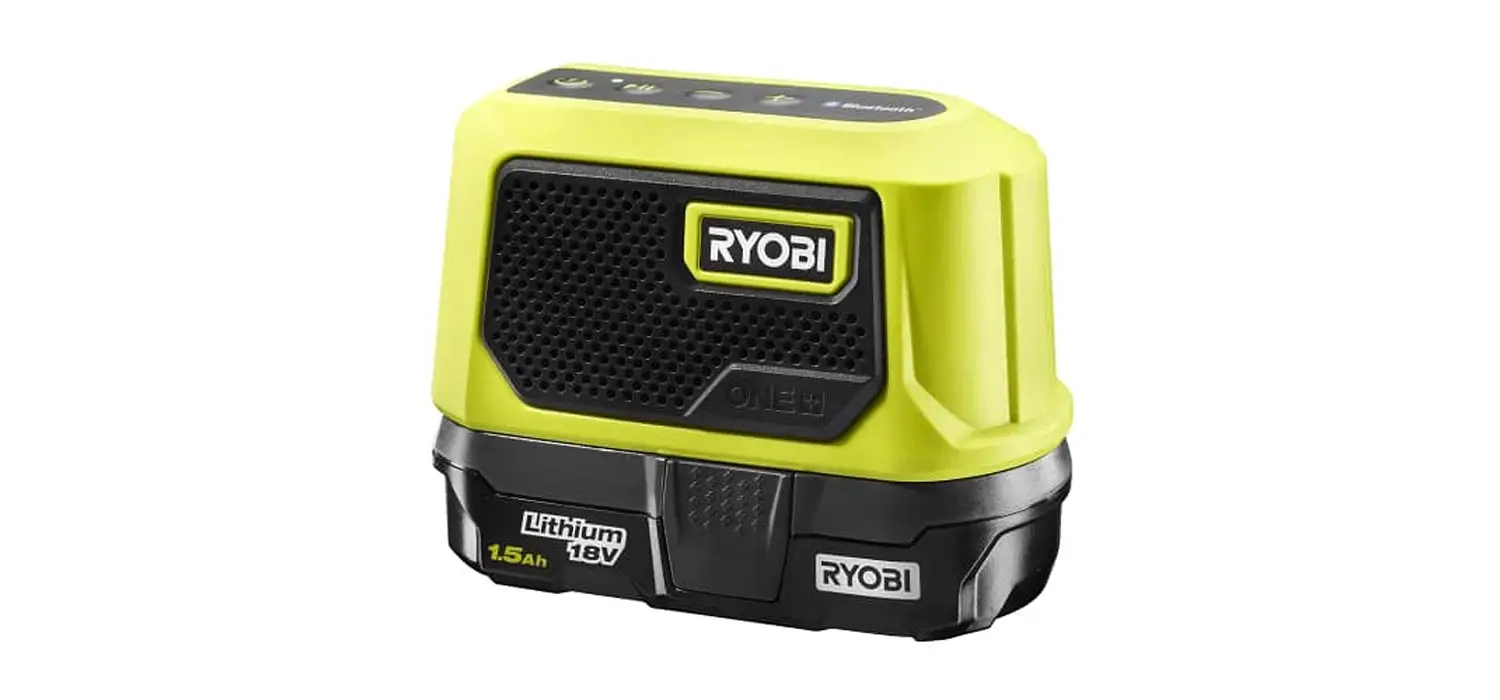
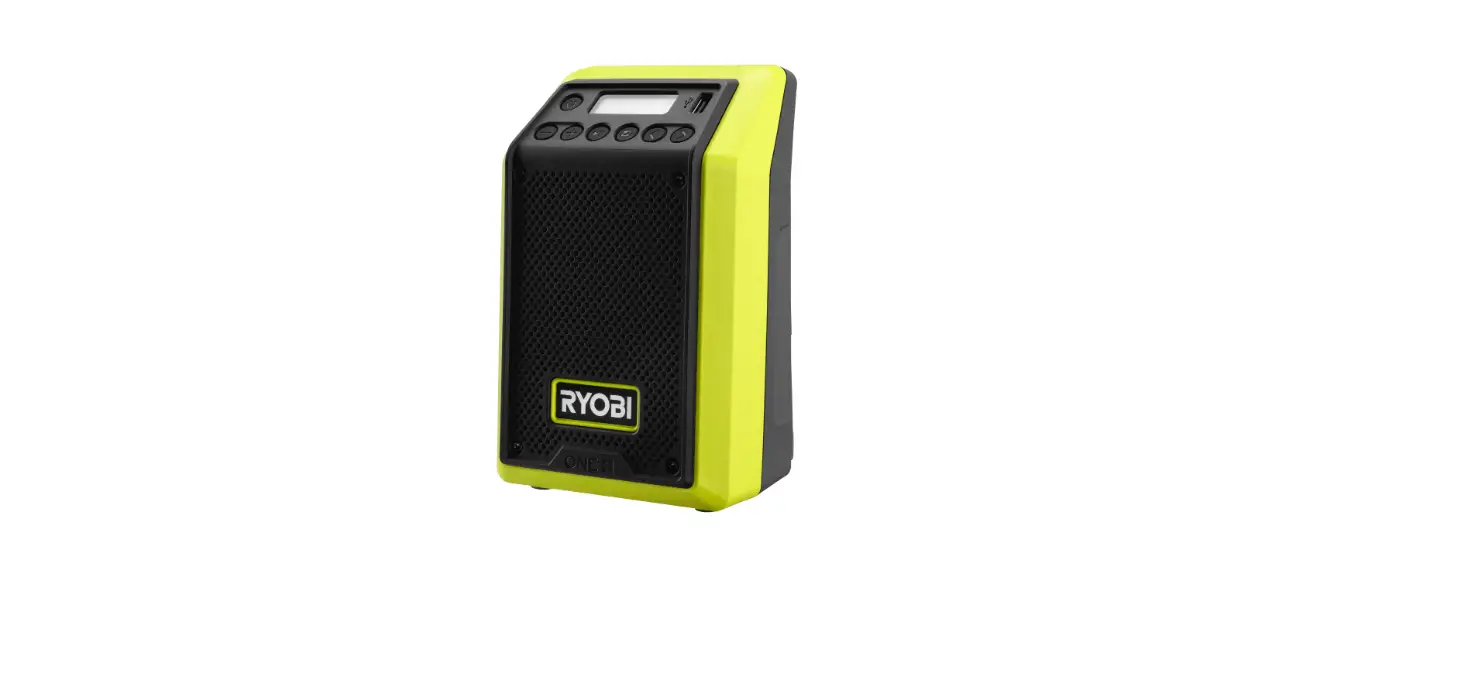
PCL615B ONE+ 18V Cordless VERSE Clamp Speaker
Product Information
The Clamp Speaker is a wireless speaker that allows you to enjoy
high-quality audio in your home or on the go. It has a compact
design and is easy to set up and connect to other speakers for a
surround sound experience. The speaker features a power button and
a connect button, which indicate the status of the device through
different light colors. The product is compliant with FCC and IC
regulatory standards for radiation exposure and interference.
Product Usage Instructions
- Primary/Single Speaker Setup:
- Press the POWER button on the speaker.
- Power Button Light:
- Blinking – Searching for Device
- Solid – Connected to Device
- Press the CONNECT button on the PRIMARY speaker.
- Power on the additional speaker(s) and press the CONNECT
button.
- Connect Button Light:
- Red – Primary Speaker
- Green – Secondary Speaker
For additional resources, you can scan the provided QR code or
visit the manufacturer’s website.
Note: The manufacturer is not responsible for
any radio or TV interference caused by unauthorized modifications
to this equipment. Such modifications could void the user’s
authority to operate the equipment.
RF Exposure: This equipment complies with FCC
and IC radiation exposure limits. It should be installed and
operated with a minimum distance of 20 cm between the radiator and
your body. This transmitter must not be co-located or operating in
conjunction with any other antenna or transmitter.
CLAMP SPEAKER
QUICK START GUIDE
SETUP & CONNECTION
HOW-TO VIDEO Click to go to Video
PRIMARY/SINGLE SPEAKER SET-UP
Step 1: Press POWER button on speaker
Step 2: Turn on BLUETOOTH® device and search for CLAMP SPEAKER in your BLUETOOTH® settings
>>> Power Button Light: Blinking – Searching for Device Solid – Connected to Device
CONNECT PRIMARY TO ADDITIONAL SPEAKERS
Step 3: Press CONNECT button on PRIMARY speaker
Step 4: Power on additional speaker(s) and press the CONNECT button
>>> Connect Button Light: Red – Primary Speaker Green – Secondary Speaker
FOR ADDITIONAL RESOURCES SCAN OR CLICK HERE
FCC regulatory conformance: This device complies with Part 15 of the FCC Rules. Operation is subject to the following two conditions: (1) This device may not cause harmful interference. (2) This device must accept any interference received, including interference that may cause undesired operation.
NOTE: This equipment has been tested and found to comply with the limits for a Class B digital device, pursuant to part 15 of the FCC Rules. These limits are designed to provide reasonable protection against harmful interference in a residential installation. This equipment generates uses and can radiate radio frequency energy and, if not installed and used in accordance with the instructions, may cause harmful interference to radio communications. However, there is no guarantee that interference will not occur in a particular installation. If this equipment does cause harmful interference to radio or television reception, which can be determined by turning the equipment off and on, the user is encouraged to try to correct the interference by one or more of the following measures: · Reorient or relocate the receiving antenna. · Increase the separation between the equipment and receiver. · Connect the equipment into an outlet on a circuit different from that to which the receiver is connected. · Consult the dealer or an experienced radio/TV technician for help
NOTE: The manufacturer is not responsible for any radio or TV interference caused by unauthorized modifications to this equipment. Such modifications could void the user’s authority to operate the equipment.
RF Exposure This equipment complies with FCC radiation exposure limits set forth for an uncontrolled environment. This equipment should be installed and operated with minimum distance of 20 cm between the radiator and your body. This transmitter must not be co-located or operating in conjunction with any other antenna or transmitter.
IC regulatory conformance: This device complies with CAN ICES-003 (B)/NMB-003(B). This device complies with Industry Canada licence-exempt RSS standard(s). Operation is subject to the following two conditions: (1) this device may not cause harmful interference, and (2) this device must accept any interference received, including interference that may cause undesired operation.
Cet appareil est conforme à la norme CAN ICES-003 (B)/NMB-003 (B). Le présent appareil est conforme aux CNR d’Industrie Canada applicables aux appareils radio exempts de licence. L’exploitation est autorisée aux deux conditions suivantes : (1) l’appareil ne doit pas produire de brouillage, et (2) l’utilisateur de l’appareil doit accepter tout brouillage radioélectrique subi, même si le brouillage est susceptible
d’en compromettre le fonctionnement.
RF Exposure This equipment complies with IC radiation exposure limits set forth for an uncontrolled environment. This equipment should be installed and operated with minimum distance of 20 cm between the radiator and your body. This transmitter must not be co-located or operating in conjunction with any other antenna or transmitter.
Cet équipement est conforme aux limites d’exposition aux rayonnements de la IC établies pour unenvironnement non contrôé. Cet équipement doit être installé et fonctionner à au moins 20cm de distance d’un radiateur ou de votre corps.
 RYOBI ONE+ 18V Cordless VERSE Clamp Speaker (Tool Only) PCL615B - The Home Depot