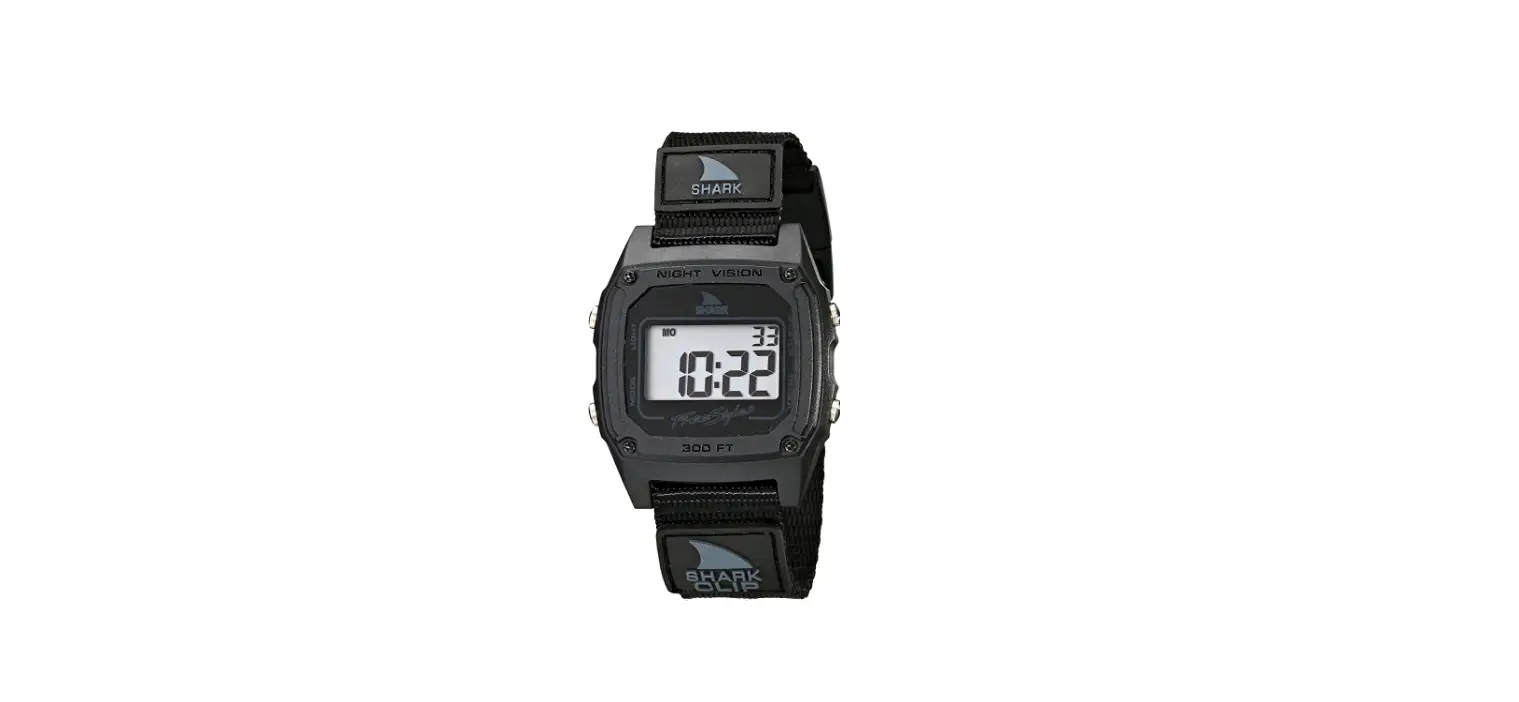
 Freestyle Shark Clip Watch User Manual
 Freestyle Shark Clip Watch User Manual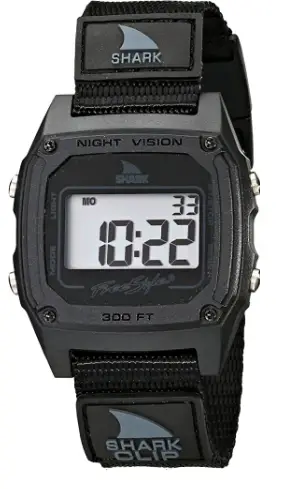
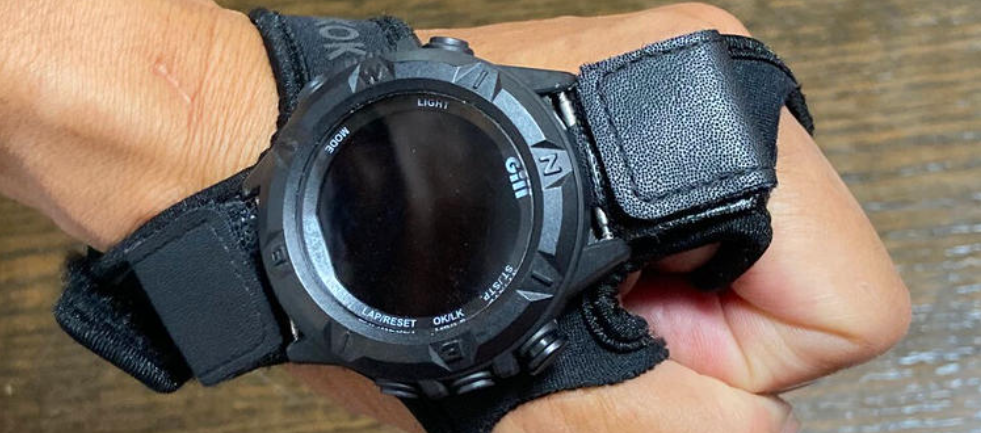
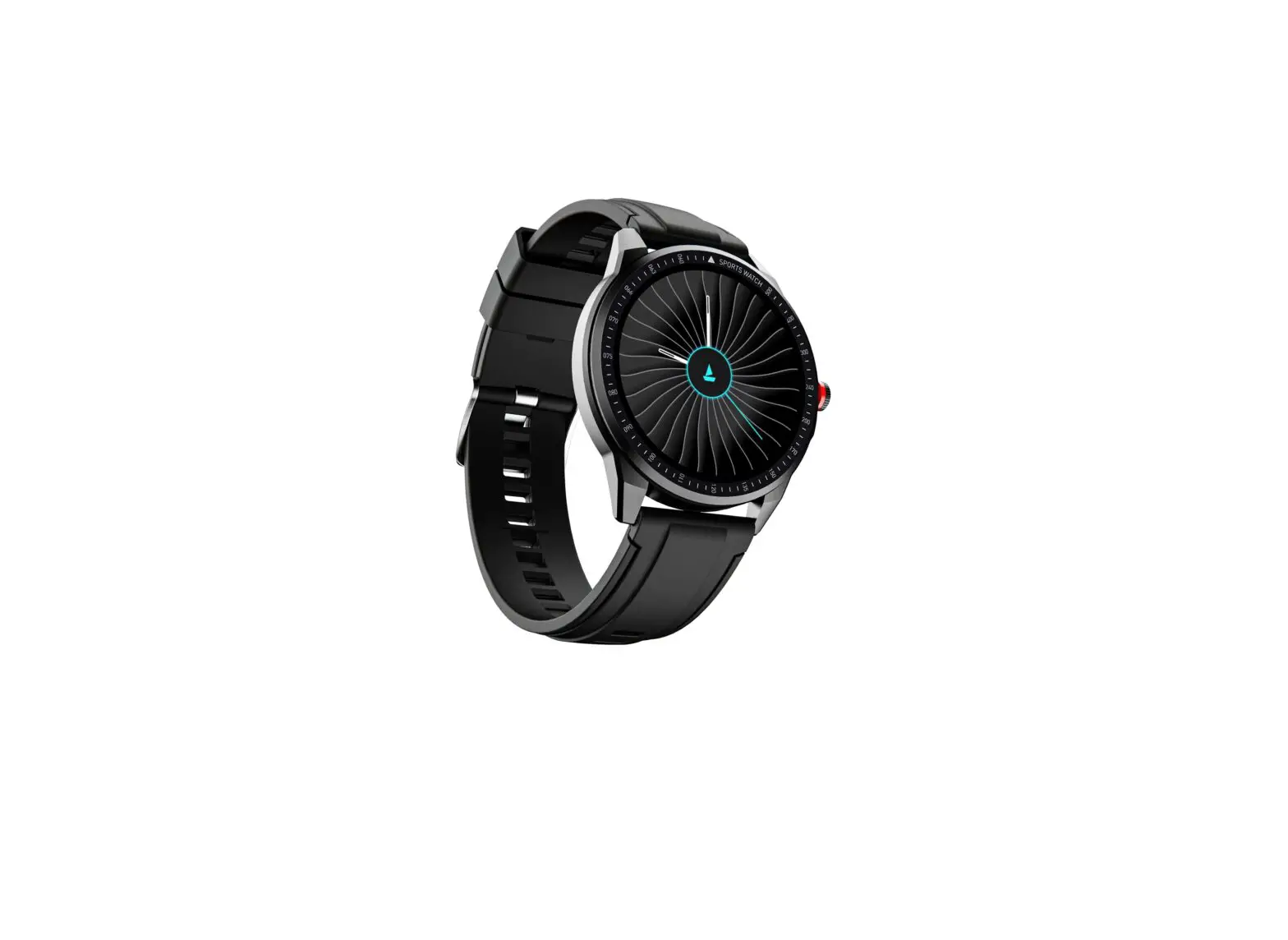
SHARK CLASSIC
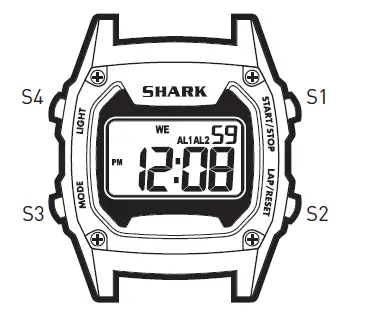
- S1. Start/stop Button
- S2. Lap/reset Button
- S3. Mode Button
- S4. Light Button
SPECIAL FEATURE
This SHARK product features unique Hydro Pushers®: these pushers can be pressed underwater to a dynamic water pressure (not water depth) of 3 ATMs.
DISPLAY MODES
The watch has four display modes: HOME TIME (TIME) / FOREIGN TIME (TM-2), HOME TIME ALARM (ALM1) / FOREIGN TIME ALARM (ALM2), STOPWATCH (STW), and COUNTDOWN TIMER (TMR) To change from one display mode to an-other, press the S3 button once. The mode description will appear for 2 seconds before the selected mode is activated.
HOME AND FOREIGN DISPLAY
To display FOREIGN TIME, press S2 button when HOME TIME is displayed. The mode description (TM-2) will appear shortly before FOREIGN TIME is displayed. To change back to HOME TIME, press the S2 button. To display the FOREIGN TIME ALARM, press S2 button when the HOME TIME ALARM is displayed. The mode description (ALM 2) will appear shortly before the FOREIGN TIME ALARM is displayed. To change back to HOME TIME ALARM, press S2 button.
TO SET THE TIME AND CALENDAR]
- Press the S3 button to select time mode.
- Press the S2 button to toggle between HOME TIME and FOREIGN TIME modes to set.
- Press and hold S2 button for 2 seconds until the “SET” message appears and the second digits will blink.
- Press the S1 button to reset the second digits to 00.
- Press the S3 button, the minute digits will blink.
- Press the S1 button to set the minute digits. Holding down the button speed up the process.
- Press the S3 button, the hour digits will blink.
- Press the S1 button to set the hour digits.
- Follow the same pattern to set date, month, day (of the week), hour format, and calendar format.
- To set the calendar format, press S1 button to toggle between M-D (month- date) and D-M (date-month) format.
- After finishing making all the settings, press S2 button to confirm.
NOTE: The chosen hour and calendar formats will apply to both HOME TIME mode and FOREIGN TIME mode.
NOTE: In FOREIGN TIME settings, only minutes, hours, dates, months, and days are open to the setting.
TO DISPLAY THE CALENDAR
- Press the S3 button to select time mode.
- Press S1 button to toggle between the time display and the calendar display.
Note: Calendar will be displayed for around 6 seconds before the watch switches back to time display.
TO SET THE ALARM TIME
- Press S3 button to select alarm mode.
- Press S2 button to toggle between HOME TIME ALARM and FOREIGN TIME ALARM mode to set.
- Press and hold S2 button for 2 seconds until the “SET” message appears and the minute digits will blink.
- Press S1 button to set the minute digits. Holding down the button will speed up the process.
- Press S3 button, the hour digits will blink.
TO TURN ON/OFF THE ALARM AND HOURLY CHIME
In alarm mode
- Press the S2 button to toggle between HOME TIME ALARM and FOREIGN TIME ALARM mode to set.
- Press the S1 button once to activate the appeal
- Press again to activate the hourly chime. A chime indicator will appear.
- Press the third time to activate both functions. Both of the indicators will appear. functions. Both of the indicators will disappear.
WHEN AN ALARM OR HOURLY CHIME GOES OFF
A tune will go off by the hour if the hourly chime function is activated. An alarm tune will be emitted for around 20 seconds at the designated time when the alarm is activated. To stop the tune, press any button.
TO USE THE STOPWATCH
- Press S3 button to select STOPWATCH mode.
- The stopwatch will then be displayed in its current state – reset, running, or stopped.
- To resume a counting, press S1 button to resume from where it left off.
- To start a new counting, reset the stopwatch to zero first.
- Press S1 button to stop counting, then press S2 button to reset the counter to zero.
- To stop counting, press S1 button once. Press S1 button again to resume from where it left off.
- To reset to zero, press S1 button to stop counting, then press S2 button to reset the counter to zero.
NOTE
You can leave the stopwatch running while switching over to other operating modes.
TO SET THE TIMER
- Press S3 button to select TIMER mode.
- Press S2 button to alter the timer setting among 1, 3, 5, 10, 15, 20, 25, 30, 45, and 60 minutes.
TO USE THE TIMER
In TIMER mode
- Press S1 button to start counting.
- To stop counting, press S1 button once. Press S1 button again to resume from where it left off.
- To reload the TIMER, press S1 button to stop counting and then press S2 button.
- After reaching zero in a countdown, a tune will be emitted. To stop the tune, press any button, the TIMER will reload automatically.
NOTE
You can leave the timer running while switching over to other operating modes.
TO USE THE BACKLIGHT
Press the S4 button to turn on the backlight for around 3 seconds. To reduce carbon footprint, these SHARK instructions are printed with soy inks on recycled paper.SHARK-FS1084-SHARK CLASSIC-AG8548-R02