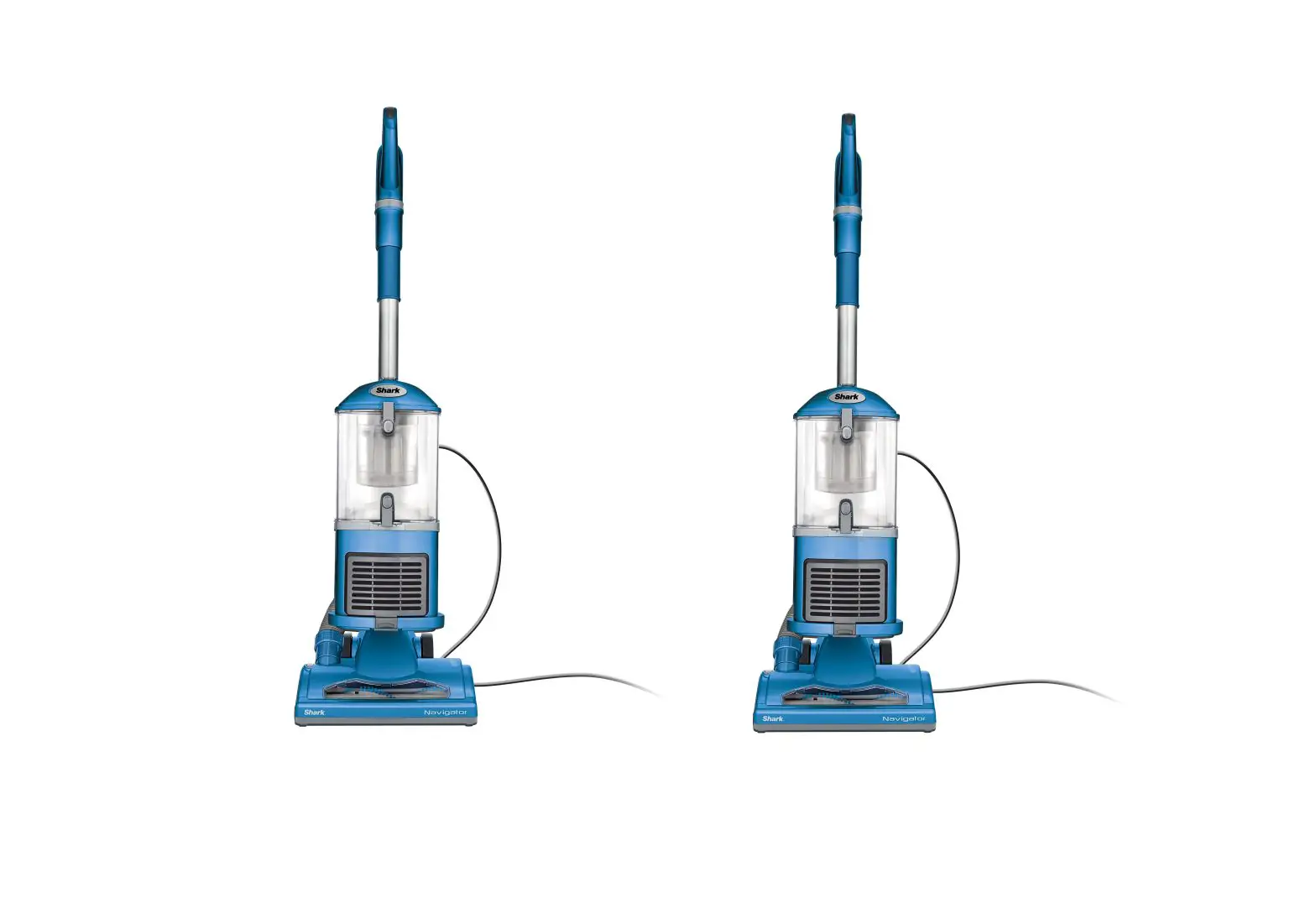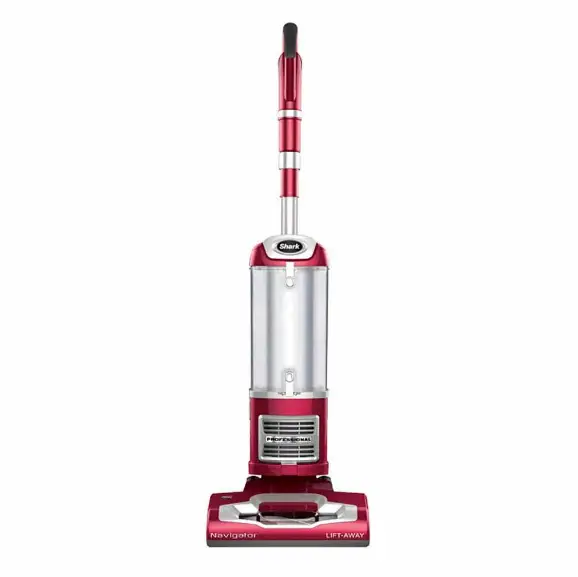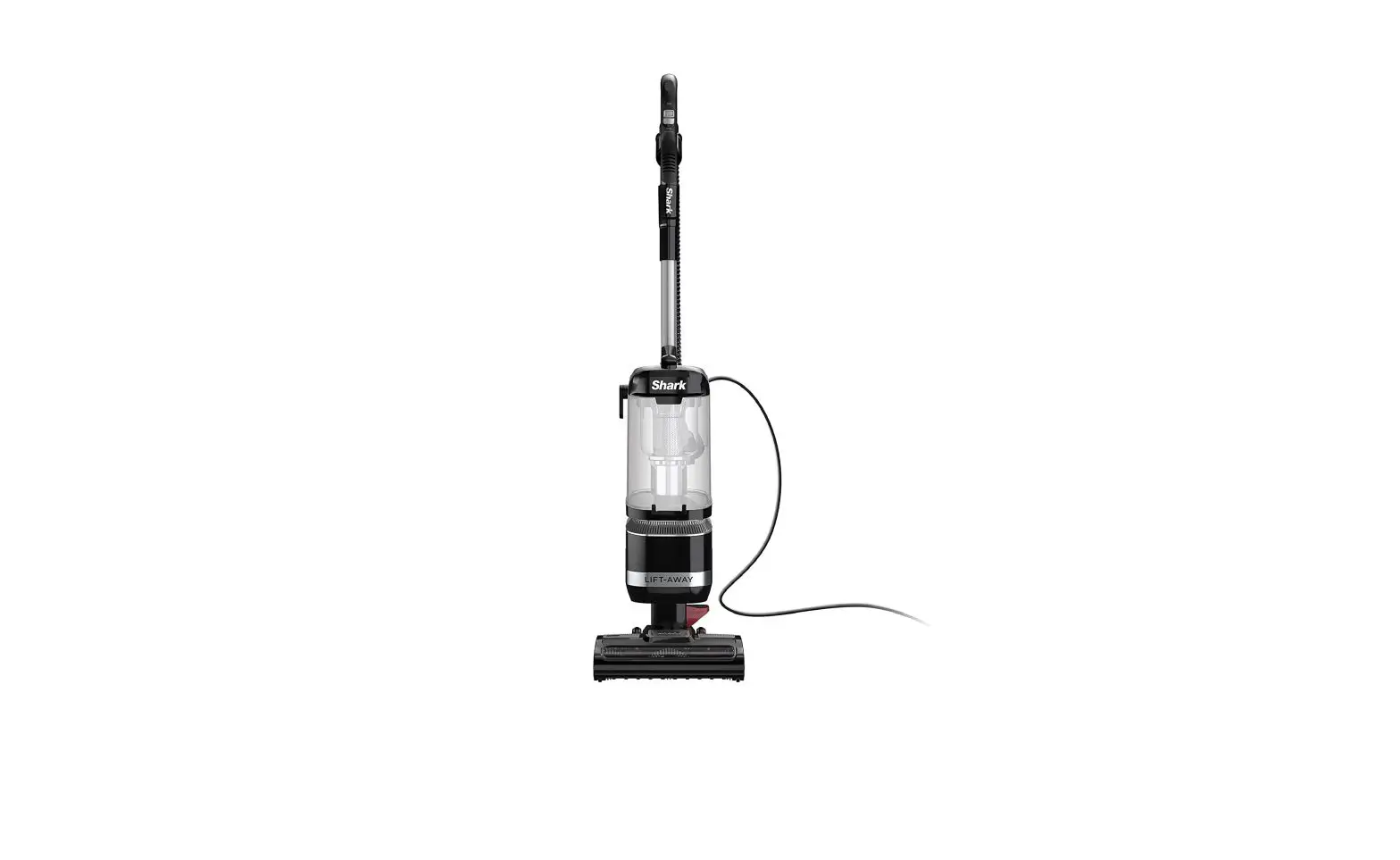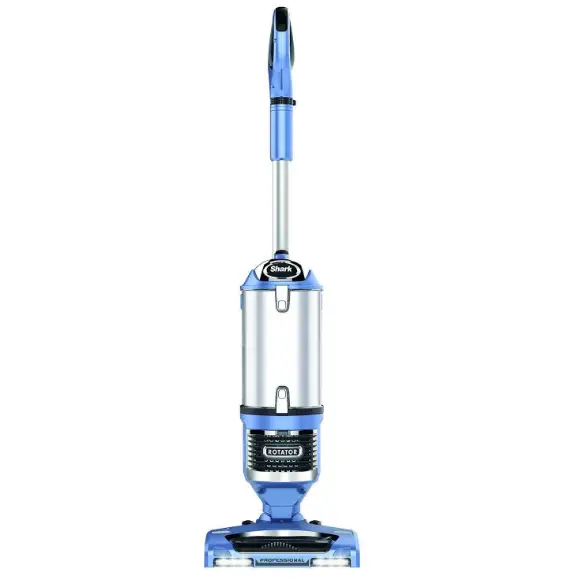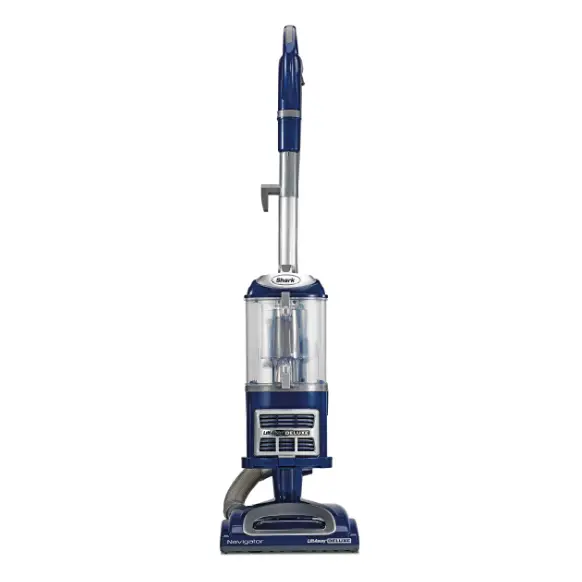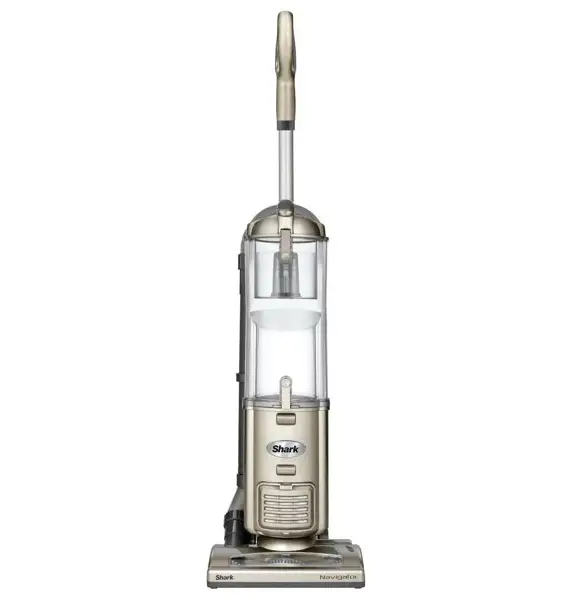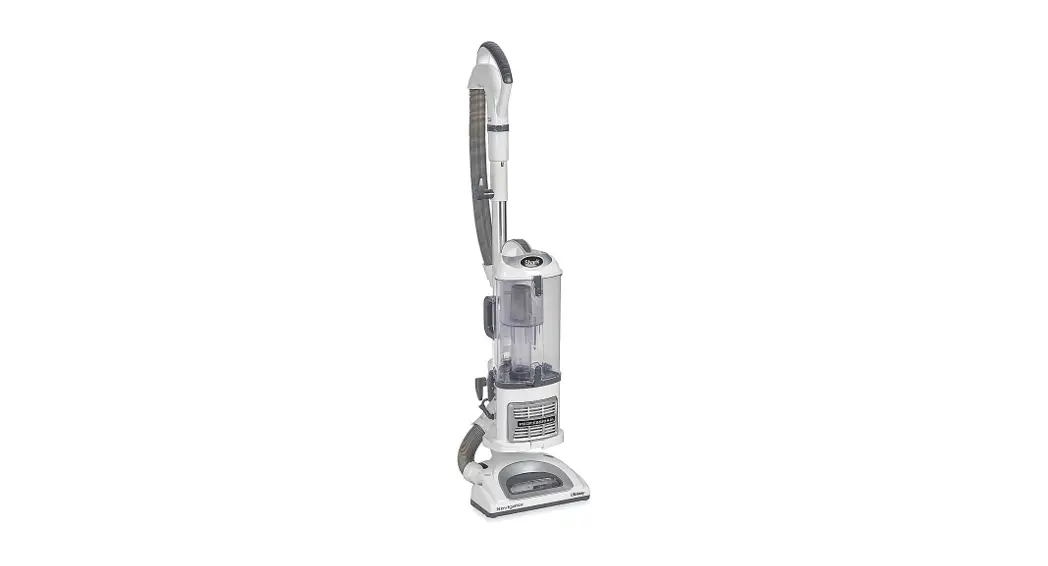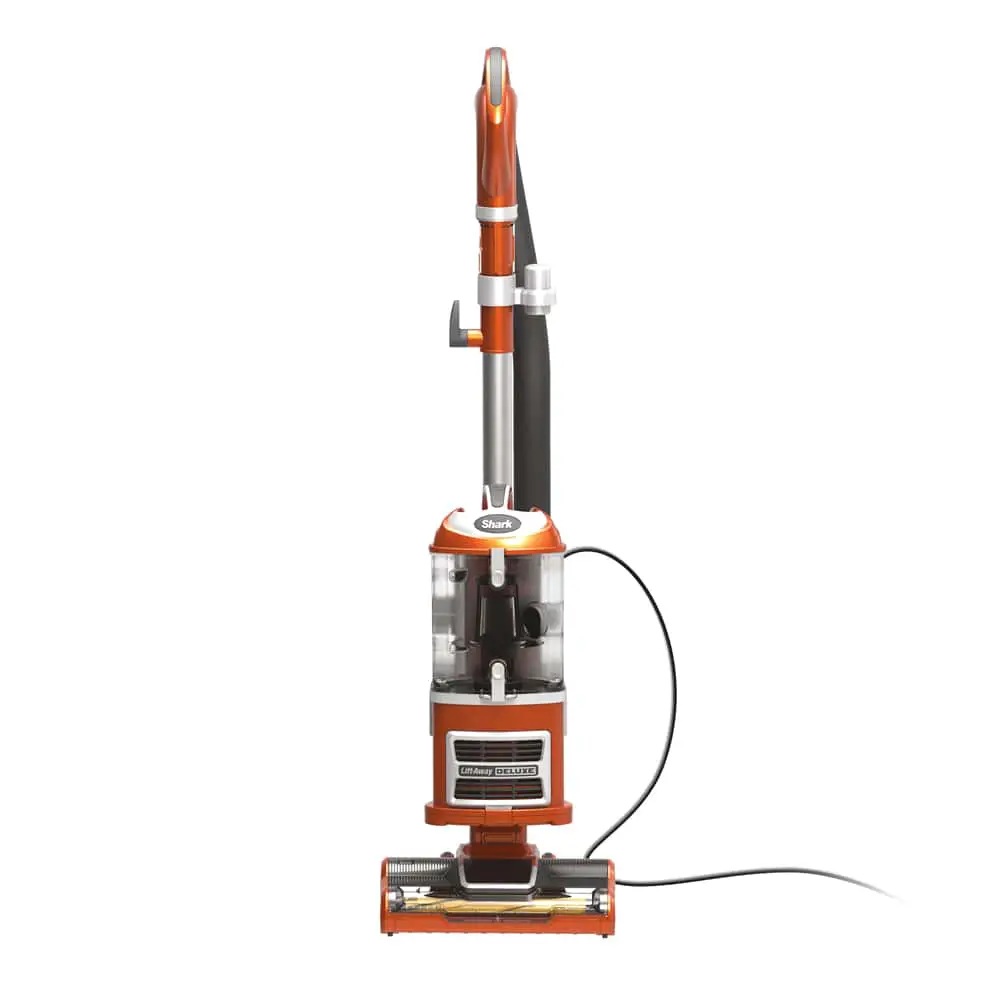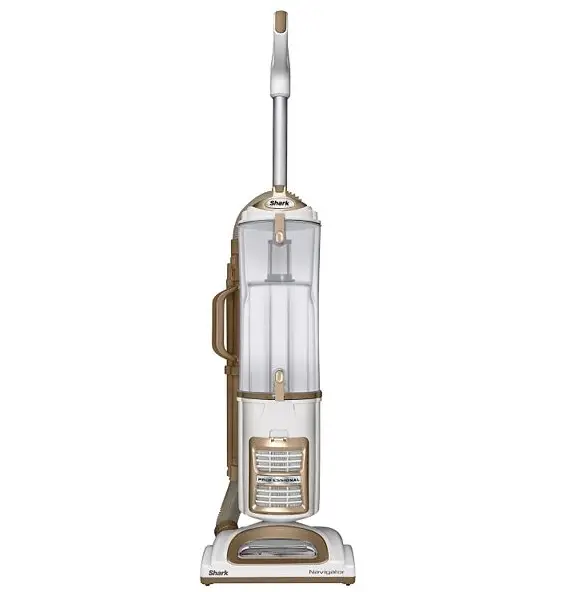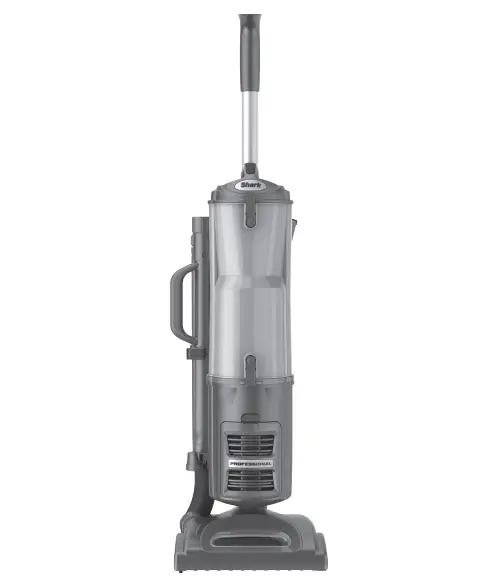
 Shark Navigator Lift-away Vacuum
 Shark Navigator Lift-away Vacuum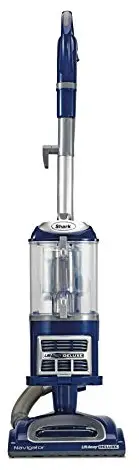
ASSEMBLY
CARPET AND BARE FLOOR CLEANING:
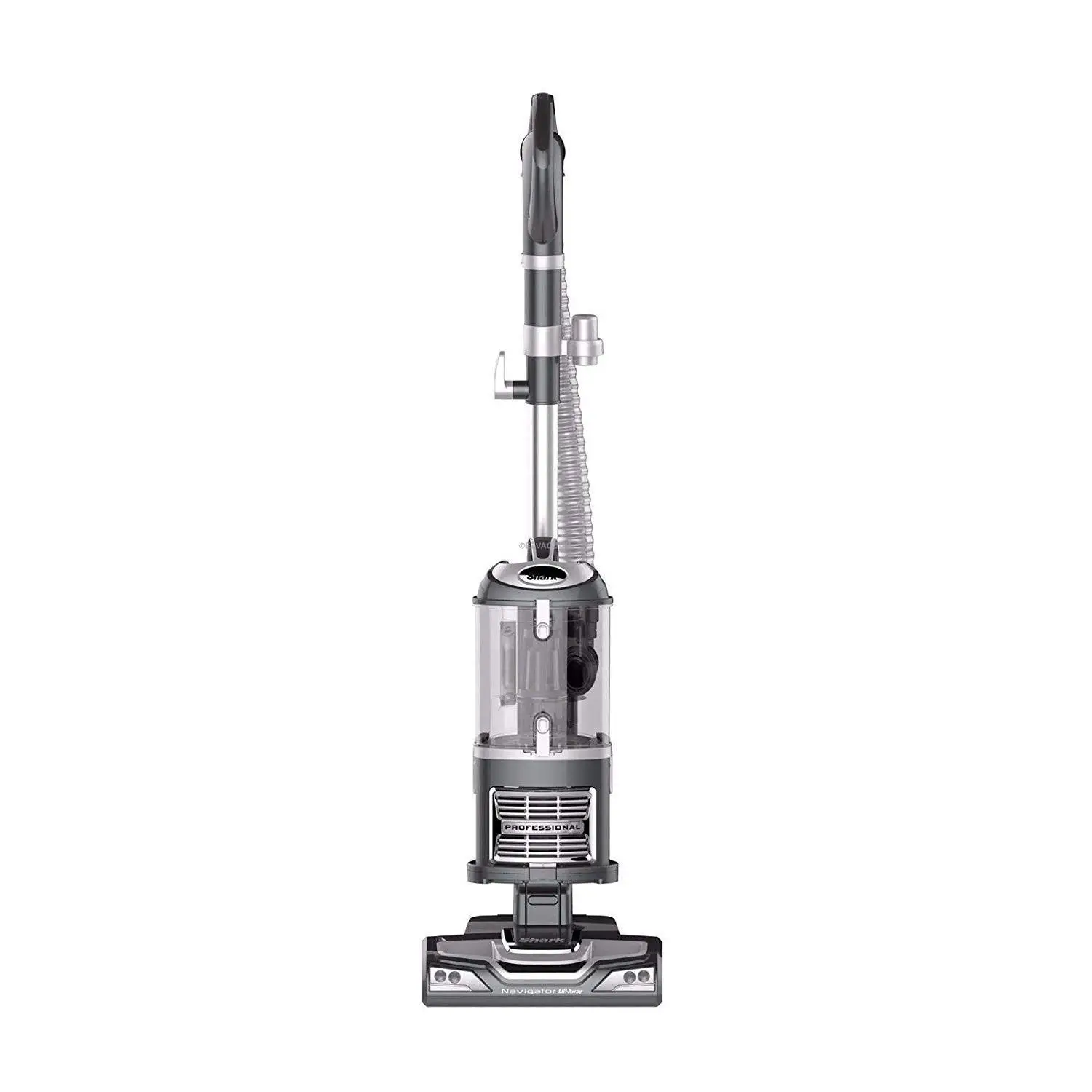
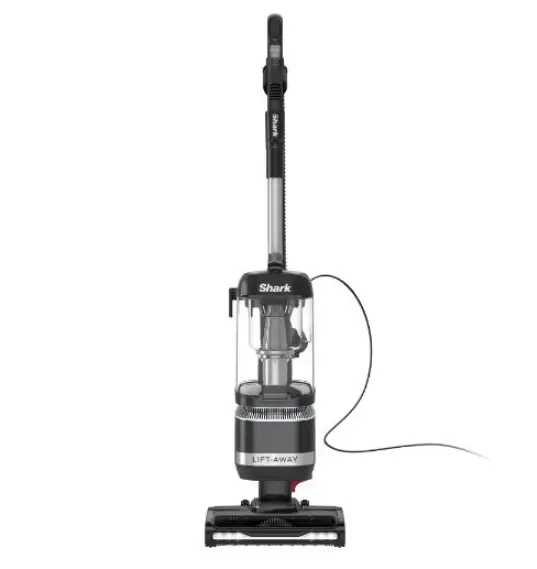
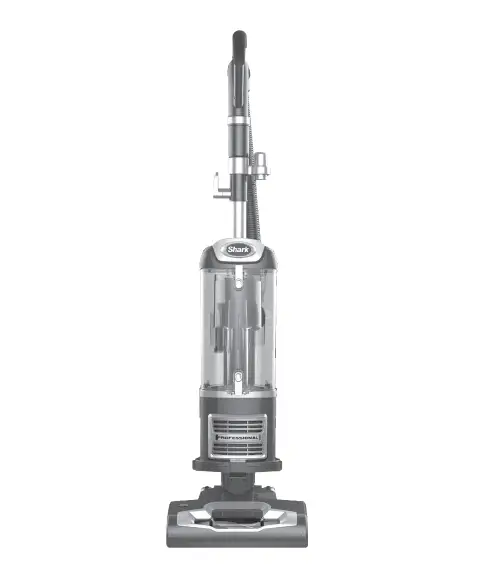
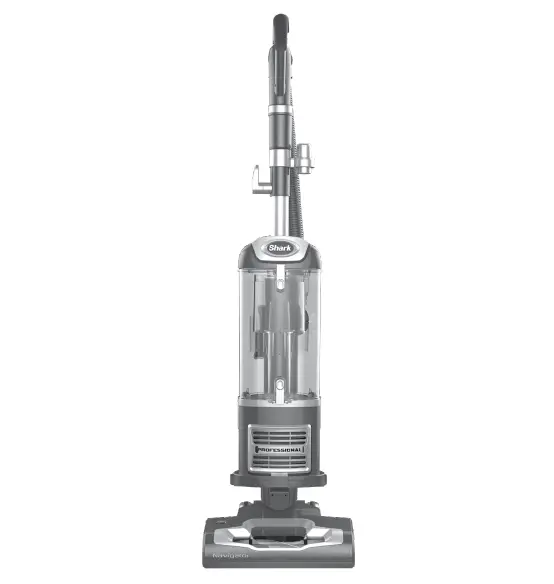
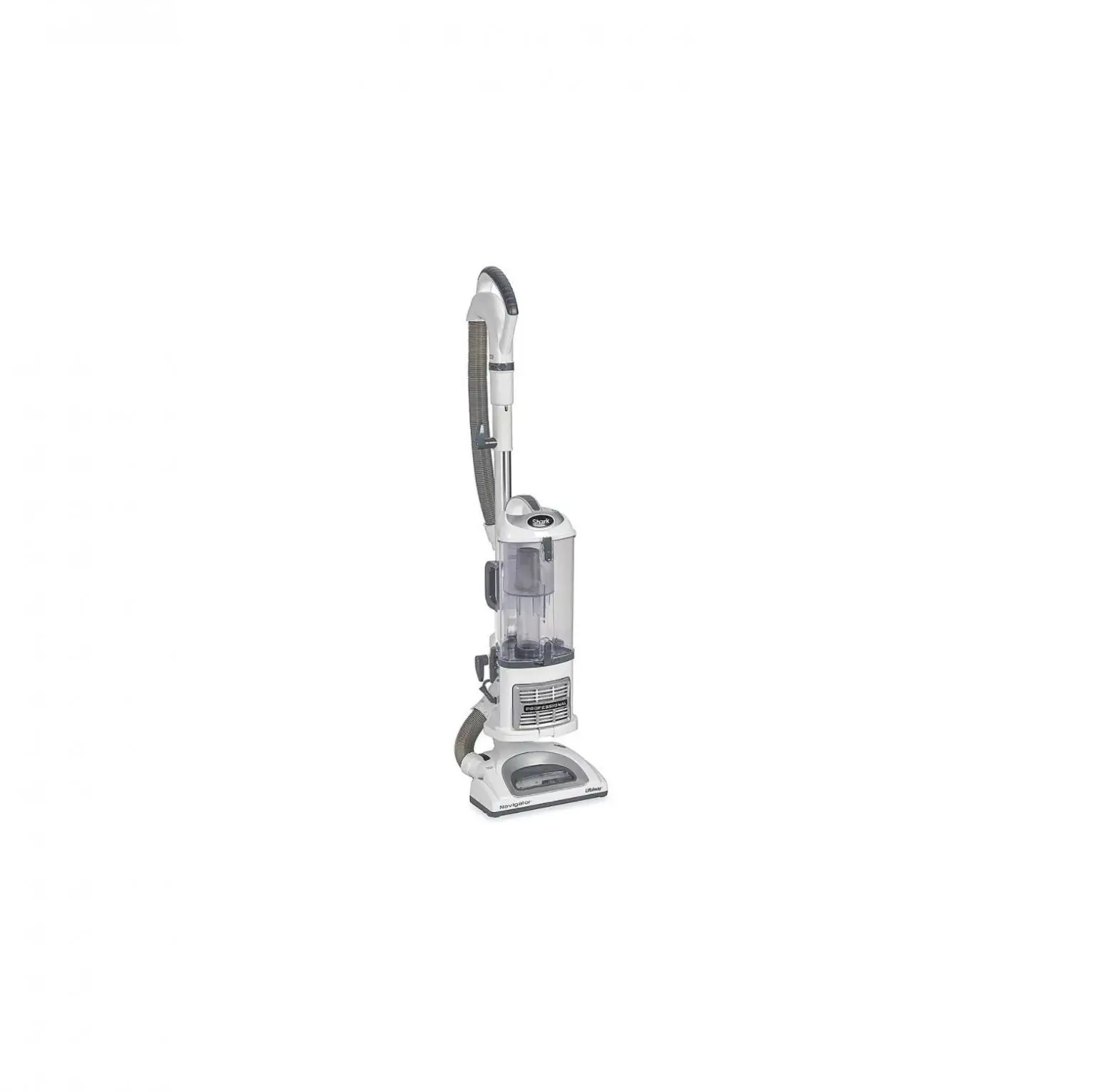
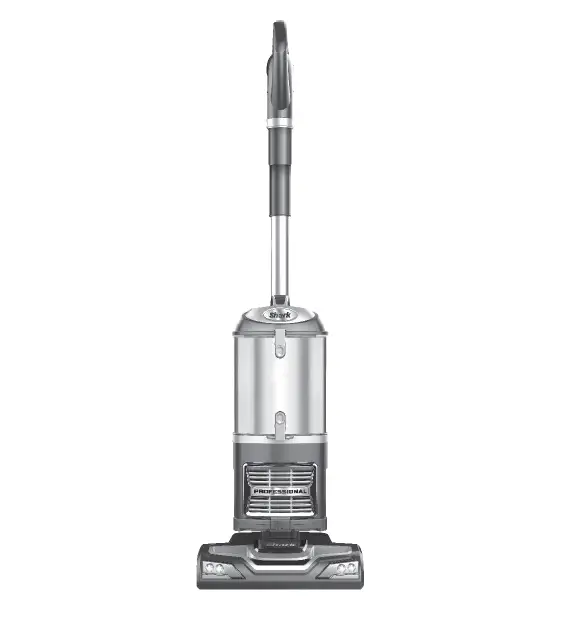
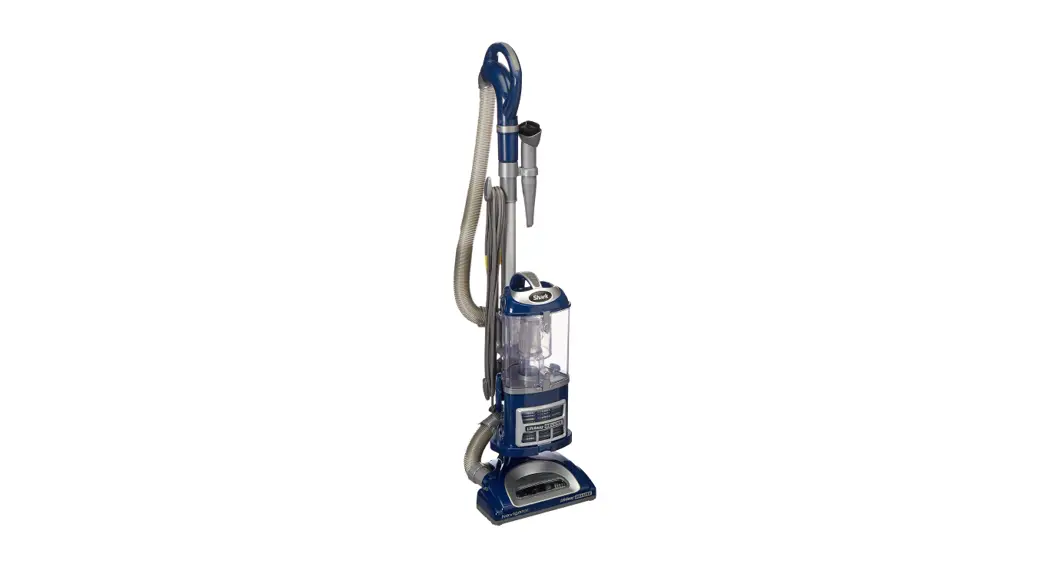
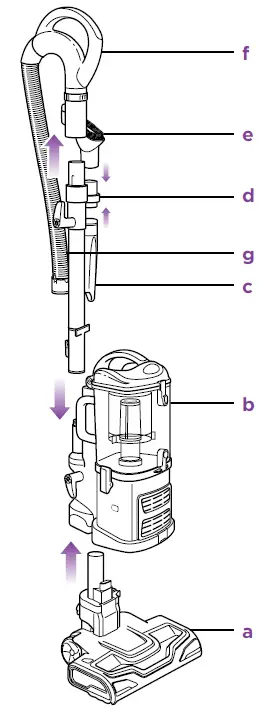
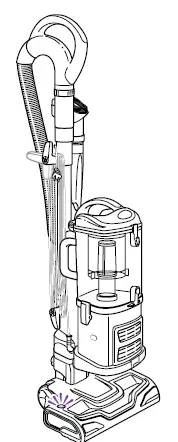
- Attach floor nozzle (a) into the bottom of the canister (b).
- Insert extension wand (c) into the back of the canister, slide on the accessory holder (d) and place the on-board tools
- Insert handle (f) into the top of the extension wand and connect the hose (g) to the back of the canister.

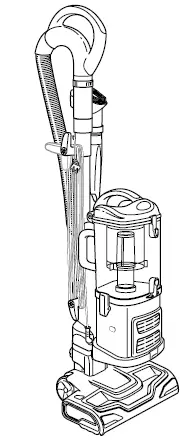
Product Parts
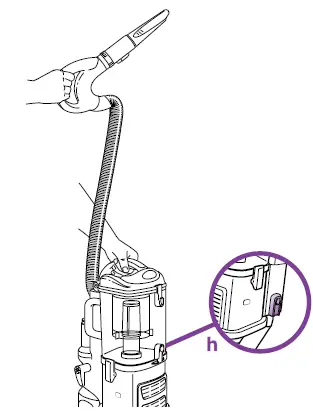
PORTABLE LIFT-AWAY®
- Press handle release button to detach handle (or handle with extension wand).
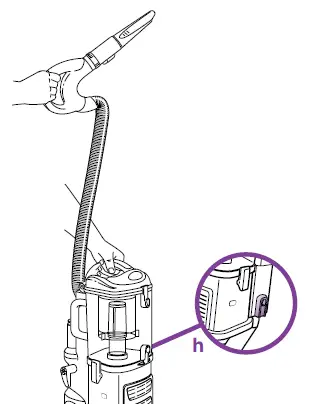
- Press red nozzle release button (h), place foot on nozzle and pull the canister up.
- Attach desired tools to clean.

BRUSH ROLL ON/OFF
- Press the ON/OFF switch at the top of the canister to the ‘I’ position to vacuum bare floors or to use with tools (straight suction only) or in Lift- Away® mode or to the ‘II’ position to engage the motorized floor brush (for vacuuming carpets and rugs).
- Press the floor nozzle down with your foot and tilt the handle back towards you to engage the brushroll.

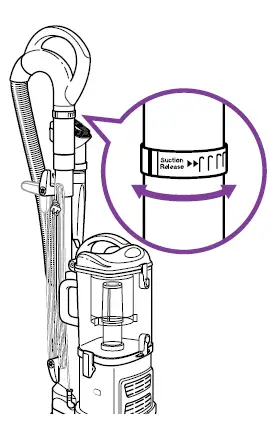
SUCTION CONTROL
The suction can be adjusted to make the vacuum easier to push and pull on certain types of carpets as needed. Adjust the amount of suction by rotating the suction release collar on the handle counterclockwise to reduce the suction or clockwise for maximum suction.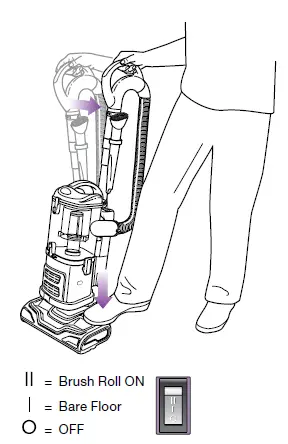
INDICATOR LIGHT
The motorized brush indicator light will illuminate Green when motorized floor brush is on. If there is a blockage or jam, the light will turn Red (see page 9 of the instruction manual).
EMPTYING THE DUST CUP
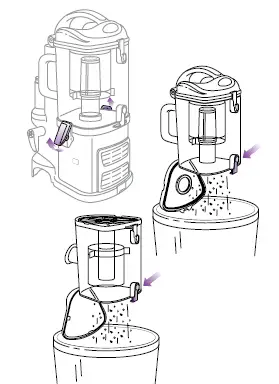
- Pull up the latches on the sides of the dust cup to release.
- Hold the dust cup over a trash receptacle and press the bottom door release button.
- If needed, turn the dust cup upside down over the trash and press the top door release button.

CLEANING FILTERS
- With the dust cup removed, pull the 2 filters out from the top of the motor base.
- Rinse the filters thoroughly in lukewarm water until the water runs clear.
- Squeeze out excess water and let air-dry for at least 24 hours before inserting back into the vacuum.