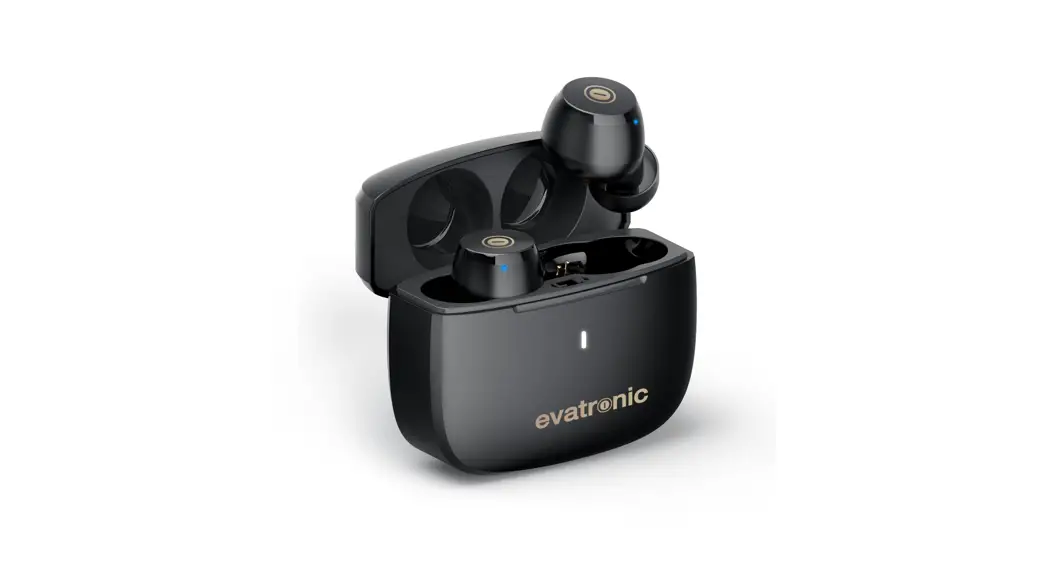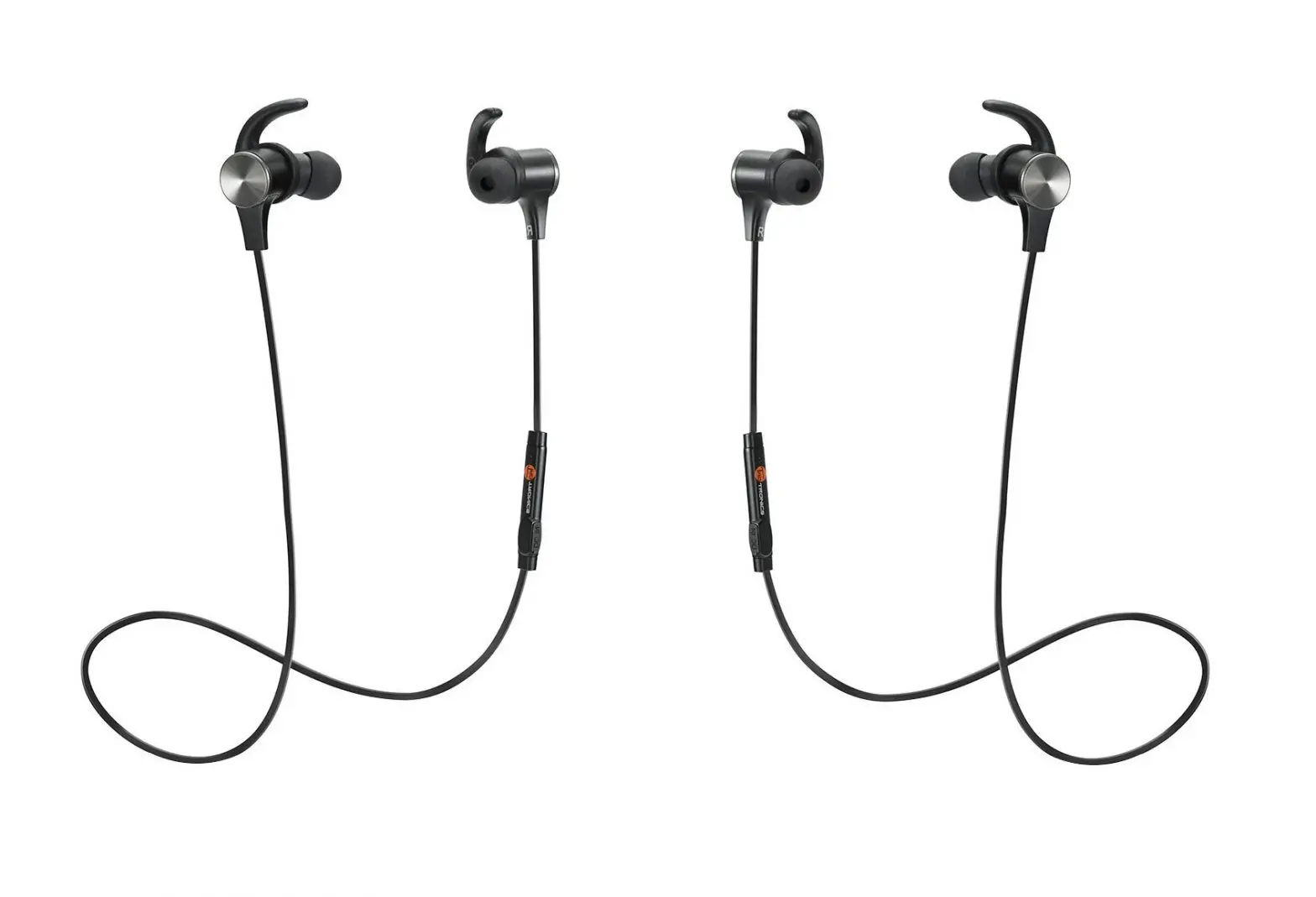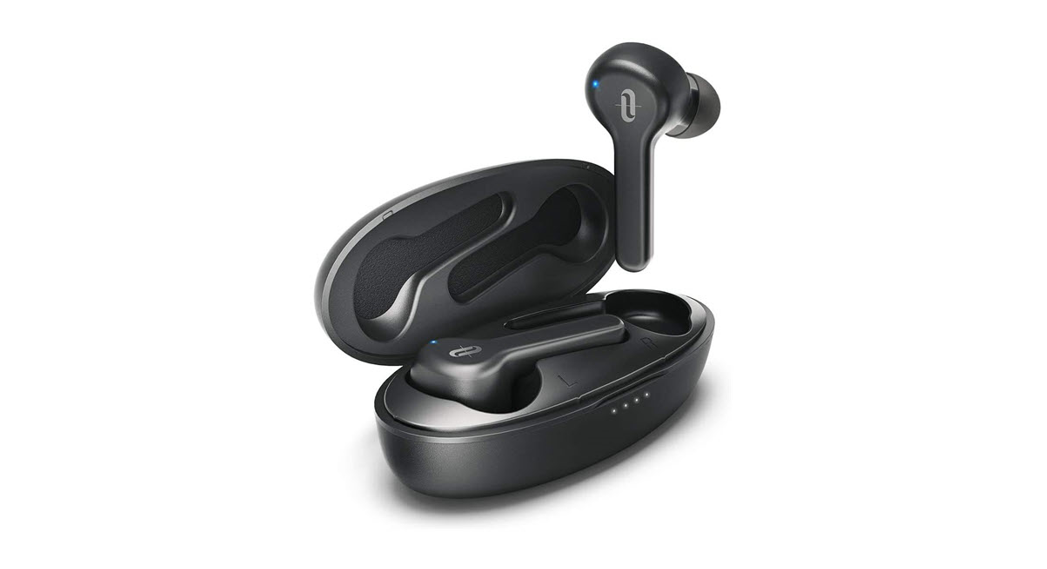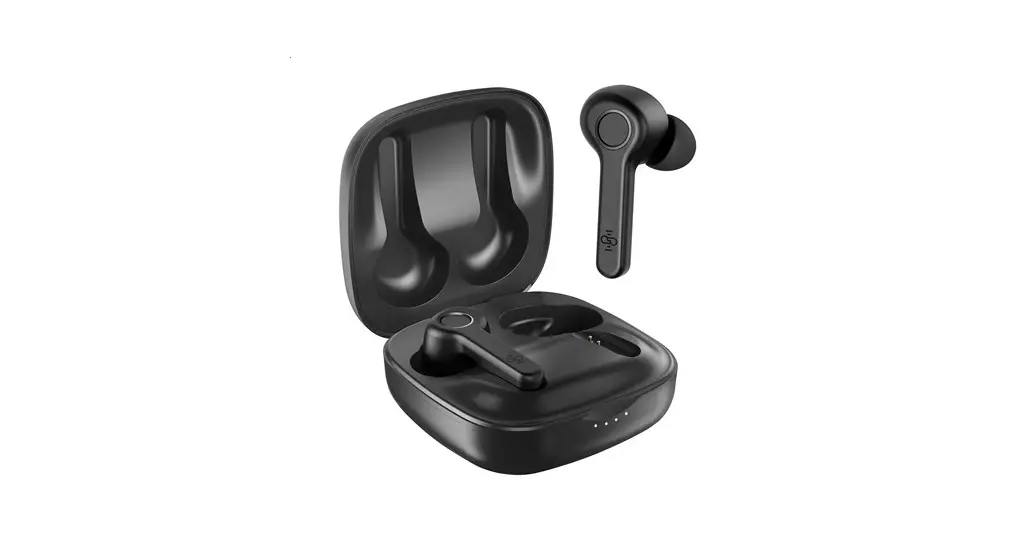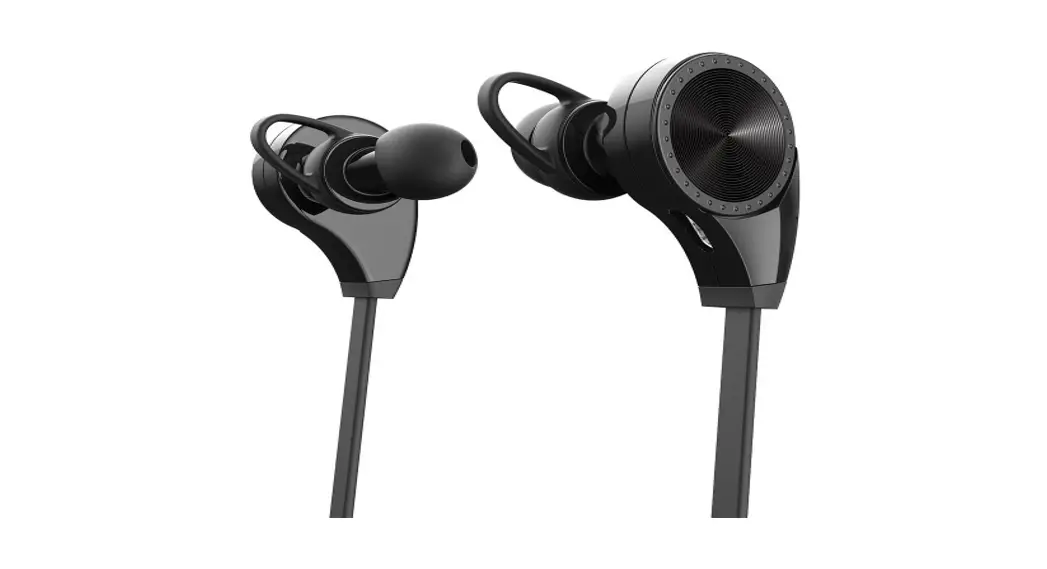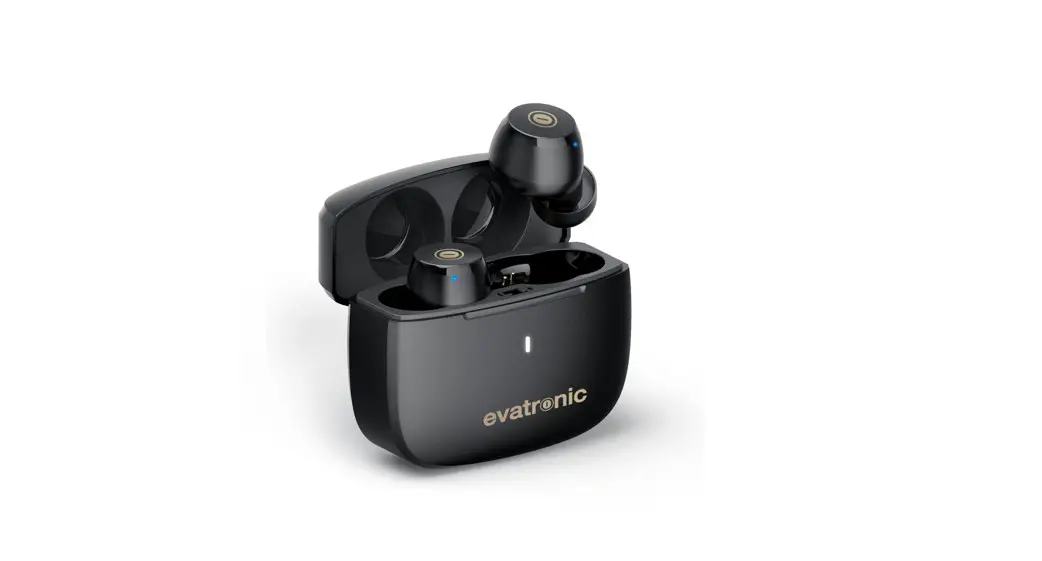
 ET-BH032 Wireless Stereo Earphones
User Guide
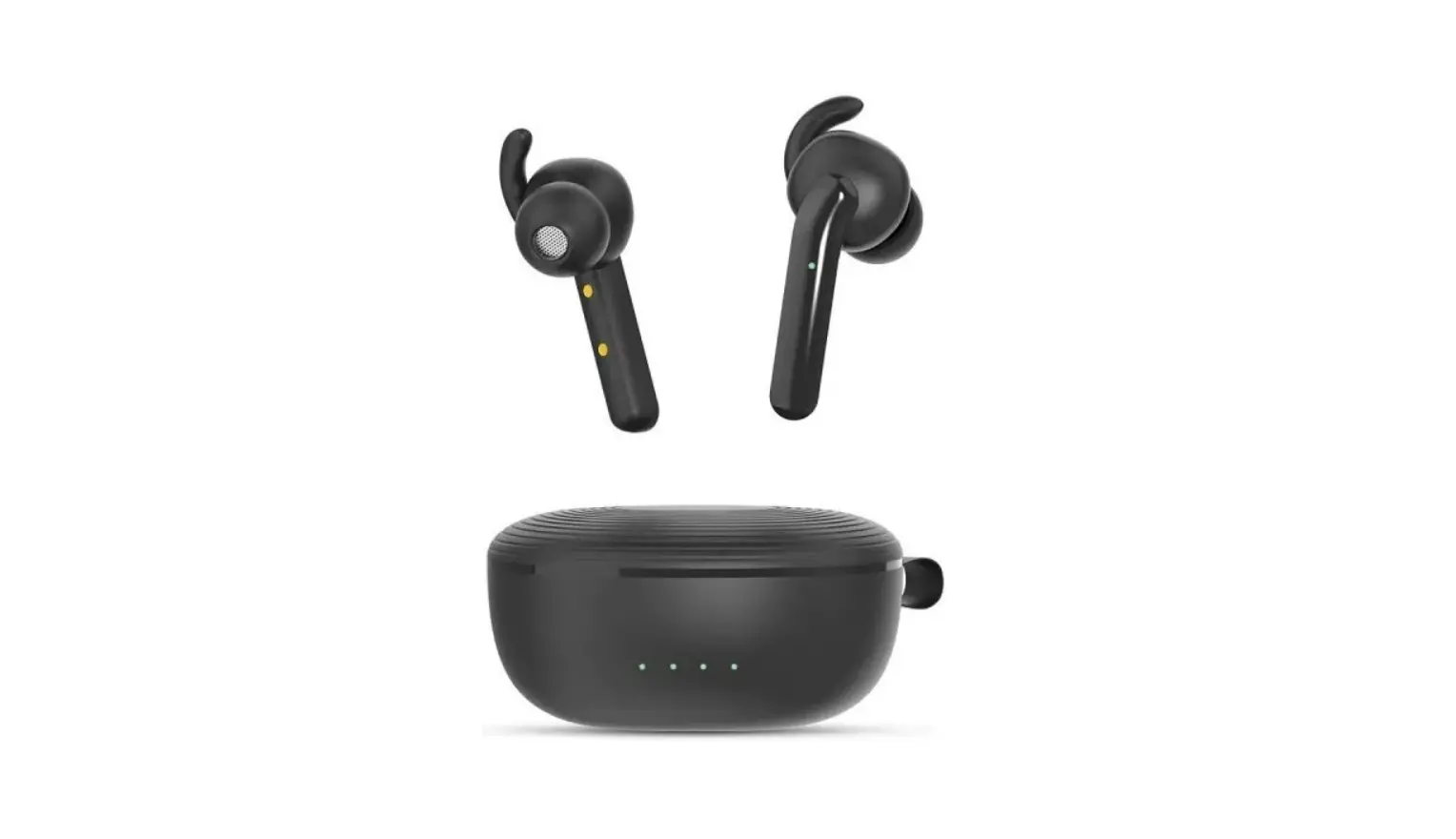
Product Diagram
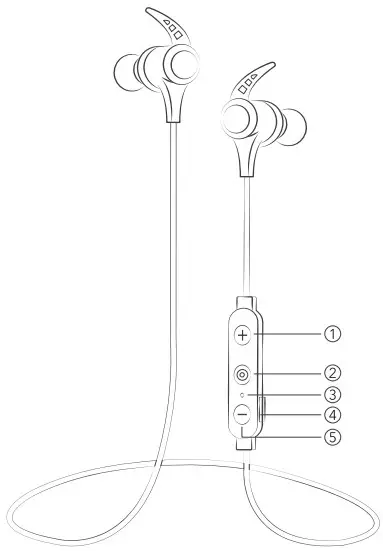
- Volume + /Next
- Multifunction Button
- LED Indicator / Microphone
- Type-C charging port
- Volume -/ Previous
How to Wear
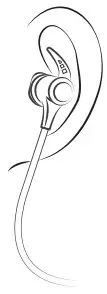
Please wear the headphones as shown in the diagram
- Attach the ear hooks onto the earphones.
- Wear the earphones and the hooks on your ears and adjust for the best fit
Package Content
- 1 x evatronic ET-BH032 Wireless Stereo Earphones
- 1 x USB Charging Cable
- 6 x Ear Buds (two are equipped on the earphones)
- 6 x Ear Hooks (two are equipped on the earphones)
- 1 x User Guide
Thank you for choosing the evatronic ET-BH032 Wireless Stereo Earphones. If you have any questions or issues, please contact our customer support team by email at [email protected]
How to Use
1. Charging
- Connect the charging port with any USB charging adapter or active computer USB port.
- Charging will start automatically with the LED indicator turning red.
- The earphones are fully charged when the LED indicator turns blue.
Note. Make sure the battery is fully charged before putting the earphones away for storage. Charge the earphones at least once every 3 months when not using for a long time.
2. Pairing
- Make sure the earphones and your Bluetooth’ device are next to each other (within 3 feet).
- The first time you use the earphones, press and hold the Multifunction Button until the LED indicator flashes red and blue alternately. Now the earphones are in pairing mode.
- Activate Bluetooth’ function on your phone and search for the nearby Bluetooth’ connection: Find ” ET-BH032 ” in the search results. Tap on the name to connect. Once connected, the Blue LED will flash.
- If you have paired your device with the earbuds before, remove ” ET-BH032 ” from the Bluetooth device list and pair again.
Note:
- The Bluetooth’ earphones can remember previous paired devices.
- When the earphones cannot pair with your Bluetooth device.
Press and hold the Multifunction Button(when the earphones are off) for 10 seconds until the LED indicator flashes purple to clear the pairing history. Then restart earphones to pair again.
Operation and Functions
| Function | Operation |
| Power On | Press and hold the Multifunction Button for 2 seconds |
| Power Off | Press and hold the Multifunction Button for 4 seconds |
| Enter Pairing Mode | Press and hold the Multifunction Button for S seconds in power off status |
| Play / Pause | Press the Multifunction Button once |
| Volume + / – | Press the Volume + / – Button |
| Next Track / Previous Track | Press and hold the Volume + / – Button |
| Answer/Hang up Phone Call | Press the Multifunction Button once |
| Decline an Incoming Call | Press and hold the Multifunction Button for 2 seconds |
| Re-dial Last Call | Press the Multifunction Button three times |
| Restore to Factory Settings | When the earphones are off, press and hold the Multifunction Button for 10 seconds until the LED indicator flashes purple |
| 3 EQs Change: Enhanced/Bass/Pop | Double-click the Multifunction Button |

The Bluetooth word mark and logos are registered trademarks owned by the Bluetooth SIG, Inc. and any use of such marks by Sunvalleytek International Inc. is under license. Other trademarks and trade names are those of their respective owners.
FCC Compliance
NOTE: This equipment has been tested and found to comply with the limits for a Class B digital device, pursuant to part 15 of the FCC Rules. These limits are designed to provide reasonable protection against harmful interference in a residential installation. This equipment generates uses and can radiate radio frequency energy and, if not installed and used in accordance with the instructions, may cause harmful interference to radio communications.
However, there is no guarantee that interference will not occur in a particular installation. If this equipment does cause harmful interference to radio or television reception, which can be determined by turning the equipment off and on, the user is encouraged to try to correct the interference by one or more of the following measures:
- Reorient or relocate the receiving antenna.
- Increase the separation between the equipment and receiver.
- Connect the equipment into an outlet on a circuit different from that to which the receiver is connected.
- Consult the dealer or an experienced radio/TV technician for help
Changes or modifications not expressly approved by the party responsible for compliance could void the user’s authority to operate the equipment. This device complies with Part 15 of the FCC Rules. Operation is subject to the following two conditions:
- This device may not cause harmful interference, and
- This device must accept any interference received, including interference that may cause undesired operation.
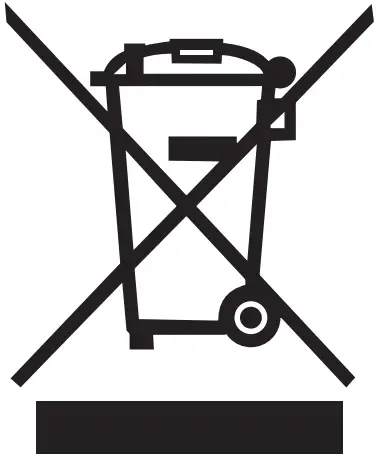
WEEE Compliance
Correct Disposal of This Product (Waste Electrical & Electronic Equipment) (Applicable in countries with separate collection systems)
This marking on the product, accessories or literature indicates that the product and its electronic accessories should not be disposed of with other household waste at the end of their working life. To prevent possible harm to the environment or human health from uncontrolled waste disposal, please separate these items from other types of waste and recycle them responsibly to promote the sustainable reuse of material resources. Household users should contact either the retailer where they purchased this product, or their local government office, for details of where and how they can take these items for environmentally safe recycling. Business users should contact their supplier and check the terms and conditions of the purchase contract. This product and its electronic accessories should not be mixed with other commercial wastes for disposal.
www.evatronic.co
NORTH AMERICA
Email: [email protected]
MANUFACTURER
Manufacturer: Shenzhen Danya Technology Co., Ltd.
Address: Room 3323,Building C, Galaxy World Phase 11, Minle
Community, Minzhi Street, Longhua District, Shenzhen, Guangdong, China
MADE IN CHINA Rev 2.1
 Evatronic