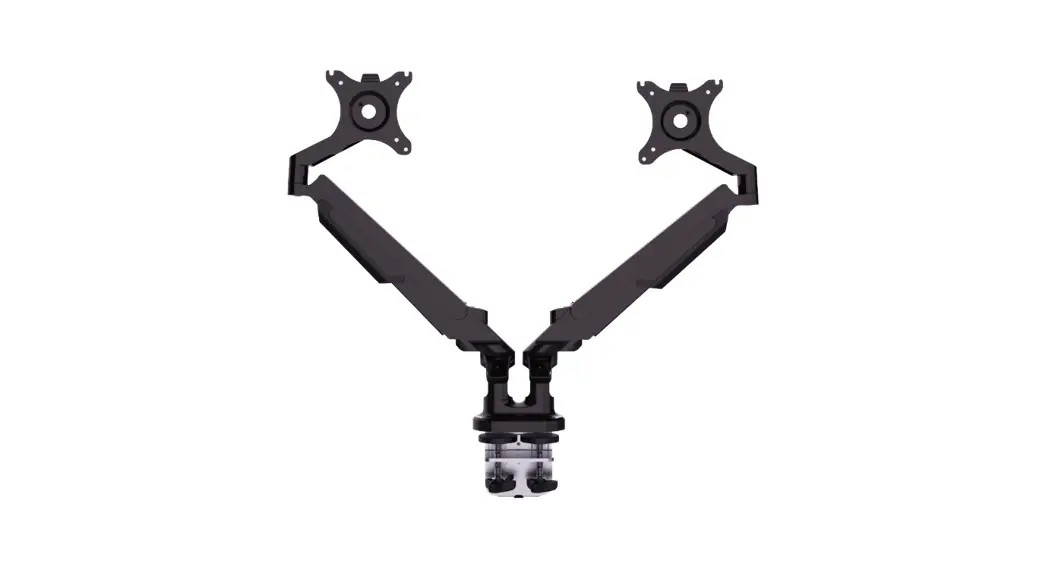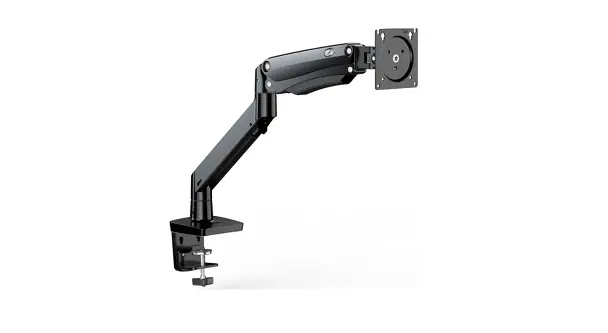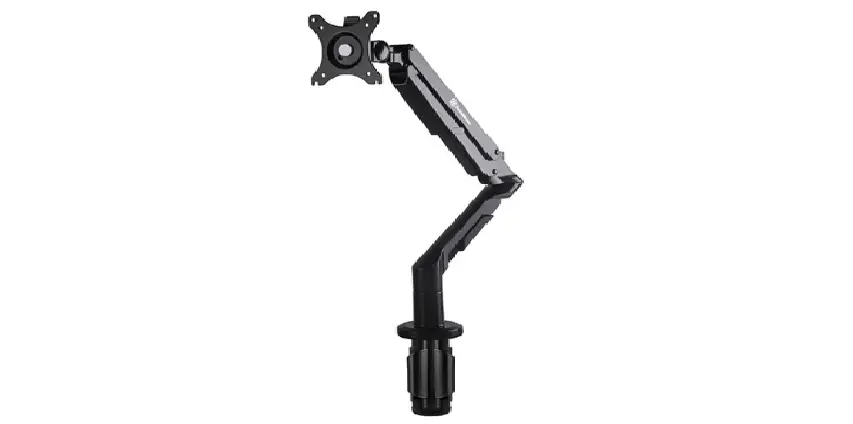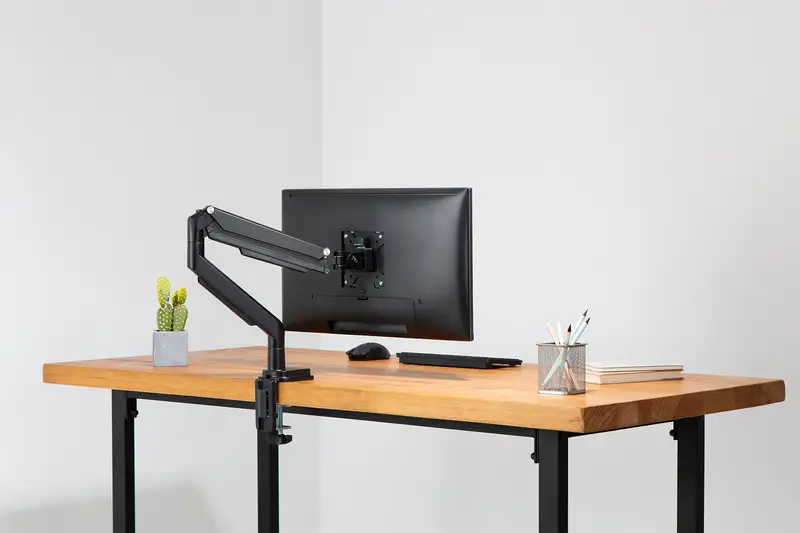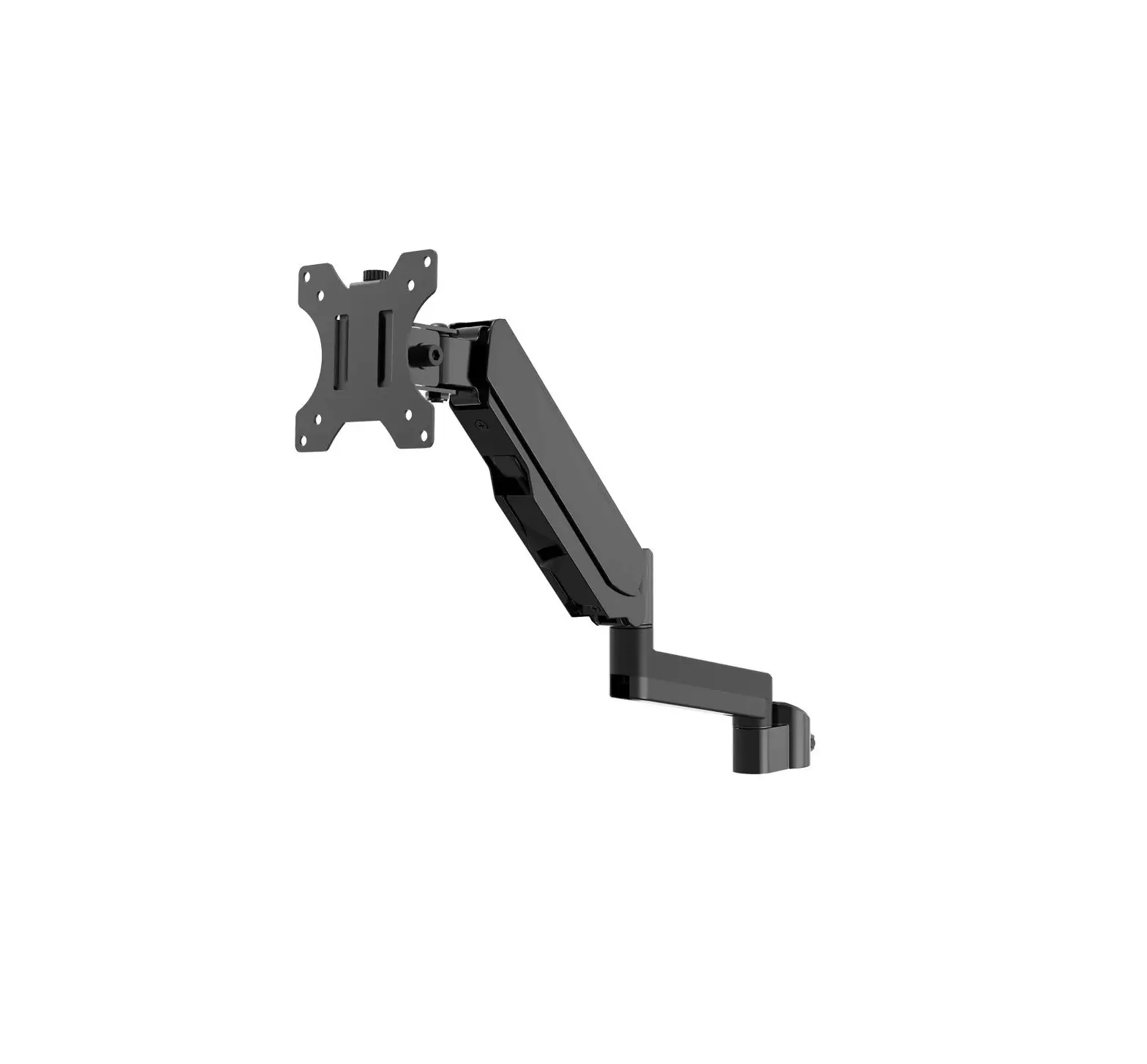
wali Single Gas Spring Arm
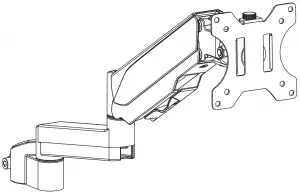

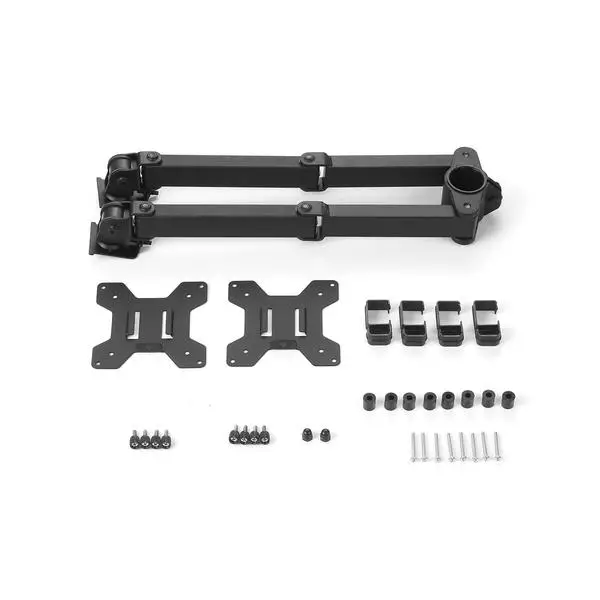
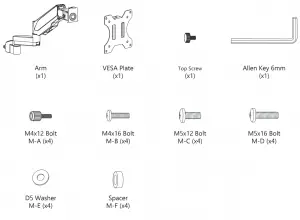
Supplied Parts List
Step 1
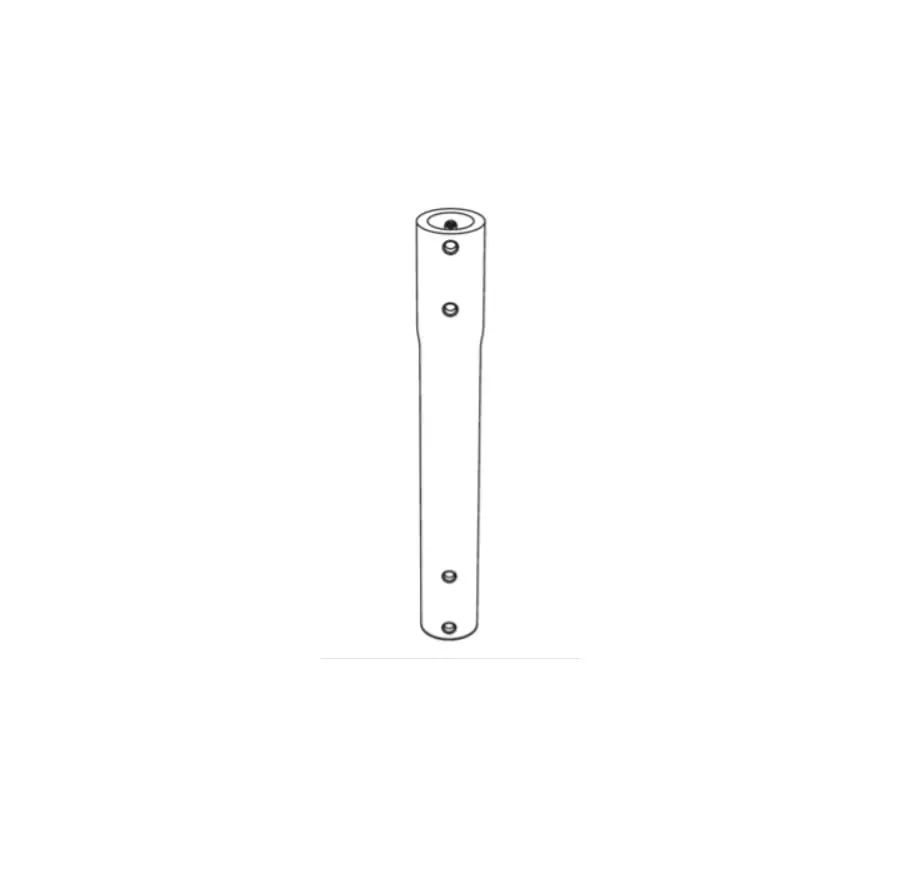
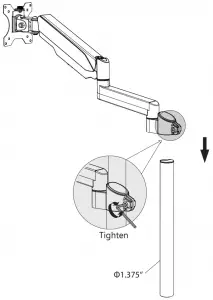
Compatible with most WALI desk monitor mount with 1.375” (3.5cm) diameter center pole.
Put the Arm through the Pole, adjust the preferred height and tighten using Allen Key 6mm. (Pole not included)
Step 2
Step 2.1 Select TV Screws
Only one screw size fits your TV
Hand thread screws into the threaded inserts on the back of your TV to determine which screw diameter (M4 or M5) to use.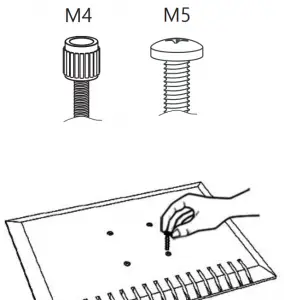
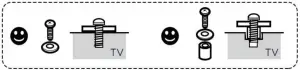
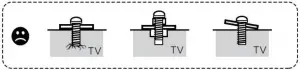
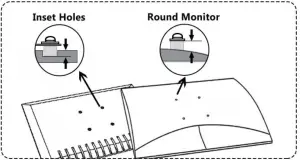
Step 2.2 Select Spacers ( if needed )
NOT NEEDED
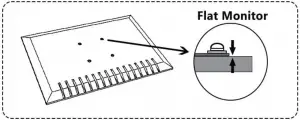
NEEDED FOR
 Step 2.3a
Select M4x12 Bolt  or M5x12 Bolt
  according to your TV/Monitor, connect VESA Plate together with D5 Washer
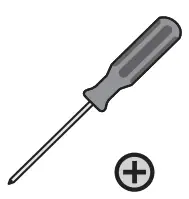
  into the mounting holes on the back of TV/Monitor, tighten with screwdriver.(Screwdriver needed but not included)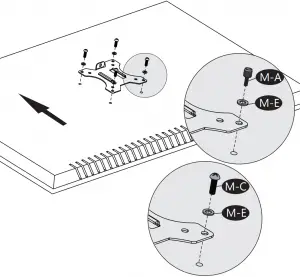
Step 2.3b
Select M4x16 Bolt  or M5x16 Bolt
  according to your TV/Monitor, connect VESA Plate together with D5 Washer
  and Spacer
  into the mounting holes on the back of TV/Monitor, tighten with screwdriver.(Screwdriver needed but not included)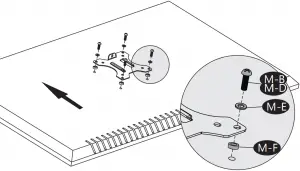
Step 3
Put the assembled TV/Monitor onto the Arm and ensure the stability, tighten the VESA plate using Top Screw.
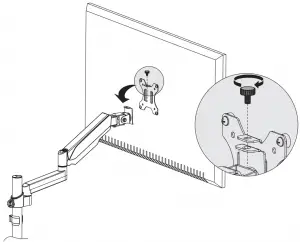
Step 4
Pull the bottom cable slot cover to the VESA direction to detach it off the arm.
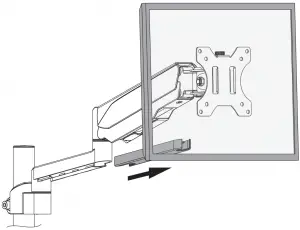
Step 5
Guide the cable through the cable slot and slide the cover back to arm.
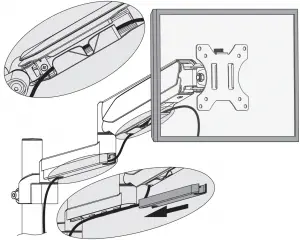
Step 6
Adjust the Gas Spring Tension
- Adjust the gas spring tension with 6mm Allen Key.
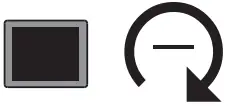
- Insert the 6mm Allen Key into the adjusting hole and turn clockwise (-) to reduce gas spring tension, suitable for lighter screens.
- Insert the 6mm Allen Key into the adjusting hole and turn counter-clockwise (+) to increase gas spring tension, suitable for heavier screens.
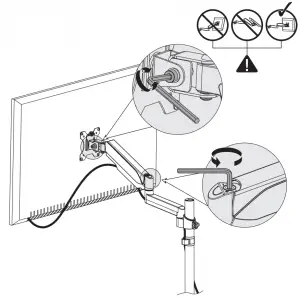
 For Heavier Monitors
 For Lighter Monitors
Step 7


We support the technology that brings your home to life.
We offer high quality products, professional customer service, and extensive technical support.
If you have any questions, please contact us.
 1-844-SATTLER (18447288537)