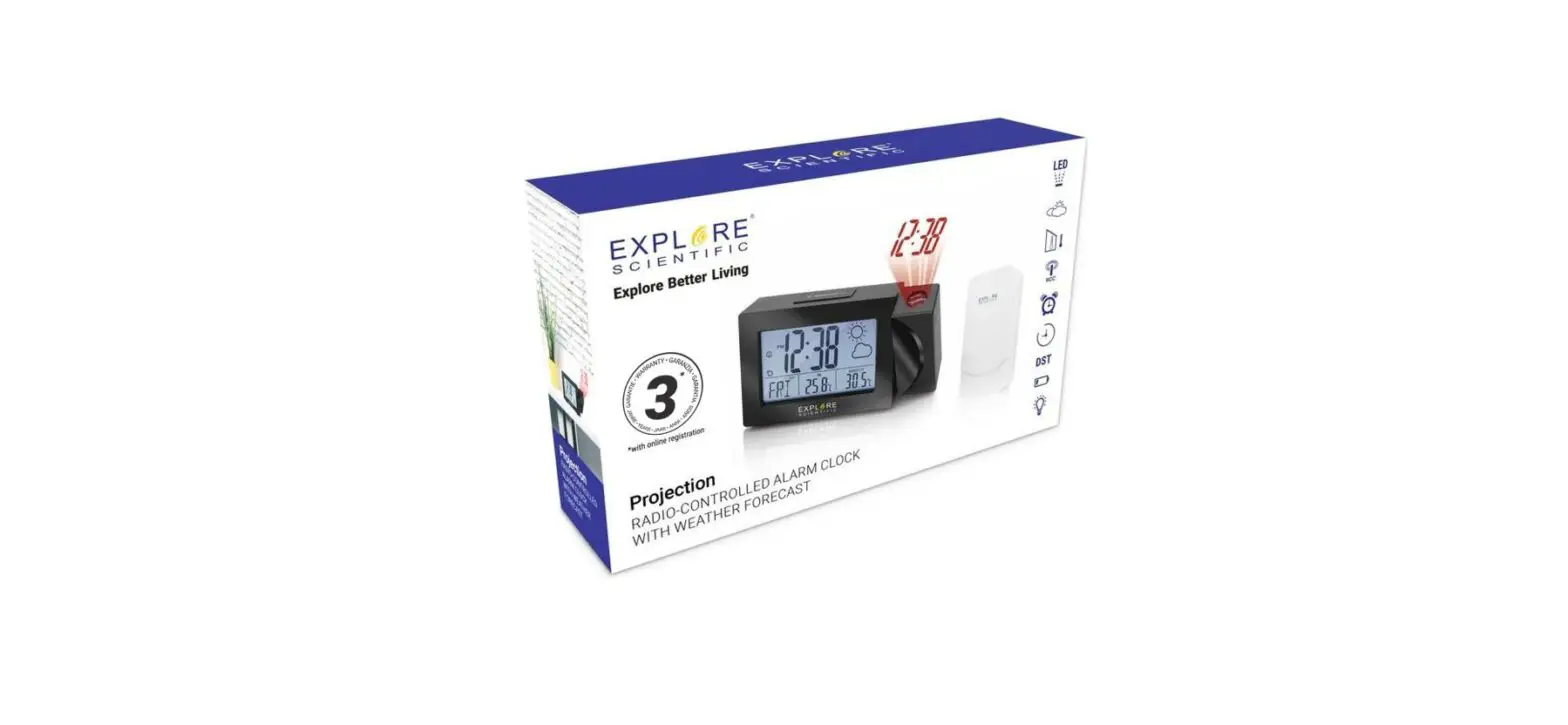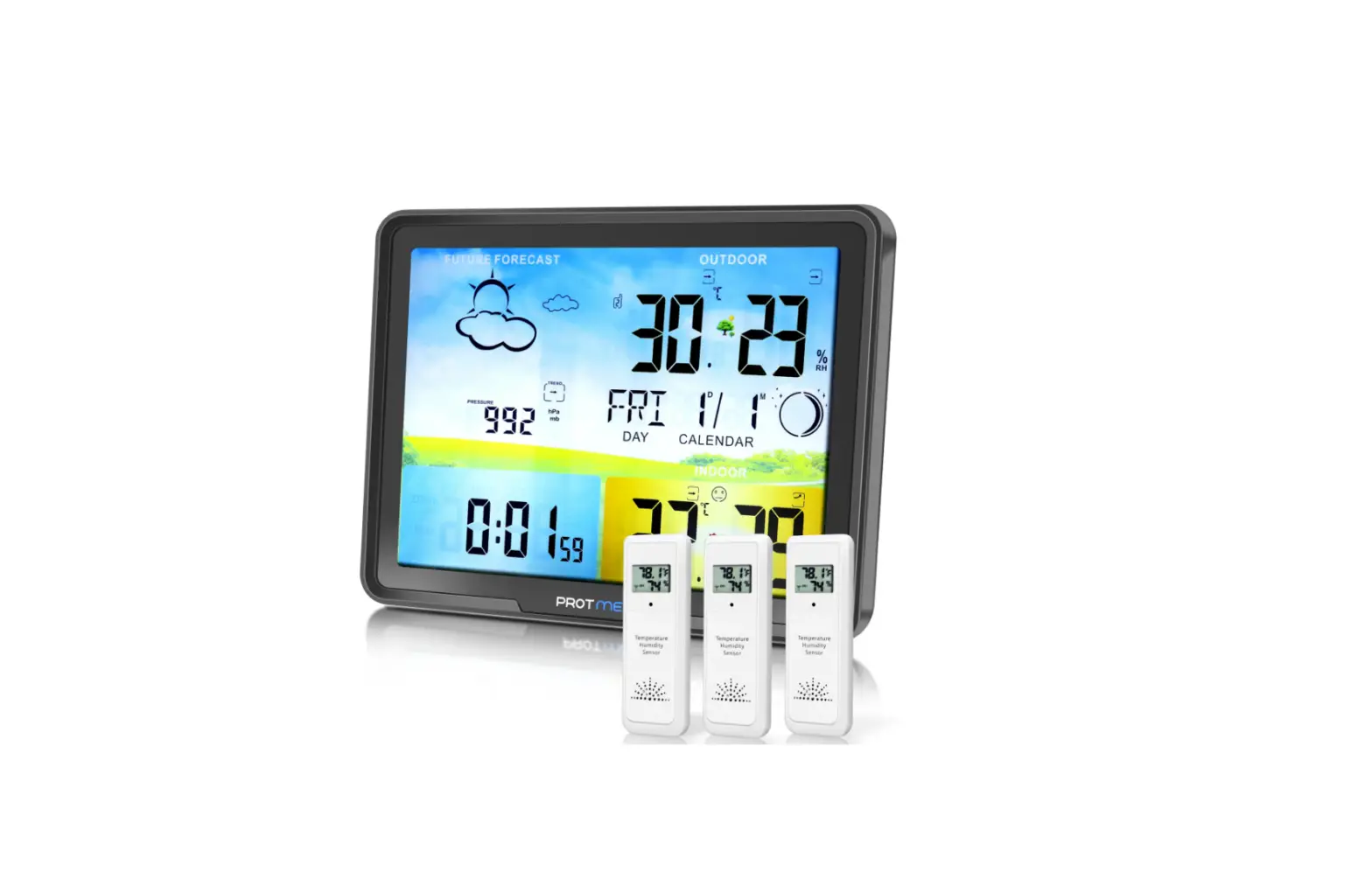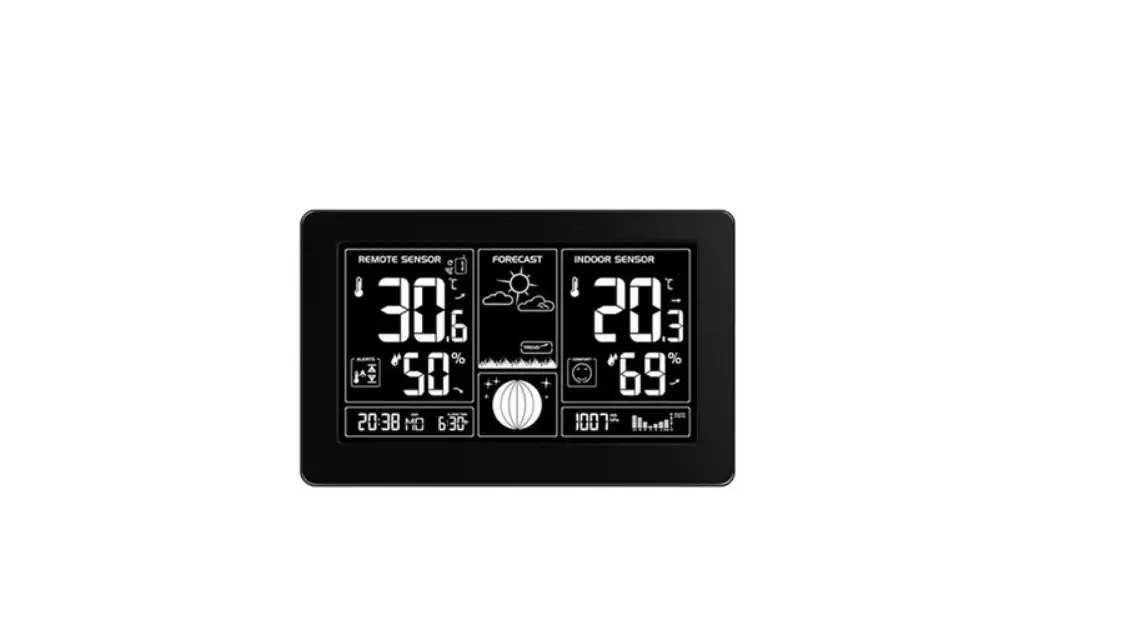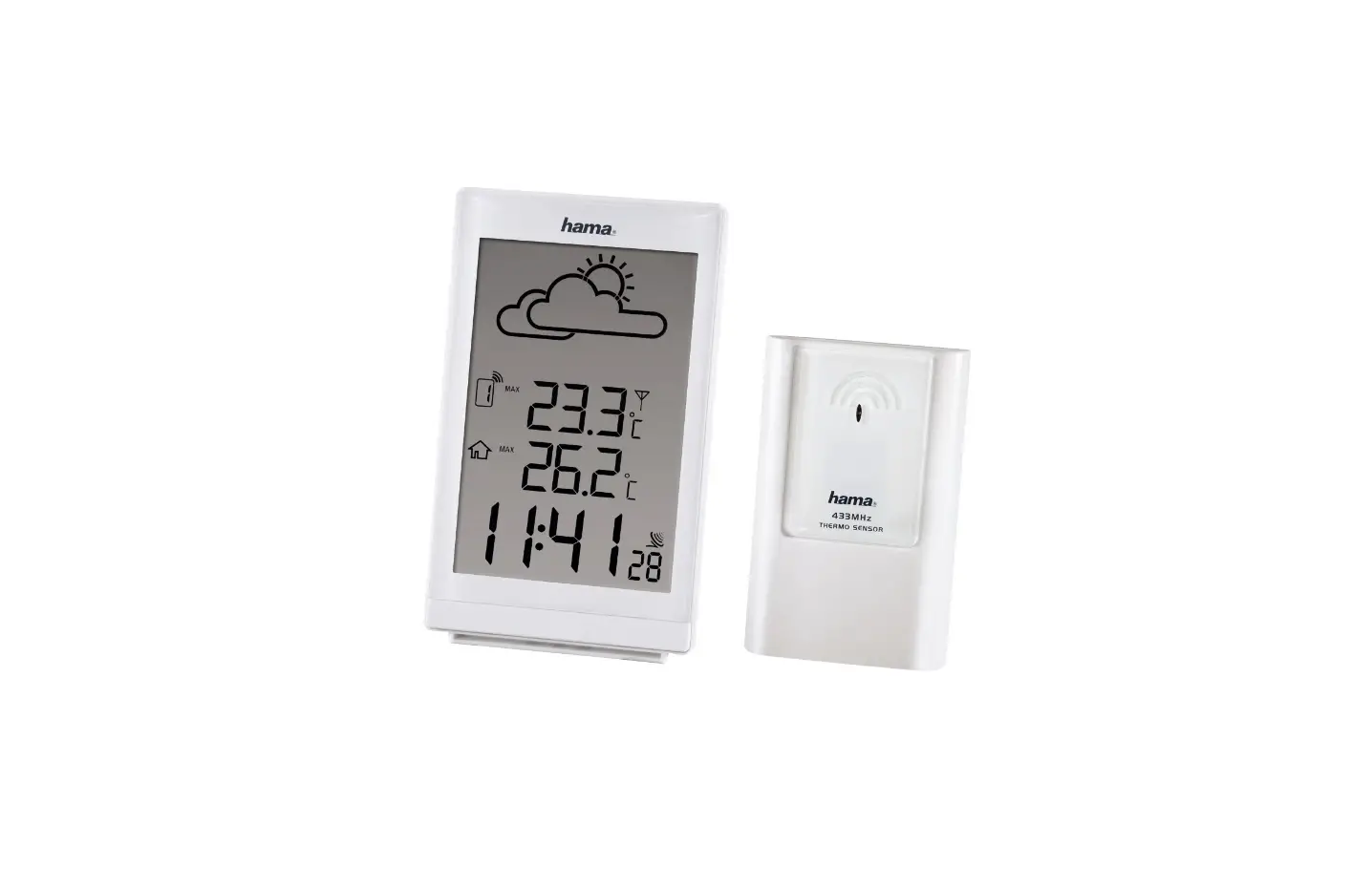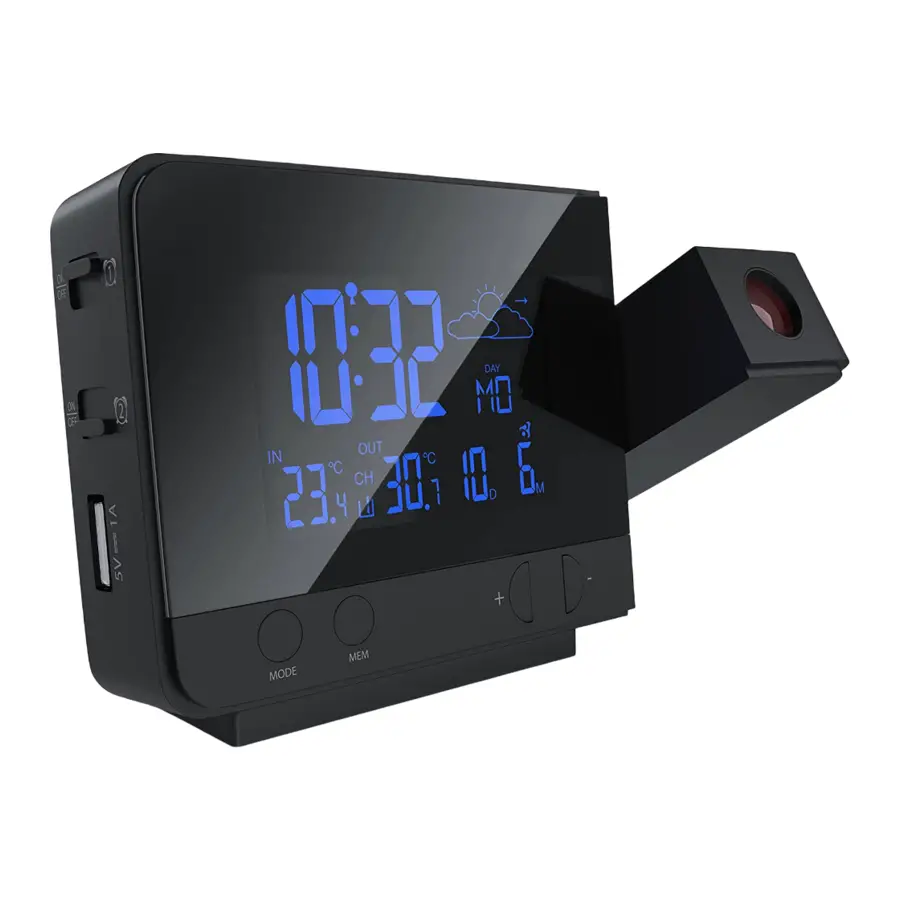
 SCIENTIFIC RPW3009 Weather Projection Clock
Instruction Manual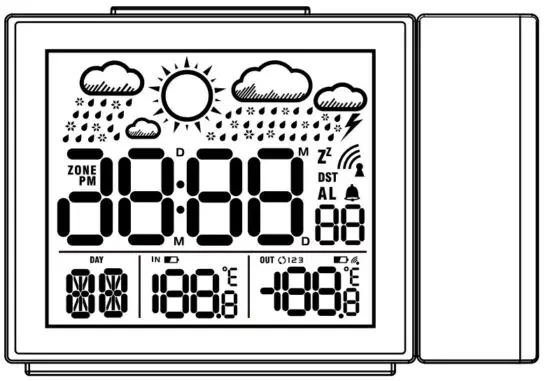
*Radio-controlled clock function not available in all territories
ABOUT THIS INSTRUCTION MANUAL
 These operating instructions are to be considered a component of the device.
Please read the safety instructions and the operating instructions carefully before use.
Keep these instructions for renewed use at a later date.
When the device is sold or given to someone else, the instruction manual must be provided to the new owner/user of the product. The device is intended only for indoor use.
GENERAL WARNINGS
- Risk of electric shock — This device contains electronic components that operate via a power source (power supply and/or batteries). Children should only use the device under adult supervision. Only use the device as described in the manual; other- wise, you run the risk of an electric shock.
- Choking hazard — Children should only use the device under adult supervision. Keep packaging material, like plastic bags and rubber bands, out of the reach of children, as these materials pose a choking hazard.
- Risk of chemical burn — Keep batteries out of the reach of children! Make sure you insert the batteries correctly. Leaking battery acid can lead to chemical burns. Avoid contact of battery acid on skin, eyes, and mucous membranes. In the event of contact, rinse the affected region immediately with plenty of water and seek medical attention.
- Risk of fire/explosion — Do not expose the device to high temperatures. Use only the recommended batteries. Do not short-circuit the device or batteries, or throw them into a fire. Excessive heat or improper handling could trigger a short circuit, a fire, or an explosion.
Do not disassemble the device. In the event of a defect, please contact your dealer. The dealer will contact the Service Centre and can send the device in to be repaired, if necessary. - Use only the recommended batteries. Always replace weak or empty batteries with a new, complete set of batteries at full capacity. Do not use batteries from different brands or with different capacities.
The batteries should be removed from the unit if it has not been used for a long time.
BEFORE YOU BEGIN
- We recommend using alkaline batteries. If temperatures regularly fall below 0°C (32°F), we recommend using lithium batteries.
- Avoid using rechargeable batteries. (Rechargeable batteries cannot maintain correct power )
- Insert batteries before first use, matching the polarity in the battery compartment. 2x AAA Batteries are required for the clock and 2x AAA batteries are required for the sensor.
PRODUCT OVERVIEW
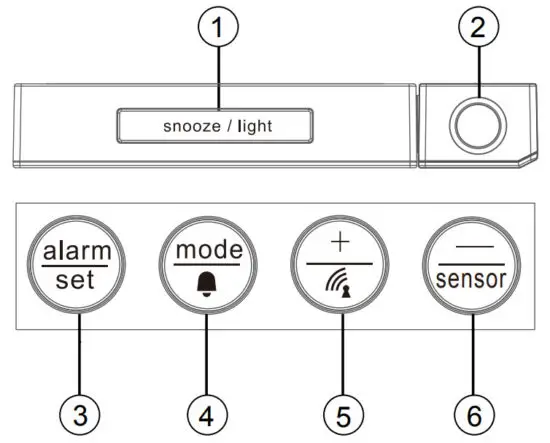 |  |
- Press [
 ] to activate the snooze function, backlight, and projection. In projection, press to flip the projection display in 180°. Keep the adapter plugged in, then press and hold to toggle projection on/off.
 - Projection lens.
- Press [
 ] to switch between time and date.
Press and hold to enter the time and date setting.
In alarm time mode, press to turn on/off the alarm. - Press [
 ] to show the alarm time of Alarm 1-5 and Alarm 6-7. Press and hold to enter the alarm setting.
 - Press [
 ] start RCC* signal receiving. In setting mode, press to increase one unit, press and hold to increase rapidly.
 - Press [
 ]view the 3 channel outdoor sensor temperature, press and hold to reset the 3 channel outdoor sensor. In setting mode, press to decrease one unit, press and hold to decrease rapidly.
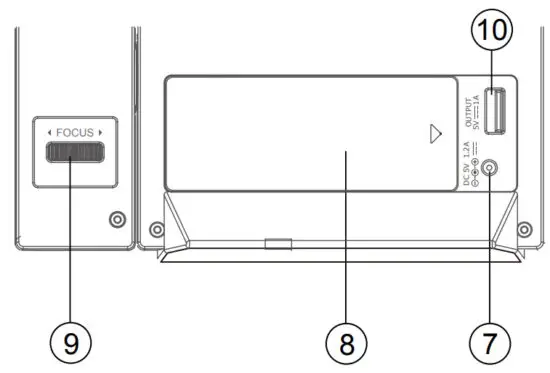
 - Power jack.
- Battery compartment. Slide down to open.
- Projection FOCUS wheel. Turn to adjust.
- Charging port
 ] to activate the snooze function, backlight, and projection. In projection, press to flip the projection display in 180°. Keep the adapter plugged in, then press and hold to toggle projection on/off.
 ] to switch between time and date.
 ] to show the alarm time of Alarm 1-5 and Alarm 6-7. Press and hold to enter the alarm setting.
 ] start RCC* signal receiving. In setting mode, press to increase one unit, press and hold to increase rapidly.
 ]view the 3 channel outdoor sensor temperature, press and hold to reset the 3 channel outdoor sensor. In setting mode, press to decrease one unit, press and hold to decrease rapidly.
OUTDOOR SENSOR
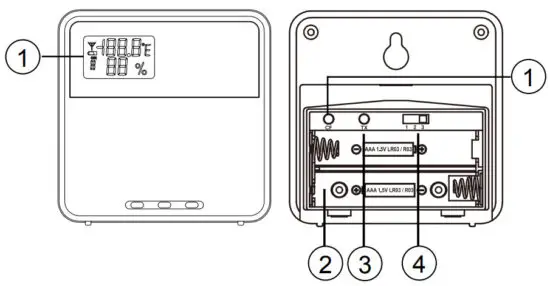
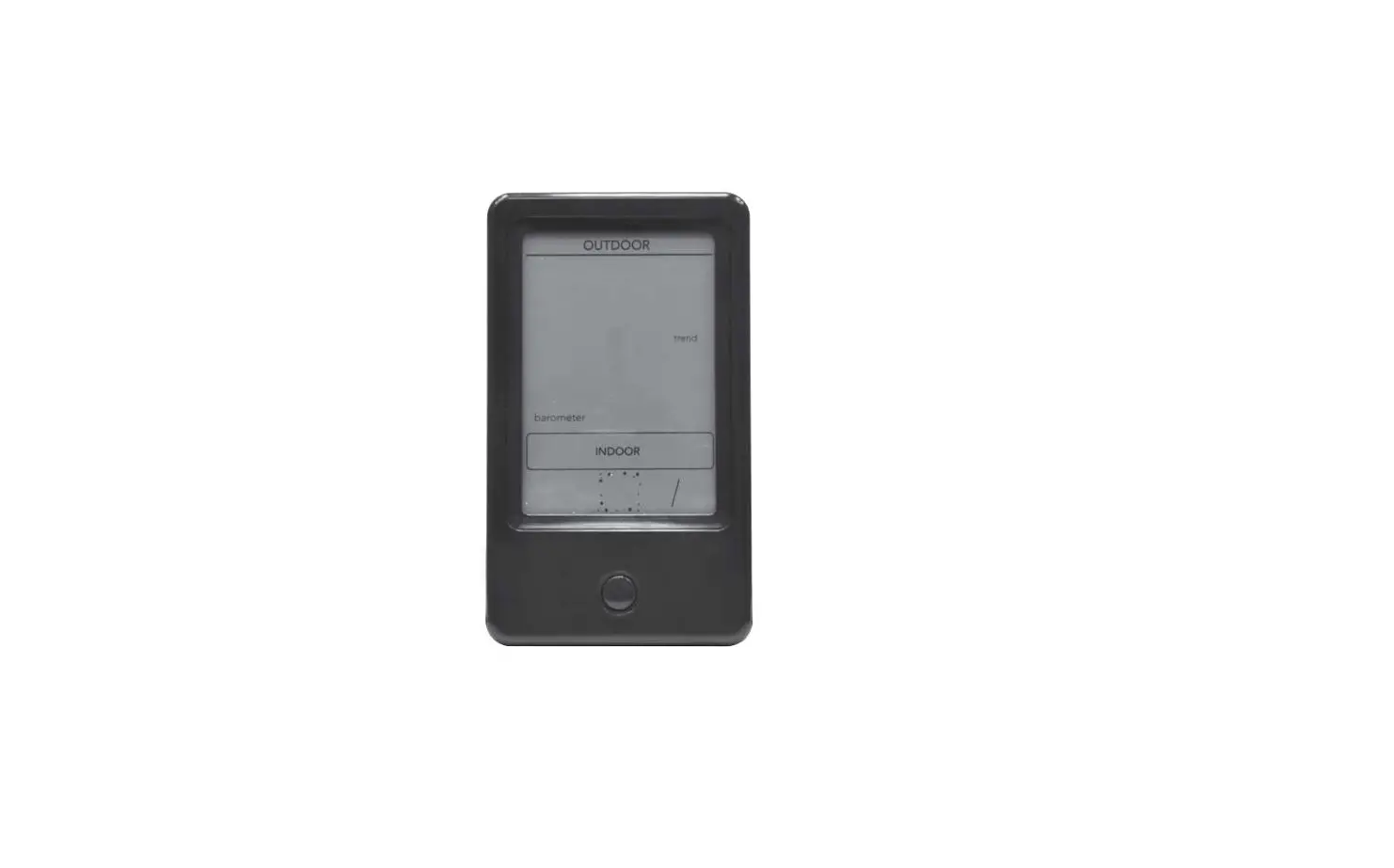
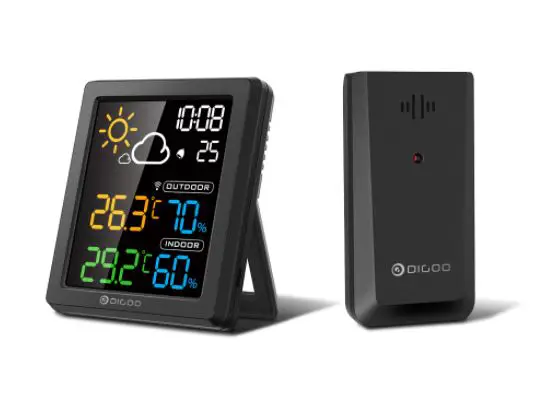
- Outdoor temperature & humidity LCD display
- Battery compartment
- TX (Initiate main unit search)
- Channel switch
- C/F switch
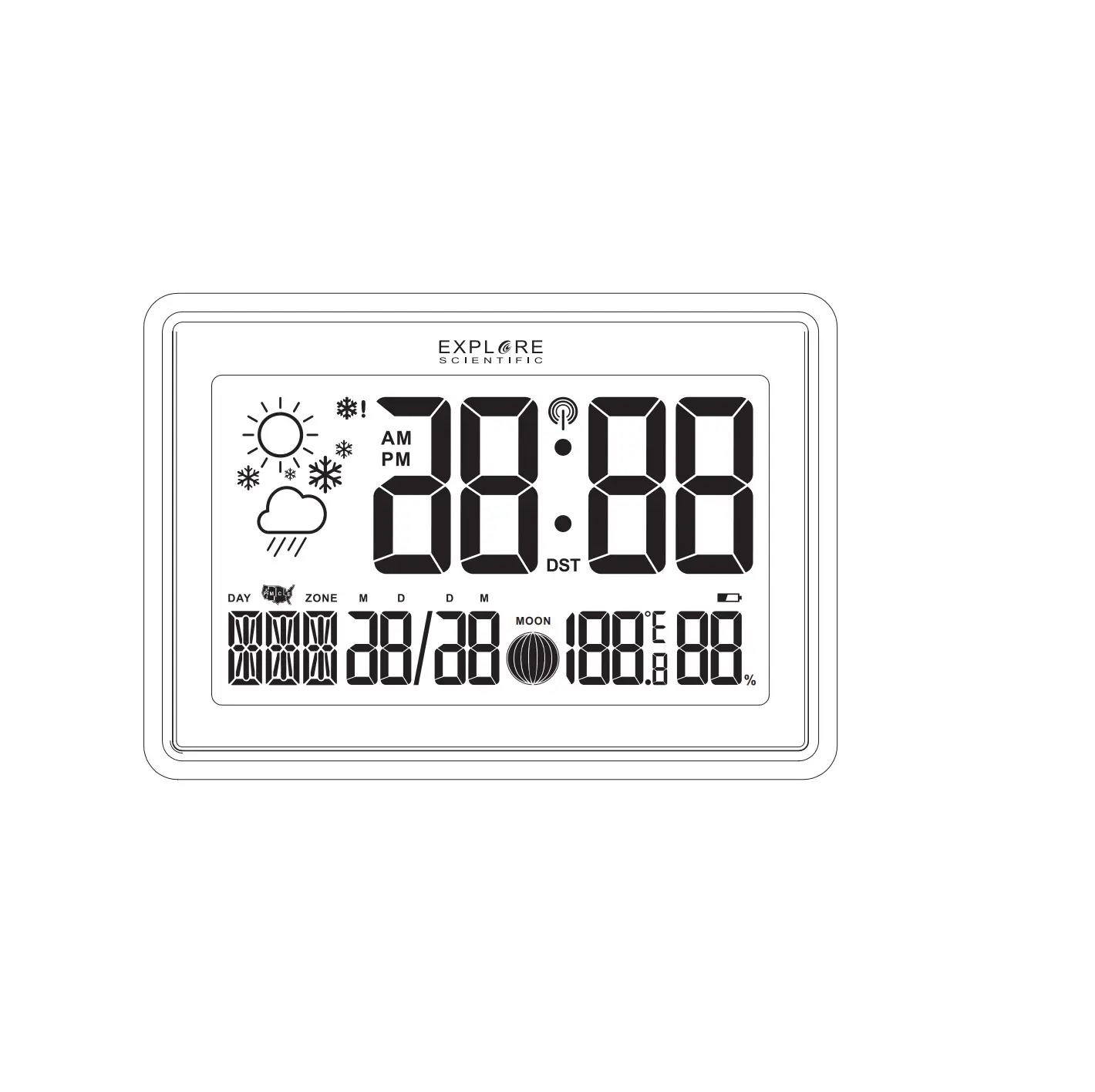
LCD DISPLAY
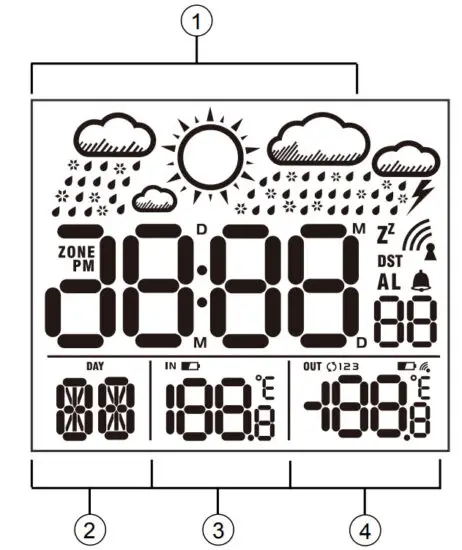
- Time display or Alarm time display (Press [] to switch)
- Date display
- Indoor temperature
- Outdoor temperature
[ ] RCC signal received
[ ] Alarm ON
[DST] DST ON (Daylight Saving Time)
[ ] Snooze activated
[ ] Low battery indicator
 ] RCC signal received
 ] Alarm ON
 ] Snooze activated
GETTING STARTED
INSERT BATTERIES
- Remove the battery door from the back.
- Insert 2x AAA (LR03)/1.5V batteries. Please ensure the polarities (+/-) of the batteries match upon installation.
- Reattach the battery door.
OUTDOOR SENSOR
The main unit can receive data from up to 3 outdoor sensors.
- The sensor is included with delivery.
- Remove the battery door from the back.
- Insert 2x AAA (LR03)/1.5V batteries. Please ensure the polarities (+/-) of the batteries match upon installation.
- Select a channel, then press TX.
- Reattach the battery door.
- Place the sensor within 30 m (98 ft) of the main unit using the table stand or wall mount.
NOTE: Replace batteries when [ ] displays, or when the display is dim.
AC/DC POWER ADAPTER
Only use a compatible AC/DC Power adapter (5V 1000mA). Plug the power cable to the power jack and the power adapter to a suitable power outlet.
NOTE: We recommend inserting batteries as a backup power source.
CLOCK
CLOCK RECEPTION
- Replace batteries or press [] after the RF receiving is finished button will initiate RCC receiving.
- RCC receiving can work in both date mode and alarm mode.
- The receiving process duration is 7 minutes.
- During receiving process, the RCC signal symbol [
 ] flashes.
 - If the RCC receiving process is successful, a completed RCC symbol [] will be shown in the display and the date and time will be set automatically. If it fails within 7 minutes, RCC setting will quit automatically cally. If that happens, press the [] button to reinitiate RCC receiving.
- RCC receiving will automatically start at 2:03, 3:03, 4:03, and 5:03 every night. Auto receiving function will cease if it is successful.
- To stop RCC reception, press the [] button.
- If the device is still not receiving the signal, please proceed to set the time manually.
 ] flashes.
NOTE: When using a power adapter, please increase the separation of the main unit and the power adapter to avoid interference of RCC signal receiving.
SET THE CLOCK MANUALLY
- Press and hold the [] button to enter time and date settings.
- The setting parameter will flash.
- Press the [] button once, and the figure will increase
1 unit (when setting the minute, the second will reset to 0).
Press and hold the [] button, the figures will increase rapidly. - Press the [] button once, and the figure will decrease the sensor
1 unit (when setting the minute, the second will reset to 0).
Press and hold the [] button, the figures will sensor decrease rapidly. - Press the [] button to confirm settings and enter to the next parameter.
- Sequence of setting: Zone —> 12/24 Hr —> Hour –> Minute —> Year (2000 – 2099) —> Date format —> Month —> Date —> °C/°F —> Weekday Language —> Exit
- If there is no action in 20 seconds, the setting will be saved and will exit the setting mode.
LANGUAGE
The sequence of setting weekday language: German (GER)  English (ENG) French (FRE) Italian (ITA) Dutch (DUT).
TIME ZONE SETTING
To set a different time zone, proceed as follows:
- Press and hold the [] button, and enter the time and date settings.
2. Press the [] button several times until the display shows the time offset “Zone 00”
3. Press the [] button to increase or [] button to decrease the Time zone offset. sensor
°C/°F SETTING
- Press and hold the [] button, and enter the time and date settings.
- Press the [] button several times until the display shows °C/°F.
- Press the [] or [] button to switch sensor Celsius (°C) / Fahrenheit (°F).
ALARM
SETTING/ADJUSTING DUAL ALARM TIME
You can set one alarm time for weekdays, (Monday to Friday / 1-5) and one alarm time for the weekend (Saturday to Sunday /6-7).
Alarm 1 = Weekday alarm (1-5) Alarm 2 = Weekend alarm (6-7)
- Press and hold the [] button, and enter the alarm setting.
- Sequence of setting: Alarm 1 (1-5) weekday hour weekday minute
 Alarm 2 (6-7) weekend hour weekend minute exit.
 - During setting, the setting parameter will flash.
- Press [] button once to increase by 1 or press [] once to decrease by 1. Alternatively, press the sensor and hold the [] button to change the figures sensor rapidly.
- Press the [] button to confirm setting and enter to next parameter.
- Press [] button to turn on/off the alarm.
- The alarm will turn on automatically when the alarm setting is finished.
- If there is no action in 20 seconds, the setting will be saved and will exit the setting mode.
TURN ON/OFF THE ALARM
TURN ON/OFF THE ALARM
- Press the [] button once to turn on/off the alarm that is nearest in time. (1-5) or (6-7) will flash to indicate which alarm was activated.
How to activate alarm times individually: - Press the [] button once to switch to alarm mode.
Monday to Friday alarm time will be shown and (1-5) will flash. - Press [] button once to turn on/off Monday to Friday alarm.
- Press [] button again to show Saturday to Sunday alarm time. (6-7) will flash.
- Press [] once to turn on/off Saturday to Sunday
WEATHER FORECAST
This device forecasts the next 12-24 hours of weather within a 30-50 km (19-31 mile) radius with a 75% accuracy.
| SYMBOL | DESCRIPTION |
 | Sunny |
 | Sunny to cloudy |
 | Cloudy |
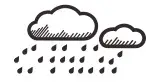 | Cloudy to rain |
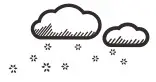 | Cloudy to snow |
OPERATION
- At the set time, the alarm signal rings.
- During the alarm, press the [] button to delay the alarm by 8 minutes.
- If you do not press any button to stop the alarm, it will automatically turn off after 2 minutes.
- To stop the alarm, press the [] or any other button.
- The alarm will start again at the next alarm time unless you switch off the alarm function by pressing the [] button in alarm display mode.
PROJECTION
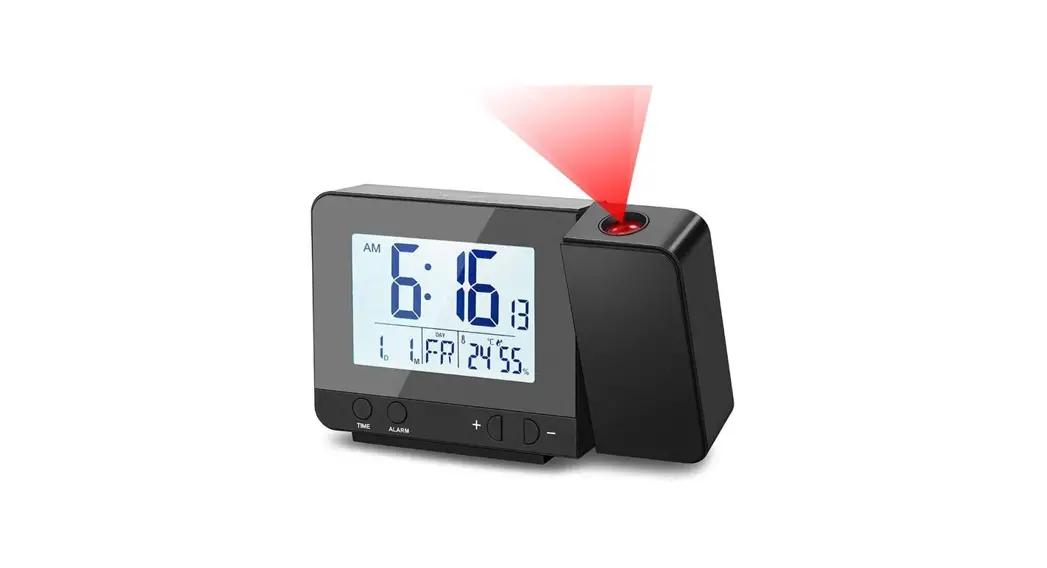
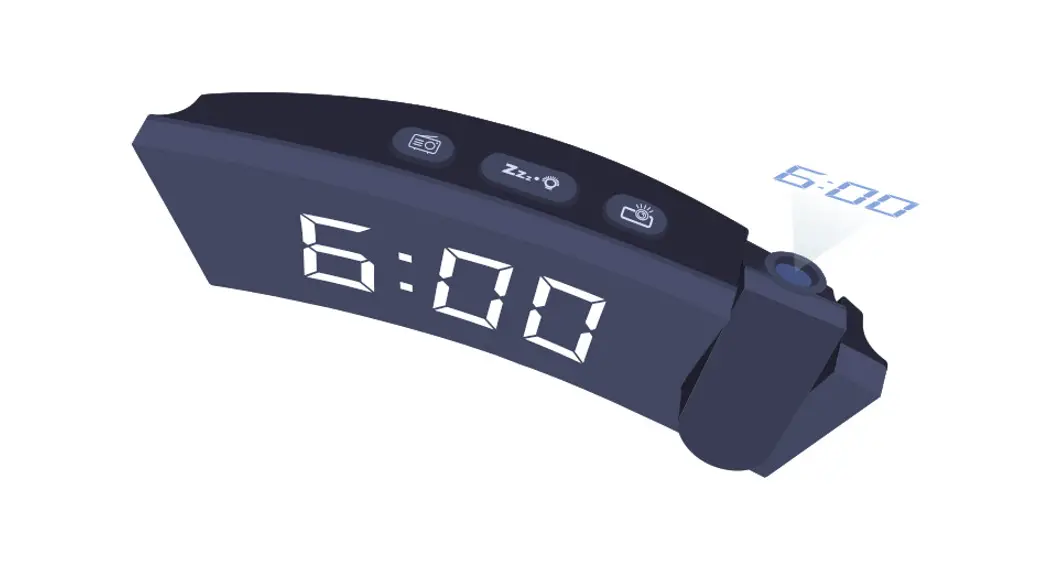
The projector displays the time on your ceiling or wall and it can rotate 180°. It is easier to view in a darkened room. For the optimal projection results, place the unit within 1.5 – 2 m (5-6.5 ft) from the ceiling or wall.
- Press the [] button to activate the backlight and projection for 5 seconds.
- Press the [] button and flip the protection display 180°.
- Press and hold [] button, toggle continues projection on in case of using an adapter power source and toggle projection on for 5 minutes in case of using batteries power only. Press and hold the [] button again, turn off the projection toggle continues projection off.
NOTE: The projection is disabled during the RCC signal reception.
SPECIFICATIONS
MAIN UNIT:
Dimensions (Main unit):
156 x 38 x 106 mm (L x W x H)
Weight (Main unit):
180 g (Exclude batteries)
Temperature display range:
-5°C to +50 °C (23°F to 122 °F)
Power:
2x AAA (LR03) 1.5V batteries
Power adapter 5V
OUTDOOR SENSOR
Dimensions:
60 x 20 x 60 mm (L x W x H)
Weight:
40 g (Exclude batteries)
Transmission range:
30 m (98 ft)
Temperature range:
-20°C to 60°C (-4°F to 140°F)
Signal frequency:
433 MHz
Maximum transmission power: under 10mW
Power:
2x AAA (LR03) 1.5V batteries
NOTE
- When the temperature is lower than -5°(23°), the temperature displays LL.L. When the temperature is higher than 50°(122°), the temperature displays HH.H.
- During alarm rings or the RCC receiving process, temperature detection will be stopped.
EC DECLARATION OF CONFORMITY
Hereby, Folux GmbH declares that the equipment type with part number:
RPW3009 is in compliance with Directive:
2014/53/EU. The full text of the EU declaration of conformity is available at the following internet address: www.bresser.de/download/RPW3009/CE/RPW3009_CE.pdf
RCM DECLARATION OF CONFORMITY The product complies with electrical safety, EMC, and radio spectrum regulatory requirements for products supplied to the Australia or New Zealand market.
NOTES ON CLEANING
- Remove the batteries before cleaning.
- Only use a dry cloth to clean the exterior of the device. To avoid damaging the electronics, do not use any cleaning fluid.
- Protect the device from dust and moisture.
DISPOSAL
Dispose of the packaging materials properly, according to their types, such as paper or cardboard.
Contact your local waste-disposal service or environmental authority for information on the proper disposal.
 Do not dispose of electronic devices in the household garbage!
As per the Directive 2002/96/EC of the European Parliament on waste electrical and electronic equipment and its adaptation into German law, used electronic devices must be collected separately and recycled in an environmentally friendly manner.
 In accordance with the regulations concerning batteries and rechargeable batteries, disposing of them in normal household waste is explicitly forbidden. Please make sure to dispose of your used batteries as required by law — at a local collection point or in the retail market. The disposal of domestic waste violates the Battery Directive. Batteries that contain toxins are marked with a sign and a chemical symbol.
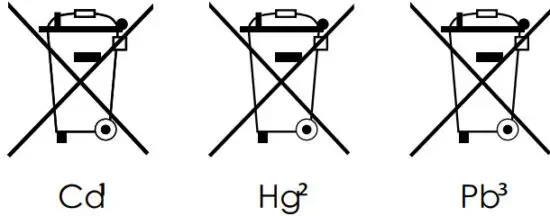
- battery contains cadmium
- battery contains mercury
- battery contains lead
WARRANTY & SERVICE
The regular guarantee period is 5 years and begins on the day of purchase. To benefit from an extended voluntary guarantee period as stated on the gift box, registration on our website is required.
You can consult the full guarantee terms as well as information on extending the guarantee period and details of our services at www.explorescientific.com/warranty.
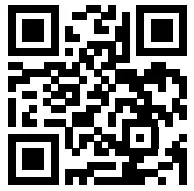
Would you like detailed instructions for this product in a particular language? Then visit our website via the link below (QR code) for available versions.
 MANUAL DOWNLOAD:
 SERVICE AND WARRANTY:
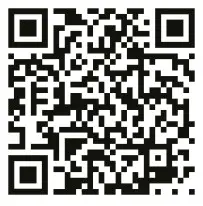 www.explorescientific.com/weather-clock-manuals
Folux GmbH
Gutenbergstr. 2 · DE-46414 Rhede · Germany
www.bresser.de · [email protected]
Explore Scientific, LLC
1010 S. 48th Street, Springdale, AR 72762
www.explorescientific.com
 Bresser | Startseite | Expand Your Horizon mit BRESSER
 Warranty — Explore Scientific
 Instruction Manual - Google Drive