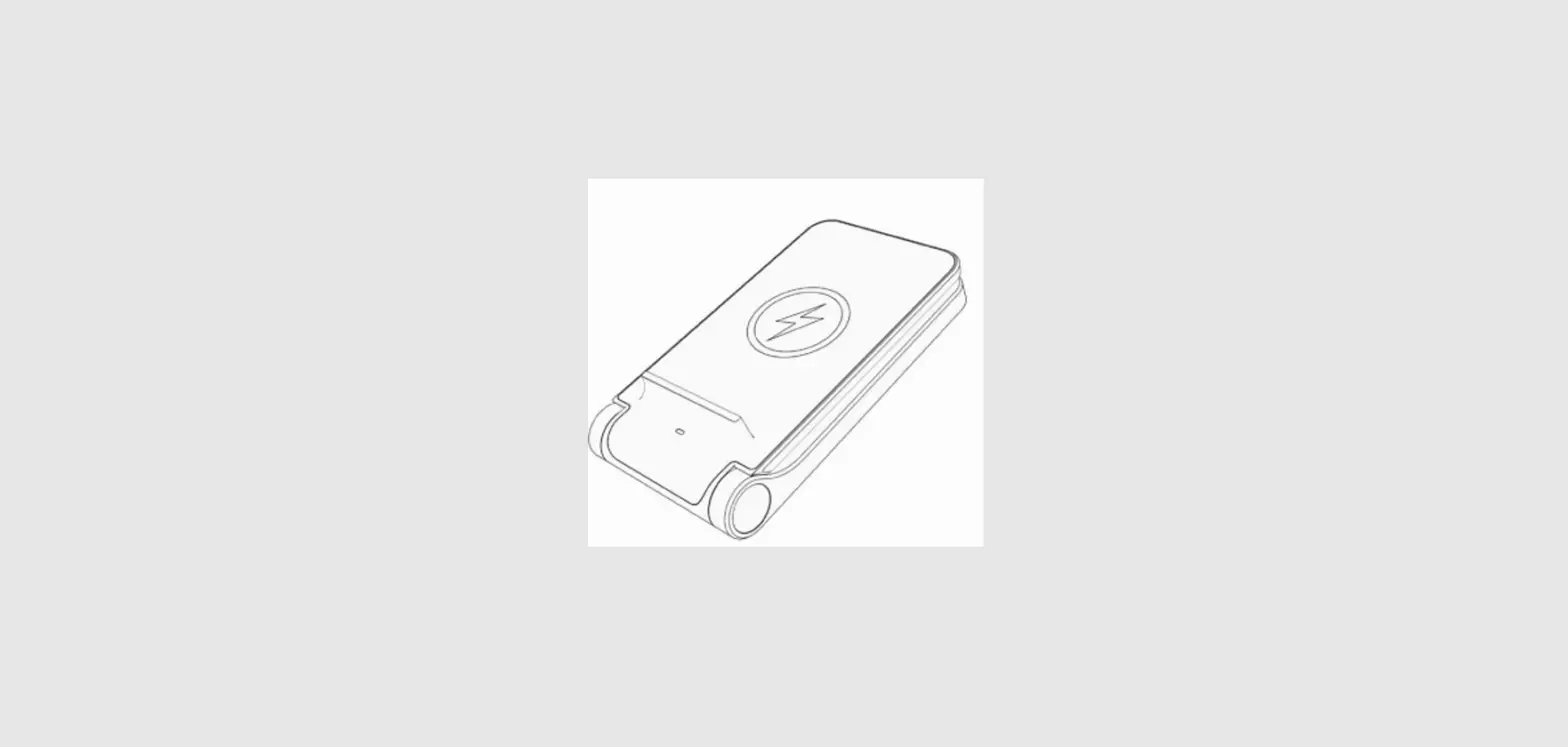
NS-MM541S23 4-in-1 Wireless Charger
Product Information
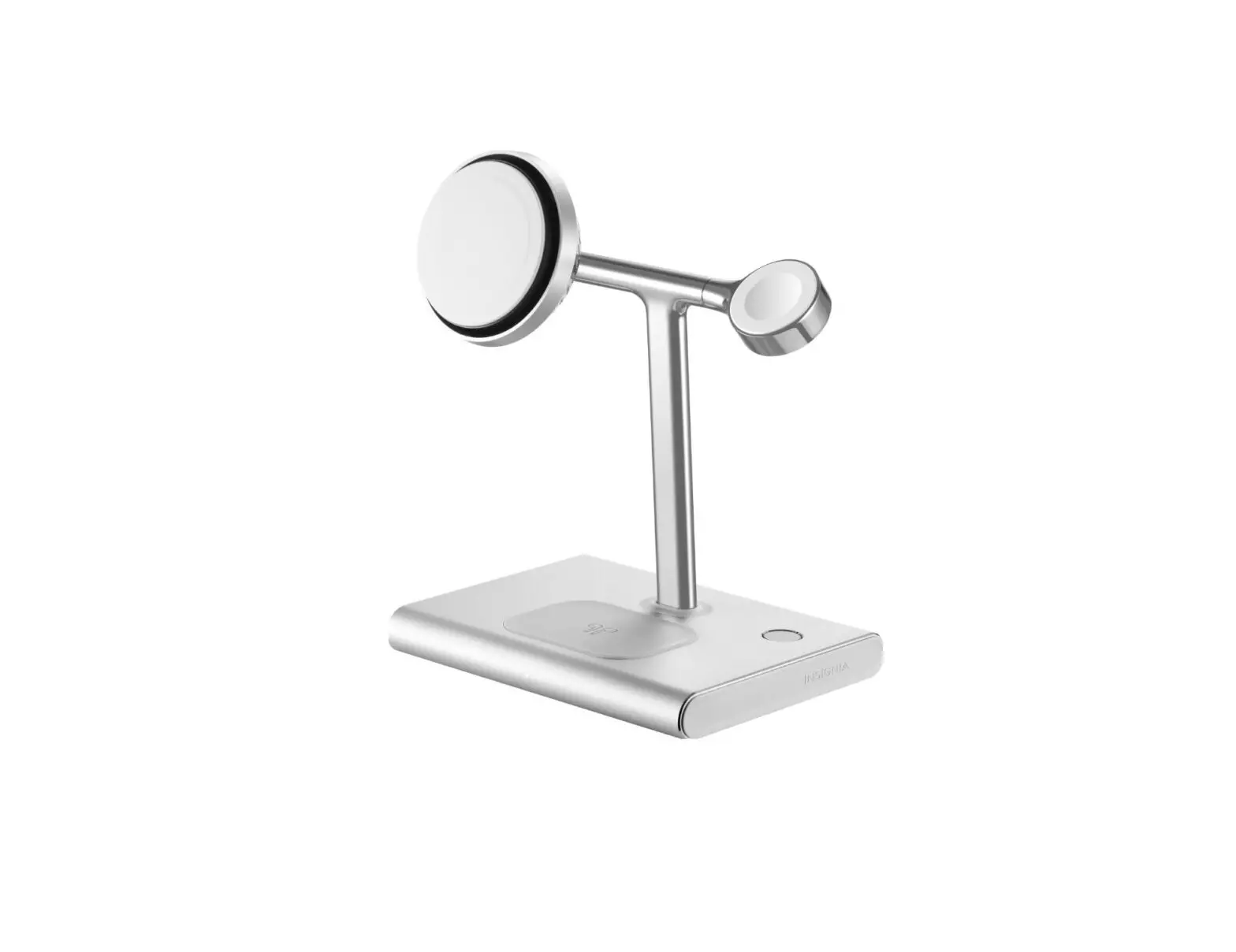
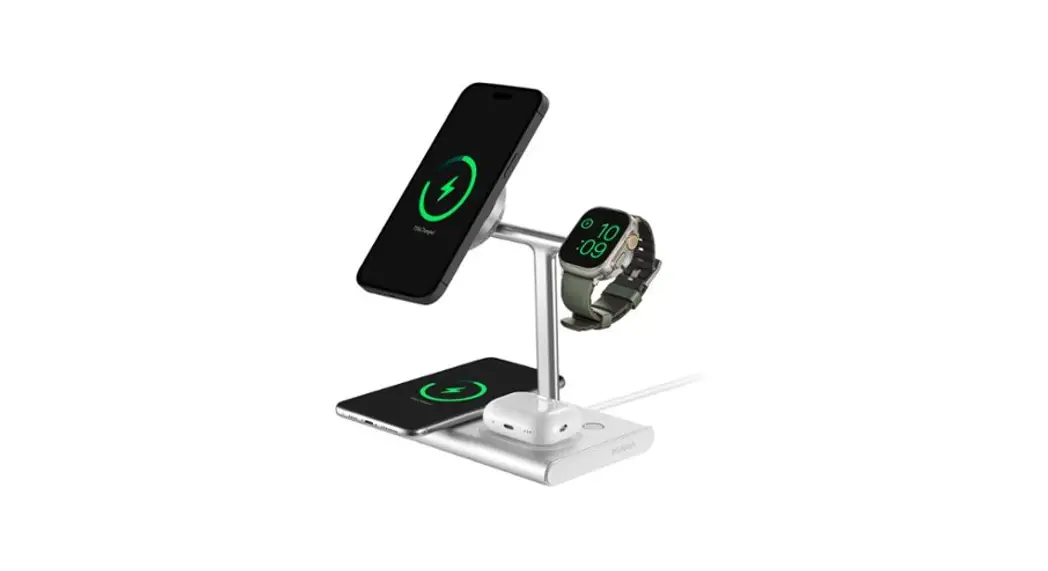
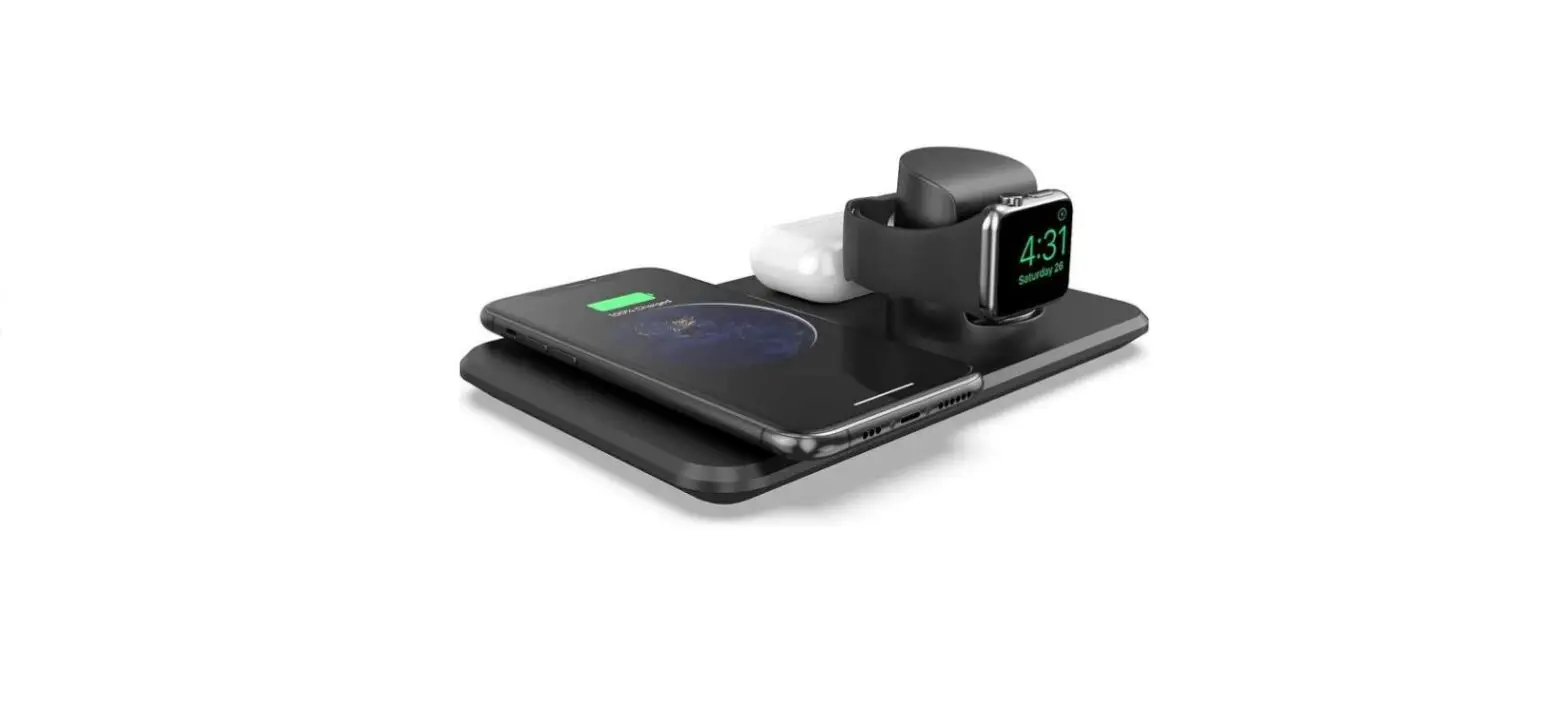
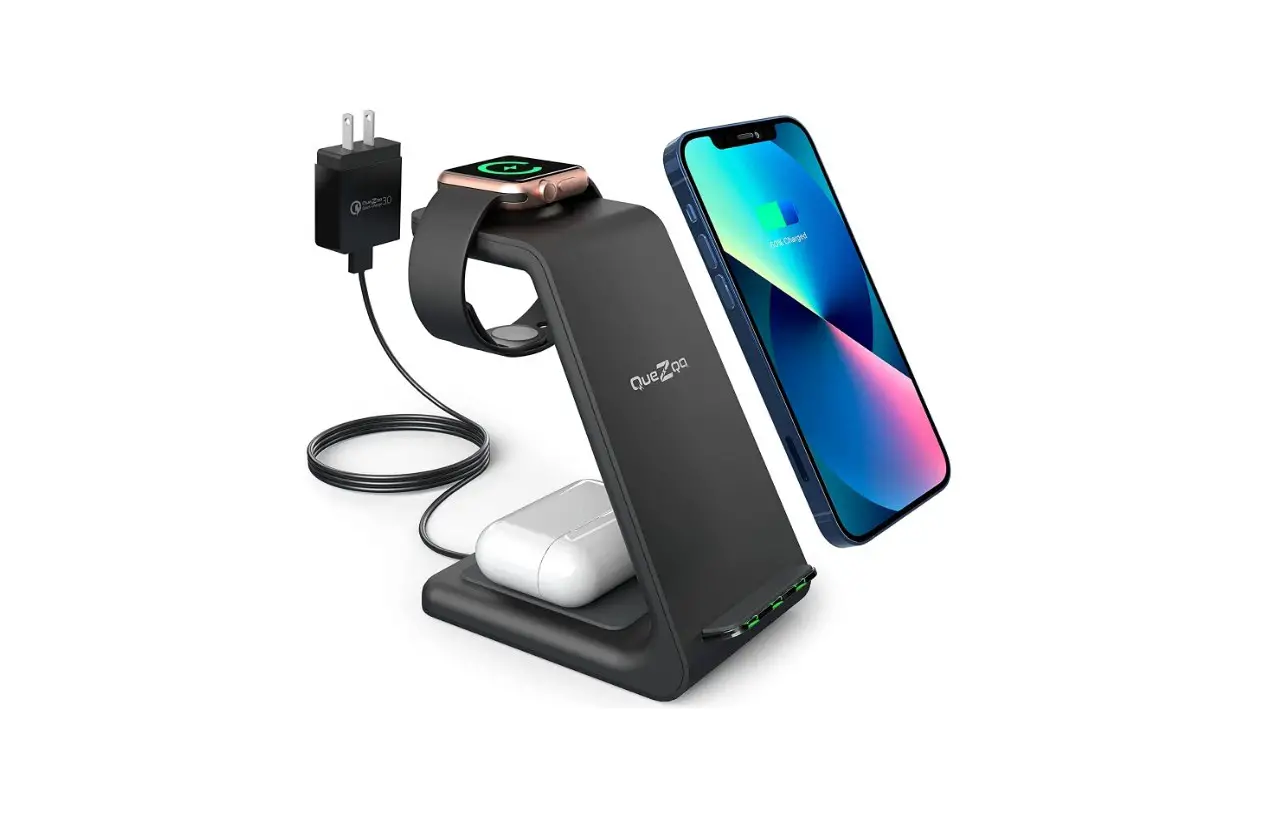
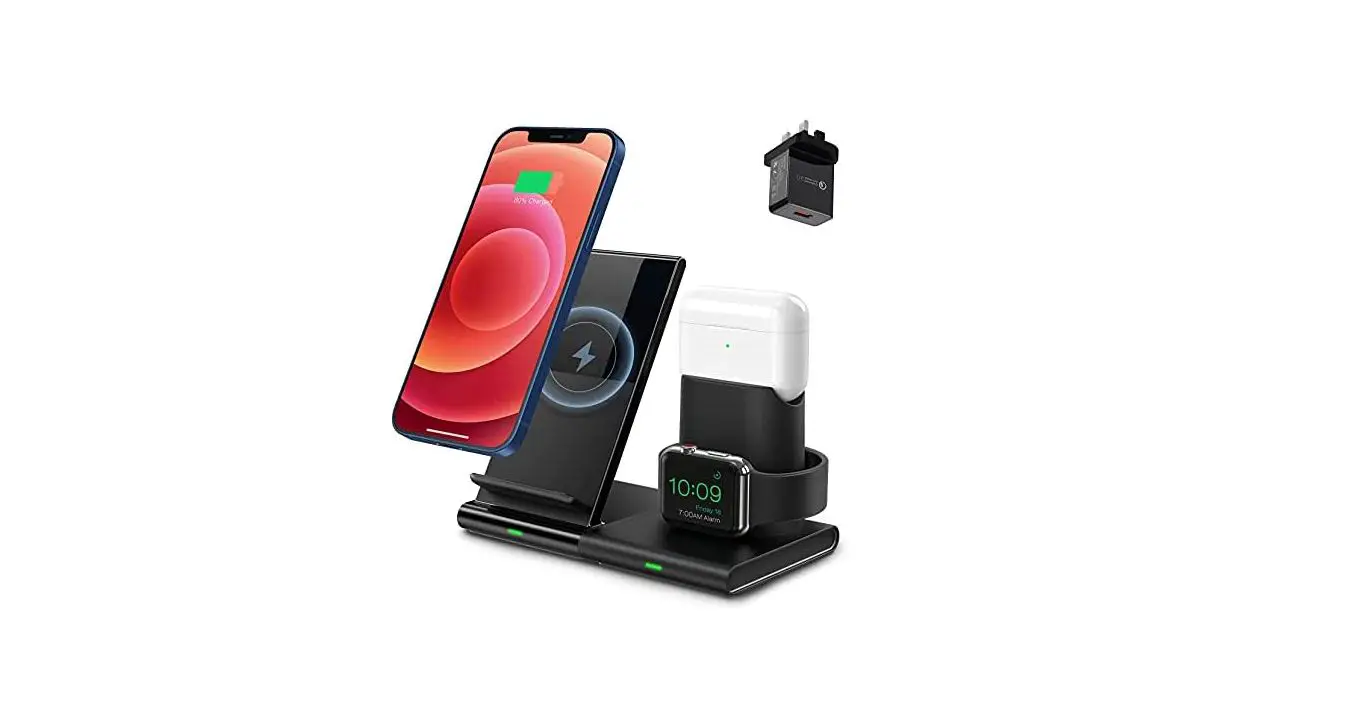
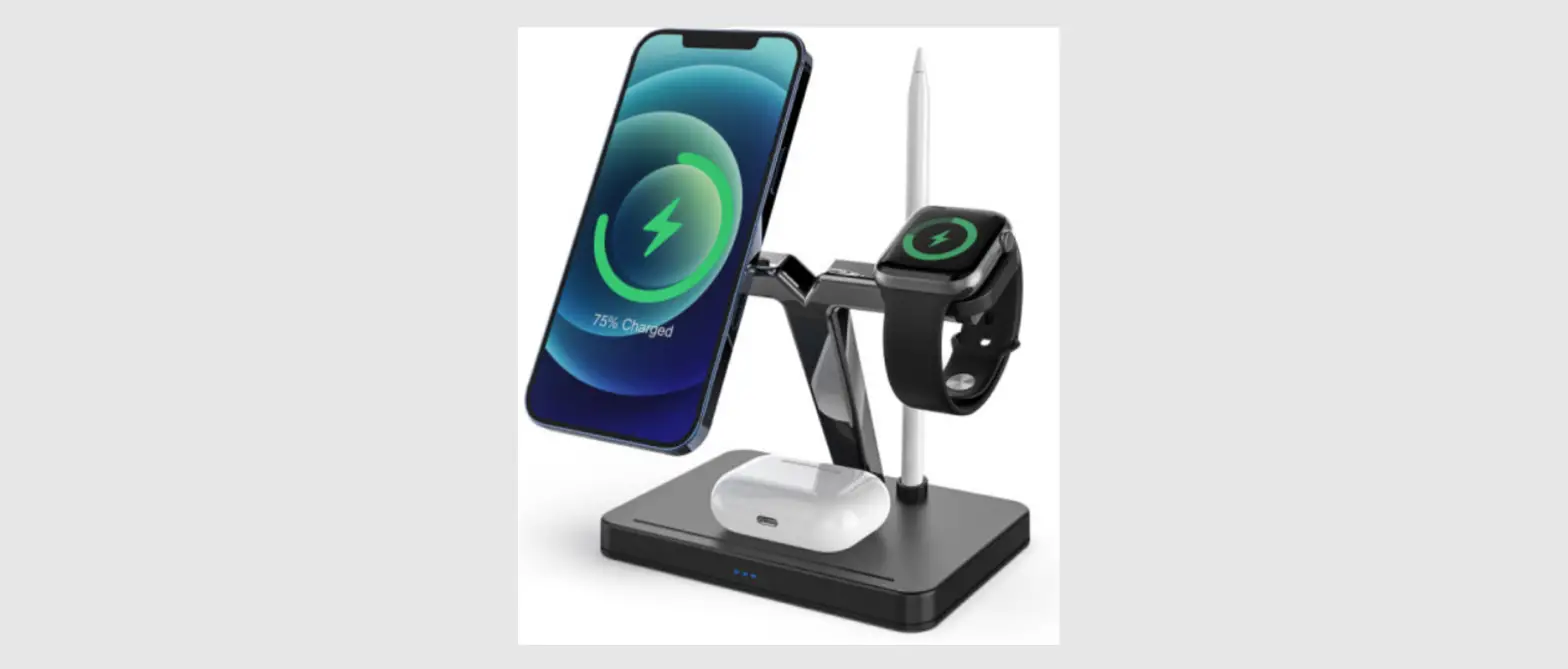
The NS-MM541S23 is a 4-in-1 wireless charger that supports
charging for iPhone, Apple Watch, AirPods, and Qi-enabled mobile
devices. The charger is equipped with a Turbo+ button that enables
quick charging while keeping the devices cool with its built-in
fan. The charger also has a charging LED that indicates the
charging status of the devices.
Package Contents
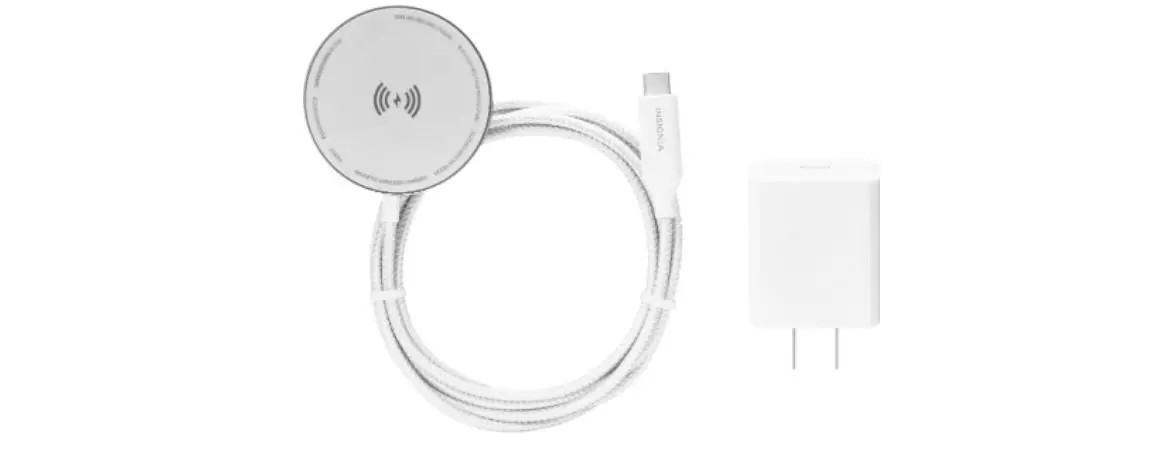
- NS-MM541S23 4-in-1 Wireless Charger
- AC Power Adapter
- Charger Cord
Compatibility
The charger is compatible with iPhone, Apple Watch, AirPods, and
Qi-enabled mobile devices.
Features
- Turbo+ button for quick charging and cooling
- Built-in fan to keep devices cool
- Charging LED to indicate the charging status of the
devices - iPhone holder, Apple Watch holder, and AirPods holder
Product Usage Instructions
- Plug the included AC power adapter into a 120V (standard) wall
outlet. - Plug the small end of the charger cord into the bottom of your
wireless charger. - Lay your devices on the charger.
- For iPhone, place it on the charging pad.
- For Apple Watch, place it on the Apple Watch holder.
- For AirPods, place them on the AirPods holder.
- For Qi-enabled mobile devices, place them on the charging
pad.
- Press the Turbo+ button once to turn on Turbo cooling. The LED
lights solid white, and the fan turns on. - Press the Turbo+ button a second time to turn on Quiet mode.
The LED indicator flashes white, and noise is reduced. - Press the Turbo+ button a third time to turn off Turbo+
charging. The LED indicator turns off.
on the charging pad or AirPods holder.
Understanding Indicator Lights
The Turbo+ indicator light indicates the following:
| Indicator Status | Function |
|---|---|
| Solid white | Turbo+ mode quickly charges while the built-in fan keeps devices cool. |
| Flashing white | Turbo+ mode quickly charges while the built-in fan operates quietly. |
| Off | Turbo+ mode and the fan are turned off. Devices are charged at a normal speed. Check your device’s screen to see its charging status. |
The Charging LED indicates the following:
| LED Status | Function |
|---|---|
| Solid white | A device is charging on the charging pad or AirPods holder. |
| Flashing orange | A metal object is on the charging pad or AirPods holder. Remove the object. |
| Off | No devices are charging on the charging pad or AirPods holder. |
Troubleshooting
If you are experiencing any issues with your wireless charger,
please refer to the troubleshooting section in the user manual.
Warnings
- Do not place keys, coins, watches, or other small metal objects
on the charging pad or AirPods holder.
Legal Notices
This product is protected by copyright laws and is covered by a
one-year limited warranty. For more information, please visit
www.insigniaproducts.com.
Contact Insignia
For customer service, call 877-467-4289 (U.S. and Canada) or
visit www.insigniaproducts.com.
QUICK SETUP GUIDE
4-in-1 Wireless Charger
with Magsafe®
NS-MM541S23
Before using your new product, please read these instructions to prevent any damage.
PACKAGE CONTENTS
· 4-in-1 Wireless Charger · AC power adapter · Quick Setup Guide
COMPATIBILITY
· iPhone 14 Pro Max · iPhone 14 Pro · iPhone 14 · iPhone 14 Plus · iPhone 13 Pro Max · iPhone 13 Pro · iPhone 13 · iPhone 13 mini · iPhone 12 Pro Max · iPhone 12 Pro · iPhone 12 · iPhone 12 mini · Apple Watch Ultra · Apple Watch Series 8 · Apple Watch SE (1st and 2nd generation) · Apple Watch Series 7 · Apple Watch Series 6 · Apple Watch Series 5 · AirPods Pro (1st and 2nd generation) · AirPods (2nd and 3rd generation) · AirPods with Wireless Charging Case · Official MagSafe cases · Qi-enabled devices
FEATURES
· Charges quietly for a restful night · Wirelessly charges up to four devices at once, including
your iPhone, Apple Watch, AirPods, and more · MagSafe Turbo+ activates automatically and keeps your
iPhone cool for superior charging speeds
USING YOUR CHARGER
1 Plug the included AC power adapter into a 120V (standard) wall outlet.
iPhone holder Charging pad
Apple Watch holder
Turbo+ button with indicator light AirPods holder Charging LED (for Charging Pad and AirPods holder)
2 Plug the small end of the charger cord into the bottom of your wireless charger.
3 Lay your devices on the charger.
iPhone
Apple Watch
USING TURBO+ MODE
1 Press the Turbo+ button once to turn on Turbo cooling. The LED lights solid white, and the fan turns on.
2 Press the Turbo+ button a second time to turn on “Quiet” mode. The LED indicator flashes white and noise is reduced.
3 Press the Turbo+ button a third time to turn off Turbo+ charging. The LED indicator turns off.
Qi-enabled mobile device
AirPods
Warning: Do not place keys, coins, watches, or other small metal objects on this panel.
Turbo+ button
UNDERSTANDING INDICATOR LIGHTS
Turbo+ indicator light
INDICATOR STATUS FUNCTION
Solid white
Turbo+ mode quickly charges while the built-in fan keeps devices cool.
Flashing white
Turbo+ mode quickly charges while the built-in fan operates quietly.
Off
Turbo+ mode and the fan are turned off.
Devices are charged at a normal speed. Check
your device’s screen to see its charging status.
Charging LED LED STATUS Solid white
Flashing orange
Off
FUNCTION A device is charging on the charging pad or AirPods holder.
A metal object is on the charging pad or AirPods holder. Remove the object.
No devices are charging on the charging pad or Airpods holder.
TROUBLESHOOTING
My device won’t charge. · Make sure that your device is compatible. · Restart your device. · Try removing the phone case if it is not Magsafe
compatible. · Make sure that you use the included power adapter. · Make sure that there are no metal objects on the charger. · Make sure that your wall outlet has the correct voltage.
My wireless charger or device becomes warm while charging. · It is normal for a device to be warm while charging. If
your device is too hot to touch, stop using the charger and contact support. · Make sure that your device supports wireless charging. · Remove the protective case from your device, if it has one. · Make sure that you use the included power adapter.
My device charges slowly. · Wireless charging is generally slower than wired
charging. This is normal. · Make sure that you use the included power adapter. · Try removing your device’s case. · Restart your phone and make sure that it is centered on
the wireless charger. · Fast charging is not supported for the Apple Watch
Series 8/7/Ultra.
My AirPods or Apple Watch case will not charge. · Try removing the protective case. · Place your device at the center of the charger.
My wireless charger is too loud. · Check if the Turbo+ Cooling function is turned on
(solid white LED). If it’s on, tap the Turbo+ button turn on quiet mode (flashing white LED). · If the charger is still too loud, tap the Turbo+ button again to turn off Turbo+ Cooling (LED off ).
SPECIFICATIONS
· Dimensions (H×W×D): 6.89 × 6.43 × 4.33 in. (17.5 × 16.33 × 11 cm)
· Weight: 2.25 lbs. (1024.6 g) · Power adapter cable length: 5.1 ft (156 cm) · Wireless output wattage: up to 35W total · Input voltage (Wireless charger): DC 15V · Input voltage (Power adapter): AC 100-240V
WARNINGS
· People with pacemakers should keep away from the magnets. The magnets can negatively affect the function of the pacemaker.
· Do not place any bank or similar cards with magnetic strips or magnetically sensitive objects on the product. The data on the cards could be damaged or completely deleted.
· Make sure that that there are no metal parts on the back of your device. Metal heats up significantly in the field of an induction charger and can damage your device and/or the charger.
LEGAL NOTICES
FCC compliance This device complies with part 15 of the FCC Rules. Operation is subject to the following two conditions: (1) This device may not cause harmful interference, and (2) this device must accept any interference received, including interference that may cause undesired operation. FCC Caution: Changes or modifications not expressly approved by the party responsible for compliance could void the user’s authority to operate the equipment. FCC Statement: This equipment has been tested and found to comply with the limits for a Class B digital device, pursuant to part 15 of the FCC Rules. These limits are designed to provide reasonable protection against harmful interference in a residential installation. This equipment generates, uses, and can radiate radio frequency energy and, if not installed and used in accordance with the instructions, may cause harmful interference to radio communications. However, there is no guarantee that interference will not occur in a particular installation. If this equipment does cause harmful interference to radio or television reception, which can be determined by turning the equipment off and on, the user is encouraged to try to correct the interference by one or more of the following measures:
· Reorient or relocate the receiving antenna. · Increase the separation between the equipment and receiver. · Connect the equipment into an outlet on a circuit different from that to which the
receiver is connected. · Consult the dealer or an experienced radio/TV technician for help. RF Exposure: This equipment complies with FCC radiation exposure limits set forth for an uncontrolled environment. This transmitter must not be co-located or operating in conjunction with any other antenna or transmitter. RSS-Gen statement: This device contains licence-exempt transmitter(s)/receiver(s) that comply with Innovation, Science and Economic Development Canada’s licence-exempt RSS(s). Operation is subject to the following two conditions: This device may not cause interference. This device must accept any interference, including interference that may cause undesired operation of the device. Ce dispositif contient des émetteurs exonérés de permis(s)/récepteurs)s qui sont conformes aux RSS (s) exemptés de licence du Canada. L’opération est soumise aux deux conditions suivantes : 1. Cet appareil peut ne pas causer d’interférences. 2. Ce dispositif doit accepter toute interférence, y compris les interférences qui peuvent provoquer un fonctionnement indésirable de l’appareil. RSS-102 Statement This equipment complies with IC RSS-102 radiation exposure limits set forth for an uncontrolled environment. Cet équipement est conforme aux limites d’exposition aux radiations IC CNR-102 établies pour un environnement non contrôlé.
ONE-YEAR LIMITED WARRANTY
Visit www.insigniaproducts.com for details.
CONTACT INSIGNIA:
For customer service, call 877-467-4289 (U.S. and Canada) www.insigniaproducts.com
INSIGNIA is a trademark of Best Buy and its affiliated companies. Distributed by Best Buy Purchasing, LLC 7601 Penn Ave South, Richfield, MN 55423 U.S.A. ©2022 Best Buy. All rights reserved.
V1 ENGLISH 22-0900