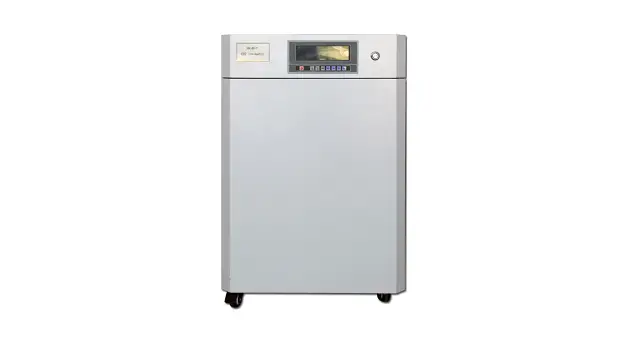
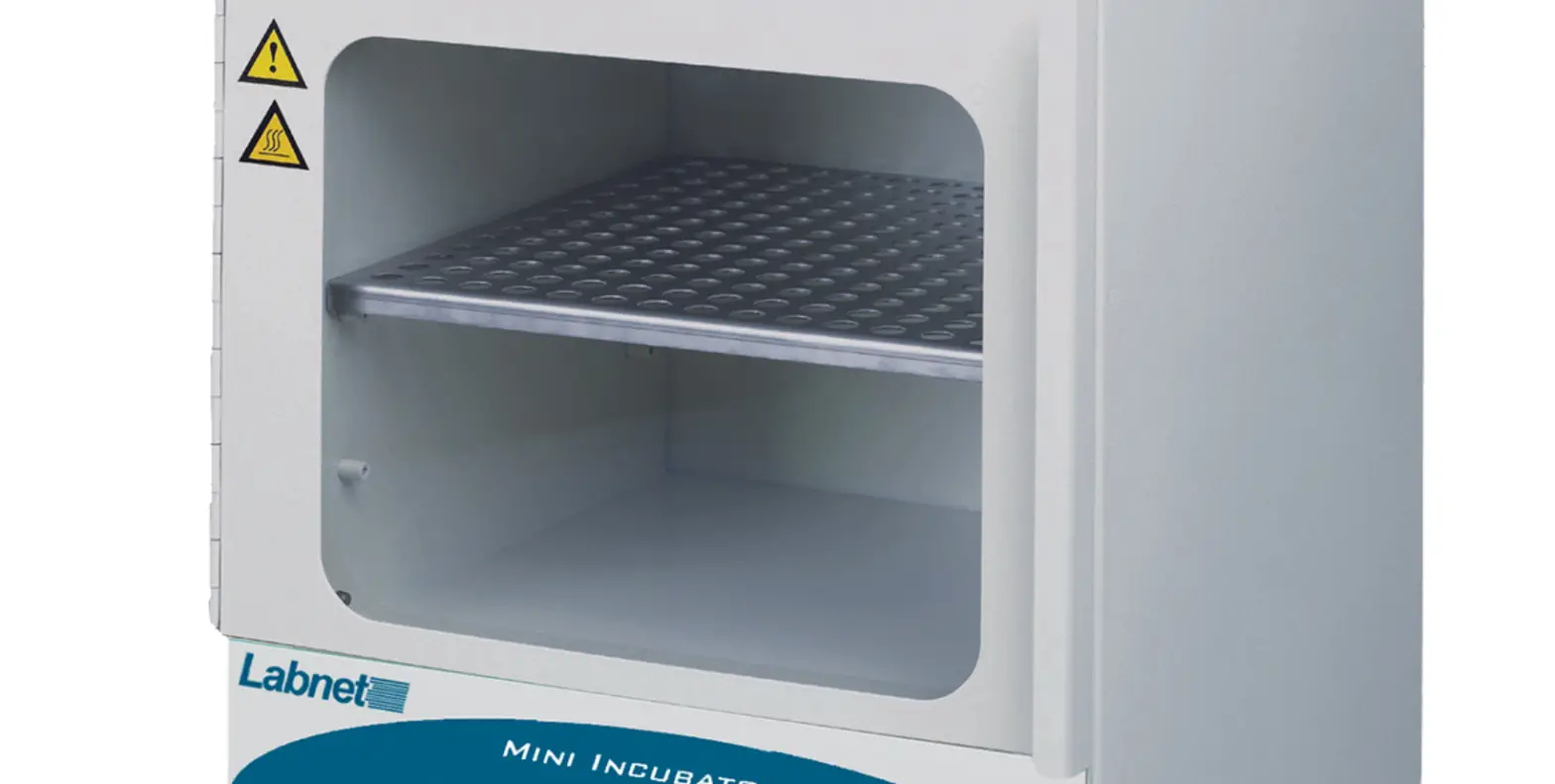
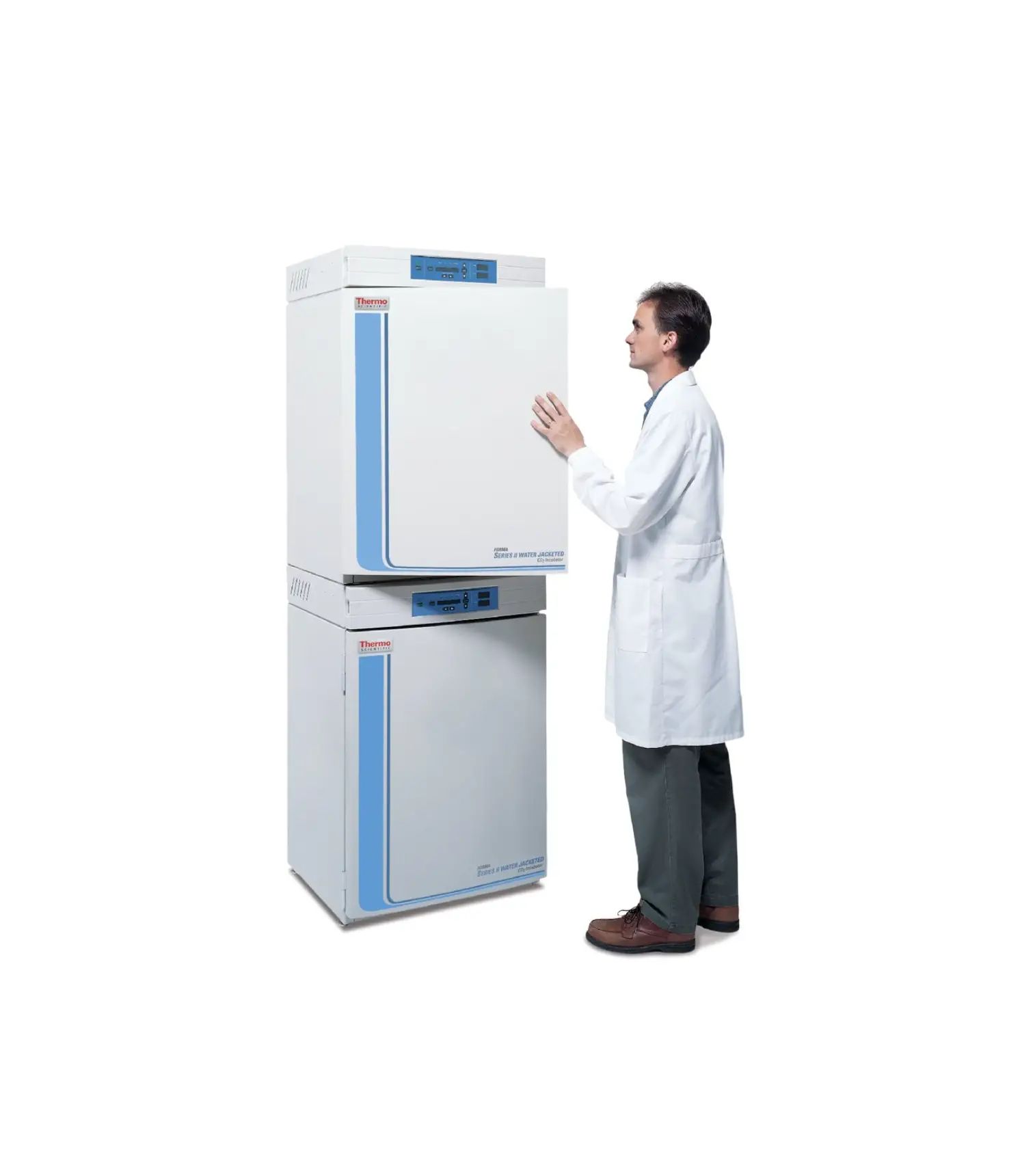
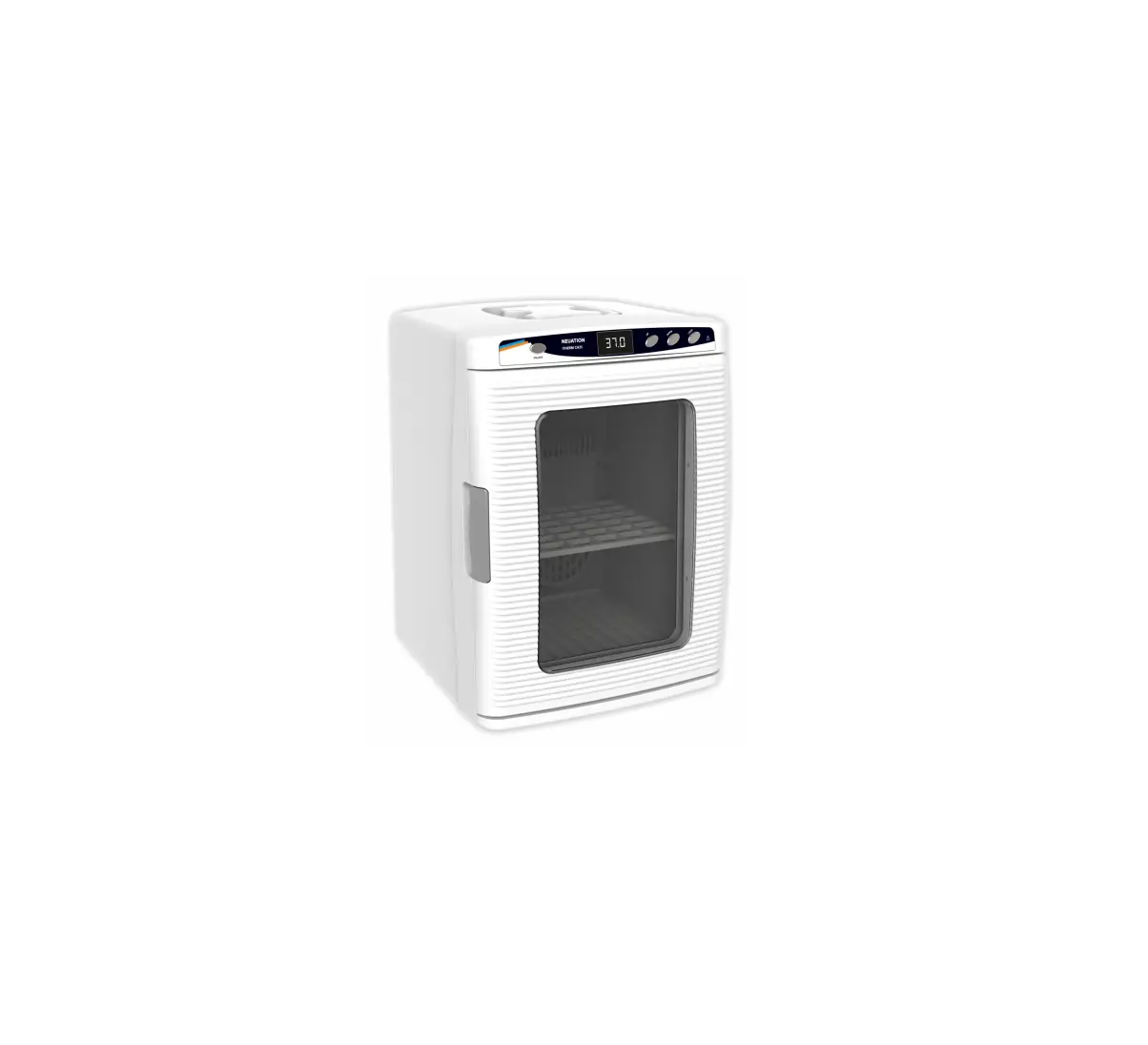
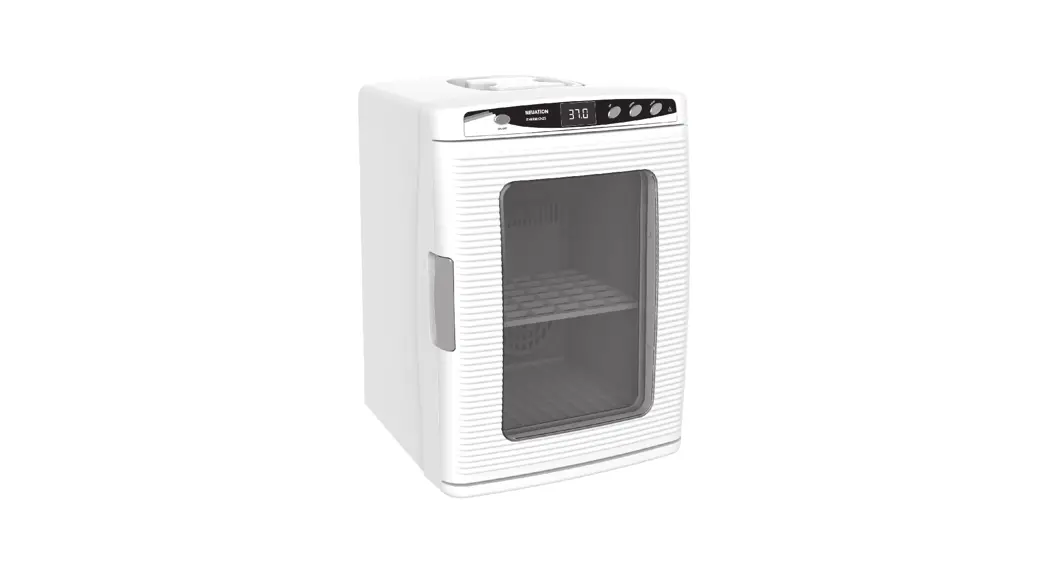
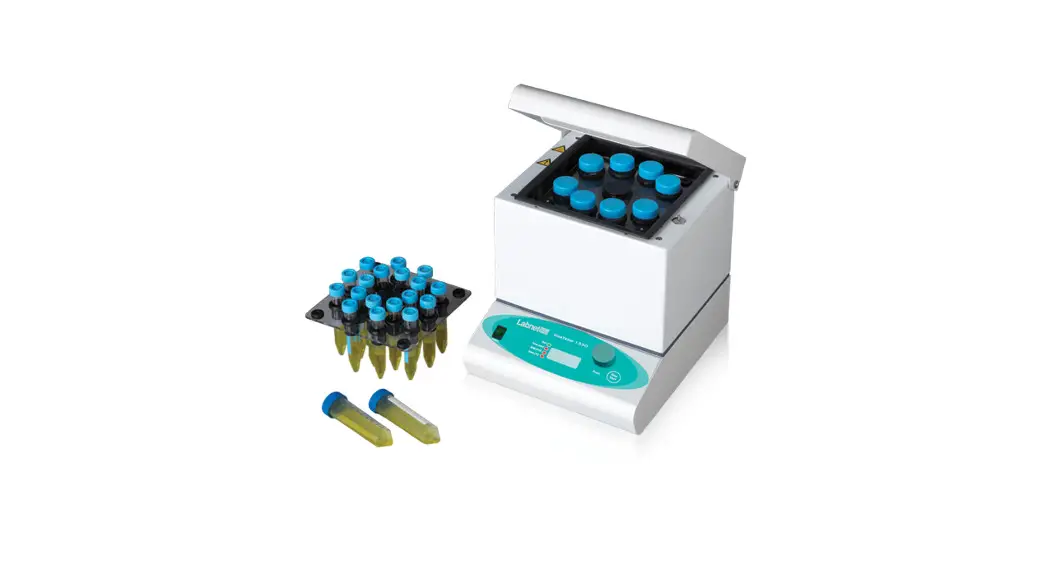
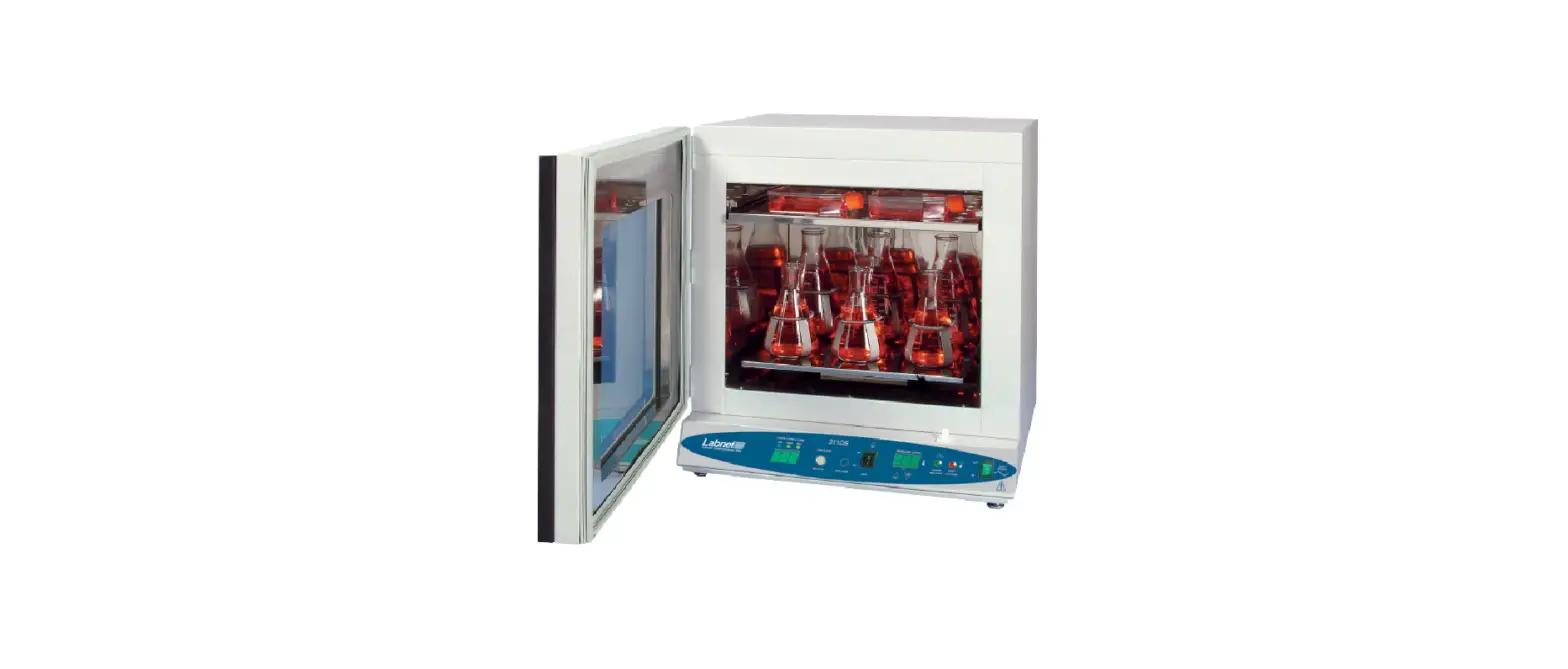
INC-C CO2 Incubator
Product Information
- Product Name: INC-C CO2 Incubator
- Application Range: Suitable for use in modern
medicine, biochemistry, agricultural science research, and
industrial production departments, for the cultivation of
biological cells, tissues, and bacterial cultures. - Features:
- Made of high-quality thermal insulation materials and adopts a
water jacket structure, with an air duct liner and fan forced
convection that ensures uniform box temperature and equilibrium CO2
concentration. - Uses first-class imported CO2 sensors that detect infrared
waves and have gold-plated probes, ensuring measurement accuracy
and a sensor life of up to 15 years. - Indoor CO2 concentration can range from 0 to 20%, and a gas
filter is used to improve measurement accuracy and room cleanliness
and to reduce the effect of impurities on CO2 gas
concentration. - Fans and CO2 valve automatically turn off when the door is
open, and heating stops, reducing CO2 gas consumption, and
preventing air pollution caused by the entry of impurities. - Temperature and CO2 concentration are controlled by intelligent
PID control and computer data analysis, ensuring high precision and
strong anti-interference. Temperature control uses two probes to
control the temperature inside and outside the door, ensuring high
precision and minimal fluctuations. - Adjustment switch is light and flexible to operate.
- Independent temperature control door reduces external
temperature and prevents frost on the system of the studio and
glass doors. - Natural evaporation humidifier maintains good indoor
humidity. - Box temperature, CO2 concentration, and set parameters are
displayed digitally, and the LED instruction indicates door heat,
CO2 entering the air, high-water level, and water shortage. - Equipment is equipped with protection features such as super
warm and breathe, ensuring safe operation.
- Made of high-quality thermal insulation materials and adopts a
- Warranty: This instrument is guaranteed to be
free from defects in materials and workmanship under normal use and
service for a period of 24 months from the date of invoice. The
warranty is extended only to the original purchaser and shall not
apply to any product or parts that have been damaged due to
improper installation, improper connections, misuse, accidents, or
abnormal conditions of operation. - Service: If help is needed, you can always
contact your dealer or Labbox via www.labbox.com. Please provide
the customer service representative with the following information:
Serial number, Description of the problem, Your contact
information.
Product Usage Instructions
- Please read the User Manual carefully before use, and follow
all operating and safety instructions! - If you need help, contact your dealer or Labbox via
www.labbox.com with your serial number, description of the problem,
and your contact information. - Ensure that the incubator is suitable for your intended
application range. - Plug the incubator into a power source and turn it on.
- Adjust the temperature and CO2 concentration using the
intelligent PID control and computer data analysis. - Use the adjustment switch to set parameters as needed.
- Monitor the box temperature, CO2 concentration, and set
parameters on the digital display. - If the door is opened, the fans and CO2 valve automatically
turn off, and heating stops to prevent air pollution and reduce CO2
gas consumption. - If you encounter any issues with the product during the
warranty period, contact your supplier.
INC-C CO2 Incubator
Please read the User Manual carefully before use, and follow all operating and safety instructions!
user manual
english
User Manual
INC-C CO2 Incubator
Preface
Thank you for purchasing our product. Users should read this manual carefully, follow the instructions and procedures, and be aware of all preventive measures when using this instrument.
Service
If help is needed, you can always contact your dealer or Labbox via www.labbox.com. Please provide the customer service representative with the following information:
Serial number Description of the problem Your contact information
Warranty
This instrument is guaranteed to be free from defects in materials and workmanship under normal use and service for a period of 24 months from the date of invoice. The warranty is extended only to the original purchaser and shall not apply to any product or parts that have been damaged due to improper installation, improper connections, misuse, accidents, or abnormal conditions of operation. For claims under the warranty, please contact your supplier.
2
1. Application Range:
The INC-C CO2 Incubator is suitable for use in modern medicine, biochemistry, agricultural science research, and industrial production departments, for the cultivation of biological cells, tissues, and bacterial cultures.
2. Features:
1. This product is made of high-quality thermal insulation materials and adopts a water jacket structure, with an air duct liner and fan forced convection that ensures uniform box temperature and equilibrium CO2 concentration.
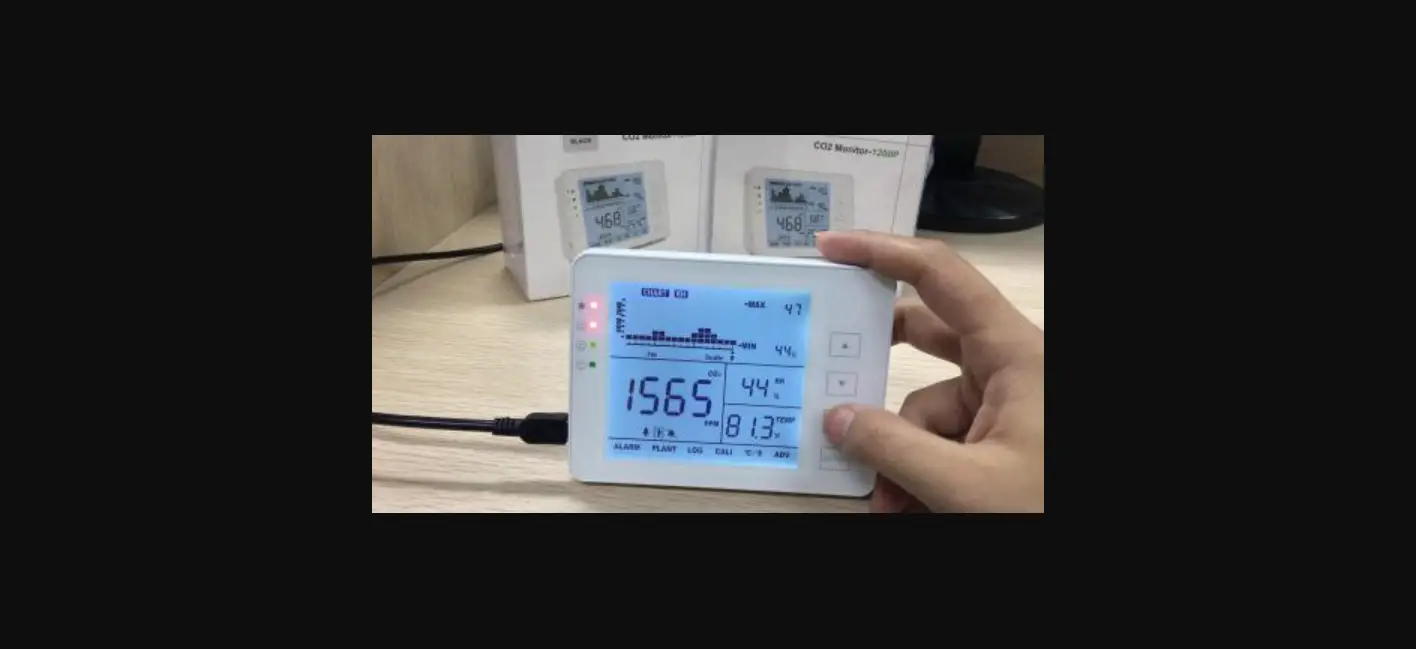
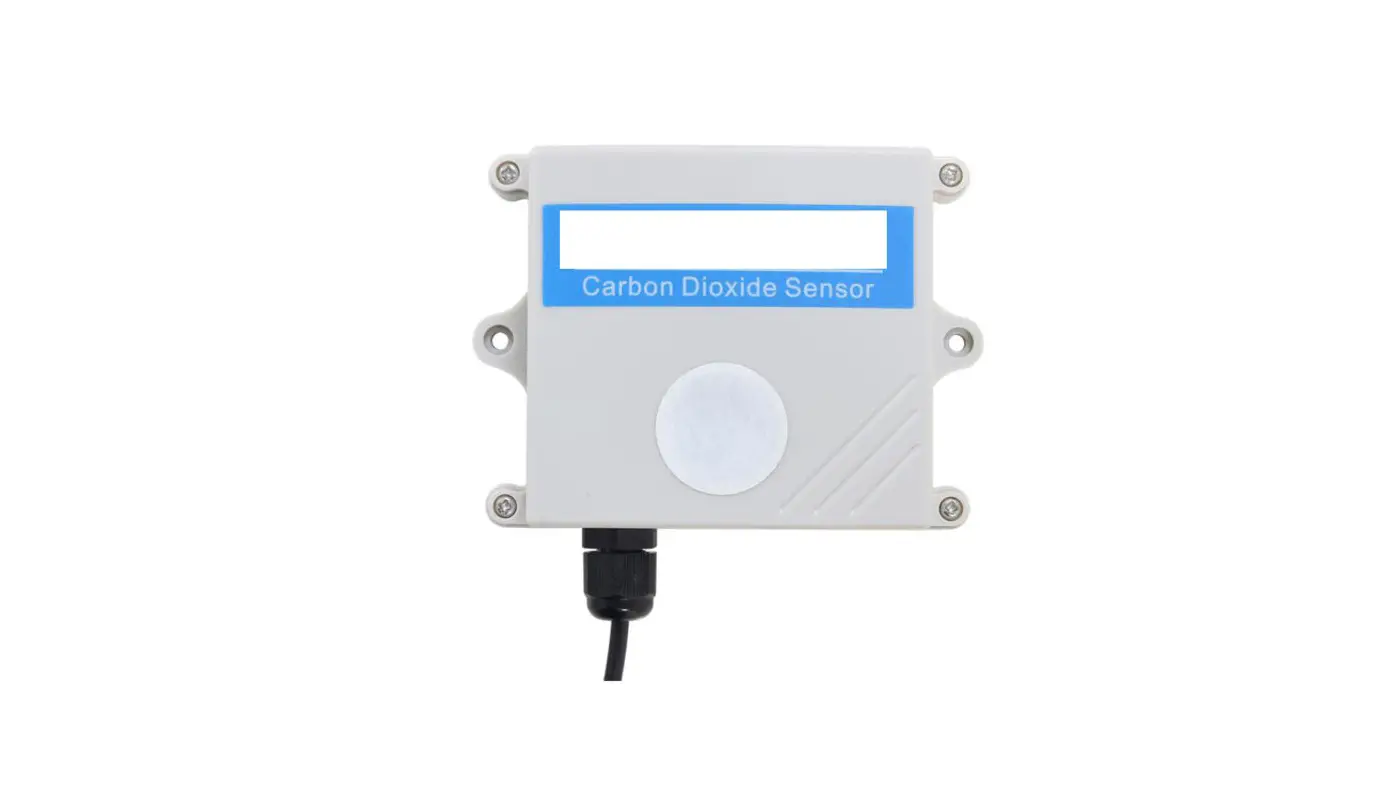
2. It uses first-class imported CO2 sensors that detect infrared waves and have gold-plated probes, ensuring measurement accuracy and a sensor life of up to 15 years.
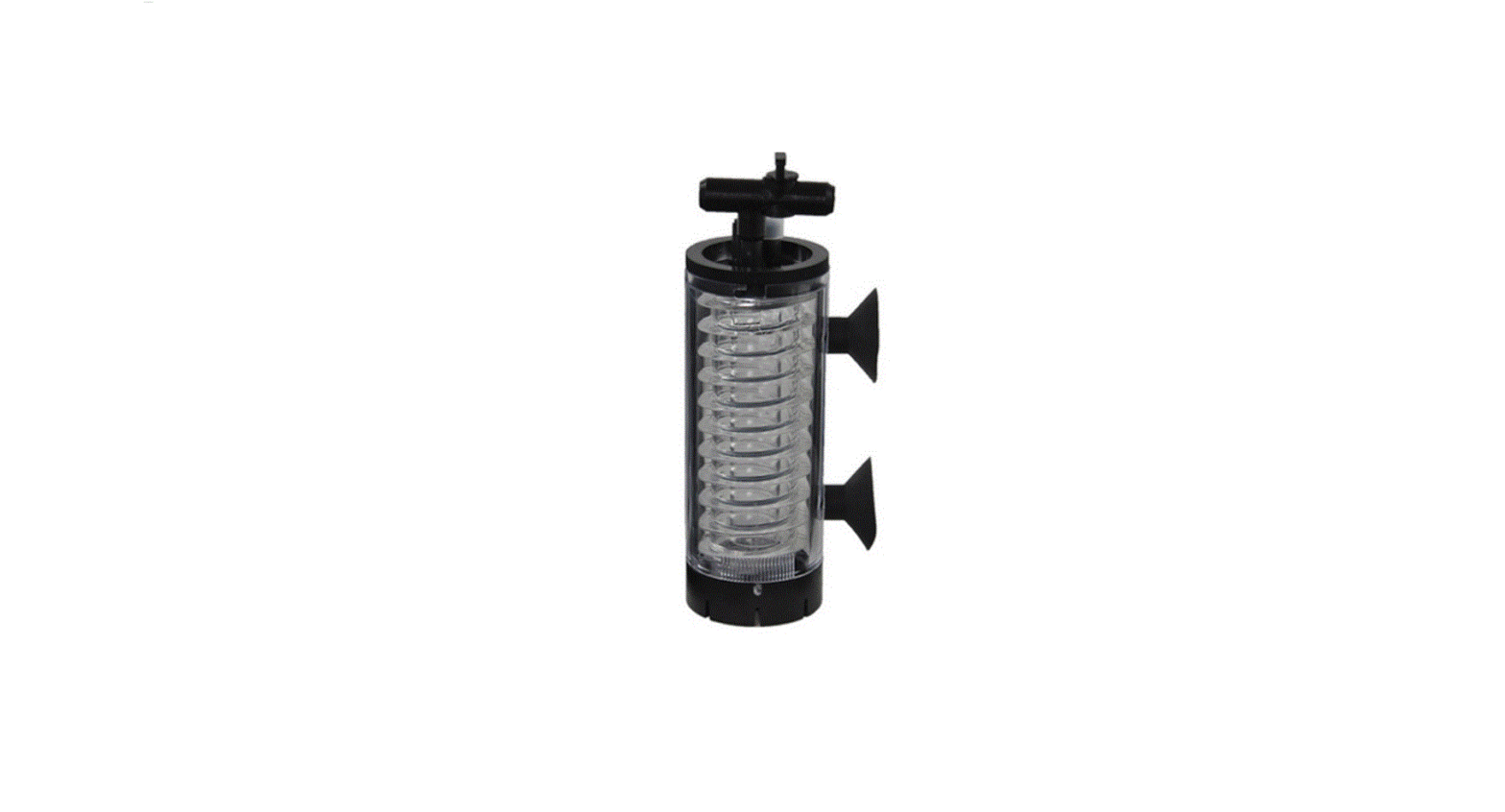
3. The indoor CO2 concentration can range from 0 to 20%, and a gas filter is used to improve measurement accuracy and room cleanliness and to reduce the effect of impurities on CO2 gas concentration.
4. The fans and CO2 valve automatically turn off when the door is open, and heating stops, reducing CO2 gas consumption, and preventing air pollution caused by the entry of impurities.
5. The temperature and CO2 concentration are controlled by intelligent PID control and computer data analysis, ensuring high precision and strong anti-interference. The temperature control uses two probes to control the temperature inside and outside the door, ensuring high precision and minimal fluctuations.
6. The adjustment switch is light and flexible to operate.
7. The independent temperature control door reduces the external temperature and prevents frost on the system of the studio and glass doors.
8. The natural evaporation humidifier maintains good indoor humidity.
9. The box temperature, CO2 concentration, and set parameters are displayed digitally, and the LED instruction indicates door heat, CO2 entering the air, high-water level, and water shortage.
10. The equipment is equipped with protection features such as super warm and breathe, ensuring safe operation.
3. Specifications:
· Temperature Control Range (ºC): RT+560 · Timing Range: 19999 min or no time · Electric Power: AC220V 50Hz · Temperature Fluctuation (ºC): ±0.2 · Temperature Uniformity (ºC): ±0.3 · CO2 Concentration Control Range (%): 020 · CO2 Accuracy (%): ±0.1 · Time to reach the set CO2 value: <10 min (5 % concentration) · CO2 Measurement Precision (%): ±0.1
3
Other technical parameters can be seen in the following table
Model Volume (L) Power (W) Studio Size (cm3) Dimensions (cm3) N.W/G.W (kg)
INCC-080-001 80 600
41 x 51 x 40.3 57 x 88.5 x 59.5
60/90
4. Installation:
1. The equipment should be placed in a dry, flat area that is free from toxic and hazardous gases. It should be kept away from direct sunlight and have enough space around it for easy maintenance.
2. To use this equipment, you must equip it with 99.9% high purity gas cylinders and a CO2 valve (users must provide these components themselves). The cylinders should be placed near the incubator and connected to the “CO2 into the air intake” with silicone hoses.
3. The incubator works best at an ambient temperature of 20 ~ 25 ºC. Set the minimum temperature of the incubator to at least 5 ºC higher than the ambient temperature.
4.
The incubator must be plugged into a reliable grounding power outlet and matched with the
correct plug.
4
5. Operating Instructions of the Temperature Controller:
1. Panel Diagram (Equipped Instruments, CO2 Temperature Controller)
1
2
2. On the right of the panel is a set of keys, the functions are following:
1.
Key: This key is a function key, after powered on, press this button to enter the temperature
setting state. Press this button for five seconds to enter the other parameters setting state. When the
instrument is in the set state, the bottom LED will flash.
2 . 1″Air
2
pump
1″Key:
Click
the
button
to
connect
pump
1,
press
it
again
to
disconnect
pump
1.
3. “Air pump 2” Key: Click the button to connect pump 2, press it again to disconnect pump 2.
4. “Sterilization” Key: Click this button, and the indoor sterilization lights will turn on. Click it again, and
the sterilization lights will turn off.
5. “Lighting” Key: Click this button to turn on the lights and click it again to turn off the lights.
6. Key: This key is the addend key. When setting parameters, press the button to increase the value
by 1.
7. Key: This key is the subtraction key. When setting parameters, press the button to decrease the
value by 1.
8. Key: T h is keyi1s thele2 ft key. Wh en set ting parameters, press the key to move to the data bit that
needs to be set. In the boot state, click the button to view the indoor temperature.
Note: Please press the key memory.
after setting parameters, otherwise the parameters cannot be written to
1
2
5
3. Instructions:
1
2
1. When running, the temperature window (top row) displays the inside temperature. The time window
(bottom row) displays the remaining time. W hen thetimeisset to zero, 1thet im2 e win dowdisplays the
set temperature. When the remaining time reaches 0, it displays “end” and stops running. To rerun it,
press the
key.
1
2
2. To set the inside temperature and run time, follow these steps: Press the
key, and the top
row oft h1edigita2l display wil l show the1 temp2erature settings, while the end-term blinks. Use
the , and keys to modify the status. Press the
key to di sp1 lay the2 set t ime on th e
bottom row of the digital di spl ay. Us1e the2, , and keyst o modify the time status.
Once you’ve set the parameters, use the state, and return to running.
key tow1rite th e2m intomemory, exit the setting
3.
Set
other
parameters
as
follows:
Pressth1 e
1
2
2 key for
about
5 minutes
to
enter
the
other
parameter setting state. The top row of the digital display will show each parameter symbol, and
1 2the bottomrow w ill show the parameter settings. The end-term will be in a flashing state. Use
1
2
, and keys tom odifythe time statu1s. 2 Press th e key to write the parameters into
memory and adjust the next parameter in the same way. After setup is complete, press the
key for about 5 minutes to exit the setting state and re tur1n to run2ning.
4. Set the PID parameters as follows: Press the
key for about 5 minutes to enter the other
1
2
1para me2ter set ting state, then press the key for about 5 minutes to enter the PID parameter setting
state. The top row of the digital display willshow e ach parameter symb1 ol, an2d the bottom rowwill
show the PID parameters . The end-term will be in1a flashi2ng state. Use , and keys to
modify the time status. Press the
key to write theparameters into memory and adjust
the next parameter in the same way. After setup is complete, press the
key for about 5
minutes to exit the setting state and return1 to ru n2ning.
5. Check indoor temperature: While the device is running, press the key to check the indoor
temperature. The temperature window will display the current temperature, a n1d three2LEDs will flash
simultaneously. Press the key again to return to the default display of the inside temperature.
6. Definition and Instructions for Other Parameter Symbols:
Symbol AL SC Td
TS
TT
Setting Range 0~10.0 ºC -10.0~10.0 ºC -10.0~10.0 ºC
0~10.0 ºC
0~300 ºC
Instructions Over-temperature alarm Measurement error correction Temperature difference between the door and the box Temperature difference between the water and the box Closed heating delay time
Factory Settings 1.0 ºC Random Random
Random
Random
6
Definition and Instructions for PID Parameter Symbols:
Symbol P1
I1 D1 P2
I2 D2
Setting Range 0~50.0 ºC
1~2500 S 1~1000 S 0~50.0 ºC
1~2500 S 1~1000 S
Instructions Advance amount of temperature controller inside the box (proportional limit). Integration time of the temperature inside the box. Differential time of the temperature inside the box. Advance amount of temperature controller inside the door (proportional limit). Integration time of the temperature inside the door. Differential time of the temperature inside the door.
Factory Settings Random
Random Random Random
Random Random
4. Wiring Diagram
7
5. Notes: 1. If the sensor inside the box is disconnected or short-circuited, the temperature display will show ER1. If the sensor inside the door is disconnected or short-circuited, the temperature display will show ER2. If the sensor in the water is disconnected or short-circuited, the temperature display will show ER3. If the water level is detected incorrectly, the temperature display will show ER4, and the buzzer will continuously sound an alarm. 2. If the measured temperature is > Set temperature + AL, the buzzer will sound intermittently. If the measured temperature is < Set temperature + temperature alarm value, then the buzzer will stop sounding. Press any key to cancel the over-temperature alarm sound.
8
6. Concentration Controller Operating Instructions:
1. Panel Diagram (Equipped Instruments, CO2 Concentration Controller)
1
2
2. Below the panel is a set of keys, with the following functions:
1.
Key: This is a function key. After being powered on, pressing this button enters the temperature
setting state. Pressing this button for five seconds enters the other parameter setting state. When the
instrument is in the set state, the LED at the bottom will flash.
1
2
2. Key: This key is the addition key. When setting parameters, pressing the button adds 1.
3. Ke y : Thiske1 y is th2e subtraction key.When setting parameters, pressing the key subtracts 1.
4. Key: This key is the left key. When setting parameters, the key can move to set the data bit.
Note: Please press the to memory.
key after setting parameters, otherwise the parameters will not be written
1
2
3. Instructions:
1
2
1. When running, the measurement window shows the CO2 concentration, and the setting window shows
settings.
1
2
2. To set the desired CO2 concentration level, follow these steps: Press the
key, and the right
digital disp lay wil l s how the cur rent set1tings , 2withthe end-ter nblinking. Use , , and
keys to modify the time status. Once you have set the desired parame1ters,pr2ess the key to write them into memory, exitthe setting state, and return to the running state.
3. Set other parameters as follow s: P ress the1 f2or about 5 minutes to enter the other p1aramet2er
setting state. The left digital display will show each par a meter symbo l,whilethe ri gh1t digita2 l d isplay
will show the parameter settings. Theend-term will be in a flashing state. Use the , , and
1
2
keys to modify the time status. Press the
key to write the parameters into memory
and move on to the next parameter. After setting up all the parameters, press the
key
for about 5 minutes to exit the setting state and re tur1n to run2ning.
1
2
9
1
2
4. Set the PID parameters as follows: Press the
key for about 5 minutes to enter the other
1
2
parameter setting state, and then press the key for about 5 minutes to enter the PID parameter
setting state. The left digital display will show the symbol of each parameter, and the right digital
1 2displa y willshowthe c urrent value of the PID p a1rameter2s. Theend-ter m will blink. Use the ,
, and keys to modify the time status. Press the
key to write the parameters into
memory and adjust the next parameter, and so on. After setting up is complete, press the
key for about 5 minutes to exit the setting state and r e tu1rn toru2nning.
5. Definition and Instructions for Other Parameter Symbols:
1
2
Symbol AL SC
Setting Range 0~10.0 ºC -10.0~10.0 ºC
Instructions CO2 over-concentration alarm. Measurement error correction.
Factory Settings 1.0 ºC Random
Definition and Instructions for PID Parameter Symbols:
Symbol P
I D
Setting Range 0~20.0 %
1~999 S 1~999 S
Instructions Advance amount of controller (proportional limit). Integration time. Differential time.
Factory Settings 2.5%
400 100
4. Wiring Diagram:
10
5. Notes: 1. Output indicator: The light is on when the inlet solenoid valve is switched on. When the Inlet solenoid valve is open, the light is off. 2. Alarm indicator: If CO2 concentration inside the box is > set concentration + AL, the light is on and the buzzer intermittently alarms. If the CO2 concentration increases too slow, the buzzer intermittently alarms, and the lights keeps flashing. 3. Alarm description: If the CO2 concentration detected exceeds the calibration range (greater than 30 %), the measurement window displays ERR and the buzzer continuously alarms. 4. If the CO2 concentration inside the box is > set concentration + AL, the buzzer intermittently alarms. If the CO2 concentration inside the box < set concentration + AL, the buzzer stops the alarm. Press any key to cancel the over-temperature alarm. 5. When the CO2 concentration increases too slowly, the buzzer intermittently alarms and cannot be cancelled. 6. When the fan is powered off, the CO2 output is automatically turned off. When the fan is powered on, the CO2 concentration is controlled automatically.
11
7. Order of Operations for Use:
1. Irrigation: Connect one end of the rubber tube to the “inlet, outlet” valve at the back of the device and the other end to a water source. Open the “inlet, outlet” valve and let the water pressure fill the water jacket. When the injected water exceeds 12 liters (the water level exceeds the heating tubes), you can connect the power and continue to inject water while observing the water level indicator (low water level may trigger an alarm) until the high-water level indicator light turns green. Then, stop injecting water, turn off the “inlet, outlet” valve. Alternatively, you can inject water into the overflow until the water overflows and then release a little water.
2. Please use only pure water or distilled water to prevent scaling inside the water jacket.
3. After installing the incubator and irrigating it with water, you can operate it according to the following steps:
1. Open the door, clean the studio, and put away the shelf. 2. If humidity is required, the humidity tray will need to be filled with two-thirds of water and placed at
the bottom of the studio. Then close the door. 3. Open the power switch behind the control box. At this time, the incubator should display the
temperature and the high-water level indicator light should be on. 4. Press the “sterilization” key to sterilize the studio. Note: Do not press this key when there are cultures
inside! After sterilization, press the “sterilization” button again and close the germicidal lamp. 5. First, set the required temperature for heating the incubator (see the temperature controller
operating instructions in section V). 6. Wait until the temperature is constant, then open the door and place the culture inside the box. 7. Press the “CO2/power” button to turn on the CO2 control power supply. 8. First, set up the required percentage of CO2 concentration (see VI concentration controller operating
instructions). 9. Open the switch of the CO2 gas cylinder, and slowly adjust the CO2 valve so that the second pressure
gauge indicates about 0.06 Mpa. If the pressure is too high and the CO2 concentrations rise too fast, it will increase the fluctuation range. If the pressure is too low and the CO2 concentrations rise too slowly, it will cause an alarm. Open the regulator valve (turn clockwise to open). Generally, it was already opened before being sent out. The concentration can gradually increase after 1 minute, and it can reach 5.0 % after 10 minutes (when the set value is 5.0 %). 10. When working, if cleanliness is required, you can alternate between opening pump 1 and pump 2 for the inner loop filter.
4. When the incubator stops working, please follow these steps:
1. Close the switch of the CO2 gas cylinder and the reducing valve. 2. Turn off the CO2 control power and the pump power in order to stop the CO2 control panel and
pump from working. 3. Open the door, remove the humidity tray, and hold down the door switch by hand to allow the
incubator to work for a few minutes to disperse the water vapor in the box. 4. Close the door and let the incubator continue heating for about 10 minutes, then turn off the power
and clean the inside.
12
8. Notes:
1. The equipment should be installed in a clean place with minimal temperature fluctuations. 2. Before powering it on, you should thoroughly read and understand the manual to master the correct
usage of the component parts.
3.
The control box at the rear of the unit is equipped with fuses. If the device does not power on, check
if the fuse tube is intact. When checking and replacing the fuse tube, cut off the power and replace it
with the same model specification.
4. When the incubator has no water, it cannot be turned on to prevent damage to the internal parts.
5.
When there are cultures inside the incubator, do not turn on the germicidal lamp to avoid damaging
the culture. Turn off the power when replacing the lamp.
6. The membrane needs to be replaced about once every six months. Note the direction of import and
export when replacing it, and replace two 0.45 filters and two non-woven filter cloths one by one.
Tighten the filter to avoid leaks after replacement.
7. Please do not randomly adjust the regulator valve behind the control box, as it may affect the CO2
concentration control. If the CO2 concentration increases too slowly or too quickly, you can adjust the
regulator valve by turning it clockwise to increase and counterclockwise to decrease.
8. Connect the CO2 gas cylinder to the incubator inlet with a hose and fasten it to prevent leakage. The
second reducing valve should be adjusted within 0.06~0.08 MPa, and the maximum should not be
greater than 0.1 Mpa.
9. If the caisson pressure of the CO2 cylinder is too low to generate unstable flow, it should be reversed or
re-inflated before use.
10. To save energy and extend the lamp’s life, the “light” switch can be switched on and off as needed.
11. The equipment must be grounded well. Before using, check the power ground stringently.
12. The machine is equipped with an electromagnetic pump. Turn off the power when exchanging the pump.
13. To reduce temperature fluctuations and ensure uniformity after the studio is closed, a delay of about 10 minutes is necessary after closing (the delay time can be set according to actual needs). When the equipment starts to heat up, please avoid frequently opening the door.
14. Please drain the water in the water jacket when the equipment is unused for long periods.
9. Storage and Transportation:
The incubator should be stored in a well-maintained room with a relative humidity of less than 80% and free of corrosive gases. During transportation, necessary protective measures should be taken to prevent shock and moisture. The incubator should not be transported upside down and should be handled with care.
13
10. Troubleshooting:
Phenomenon
1Power alarm
ER1
2Box
ER2
temperature display
ER3
ER4
3. No power
4. No heating
5. CO2 alarm
6. CO2 concentration does not rise
7. Temperature display not allowed 8. CO2 concentration not allowed
Reason
Treatment
Broken sensor.
Insufficient water level.
Faulty sensor or open studio. Faulty sensor or open circuit within the door. Broken temperature sensor or open circuit. Short circuit or disconnected wiring for water level. Unplugged or disconnected plug.
Blown fuse.
Refer to phenomenon 2. Continue to add water until the high water level indicator turns on. Check the wiring or replace the sensor.
Check the wiring or replace the sensor.
Check the wiring or replace the sensor.
Check the wiring and measuring probe.
Make sure the plug is properly plugged in or the line is properly connected. Replace the fuse with the same model.
Lower temperature set.
Improperly closed door or door switch failure.
Malfunctioning heater.
Low pressure in CO2 cylinder. Slow increase in CO2 concentration.
CO2 concentration exceeds limit.
Door not closed properly (fan switch not turned on).
Broken sensor.
Adjust and set temperature.
Close the door, replace, or adjust the door switch.
Replace the heater with the same model.
Adjust the valve to 0.060.08 MPa. If the regulator valve adjustment is too small, adjust it clockwise. If the regulator valve opening is too big, adjust it counterclockwise and transfer to a small regulator valve. Open the door or adjust the door switch.
Replace the sensor with the same model.
Broken solenoid valve
Replace the solenoid valve.
Uncorrected
Make corrections according to the instructions.
Uncorrected
Make corrections according to the instructions.
Note: The above maintenance operations should be performed by someone who is qualified to operate. Turn off the power when making repairs!
14
Packing List
No.
Descriptions
1
CO2 Incubator (INCC-080-001)
2 Humidity pan
3 Shelf
4
Silicone tube for CO2 gas filling
5 Rubber tube for water filling
6
Gas filters membrane (5)
7
Fuse tube (5×20)
8 Operation manual
9 Product certificate
10 Warranty card
11 Packing List
Categories
Machine
Fittings Fittings Fittings Fittings Backup Wearing parts Document Document Document Document
Quantities 1 1 2 1 1 4 1 1 1 1 1
Requirements for Site Commissioning of Carbon Dioxide Incubator
1. The user should supply a 40 L steel bottle of gas with 99.9 % CO2. 2. The user should supply a CO2 cylinder reducing valve (with an output of approximately 0.1 Mpa).
15
. 16
www.labbox.com
 Lab supplies - Labbox Export