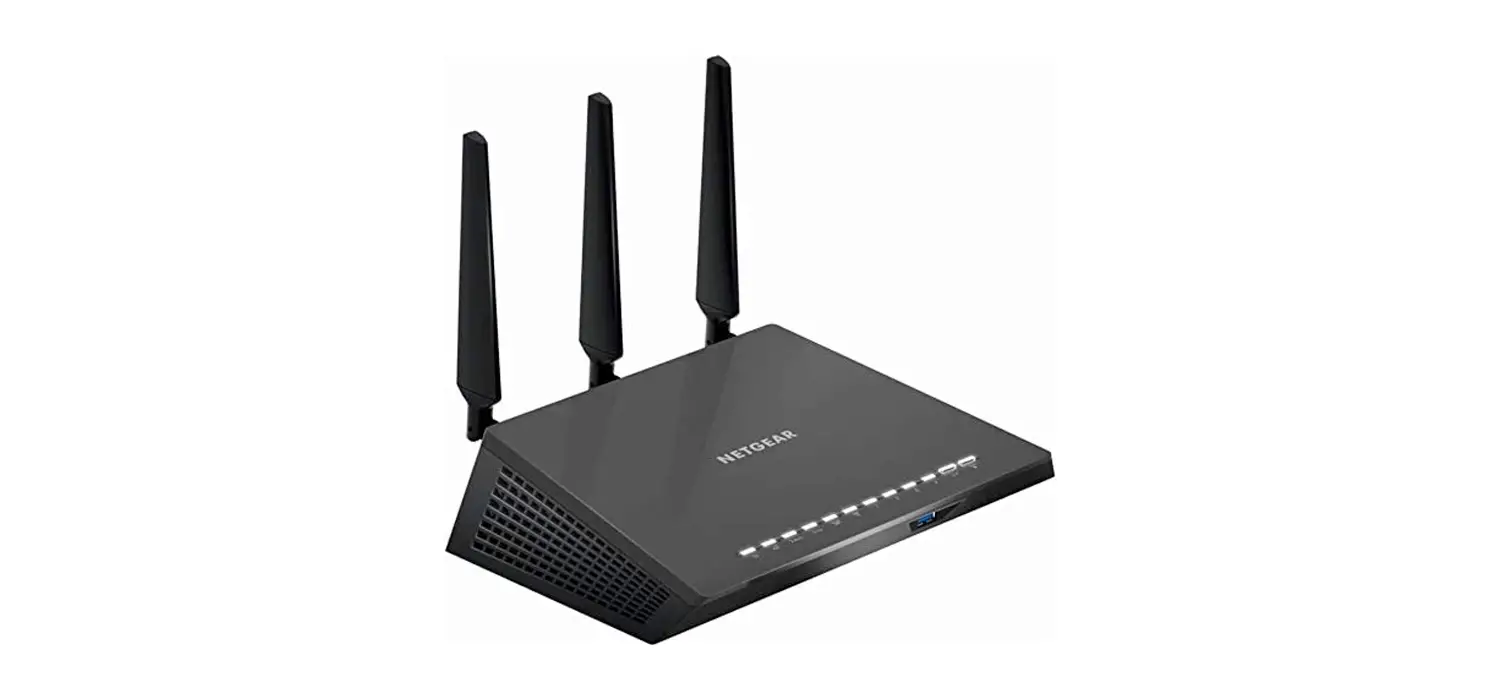
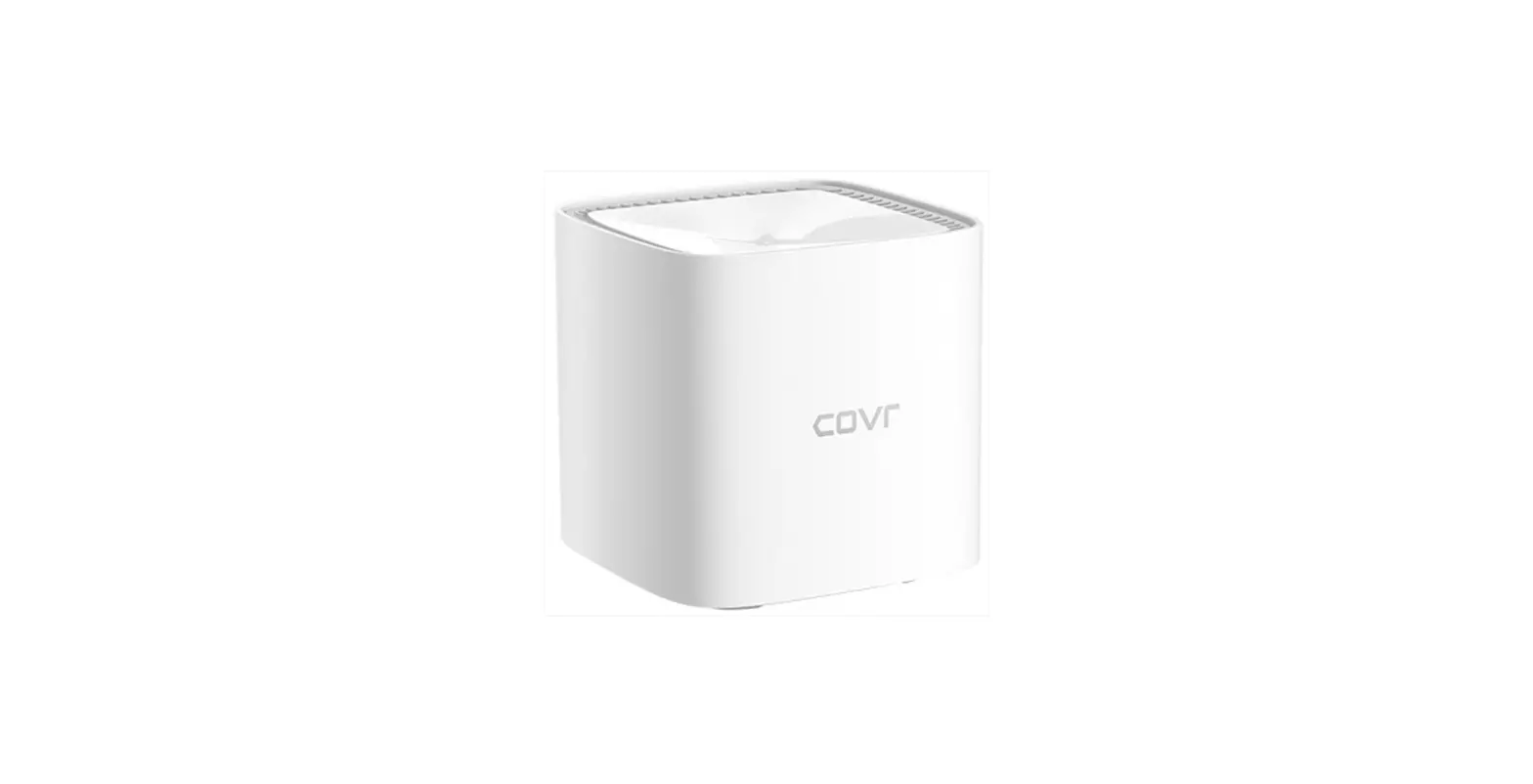
Fiber Internet Wireless Router
error
nginx
the following is the text from the user manual / instructions:
FIBER INTERNET
SETUP INSTRUCTIONS
WHAT’S INCLUDED:
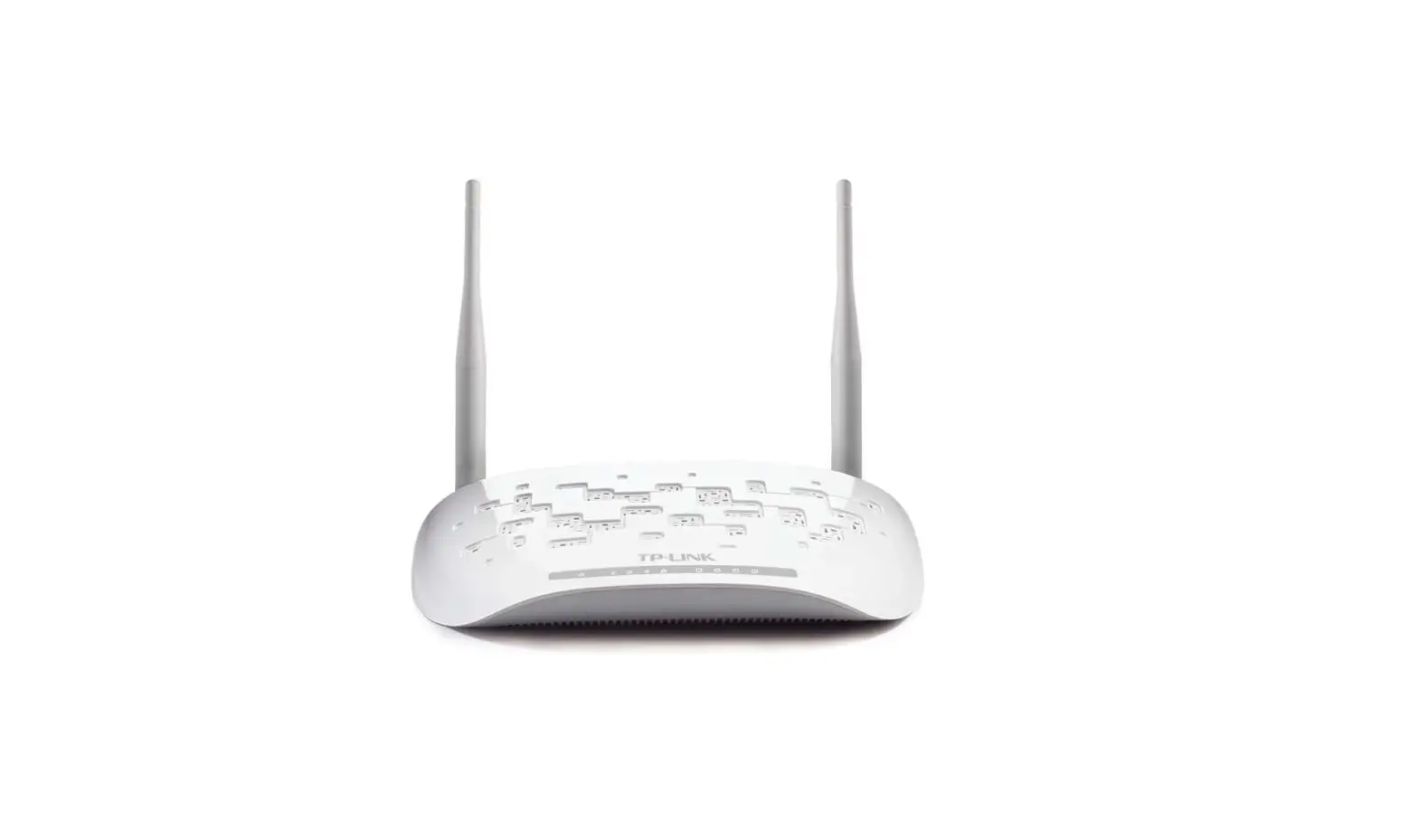
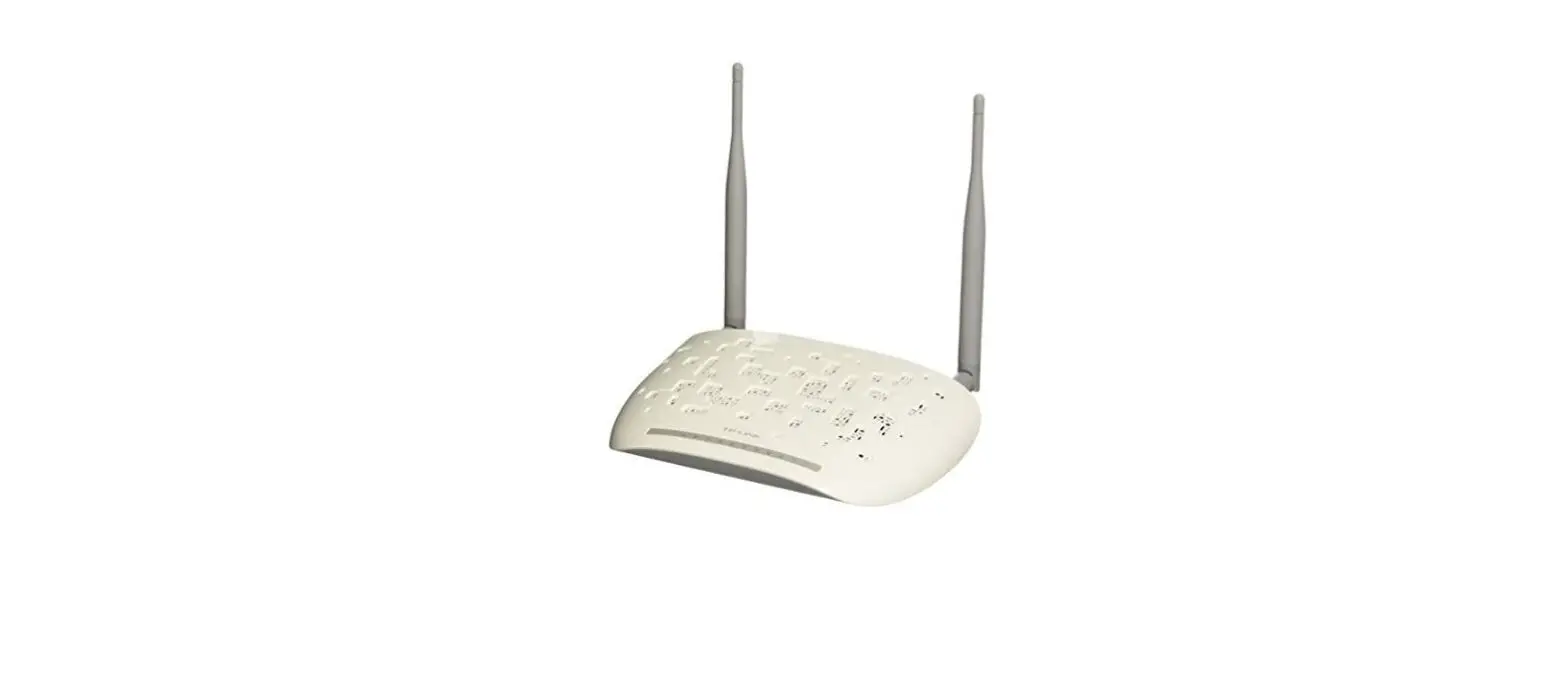
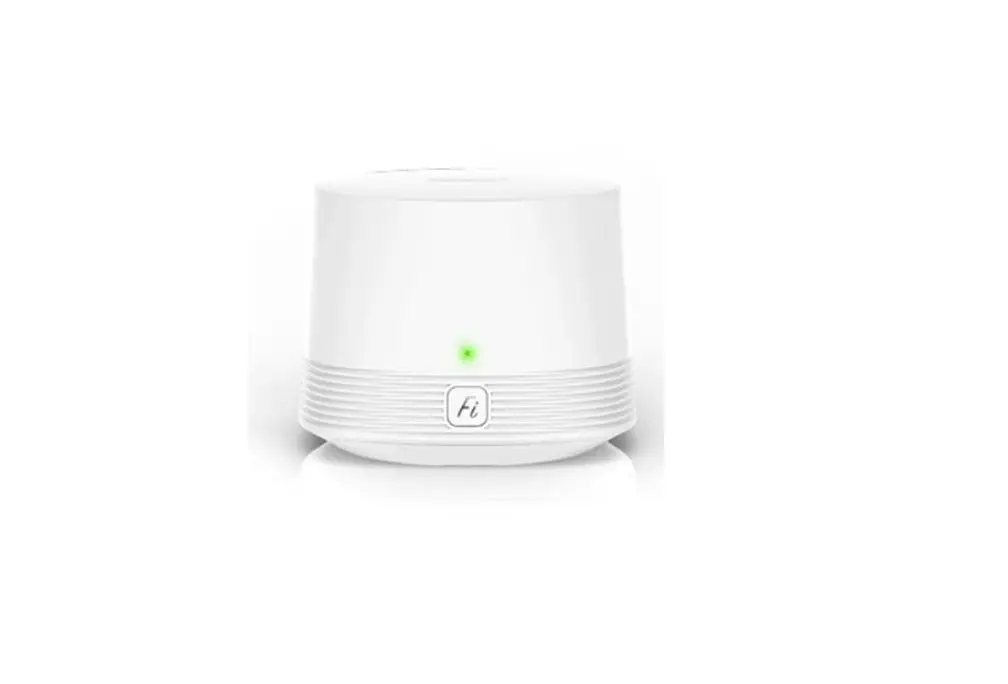
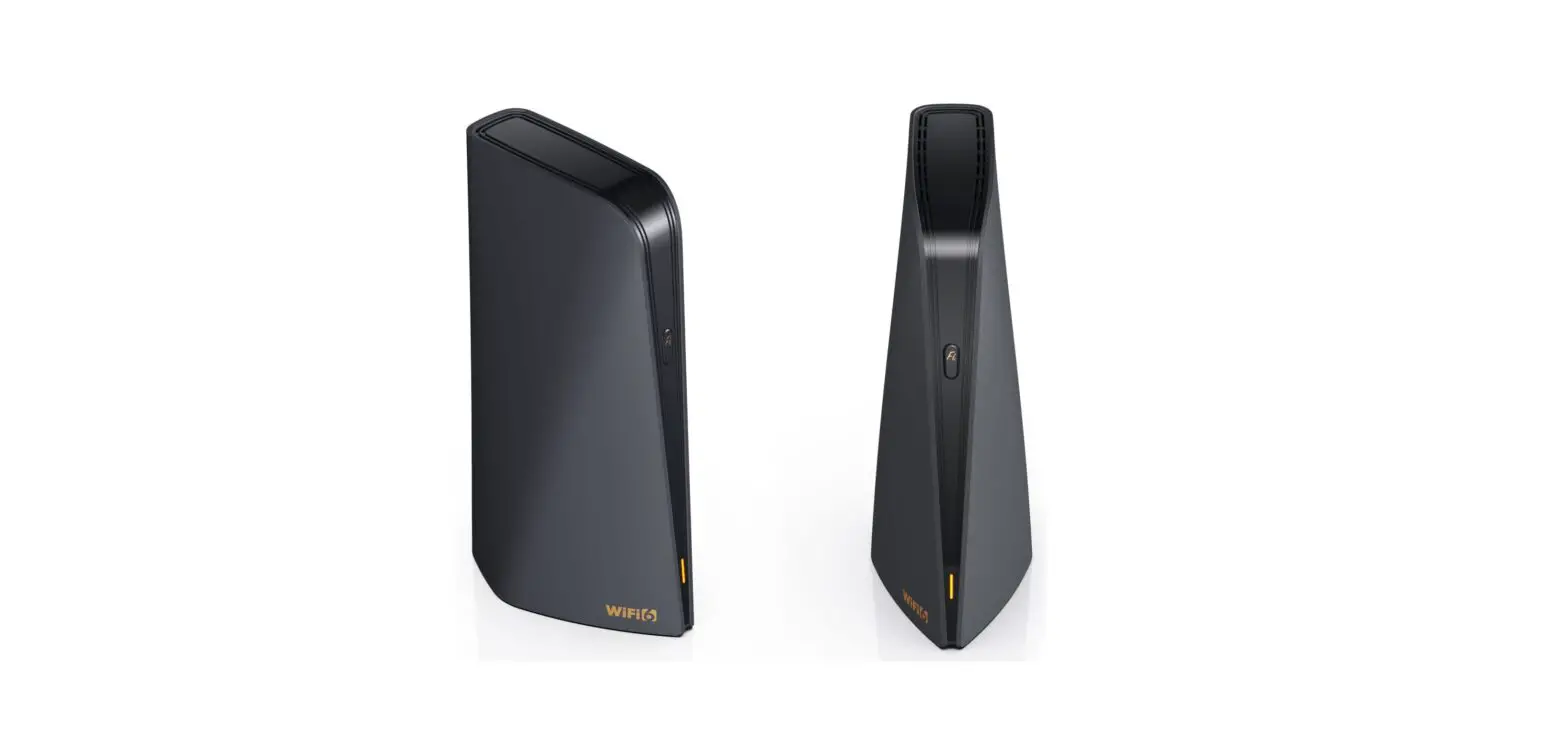
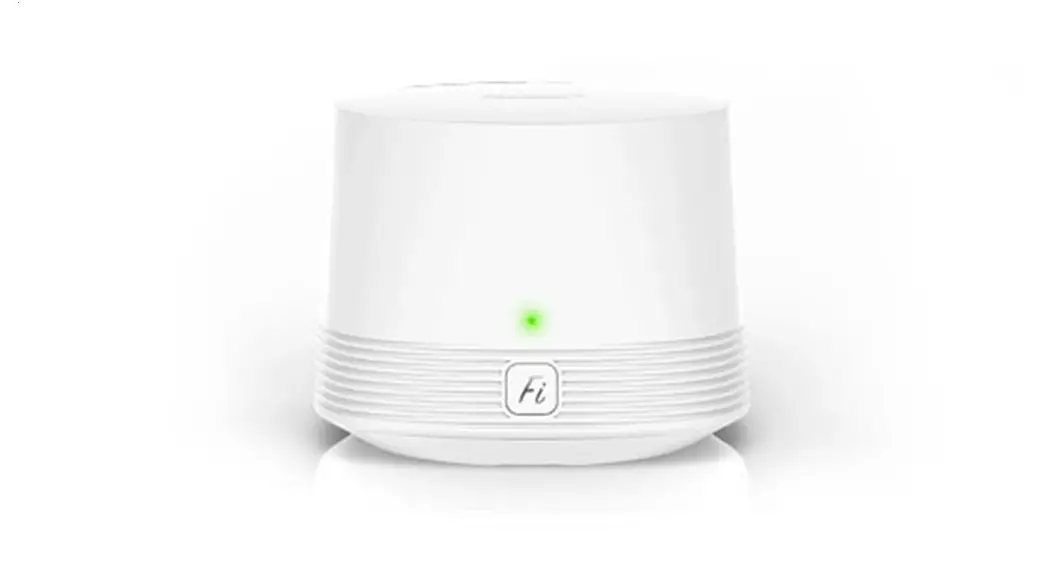
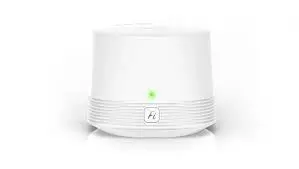
EERO WIRELESS ROUTER
ETHERNET CABLE
POWER CORD
BEFORE YOU BEGIN:
Locate your Optical Network Terminal (ONT), a hard plastic box like the one pictured below.
If you can’t find a unit like that, your ONT might be located outside, likely near your gas/electric meter. In that case, look for an ethernet wall jack instead. An ethernet jack looks like a phone jack, but the ports should be slightly bigger.
OR
ONT WALL JACK
Follow the instructions to set up your TDS fiber Internet service.
1 CONNECT EERO ROUTER TO ONT OR ETHERNET WALL JACK Plug one end of the ethernet cable into the ONT or ethernet wall jack. If there is more than one ethernet port, choose the first one.
OR
ONT (BACK)
WALL JACK
Next, plug the other end of the ethernet cable into either port on the back of the eero router.
EERO (BACK)
PREFER TO WATCH A VIDEO?
Visit tdstelecom.com/fibersetup or scan this QR code using your smartphone camera.
2 CONNECT EERO ROUTER TO POWER OUTLET USING POWER CORD SUPPLIED. The status light on the eero device should start flashing white.
EERO
3 DOWNLOAD THE EERO HOME WI-FI SYSTEM APP AND FOLLOW SETUP INSTRUCTIONS. 1. Open the app store on your smartphone. 2. Search for eero. 3. Download eero Home Wi-Fi System app. 4. Follow setup instructions for the app.
For additional assistance, call 1-833-440-3058 or visit tdstelecom.com/fibersetup
PREFER TO WATCH A VIDEO?
Visit tdstelecom.com/fibersetup or scan this QR code using your smartphone camera.
Services and offer(s) not available in all areas. Price may vary by serving area. Offers, products, packages,
and pricing are subject to change without notice. After promotional period, normal rates apply. If any
part of the bundle is terminated, discounts are void. Some services require equipment and normal fees
may apply. TDS equipment must be returned upon disconnection or unreturned equipment charges may
apply. Equipment handling fees may apply. Services subject to TDS Terms of Service at tdstelecom.com/
tos, TDS Privacy Policy at tdstelecom.com/privacy, and TDS Acceptable Use Policy at tdstelecom.com/
206851_Fiber/3-22/12595
FIBER INTERNET
SETUP INSTRUCTIONS
WHAT’S INCLUDED:
EERO WIRELESS ROUTER
ETHERNET CABLE
POWER CORD
BEFORE YOU BEGIN:
Locate your Optical Network Terminal (ONT), a hard plastic box like the one pictured below.
The ONT connects your home to the TDS® fiber network. It’s usually installed in your utility closet, laundry room, near your electrical panel, or even in your garage. Make sure it’s plugged into a power outlet.
If you can’t find a unit like that, your ONT might be located outside, likely near your gas/electric meter. In that case, look for an ethernet wall jack instead. An ethernet jack looks like a phone jack, but the ports should be slightly bigger.
OR
ONT WALL JACK
Follow the instructions to set up your TDS fiber Internet service.
1 CONNECT EERO ROUTER TO ONT OR ETHERNET WALL JACK Plug one end of the ethernet cable into the ONT or ethernet wall jack. If there is more than one ethernet port, choose the first one.
OR
ONT (BACK)
WALL JACK
Next, plug the other end of the ethernet cable into either port on the back of the eero router.
EERO (BACK)
PREFER TO WATCH A VIDEO?
Visit tdstelecom.com/fibersetup or scan this QR code using your smartphone camera.
2 CONNECT EERO ROUTER TO POWER OUTLET USING POWER CORD SUPPLIED. The status light on the eero device should start flashing white.
EERO
3 DOWNLOAD THE EERO HOME WI-FI SYSTEM APP AND FOLLOW SETUP INSTRUCTIONS. 1. Open the app store on your smartphone. 2. Search for “eero”. 3. Download “eero Home Wi-Fi System” app. 4. Follow setup instructions for the app.
For additional assistance, call 1-833-440-3058 or visit tdstelecom.com/fibersetup
PREFER TO WATCH A VIDEO?
Visit tdstelecom.com/fibersetup or scan this QR code using your smartphone camera.
Services and offer(s) not available in all areas. Price may vary by serving area. Offers, products, packages,
and pricing are subject to change without notice. After promotional period, normal rates apply. If any
part of the bundle is terminated, discounts are void. Some services require equipment and normal fees
may apply. TDS equipment must be returned upon disconnection or unreturned equipment charges may
apply. Equipment handling fees may apply. Services subject to TDS Terms of Service at tdstelecom.com/
tos, TDS Privacy Policy at tdstelecom.com/privacy, and TDS Acceptable Use Policy at tdstelecom.com/
use. TDS Telecom®, TDS TV®, and TDS® are registered trademarks of Telephone and Data Systems, Inc.
Copyright © 2022, TDS Telecommunications LLC, All Rights Reserved.
206851_Fiber/3-22/12595
 TDS High-Speed Internet, TV and Home Phone Service | TDS