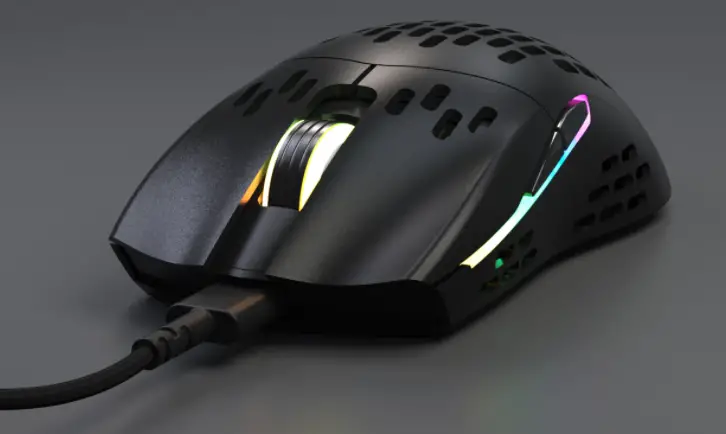
Keychron M1 Ultra-Light Optical Mouse User Manual

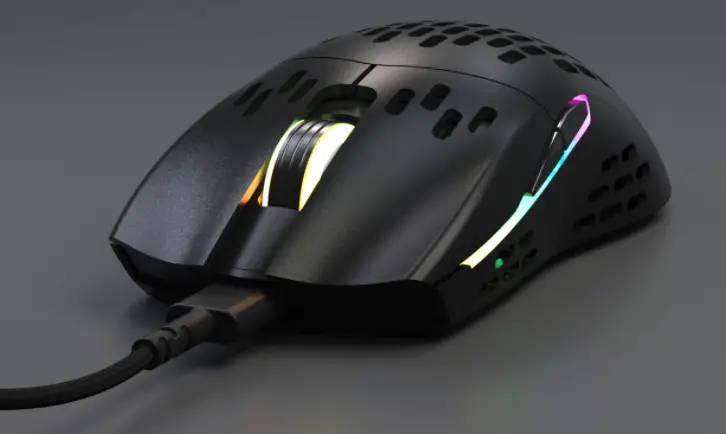
Keychron M 1 Specifications
- PixArt PMW3389 1 6K optical sensor
- Optical click switch
- 70 million click lifecycle
- 68g weight
- On-board memory
- 1.8m flexible cable
- 1 000Hz polling rate
- ARM Cortex-MO 48MHz
- Default DPI Steps: 1200 (White), 2400 (Blue, Default), 3600 (Green), 5000 (Red) DPI adjustable in steps of 1 00
- Adjustable lift-off distance
- 50g acceleration
- 400 IPS tracking speed
- Angle snapping: on/off
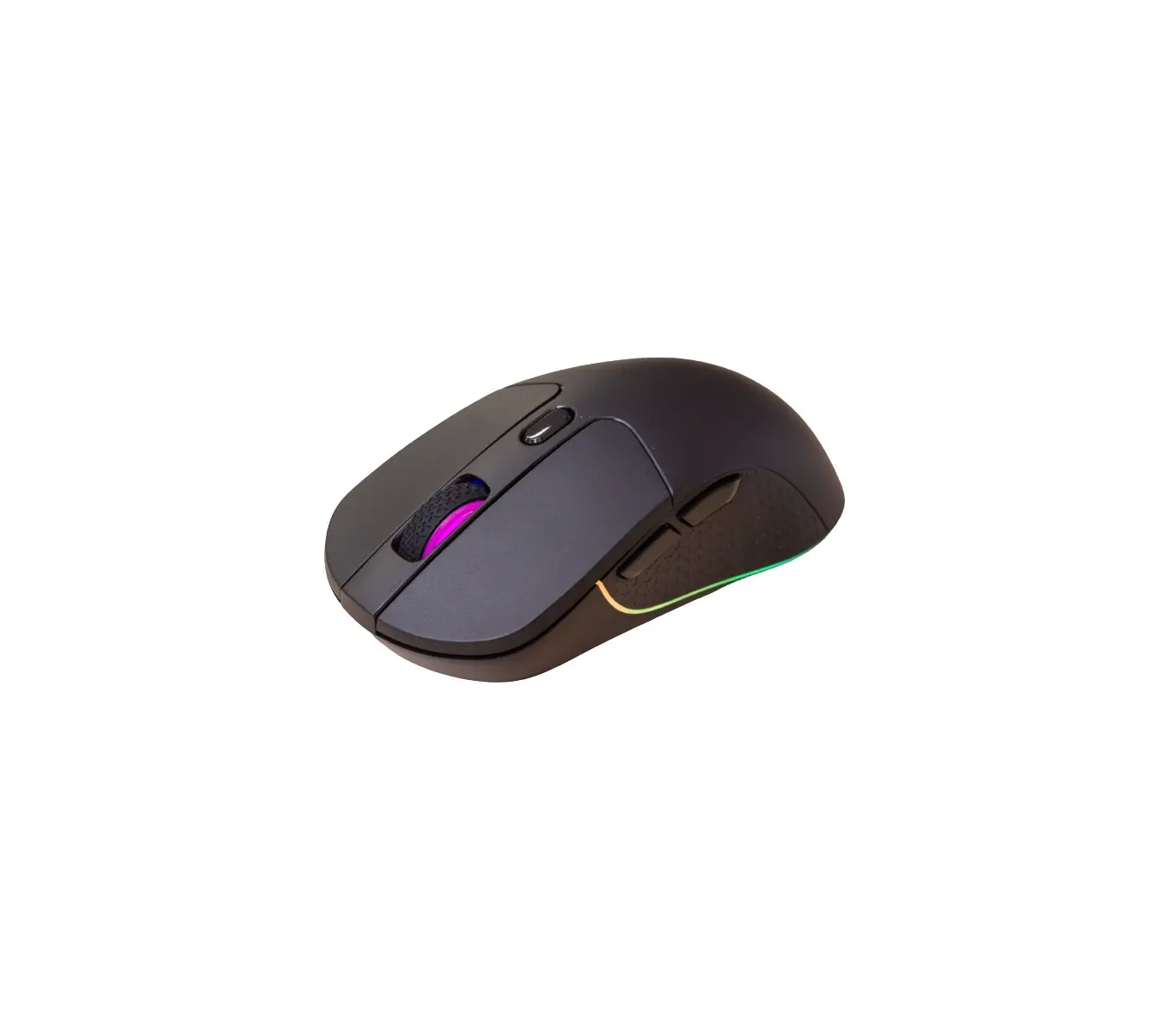
- 9 build-in light effects
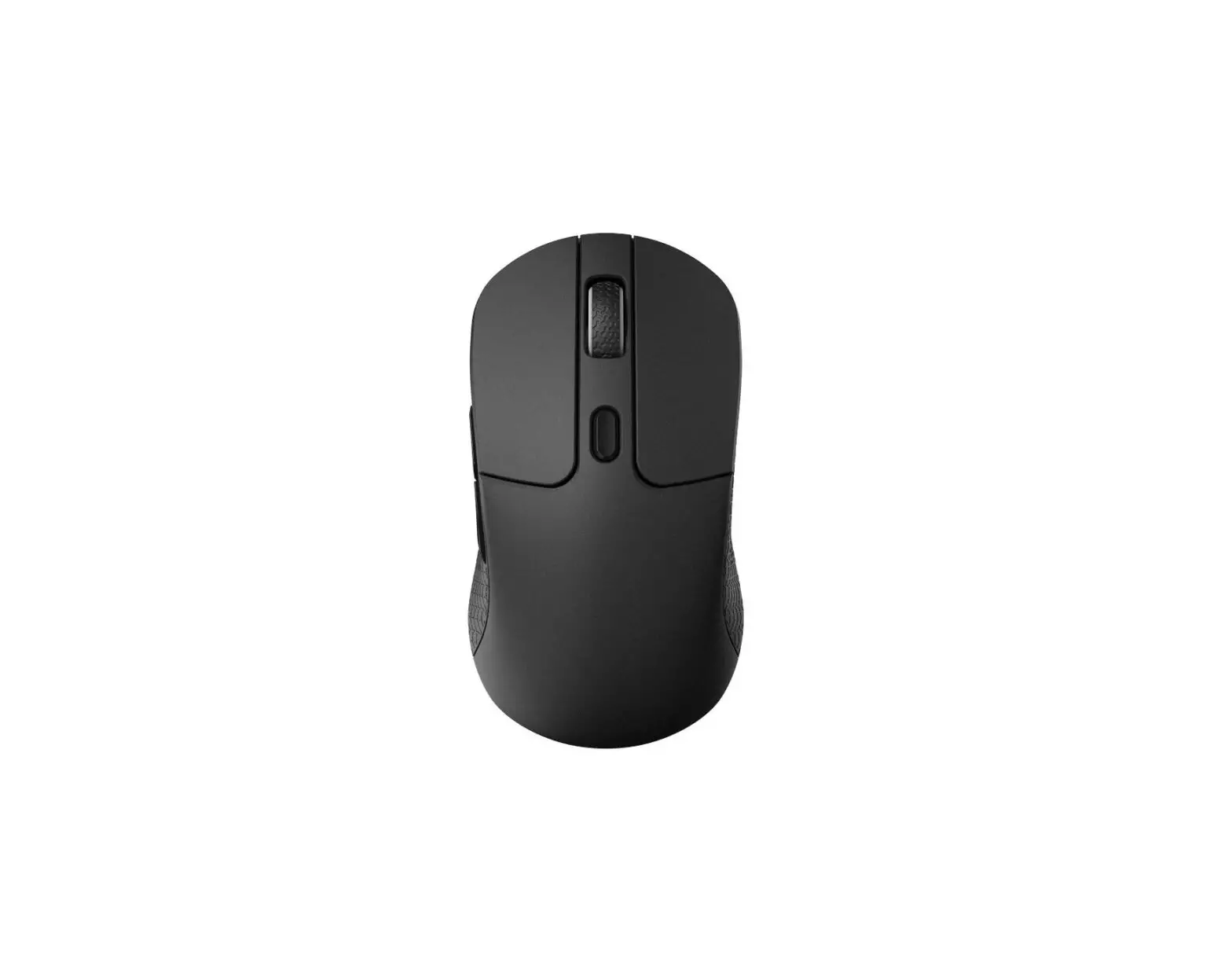
Default Button Assignment
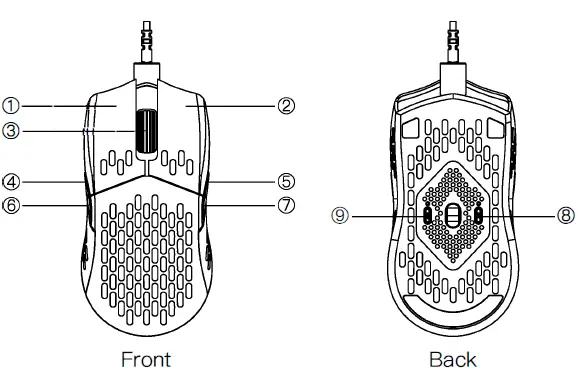
- Left mouse button
- Right mouse button
- Scroll wheel
- IE Forward
- IE Forward
- IE Backward
- IE Backward
- DPI Cycle
- Light effect button
Press the light effect button to change the light. When ln static light mode, hold the light effect button to enter setting mode, then move the scroll wheel to change the color, and press the light EJffect button again to exit setting mode.