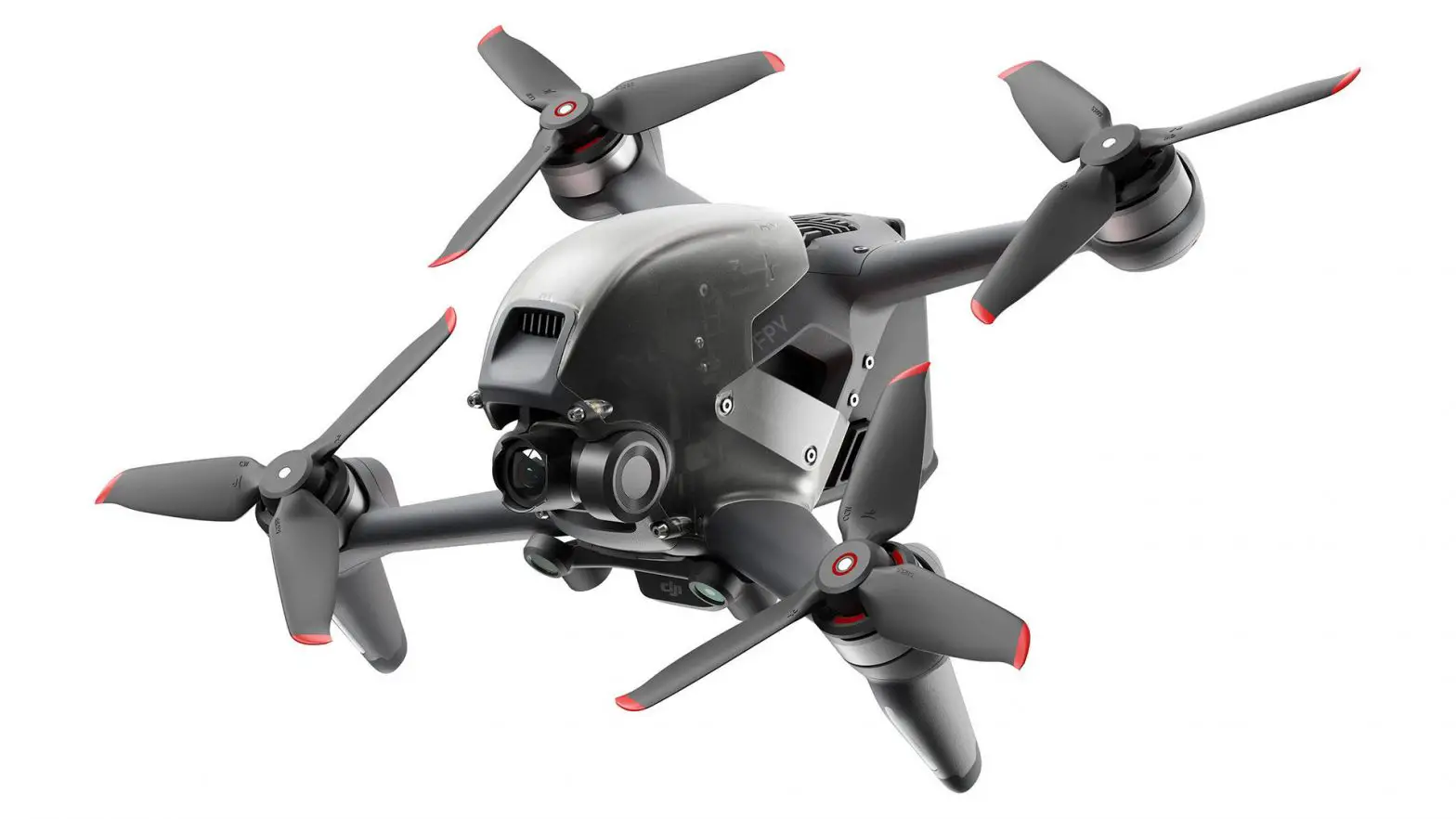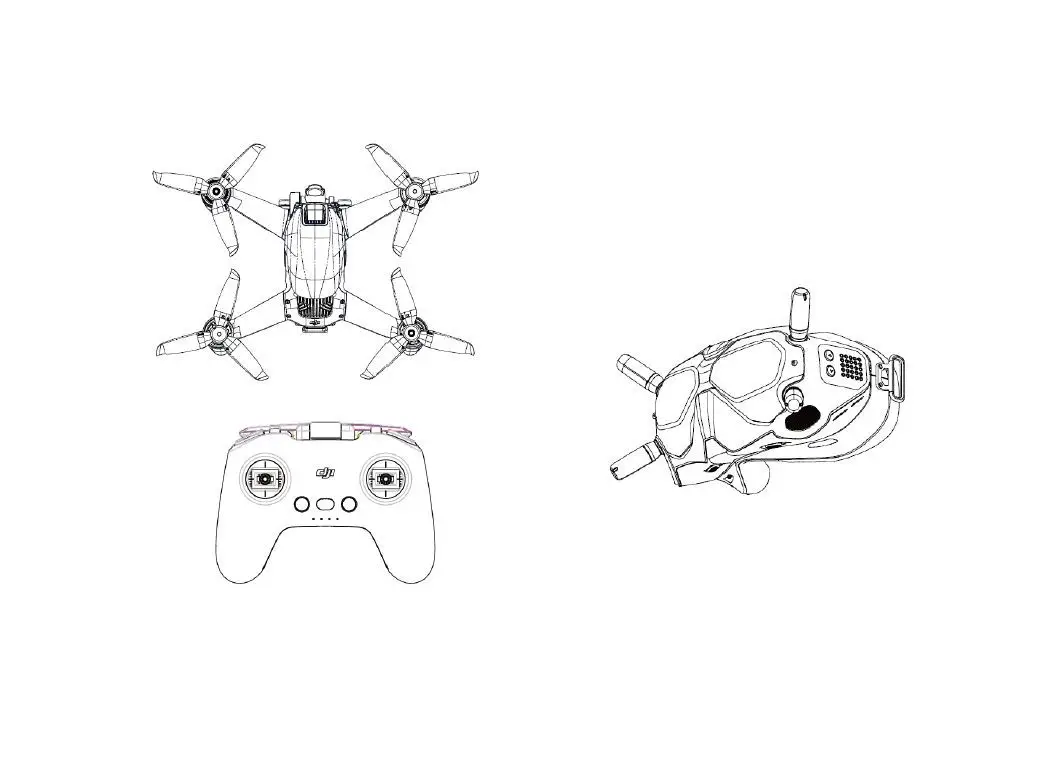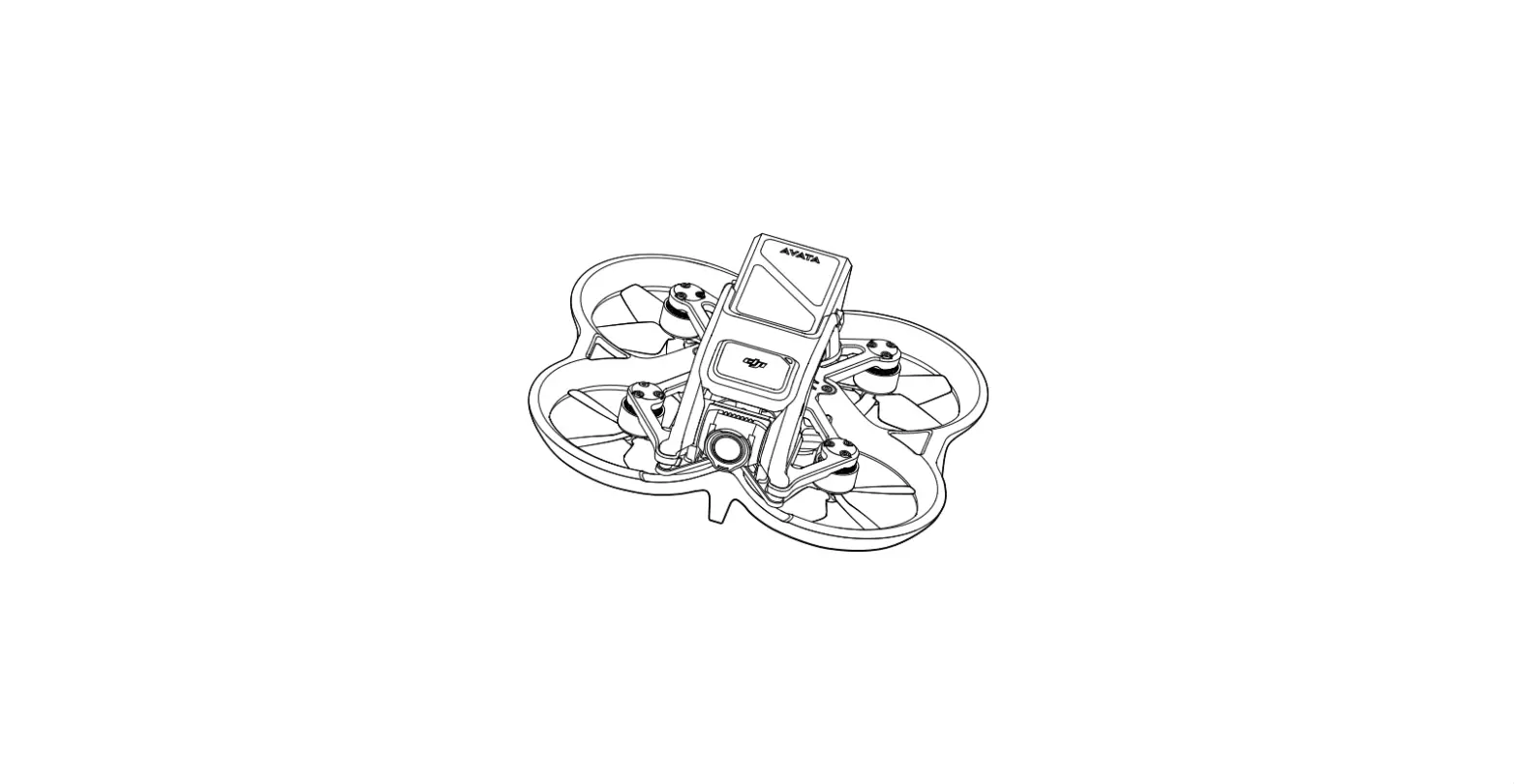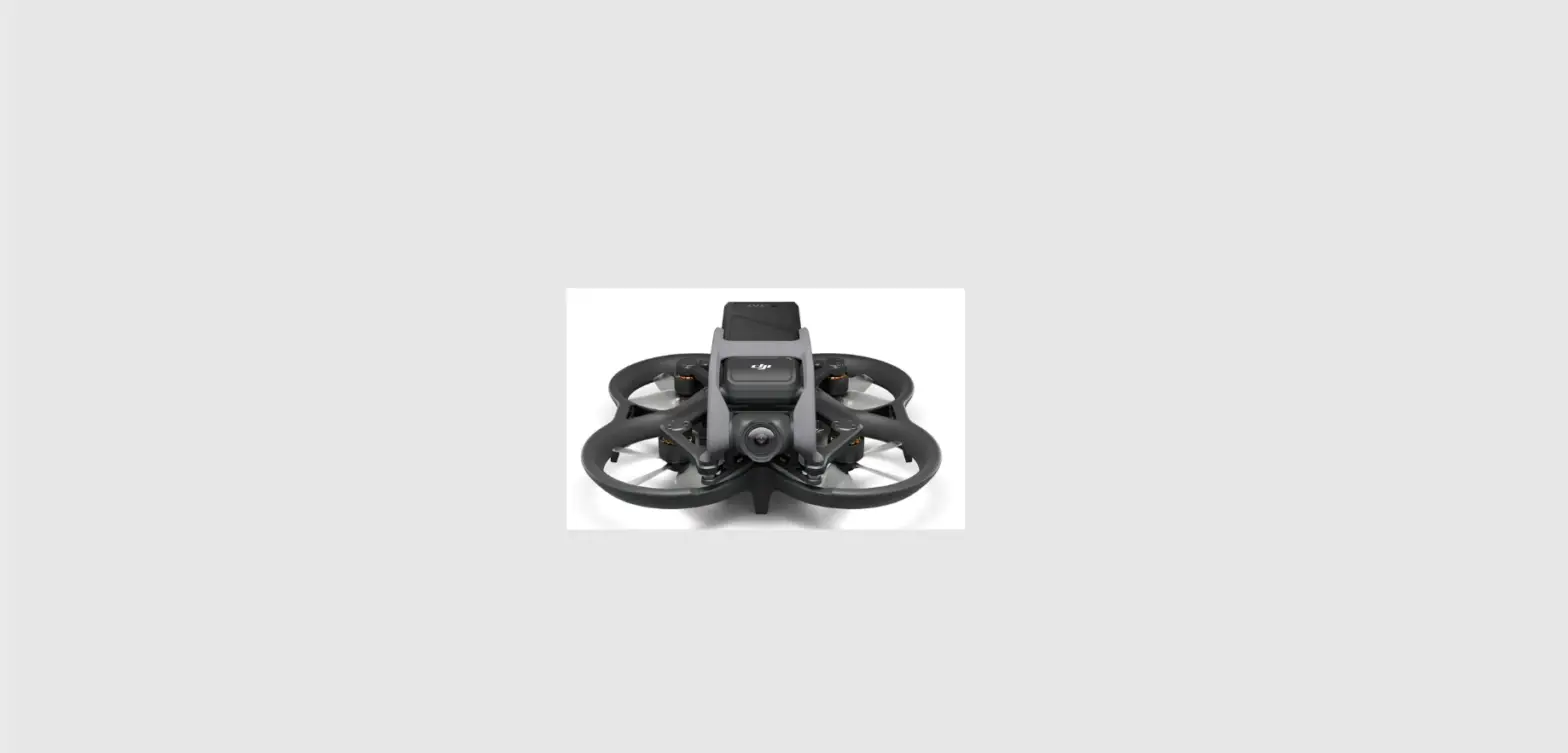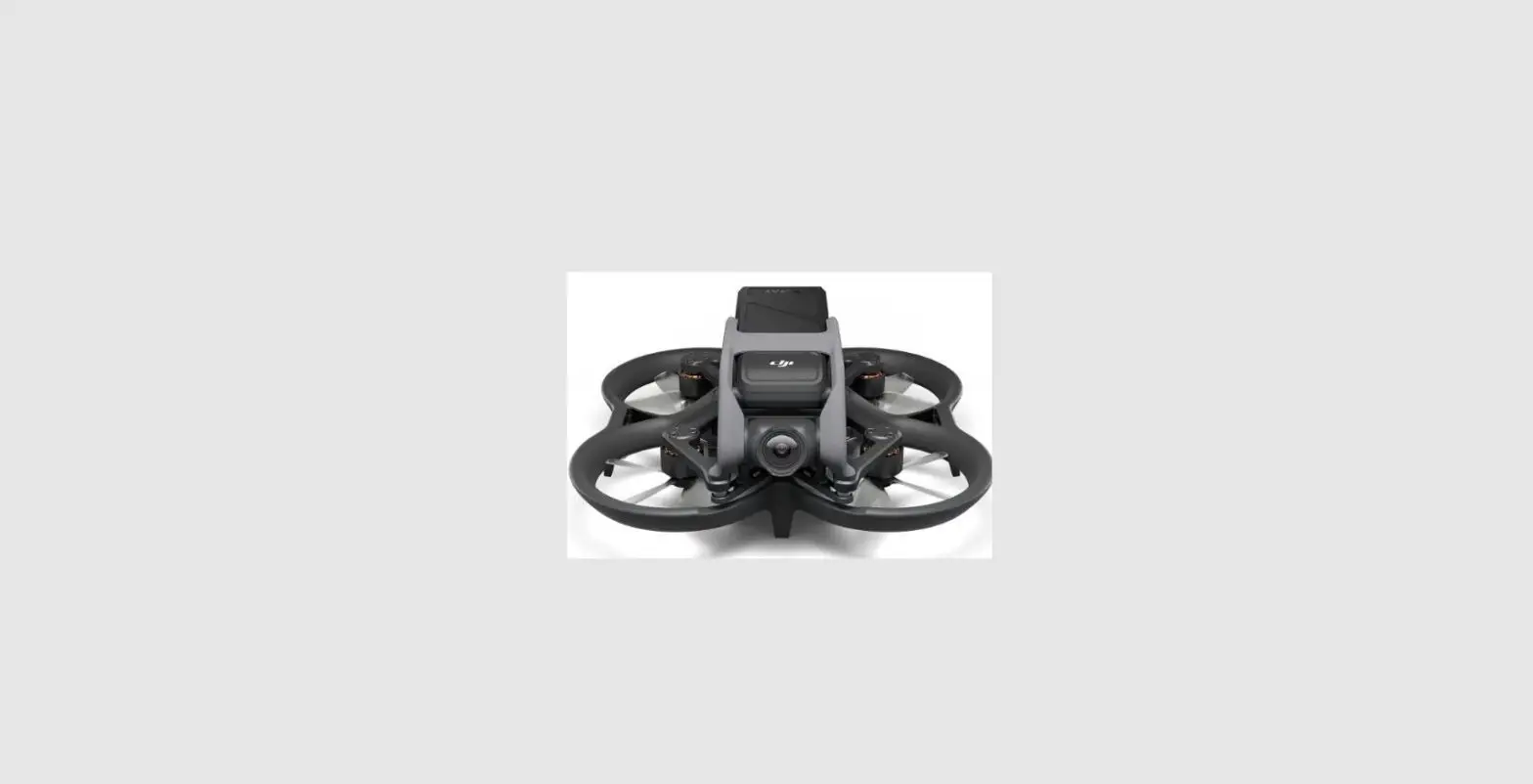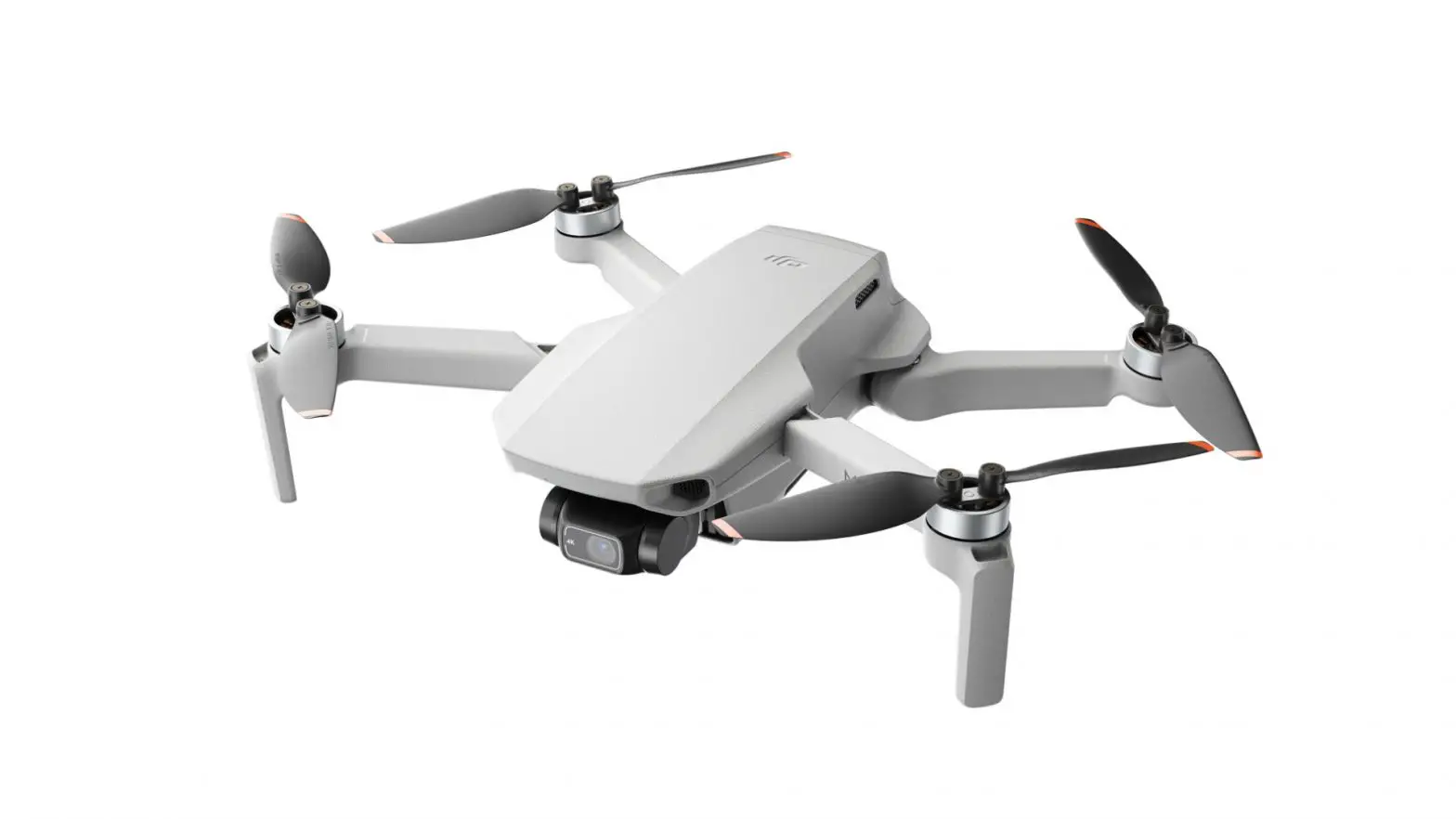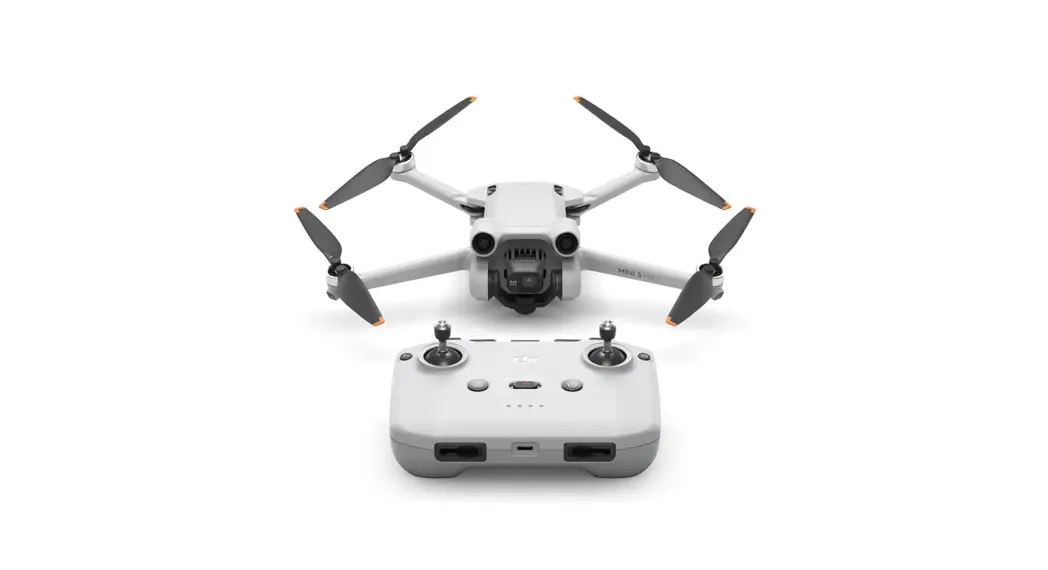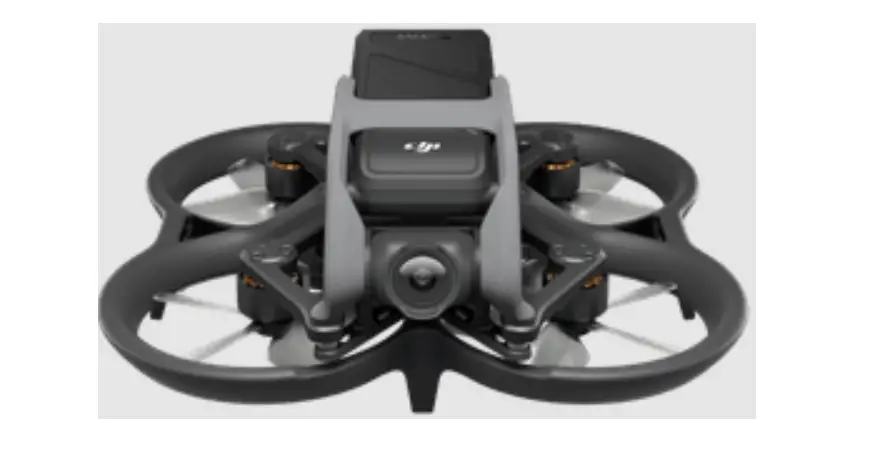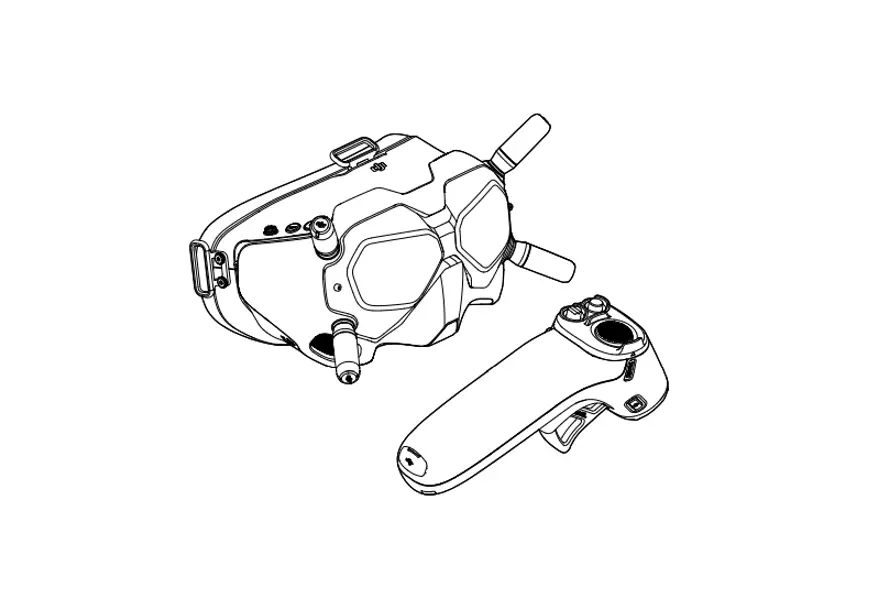

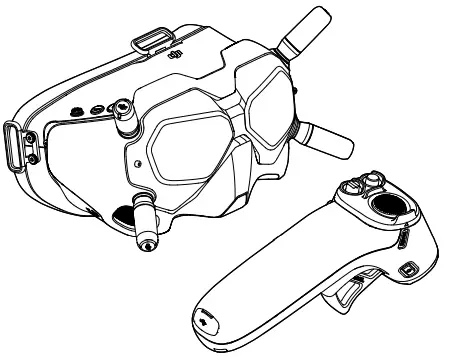
dji Avata Fly Smart Combo FPV Drone
FOR MORE INFO
INSTALLATION INSTRUCTION
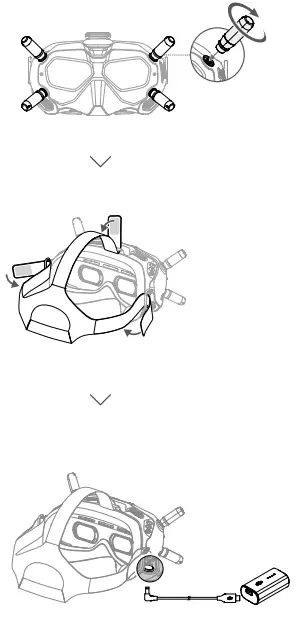
POWER ON
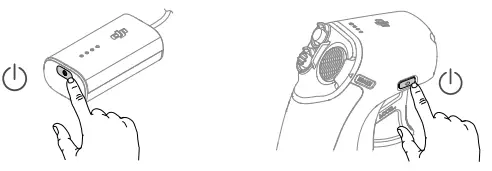
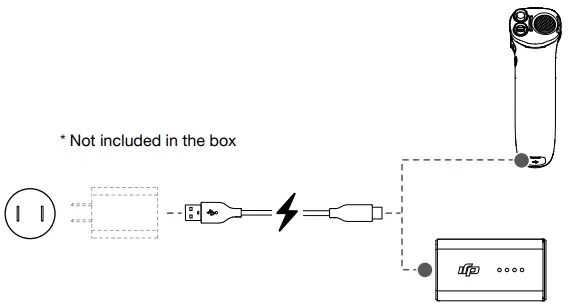
- Check battery level: press once.
- Power on/off: press then press and hold.

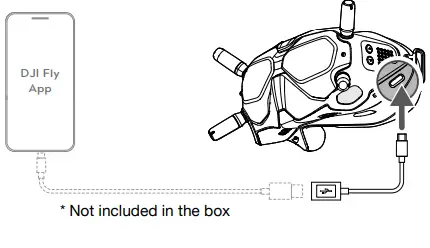
- Connect the USB-C port of the goggles to the mobile device, run DJI Fly, and follow the prompt to activate.

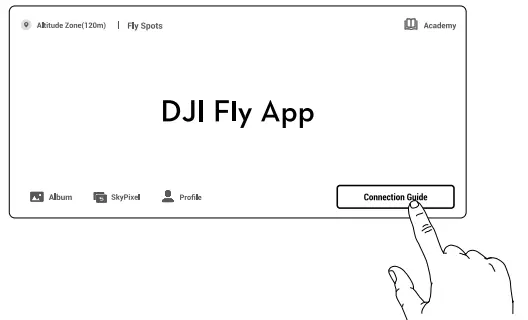
- After activation, tap Connection Guide on DJI Fly and follow the on- Screen instructions to connect the aircraft.

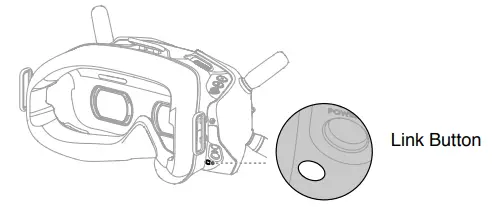
USING INSTRUCTION
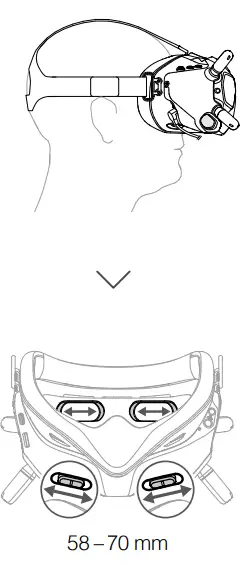
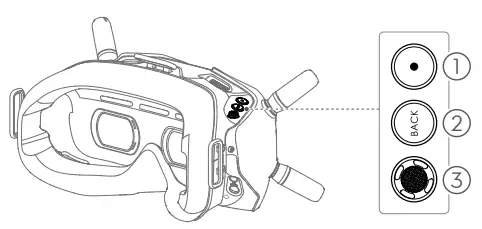
- Record Button: Press to start or stop video recording.
- Back Button: Press to return to the previous menu or exit the current mode.
- 5D Button: Toggle to scroll through the menu. Press to confirm.
Normal Mode
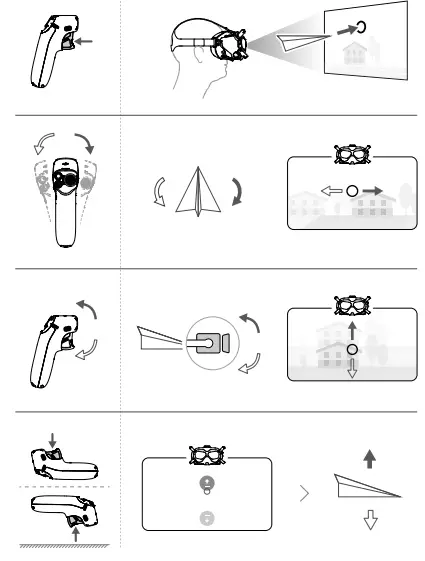
Operation
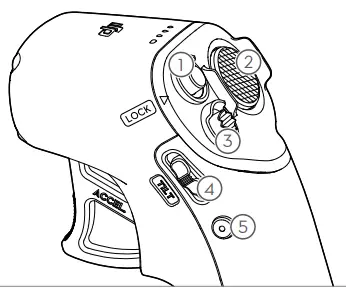
- Lock Button
- Press twice: start the motors of the aircraft.
- Press and hold:
- The aircraft will automatically take off, ascend to approx. 1.2 m, and hover.
- The aircraft will automatically land and the motors v
- Brake Button
- Press once: the aircraft will stop and hover. Press again to unlock the attitude.
- Press and hold: initiate RTH. Press again to cancel RTH.
- Mode Button
Press once: switch modes. - Gimbal Tilt Slider
Push up and down to adjust the tilt of the gimbal. - Shutter/Record Button
- Press once: take a photo or start or stop recording.
- Press and hold: switch between photo and video mode.
SUBSCRIBE FOR MORE INFORMATION
https://www.dji.com/avata/downloads
WE ARE HERE FOR YOU