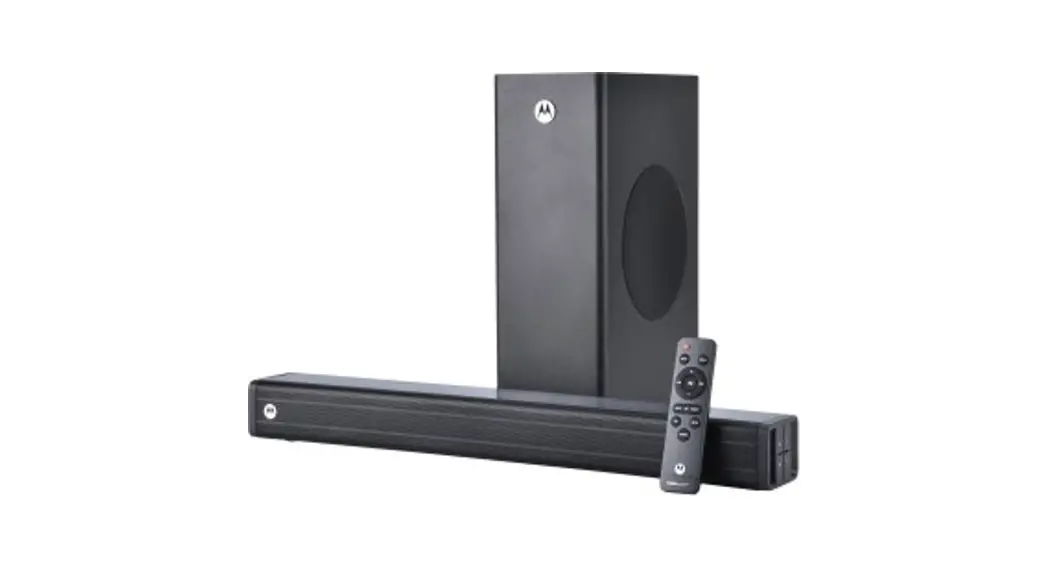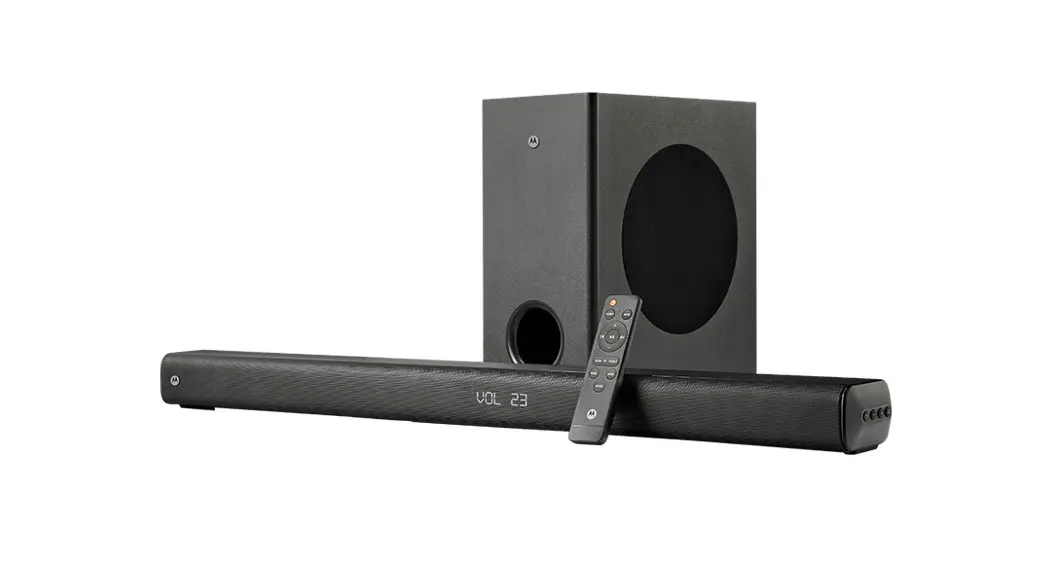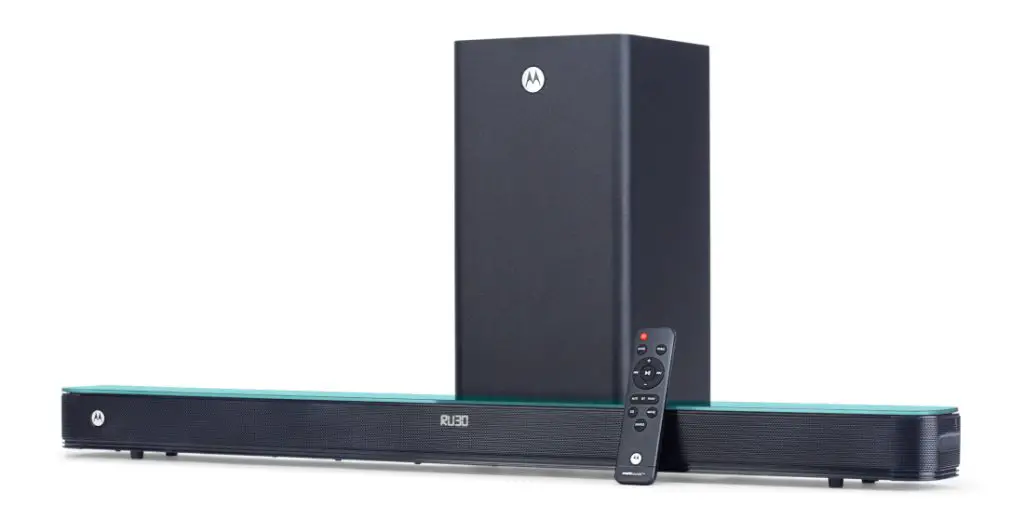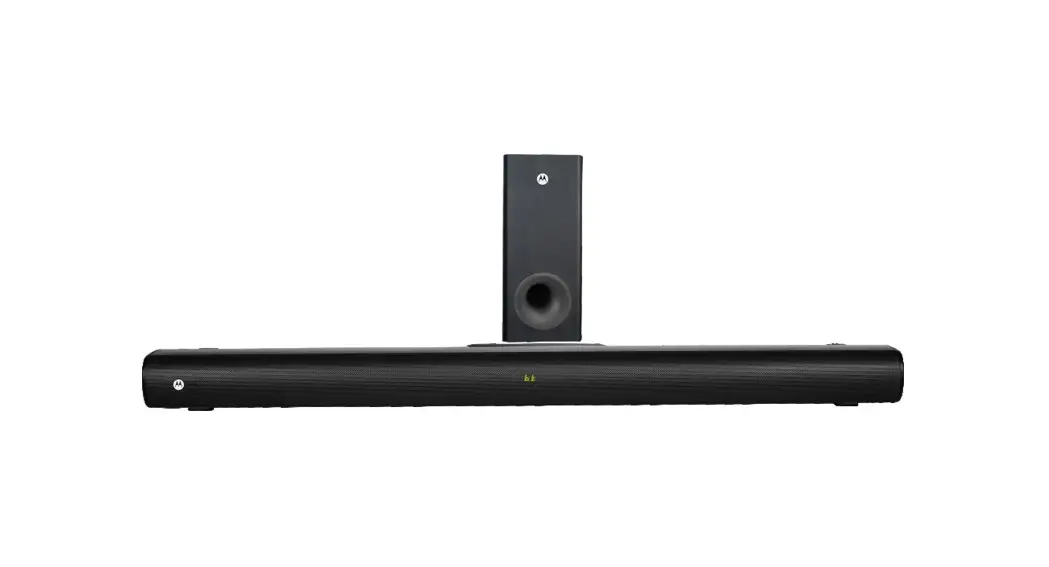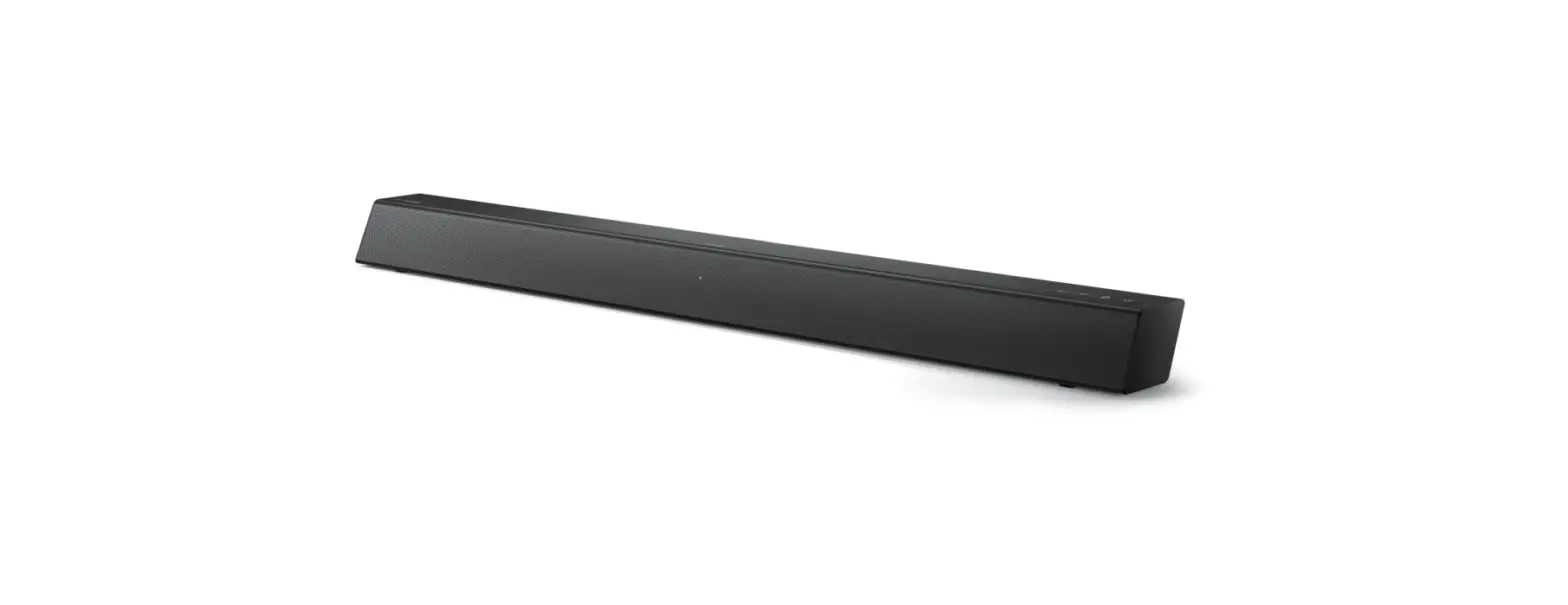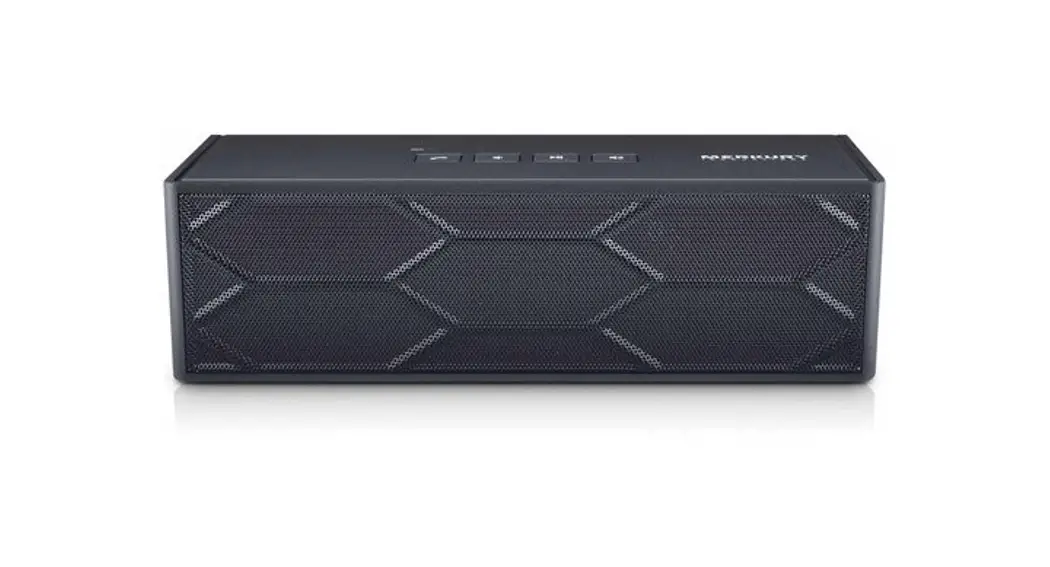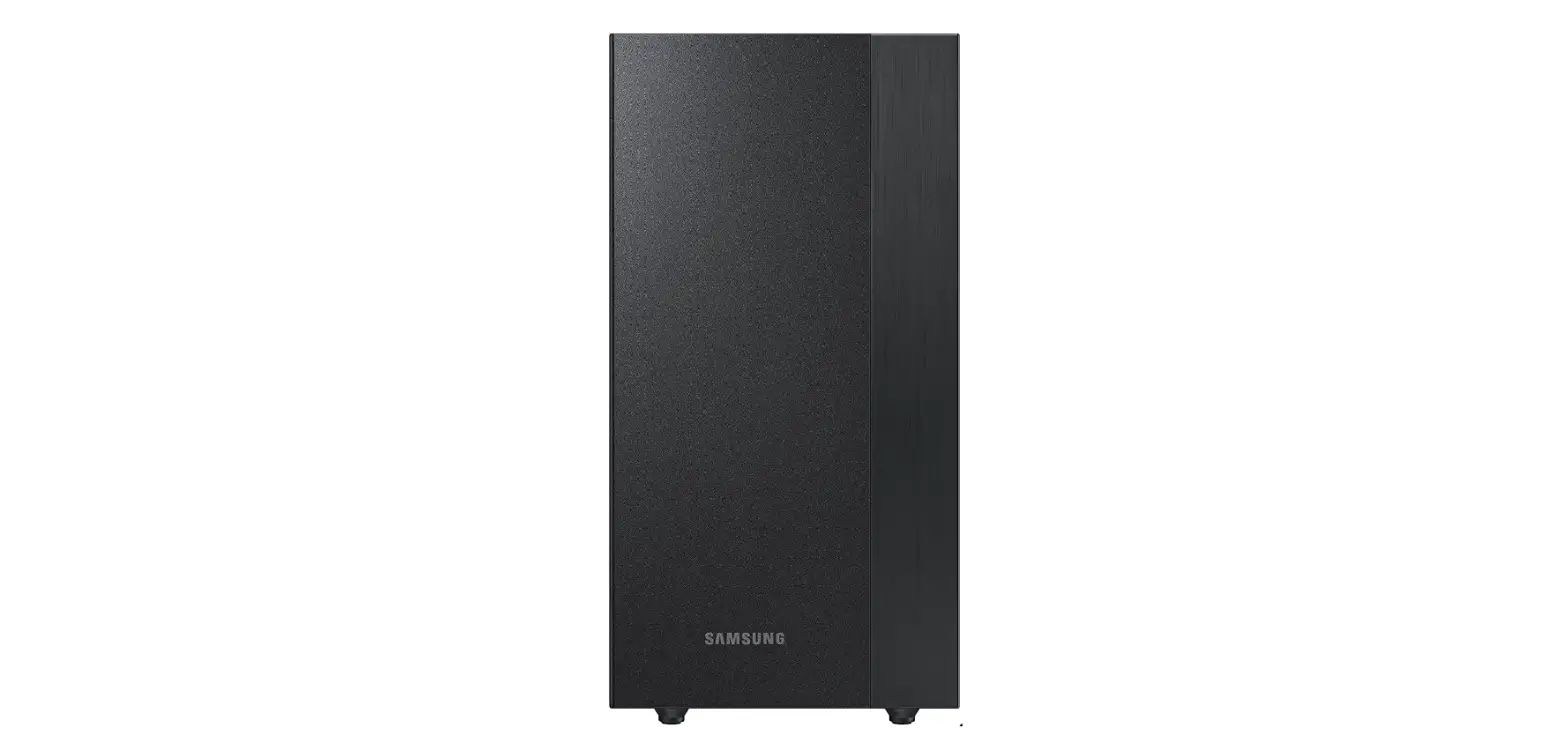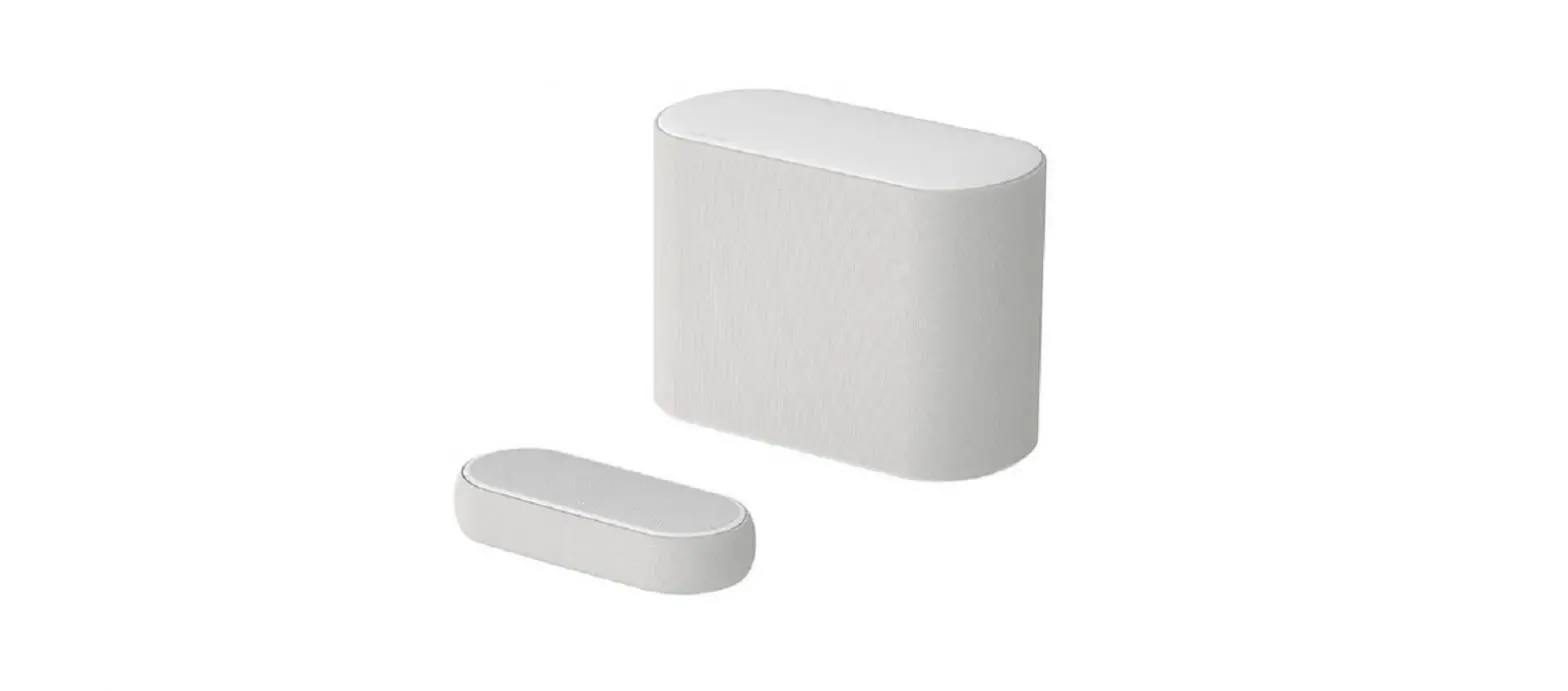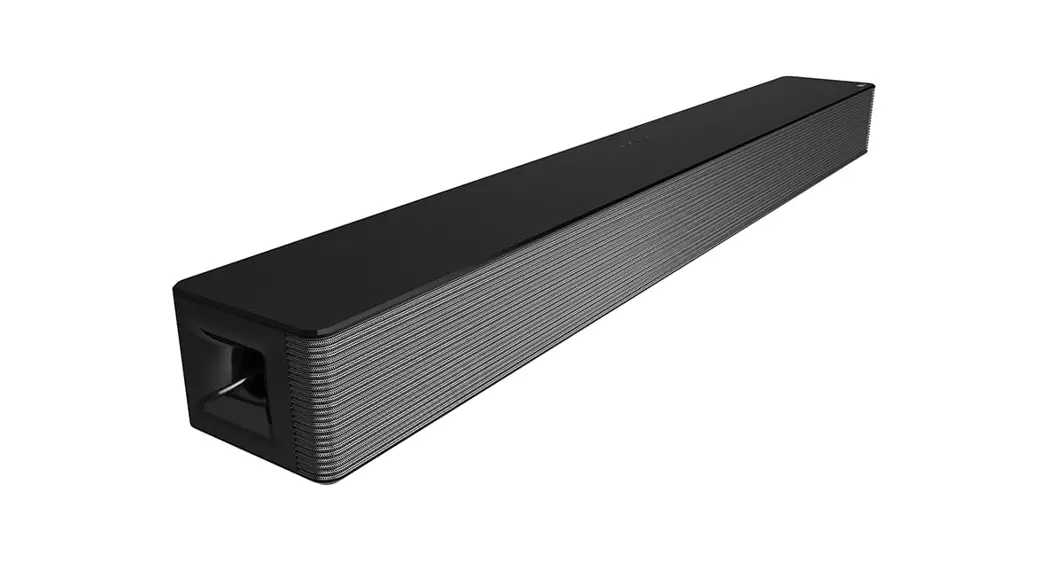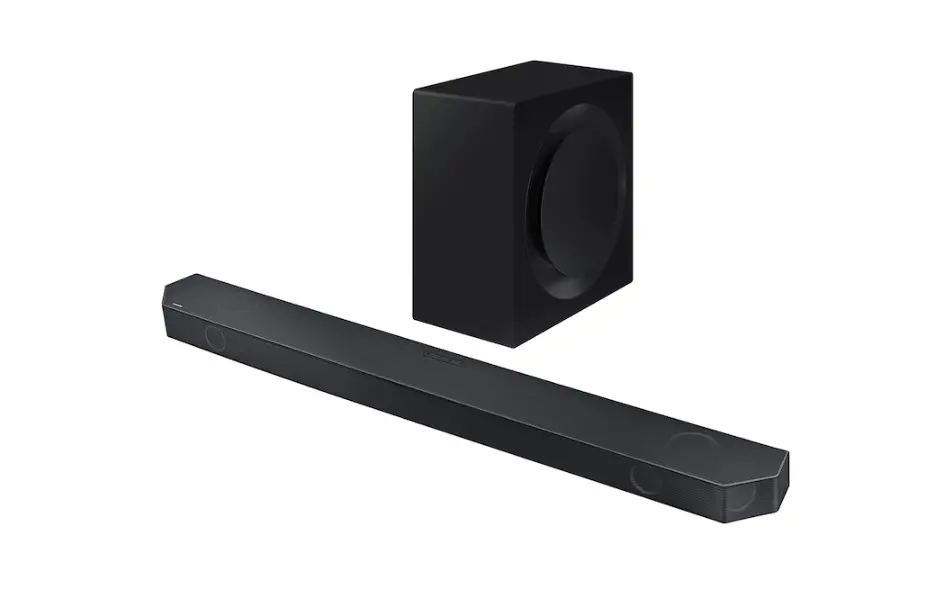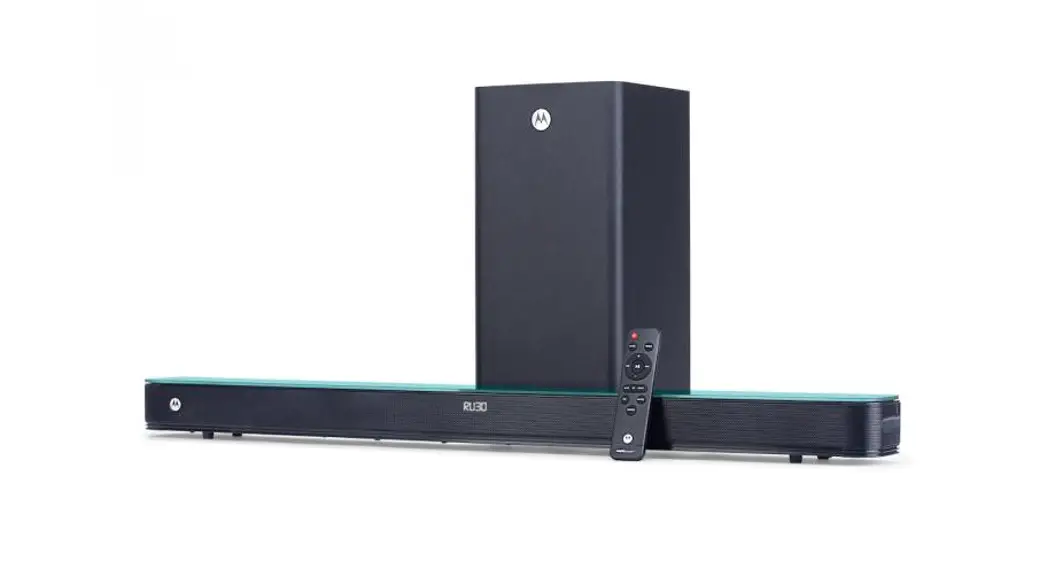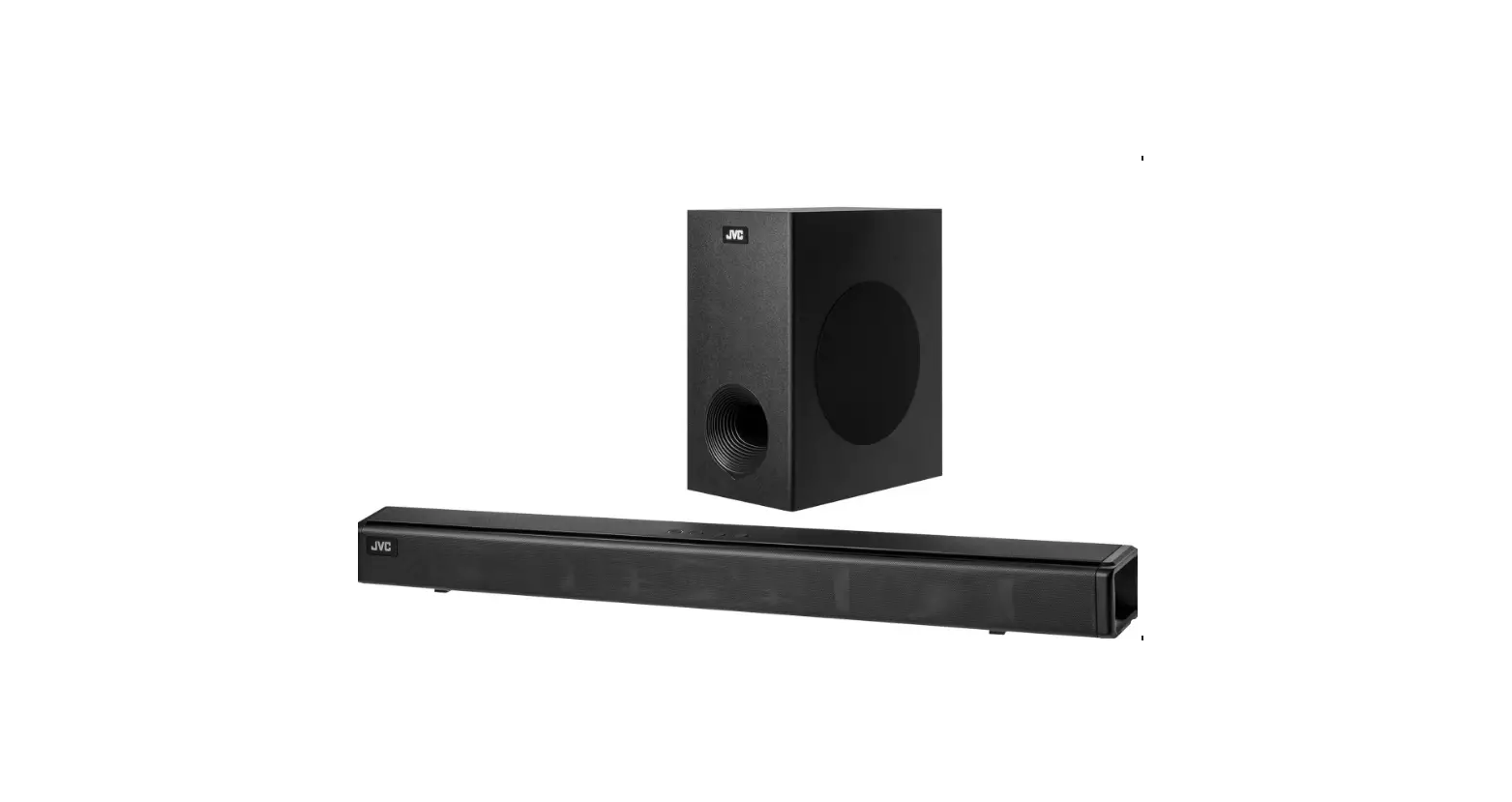
 200w 5.1 Soundbar
MT200-SB51
User Manual
Safety instructions
Please read carefully the safety mark on the backside
 This mark is intended to alert the user from the non-isolated dangerous voltage within the product that may be of sufficient magnitude to constitute a risk of electric shock to persons.
 This mark is intended to alert the user for important operating and servicing instructions.
Warnings
- Avoid sustained periods on high-volume use, and do not turn the volume to maximum level while using high output signal, such as Mobile Phone or DVD, as this will cause distortion and may damage the loudspeaker cones.
- Please switch off the system from the wall socket, when not in use.
- Do not open the cover or back panel to avoid electrical shock or any other accidents. No user-serviceable parts are inside.
- Only for indoor use.
- Plug the system into the electricity socket with the right voltage.
- The MAINS plug is used as the disconnect device.
- The product shall not be exposed to dripping or splashing and that no objects filled with liquids. such as vases. shall be placed on the product.
Care and safety information
Avoid high temperatures, moisture, water, and dust
- Apparatus should not be exposed to dripping or splashing of liquid.
- Do not place any source of danger on the Subwoofer, and satellite (e.g. liquid filled objects lighted candles).
- Do not install near heat sources.
Do not block any ventilation opening
- Place the apparatus in a location with adequate ventilation to prevent internal heat build-up. Allow at least cm (4 inches) of free space all around the apparatus for adequate ventilation.
- At high volume, the back cover of the Subwoofer becomes Do not touch it.
Care of the cabinet
- Use a soft cloth slightly moistened to clean the cabinet. Do not use a solution containing alcohol, spirits, ammonia, or abrasives.
What’s in the box
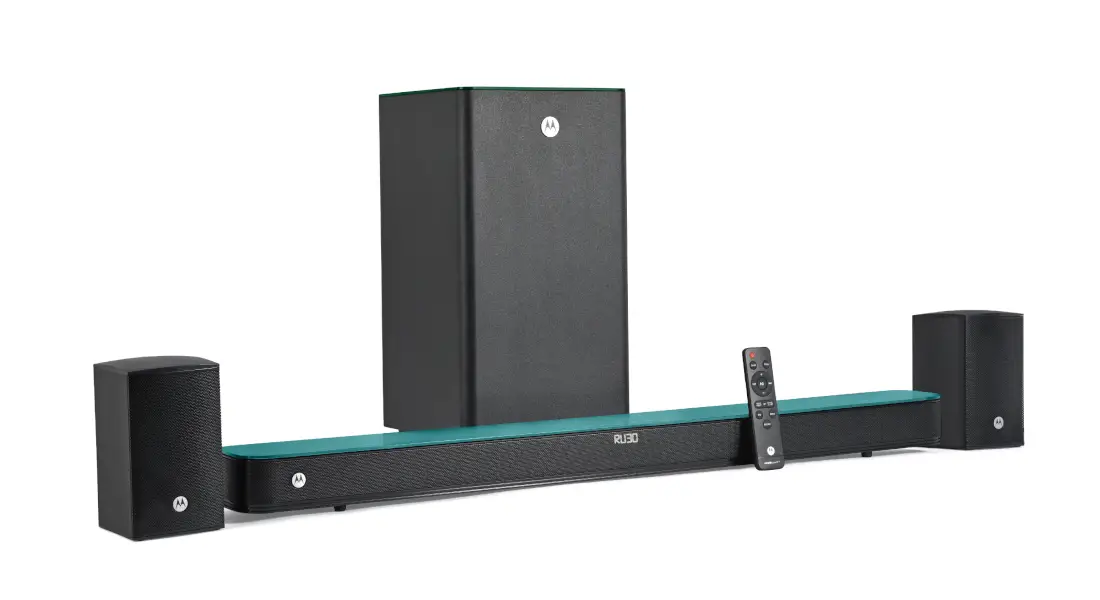
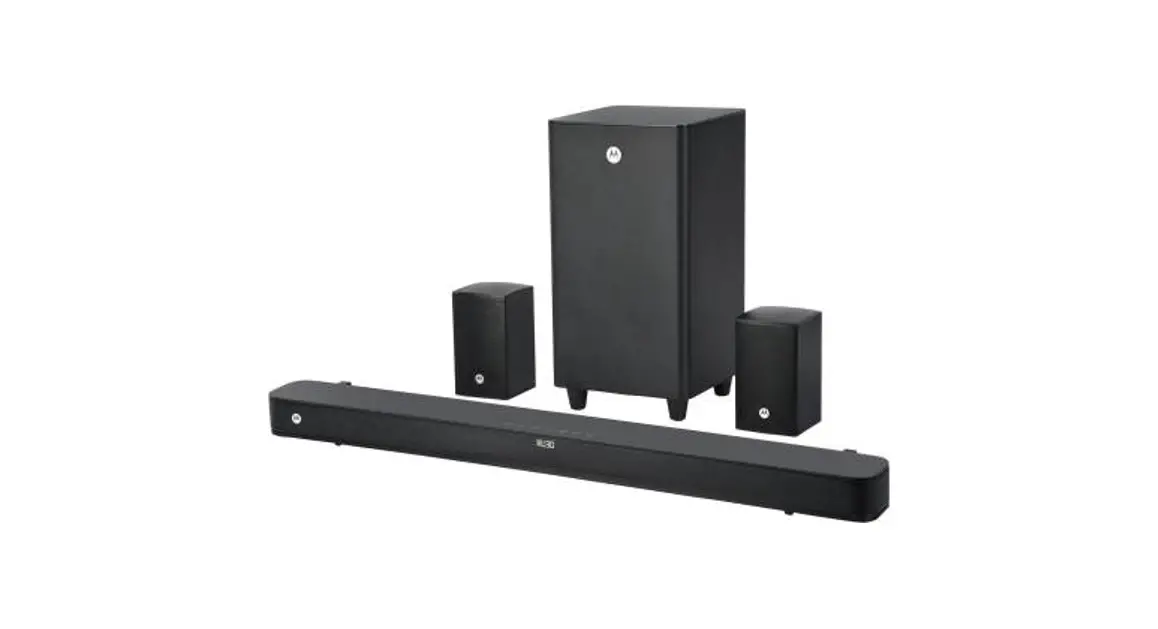
| Item | Subwoofer | Satellite speakers | Soundbar | RCA cable | Remote control | User manual | HDMI cable | power cable | wall mount kit(screw) |
| Quantity | 1 | 2 | 1 | 1 | 1 | 1 | 1 | 1 | 4 |
CONNECTIONS
Front panel operation
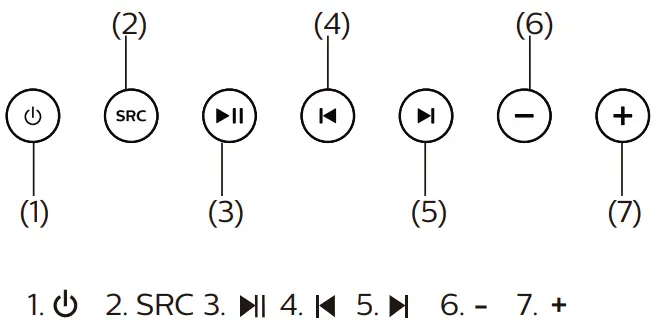
| Key Button | Short Press | Long Press | |
| 1 |  | Switch on /off | ——————————————————– |
| 2 | SRC | Change the input mode:” bt ” is Bluetooth Mode.” HD ” is ARC Mode.” OP ” is Optical Mode.” AU ” is Audio Mode. ” Ud ” is USB* mode. “dU” is DVD mode. | —————————————– |
| 3 |  | Play/pause in USB*/BT mode. | Play/pause in USB*/BT mode. |
| 4 |  | Play the previous song in USB*/BT mode. | |
| 5 |  | Play the next song in USB*/BT mode. | |
| 6 | – | Volume decrease. | Volume decrease. |
| 7 | + | Volume increase. | Volume increase. |
Manual reset for Wireless Pairing
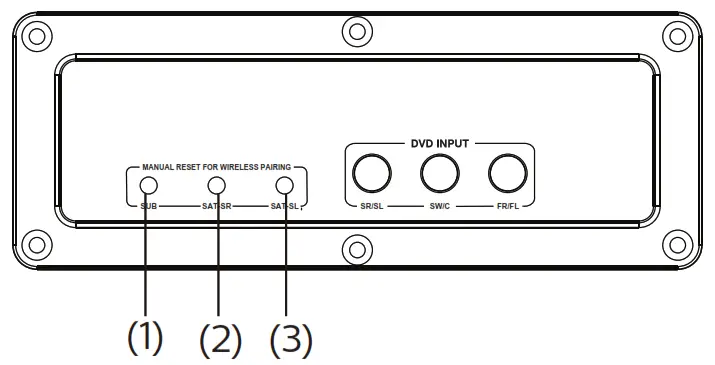
- When the subwoofer can not connect with the wireless soundbar, Press this key for 5 seconds, switch off the subwoofer on the backplate, then switch on the subwoofer again, it will be connected automatically. The blue light on the backplate of the subwoofer will be on.
- When the right surround satellite can not connect with the wireless soundbar, press this key for 5 seconds, switch off the right surround satellite on the backplate, then switch on right surround satellite again, it will be connected automatically. the blue light on the top of the right surround satellite will be on.
- When the left surround satellite can not connect with the wireless soundbar, press this key for 5 seconds, switch off the left surround satellite on the backplate, then switch on the left surround satellite again, it will be connected automatically. the blue light on the top of the left surround satellite will be on
Remark:
To prevent disturbing in the night, the LED display of the soundbar is set to be off after 90 seconds if there is no operation, you can press any button to resume.
* Mode available when USB* is inserted
Remote controls
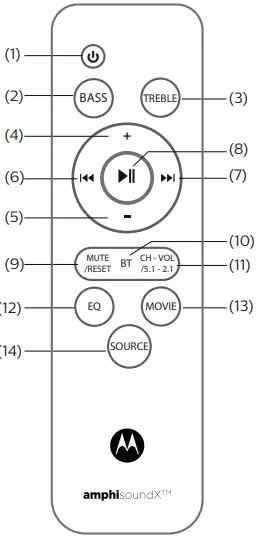
| 1. 2. BASS 3. TREBLE 4. + 5. – 6.  7.  | 8. 9. MUTE / RESET 10. BT 11. CH – VOL / 5.1 – 2.1 12. EQ 13. MOVIE 14. SOURCE |
- Power on/Power
 .
. - BASS: Press it and + or – to increase or decrease Bass.
- TREBLE: Press it and + or – to increase or decrease treble.
- +: Short press to increase volume, long press to increase volume continuously.
- -: Short press to decrease volume, long press to decrease volume continuously
-
 : In BT/USB* mode, short press to be a previous song, long press to move backward. (only USB* mode.)
 - : In BT/USB* mode, short press to be next song, long press to move forward. (only USB* mode).
 : In BT/USB* mode, short press to play/pause, in HDMI ARC/OPT mode, short press to be mute, in BT mode, long press to be disconnected.
- MUTE / RESET: Short press to be mute, long press to reset. (bass 0, treble: 0, volume: 10).
- BT: Bluetooth mode.
- CH – VOL / 5.1 – 2.1: Short press to adjust F (front) S (surround ) C (central) channels’ volume by pressing CH-VOL and + or -. long press to choose 5.1or 2.1.
- EQ: Short press to change the following mode.
1 )POP(popular)
2 )ROC(rock)
3 )JAZ(jazz)
4 )CLA(classic)
5 )DIR(news)
6 )NOR(normal). - MOVIE: Short press to be movie mode.
- SOURCE : Short press to change mode, BT, OP, HD(HDMI ARC), AU(AUX), DU(DVD), USB*.
Bluetooth Operating Instruction
- Press the SOURCE key from the front panel or remote to go to Bluetooth;
- When selecting the Bluetooth mode, in the display, the dot on the right bottom will start to blink fast.
- For pairing with mobile or other Bluetooth devices, search the device named “Motorola 200w SB” and pair it. Once paired, the dot becomes blinking slowly;
- Press “ “for continuous 3 seconds from the remote to force disconnect the Bluetooth.
Note: While using Bluetooth, if an external call comes, then the speaker system goes in a mute mode in order to protect the privacy of mobile phone users. Operation resumes once the call is disconnected.
| Mode | Display | Priority |
| AUX | 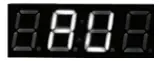 | |
| USB* |  | when inserting USW, it will change to USB mode automatically |
| DVD |  | |
| Bluetooth |  | |
| HDMI | 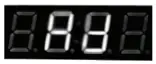 | |
| Optical | 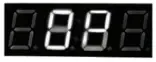 |
Play ing the speakers and subwoofer
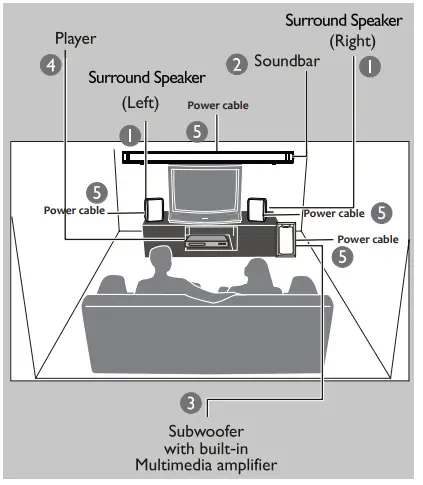
System positioning :
The subwoofer is recommended to be put on the floor to get a better acoustic effect.
Place the front left and right speakers at equal distances from the TV and at an angle of approximately 45 degrees (horizontal) from the listening position.
Place the soundbar above the N so that the center channel’s sound is localized.
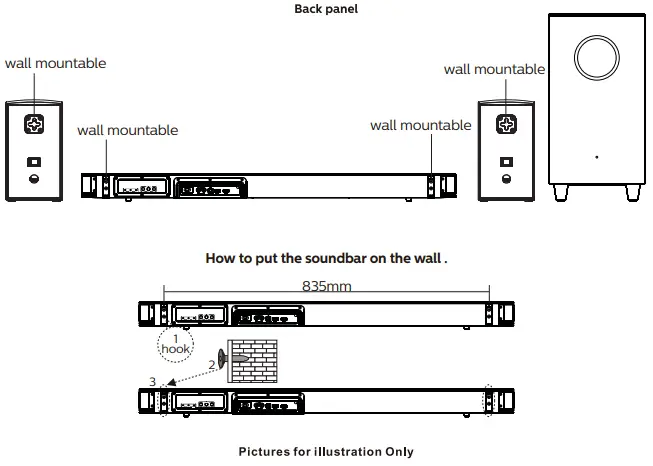
Place the surround speakers at normal listening. ear level facing each other or mounted on the wall.
Helpful Hints:
– To avoid magnetic interference, do not put the speakers too close to your TV.
Troubleshooting
Warning –
Under no circumstances should you try to repair the system yourself, as this will invalidate the warranty. Do not open the system as there is a risk of electric shock. If a fault occurs, first check the points listed below before taking the system for repair. If you are unable to remedy the problem by following the hints mentioned in the below table, Consult your dealer for help.
| Problem | Solution |
| 1. No power. | Check if the AC power cord is properly inserted into the AC main socket. |
| 2. No sound or distorted sound. | Adjust the volume / select the correct source to choose the equipment that you want to hear through the system. |
| 3. The remote control does not work properly. | Reduce the distance between the remote control and the system. Replace the batteries with new ones / Point the remote control directly towards the IR sensor (located on the front panel of the subwoofer) / Check that the batteries are loaded correctly / Switch off the system for 30 seconds and then restart. |
| 4. Low hum or buzz sound. | Place the product as far away as possible from electrical devices that may be causing interference / Check power supply voltage and consult an electrician. |
| 5. The content of the USB* flash drive can not be read. | The USB* flash drive format is not compatible with the system. Drive is formatted with a different file system which is not supported by this unit (e.g. NTFS). |
| 6. Slow operation of the USB* flash drive / can not detect USB* flash drive. | Large file size of high memory USB* flash drive takes longer time to read and play. Take out the USB* drive and insert it again properly. |
| 7. BT does not work. | Reduce the distance or device is not paired. |
| 8. HDMI not work | check whether the HDMI cable has been inserted properly and whether HDMI (ARC) feature is available on the TV. |
| 9. Optical not work | check whether the optical cable has been inserted properly |
Warranty Terms & Conditions
Flipkart India Private Limited (“Company”) warranties the product to be free from manufacturing defects or any other specific defect as may be specified in the Specific Terms and Conditions below. The warranty is for a period mentioned in the Specific Terms and Conditions below, the invoice (If not specified in the Specific Terms and Conditions below), as well as the product listing page, and such period shall commence from the date of purchase of the product by the first end-user. This Is a non-transferable warranty, valid only In the territory of India and extended only to the first end-user customer (“Customer) basis the following terms and conditions, which the Customer is deemed to have accepted upon purchase of the product:
- The warranty period of the product is 1 year, commencing from the date of purchase. Warranty service which includes replacement or repairs will be carried out through the Authorised Service Centers (“ASC/s”) only.
- Warranty will be valid only when the original purchase invoke is presented at the time of service. The company reserves the right to decline warranty service If the purchase invoke is not presented.
- In the Case Of commercial usage of the product, the warranty period would be limited to 90 days only.
- Warranty will cover only functional parts, issues having manufacturing defects, and do not cover damages to the product resulting from unauthorized adaptations/ adjustments/ tampering/ repair. improper installation or placement, mishandling, improper use, deviation from the instructions set out in the user manual (if applicable) normal wear and tear caused due to use of the product.
- Warranty does not cover any external accessories and fittings to the product.
- All black, rubber, glass, or aesthetic parts and consumable replacements will be on a chargeable basis.
Warranty shall not apply to damages caused to the product by accident, voltage fluctuations, lightning. Ingress of water (beyond certified limits, If any), fire or any other - natural calamity, Improper ventilation, dropping or excessive shock, or any external cause beyond the Company’s control.
- The company shall retain all products or spare parts which are replaced and the ownership of the same shall vest with the Company.
- The company is not liable to provide repair services or spare parts after the period of warranty expires and the same if provided will be on a chargeable basis.
- Whilst the Company, through its ASC. shall make every effort to carry out the service at the earliest. it is expressly clarified that the Company is under no obligation to do so within a certain time period.
- Whilst Company would take all necessary steps to repair the product under warranty and maintain sufficient stock of the spare parts of the products, in certain cases, at Its sole discretion, Company may due to non-availability of spare parts of the product or product being in a state which is beyond economic repair, offer a replacement scheme to the Customer. The terms of such replacement offer are subject to change from year to year and shall also be applicable on the maximum retail price of the product.
- All transportation & handling expenses incurred while replacing or repairing will be payable by the Customer
- For any warranty claim requested by the Customer from the region beyond municipal limits of the jurisdiction of the ASC, a visit by authorized service personnel may be arranged by the Company through its ASC, on a case to case basis, at its sole discretion and the charges towards such visit will be borne by the Customer.
- Warranty shall be void if:
1.The type or serial no. on the product has been altered, removed, or defaced.
2. The product is not operated as per the instructions given in the User Guide if any.
3. The defects are caused by household pets, rats, cockroaches, or any other animals or insects. - The warranty automatically expires after the period of time stated in the product invoice even if the product may not be in use for any time for whatever reasons.
- This Warranty shall not affect Customer’s statutory rights under any applicable law
- Customer agrees to indemnify and keep Company harmless against all damages, liabilities, costs, expenses. claims, suits, and proceedings (including reasonable attorney’s fee) that may be suffered by the Company as a consequence of (i) violation of these terms and conditions by the Customer; (ii) violation of applicable laws by the Customer; (iii) any action or inaction resulting in willful misconduct or negligence on the Customer’s part.
- In the event of repairs of any part (s) of the product, the Warranty will thereafter continue and remain in force only for the unexpired period of the Warranty. Moreover, the time is taken for repair and in transit whether under the Warranty or otherwise shall not be excluded from the warranty period.
- None of the employees, sellers, dealers, or ASCs of the Company have the authority to vary these terms and
- Customer agrees that the courts at Bangalore shall have the exclusive jurisdiction to settle any dispute that may arise in relation to this Warranty or these terms and conditions.
- THE COMPANY SHALL NOT BE LIABLE FOR ANY INDIRECT, SPECIAL, PUNITIVE, EXEMPLARY, SPECULATIVE OR CONSEQUENTIAL DAMAGES, INCLUDING, BUT NOT LIMITED TO, ANY LOSS OF USE, BUSINESS INTERRUPTION, AND LOSS OF INCOME OR PROFITS. IRRESPECTIVE OF WHETHER IT HAD AN ADVANCE NOTICE OF THE POSSIBILITY OF ANY SUCH DAMAGES.
- For any further information/assistance please contact our customer Redressal cell at:
Flipkart India Private Limited
Buildings Alyssa, Begonia & Clover,
Embassy Tech Village. Outer Ring Road, Devarabeesanahalli Village, Bengaluru — 560103. Karnataka, India. Tel. : 080-46331090
E-mail: [email protected]
KEEP OUT OF REACH OF CHILDREN
Children should be supervised to ensure that they do not play with the appliance.
Product specifications
| Total system power | 200 W |
| Satellite | 24 W x 5 |
| Subwoofer power | 80 W |
| Separation | > 40 dB |
| SNR | >60 dB |
| Audio input socket | 3.5 mm stereo |
| Audio output socket | RCA |
| Power consumption | 220 W |
| Subwoofer speaker | 1 Way |
| Speaker size | 8 inch |
| Impedance | 4 Ohm |
| Frequency range | 20 Hz – 150 Hz |
| Dimension (mm) LxWx H | 240 x 240 x 448 |
| Weight | 4 Kg |
| Satellite speaker power | 2 Way, 2 Speakers |
| Speaker size | 3 inch |
| Impedance | 8 Ohm |
| Soundbar speaker power | 3 Way, 6 Speakers |
| Soundbar speaker size | 40*70 mm |
| Frequency range | 140 Hz – 20 kHz |
| Soundbar Dimension (mm) LxWx H | 960 x 85 x 165 |
| Satellite Dimension (mm) LxWx H | 100 x 100 x 178 |
| Soundbar net weight | 4.6 Kg |
| Satellite weight | 0.6 Kg |
| BT version | V 5.0 |
| BT range | Up to 10 meter |
| USB*capacity | Up to 32GB |
| USB* playability | MP3 track |
| HDMI version | V1.4 |
*Specification subject to change without prior notice. Measured under specific conditions.
This product is ROHS Compliant!
Disposal of used Electrical & Electronics Equipment
 Packaging and electrical goods should be recycled appropriately, and not treated as household waste. Please dispose of this equipment at your applicable collection point for the recycling of electrical & electronic equipment waste. By ensuring the correct disposal of this product, you will help prevent potentially hazardous to the environment and to human health, which could otherwise be caused by unsuitable waste handling of this product. The recycling of materials will help conserve natural resources. Please do not, therefore, dispose of your old electrical and electronic equipment with your household waste. For more detailedInformation about the recycling of this product, please contact your local city office, your household waste service, or the shop where you purchased the product.