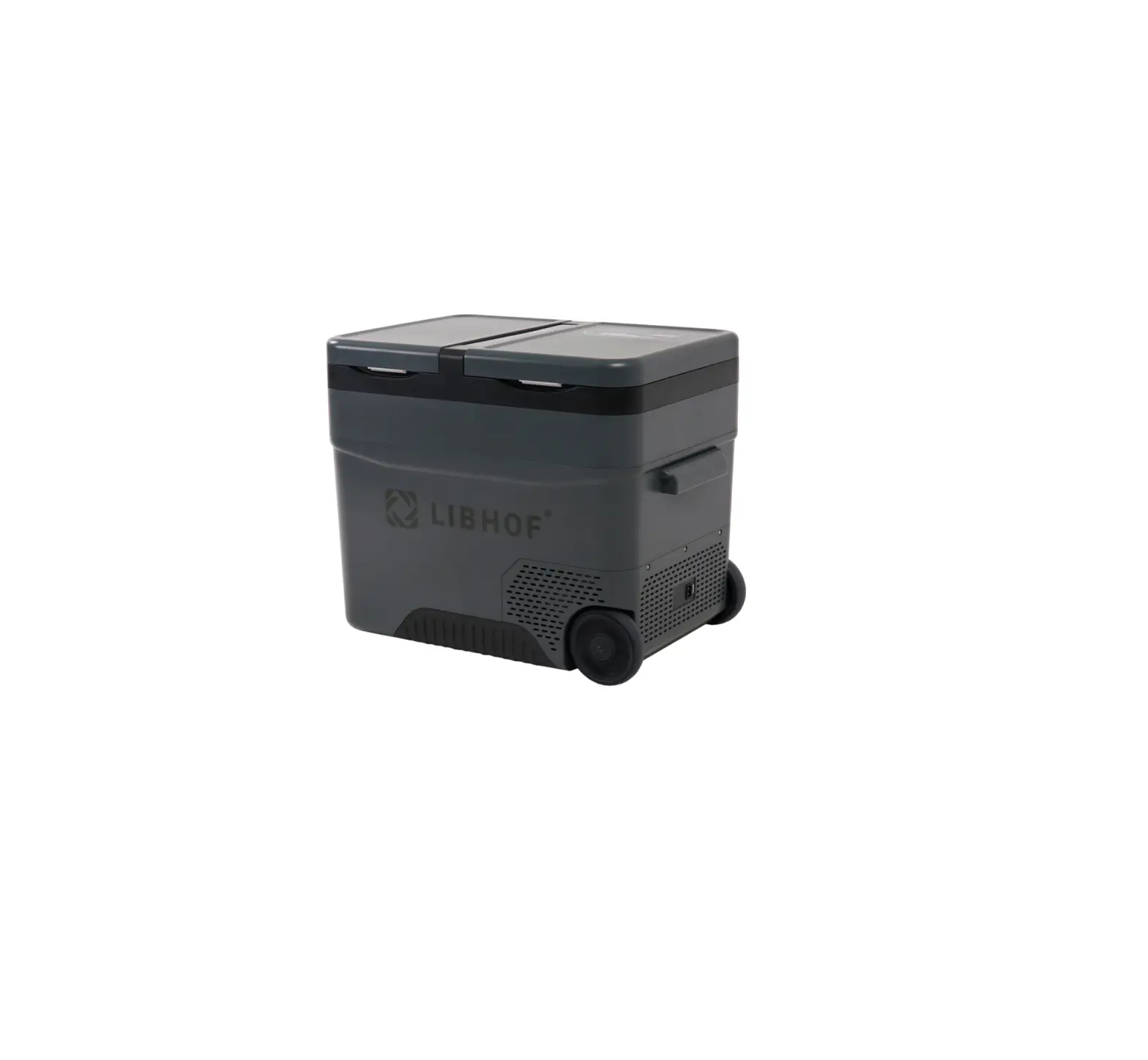
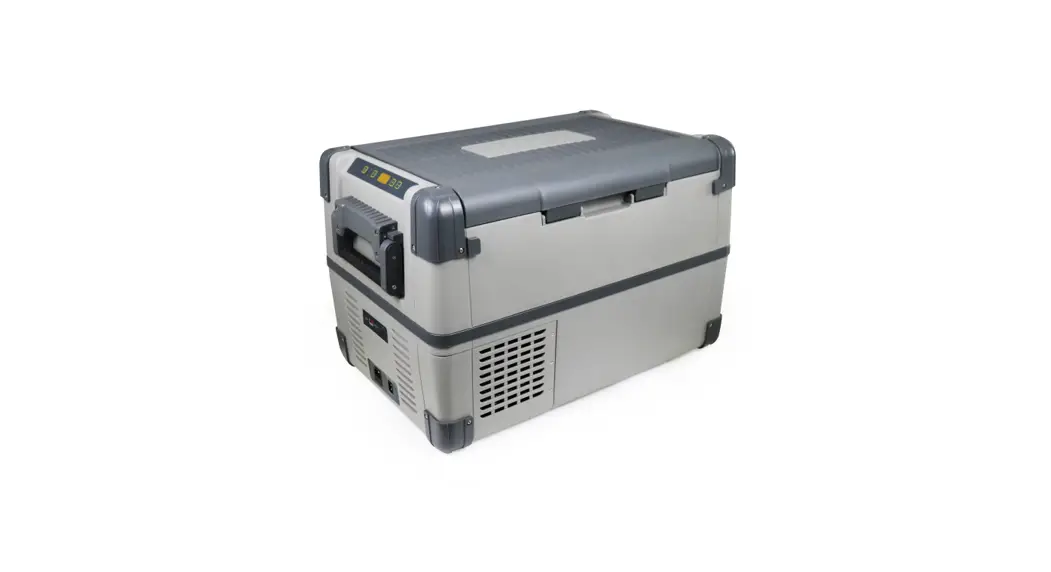
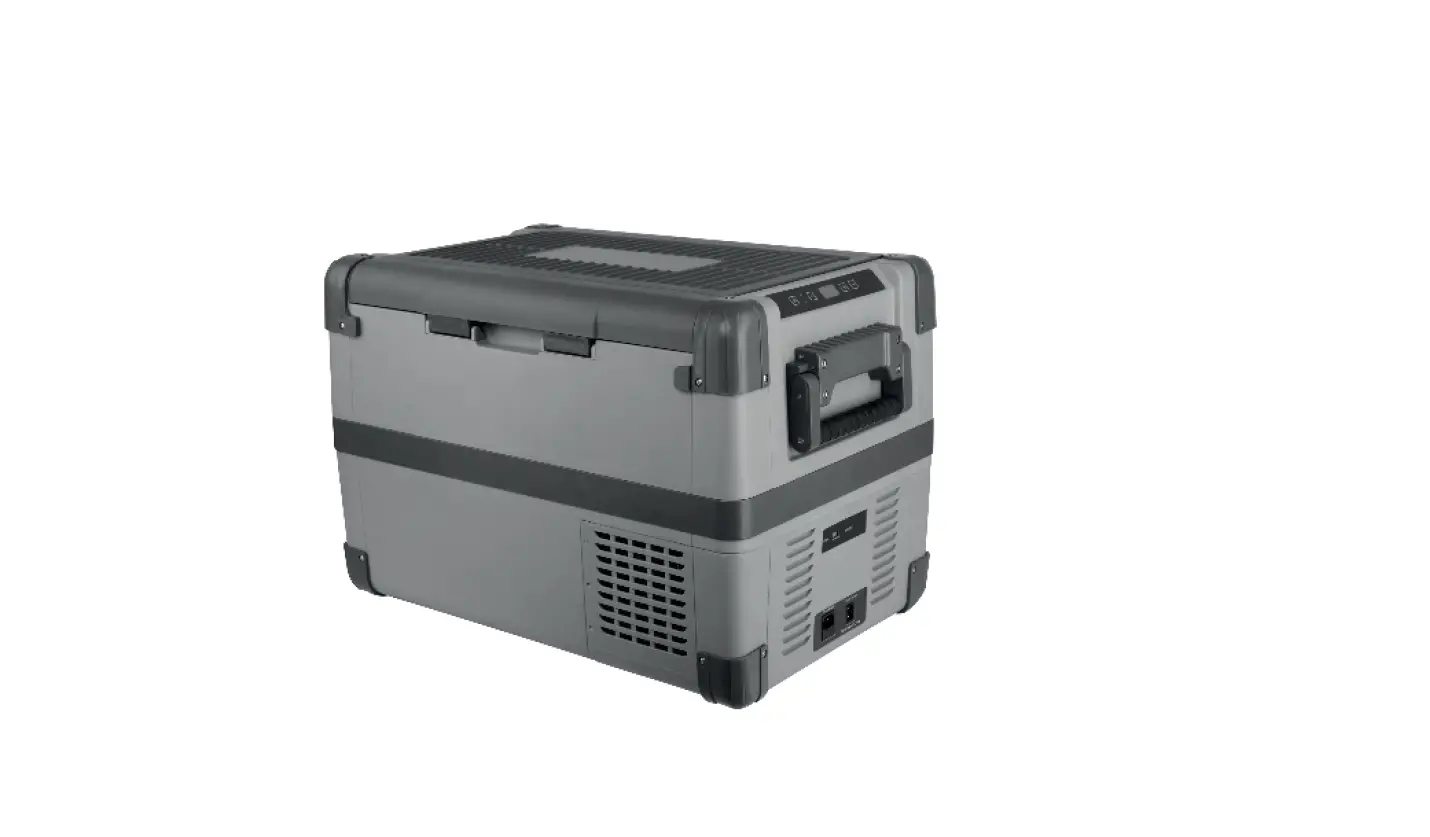
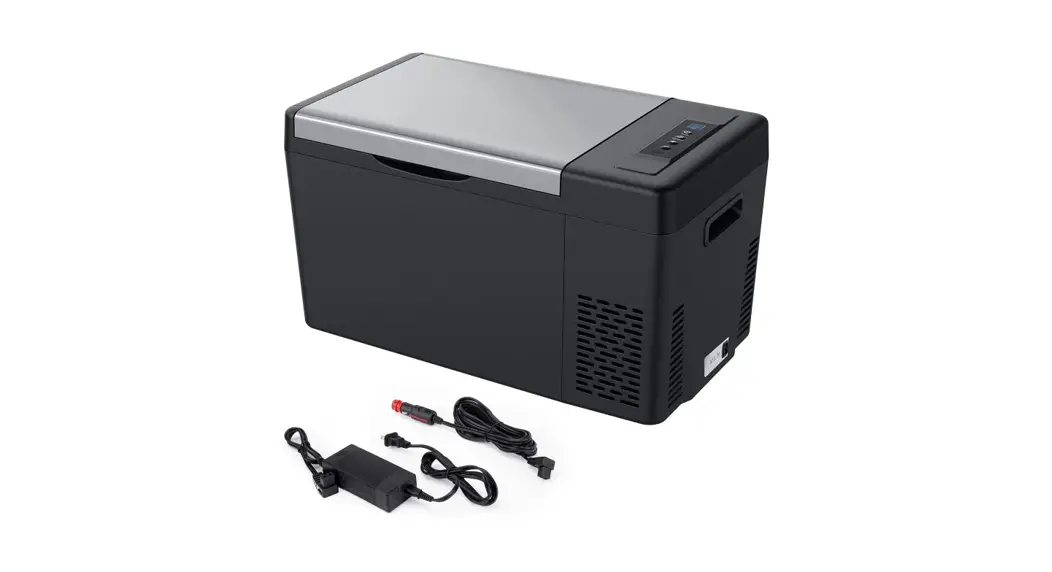
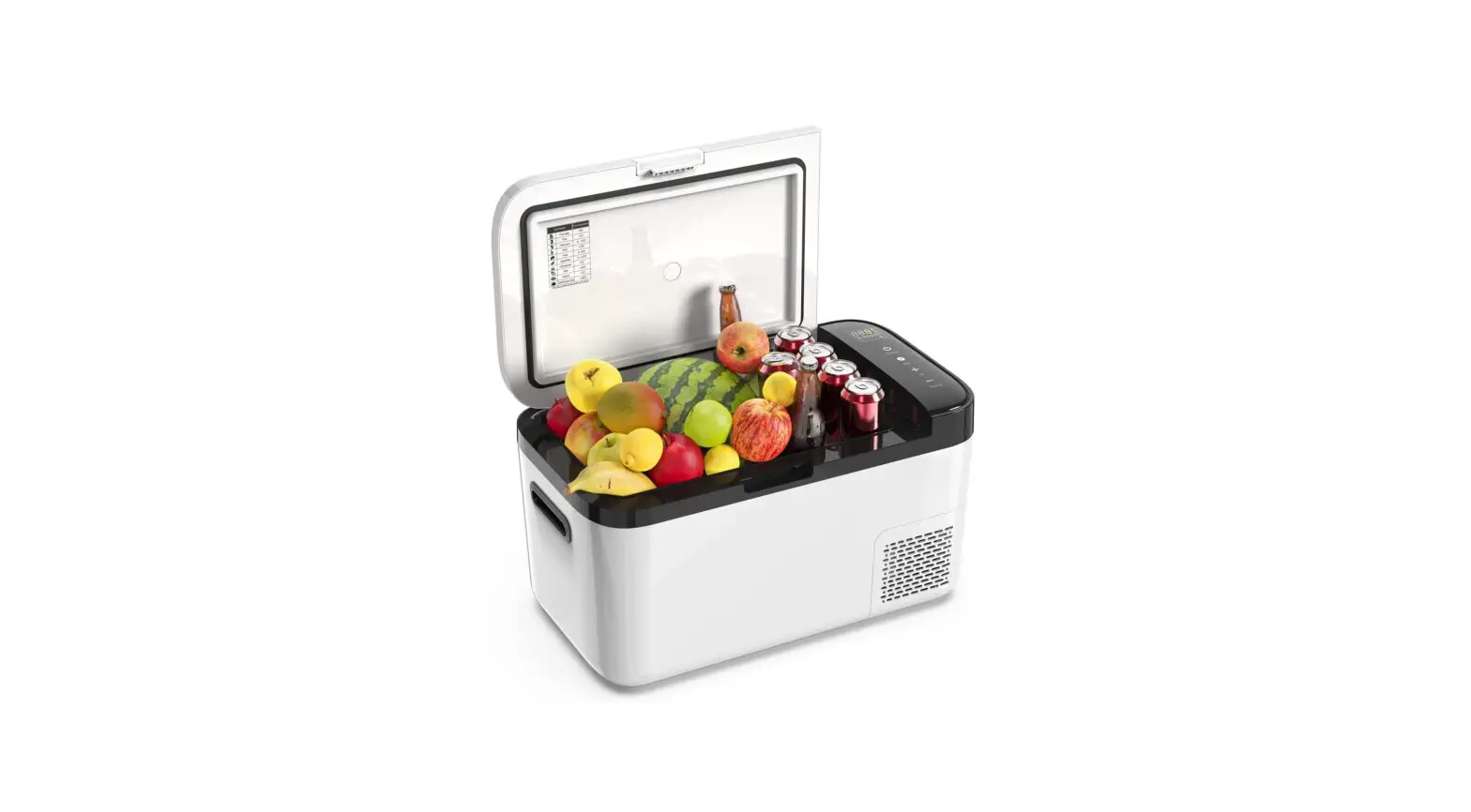
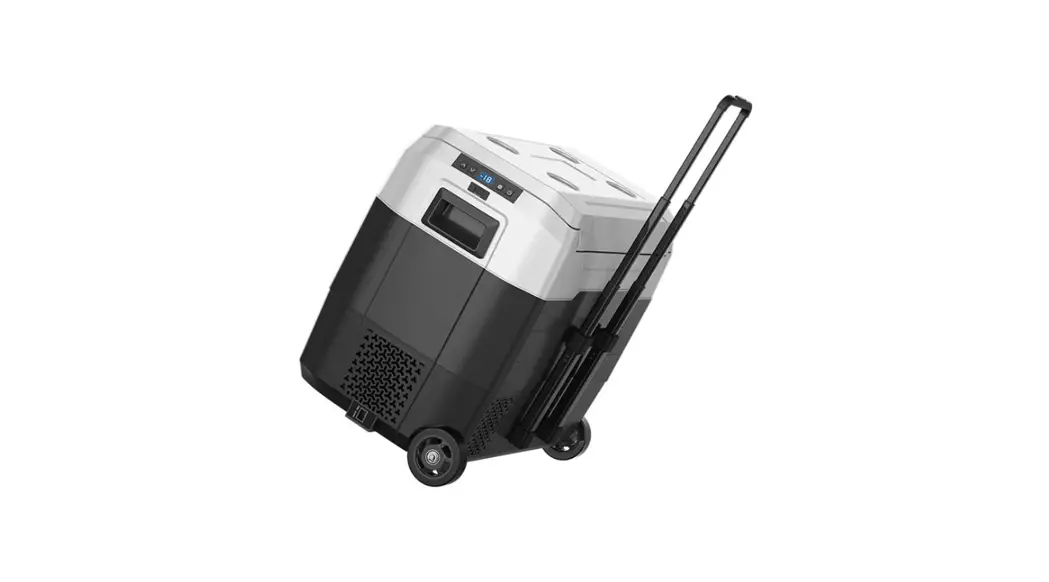
LIBHOF Q-18 Compressor Car Fridge User Manual

1. SAFETY INSTRUCTION
1.1 General Safety
WARNING!
Do not operate the cooling device if it is visibly damaged.
If this cooling device’s power cable is damaged, it must be replaced by the customer service in order to prevent safety danger.
This cooling device may only be repaired by qualified personnel, improper repair can lead to considerable danger.
Cleaning and user maintenance must not be carried out by children without supervision.
Children must be supervised to ensure that they do not play with the cooling device.
Always keep and use the cooling device out of the reach of children under age of 8 years.
Do not store any explosive substances such as spray cans with a flammable propellant in the cooling device.
CAUTION!
Disconnect the cooling device from the power supply:
- before each cleaning and maintenance
- after every use
- food may only be stored in its original package or in suitable containers.
NOTICE!
Check that the voltage specification on the rating label corresponds to that of the power supply.
Only connect the cooling device as follows:
- connect the DC cable to a DC power supply in the vehicle
- or connect the DC cable to an AC adaptor and then connect the AC adaptor to the AC power supply.
Never pull the plug out of the socket by the cable.
If the cooling device is connected to the DC outlet, disconnect the cooling device and other power consuming devices from the battery before connecting a quick charging device.
If the cooling device is connected to the DC outlet, disconnect the cooling device or switch it off when you turn off the engine. Otherwise you may discharge the battery.
The cooling device is not suitable for transporting caustic material or material contains solvents.
The insulation of the cooling device contains flammable cyclopentane and requires special disposal procedures. Deliver the cooling device at the end of its life-cycle to 01 an appropriate recycling.
1.2 Operating the cooling device safety
CAUTION!
Before starting the cooling device, ensure that the power supply line and the plug are dry.
NOTICE!
- Do not use electric device inside the cooling device unless they are recommended by the manufacturer for the purpose.
- Do not place the cooling device near naked flames or other heat sources (heaters, direct sunlight, gas ovens etc.)
- Danger of overheating!
- Ensure at all times that there is sufficient ventilation so that the heat arises during operation does not build up. Make sure the cooling device is sufficiently far away from walls and other objects so that the air can circulate.
- Ensure that the ventilation openings are not covered.
- Do not fill the inner container with ice or fluid.
- Do not immerse the cooling device into the water.
- Protect the cooling device and the cable against heat and moisture.
2. COOLING DEVICE APPLICATION
The cooling device is designed to be operated from:
- DC on-board power supply from a vehicle, boat or caravan.
- DC external battery
- AC power supply by AC adaptor.
The cooling device is intended to be used in household and similar application such as
- Staff kitchen areas in shops, offices and other working environments.
- Farm houses
- Clients in hotels, motels and other residential type environments.
- Bed and breakfast type environments.
CAUTION! Health danger!
Please check if the cooling capacity of the device is suitable for storing the food or medicine you wish to cool.
3. COOLING DEVICE FUNCTION
The cooler device can refrigerate or freeze food products. A fast-acting and efficient cooling system provides maintenance-free cooling performance with a compressor and control module. The cooling device is designed for mobile use and it can be used in the various harsh condition and situation.
Function description:
- 3-level battery monitor for protecting the vehicle battery.
- Display with temperature gauge (switch off automatically at low battery voltage).
The actual temperature in the chamber and the temperature displayed on the display may differ up to 4’C. - Temperature adjustment (with two buttons in step of 1’C or 2’F).
4. DISPLAY ELEMENTS AND OPERATION
NOTICE!
- After buying your new cooling device, please keep the new cooling device horizontally for more than 6 hours before starting.
- Before staring your new cooling device for the first time, your should clean it inside and outside with a damp cloth for hygienic reasons. Please also refer to the chapter «Cleaning and Maintenance>.
4.1 Display & control panel
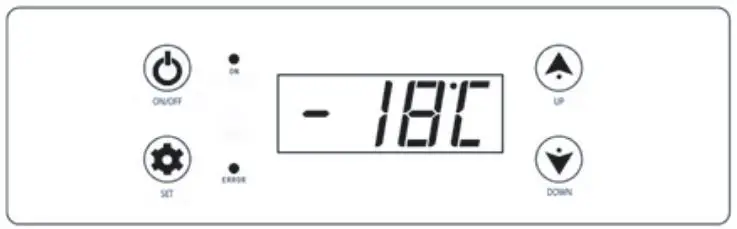
4.2 Cooler device switch on/off
Switch on: Touch the button «ON/OFF» once lightly by your finger.
Switch off: Keep touching the button «ON/OFF» for about five seconds.
4.3 Cooling temperature setting
- Switch on the cooling device.
- Select temperature display unit: First touch the button «down» without releasing, at the same time use your another finger to touch the button «set» without releasing, keep your two fingers touching the two buttons «set» and «down» for about 10 seconds, there will be flashing «”C» or «”F» appearing in the display screen, release your two fingers from the two buttons «down» and «set». Then touch the button «up» or «down»
to select the temperature unit Celsius or Fahrenheit. The selected temperature unit will appear and flash in the display screen for a few seconds, and then the display screen will return to display the current Temperature automatically. - Cooling temperature setting: touch the button «set» once, then touch the «UP+» and «DOWN -» button to set the cooling temperature you want. The selected temperature number will flash in the display screen for a few seconds, and then the display screen will return to display the current temperature automatically.
4.4 Low voltage protection battery monitor setting
The cooling device is equipped with a 3-level battery monitor which protects your vehicle battery against excessive discharging when the device is connected to the on-board DC supply.
If the cooler is operated when the vehicle ignition is switched off, the cooler switches off automatically as soon as the supply voltage falls below a set level. The cooler will switch back on once the battery has been recharged to the restart voltage level.
NOTICE! Danger of damage!
When switched off by the battery monitor, the battery will no longer be fully charged.
Avoid starting repeatedly or operating without longer charging phases. Ensure that the battery is recharged.
In «H3» level, the battery monitor responds faster than at the level «H1» and «H2».
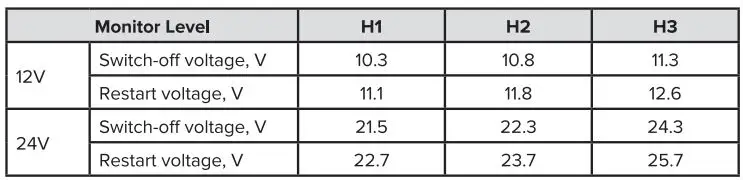
When the cooler is supplied by the started battery, select the battery monitor level «H3», if the cooling device is connected to a supply battery, the battery monitor level «H1» will suffice.
- Switch on the cooling device.
- There are 3-level low voltage protection battery monitor setting: H1, H2 and H3. Touch the button «UP« and «DOWN» at the same time for about five seconds, there will be flashing «H1» or «H2» or «H3» appear in the display screen, touch the button «UP+» or «DOWN -» to select the battery monitor level «H1» or «H2» or «H3» to protect your vehicle battery. The selected monitor level «H1» or «H2» or «H3» will flash in the display screen for a few seconds after setting, the display flashes several times before it return to the current temperature.
4.5 Cooling device working mode setting
Cooling device working mode selection.
There are two working modes in the device:
- HH working mode: the cooling device will work normally in this mode. The LED light «on» will be red in this working mode.
- ECO working mode: the cooling device working will be energy saving. The LED light «on» will be green in this working mode.
- Touch the button «set» twice continually, there will be flashing letter «HH» or «ECO» display in the screen, use the button «UP+» and «DOWN-» to select the mode you what. The working mode letter «HH» or «ECO» will flash in the screen for a few seconds, and then the display screen will return to display the current temperature.
4.6 The explanation for the running code shown in the display screen