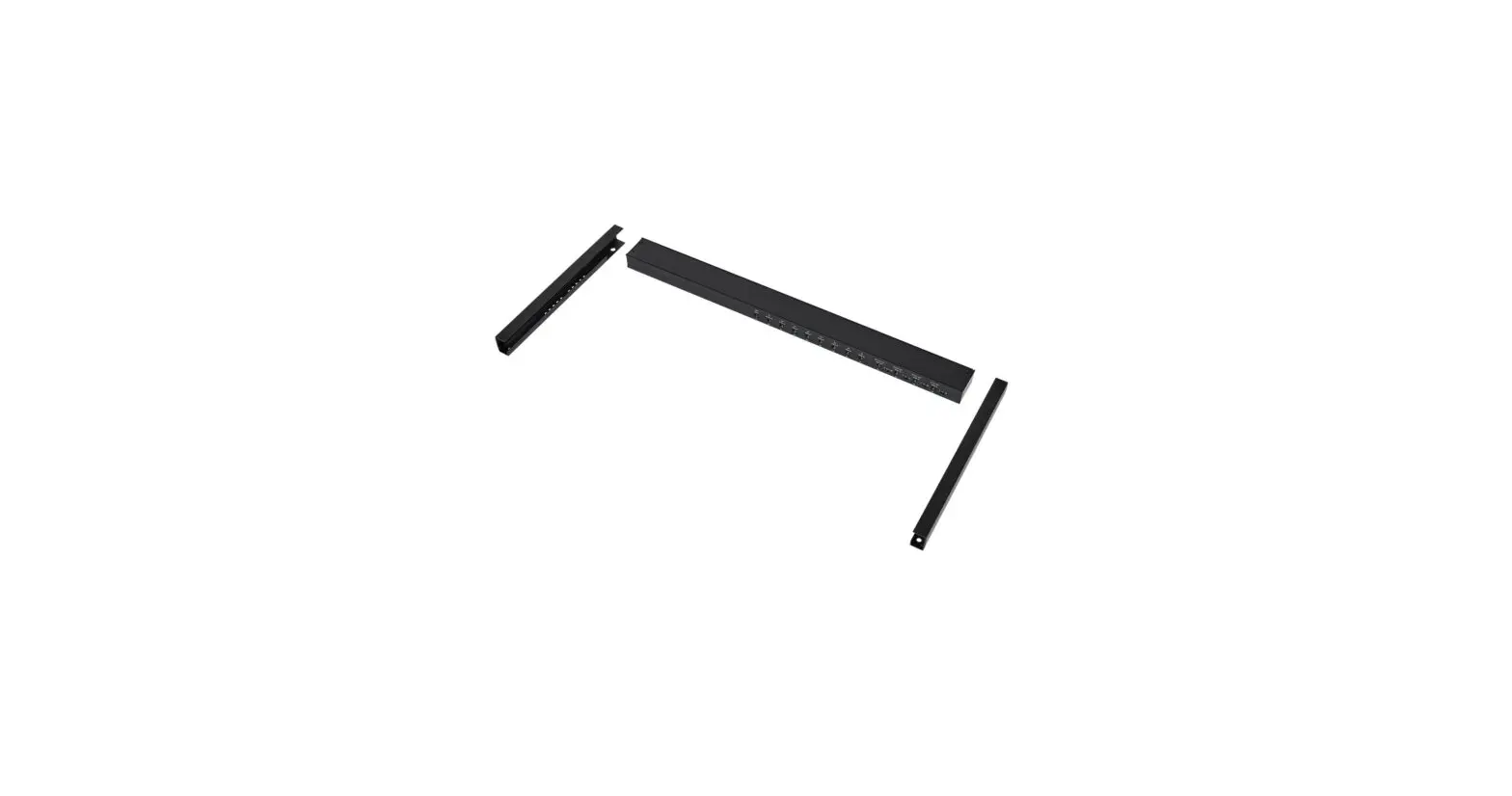
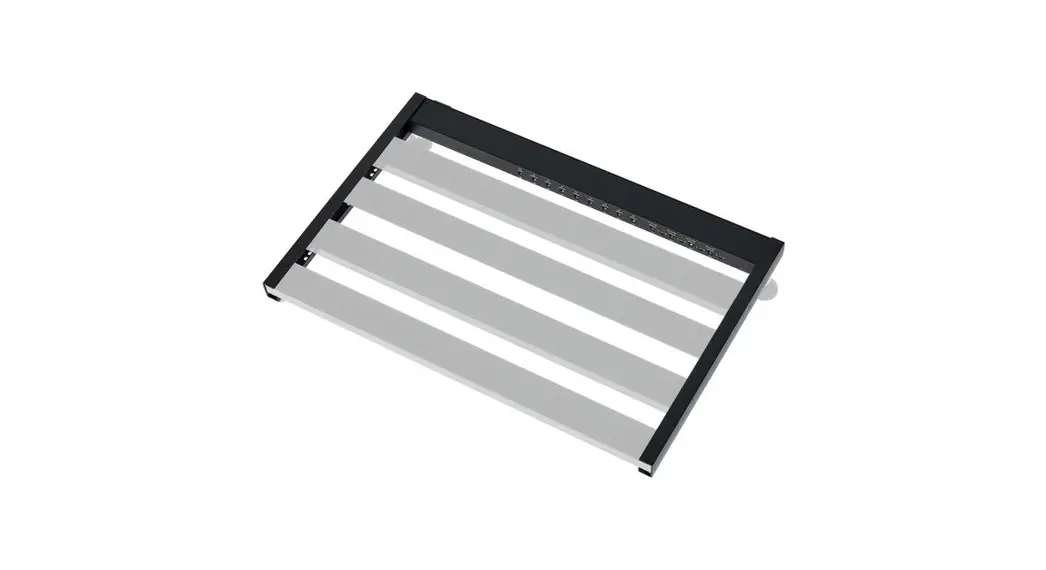
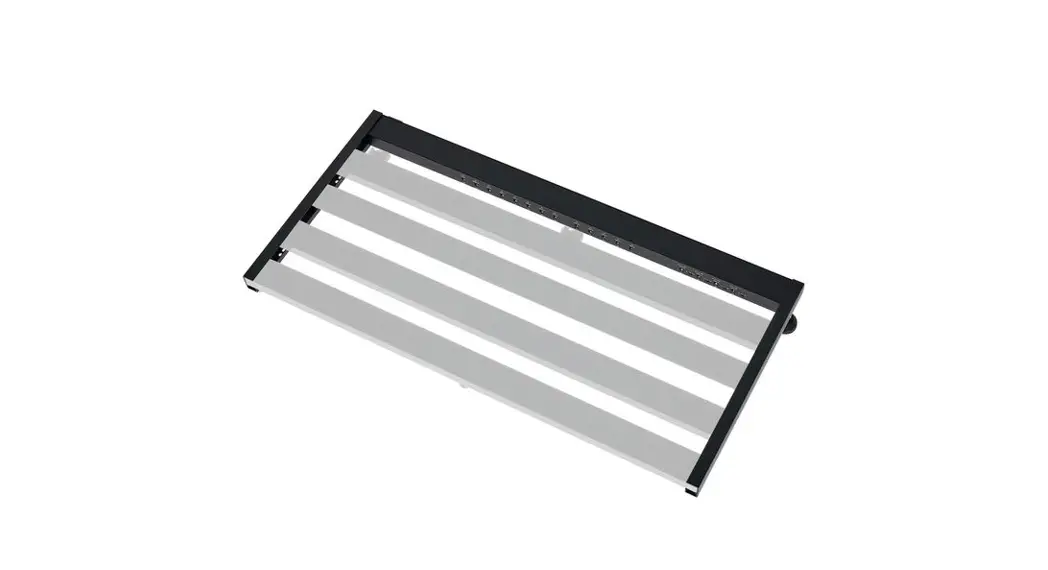
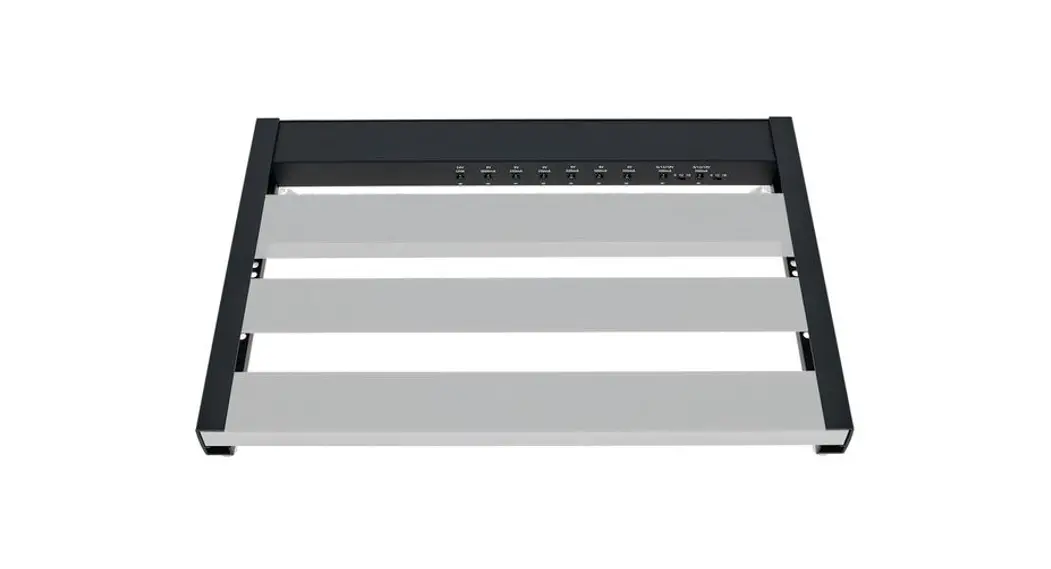
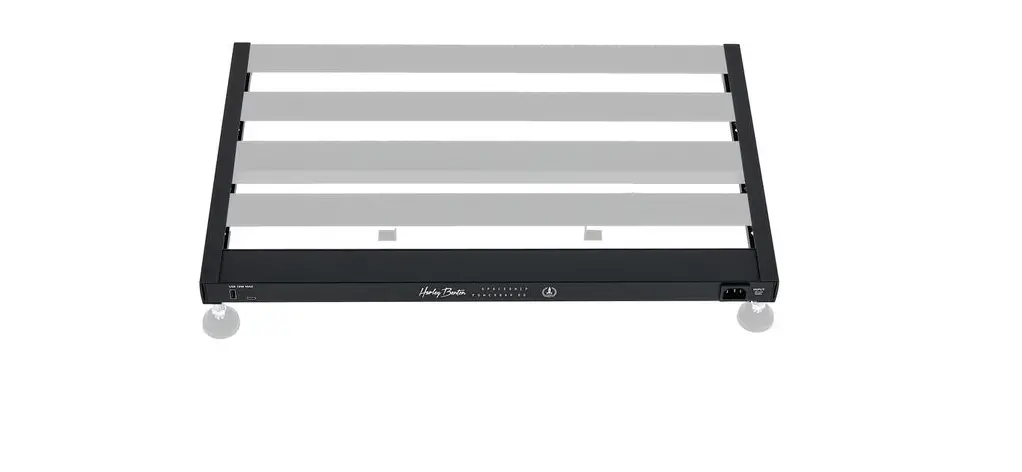
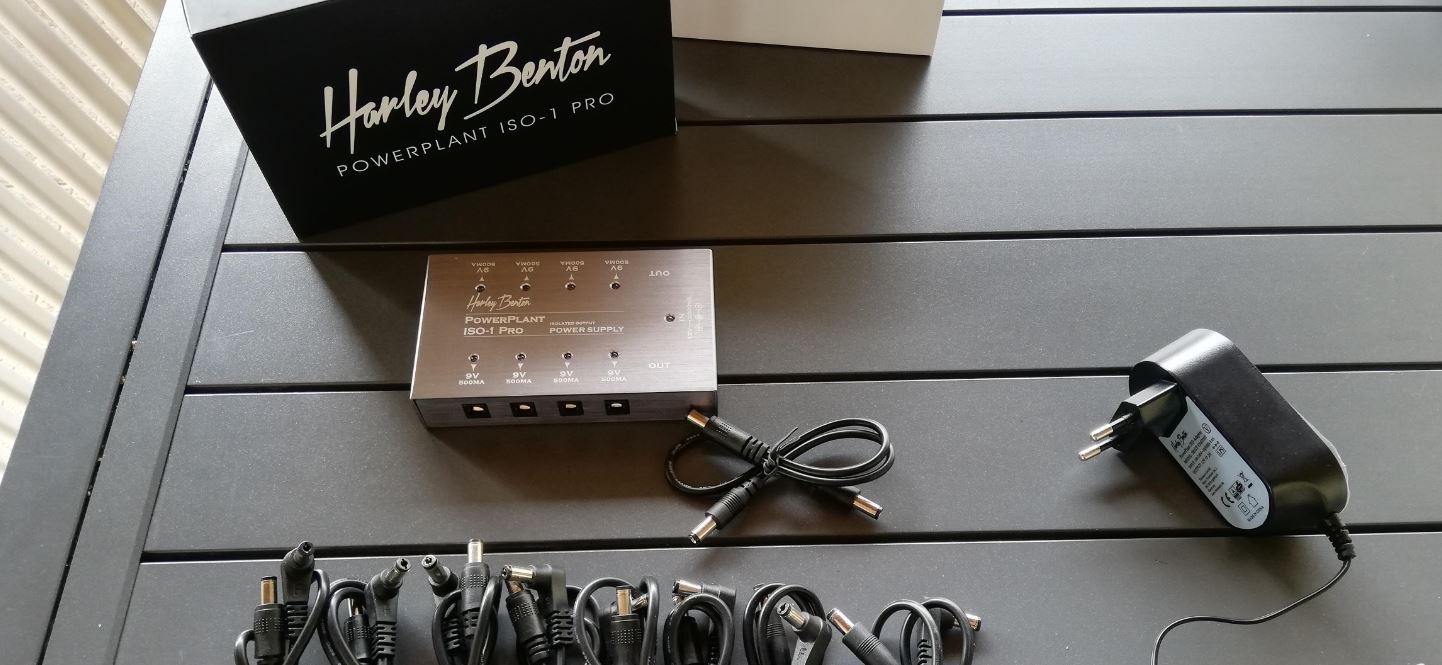
50C-B Power Spaceship
Product Information
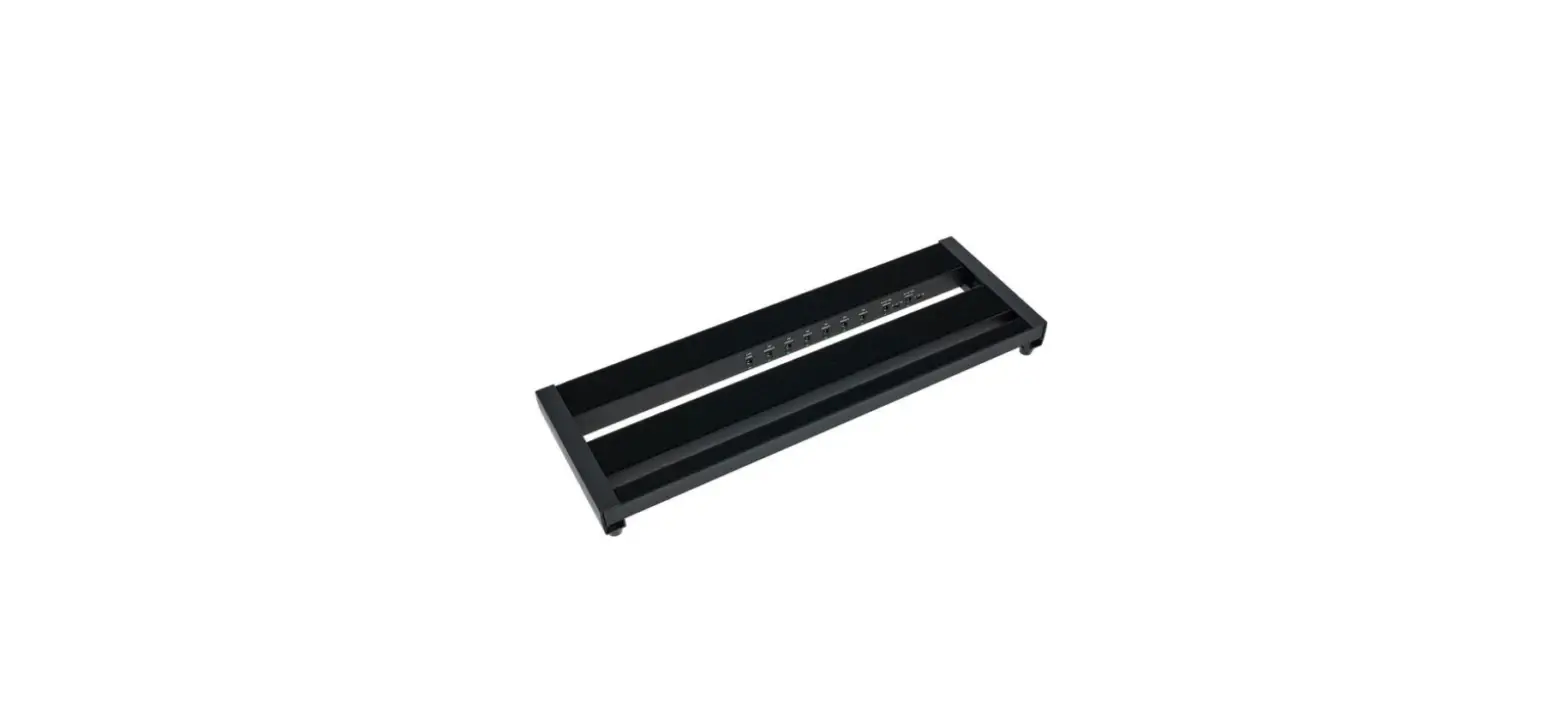
The Spaceship Power 50C-B is a multiple power supply for effects
pedals. It is designed to provide power to various devices with
different voltage and current requirements. The product features
multiple outputs, voltage switches, and a control LED for easy
operation. The power supply comes with a power adapter for
convenient use.
Safety Instructions
- Read and follow the safety advices and instructions provided in
the user manual. - Ensure that plastic bags, packaging, and small parts are kept
away from babies and young children to avoid choking hazards. - Never leave children unattended while using electrical
devices. - Be cautious of possible staining caused by the plasticiser in
the rubber feet. Avoid direct contact with surfaces and use
suitable underlay if necessary. - Avoid using liquid cleaners such as benzene, thinners, or
flammable cleaning agents on the product.
Features
- Multiple outputs with different voltage and current
ratings - Control LED to indicate the presence of voltage
- Voltage switches for outputs 8-9 to select between 9V, 12V, or
18V supply voltage
Scope of Delivery
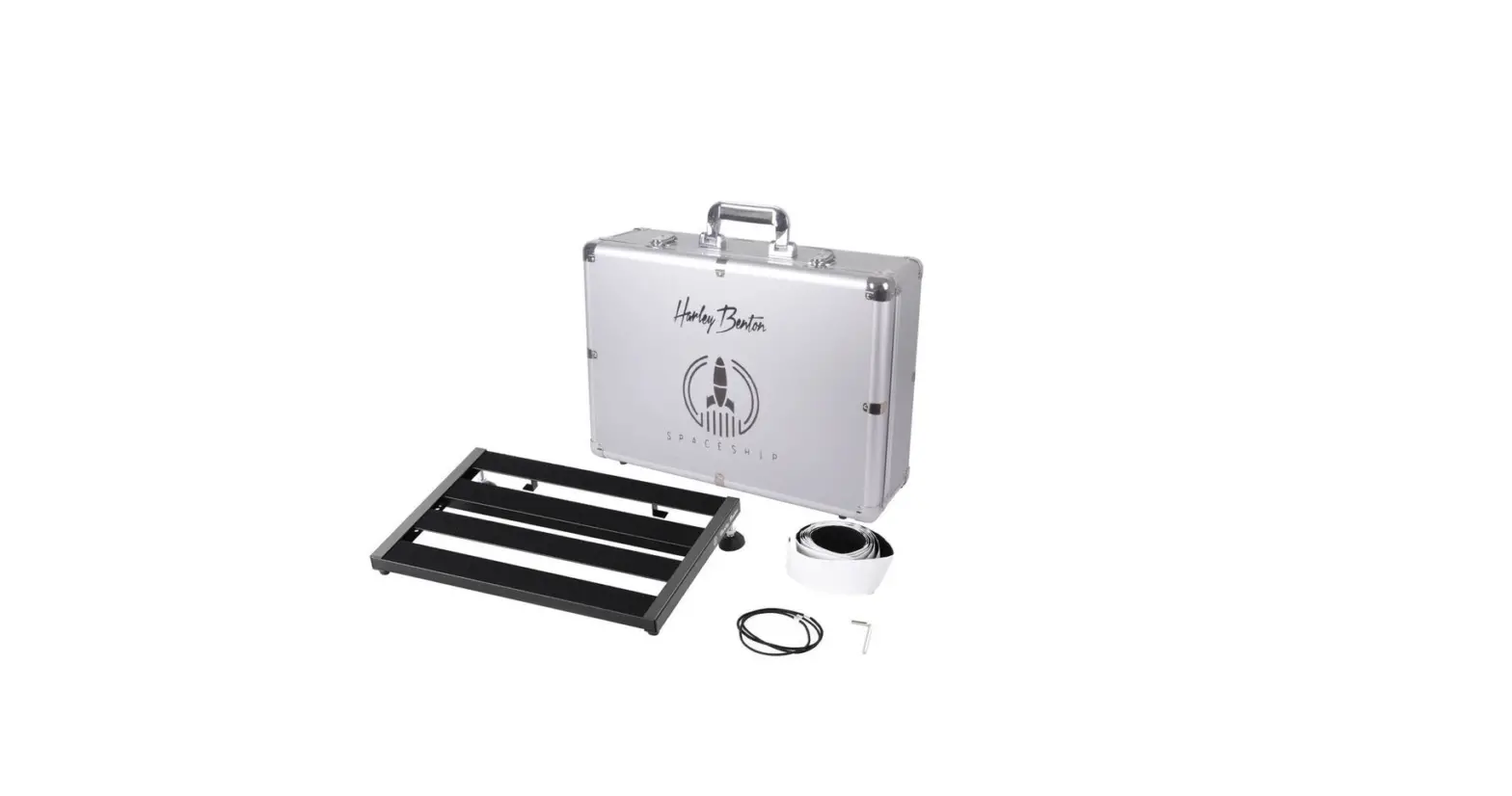
- Spaceship Power 50C-B multiple power supply
- Power adapter for power supply and charging
Operating Elements
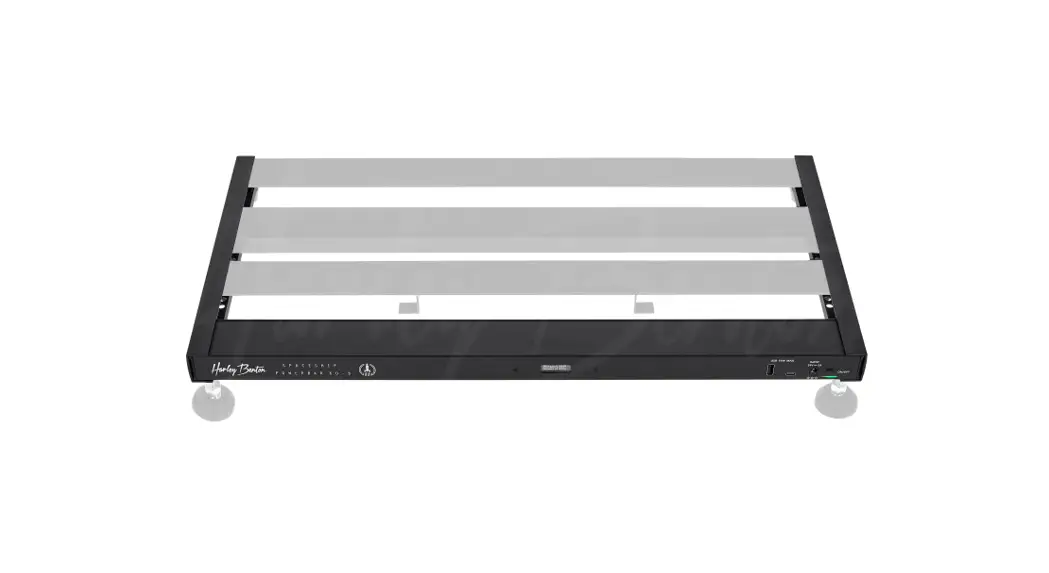
- USB-A output (uninsulated)
- USB-C output (uninsulated)
- Socket for the supplied power adapter
- Mains switch
- Output 1: 24V @ 2000mA (uninsulated)
- Output 2: 9V @ 3000mA (uninsulated)
- Outputs 3-4: 9V @ 250mA (insulated)
- Outputs 5-7: 9V @ 500mA (insulated)
- Outputs 8-9: voltage switches, switchable between 9V @ 500mA,
12V @ 375mA, or 18V @ 250mA (insulated) - Control LED for outputs 1-9
Product Usage Instructions
- Connect the supplied power adapter to the device.
- Press the mains switch to switch on the device.
- Use a suitable voltage supply cable to connect devices that
require a 24V supply voltage at a maximum of 2000mA to output
1. - Use a suitable voltage supply cable to connect devices with
high power consumption (e.g., multi-effect devices) that require a
9V supply voltage at a maximum of 3000mA to output 2. - Use suitable voltage supply cables to connect devices that
require a 9V supply voltage at a maximum of 250mA to outputs
3-4. - Use suitable voltage supply cables to connect devices that
require a 9V supply voltage at a maximum of 500mA to outputs
5-7. - Danger: Ensure that the polarity of the devices to be
connected matches the polarity of the power supply outputs.
Connecting a device with polarity-reversed voltage may damage
it. - Use suitable voltage supply cables to connect devices that
require a 9V, 12V, or 18V supply voltage at a maximum of 500mA,
375mA, or 250mA to outputs 8-9. Set the associated switch above the
output to the required voltage position. Do not exceed the maximum
output power of 31.5W.
Spaceship Power 50C-B
Quick Start Guide
This quick start guide contains important information on the safe operation of the product. Read and follow the safety advices and instructions given. Retain the quick start guide for future reference. If you pass the product on to others please include this quick start guide.
EN
Safety instructions
Intended use This product is intended to be used as a multiple power supply for effects pedals. Any other use or use under other operating conditions is considered to be improper and may result in personal injury or property damage. No liability will be assumed for damages resulting from improper use.
Danger for children Ensure that plastic bags, packaging, etc. are disposed of properly and are not within reach of babies and young children. Choking hazard! Ensure that children do not detach any small parts from the product. They could swallow the pieces and choke! Never let children unattended use electrical devices.
Possible staining The plasticiser contained in the rubber feet of this product may possibly react with the coating of your surface and after some time cause permanent dark stains. In case of doubt, do not put the rubber feet directly on the surface and use a suitable underlay if necessary, i.e. felt-pad floor protectors or similar.
Where to use the product Never use the product · in conditions of extreme temperature or humidity · in extremely dusty or dirty areas · at locations where the unit can become wet
General handling · To prevent damage, never use force when handling the product. · Never immerse the product in water. Just wipe it with a clean dry cloth. Do not use
liquid cleaners such as benzene, thinners or flammable cleaning agents.
Incorrect handling of lithium batteries can result in injury · In the event of a short circuit, overheating or mechanical damage, lithium batteries
can cause severe injuries. · When handled correctly and appropriately lithium batteries pose no risk. · Store lithium batteries in a cool, dry place, ideally in the original packaging. · Store lithium batteries away from heat sources (e.g. radiators or sunlight). Lithium
batteries are hermetically sealed. Never attempt to open a lithium battery. · If the battery housing is damaged small amounts of the electrolyte may leak out. If
this should happen, seal the lithium battery in airtight packaging and wipe up the traces of electrolyte using absorbent paper towels. You must wear protective rubber gloves when doing so. Clean your hands and the affected surface thoroughly with cold water. · Never attempt to recharge non-rechargeable lithium batteries. When charging lithium batteries you must use a suitable charging device intended for the purpose. · Before disposing of the device remove the lithium batteries. Protect used lithium batteries against potential short circuits, e.g. by covering the poles with adhesive tape. · Only use powder extinguishers or other suitable extinguishing agents to extinguish a burning lithium battery.
Features
· Lightweight, compact pedalboard · Battery or mains powered · Powder-coated aluminium frame · 7 insulated, filtered and short-circuit proof outputs eliminate noise and hum · 4 uninsulated outputs for multi-effect devices or for charging smartphones or
tablets
· Incl. power adapter for power supply and charging · With volt/current meter · High current output for modern digital effects · LED indicator on each output
Scope of delivery
· 3 × DC cable with a length of 30 cm · 3 × DC cable with a length of 60 cm · 3 × DC cable with a length of 90 cm · 1 × reverse polarity cable with red plug · 1 × battery clip · 1 × connector cable with a length of 45 cm with 5.5 × 2.5 mm green coaxial plug
to 5.5 × 2.1 mm coaxial plug · 1 × connector cable with a length of 45 cm with 3.5 mm jack plug to
5.5 × 2.1 mm coaxial plug
· 1 × voltage boost cable, 20 cm · 1 × current boost cable, 60 cm · 1 × EIAJ-05 cable · 1 × power adapter with EU plug, 120 cm · 1 × cable fastening set · 1 × velcro tape, self-adhesive, 200 cm × 4.5 cm · 1 × Allen key (5 mm) · 1 × transport bag with storage pocket and shoulder strap
Operating elements
ö # $%
1 USB-A output, uninsulated 2 USB-C output, uninsulated 3 Socket for the supplied power adapter for power supply and charging 4 Mains switch 5 Output 1 with 24 V @ 2000 mA, uninsulated 6 Output 2 with 9 V @ 3000 mA, uninsulated 7 Outputs 3 – 4 with each 9 V @ 250 mA, insulated
&’ ( )
*
8 .+0-
8 O#
8 O#
8 O#
8 O#
8 O#
8 O#
8 O#
8 O#
+
8 Outputs 5 – 7 with each 9 V @ 500 mA, insulated 9 Outputs 8 – 9 with voltage switches, insulated, switchable between
9 V @ 500 mA / 12 V @ 375 mA / 18 V @ 250 mA 10 Control LED for outputs 1 – 9, lights up green when voltage is present, turns off when output is deactivated due to overload
Thomann GmbH · Hans-Thomann-Straße 1 · 96138 Burgebrach · www.thomann.de · [email protected] DocID: 520954_19.09.2022
EN
Spaceship Power 50C-B
Using the product
1. Use the supplied power adapter to connect the device to the power and press the mains switch to switch on the device.
2. Use a suitable voltage supply cable to connect effects pedals or similar devices which require 24 V supply voltage at a maximum of 2000 mA to the output 1.
3. Use a suitable voltage supply cable to connect devices with high power consumption (i. e. multi-effect devices) which require 9 V supply voltage at a maximum of 3000 mA to the output 2.
4. Use suitable voltage supply cables to connect effects pedals or similar devices which require 9 V supply voltage at a maximum of 250 mA to the outputs 3 – 4.
5. Use suitable voltage supply cables to connect effects pedals or similar devices which require 9 V supply voltage at a maximum of 500 mA to the outputs 5 – 7.
Danger of property damage by polarity reversal
Make sure that the polarity of the devices to be connected must be
the same as the polarity of the power supply outputs (
). To
power a device with polarity-reversed voltage may damage it!
6. Use suitable voltage supply cables to connect effects pedals or similar devices which require 9 V ,12 V or 18 V supply voltage at a maximum of 500 mA, 375 mA or 250 mA to the outputs 8 – 9. Set the associated switch above the output to the position of the required voltage. The maximum output power of 31.5 W must not be exceeded.
Danger of property damage by overvoltage Make sure that connected devices are actually suitable for the set voltage. To power a device with overvoltage may damage it!
7. Use suitable voltage supply cables to connect devices as smartphones or tablets to the USB outputs.
8. Each operational output 1 – 9 is indicated by a green LED. If an output is switched off due to overload, the LED turns off. Then disconnect the respective pedal from the device. After approx. 2 seconds, the normal voltage supply is restored here.
9. Press the mains switch to switch off the device.
Technical specifications
· Connections ( – Output 1 – Output 2 – Outputs 3 – 4 – Outputs 5 – 7 – Outputs 8 – 9
) 24 V @ max. 2000 mA 9 V @ max. 3000 mA 9 V @ max. 250 mA (individually insulated) 9 V @ max. 500 mA (individually insulated) switchable 9 / 12 / 18 V @ max. 500 / 375 / 250 mA (individually insulated)
· USB output
USB-C max. 18 W USB-A max. 18 W
· Power output · Current output
31.5 W 2625 mA
· Power supply · Operating voltage · Battery
· Dimensions (W × H × D) · Weight · Ambient conditions
External power adapter, 100 – 240 V ~ 50/60 Hz
24 V / 2 A, centre negative
Battery type Voltage Capacity Operating time
Lithium-ion 7.4 V 4500 mAh 50 min. (after 1.7 h charging time)
500 mm × 45 mm × 135 mm 19.68″ × 1.77″ × 5.31″
1070 g
Temperature range 0 °C…40 °C Relative humidity 20 %…80 %
(non-condensing)
For the transport and protective packaging, environmentally friendly materials have been chosen that can be supplied to normal recycling. Ensure that plastic bags, packaging, etc. are properly disposed of. Do not just dispose of these materials with your normal household waste, but make sure that they are collected for recycling. Please follow the notes and markings on the packaging.
Only dispose of lithium batteries when they are discharged. Remove replaceable lithium batteries from the device before disposal. Protect used lithium batteries against short circuits, for example by covering the poles with adhesive tape. Permanently built-in lithium batteries must be disposed of together with the device. Please inquire about an appropriate collection point.
This product is subject to the European Waste Electrical and Electronic Equipment Directive (WEEE) in its currently valid version. Do not dispose of your old device with your normal household waste. Dispose of this product through an approved waste disposal firm or through your local waste facility. Comply with the rules and regulations that apply in your country. If in doubt, consult your local waste disposal facility.
Thomann GmbH · Hans-Thomann-Straße 1 · 96138 Burgebrach · www.thomann.de · [email protected] DocID: 520954_19.09.2022
 Welcome – Thomann United States