 NEXT TIME LABLE IT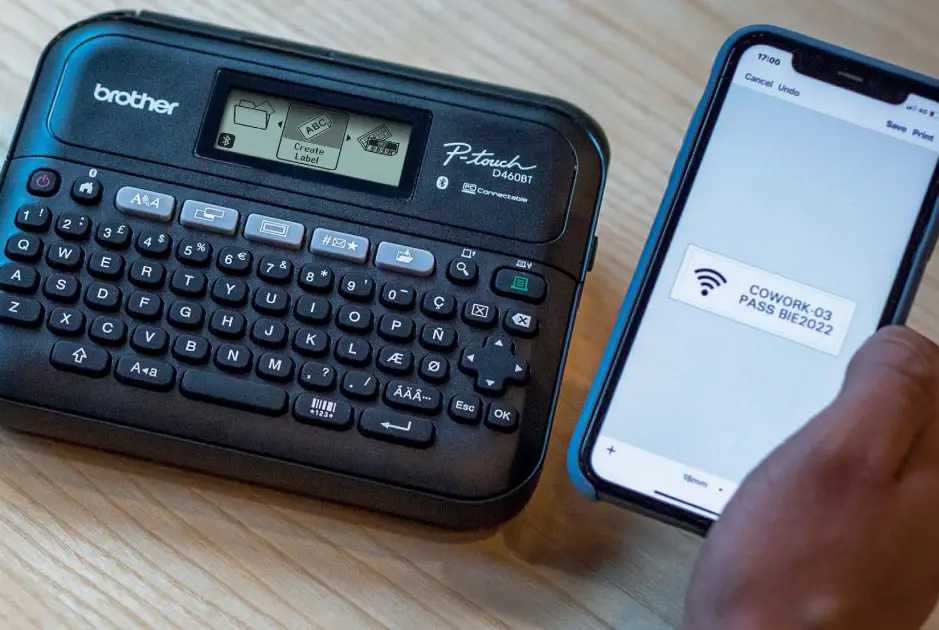
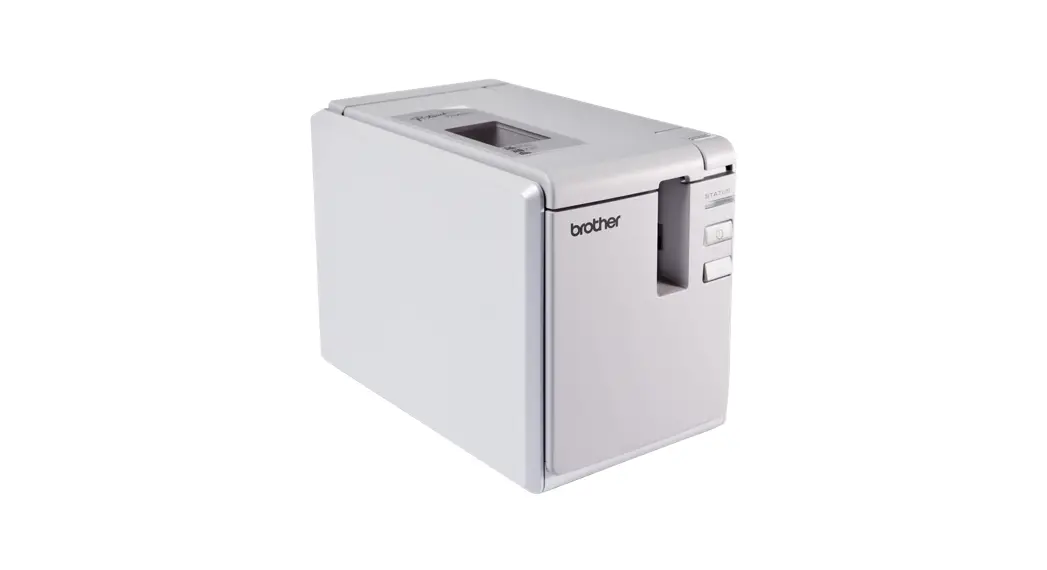
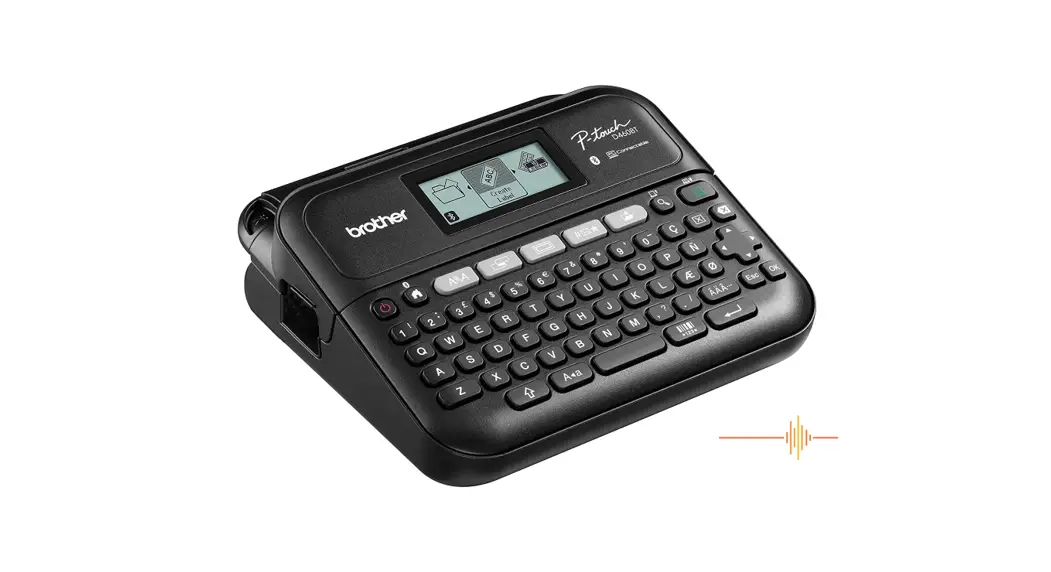
PT-D460BT Label Printer
 Connectable label printer for your workspace
PT-D460BT Desktop Label Printer Organise, identify, personalise
Connectable label printer for your workspace
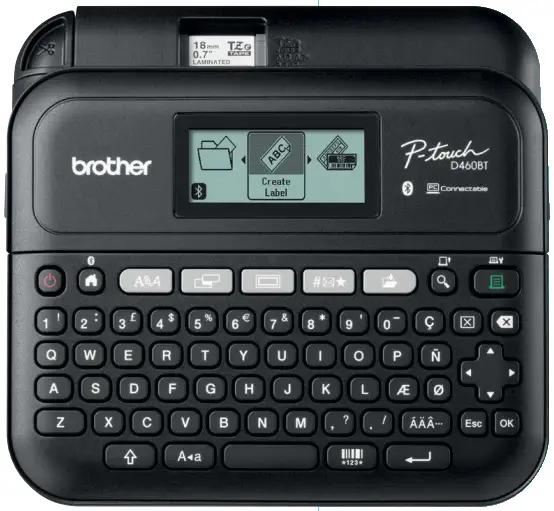
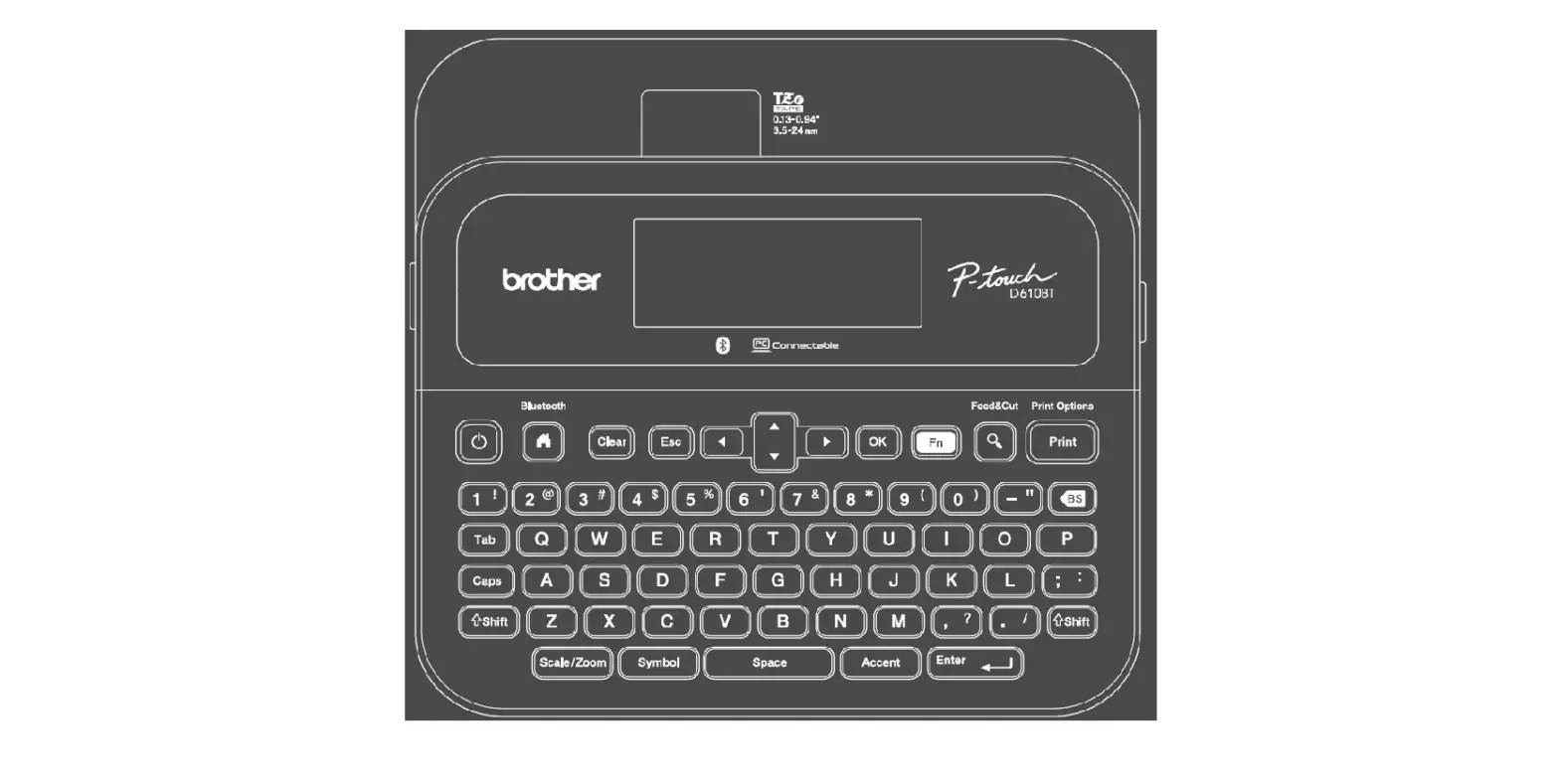
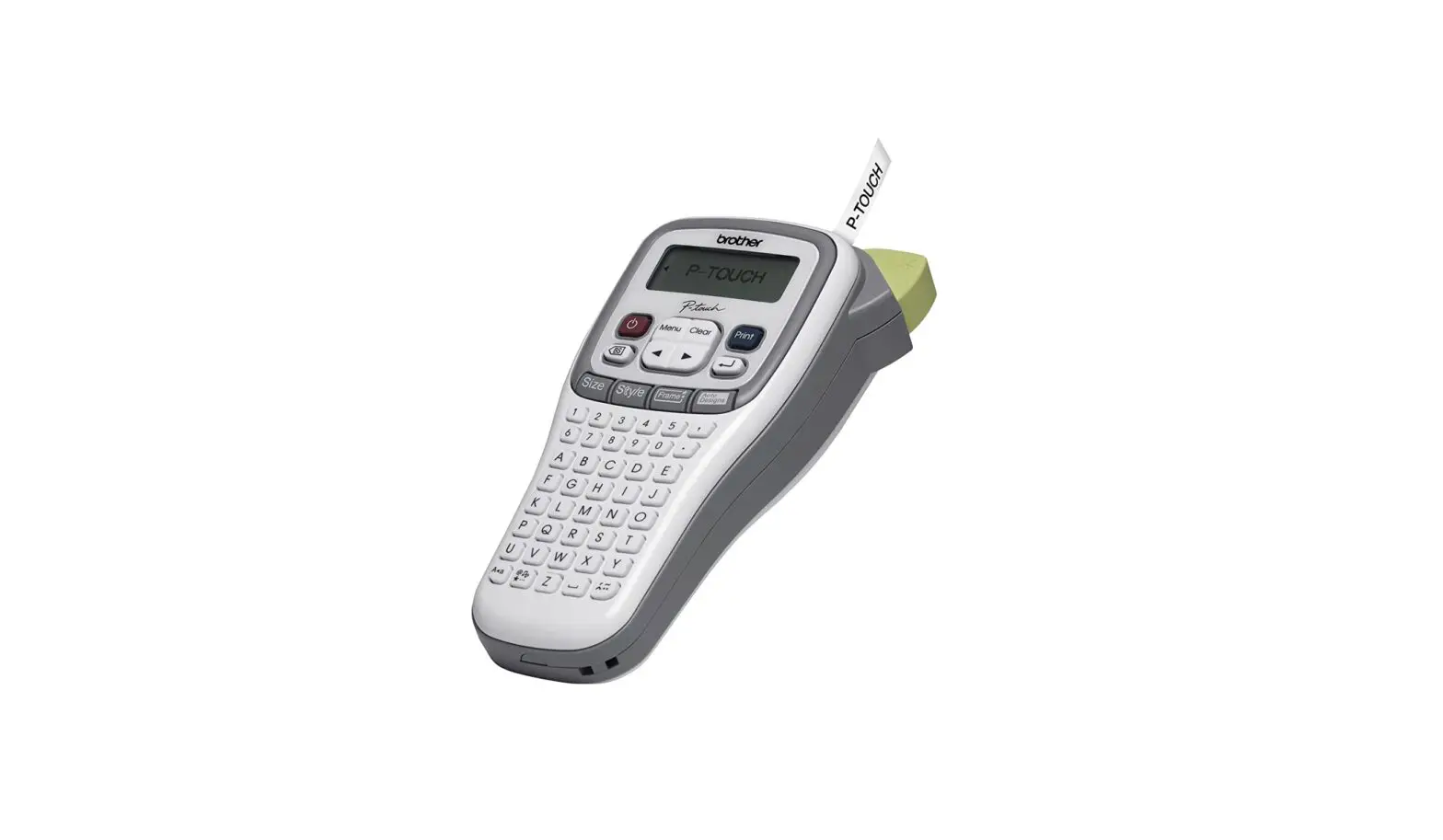
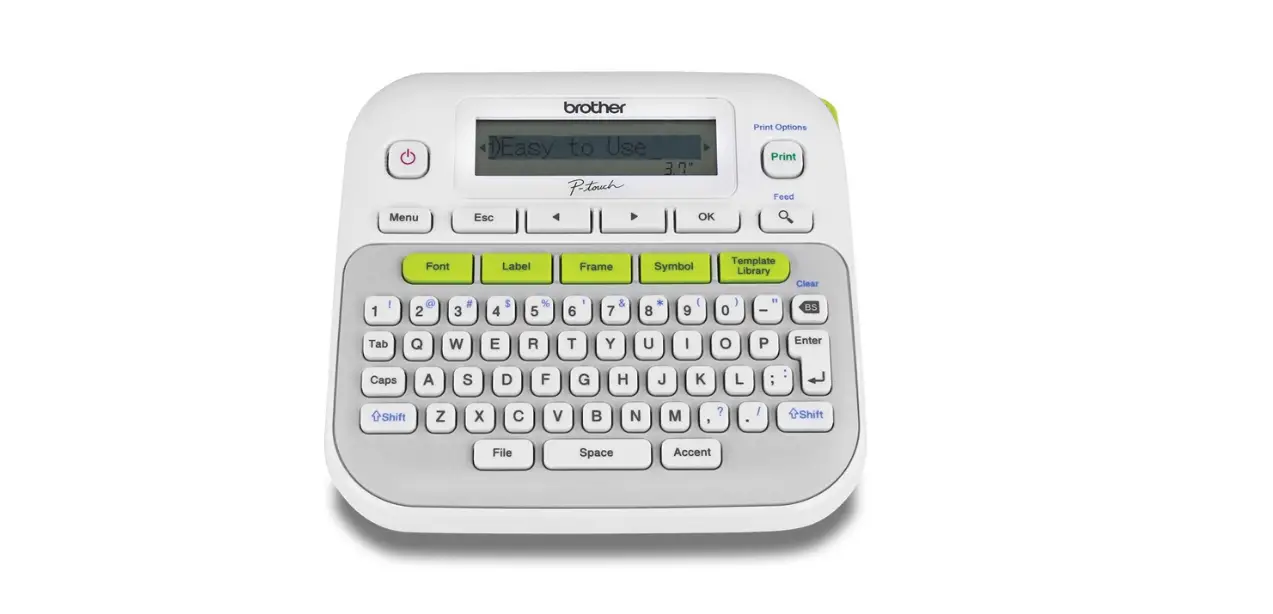
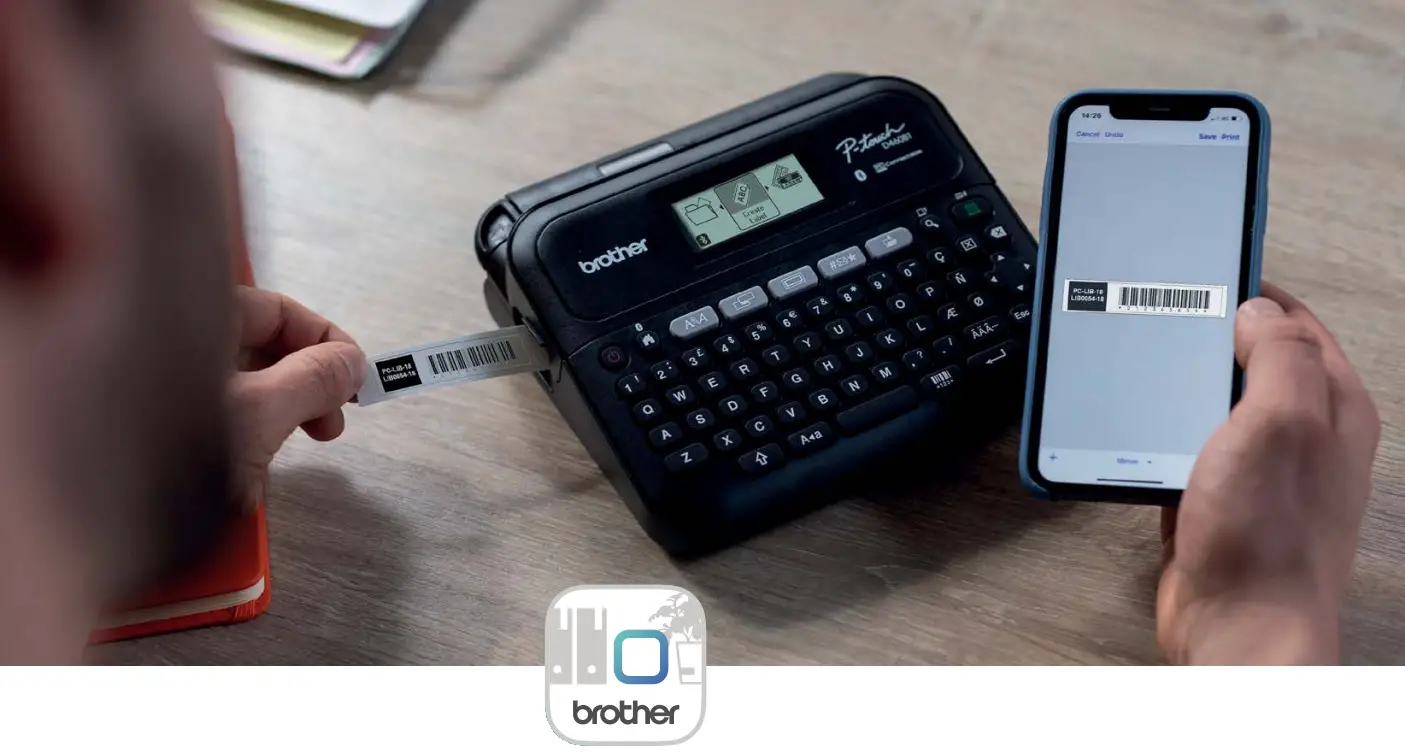
Create labels using the built-in keyboard, download the app and use your smart device via Bluetooth, or connect to a PC via USB for additional labelling functionality Large graphic display for easy label editing Preview labels before printing QWERTY keyboard for easy typing Store up to 70 labels for quick reprinting Print on label tapes up to 18mm wide PT-D460BT
Perfect for Home Offices or Large Corporate Workspaces
Transform your workspace with a professional label printer from Brother.
The PT-D460BT Label Pinter offers a compact, easy-to-use label printer which prints clear, laminated labels and comes with additional Bluetooth connectivity. Perfect for organising important files and folders, asset management and general officer signage labels, this model allows you to create an organised and comfortable working environment for everyone
Applications
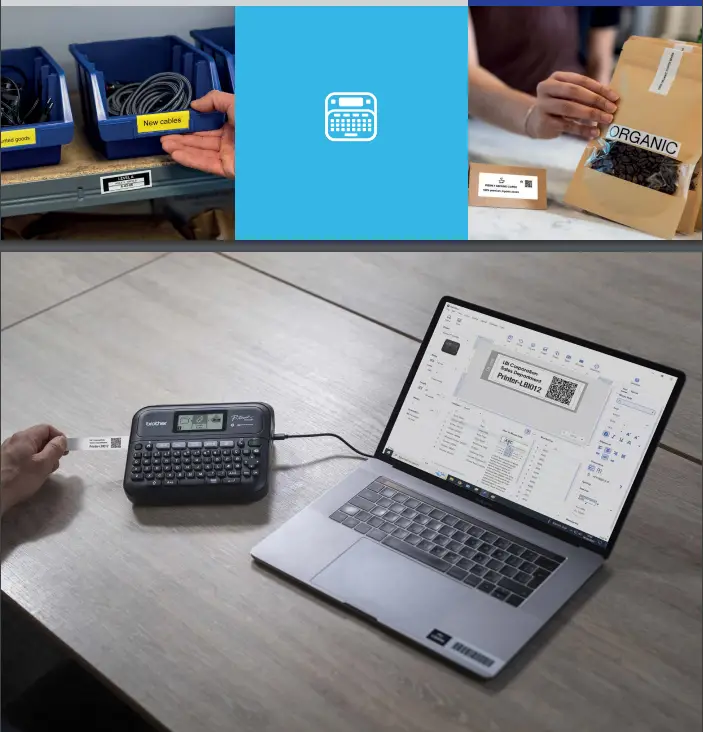
- Asset management
- Personal item
- Name tag
- File and folder
- Drawer or storage
- Officer signage
- Stationery
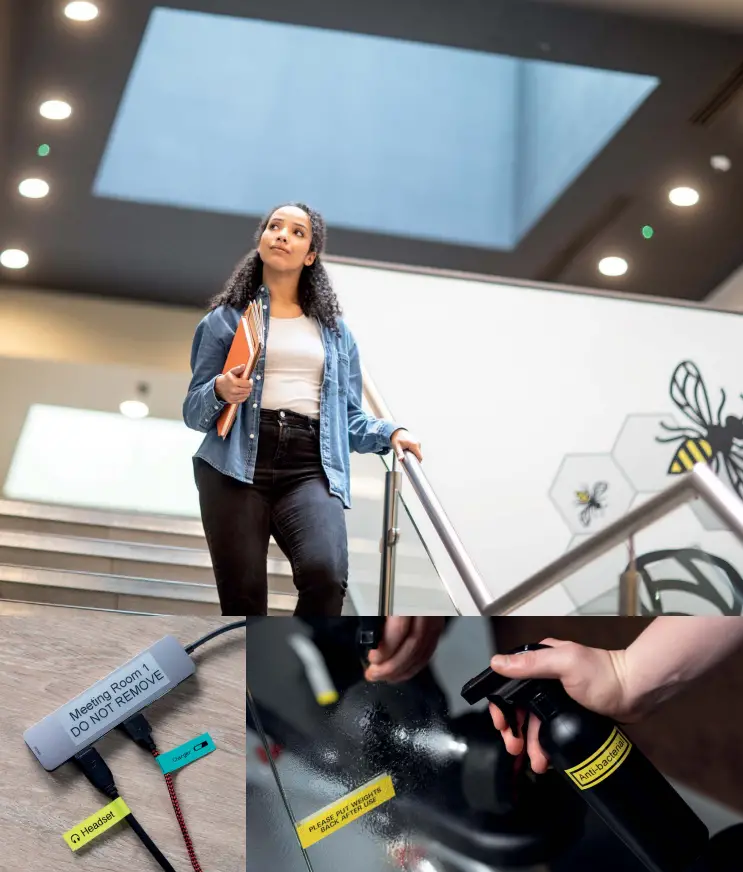
- Cable management
Software and applications
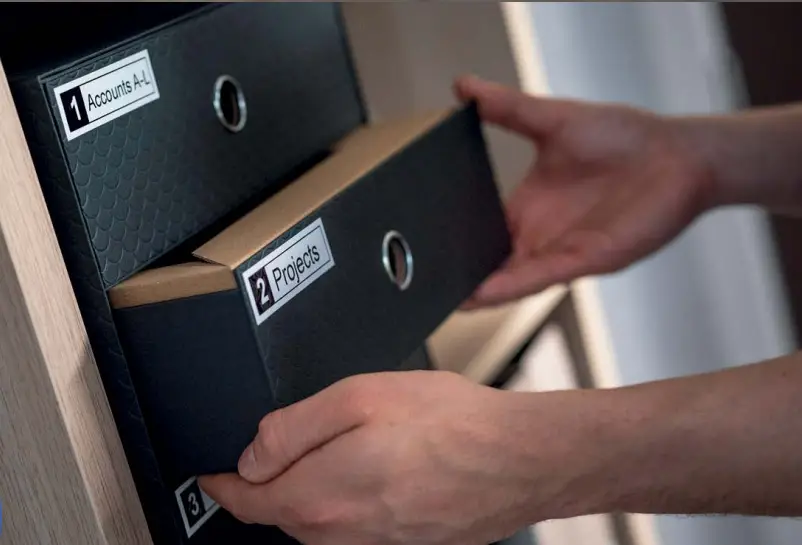
P-touch Editor
Supplied as standard, you can create your own custom labels with pixel precision using this brand new software solution by connecting your label printer to your PC using USB Connectivity. The P-touch Editor software offers newly updated features including increased number of specially designed templates, additional number/time & date/barcode functionality and an overall user interface refresh to provide a truly connected solution for creating custom labels

Key features
- Wide range of pre-designed templates for a variety of home offece and business applications
- Customisable templates for fiexible editing with over 1200 symbols and 30+ fonts
- Easily end labels you’ve created in the past or share labels to Brother label editing apps on your smartphone
- Import data from excel and other databases directly onto labels
- Straightforward barcode/2D code label creation
- Create multilingual labels containing different language symbols using Unicode
- Customise labels to include your company logo
iPrint&Label App
Brother iPrint&Label is a free application that enables you to easily print labels from your phone or tablet to a Brother label printer using Bluetooth. Create labels through the P-touch Editor label design software, then simply share to a smartphone or tablet to print, save, or edit on the mobile app for a fully integrated solution
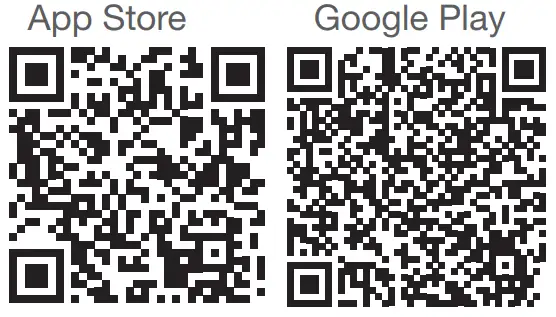 | |
| https://play.google.com/store/apps/details?id=com.brother.ptouch.iprintandlabel&hl=en_GB&gl=US | https://apps.apple.com/gb/app/brother-iprint-label/id523047493 |
Key features
- Fully customisable layout, including the option to add text boxes or lines, move objects and resize and rotate
- Access to pre-designed templates
- Hundreds of symbols and clip-art
- Add images, photos and logos to your label
- Add barcodes to labels, including QR code and 1D barcode
- Improved and modern looking user interface for ease-of-use, including the ability to quickly reprint saved or frequently used labels to save time
- Import contact details directly from your device onto labels

- Design and save your own labels using a wide variety of fonts, frames and symbols
- Save up to 100 labels
- Uses smartphone features such as spell check and voice to text
- Automatically detects TZe label colour and width in your PT-D460BT label printer
Design&Print 2 App
Brother P-touch Design&Print 2 is a free app that enables you to design and print labels from your smartphone or tablet to a Bluetooth compatible Brother label printer
Technical Specifications for the PT-D460BT
General
| Hardware Type | Desktop |
| Keyboard | QWERTY & Numeric |
| Display Type | Graphic (320 x 120 dots) |
| LCD Display | 20 Characters x 3 line LCD |
| Built In Languages | 20 languages: English, German, French, Spanish, Portuguese, Portuguese-Bra, Italian, Dutch, Danish, Norwegian, Swedish, Finish, Hungarian, Czech, Polish, Romanian, Slovene, Slovak, Croatian, Turkish |
| Feed | Yes |
| Cable Labelling Function | In auto format |
Labeller
| Print Engine | Direct thermal |
| Print Speed | 30mm/sec |
| Printer Resolution | 180 dpi |
| Emulation | Raster mode |
| Max Print Height | 15.8mm |
| Max Print Length | 300mm |
| Tape Cutter | Manual (built-in) |
| Tape Length Setting | Auto / 30mm-300mm |
| Tape colour detection | Yes |
| Fonts Labeller | 16 fonts : Helsinki, Brussels, Belgium, Florida, Los Angeles, San Diego, US, Calgary, Atlanta, Adams, Brunei, Sofia, Germany, Istanbul, Letter Gothic, Dortmund 7 kinds: Auto/ 6/ 9/ 12/ 18/ 24/ 36/ 42pt or PC select |
| Font Sizes | 15 styles: Normal/ Bold/ Outline/ Shadow/ Solid/ Italic/ Italic Bold/ Italic Outline/ Italic Shadow/ Italic Solid/ Vertical/ Vertical Bold/ Underline/ Underline Bold/ Strikeout |
| Font Styles | 5 widths: x2, x3/2, Normal, x 2/3, x1/2 |
| Font Widths | 140 Frames |
| Frames and Backgrounds | 1008 Characters / 800 Symbols / Number of accented-alphabets 146 |
| Characters and Symbols | |
| Memory | Up to 70 labels |
| Barcodes | 9 protocols: CODE39, ITF 2/5, EAN13, EAN8, UPC-A, UPC-E, CODABAR, GS1-128(UCC/EAN128), CODE128 |
| Auto Number / Format | Yes |
| Underline | Yes |
| Multi Line Print | Up to 5 lines |
| Repeat Print | Yes (1-99) |
| Mirror Print | Yes |
| Vertical Print | Yes (in the style setting) |
| Print Preview | Yes (Real Preview) |
Software
| Downloadable Software | P-touch Editor for Win 8.1/10/11 |
| Connectivity | Interface: USB Micro / Bluetooth Bluetooth: Ver.5.0 SPP: iAP2 |
| App | Brother iPrint&Label For iOS 14, 15 & Android 8, 9, 10, 11, 12 and Design&Print 2 |
| Operating System | Windows 8.1 ® / 10 ® / 11 ® / Mac OS X 10.15/ 11/ 12 |
Consumables
| Tape Type | TZe laminated & satin ribbon |
| Tape Widths | 6mm, 9mm, 12mm and 18mm |
| Weight and Measurements | |
| Size | 191mm (W) x 72mm (H) x 178mm (D) |
| Weight | 770g (without tape & batteries) |
| Size (with carton) | 98mm (H) x 310mm (H) x 224mm (D) |
| Weight (with carton) | 1.48Kg |
| Power Supply | |
| Batteries (Not included) | 6 x AA (LR06 / Ni-MH HR06 x 6 pcs) |
| AC Adaptor | Included |
| Auto Power Off | AC Adapter (OFF / 1hr / 2hr / 4hr / 8hr ), AA batteries (5min / 10min / 30min) |
| Other | |
| Warranty | 3 Years Carry-In |
| Carton Contents | Label printer, USB cable (1m micro, black), Black on white laminated TZe sample tape (18mm x 4m) and AC Adaptor |
 Durable Brother TZe label tapes
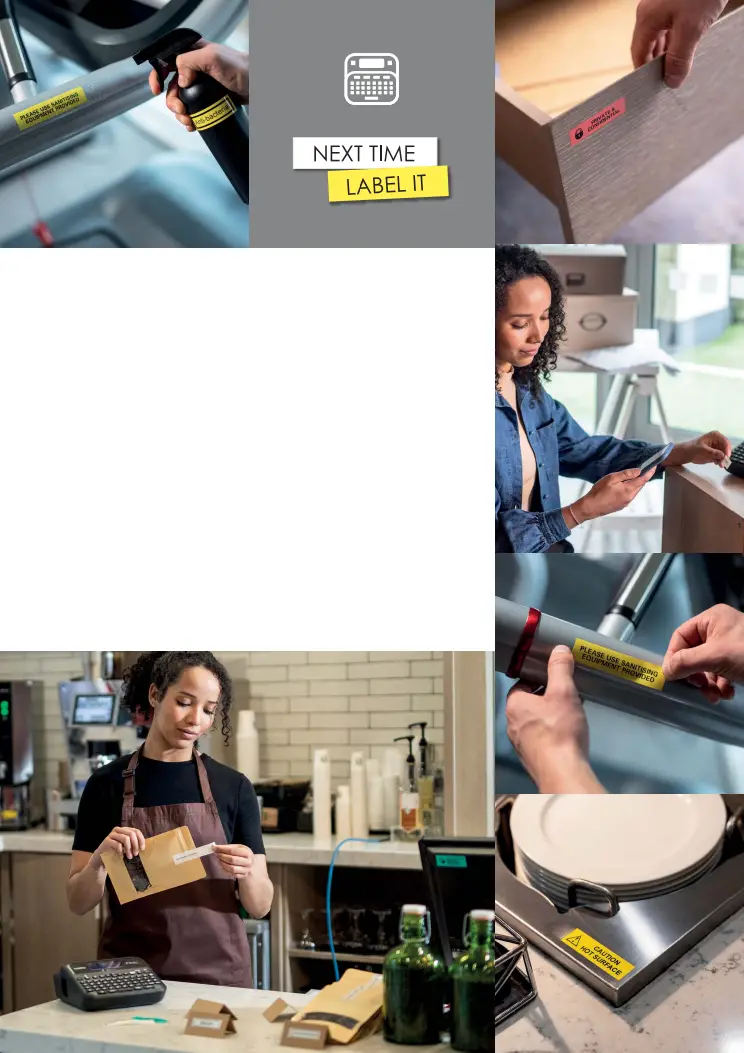
Specifically designed for the P-touch range of label printers, our laminated TZe tapes have been rigorously tested to stand up to even the harshest conditions. With excellent resistance to water, abrasion, chemicals and temperature extremes, they’ll remain legible over time. They’re easy to peel and stick, and come in a variety of colours, widths and sizes. From standard laminated to matt and premium laminated, TZe tapes are suitable for almost any application. Plus, they’re designed to work perfectly with your Brother P-touch.
Brother International South Africa
96 Sovereign Drive, Route 21 Corporate Park, Irene
Tel 0860 brother Email [email protected]
www.brother.co.za https://solutions.brother.com
All specifications correct at time of publication and are subject to change without notice. Brother and its logo are trademarks of Brother Industries LTD., Japan.
All registered trademarks referenced herein are the property of their respective companies. Brother strongly recommends the use of genuine Brother consumable products only. Benefits include better quality print, greater yields per consumable, protection of your machine from damages and achievement of optimum performance. As a precaution, please note that your machine warranty may not cover any damages arising from the use of non-genuine consumables.
 Working with you for a better environment www.brotherearth.com
September 2022 Rev 2
 Welcome to Brother South Africa