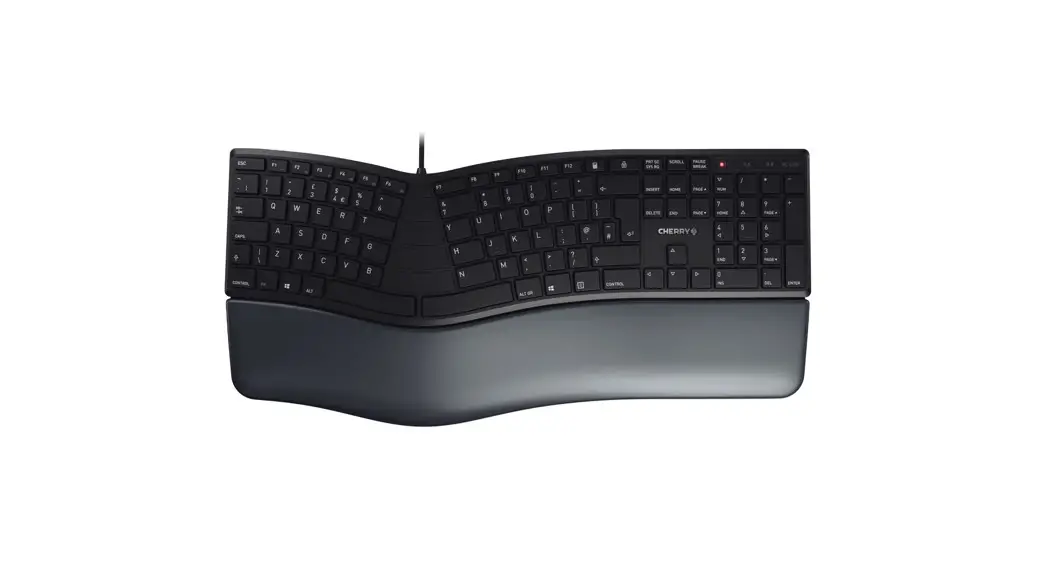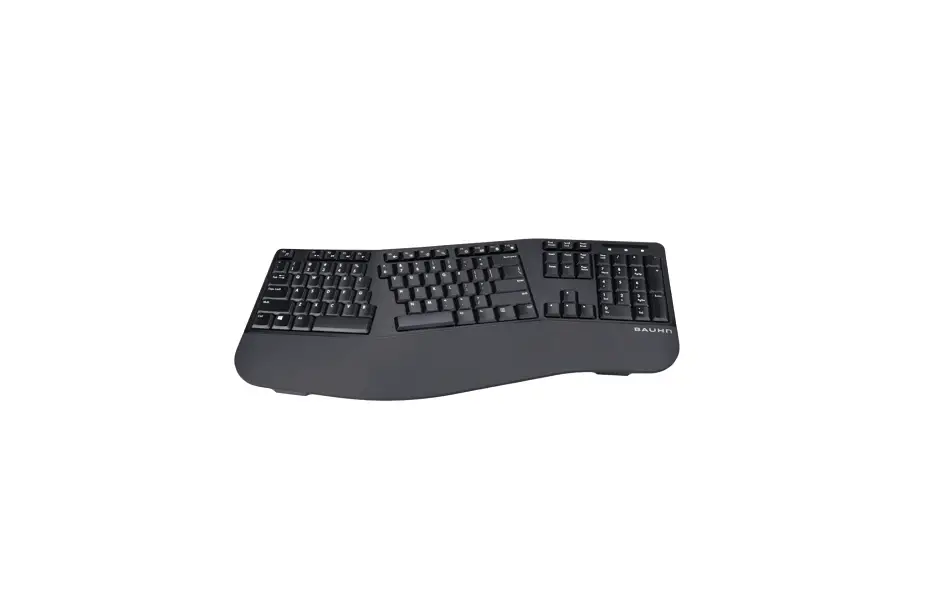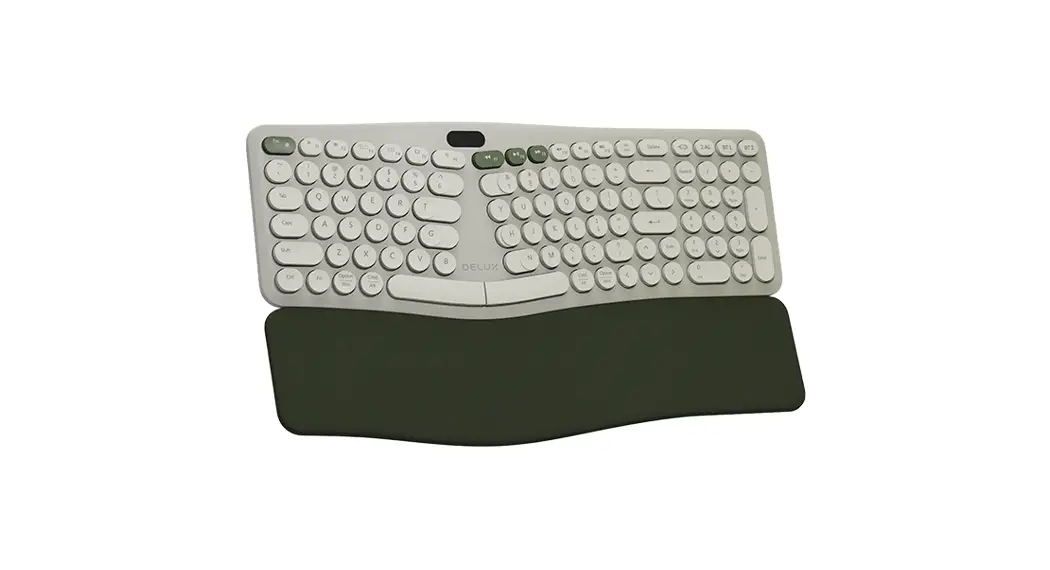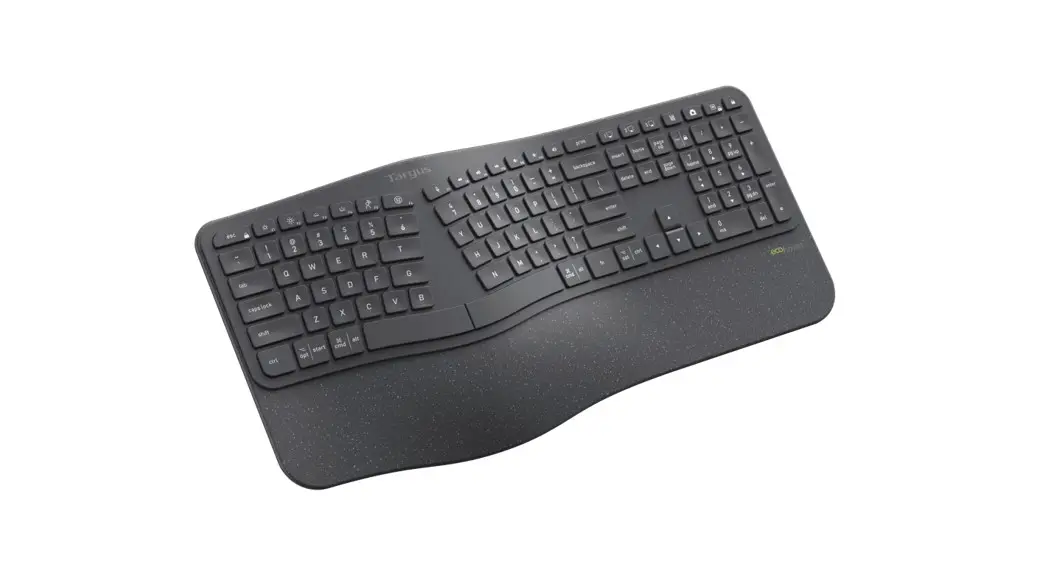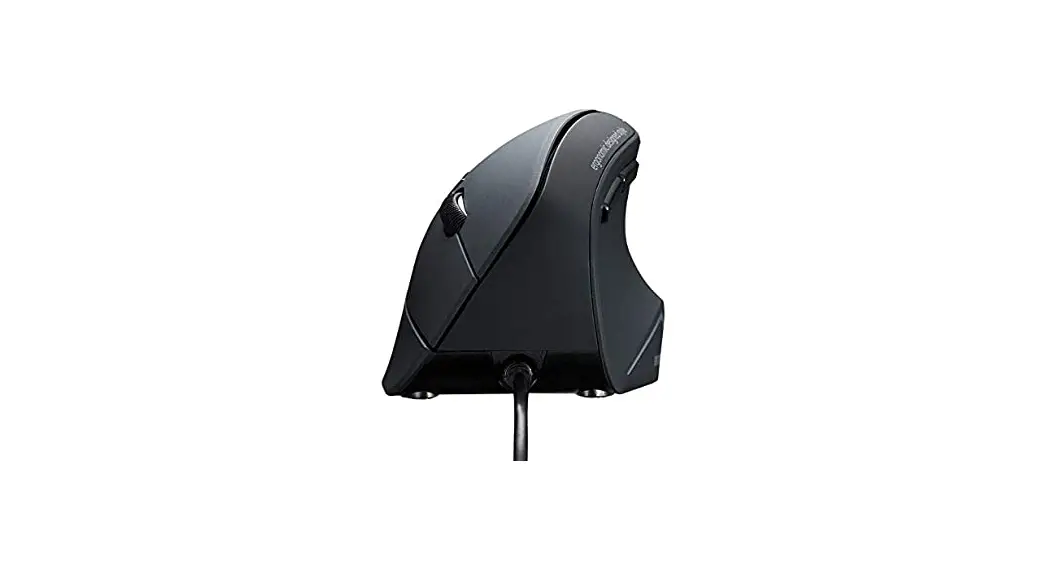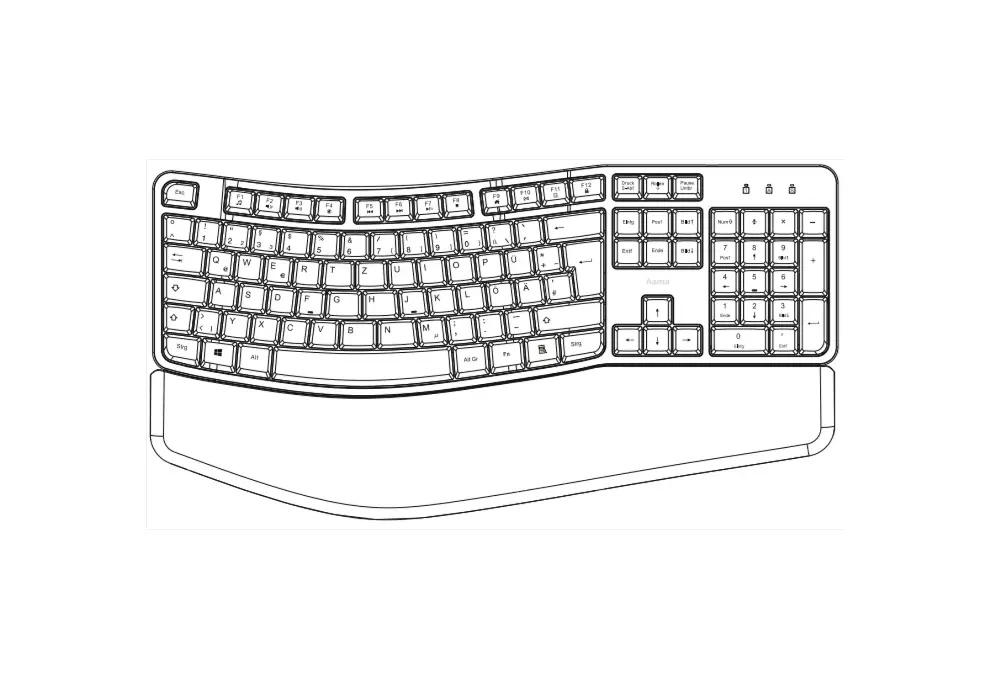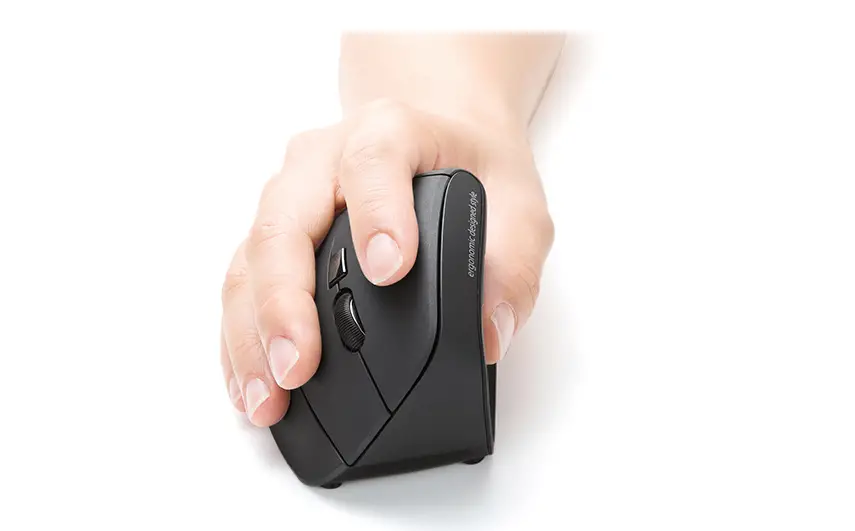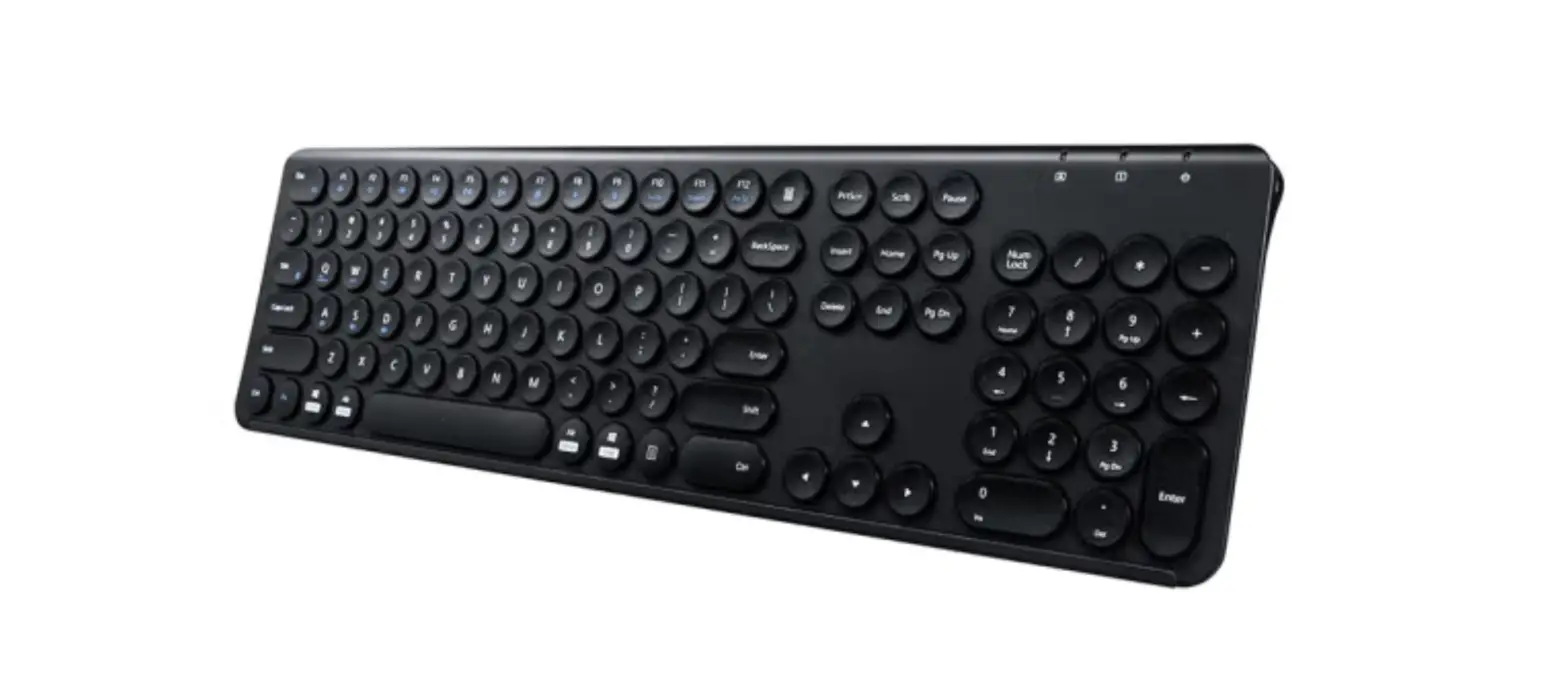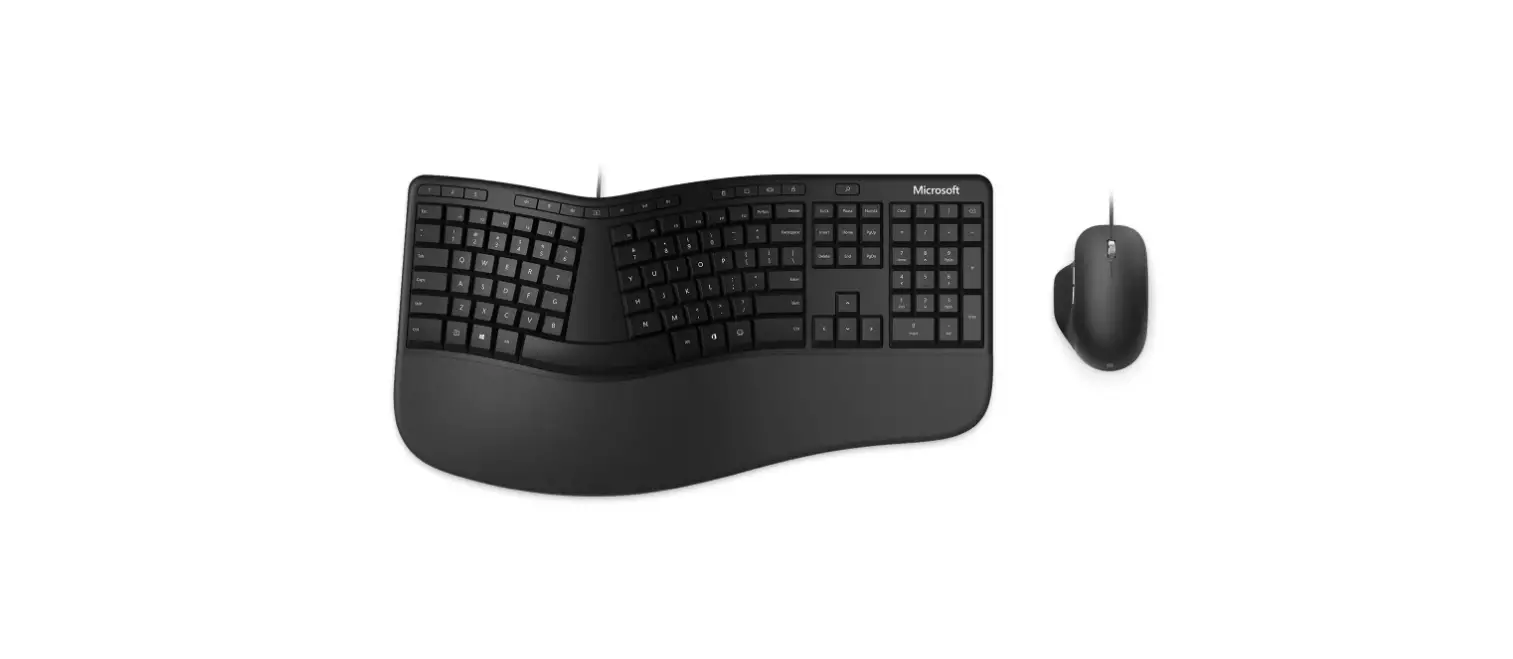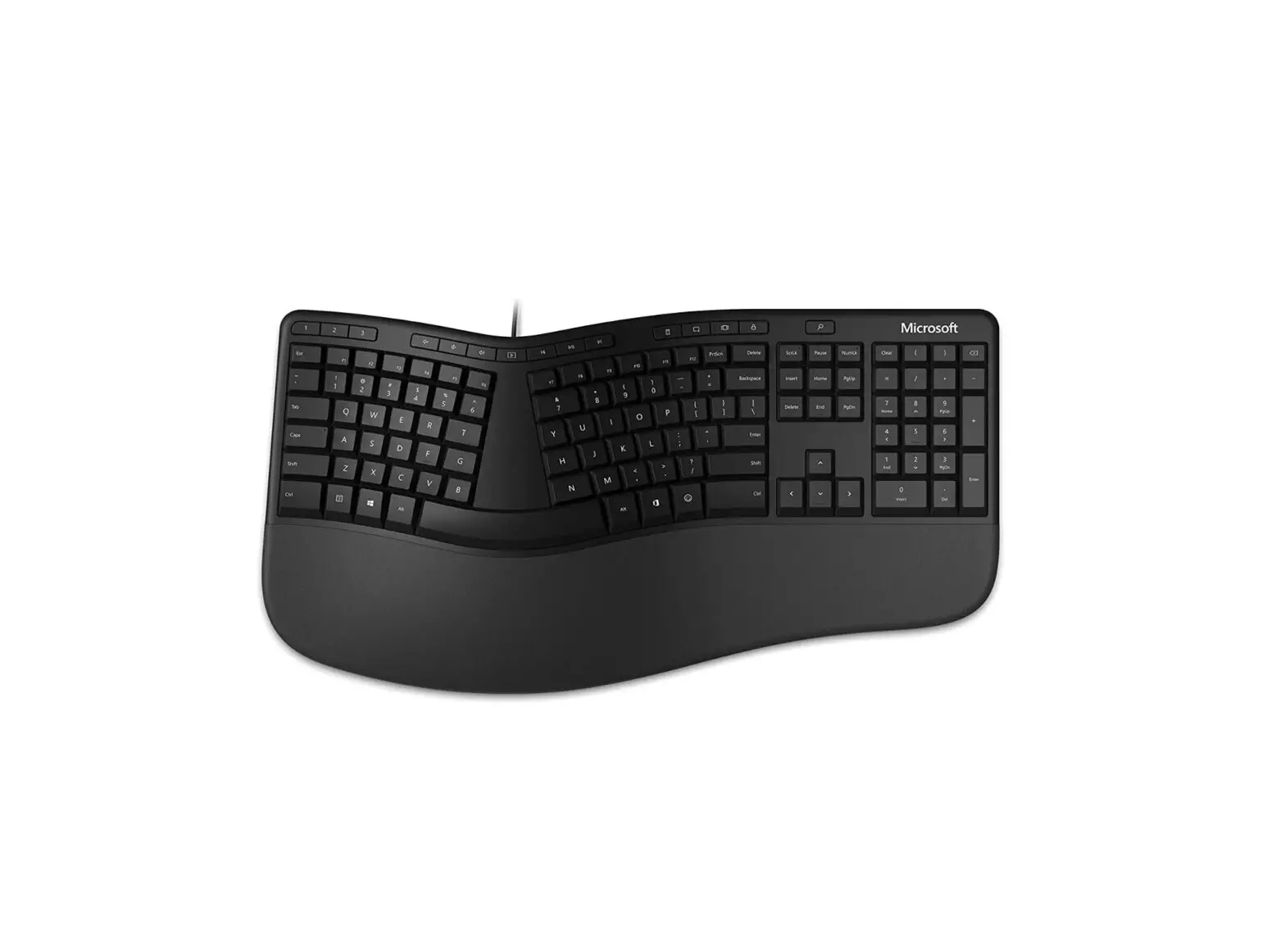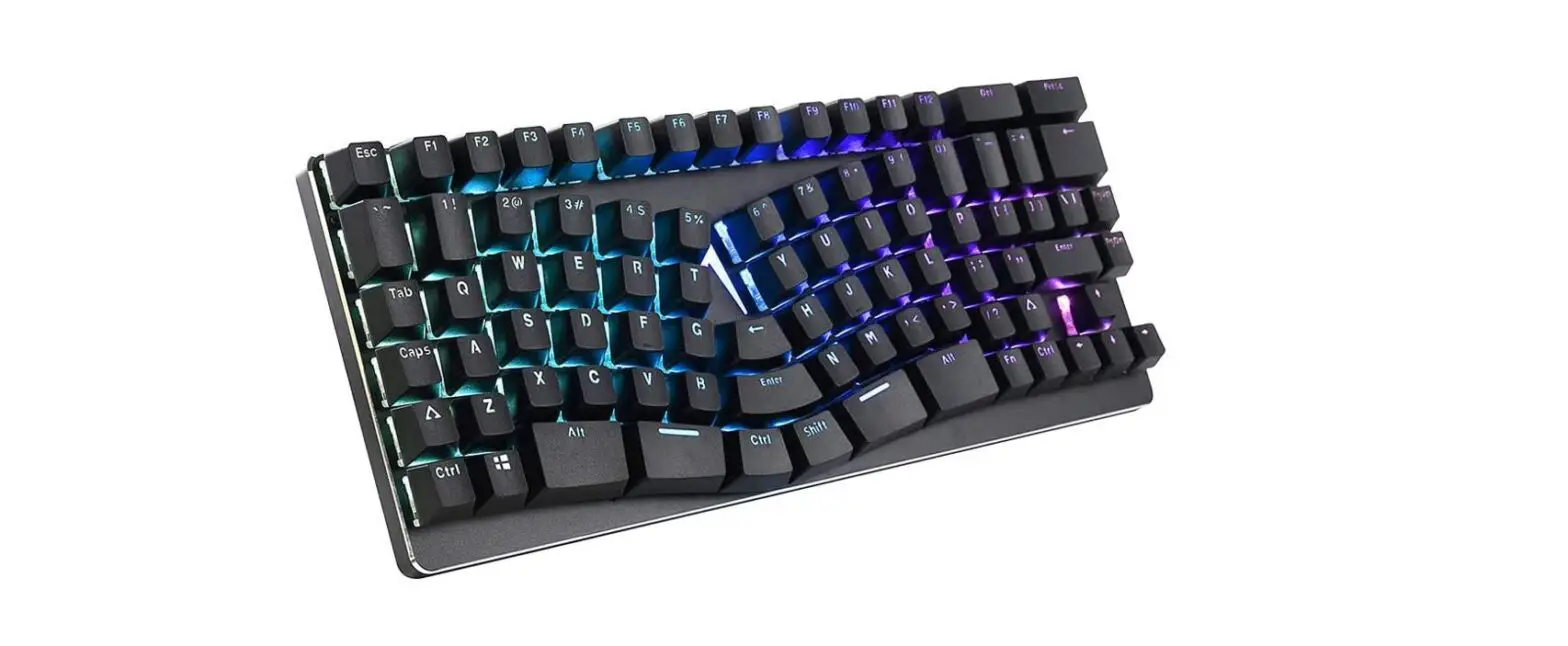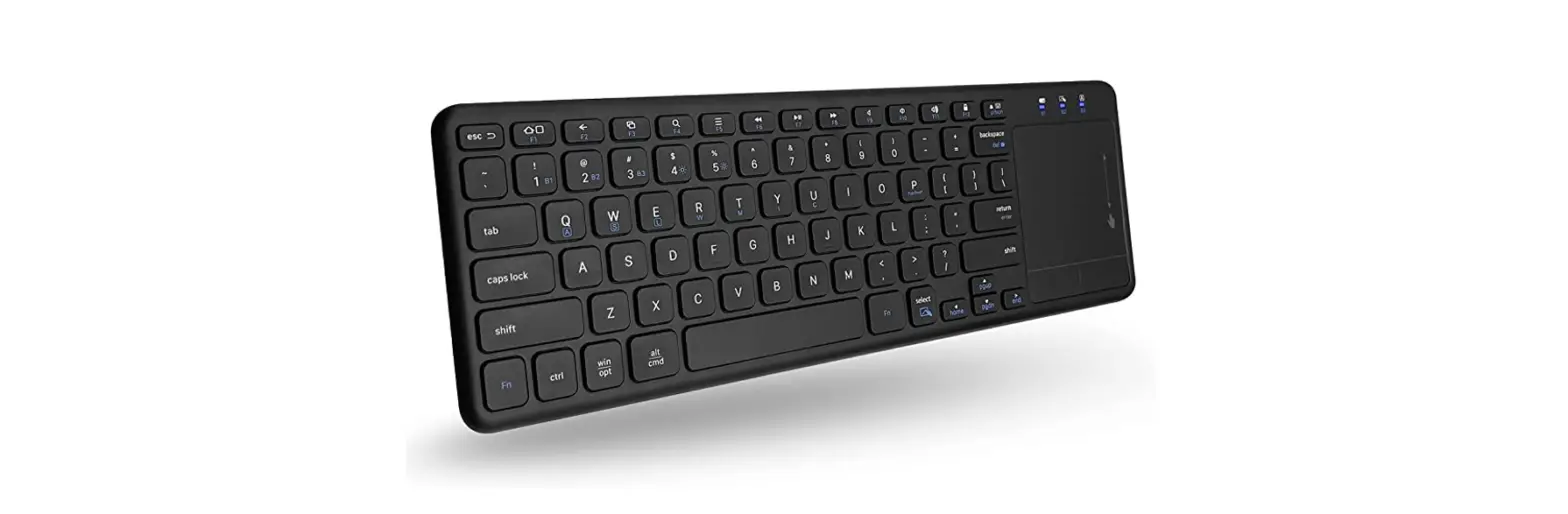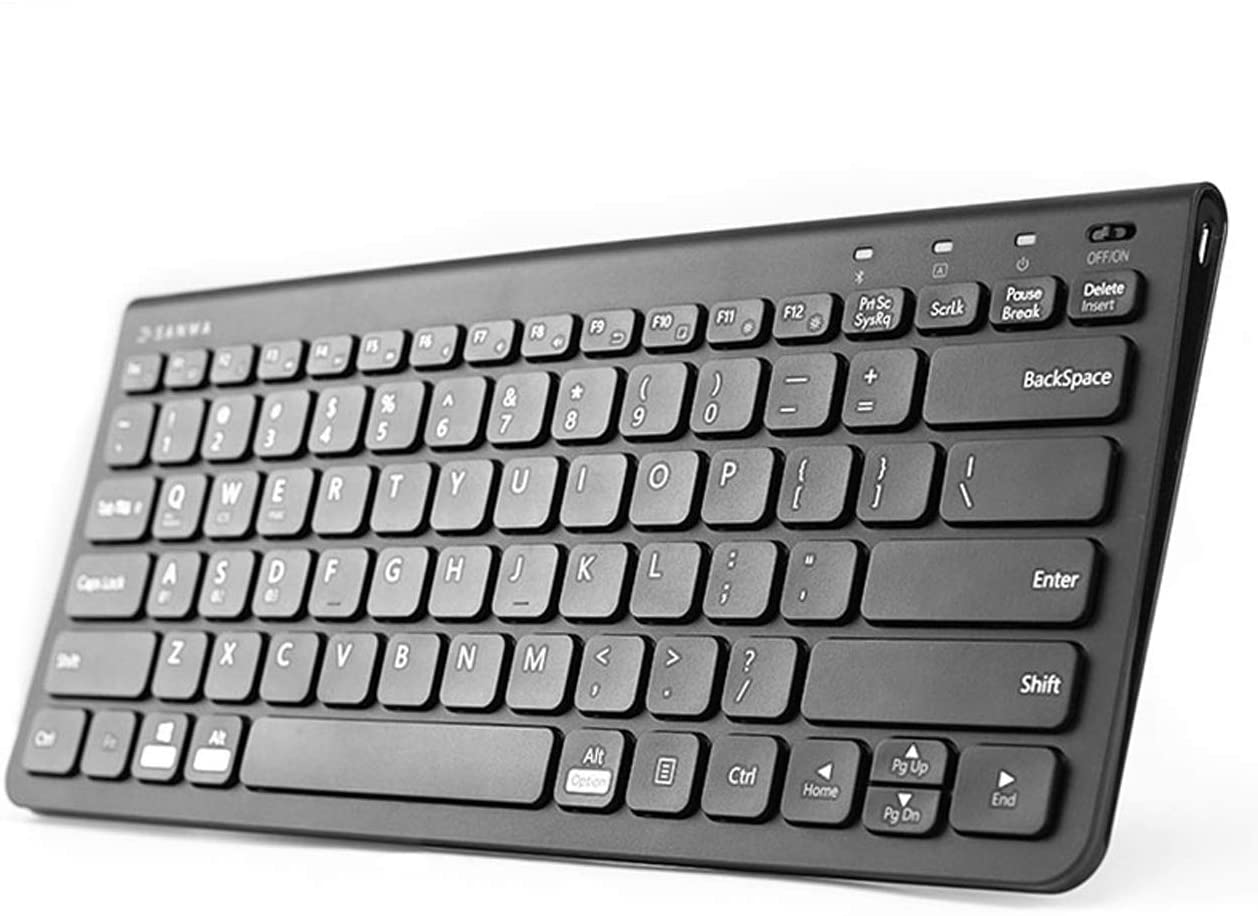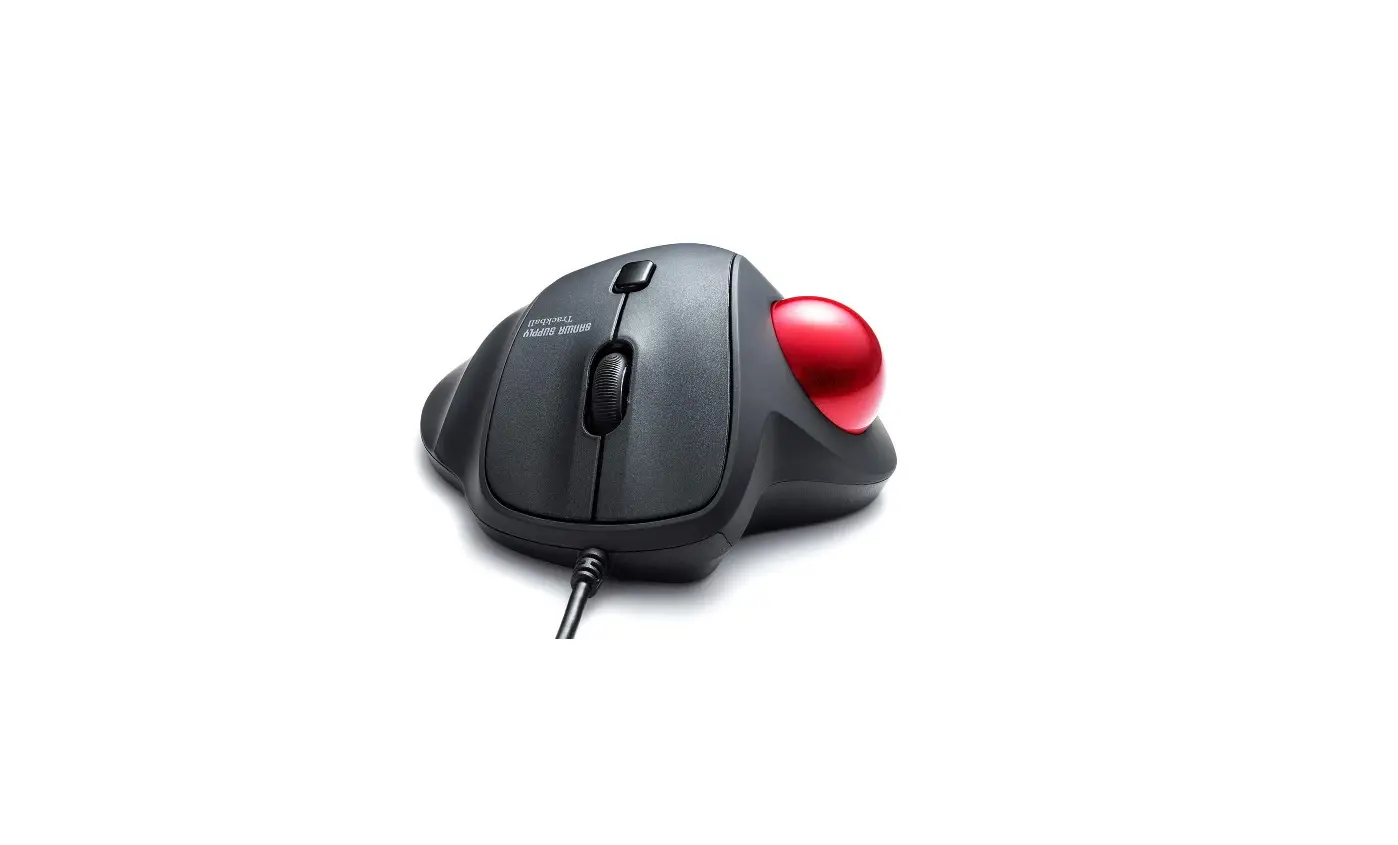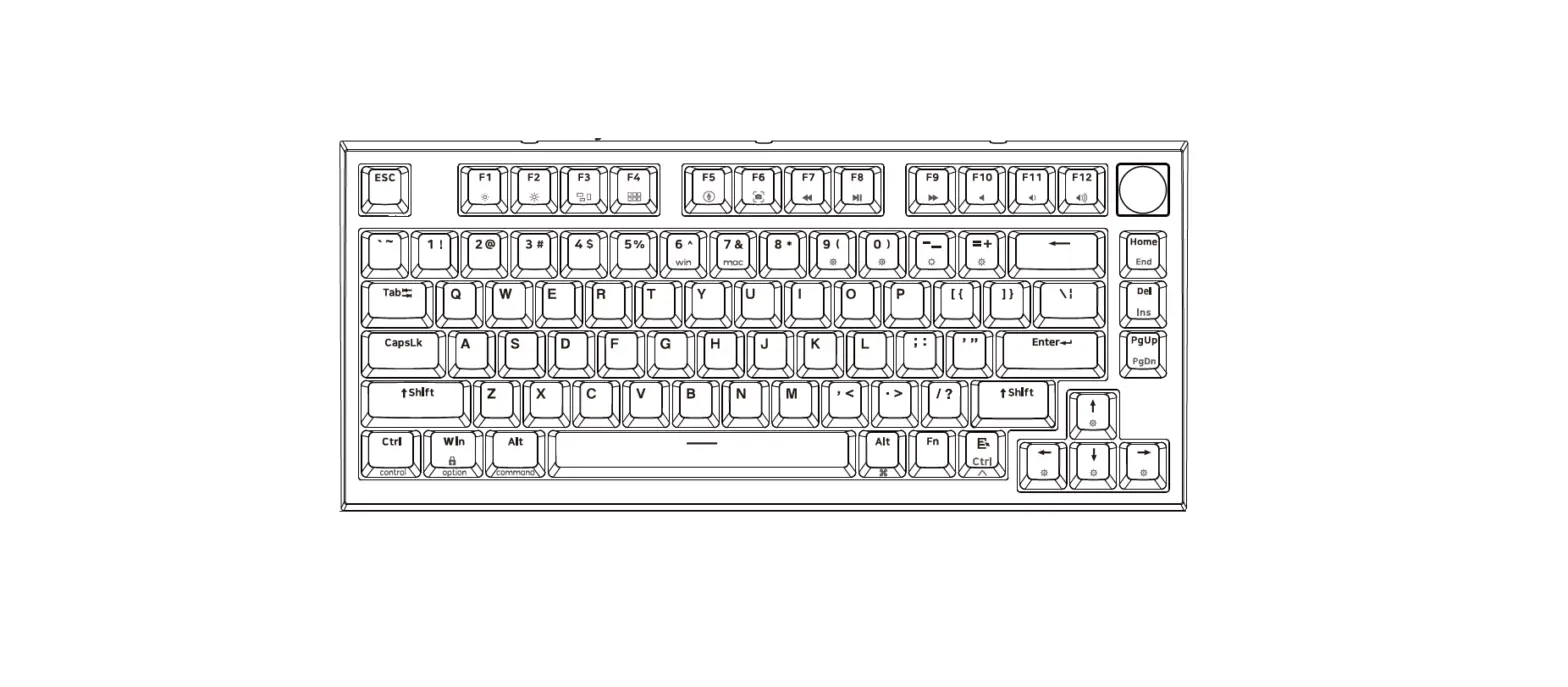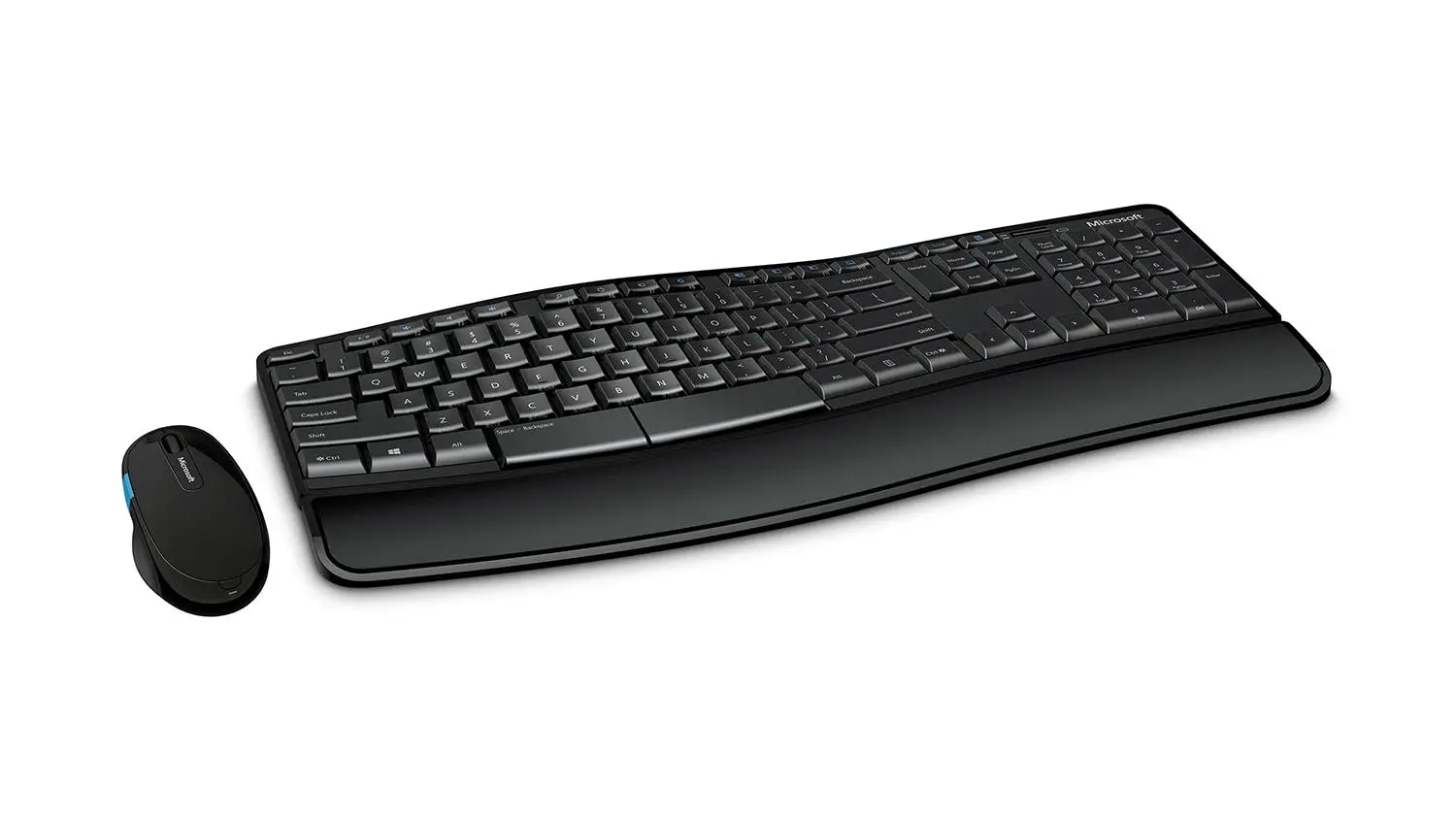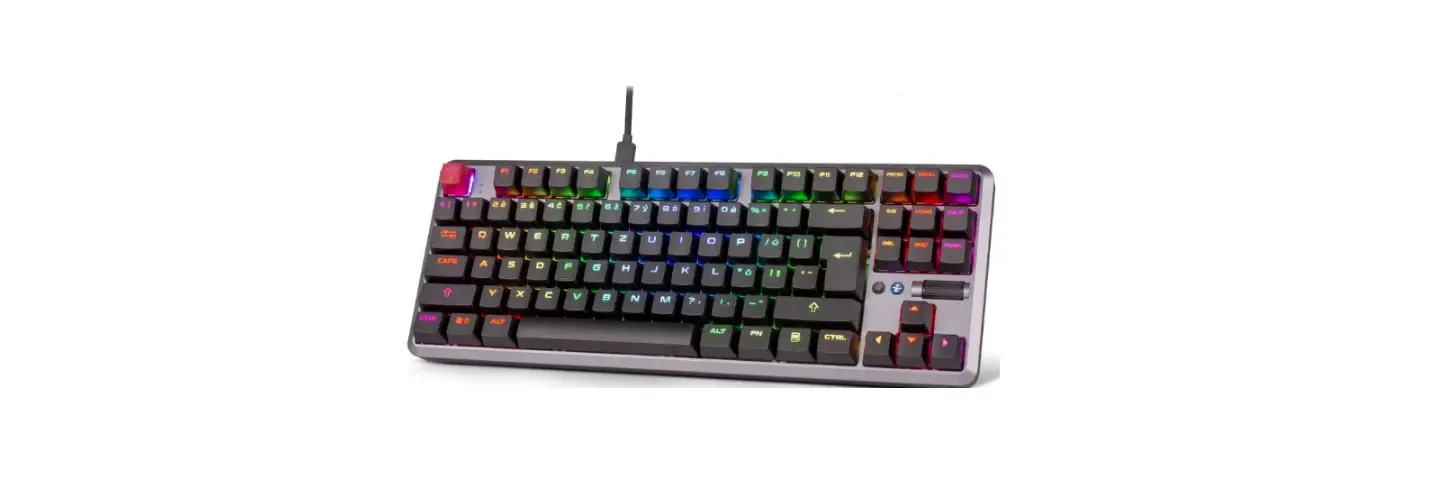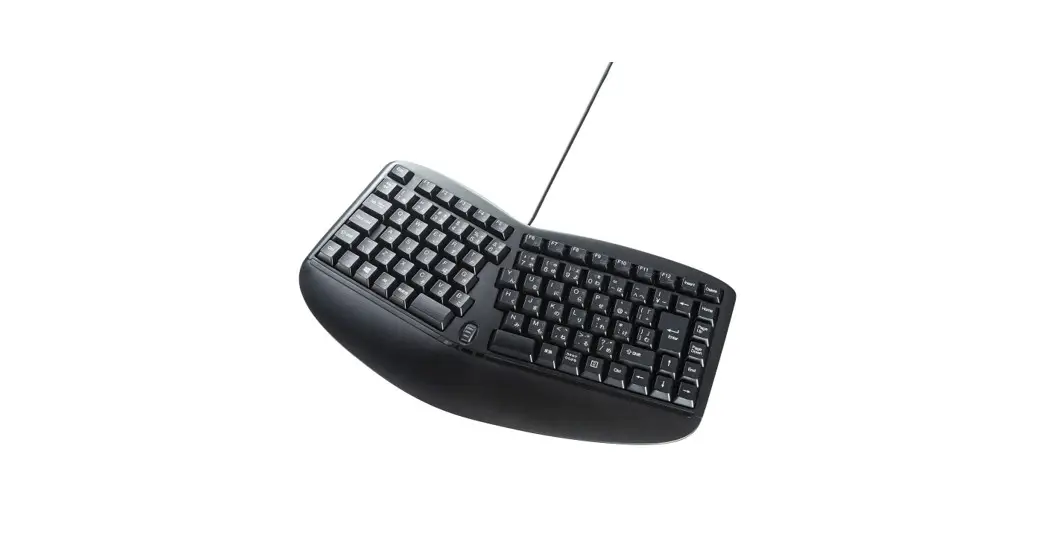
 GSKERG3 Ergonomics Keyboard
User Manual https://www.facebook.com/pg/sanwago/services/?ref=page_internal
https://www.youtube.com/channel/UC0gORTX7KLqGwcHhPYvR7Xg/featured?view_as=subscriber
Opening
Thank you for purchasing the Bluetooth Keyboard.
Precautions
- This product is powered by electricity, if there is smoke or a strange smell, please turn off the power of this product and the connected computer or other equipment, and contact your dealer or our company
- Do not allow liquids, metals, or other foreign objects inside the product.
- Alt may cause electric shock, fre or malfunction.
- Do not subject this product to strong vibration or impact.
- Alt may cause malfunction or damage.
- Loss of data and programs that may occur while using this product are not under warranty.
- A Please take measures to protect data such as backing up data on a periodic basis.
- When cleaning the product, do not use volatile organic solvents such as benzene or thinner.
- To avoid damage to the surface or malfunction, wipe with a slightly damp cloth.
Warnings Regarding Health
Operating the mouse, trackball, and keyboard for long periods of time can lead to pain or numbness in hands, arms, neck, shoulders, etc. Serious damage may be incurred if such use is repeated. If you feel pain or numbness while operating the mouse, trackball and keyboard, stop use immediately and consult a doctor if necessary. Take regular breaks from daily computer work to avoid strain on hands, arms, neck, shoulders, etc.
Specifications
| Key switch | Rubber dome | Key stroke | 2.2±0.2mm |
| Key display | English | Actuation force | 55g |
| Key number | 124 Keys | ||
| Power supply | USB | ||
| Powerconsumption | 50mA or less | ||
| Size•Weig ht | W460xD222xH38mm approx.724g | ||
| Cable length | 1.8m | ||
| Accessories | Instruction manual | ||
- This product cannot implement special key functions of the laptop keyboard or the manufacturer’s keyboard (such as adjusting screen brightness or adjusting volume, etc.)
- Commands before Windows starts (BIOS settings, SCSI board settings, etc.) may not be available.
Compatible Models
Windows PC with a US8 port
Compatible Systems
Windows VISTA/XP/7/8/10
Connection Method
This product supports hot plugging, so you can plug and unplug the USB cable even when the computer is powered on.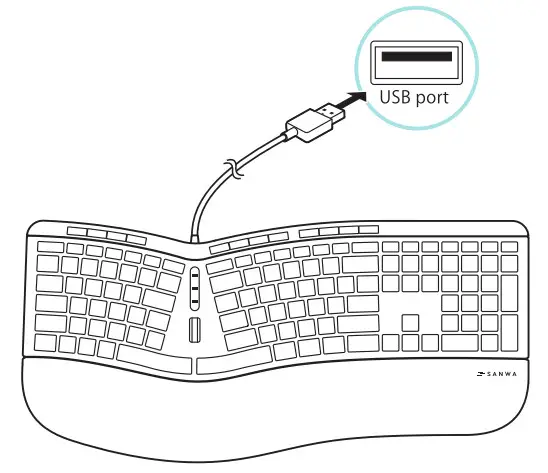
NOTE:
This equipment has been tested and found to comply with the limits for a Class B digital device, pursuant to part 15 of the FCC Rules. These limits are designed to provide reasonable protection against harmful interference in a residential installation. This equipment generates uses and can radiate radio frequency energy and, if not installed and used in accordance with the instructions, may cause harmful interference to radio communications. However, there is no guarantee that interference will not occur in a particular installation. If this equipment does cause harmful interference to radio or television reception, which can be determined by turning the equipment off and on, the user is encouraged to try to correct the interference by one or more of the following measures:
- Reorient or relocate the receiving antenna.
- Increase the separation between the equipment and receiver.
- Connect the equipment into an outlet on a circuit different from that to which the receiver is connected.
- Consult the dealer or an experienced radio/TV technician for help
Changes or modifications not expressly approved by the party responsible for compliance could void the user’s authority to operate the equipment.
This device complies with Part 15 of the FCC Rules.
Operation is subject to the following two conditions: (1) this device may not cause harmful interference, and (2) this device must accept any interference received, including interference that may cause undesired operation.
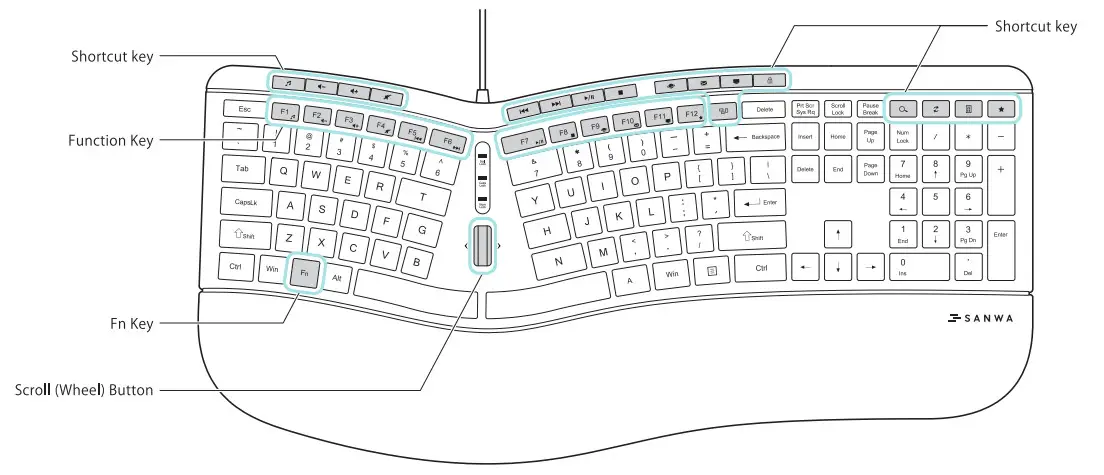
Fl | Media player | Start the media player. |
F2 | Volume down | Press to lower the volume. |
F3 | Volume up | Press to increase the volume. |
F4 | Mute | Stop the audio output. Press again to unmute. |
F5 | Previous song | Press when playing music to the previous song. |
F6 | Next song | Press when playing music to the next song. |
F7 | Pause/Play | Play music. Press during playback to pause. |
F8 | Stop | Stop. |
F9 | Browser | Open the web browser. |
F10 | Launch the E-mail software. | |
F11 | Computer | Launch the Explorer. |
 | Lock | Lock the computer. |
 Switch window Switch window | Switch between windows |
 Search Search | Open the search window |
 Refresh Refresh | Refresh the web browser. |
 Calculator Calculator | Launch the calculator software. |
 Favorites Favorites | Open the Favorites section of IE. |
*The function keys may not work or may work differently depending on the OS version and the environment in use.
Warranty Term 1 year
Inquiries
EN : [email protected]