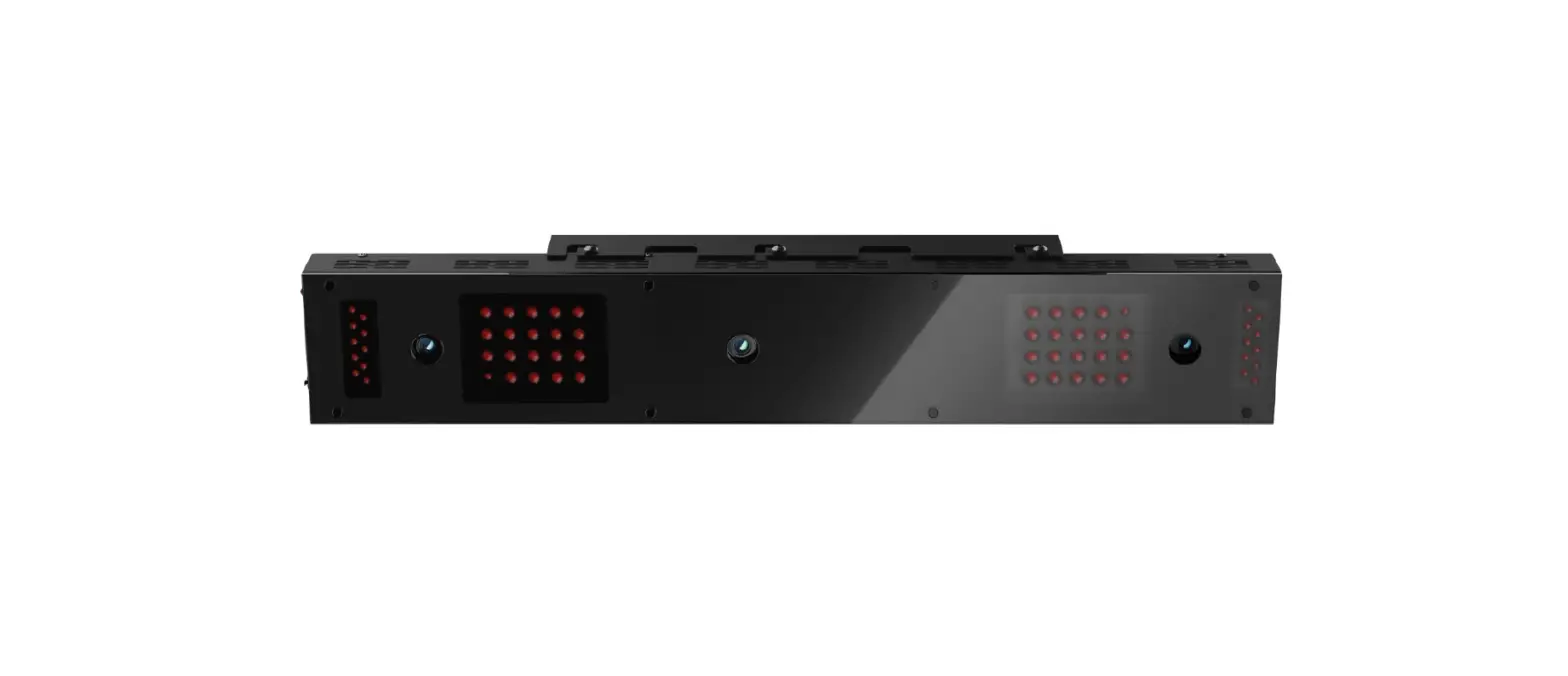
EYE XO Overhead Launch Monitor
Product Information
The Uneekor Frame Mount is an accessory for the Pro Golf
Enclosure. It allows you to securely mount a launch monitor to the
enclosure, providing a stable and convenient setup for your golf
simulation experience.
Product Usage Instructions
- Step 1: Assembly
After completing the assembly of your Pro Golf Enclosure, remove
the fabric flap covering the front or crossbar ceiling pipe.
Install the U-Bolt, U-Bolt Clamp, and Coupling Nut over the
pipe. - Step 2: Cutting Slit
Using sharp scissors or a utility knife, cut a slit in the
fabric of the flap that aligns with the mount hardware. Be careful
not to cross into the finished edge of the flap material. Close the
flap around the pipe. - Step 3: Base Plate Attachment
Secure the base plate to the clamp using the provided
screws. - Step 4: Mount Attachment
Secure the launch monitor mount to the base plate.
- Step 5: Hang and Adjust
Hang the launch monitor from the mount as described in the
instructions. Make final adjustments as necessary to ensure proper
positioning.
UneekorFrameMountInstrucons
Step 1
A ercomplengtheassemblyofyourPro GolfEnclosure,uninstallthefabricflap covering the front or crossbar ceiling pipe andinstalltheU-Bolt,U-BoltClamp,and CouplingNutoverthepipe.
Step 2
Usingsharpscissorsorau lityknife,cuta slitinthefabricoftheflapthatalignswith themounthardware.Besureyourcutdoes not cross into the finished edge fo the flap material.Closetheflaparoundthepipe.
Step 3
Securethebaseplatetotheclampswith the provided screws.
Step 4
Securethelaunchmonitormounttothe base plate.
Step 5
Hangthelaunchmonitorfromthemountas describedintheinstruconsandmakefinal adjustmentsasnecessary.