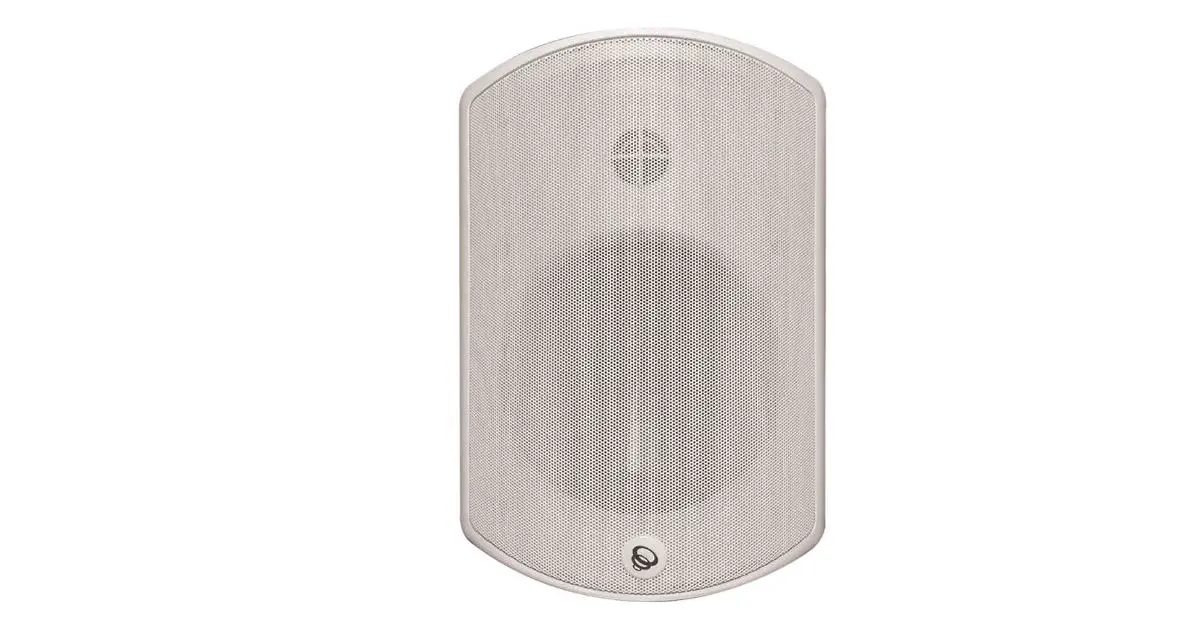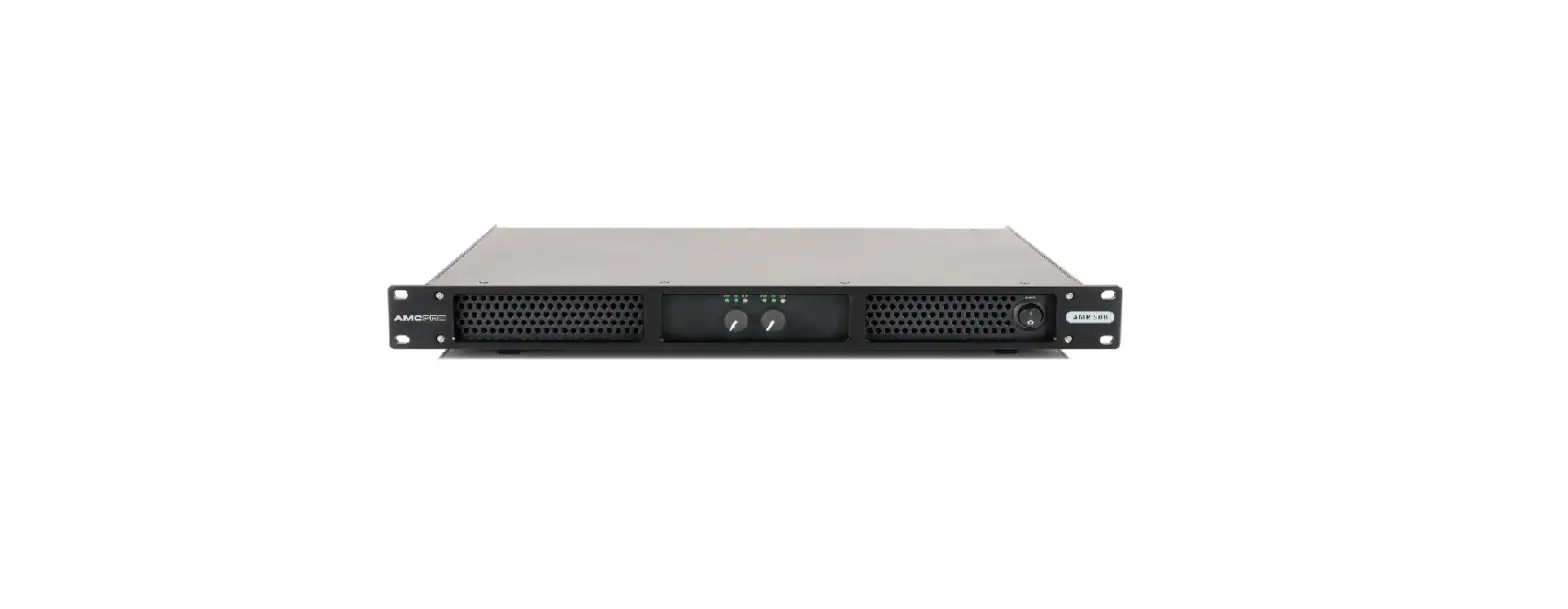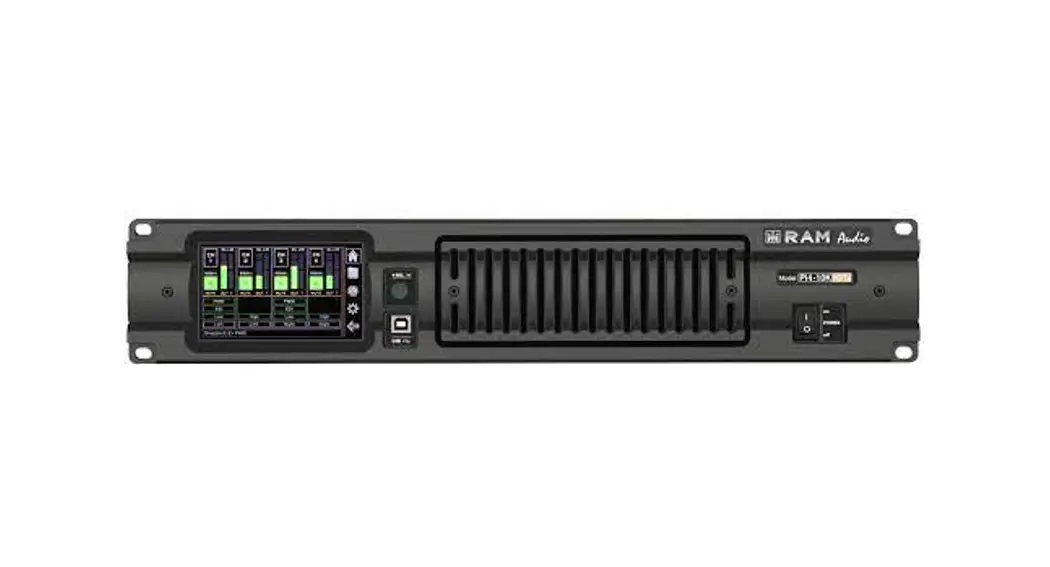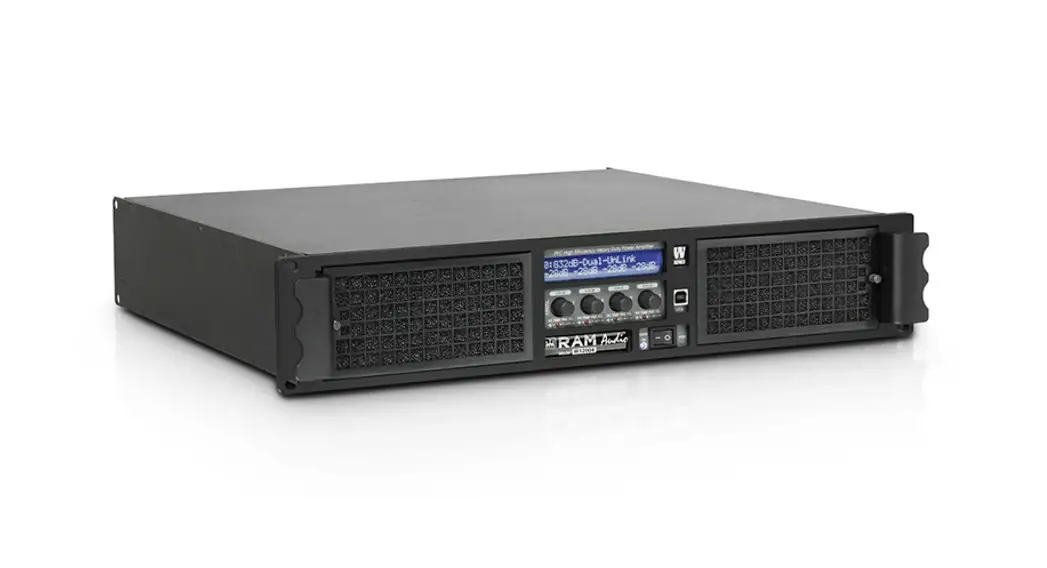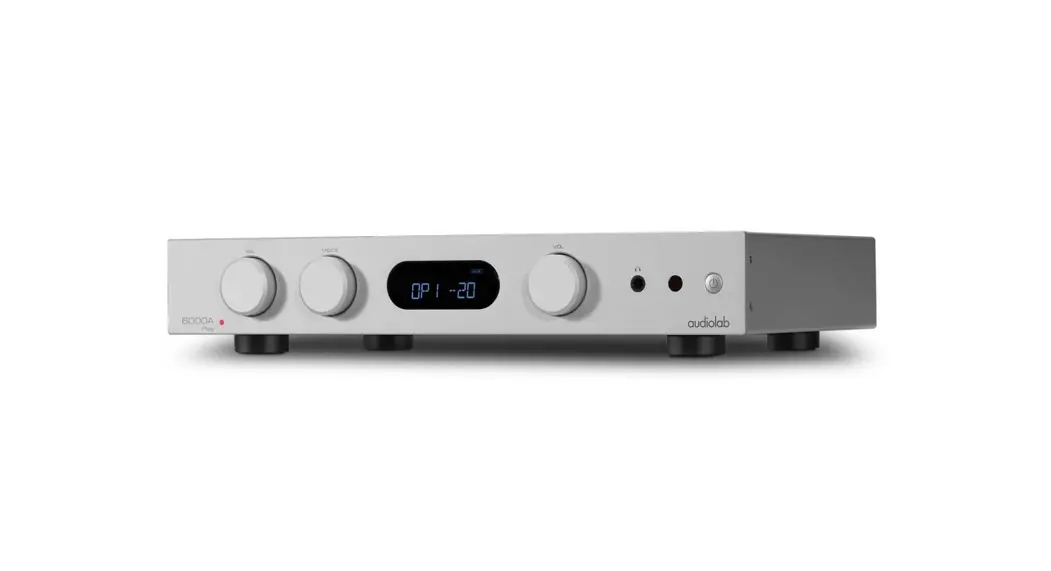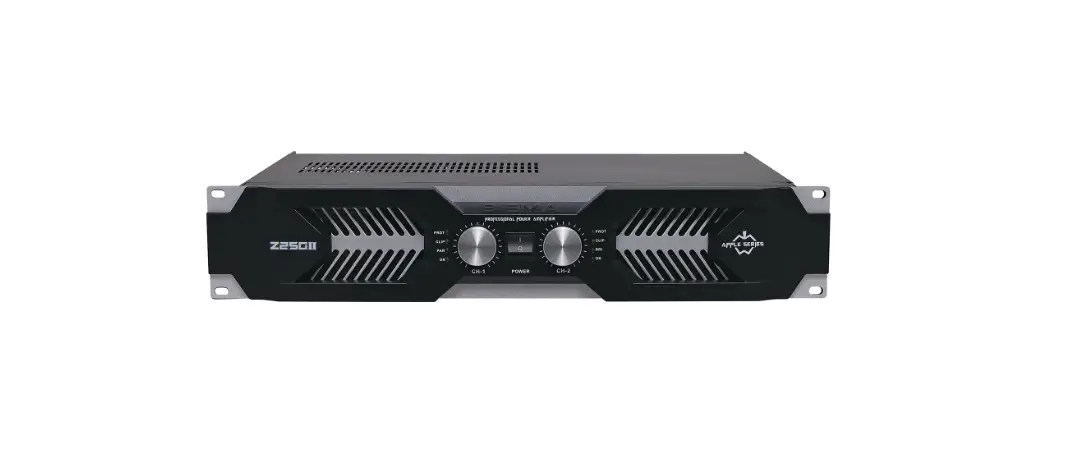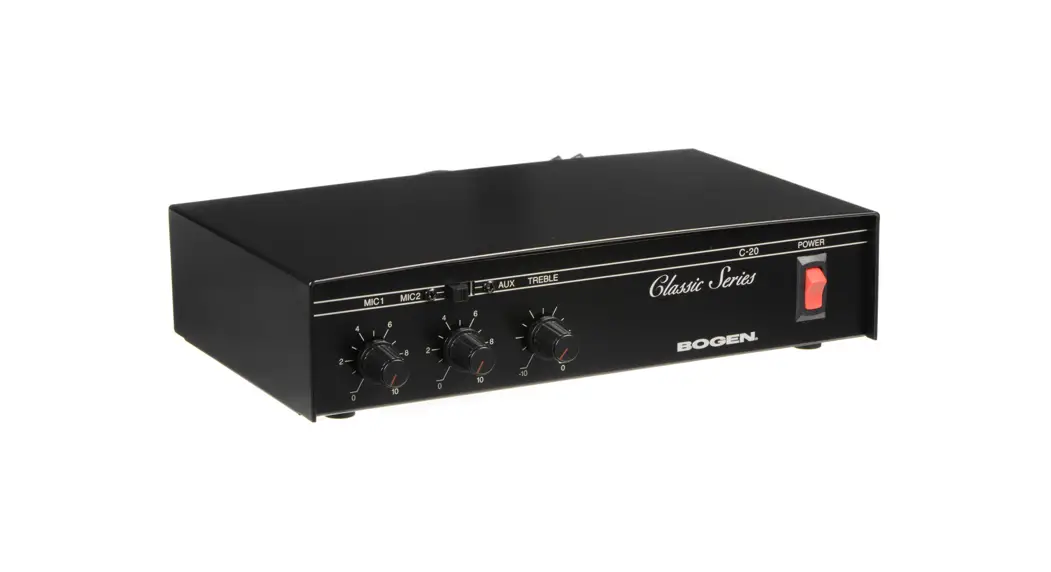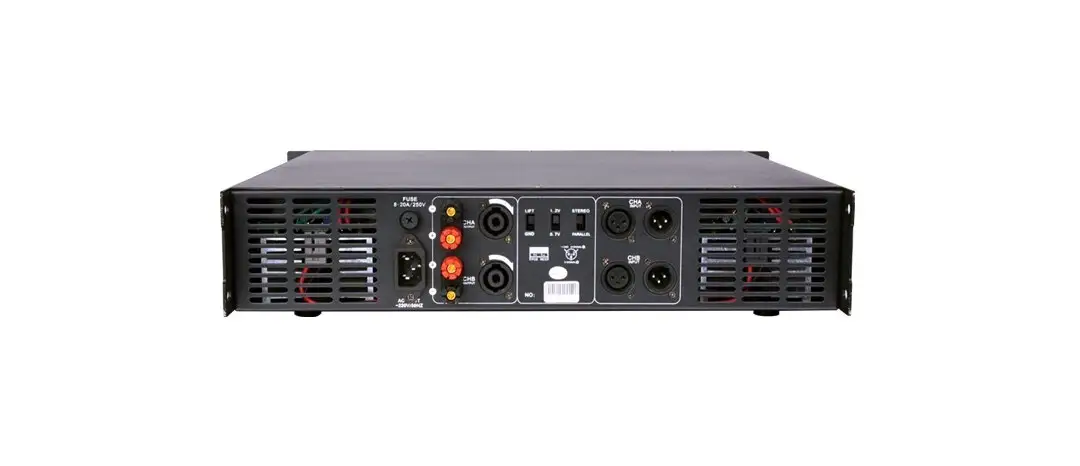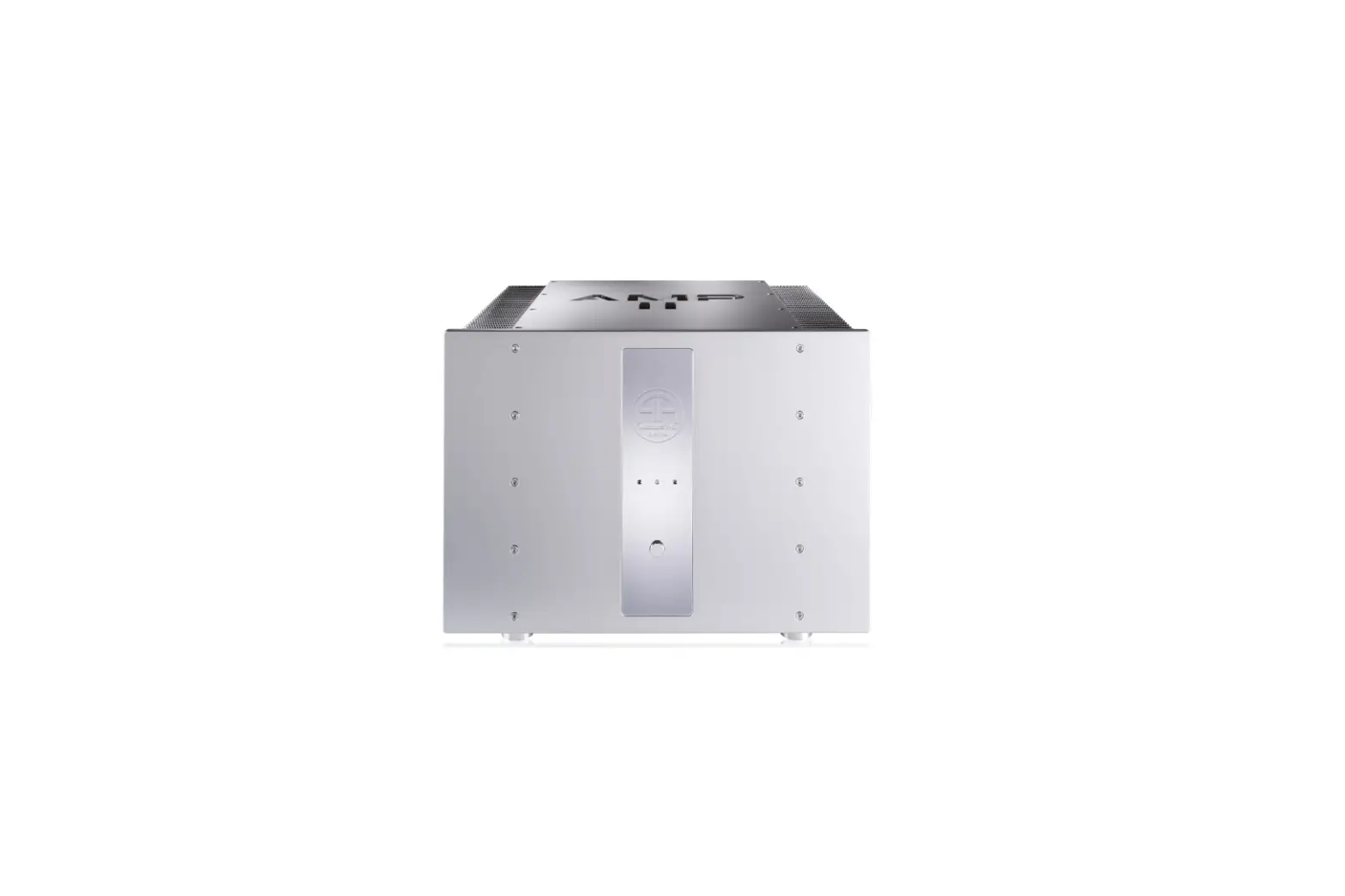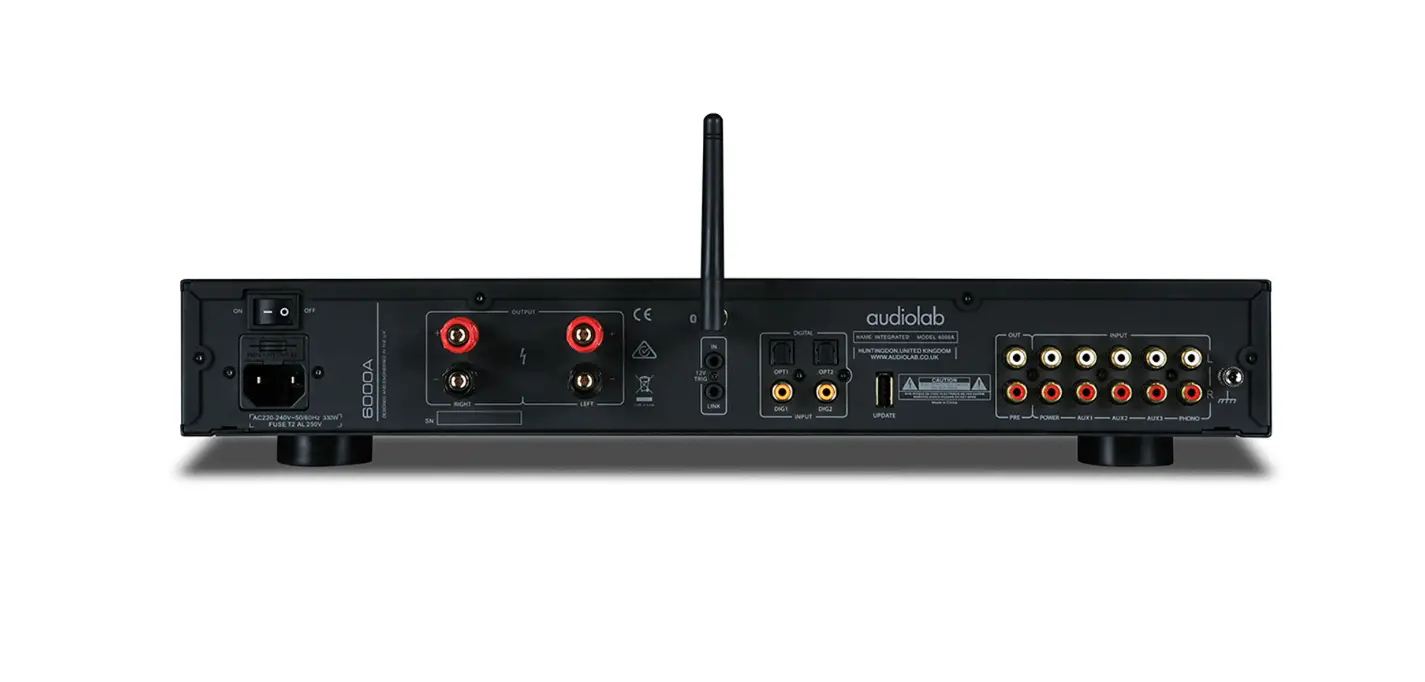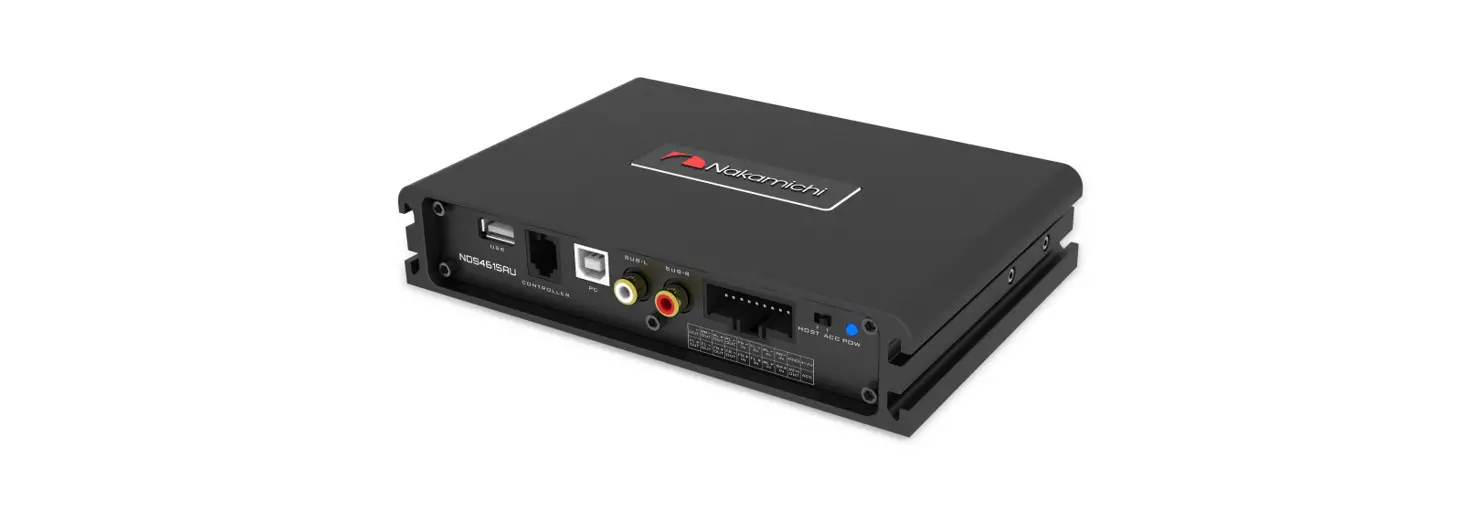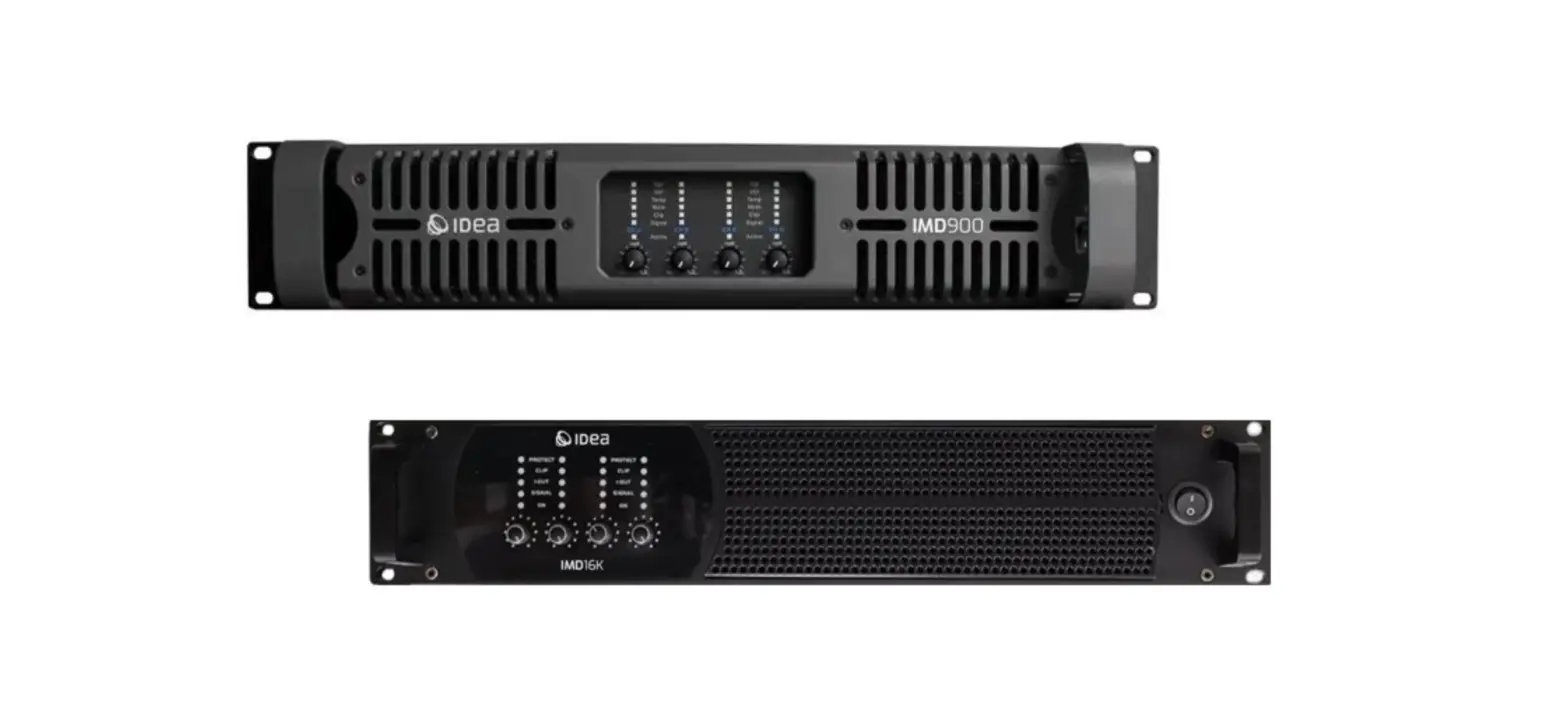

IMD Series
Professional amplifiers Amplificadores profesionales
User Manual
Safety Information

 The symbol is used to indicate that some hazardous live terminals are involved within this apparatus, even under the normal operating conditions.
 The symbol is used in the service documentation to indicate that specific component shall be only replaced by the component specified in that Documentation for safety reasons.
 Protective grounding terminal.
 Alternating current /voltage.
 Hazardous live terminal.
ON: Denotes the apparatus turns on.
OFF: Denotes the apparatus turns off, because of using the single pole switch, be sure to unplug the AC power to prevent any electric shock before you proceed your service.
WARNING: Describes precautions that should be observed to prevent the danger of injury or death to the user.
 Disposing of this product should not be placed in municipal waste and should be collected separately.
CAUTION: Describes precautions that should be observed to prevent danger of the apparatus.
WARNING
Power Supply
Ensure the source voltage matches the voltage of the power supply before turning ON the apparatus. Unplug this apparatus during lightning storms or when unused for long periods of time.
External Connection
The external wiring connected to the output hazardous live terminals requires installation by an instructed person, or the use of ready made leads or cords.
Do not Remove any Cover
There may be some areas with high voltages inside, to reduce the risk of electric shock, do not remove any cover if the power supply is connected. The cover should be removed by the qualified personnel only. No user serviceable parts inside.
Fuse
To prevent a fire, make sure to use fuses with specified standard (current, voltage, type). Do not use a different fuse or short circuit the fuse holder.
Before replacing the fuse, turn OFF the apparatus and disconnected the power source.
Protective Grounding
Make sure to connect the protective grounding to prevent any electric shock before turning ON the apparatus. Never cut off the internal or external protective grounding wire or disconnect the wiring of protective grounding terminal.
Operating Conditions
This apparatus shall not be exposed to dripping or splashing and no objects filled with liquids, such as vases, shall be placed on this apparatus.
To reduce the risk of fire or electric shock, do not expose this apparatus to rain or moisture.
Do not use this apparatus near water. lnstall in accordance with the manufacturer’s instructions. Do not install near any heat sources such as radiators, heat registers, stoves, or other apparatus (including amplifiers) that produce heat. Do not block any ventilation openings.
No naked flame sources, such as lighted candles, should be placed on the apparatus.
IMPORTANT SAFETY INSTRUCTIONS
- Read these instructions.
- Follow all instructions.
- Keep these instructions.
- Heed all warnings.
- Only use attachments/accessories specified by the manufacturer.
Power Cord and Plug
Do not defeat the safety purpose of the polarized or grounding type plug. A polarized plug has two blades with one being wider than the other. A grounding type plug has two blades and a third grounding prong. The wide blade or the third prong are provided for your safety. lf the provided plug does not fit into your outlet, consult an electrician for replacement of the obsolete outlet.
Protect the power cord from being walked on or pinched particularly at plugs, convenience receptacles, and the point where they exit from the apparatus.
Cleaning
When the apparatus needs cleaning, you can blow off dust from the apparatus with a blower or clean with rag, etc. Do not use solvents such as benzol, alcohol, or other fluids with very strong volatility and flammability for cleaning the apparatus body. Clean only with dry cloth.
Servicing
Refer all servicing to qualified personnel. To reduce the risk of electric shock, do not perform any servicing other than that contained in the operating instructions unless you are qualified to do so. Servicing is required when the apparatus has been damaged in any way , such as power supply cord or plug is damaged , liquid has been spilled or objects have fallen into the apparatus, the apparatus has been exposed to rain or moisture , does not operate normally, or has been dropped.
The mains plug is used as the disconnect device, the disconnect device shall remain readily operable.
Overview
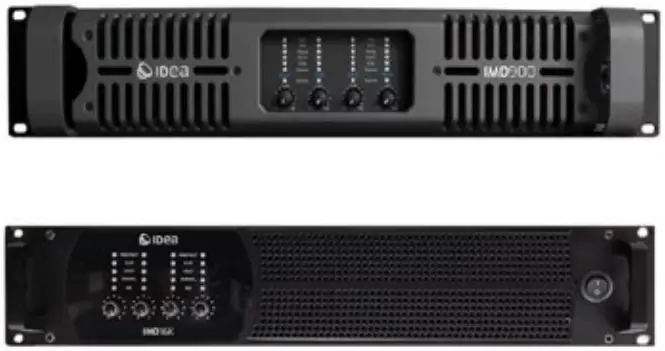
Combining the excellent sound of Class AB and the power efficiency of the Class D amplifiers, TD Class technology allows lightweight amplifiers to deliver powerful and high-quality signal at the same time. In this amplifiers the power supply tracks the audio signal at all frequencies, supplying the required rail voltage while at the same time reserving additional headroom. The superior efficiency reached by TD Class allows greater power density while minimizing cooling requirements, yet sound quality matches the best class AB design.
The latest protection system carries out an advanced analysis of signal level. When transducers operate in the nonlinear domain, either at high excursion, high temperature or high voltage, protection system acts as a smart power regulator to extend the component durability, while maintaining the highest dynamic range.
Inputs are available in analogue and AES , AKM 96 kHz A/D converters at the front-end yield an impressive encoding dynamic of 120 dB. AES/EBU digital inputs operate with sample rate converters from 44.1 kHz to 192 kHz.
Technical Data – IMD900
| OUT POWER AT 1KHZ , <0.05 THD: | |
| 8Ω Power | 4 x 1000 W |
| 4Ω Power | 4 x 2200 W |
| 2Ω Power | 4 x 2400 W |
| Bridge a 8 Ohms | 2 x 4400 W |
| Bridge at 4 Ohms | 2 x 4800 W |
| AMPLIFICATION | |
| Harmonic distorsion 20Hz a 20KHz a 1W | <0.1% |
| Total Harmonic dostrsion at 1KHz 1dB: | <0.05% |
| Signal to noisse ratio | >120dB |
| Frecuency response (+/- 0,1dB) 10Hz – 34Hz | 10Hz – 34 KHz |
| Damping factor | >500 |
| Input impedance:20kOhm balances / 10KOhm unbalanced | 20 /10 Kohm |
| CONNECTORS | |
| Output | 4 x SpeakOn connectors Neutrik |
| Input | 2 x Female XLR connector Neutrik |
| OTHER | |
| Link | 2 x Male XLR connectors Neutrik |
| Protections | Short circuit, open circuit, thermal, overloaded DC, super audio protection |
| Input voltage range: | 200-240V ~50Hz |
| Dimensions (L x D x H) | 445 x 465 x 95 mm |
| Weight: | 20,5kg |
Technical Data – IMD16K
| OUTPUT POWER | |
| 8Ω Power | 4 x 1800W |
| 4Ω Power | 4 x 3500W |
| 2Ω Power | 4 x 4000W |
| AMPLIFICATION | |
| Frequency response/ 20 Hz – 20 kHz | ± 0.1 dB (at 8 Ω, 60 W output power) |
| ± 0.1 dB (at 4 Ω, 120 W output power) | |
| Distortion/ THD+N (20 Hz – 10 kHz) | < 0.05% (at 8 Ω, 60 W output power) |
| < 0.1% (at 4 Ω, 120 W output power) | |
| Output dynamic range | > 112 dB (20 Hz – 20 kHz, 8 Ω, A-weighted) |
| Amplification gain | 32 dB |
| Noise level | < – 72 dBV (20 Hz – 20 kHz, 8 Ω, A-weighted) |
| Channel separation | > 85 dB (at 1 kHz , 3 x 120 W, 4 Ω) |
| Damping factor | > 400 (1 kHz and below, 8 Ω) |
| POWER SUPPLY | |
| Model | universal Switched Mode Power Supply (SMPS) with power factor correction (PFC) |
| Power factor | > 0.9 (except Standby on all voltages, and Idle on 220 V) |
| Mains rating | 100 V – 240 V ~ ±10%, 50-60 Hz |
| Switch On rating | 70 V – 270 V 50-60 Hz |
| Nominal current requirements | 32 A for 200-240 V |
| PROTECTION | |
| Mains and power supply | Over and under voltage, Over temperature, Over current (fuse protection) |
| Power outputs | Over current, DC, Short circuit, Rail over and under voltage over temperature |
| Cooling system | Fans with temperature-controlled speed |
I MÁS D ELECTROACÚSTICA SL
Pol. A Trabe 19-20, 15350 - Cedeira, A Coruña (España/Spain)
Tel. +34 881 545 135
www.ideaproaudio.com
[email protected]
Specifications and product appearance may be subject to change without notice.
IDEA_IMD-series_UserManual_EN_v1.1 | 01 – 2023
 IDEA Pro Audio