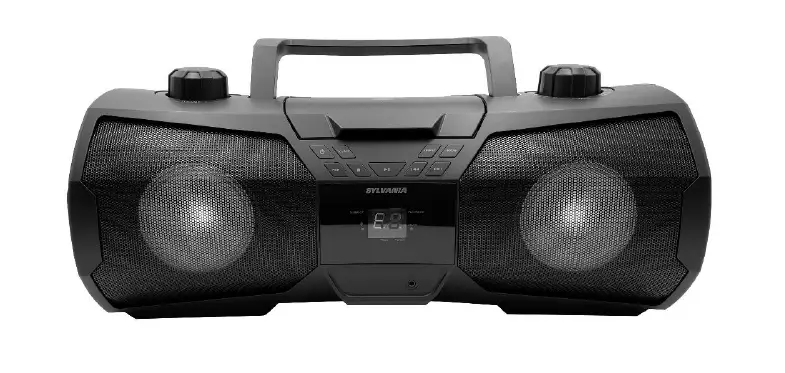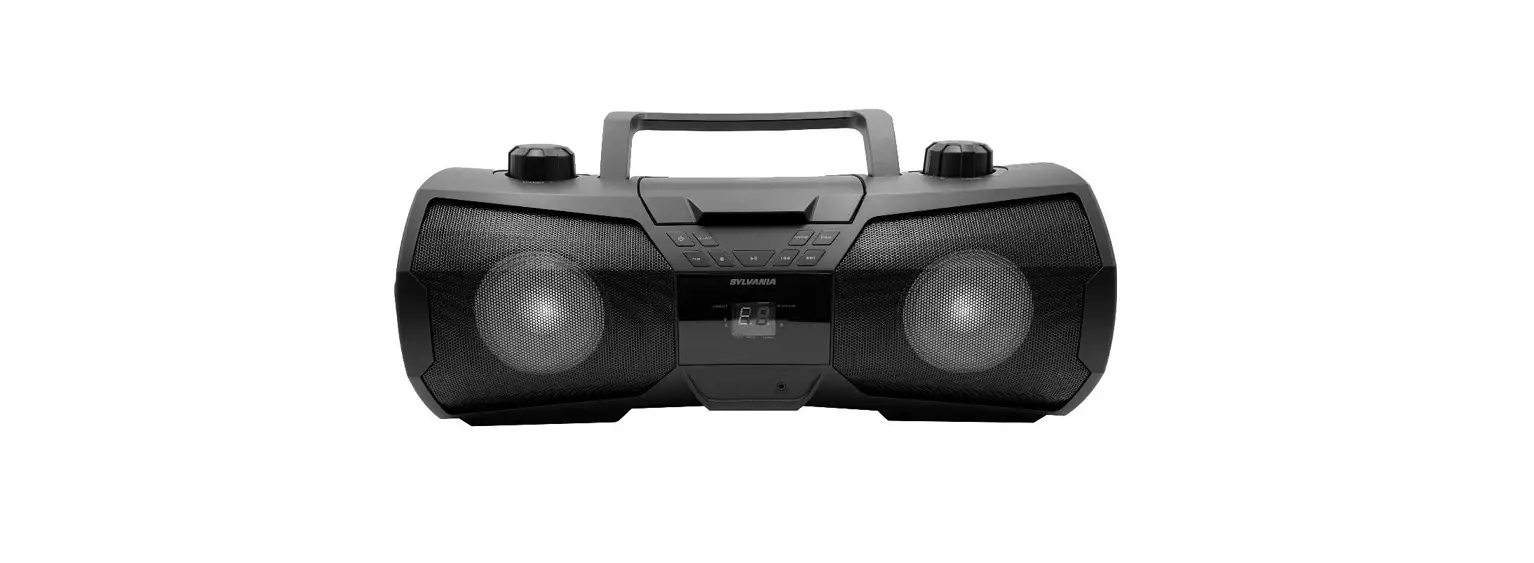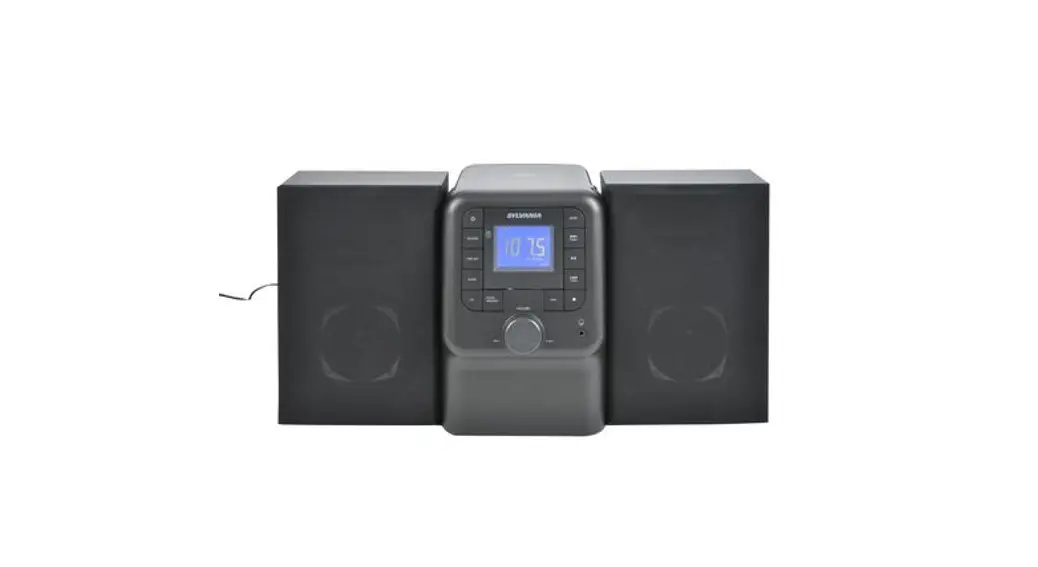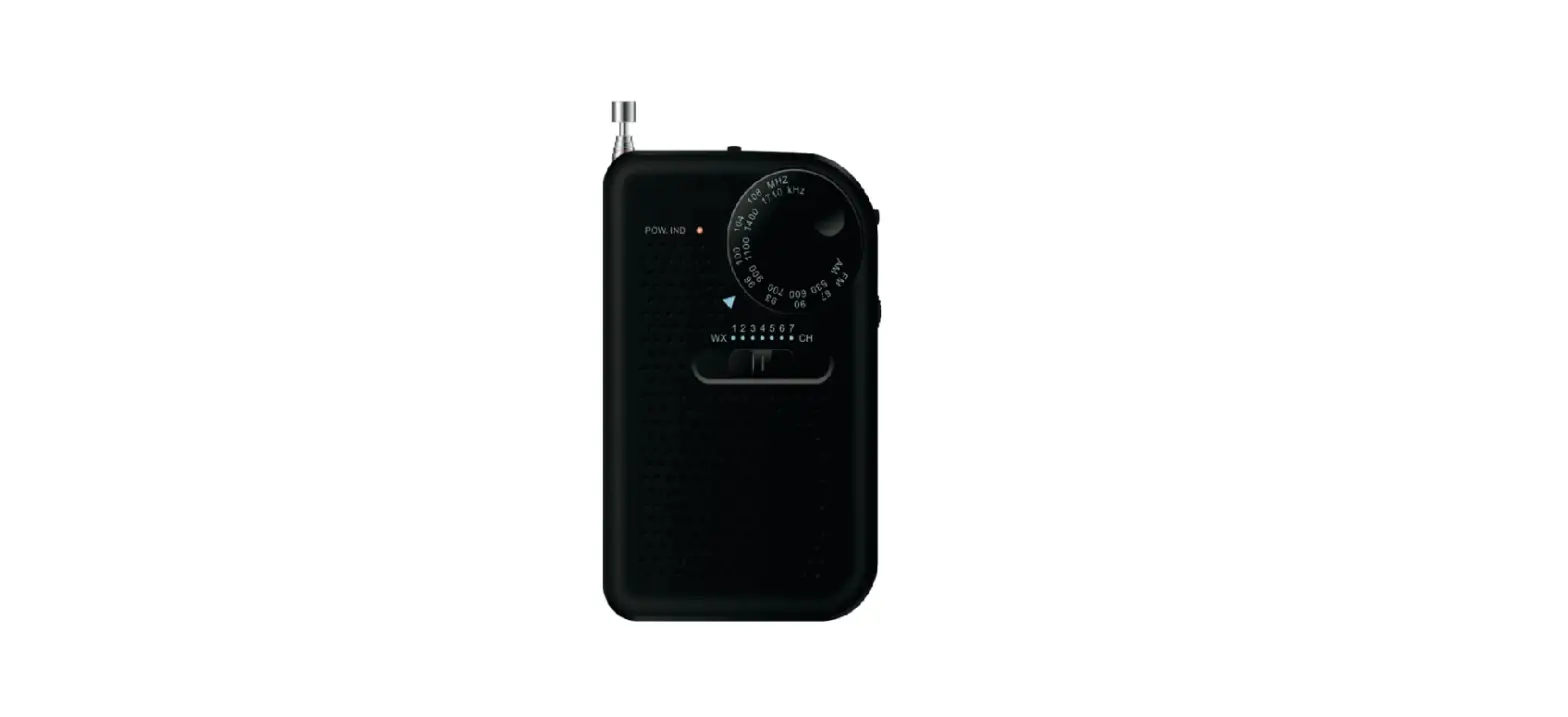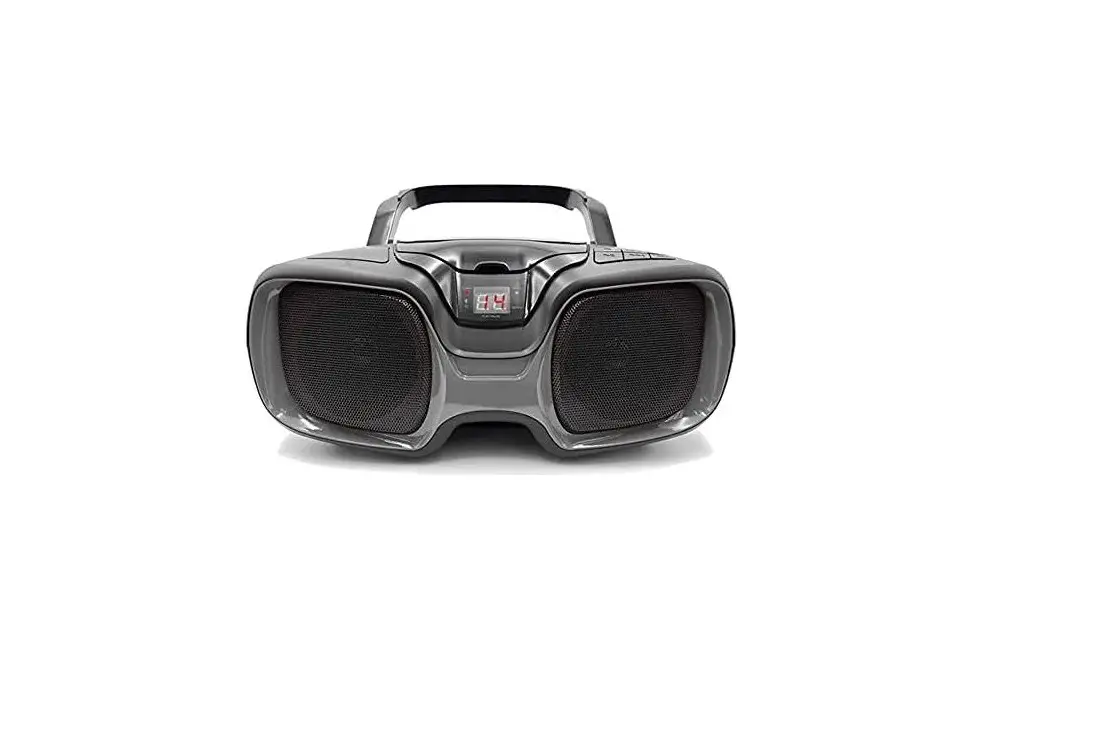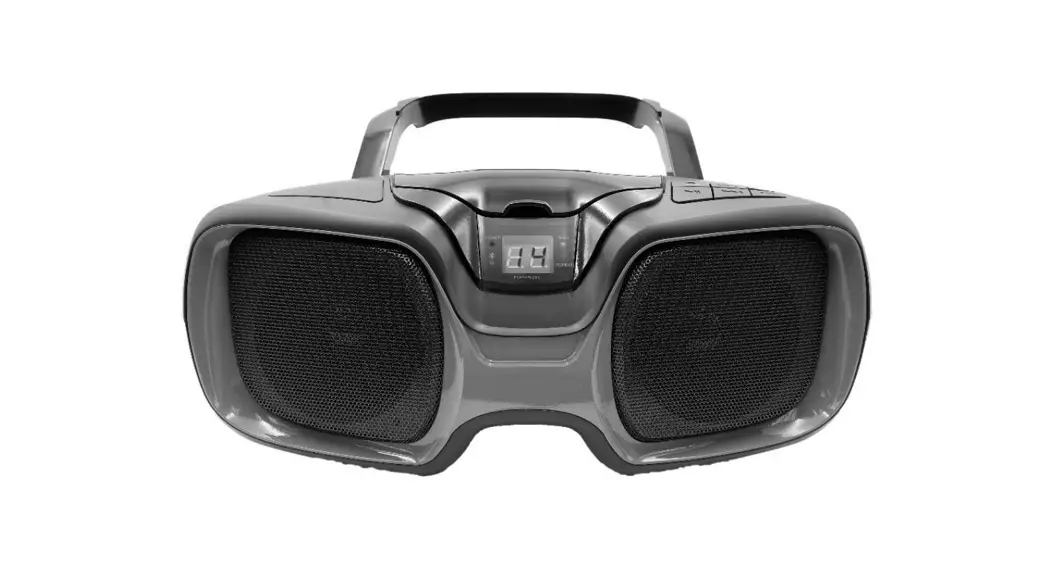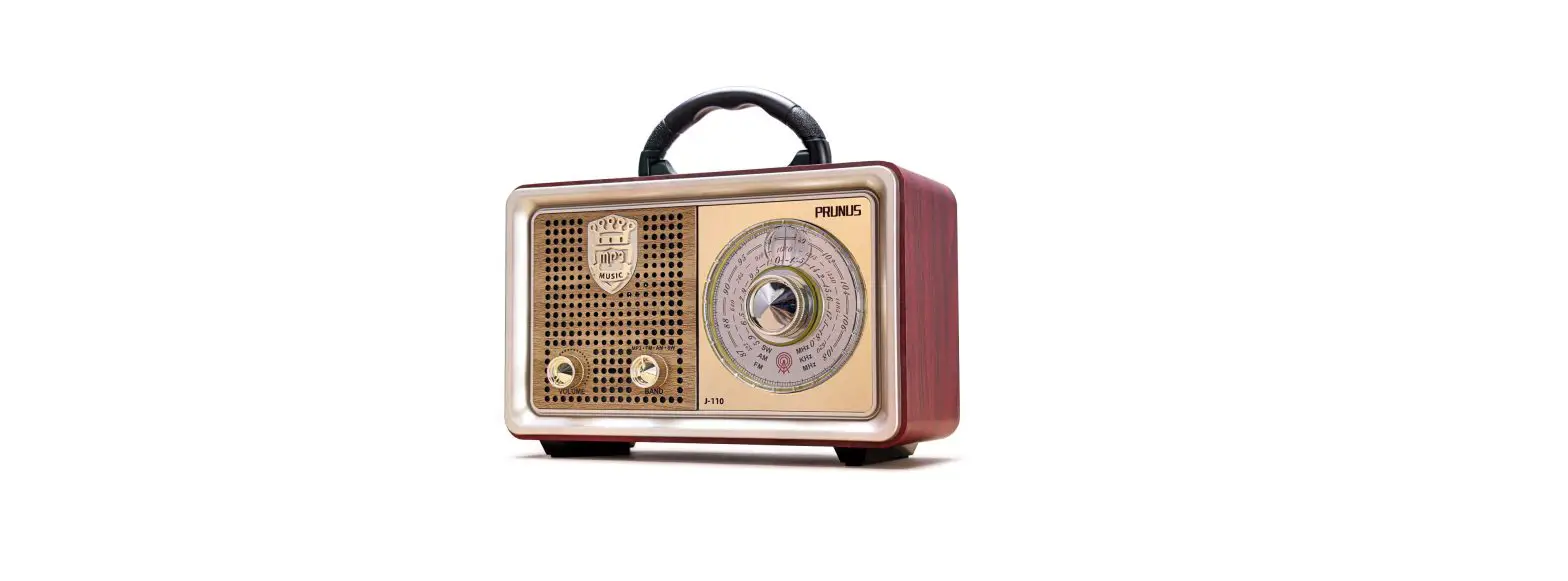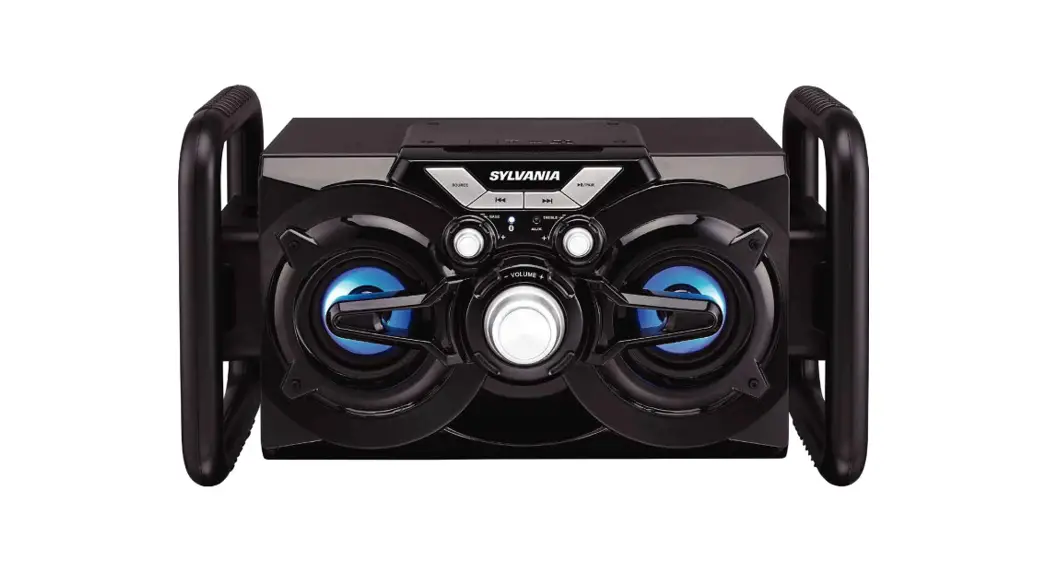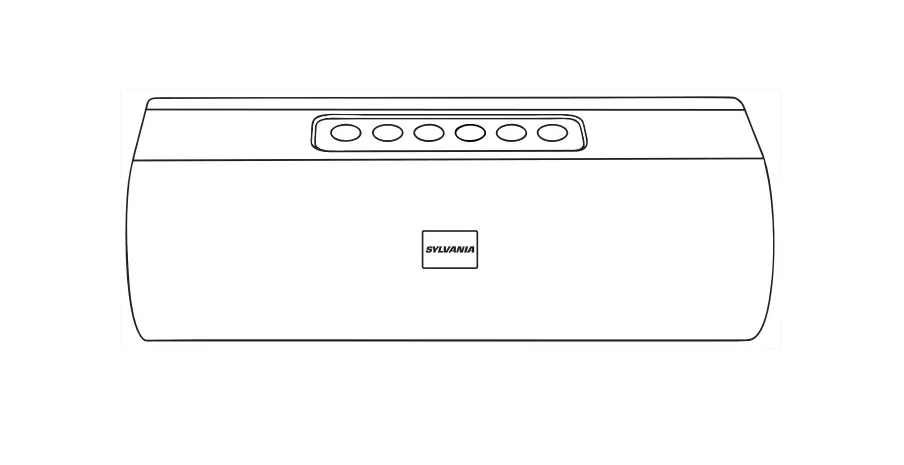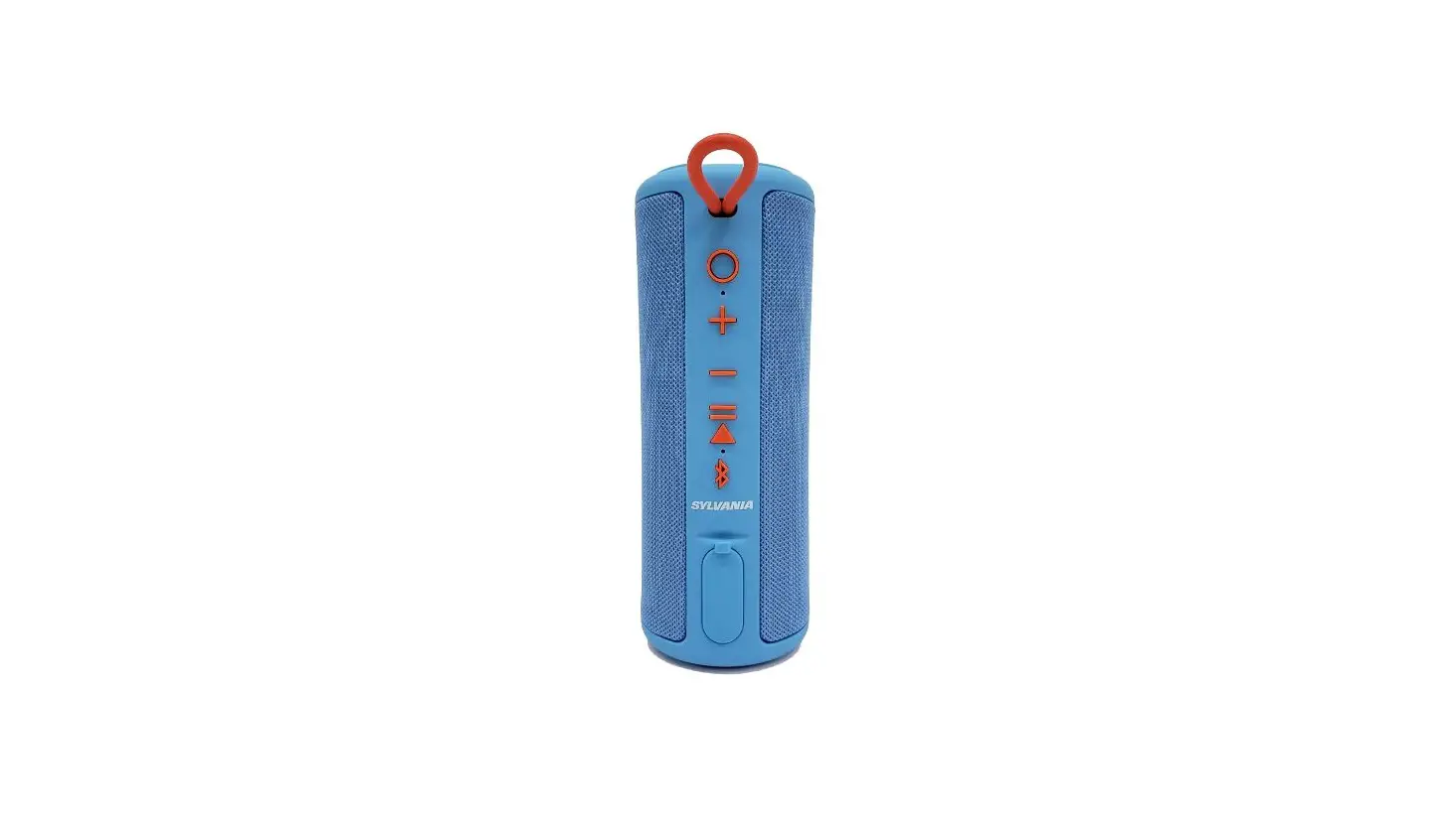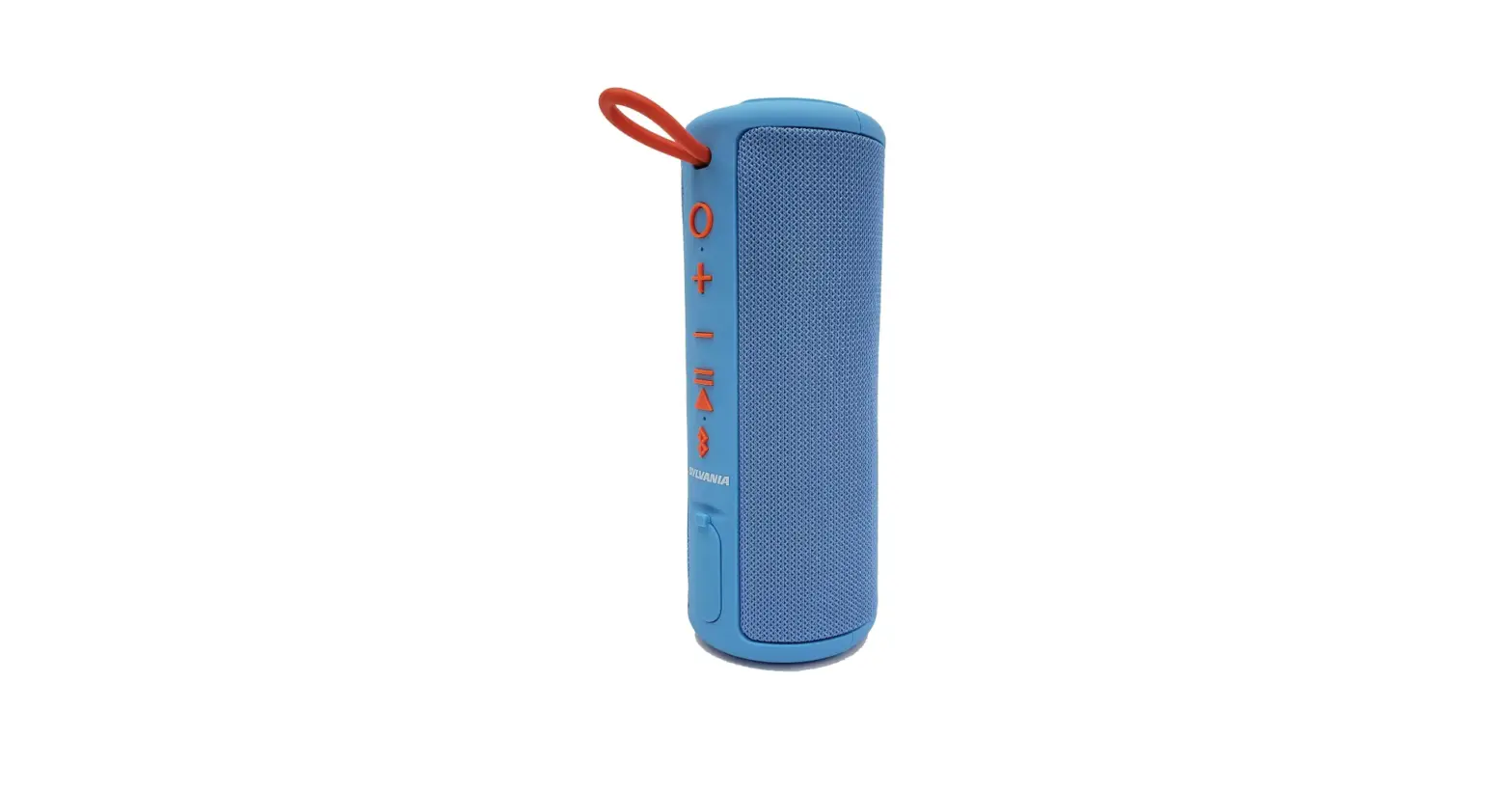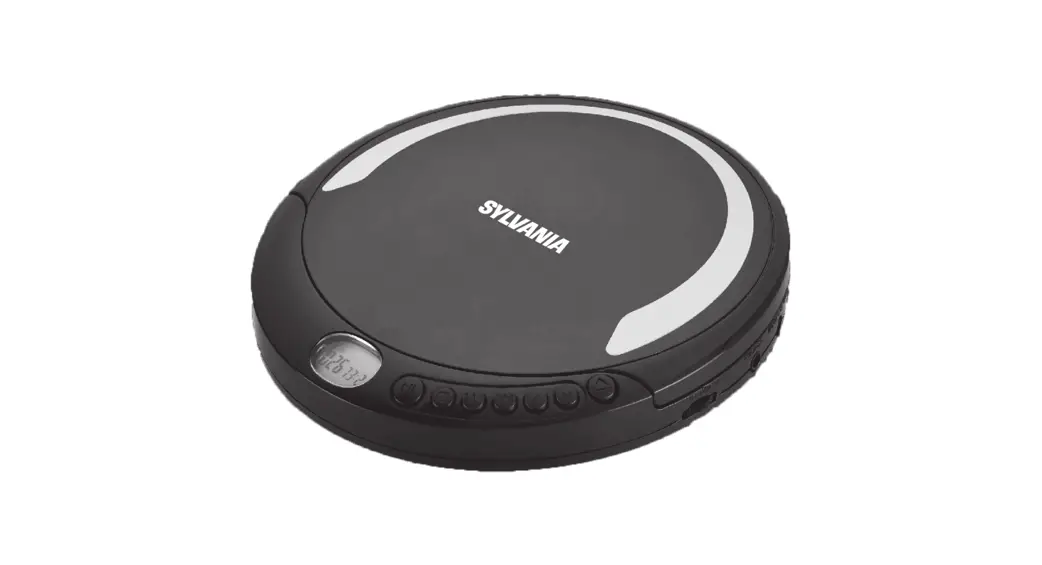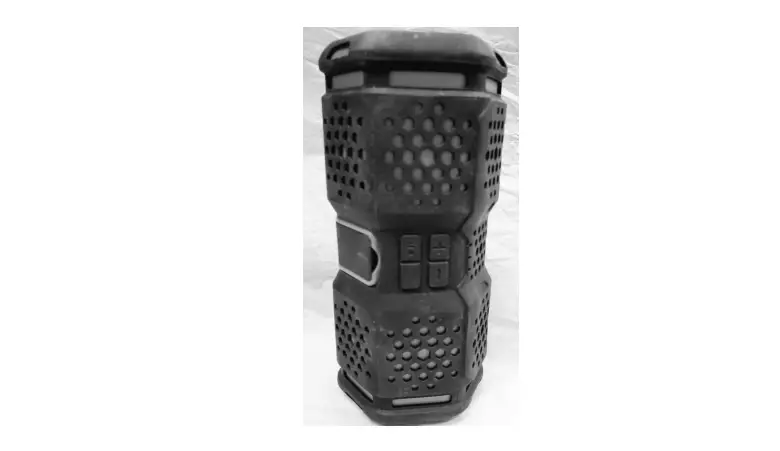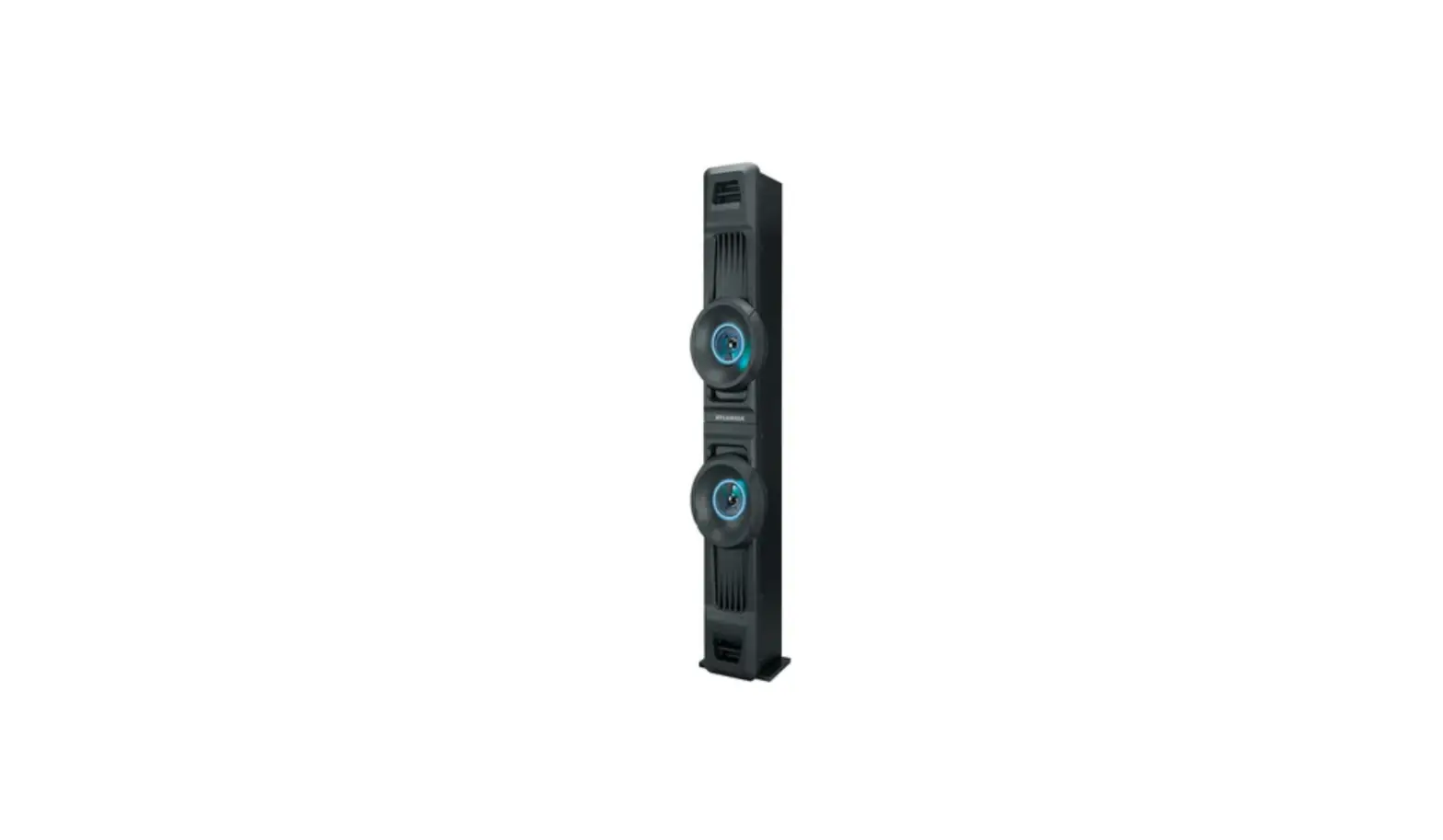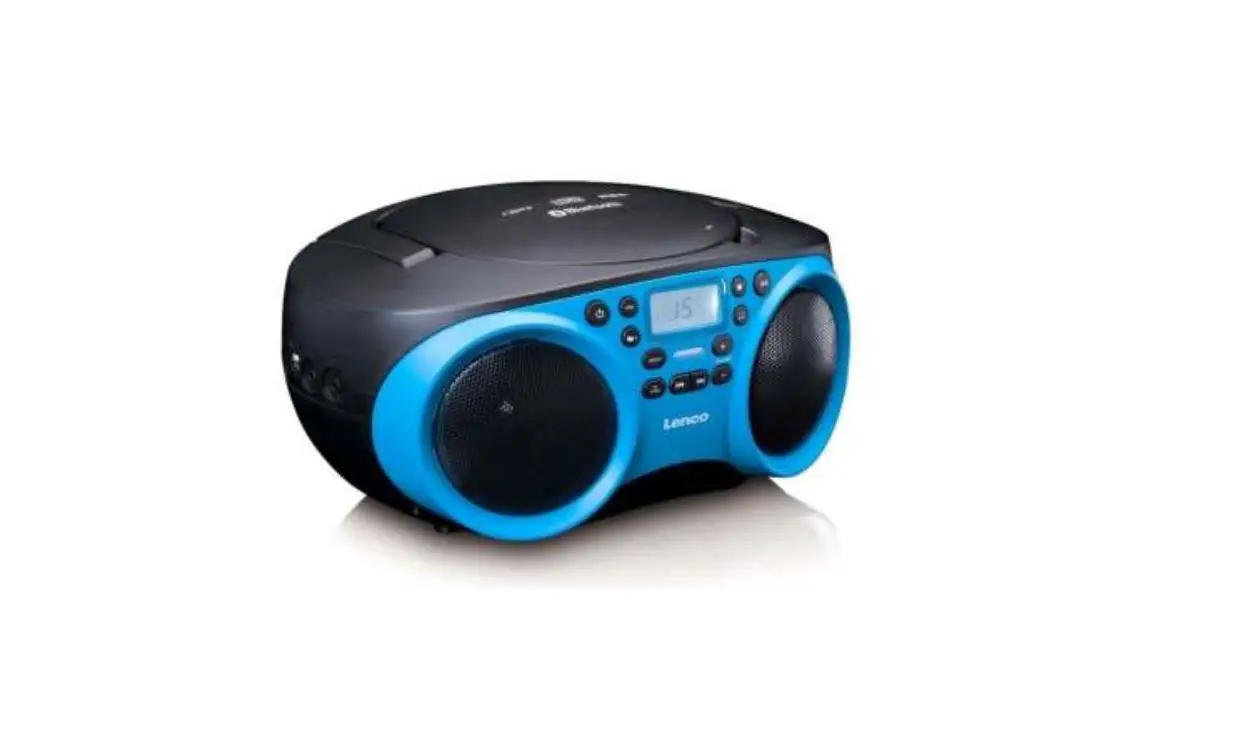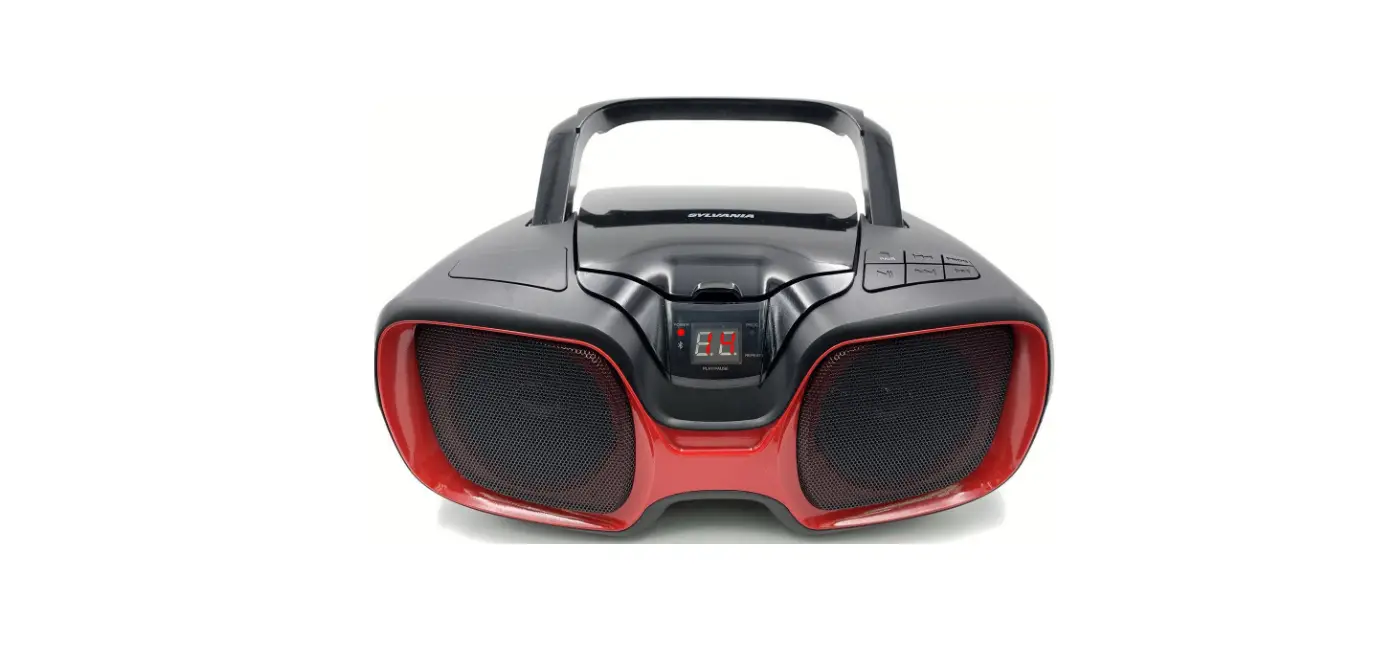

SYLVANIA 58465816179 Bluetooth Portable CD AM/FM Radio
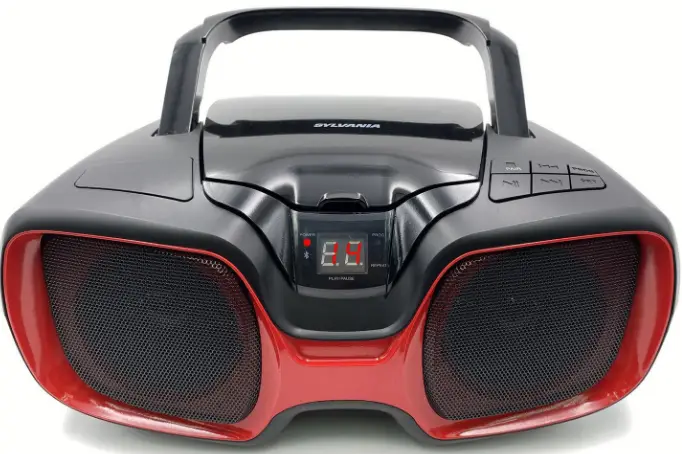
Specification
- Product Dimensions
12.95 x 9.37 x 5.67 inches - Item Weight
3.28 pounds - Item model number
58465816179 - Connectivity Technology
Bluetooth, Auxiliary - Color
Red - Speaker Type
Stereo
What’s in the box
For 4–5 seconds, press and hold the STOP/PAIR button. When this happens, the device enters pairing/discoverable mode and the “BLUETOOTH” indicator starts flashing. To locate the unit, use the search or scan feature on your Bluetooth device and turn on Bluetooth.
To pick the FM radio mode, turn on the device and push the Mode button. The charging wire needs to be inserted as an antenna. Turn on the speaker, insert a TF card or U disc into the TF/USB port, and the Bluetooth mode will be removed as the speaker switches to TF/USB mode and begins playing music.
Bluetooth Connection: The speaker only needs to be turned on to enter pairing mode. The speaker is prepared to stream music once you pick it from your Bluetooth menu.
The Speaker’s Charge
Connect the device to the Micro USB connection using any USB charger. The unit will take roughly 5 hours to fully charge at 5V/500mA if it is entirely depleted. During charging, the Red LED will shine; once charging is finished, it will go out
Try to hold the power button down for 5–10 seconds.
For 4–5 seconds, press and hold the STOP/PAIR button. When this happens, the device enters pairing/discoverable mode and the “BLUETOOTH” indicator starts flashing. To locate the unit, use the search or scan functionality on your Bluetooth device and turn on Bluetooth.
FM radio: The FM radio will automatically search and save when you briefly press the Play/Pause button. To choose the preferred radio station, quickly push the Volume Up and Volume Down buttons.
If a CD player skips, check to be sure the CD itself is not scratched or dirty. If a CD player tray won’t open or close properly, check the belt for dirt or wear and check the tray for misalignment (remove, clean, lubricate, and reinstall). If the sound from a CD player is distorted, check and clean dirty output jacks.
To play a CD: 1. In order to turn it on, press the (power) button. 2 To open the CD compartment, press the OPEN button on the CD door. Press OPEN once more to seal the CD compartment after inserting a CD into the CD tray with the label facing up. Playback begins automatically as soon as the whole number of songs is displayed on the LCD
By switching the Function button between the AUX and Bluetooth modes, you can activate the FM Receiver. By pushing Volume up and down, you should now be able to locate the radio station because the FM tuner mode should be on.
Today, several Bluetooth speakers include FM tuners. Pressing the Function button causes the Bluetooth speaker to switch between the AUX, Bluetooth, and FM tuner modes. The Volume up and down buttons can be used to navigate the radio stations once the FM tuner mode has been activated.
Hello, I realize that Bluetooth earphones are not compatible with FM Radio on smartphones; instead, we must use a wired earpiece.
You should check your radio’s fuses and replace any that have blown when it stops operating. Additionally, be sure to look for any fuses on the back of any aftermarket stereo head units designed for straightforward removal.
if the music on your radio isn’t playing. Make sure an audio source, such as the radio, is selected, and then check the radio’s functionality. Check to see that your device is plugged into the correct input before utilizing AUX, USB, or BT AUDIO. Make sure the radio is not muted.
Bluetooth connection: To begin connecting, the speaker merely has to be switched on. When you select the speaker from your Bluetooth menu, it is ready to start playing music!