 Mobile App
Instructions
CONTACT US FOR SUPPORT:631-862-1339
You will need to open this document on your computer so you can scan a QR Code.
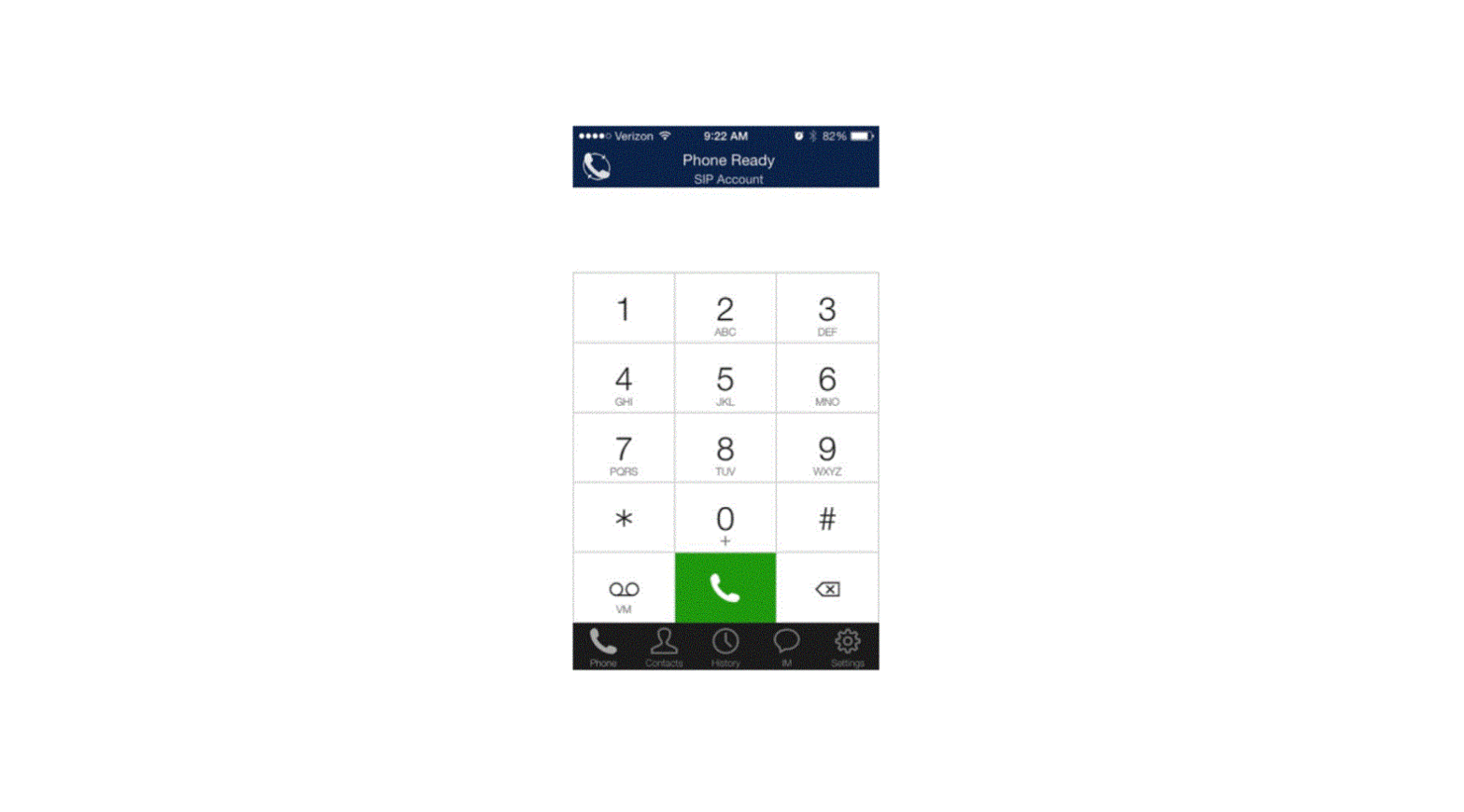
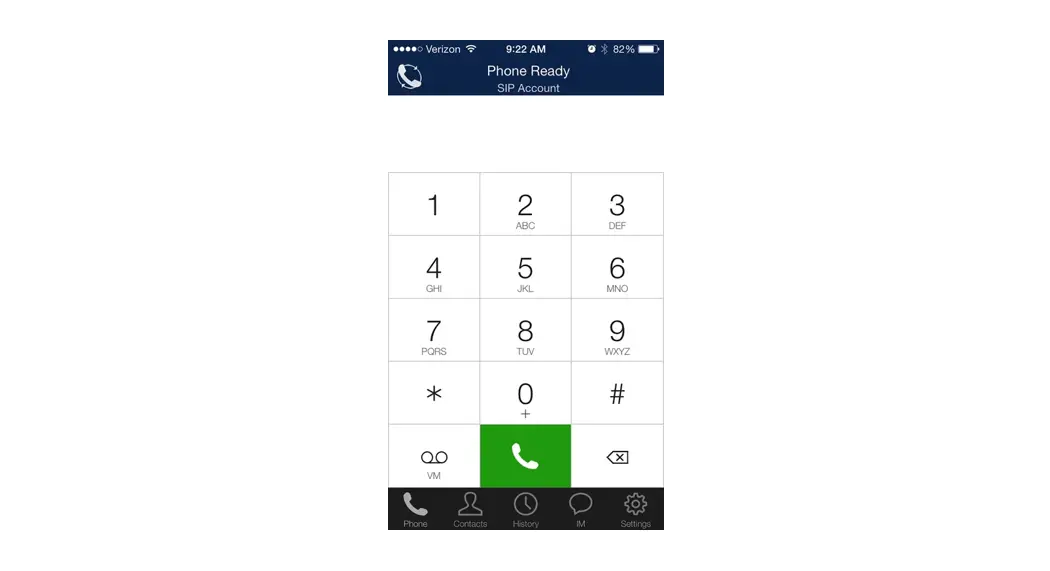
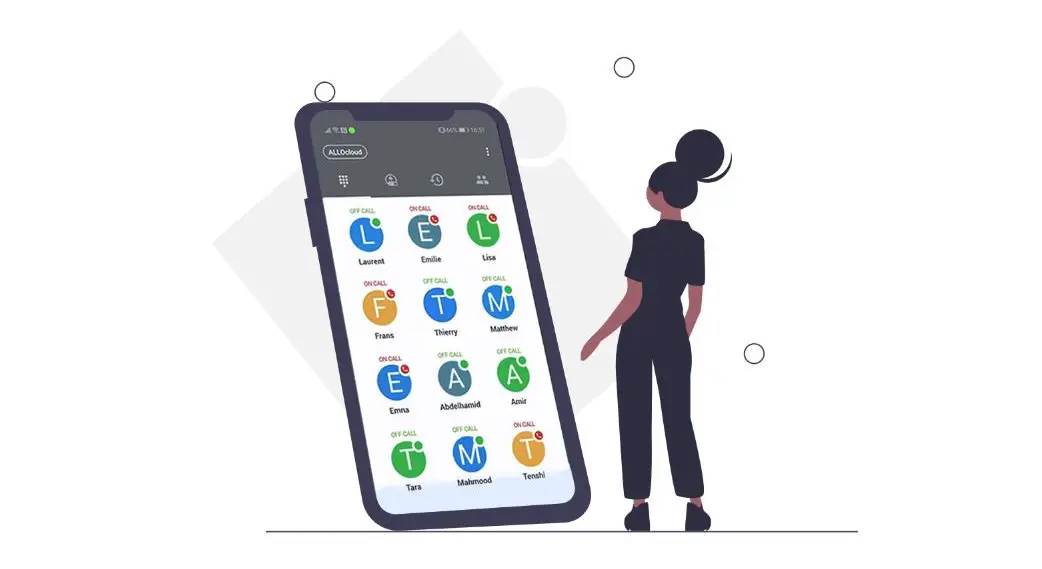
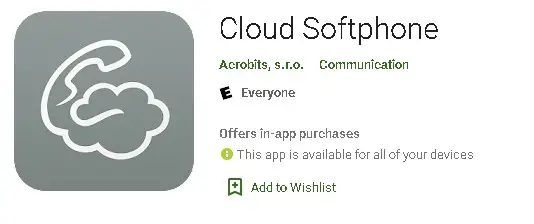
- Open the App Store and search for “Cloud Softphone.”

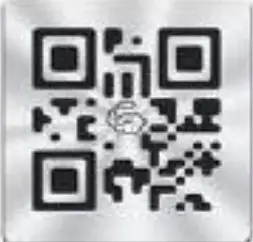
- When you open the app, it will give you two options. Log in or use the QR Code. Click on the
QR Code and it will open your camera. Scan the QR code below:
- You will be prompted to grant permission for notifications. Allowing notifications are needed, as this will affect incoming calls, missed calls, voicemail alerts, etc.
- Open the email providing your credentials so you can copy and paste the Username, Password, and Domain exactly as given to you. The username includes the “User_” Then press the Save button.
If you have any trouble with this, feel free to give us a call.
34 EAST MAIN STREET, SMITHTOWN, NEW YORK 11787
WWW.VALENTINESYSTEMS.COM