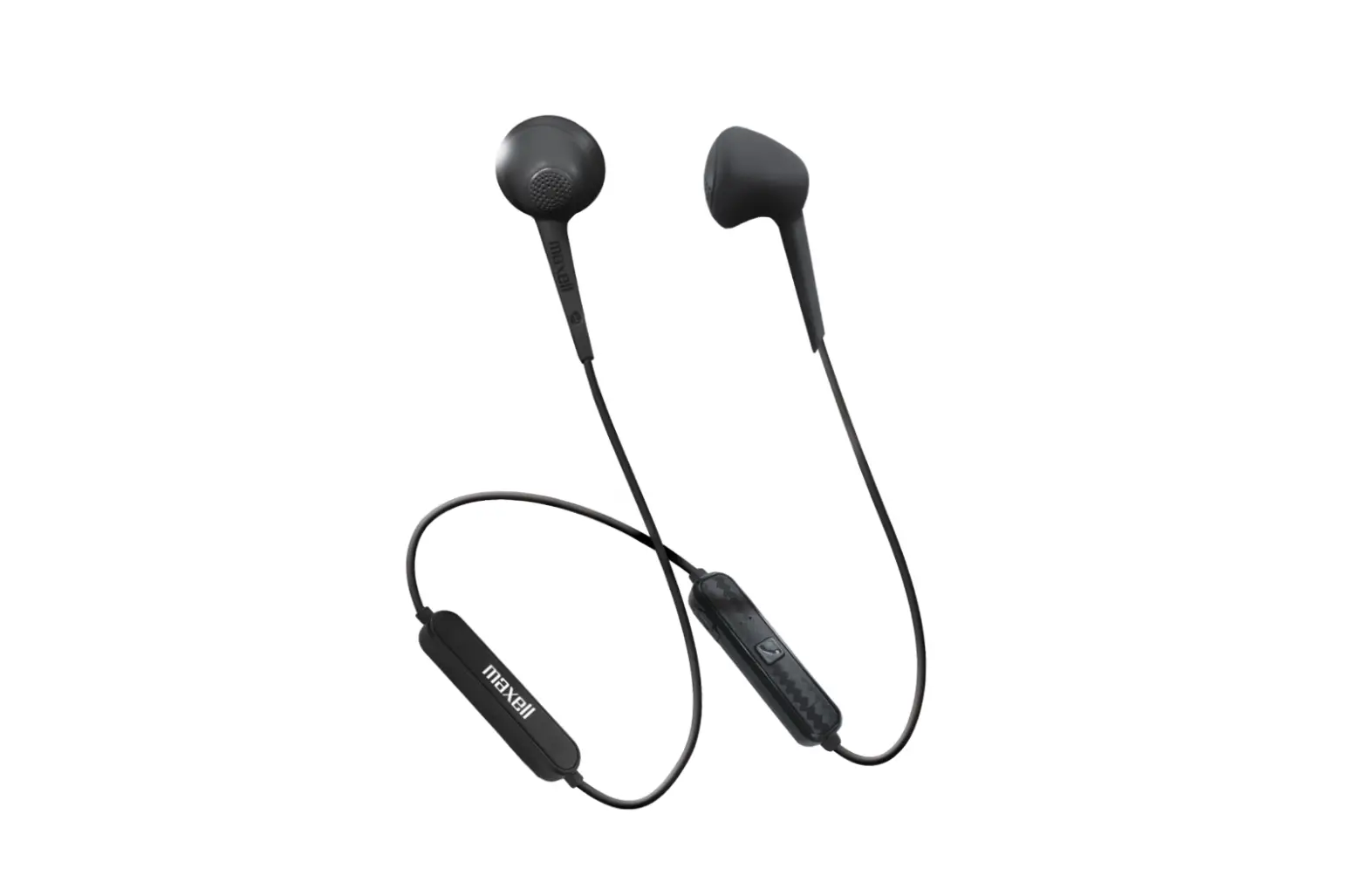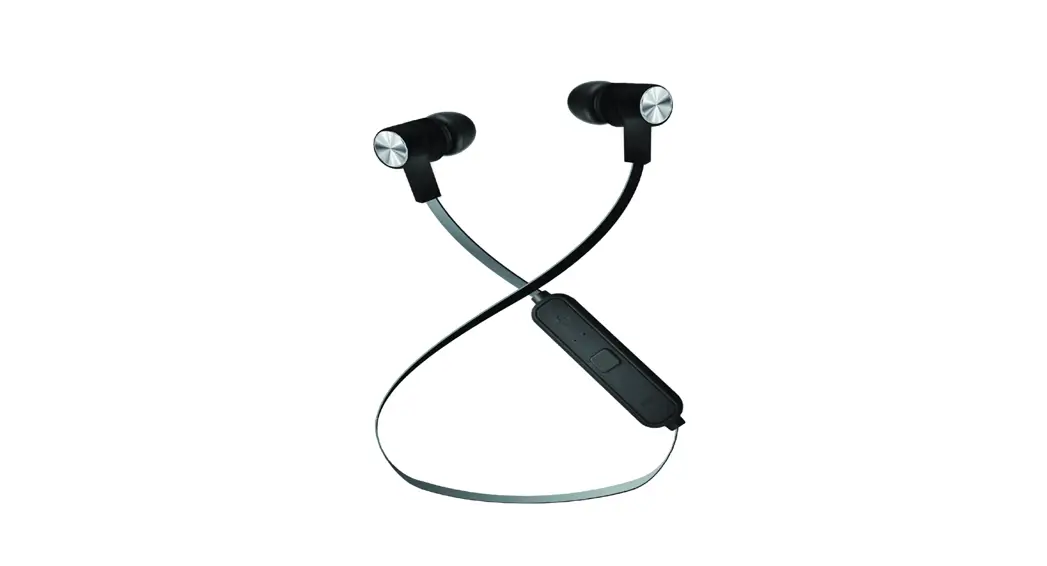

B13-EB2
User Manual
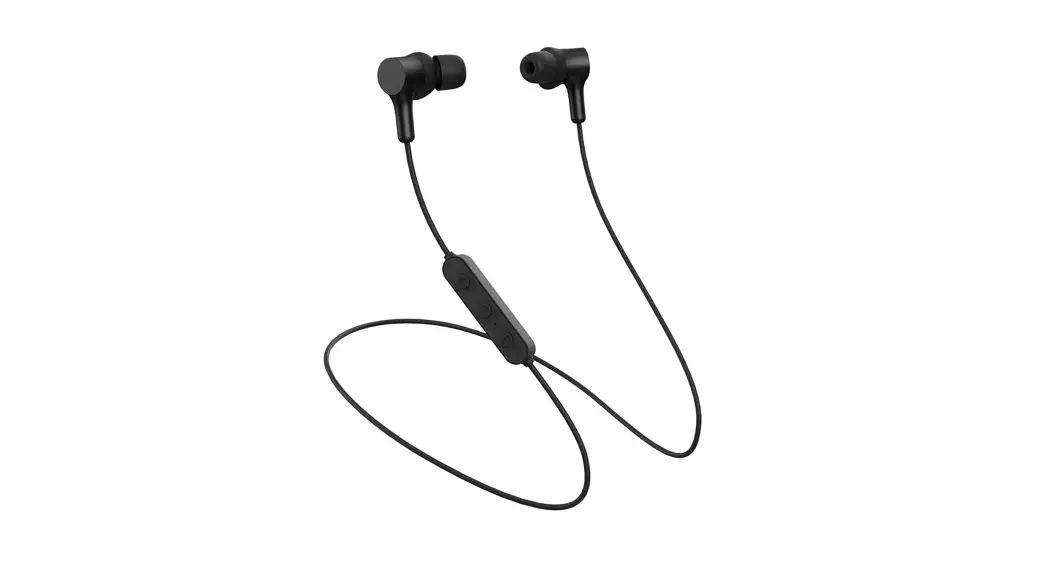
Thank you for purchasing these Maxell Bass 13 Bluetooth Earphones.
Please read this user manual carefully before use, and keep it for future reference.
What you get in the box
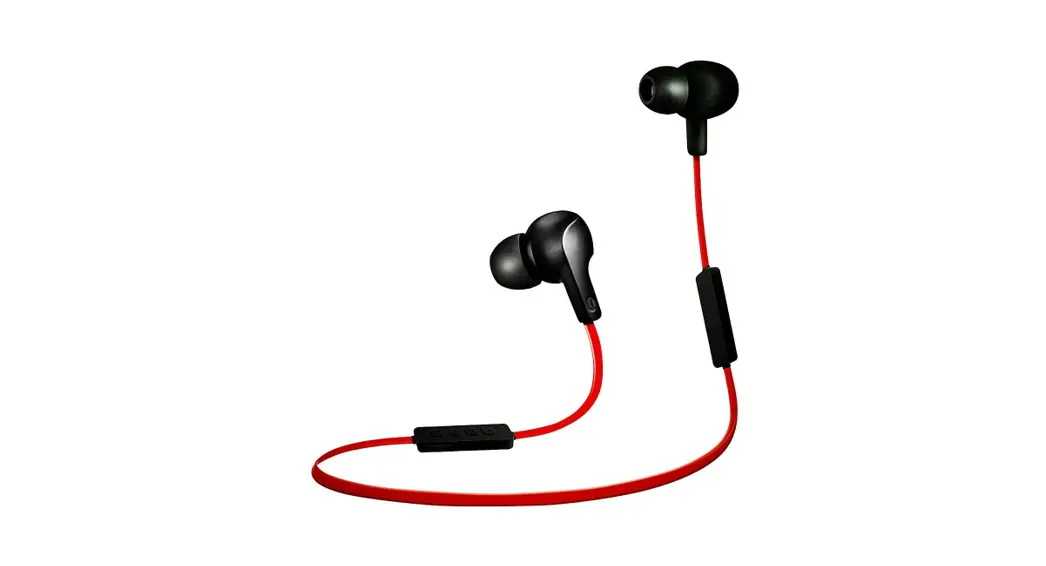
1 Earphone 2 USB Charging Cable 3 S/M/L Size Eartips (M sized ear tips are already assembled on
the earphones) 4 User manual
Specification
General
- Bluetooth version: V5.1
- Support profiles: A2DP, AVRCP, HSP, HFP, GAVDP
- Output: Bluetooth Power Class 2
- Bluetooth Frequency Band: 2.4GHz – 2.480GHz
- Operation range: Up to 10m^
- Music Playback time: approx. 6 hours#
- Standby time: >50 hrs#
- Charging time: approx. 2 hrs#
- Battery type: 3.7V 60mAh Lithium battery
- Power input (charging): Micro USB DC 5V
- Weight: approx. 15g #Play/Charging/Standby time will vary by different devices, volume, and environments
^Operational range is up to 10 meters line-of-sight in an open and clear environment.
Audio Characteristics
| Speaker
| Driver Size | 10mm |
| Impedance | 32Ω | |
| Sensitivity | 93dB ± 3dB | |
| Frequency Response | 20Hz-20kHz | |
| Microphone | Directivity | Omni Directional |
*Specifications are subject to change without notice or obligation on the part of the manufacturer.
Operation Indication
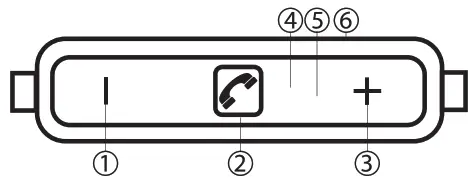
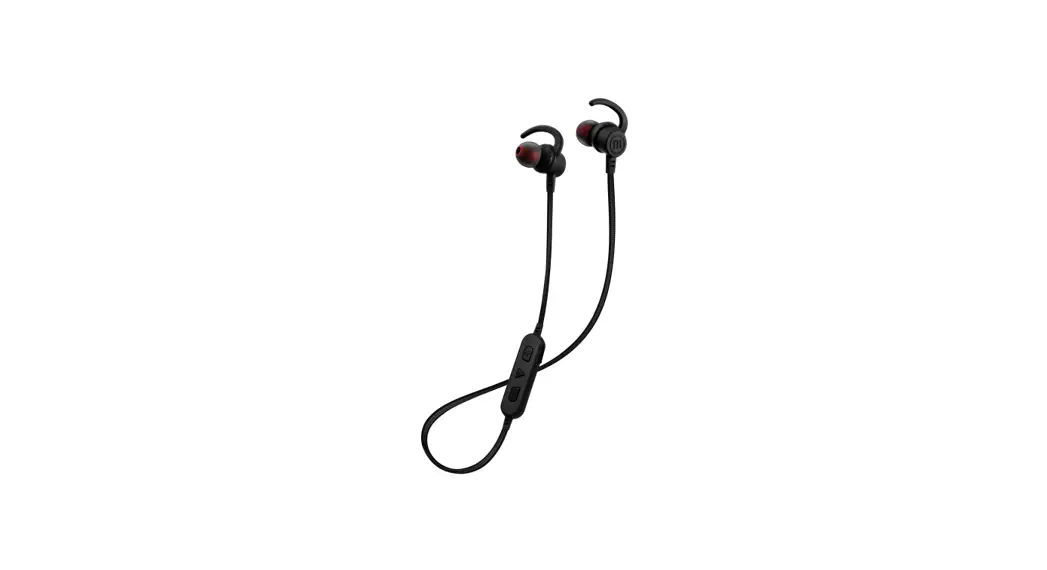
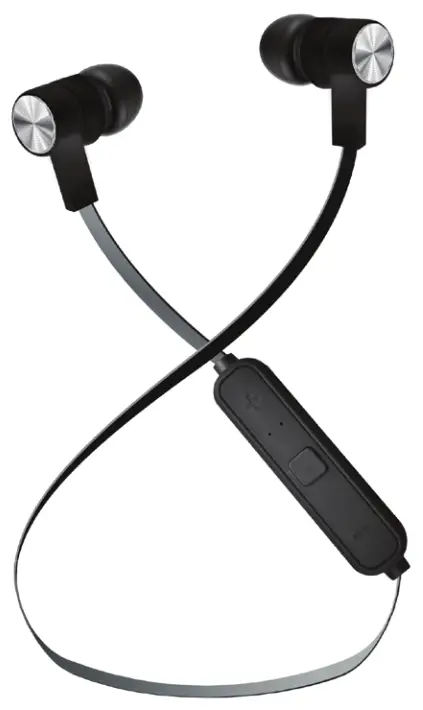
1 Vol- / Previous Song 2 Multifunction Button (MFB) 3 Vol+ / Next Song 4 Microphone 5 LED Indicator 6 USB Charging Socket
Charging Battery
Caution
- Please charge the product completely before using it for the first time.
- Please do not use the product during charging.
- Please unplug the charger once fully charged.
- Make sure the product is connected to a power source with USB DC 5V.
- Please charge the battery on a fireproof surface and away from flammable items or liquids.
- Charging should only be done by an adult or under adult supervision.
- NEVER leave the charging unit unattended.
How to charge:
- Turn off the product
- Connect the USB charging cable to the earphone
- Connect the other end of the USB charging cable to a power source (USB DC 5V)
- During charging, the LED Indicator will turn RED
- When the unit is fully charged, the LED Indicator will turn blue or completely shut off (to save battery)
Attention: Please use the original charging cable included, to connect the earphones to your computer or compatible charging socket.
Function | Operation | Result |
| Turn On | Press and hold MFB for approx. 4 seconds to turn on the product | LED indicator flashing blue/red. A voice announces “pairing” |
| Turn Off | When the product is turned on, press and hold MFB for approx. 4 seconds to turn off the product | The LED indicator flashes red. Voice announces “power off”. |
| Low Battery Indication | When the battery level is low | A voice announces “battery low” |
| Pairing | The device automatically enters pairing mode when turned on | A voice announces “connected” once pairing successful |
| Turn on the Bluetooth of your Smartphone/Device, and search for your headphone | “Maxell B13-BT EB2” should be displayed on the device list | |
| Select “Maxell B13-BT EB2” from the list on your Smartphone/Device to perform the pairing *If a pin code is asked, please enter “0000 | When Pairing successful, the LED indicator will flash in Blue and a beep will be heard | |
| Music Play/ Pause | Click MFB for Play / Pause | Music will start to play or pause |
| Volume Adjustment | Click vol +/- to increase/decrease volume | When maximum sound is reached it will not be possible to make it louder. |
| Next/Previous Song | Press and hold vol +/- for the next and previous song | The music will skip to the next or previous track |
| Answering Phone Call | When there is an incoming call, click MFB once to pick up | An alert tone will be heard when an incoming call is waiting |
| Rejecting Phone Call | When there is an incoming call, press and hold the MFB to reject | An alert tone will be heard when an incoming call is waiting |
| End Call | During a phone call, click MFB once to end | The phone conversation will be terminated |
| Voice-Activated Assistant (eg. Sid) | Double click to activate voice control assistant eg. Sid | Voice-activated assistant is enabled |
*Functions may be varied according to different devices.
WARNING:
- This product is not a toy; do not let the children use it without adult supervision.
- Do not put the product into fire, or expose to sources of high temperature, it might cause an explosion.
- Do not burn or bury batteries.
- Do not puncture or crush.
- Do not use the product whilst driving or cycling and while operating any machinery.
The music playing during driving might be an offense of local laws in some regions. Users should check with local authorities, and decide the usage of the product under their own responsibilities. - Do not use the product at a high volume for any long period of time. This may lead to hearing damage.
- To avoid hearing damage by a sudden loud sound, please minimize the volume on the playback device before connecting the product to the playback device.
- Do not disassemble, modify or attempt to repair the product.
- To prevent fire or shock hazards, please disconnect the unit from the charger when cleaning.
- In case of liquid leakage from the battery, do not touch with bare hands. If liquid gets into the eye, do not rub, please flush with plenty of clean water immediately and consult a doctor; if liquid gets onto the body and clothes, please clean with plenty of clean water and consult a doctor if necessary.
- Please refer to the user guide and use the accessories provided.
CAUTION:
- Lithium batteries must be recycled. Do not dispose of in the bin.
- Only charge the unit with USB DC 5V.
- Charge batteries on a fireproof surface and away from flammable items or liquids.
- The battery should NEVER be left unattended while charging. Charging should only be done by an adult or under adult supervision.
- Follow the charging instructions in this manual and unplug the charger once the unit is fully charged.
- Please charge the product every 3 months if not used for a period of time. The battery might become un-rechargeable if it is fully discharged.
- This product is not waterproof, please do not put the product into water or let it get wet.
- Avoid operating the unit under direct sunlight or in hot, humid, or dusty places.
- This product is designed for music playback and phone conversation only, please use it in a responsible way.
- The product performance may be affected by radio wave interference, please try to move away from nearby devices with wireless signals if there is any performance degradation.
- Do not let the unit fall onto four or other hard surfaces, the internal circuit may get damaged.
- Please clean the unit with a soft dry cloth, DO NOT use chemical cleaning products.
- If you feel anything abnormal about the product during use, STOP using it immediately.
 Hereby, Maxell Europe Ltd. declares that the radio equipment type B13-EB2 is in compliance with Directive 2014/53/EU.
The full text of the EU declaration of conformity is available to view at: http://www.maxell.eu
 Disposal of waste batteries and electrical and electronic equipment (applicable in the European Union and other European countries with separate collection systems)With this symbol on the product, battery, or packaging, the product and battery shall not be disposed of as household waste.
This symbol may be used in combination with a chemical symbol Hg (mercury), Cd (Cadmium), and Pb (Lead) if the battery contains more than 0.0005% mercury, more than 0.002% cadmium, or more than 0.004% lead.
At end-of-life, it should be dropped off at the collection point for the recycling of electrical and electronic equipment.
The proper disposal of the product and battery would help prevent potential negative impacts on the environment and human health.
For more information about the collection points and recycling of products and batteries, please contact your local authorities.
 Facebook
@maxelleurope
@maxellhungary
 Instagram
@maxell_europe
@maxell_hungary