
USER MANUAL
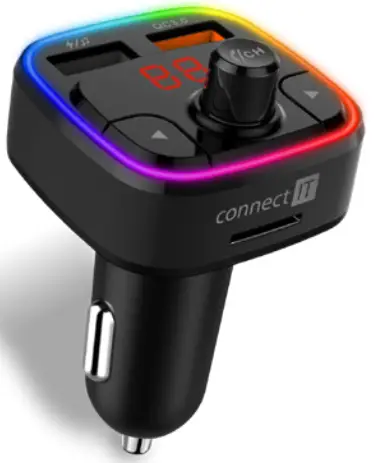
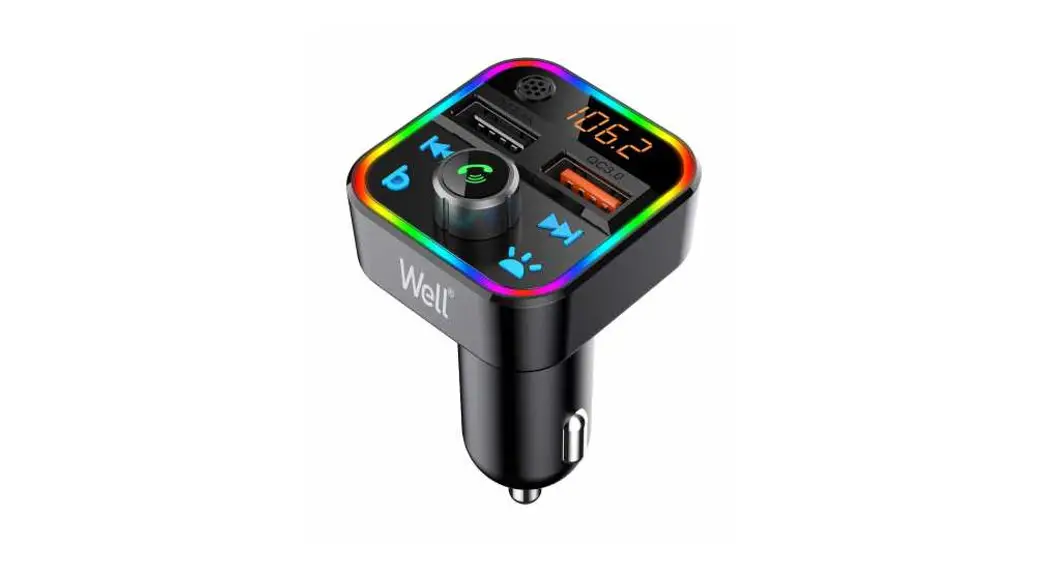
BLUETOOTH HANDSFREE CAR KIT
THANK YOU
FOR BUYING A CONNECT IT PRODUCT.
Do you want to be the first to know about other news of CONNECT IT? Follow us on social media.

- Before putting this product into operation please read through the User’s Manual carefully, even if you are already familiar with the use of similar products. Use the product only as described in this User’s Manual.
- Keep this User’s Manual for future reference. It is an integral part of the product and may contain important instructions for commissioning this product, its operation, and cleaning.
- Make sure that all other people handling this product are familiar with this Manual. If you hand the product over to other people, make sure that they read this User’s Manual, which shall be given to them together with the product.
We recommend keeping the original packaging of the product proof of purchase and the warranty card, if supplied, at least for the warranty period. In case of transport, we recommend packing the product in the original packaging, in which it has been delivered in, as it protects it best against damage during transport.
Scan this OR code to get the latest version of the User’s Manual. In your smartphone, open the OR code reader application and point the smartphone at this code – the page for downloading the latest version of the User’s Manual will open:
http://www.connectit-europe.com/ccc-8600-bk
You can also find the latest version of the User’s Manual on our website www.connectit-europe.com
The text and technical specifications are subject to change.
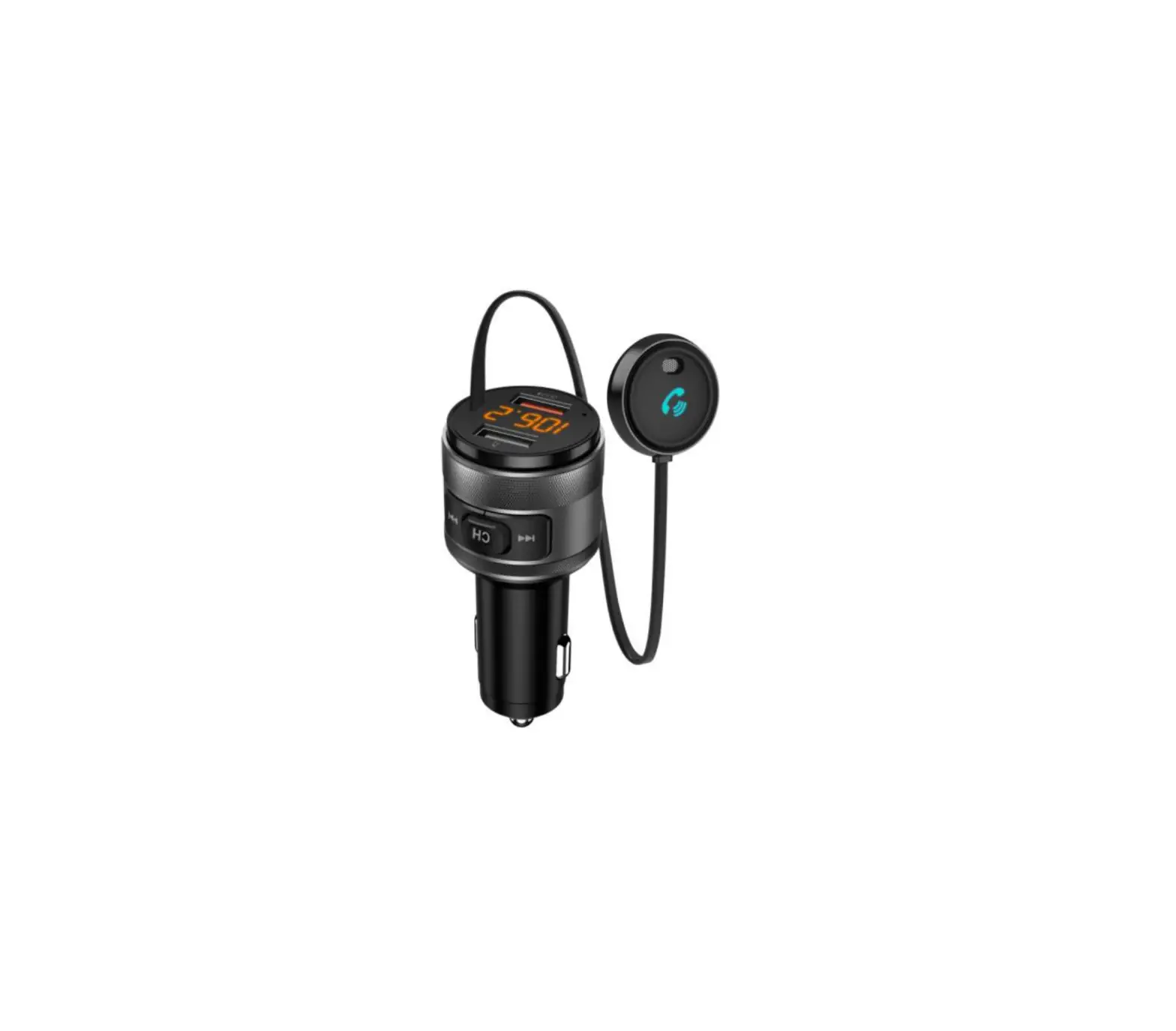
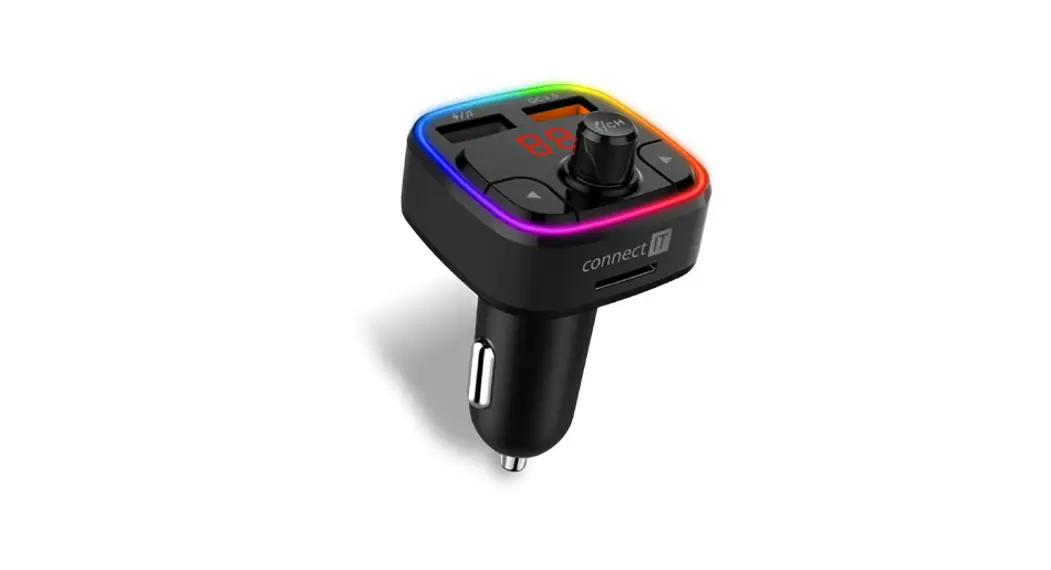
Technical Specifications & Appearance
- Bluetooth Version: V5.0
- Bluetooth Frequency: 2402 – 2480 MHz
- FM Frequency: 87.5 – 108.0 MHz
- Input Voltage: 12 – 24V • Output: 5V/5.4A
- Music Format: MP3 / WMA / WAV / FLAC
- USB disc capacity: max. 64 GB
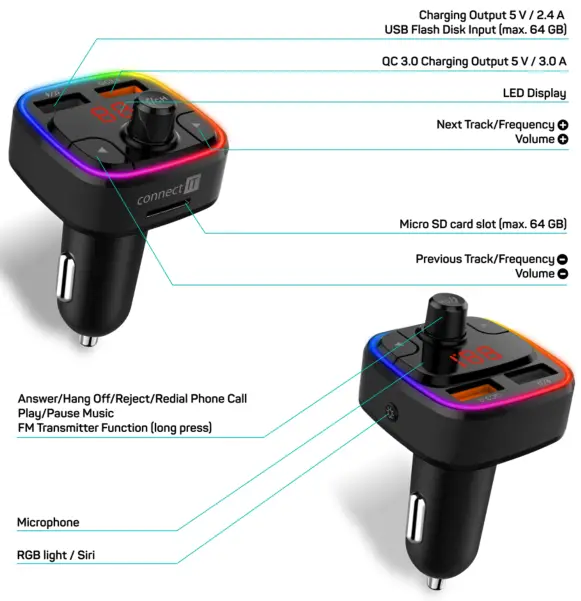
Quick Guide
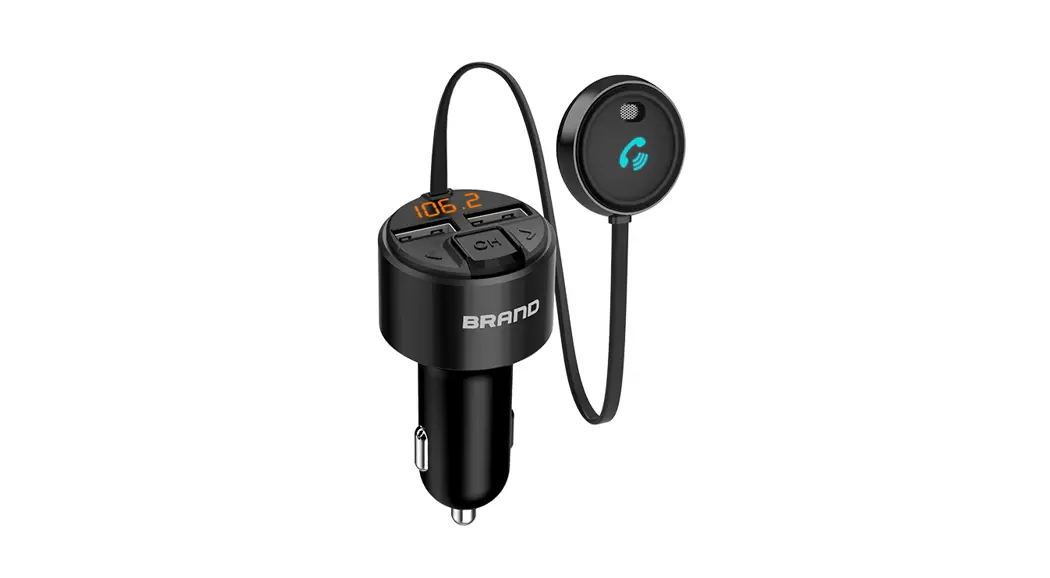
| Power on/off | Plug the product into the car cigarette socket it will power on |
| Play/Pause | Click  button once button once |
| Answer/Hang off Reject/ Redial | Click the button once to answer the incoming call Click again to hang off the phone callDouble click button to reject the incoming callUnder no call status, double click to redial the last phone call |
| Volume control | Rotate the button to change the volume |
| Next or previous track | Press the ► button or the  button to change the soundtrack button to change the soundtrack |
| FM Frequency adjustment | Long press button to enter the FM mode Rotate button to adjust the frequency |
| ROB light / Sin Function | Short press to switch RGB light show to switch RGB light showLong press to enter the Siri Function mode |
| Mode Switch | Long press ► to switch the USB/SD card/Bluetooth music playing mode |
Operation
Using FM Transmission function:
- Switch on the car radio.
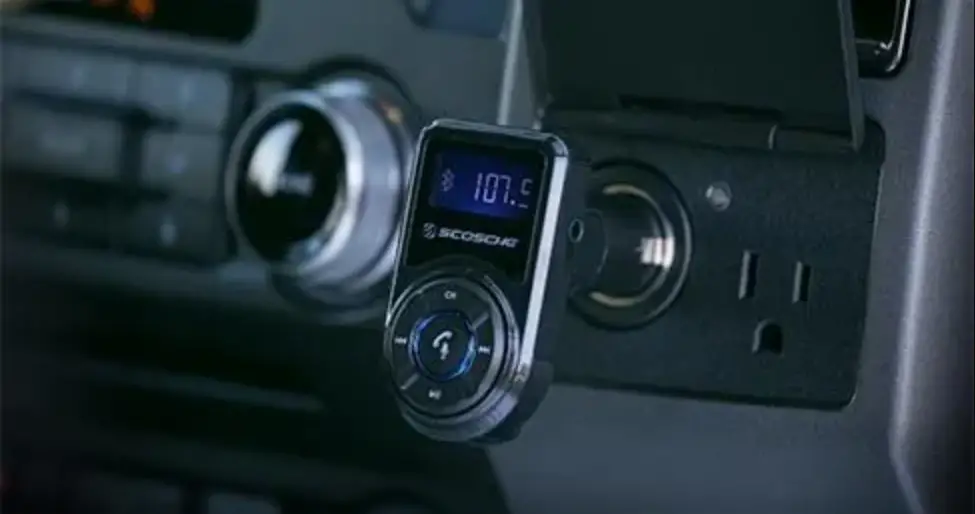
- Plug the FM transmitter into the car cigarette lighter socket and, following the instructions below, select any frequency on which you do not listen to a station on your car radio.
• Press and hold button (
• Frequency information will flash on the display.
• Rotate the button to match the same frequency. - Next, select the same frequency on the car radio that you selected on the FM transmitter to automatically connect the FM transmitter to the car radio.
Using USB flash disc:
Insert the flash drive with MP3/WMA/WAV/FLAC files into the USB connector on the FM transmitter. The sound will automatically begin to play through the car’s stereo system (max. permitted capacity of the USB flash drive is 64 GB).
Using memory card:
Insert the Micro SD card with MP3/WMA/WAV/FLAC files into the Micro SD card slot on the FM transmitter. The sound will automatically begin to play through the car’s stereo system (max. permitted capacity of the Micro SD card is 64 GB).
Using Bluetooth function:
- Turn on the Bluetooth function of mobile devices, search for the new device name “CCC-9090”, click it to pair. (Some devices need to enter the PIN number, please use the original password “0000”
- After pairing successfully, it will transmit your phone music to the car stereo system. In music playing mode, it will auto switch to phone call mode if there’s an incoming call.
- Click once to pick up the phone call, click again to hang off the phone call.
- Double click to reject the incoming call.
- Under the no-call status, double click to redial the last phone call.
- Short press
 to switch the RGB light show.
 - Long press to enter the Sid function mode.
Colour RGB backlight modes:
Pressthe ;l button shortly so you can change the color RGB backlight modes in the following order:
- Off (without backlight)
- Red backlight
- Yellow backlight
- Green backlight
- Turquoise backlight
- Blue backlight
- Purple backlight
- Rainbowlike RGB backlight with all colors at once
 Note: The selected color backlight mode remains in memory even after the transmitter is disconnected from the power supply.
Notices
The use of the product limits your awareness of surrounding sounds. Therefore do not drive vehicles or operate any machines when using the product Clean the product using a soft damp cloth that does not give up any fluff. Do not use any aggressive agents for cleaning. To prevent possible hearing damage, do not listen to high volume levels for long periods.
INSTRUCTIONS AND INFORMATION REGARDING THE DISPOSAL OF USED PACKAGING MATERIALS
Packaging materials and old appliances shall preferably be recycled. The packaging materials of this product can be disposed of as assorted waste. The same applies to plastic bags made of polyethylene (PE) and other materials – please hand them over for recycling.
DISPOSAL OF WASTE ELECTRICAL & ELECTRONIC EQUIPMENT
 In accordance with the European Directive 2012/19/EU on waste electrical and electronic equipment (WEEE), this appliance is labeled with this symbol on the product or its packaging to indicate that this product shall not be treated as household waste. It must be disposed of at a collection site for recycling of waste electrical and electronic equipment. The proper disposal of this product helps to prevent adverse impacts on the environment and human health, which could otherwise result from improper waste disposal. The disposal shall be carried out in accordance with waste management regulations. For more detailed information about the recycling of this product contact the local authorities, household waste disposal services, or the shop where you have bought the product. For proper disposal, renewal, and recycling, hand the products over to the designated collection sites. Alternatively, in some EU or other European countries, you can return the products to your local dealer when buying an equivalent new product The proper disposal of this product helps to preserve valuable natural resources and prevent potential adverse impacts on the environment and human health, which could result from improper waste disposal. For details, contact your local authorities or the nearest collection facility. In case of improper disposal of this type of waste, fines may be imposed in accordance with national legislation.
For business entities in the EU countries
If you want to dispose of electrical and/or electronic equipment please contact your dealer or supplier for the necessary information.
Disposal in other countries outside the European Union
This symbol is valid in the European Union. If you want to dispose of this product contact your local authorities or your dealer for the necessary information about the proper way of disposal.
In accordance with the law, we provide the take-back, processing, and free environmentally friendly disposal of electrical and electronic equipment through the collective system of REMA System, as. The main purpose is to protect the environment by ensuring the efficient recycling of waste electrical and electronic equipment
For the current list of collection sites, see the web www.rema.cloudb This product meets all the basic requirements of the applicable EU directives. It is CE marked. This mark indicates the conformity of the product’s technical characteristics with the applicable technical regulations. The EU Declaration of Conformity is available at www.connectit-europe.com.
NOTES

MANUFACTURER?
IT is TRADE, a.s.
tel.: +420 734 777 444
[email protected]
www.connectit-europe.com