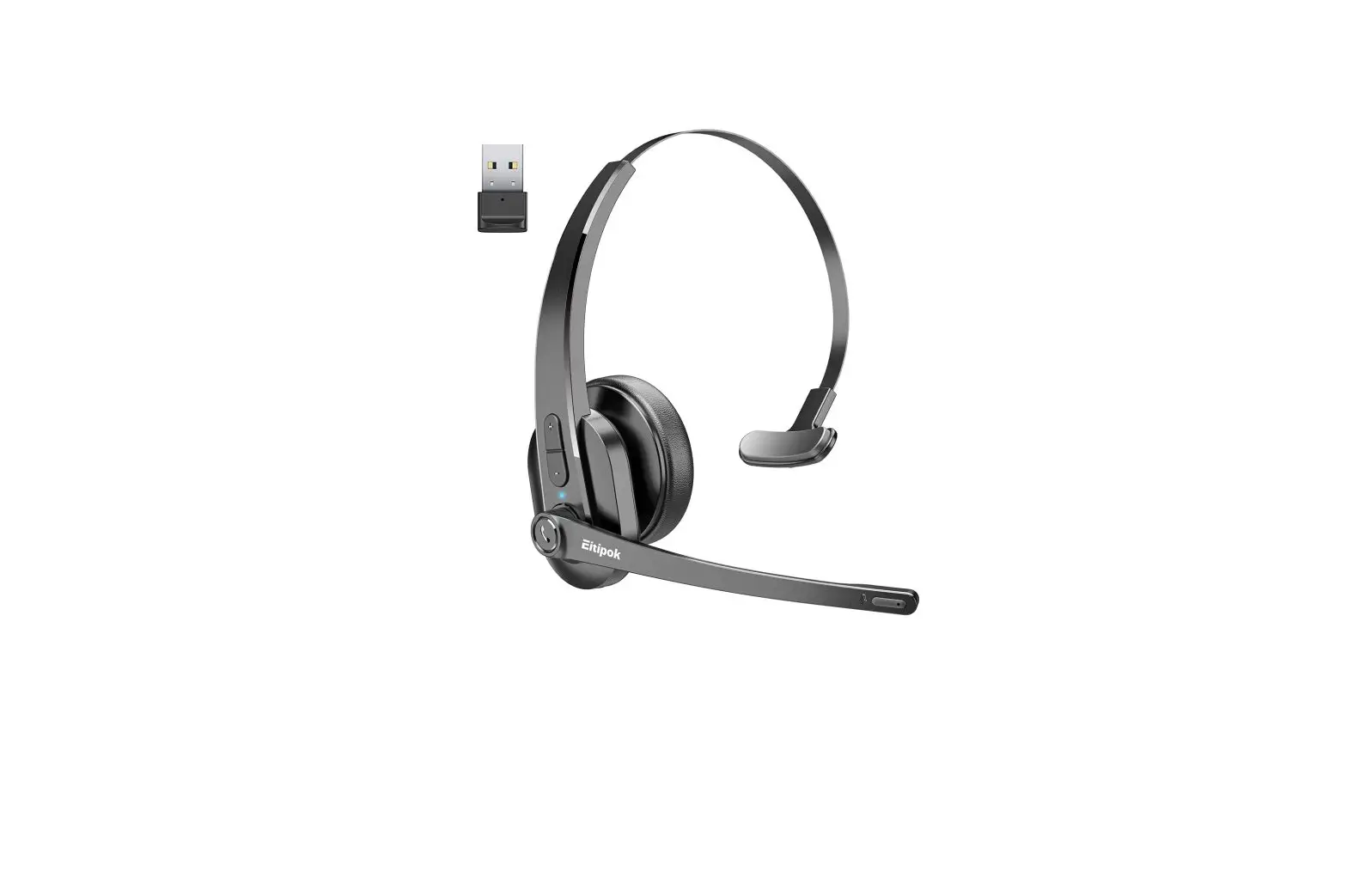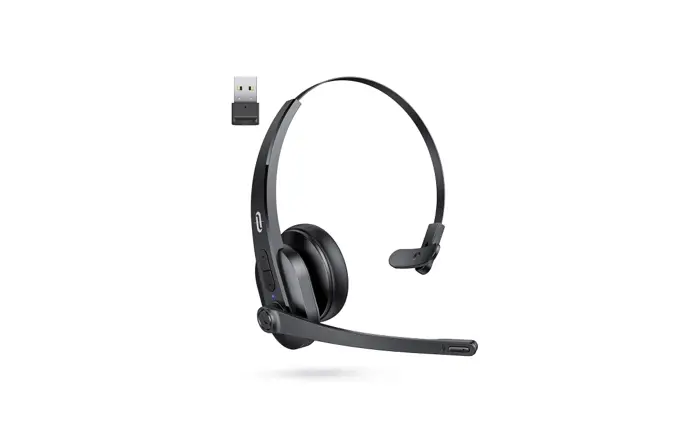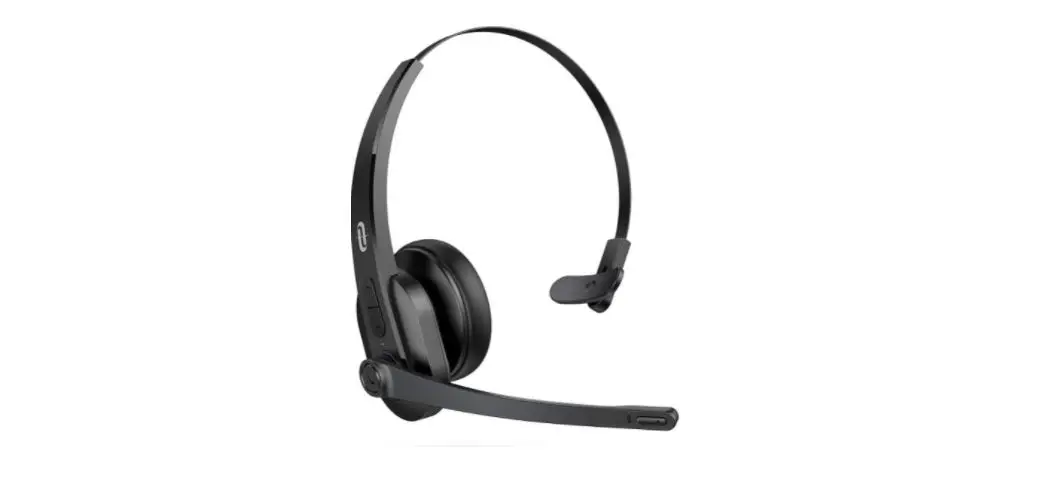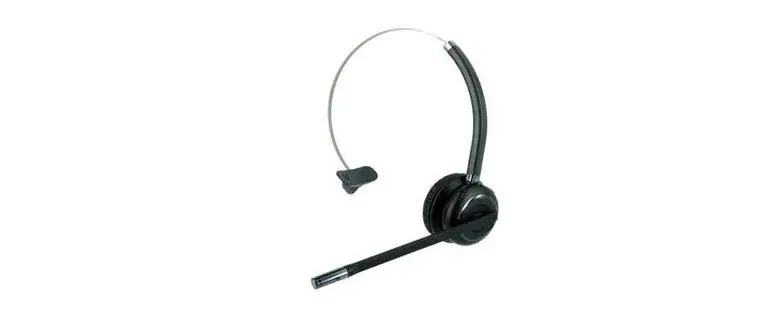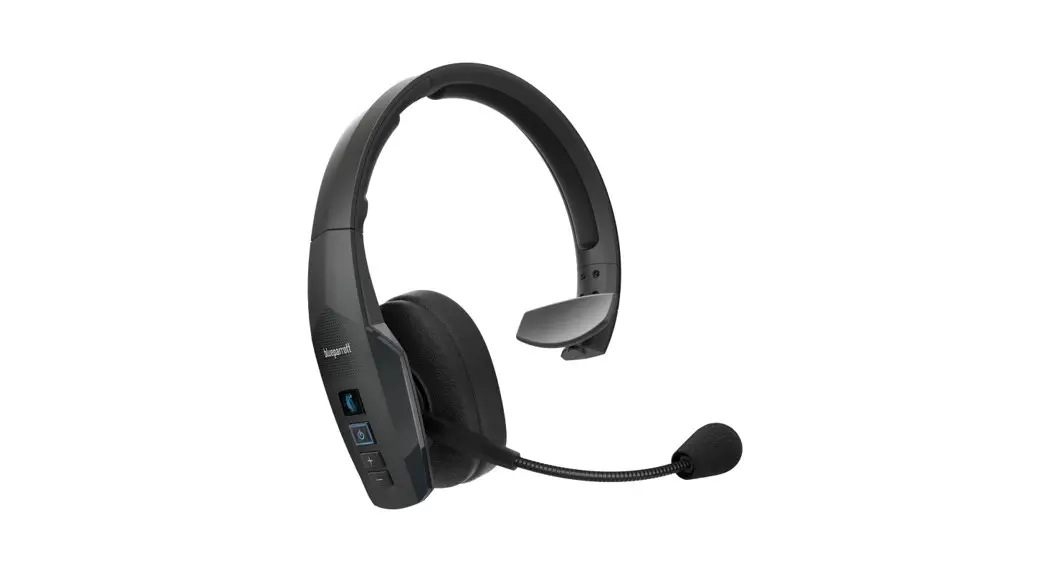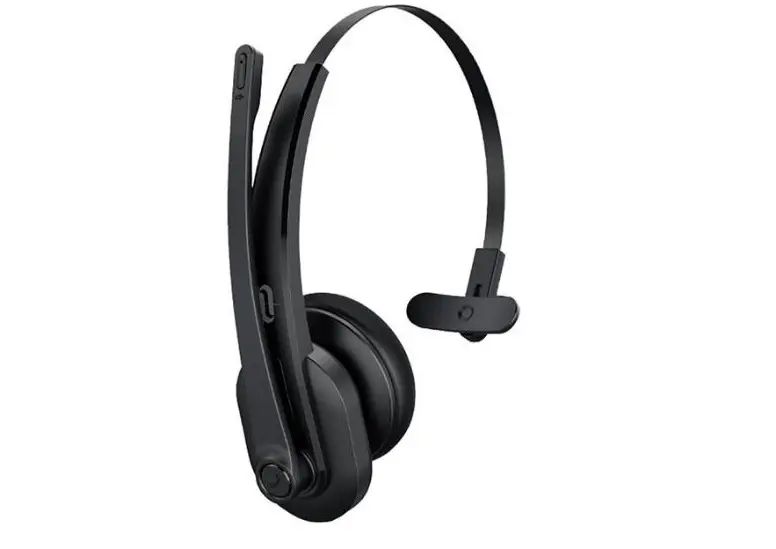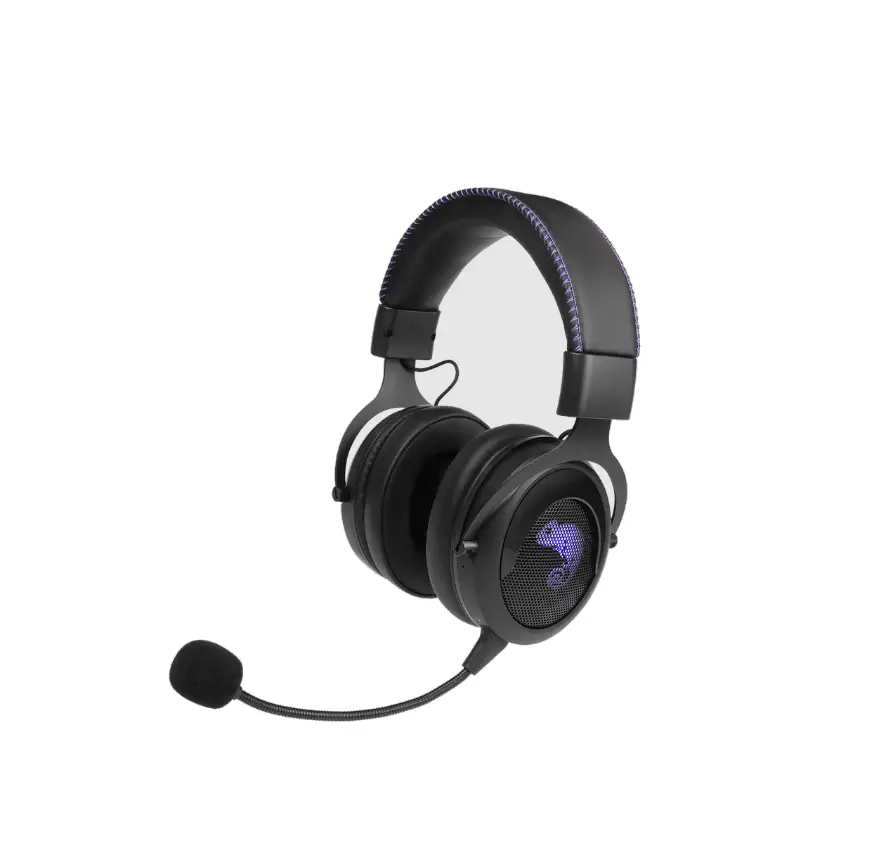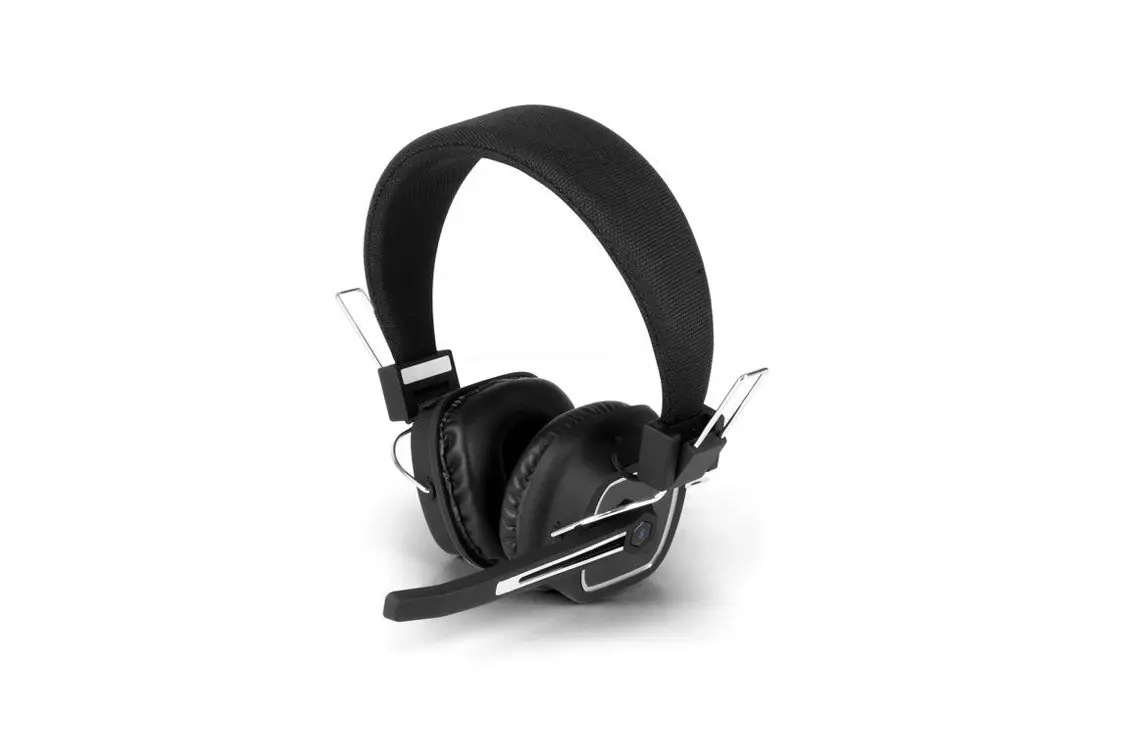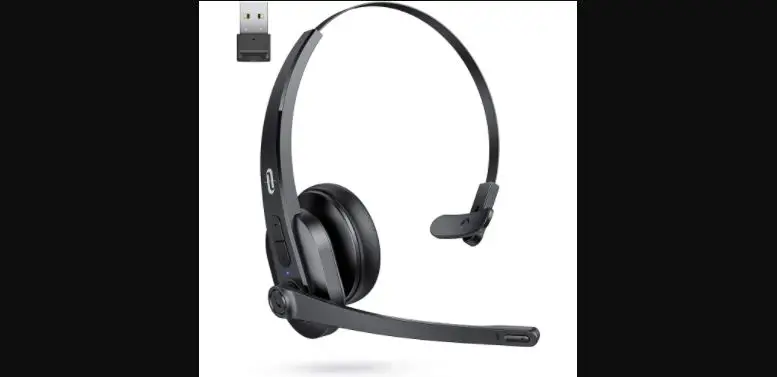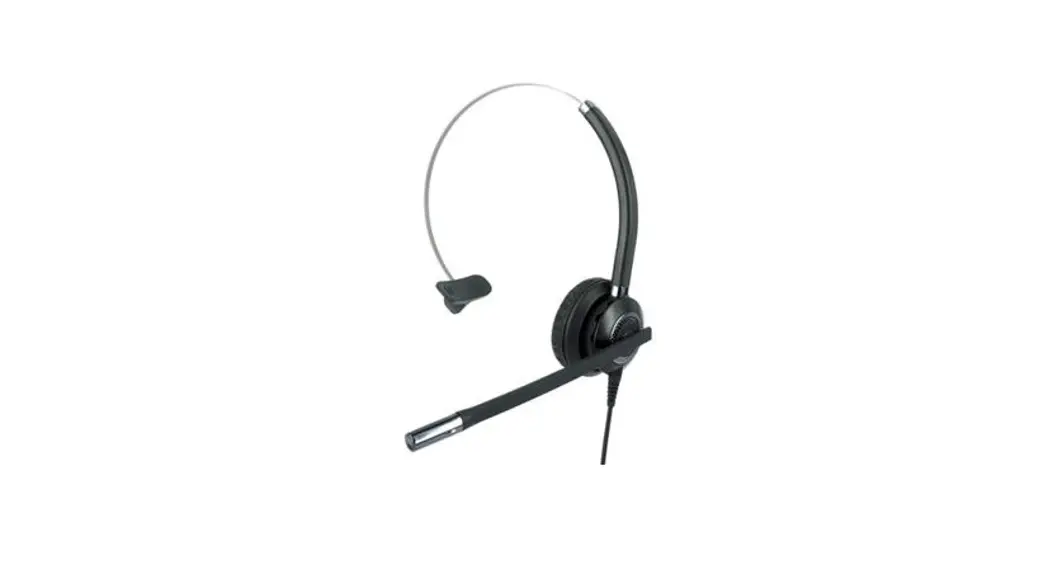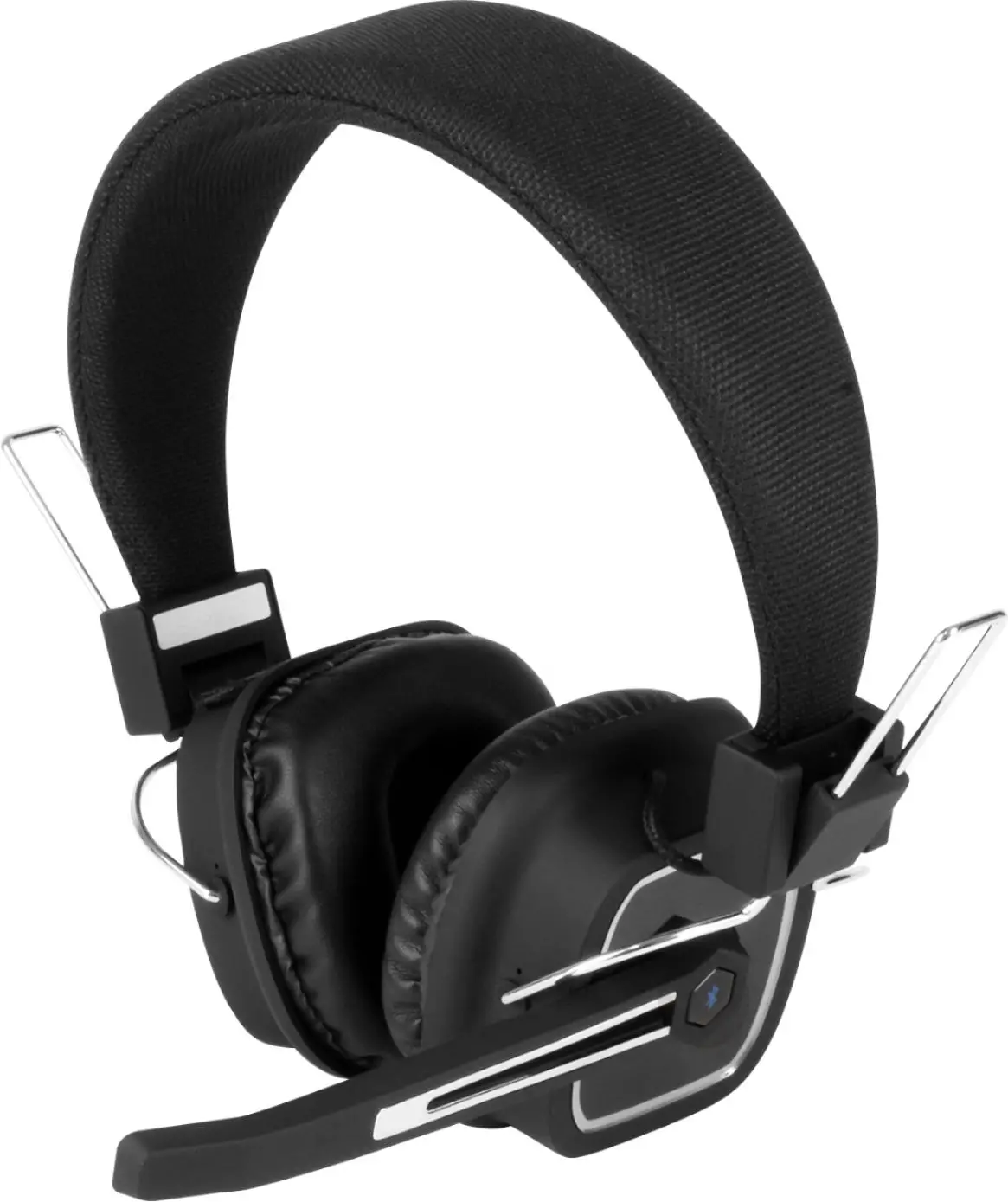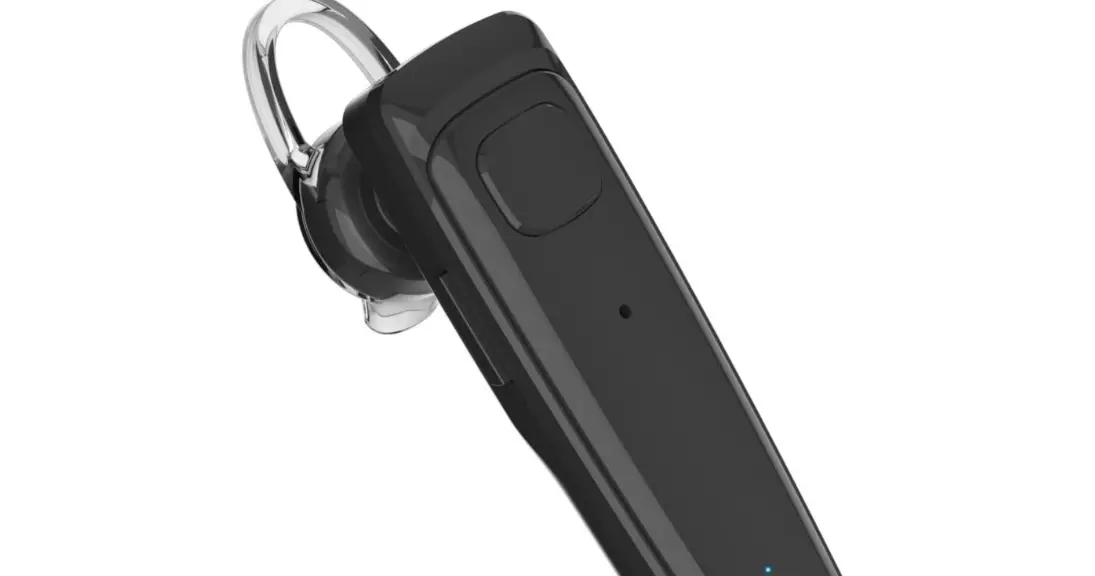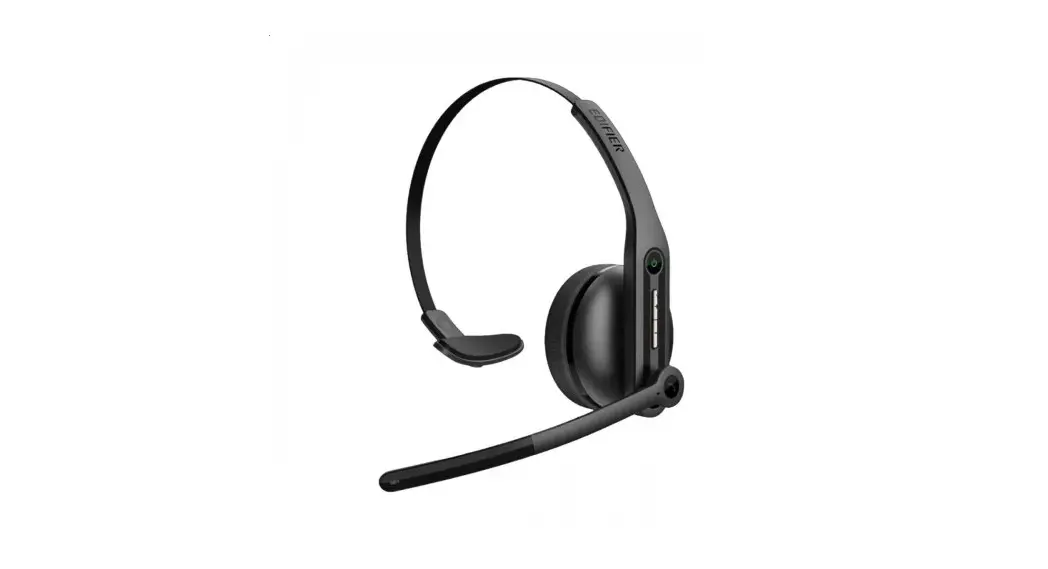

BLUETOOTH® WIRELESS MONO HEADSET
User Guide
Product Name: Wireless Mono Headset
Model: AEH103 SKU: AEH103TT
Introduction
Congratulations on your purchase of the Targus Wireless Mono Headset.
Contents
- Targus AEH103 Wireless Mono Headset
- USB-C Charging Cable
- Boom Mic
- 3.5mm Audio Cable
- User Guide
Product Specifications
- Bluetooth version: Bluetooth V5.0
- Bluetooth Profile: A2DPv1.3.1; AVRCPv1.6; HFPv1.7; HSPv1.2
- Working Frequency: 2.402GHz-2.480GHz
- Speaker sensitivity: 95±3dB
- Frequency Response: 20-20kHZ
- Receiving sensitivity: >-89dBm
- Battery type: Lithium polymer
- Mic type and sensitivity: Condenser Microphone -42±3dB
- Battery capacity: 410mAh
- Charging voltage: DC 5V 500mA
- Bluetooth working range: Up to 10m
- Talk time: Up to 20 hours
- Charging time: Approximately 2 hours
- Standby time: Approximately 273 hours
System requirements
- Windows®
- macOS®
- iOS®
- Android™
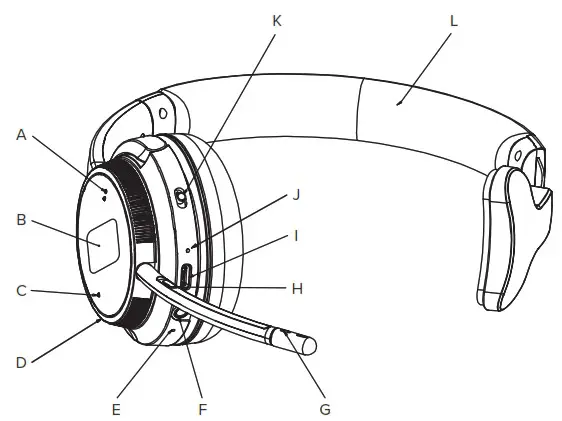
| A. Vol+ / Next Track B. Call Answer / Play / Pause C. Vol- / Previous Track / Mute D. Rotate Boom Mic E. Internal Mic F. AUX Input | G. Boom Mic H. Boom Mute Switch I. USB-C Charging Port J. LED Indicator K. On/Off/Pairing L. Adjustable Headband |
| Function | Operation |
| Power on | Slide the switch to the CENTER position |
| Power off | Slide the switch to the  position position |
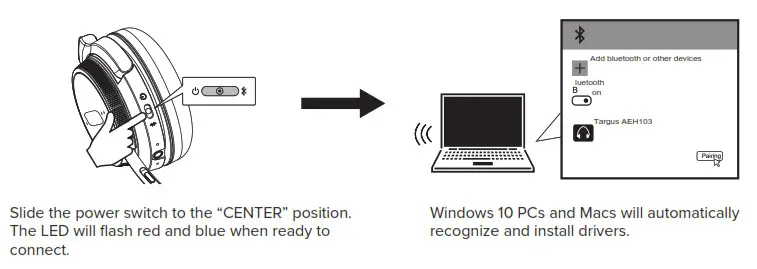
| Pairing | Power on the headset: 1. If the headset has not been connected to the last device or reset, it will automatically enter the pairing mode. Search Targus AEH103 in your device’s Bluetooth device name list and click connection. 2. If the headset has been connected to the last device, it will automatically reconnect. |
| Battery status | After power on, press and hold  for 1 second to hear the current battery status for 1 second to hear the current battery status |
| Call mute function | Built-in microphone: Press and hold  for 3 seconds for 3 secondsExternal microphone: Press and hold  for 3 seconds for 3 seconds |
| Connect the second device | Slide the switch to the  position again and hold 6 seconds to enter pairing mode, then search for the Targus AEH103 on your device and click connect. position again and hold 6 seconds to enter pairing mode, then search for the Targus AEH103 on your device and click connect. |
| Active disconnect | Turn off Bluetooth or select disconnect |
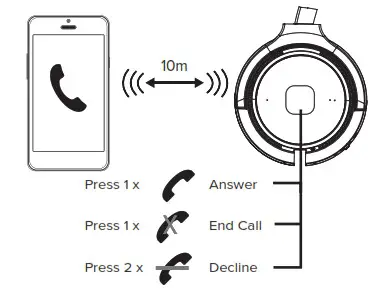
| Answer the call | Press once on the boom mic |
| End the call | 1. Press once on the bluetooth headset 2. Press once on the boom mic |
| Refuse the call | Press twice |
| Switch between current call and answer another call | Press and hold for 2 seconds when receiving another call |
| Keep the current call and answer another call | Press and hold for 2 seconds when receiving another call |
| Reject a call | Press twice |
| Volume + | Press  once once |
| Volume – | Press once |
| Last song | Press and hold 1 – 2.5 seconds once |
| Next song | Press and hold 1 – 2.5 seconds once |
| Play / pause | Press once |
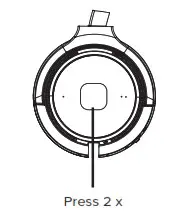
| SIRI | Press twice |
| Charge high temperature protection | When the temperature of the headset and internal battery reaches 45±3, the charging of the headset internal battery stops automatically. |
| Charge low temperature protection | When the temperature of the headset and internal battery reaches 0±3 , the earphone automatically stops charging the internal battery. |
| Reset the headset | Press and hold / for 5 seconds at the same time when headset power on, the pink light will be on for 2 seconds, and the headset will enter the pairing mode. |
How to wear:
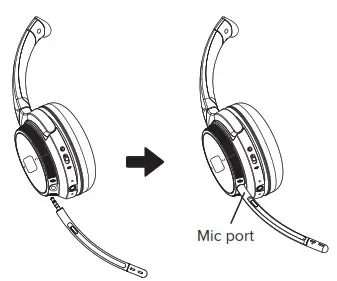
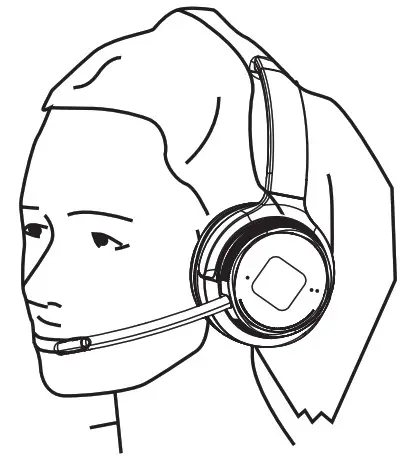
- Insert the detachable Boom Microphone into the 2.5mm port located on the headset.

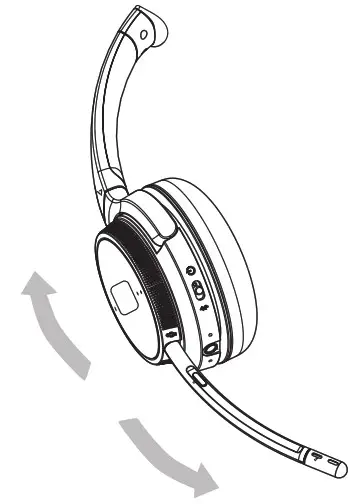
- The boom microphone can move to accommodate a user’s preference for right side or left side wear.

- Position the microphone to your preference.

Operation:
Power On
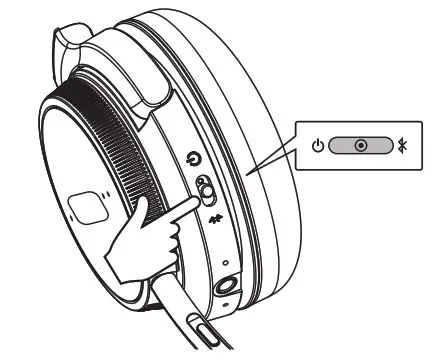 Slide the switch to the CENTER position
Power Off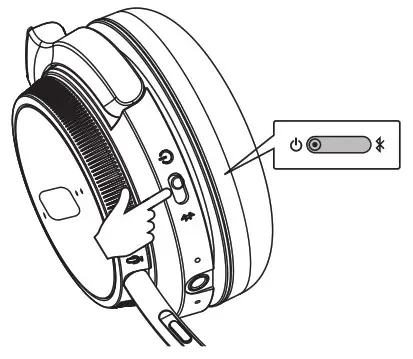
Slide the switch to position
Bluetooth connecting:
How to connect with the first Bluetooth device.
 Please make sure your device supports 3.5mm audio.
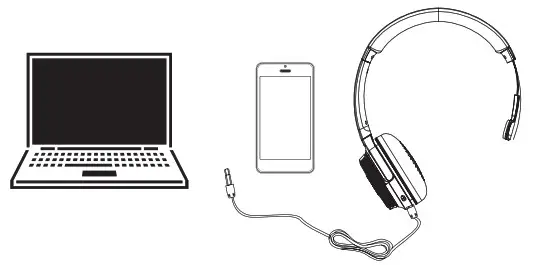
Insert the 3.5mm audio cable into the Bluetooth headset and your device, then it becomes a wired headset with basic functionality.
Note: When connected via the AUX wired connection the wireless functions of the headset will be automatically disabled.
Calls with a Smartphone:
Siri / Cortana / Assistance:
 Charging the Headset:
 Charging the Headset:
The red LED will indicate charging. When fully charged, the red LED will turn off. The headset remains on during charging.
To power off, slide the headset’s power switch to the off position.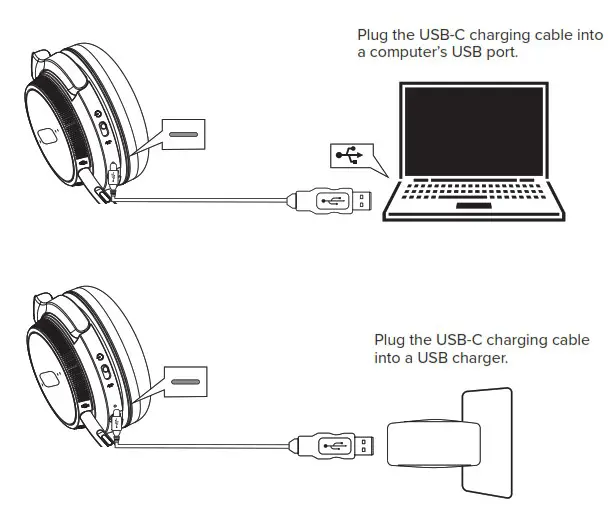
Other Operations:
Muting the Boom Mic: Press and hold for 3 seconds.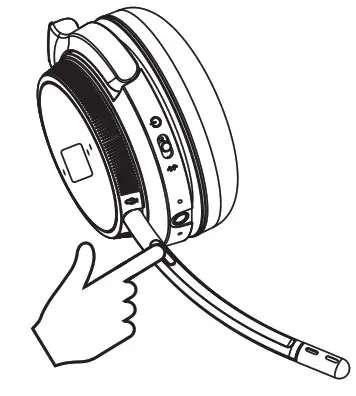 Battery Status: After the headset is powered on, press for 1 seconds briefly to hear the current battery status.
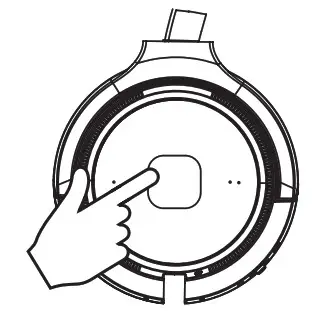
Muting the internal Mic: (When boom mic is not in use) Press and hold the for 3 seconds.
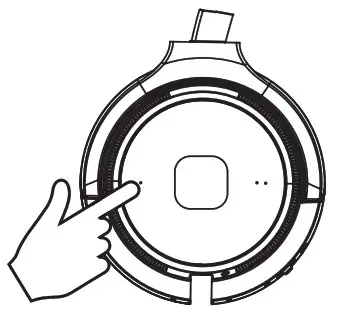
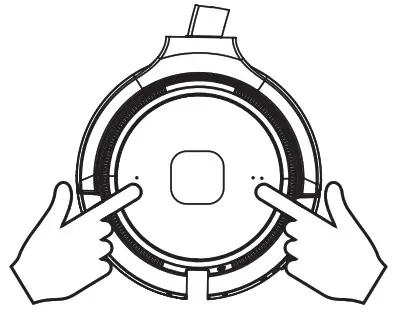
Reset the headset: While the headset is powered on, press and hold and simultaneously for 5 seconds. A pink LED will light for 2 seconds and the headset will then enter pairing mode.
Warning
Headsets can deliver sounds at loud volumes and high-pitched tones. Avoid prolonged use of the headset at excessive sound pressure levels. Please read the safety guidelines below prior to using this headset.
Safety information
Use of a headset will impair your ability to hear other sounds. Use caution while using your headset when you are engaging in any activity that requires your full attention. This package contains small parts that may be hazardous to children and should be kept out of reach from children. Do not attempt: To dismantle or service the product as this may cause a short circuits or other malfunction which could result in a fire or electric shock. Avoid exposing your product to rain, moisture or other liquids to avoid damage to the product or injury to you. Keep all products, cords, and cables away from operating machinery. Avoid use while operating a motor vehicle. Built-in battery care: Please observe the following if the product contains a battery. Your product is powered by a rechargeable battery.
The full performance of a new battery is achieved only after two or three complete charge and discharge cycles. The battery can be charged and discharged hundreds of times but will eventually wear out. Always try to keep the battery between 15°C and 25°C (59°F and 77°F). A product with a hot or cold battery may not work temporarily, even when the battery is fully charged. Battery performance is particularly limited in temperatures well below freezing.
Battery warning!
CAUTION: Risk of explosion if the battery is replaced an incorrect disposal of a battery into fire or a hot oven, or mechanically crushing or cutting of a battery, that can result in an explosion; leaving a battery in an extremely high temperature surrounding environment that can result in an explosion or the leakage of flammable liquid or gas; battery subjected to extremely low air pressure that may result in an explosion or the leakage of flammable liquid or gas.
Troubleshooting & Support
Headphones will not power on:
- Be sure the headphones are fully charged.
My mobile device is unable to find the Bluetooth headphones
- Confirm the headphones are in pairing mode (blue/red LED)
- Remove “Targus AEH103” from your device’s Bluetooth device list and try again.
- If the model still does not appear, press and hold
 and
and  button for 5 seconds at the same time when the headset is powered, the pink LED will be on for 2 seconds, and the headset will enter pairing mode.
After successfully pairing, the headphones disconnect
- Be sure the headphones are fully charged.
- Headphones must be within 10m of most mobile devices.
- Connections may be affected by obstructions such as walls or other electronic devices. Try moving closer to the device you are connected to.
When answering a call, I cannot hear anything
- Ensure the mobile device is connected to the Targus AEH103 headphones and not on phone’s speaker or other audio option.
- Increase the volume on your mobile device. There is no sound when listening to music
- Increase the volume on your headphones or the mobile device.
- Reestablish the Bluetooth wireless connection between the headphones and your mobile device.
- Check if the audio app has paused or stopped playback.
Headphones will not charge
- Confirm that the charging cable is operational or undamaged.
- Ensure that the USB charging cable is fully inserted in the headphones and charger ports.
- Confirm that the USB port is outputting power. Some USB ports shut off when the PC is off.
Supplier’s Declaration of Conformity

| Manufacturer/Responsible Party : Address : | Targus International LLC 1211 North Miller Street, Anaheim, CA 92806 USA | Tel: 1-714-765-5555 Fax: 1-714-765-5599 Internet: | www.targus.com |
Hereby declares that the Product
Trade name: Targus
Product name: Wireless Mono Headset
Model number(Reg#): AEH103
Conforms to the following specifications
FCC CFR Title 47 Part 15 Subpart B and ANSI C63.4-2014 standard limits
The test data & results are referred to the test report Number: SZCR211202403001
Supplementary Information:
This device complies with part 15 of the FCC Rules. Operation is subject to the following two conditions: (1) This device may not cause harmful interference, and (2) this device must accept any interference received, including interference that may cause undesired operation.
Director, Targus International LLC
Function Title
1/20/2022
Date
Ngoh, CF
Name

Signed for and on behalf of Targus
2 YEARS LIMITED WARRANTY
PORTUGAL AND SPAIN CUSTOMERS: 3 YEARS LIMITED WARRANTY OR AS REQUIRED BY LOCAL LAWS We pride ourselves on the quality of our products. For complete warranty details and a list of our Worldwide offices, please visit www.Targus.Com. Targus product warranty does not cover any device or product that is not manufactured by Targus (including, but not limited to, laptops, smartphones, devices, or any other product that may be used in connection with the Targus product). Targus is a registered trademark of Targus International LLC in the U.S. and in certain other countries. All logos and registered trademarks are the property of their respective owners. ©2022 Targus, 1211 North Miller Street, Anaheim, CA 92806 USA. All rights reserved.
PORTUGAL AND SPAIN CLIENTES:

 Computer Accessories, Backpacks, and More | Targus US