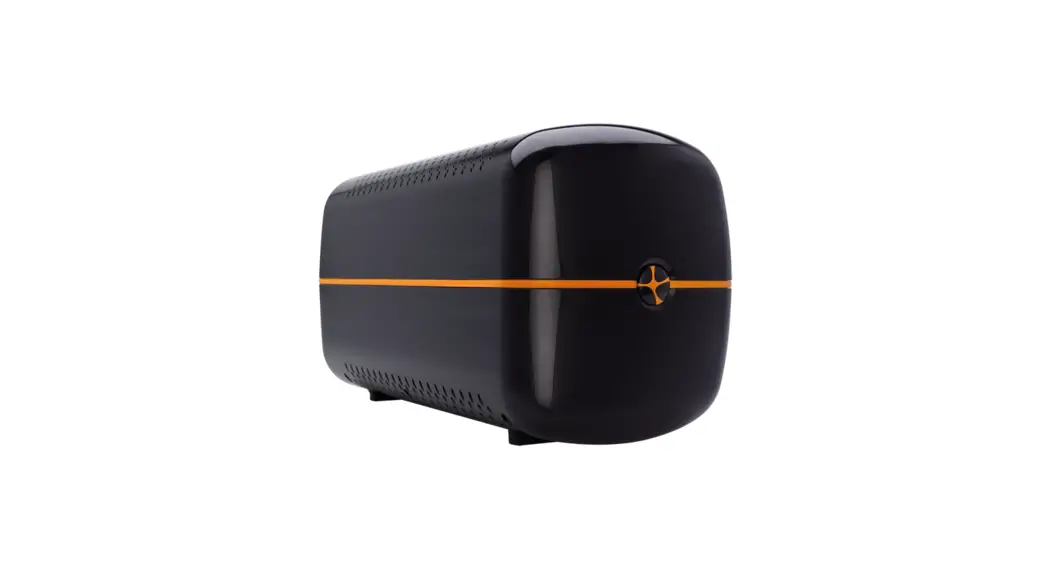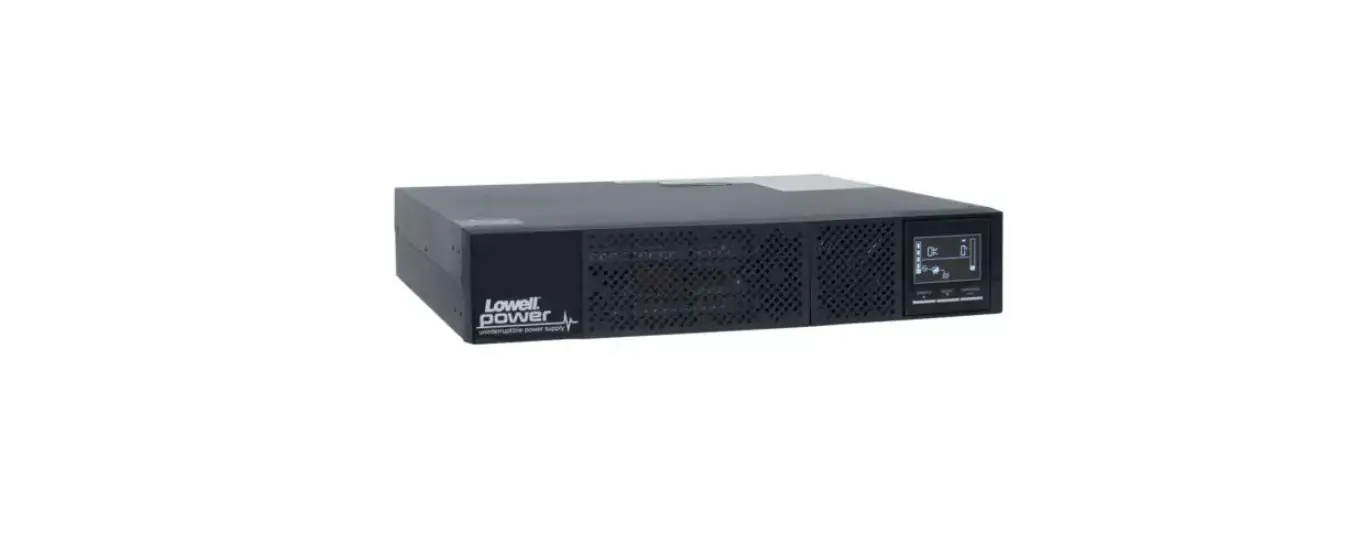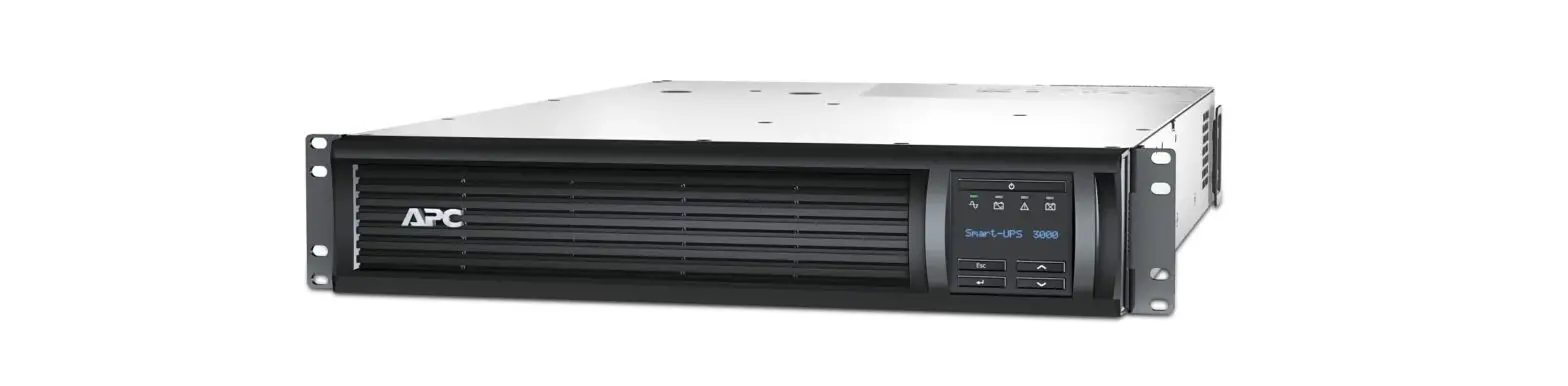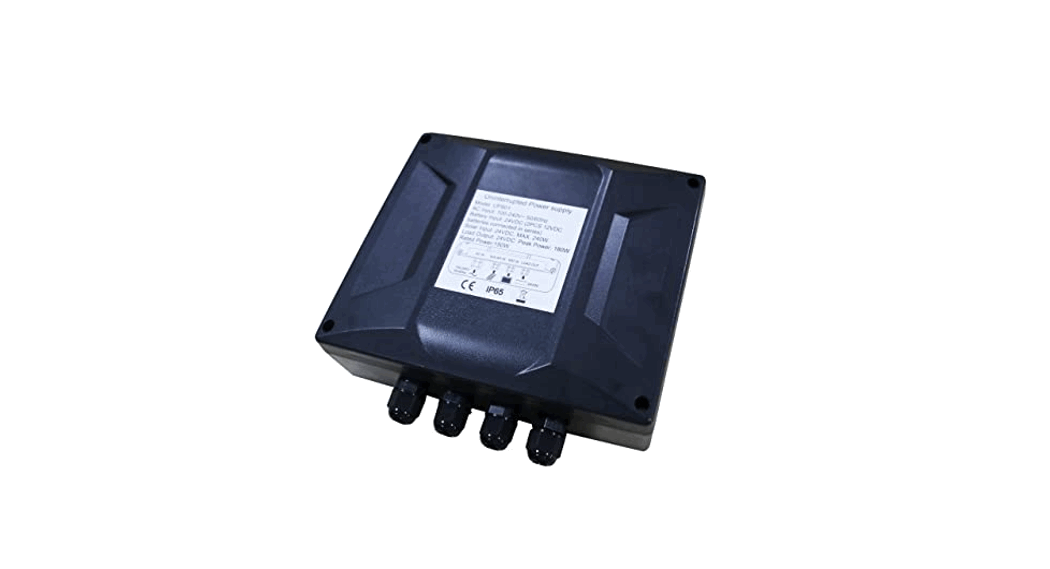

User Manual of the Uninterrupted Power Supply
Model: UPS01
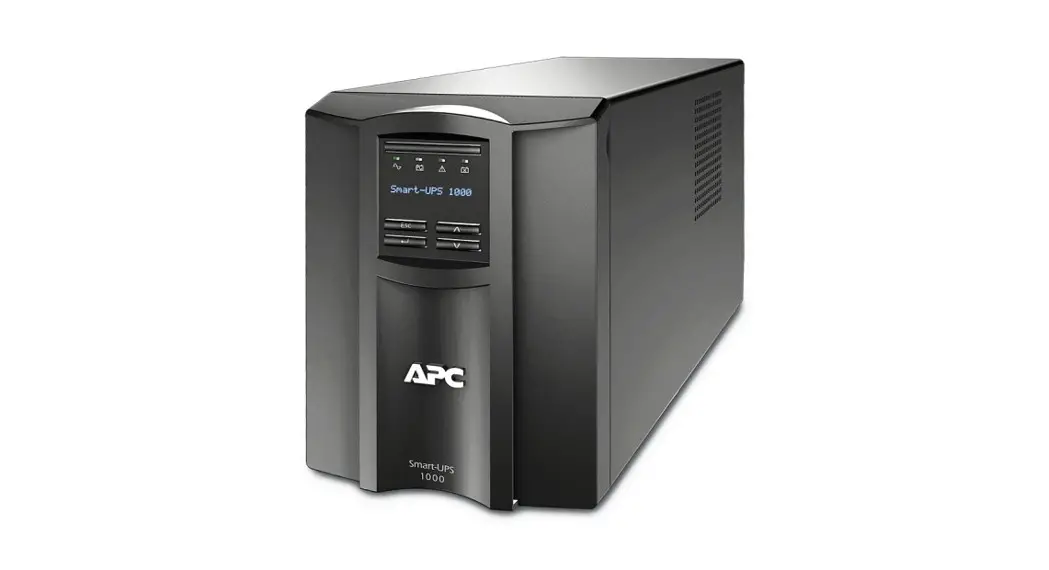
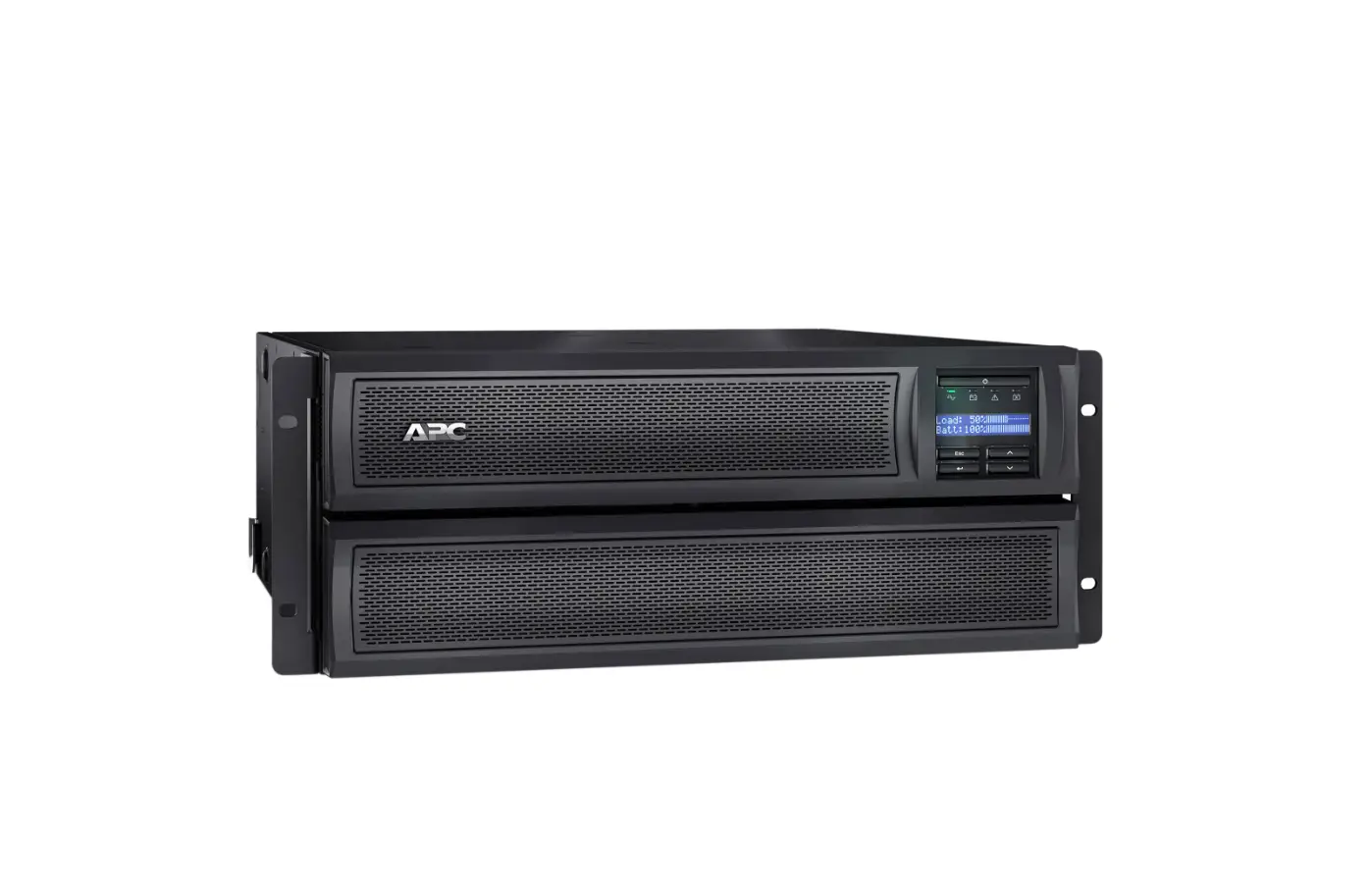
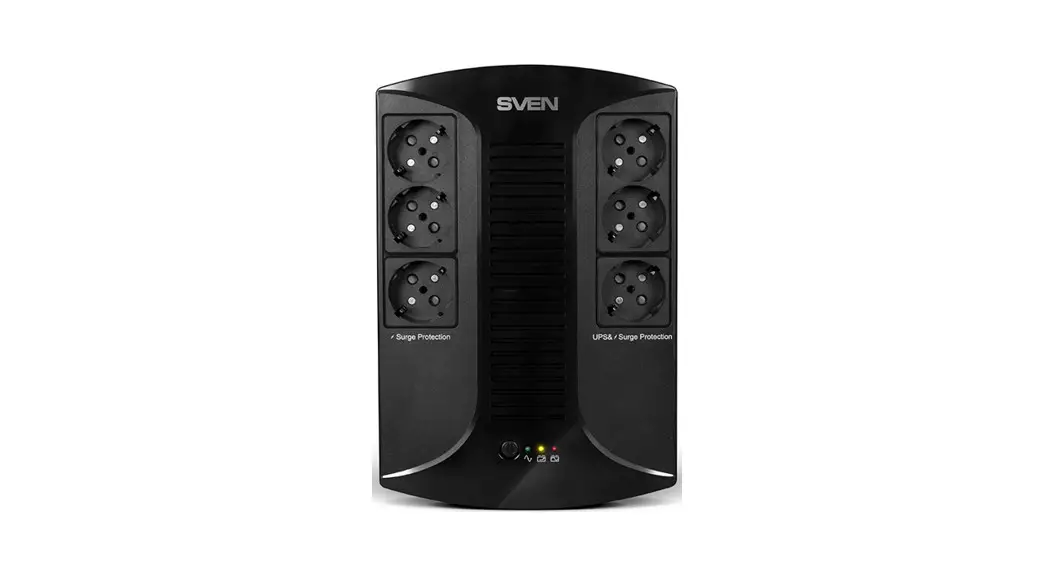
Thank you for your purchase of the 24VDC 150W uninterrupted power supply. The power supply can be used as a power source for the swing gate opener as well as the other 24VDC electrical appliance. The wire connection is very convenient because of the plug & play design. You can plug it into the AC main electricity and connect the 24VDC output to the appliances. 24VDC Battery (2PCS 12VDC batteries connected in series) can be added to the power supply as the main power or the backup power. The AC electricity can charge the battery if it’s used as backup power. A maximum 240W 24VDC solar panel can be attached to the power supply to charge the batteries as well.
Specifications
AC Input: 100-240V~ 50/60Hz
Battery Input: 24VDC (2PCS 12VDC batteries connected in series)
Solar Input: 24VDC (Max. 240W)
Rated output: 24VDC/150W Output Peak power: 180W IP degree: IP65
Features
Over-load / Over-current / Short circuit / Over-heat protection
Wire Connection of the power supply
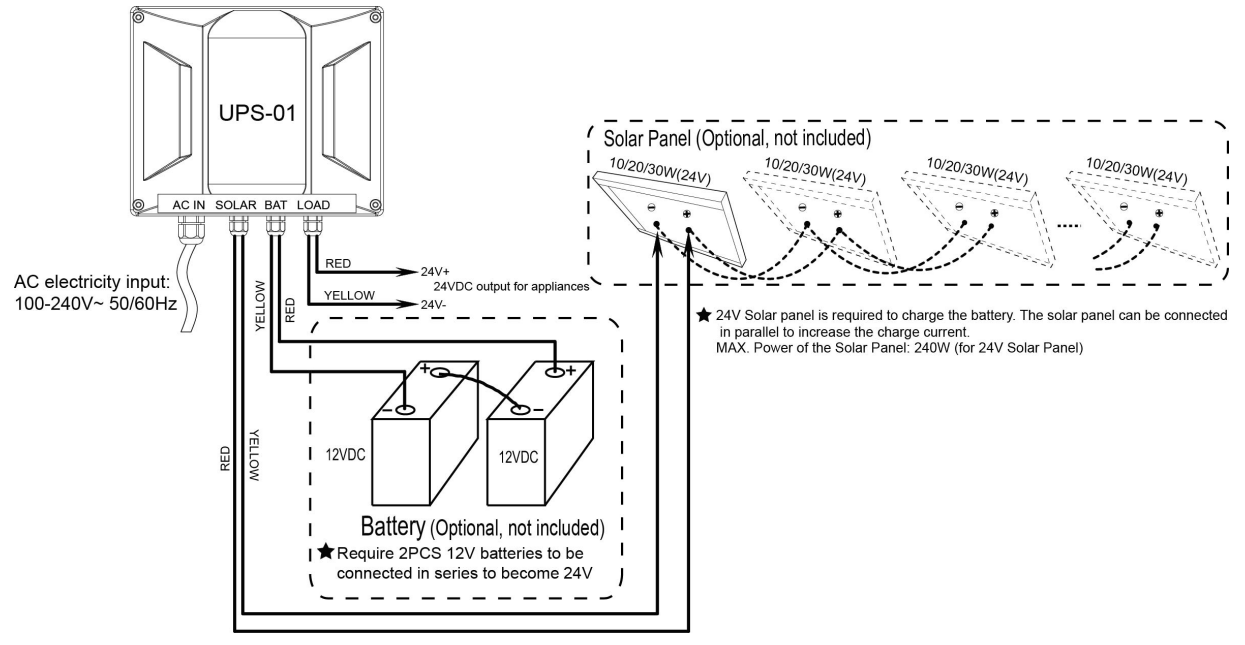
- Firstly please connect the output of the power supply to the electrical appliance. It can be wired to the OPENS A/AD/PW series swing gate opener by plugging the output wire into the power input cable of the control box. Please note that the polarity must be connected correctly or it may damage the control board (Red wire is positive and yellow wire is negative).
- Secondly please connect the battery to the power supply if you choose it as the main power source or the backup power.
- Thirdly you can connect the solar panel to the power supply if you choose to charge the battery.
- Finally, you can plug the AC cable into the AC main socket as needed.
NOTE: Always ask the help of a professional technician /electrician if you have any questions.
Indicators
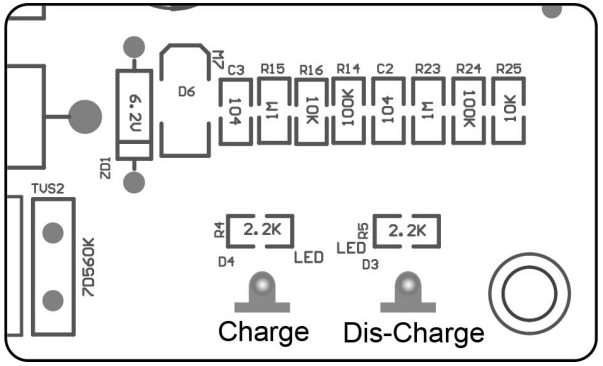
There are 2 LED lights on the main control board of the power supply, one is Charge and another is Dis-charge. You can confirm the voltage of the battery via the 2 LED lights. The load output of the power supply will be cut off once the battery voltage is below 22VDC.
| Battery/AC-DC transformer module output | Charge LED always on | Charge LED blink once per second | Charge LED blink once per 2 seconds | Dis-Charge LED blink once per second | Dis-Charge LED blink once per 2 seconds |
| >28VDC | √ | ||||
| 22-28VDC | √ | √ | |||
| <22VDC | √ | √ |
Trouble Shooting
- Replace the fuse (φ5*20mm, 5A) in the fuse holder on the main control board as necessary.
- Check the voltage of the battery if you use the battery as the main power source and the output is 0v.

OPENS Website
www.topens.com
Any questions, please do not hesitate to contact us:
E-mail: [email protected]
Kindly include your Product Model, Purchasing Date & Site, Order #, and your contact
information. All your concerns will be replied to within 24 hours.
Tel: +1 (888) 750 9899 (Toll Free USA & Canada)
 TOPENS Gate Opener Automatic Swing Gate Operator & Sliding Gate Motor