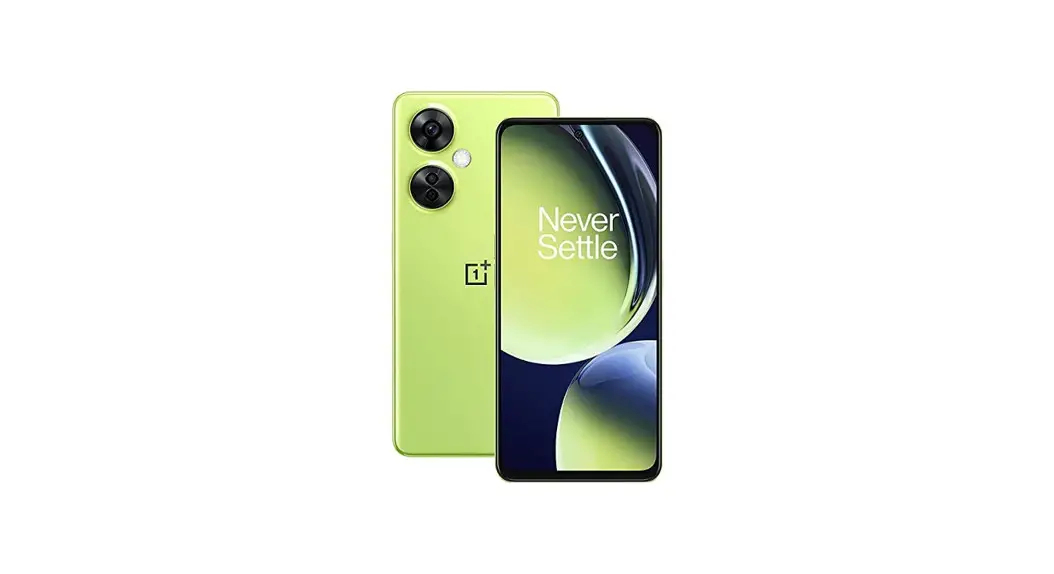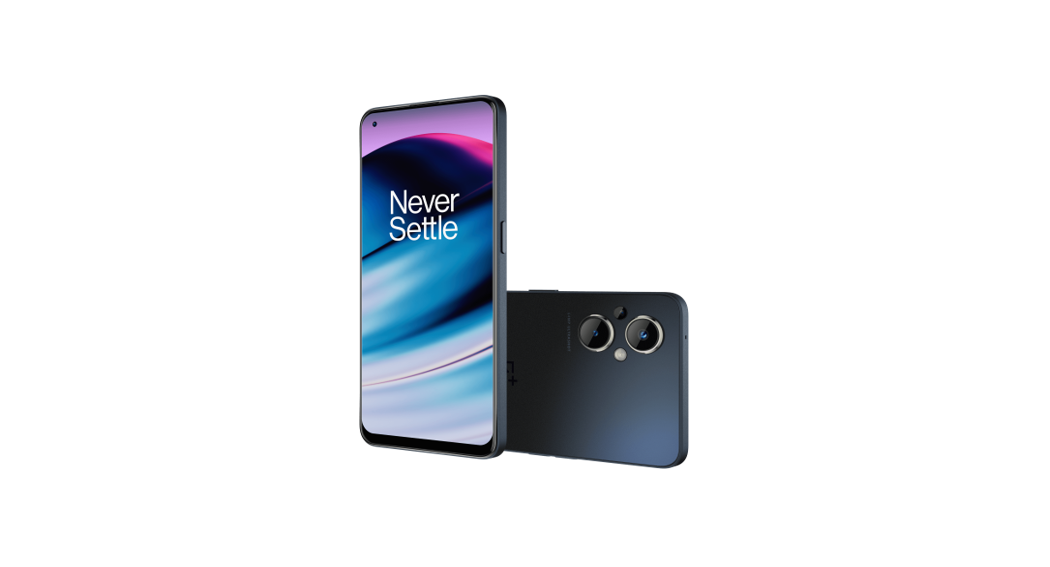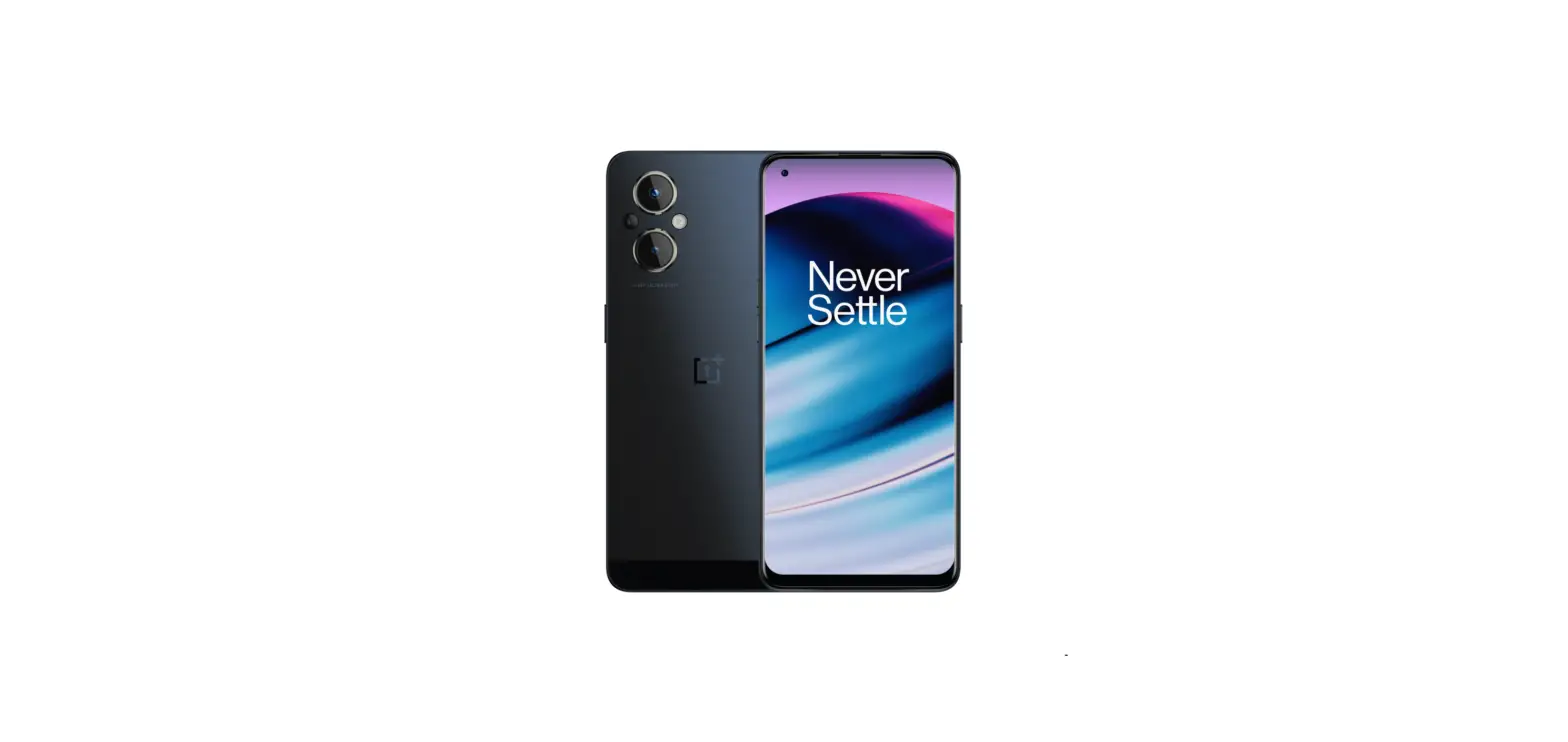
 Quick Guide
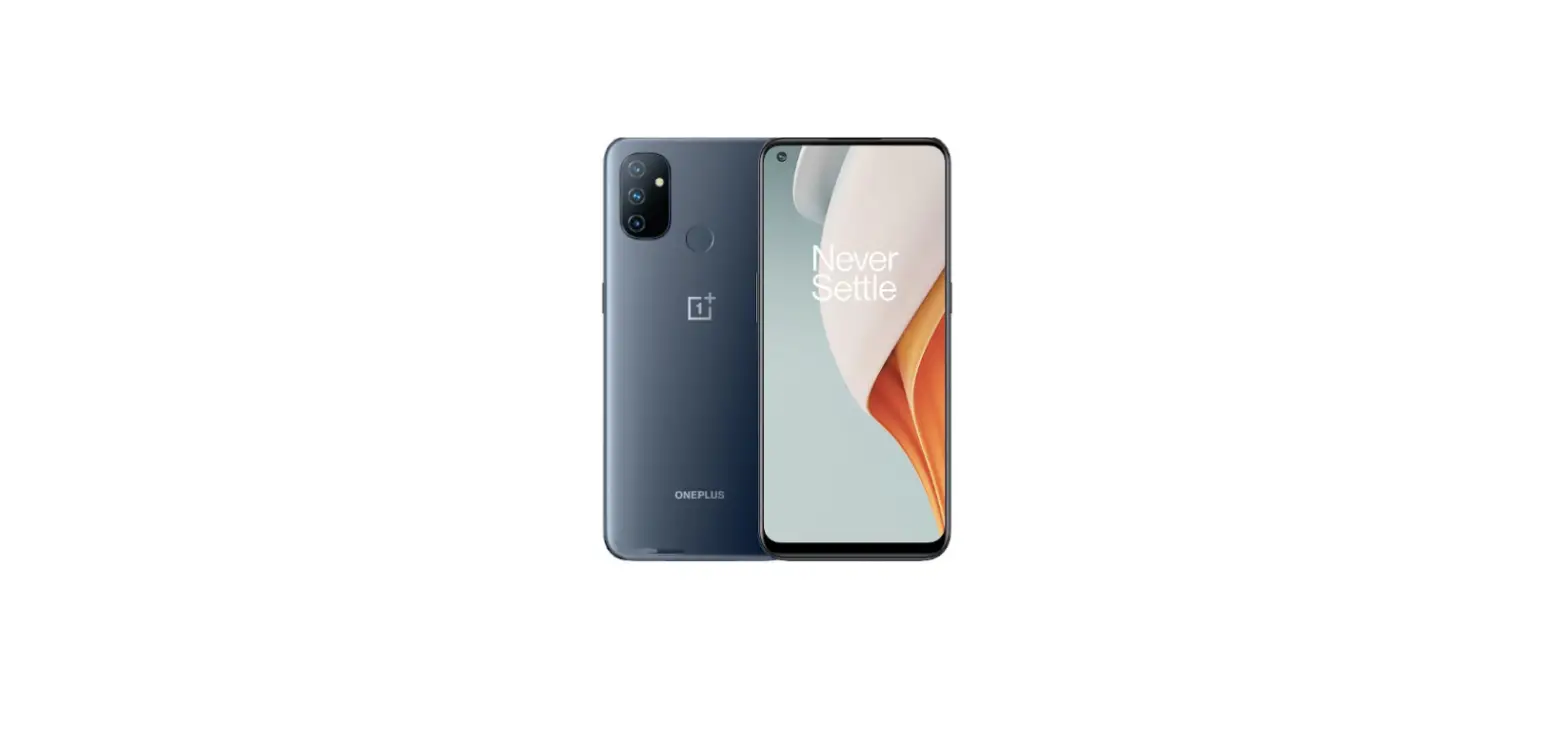
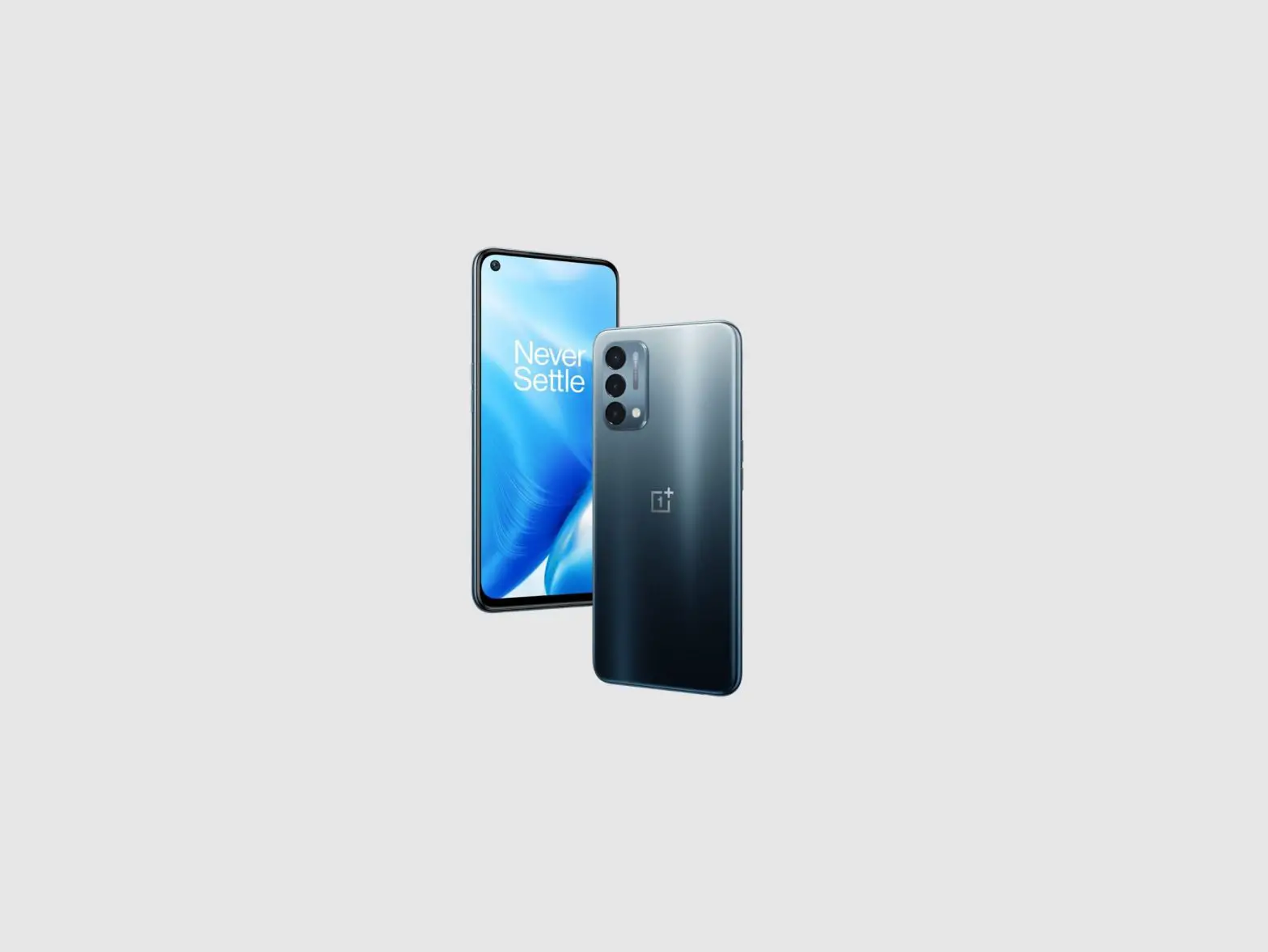
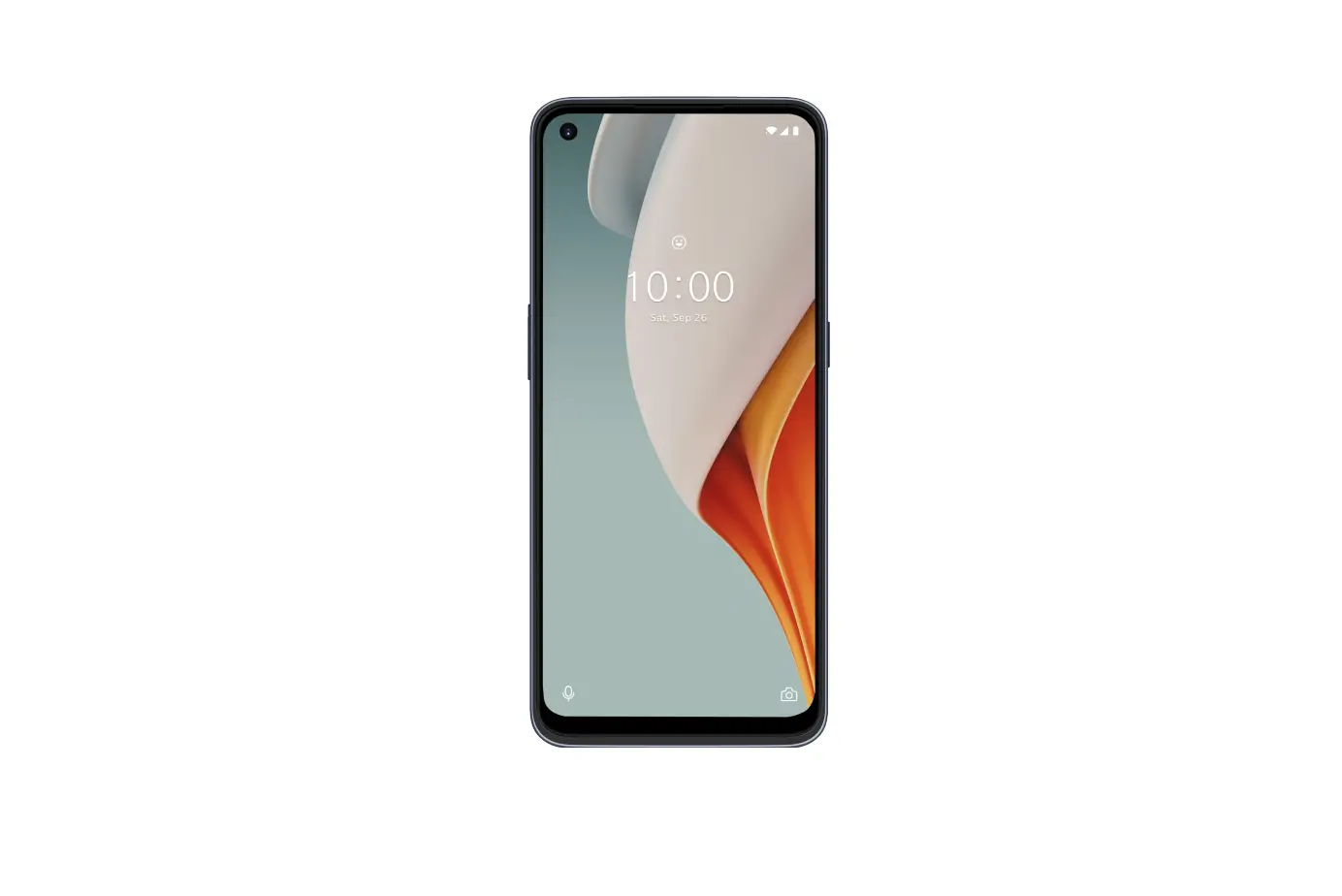
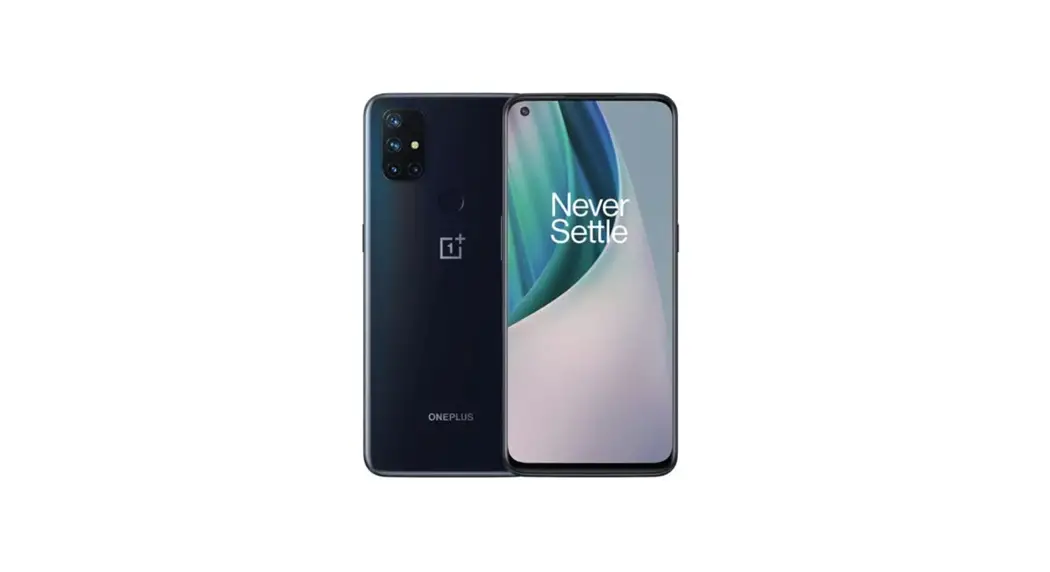
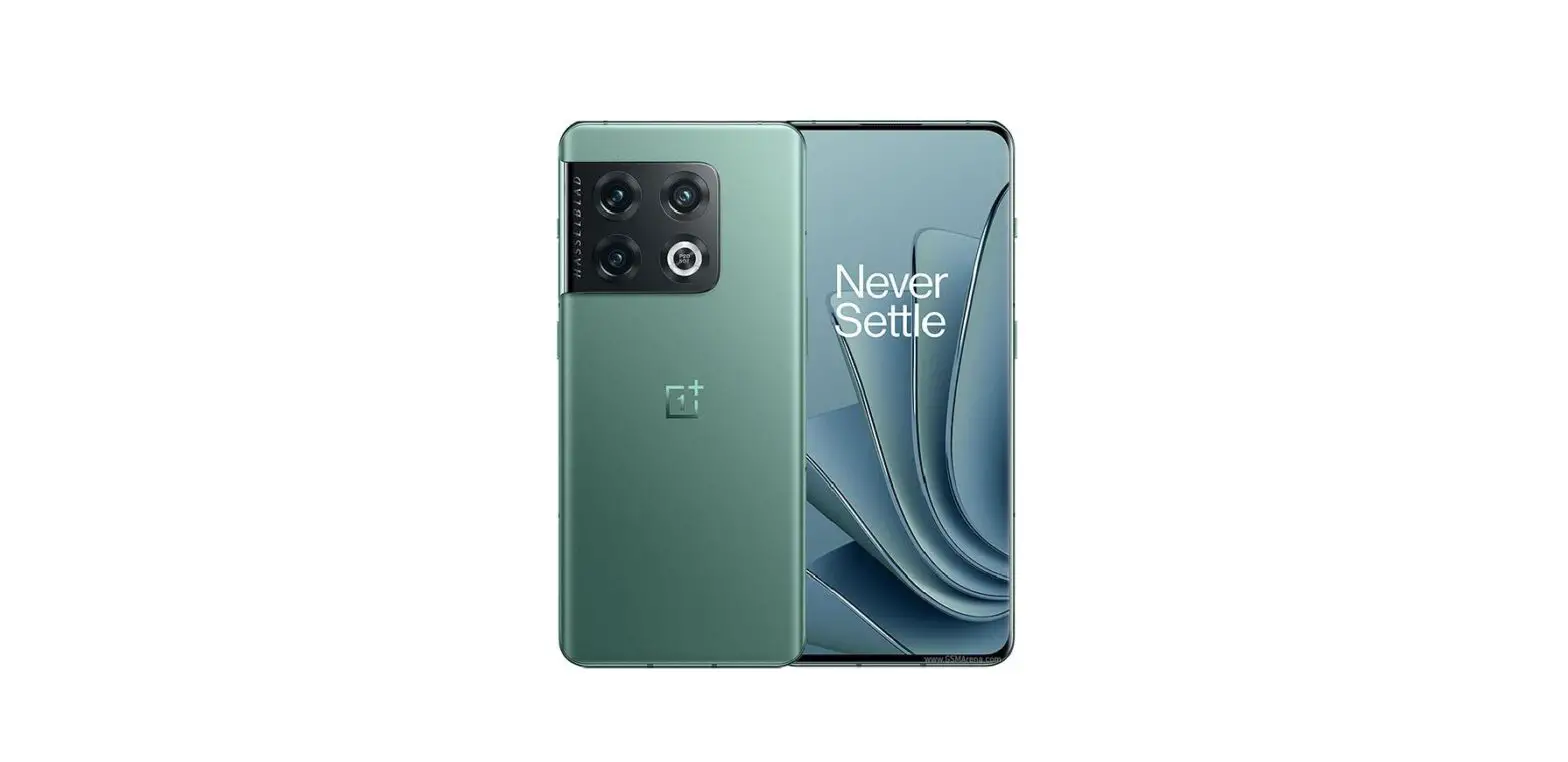
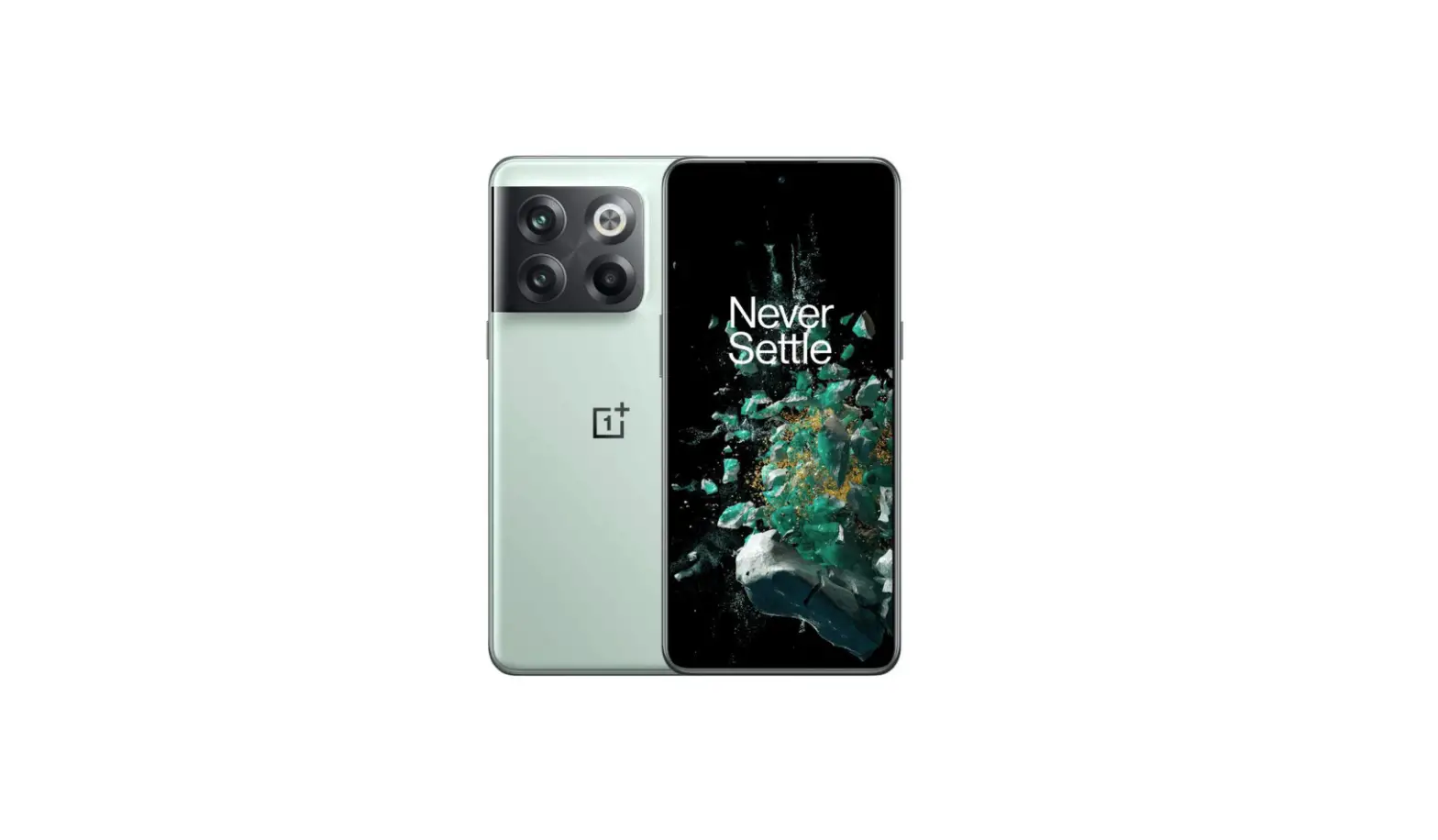
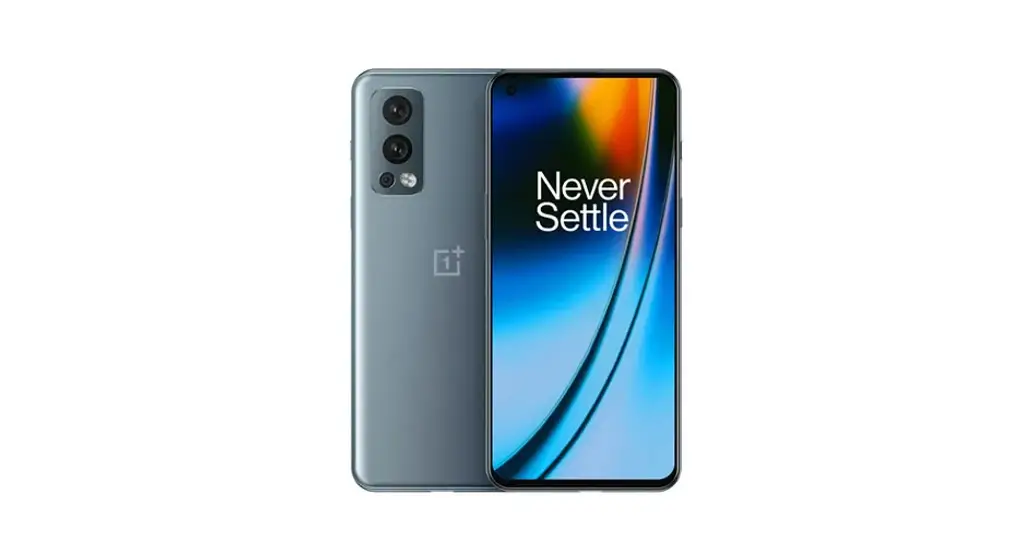
Nord 3 5G Smartphone
Whoa! We can’t believe you’ve put down your mind-blowingly awesome new OnePlus Nord 3 5G to thumb your way through our Quick Guide.
But now that you’re here, how about unfolding this miniature literary master-piece and learning a few things about your new phone?
You might have heard that we’ve added a bunch more Nord magic to this model, so put on your magic hats, and let’s jump in.
Charge smarter while you snooze
Battery Health Engine% opt:lazed right charging works whie you Amber to intelligently charge yaw phone based on yotr sleeping habits to decrease battery agog and keep your battery arming strong for up to 4 years.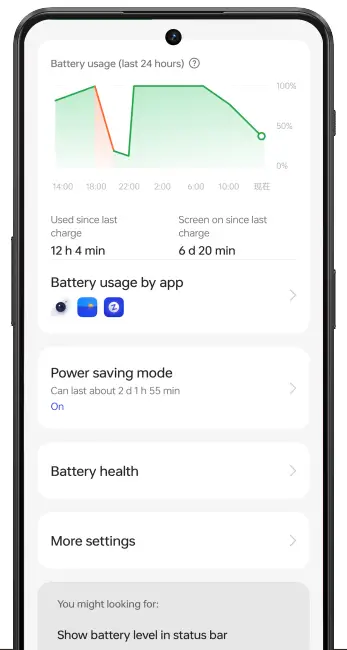
Get down with Spotify
We partnered with Spotify for our new always-on employ. es you can keep your playlists rorng and manage your songs, even when you screen is locked. Try double-loop:1g the song it on your lock screen to bring up playback controls.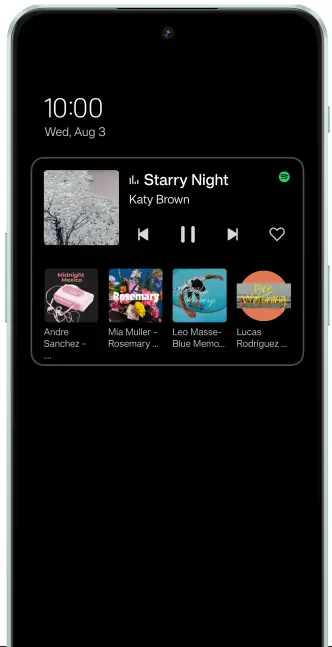
Stay in control
Lost the TV remote again? Don’t park! Your new OnePlus Nord 3 doubles as an IR remote control that’s compatible with a wide variety of househdd devices.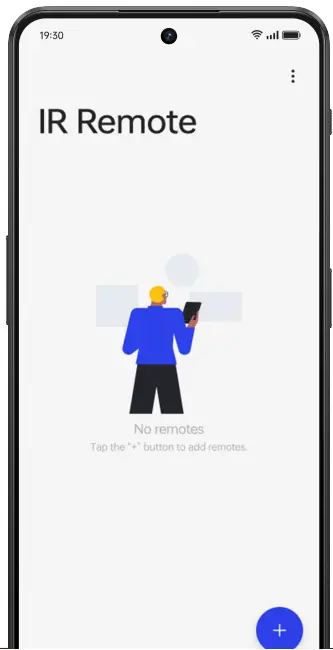
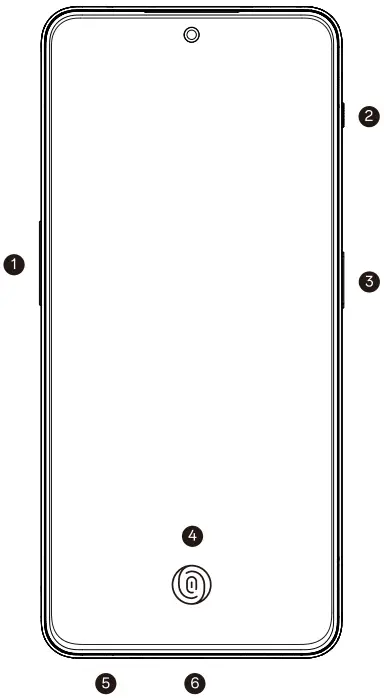
Must Know
- Volume buttons
- Alert skier
- Power button
- In-display fingerprint sensor
- Nano SIM tray
- USB Type-C port
3. Power button
• Tap to wake/sleep Press and hold Voice Assistant (By default) or Power Menu
Probably good to know
Press and hold the power button 3 and vokime up button 1 simultaneously to tan off the device.
Press and hold the power button 3 and vokime down button 1 simultaneously to take a screenshot.
Tap the power button 3 three times to call the local emergency number (Default setting in India only. Set preferences in Settings – Safety & emergency -Emergency call & message).
Welcome
Welcome to the OnePlus family! Were thrilled you’ve chosen OnePlus. This guide will help you get the most out of your new device.Read through this quick guide carefully to ensure safe and proper use of your device.
Get Support
Please visit the oneplus.com/privacy-and-legal page to find more information on our warranty and return policy. You can also reach out to OnePlus Customer Support by visiting oneplus.com/support.
Accessories and Software Information
You are provided with the following standard accessories:
1 Phone,1 Charger, 1 USB data cable,1 Safety Guide,
1 Quick Guide, 1 Welcome Letter, 1 SIM Ejector Tool, 1 Red Cable Club Membership Cad.
The product software version is: CPH2493_131.0100(EX01) For the most recent information about accessories and software, please see the DoC (Declaration of Conformity) at https://service.oneplus.com/global/user-manual
Regulatory
Steps to search Regulatory : Go to Settings – About device – Regulatory
Radio Waves Specifications
| Radio | Frequency | Output Power. Max | |||
| 850MHz / 900MHz | 33.5 dBm | ||||
| 1800MHz /1900MHz | 30.5 dBm | ||||
| WCDMA | Bands 1/4/5/6/8/19 | 24.3 dBm | |||
| Band 2 | 23.8 dBm | ||||
| LTE FDD | Bands 1/3/5/8/12/17/18/19/20/28 | 24.3 dBm | |||
| Bands 2/4/7/25/26/66 | 23.8 dBm | ||||
| LTE TDD | Bands 38/40 | 23.8 dBm | |||
| Band 39 | 241 dBm | ||||
| Band 41 | 25.6 dBm | ||||
| 5G NR | n1/n3/n5/n8/n12/n20/n28/n77 | 24.7 dBm | |||
| n2/n7/n25/n40/n66 | 24.2 dBm | ||||
| n38 | 24.6 dBm | ||||
| n41 | 26.4 dBm | ||||
| n78 | 26.0 dBm | ||||
| Bluetooth | 2.4-2.4835GHz | 17.8 dBm(EIRP) | |||
| 2.4G Wi-Fi | 2.4-2.4835GHz | 18.6 dBm(EIRP) | |||
| 5G Wi-Fi | 515-5.25GHz | 20 dBm(EIRP) | |||
| 5.25-5.35GHz | 19.3 dBm(EIRP) | ||||
| 5.47-5.725GHz | 18.5 dBm(EIRP) | ||||
| 5.725-5.85GHz | 13.0 dBm(EIRP) | ||||
| NFC | 13.56MHz | 42 dBpA/m @10m | |||
SAR Values
The SAR values below are the highest values reported for this device:
Head: 0.993 VV/kg(10g), Body: 1.211 W/kg(10g), Limbs: 2.745 W/kg(10g)
Learn More
For more information, please download the complete guide on https://service.oneplus.com/global/user-manual.
This manual is for reference only, the actual product shall prevail. The information is subject to change without notice.
Model: CPH2493
| oppo | (P/N) | 5007415 | |
| (Name) | |||
| (Designer) / (Date) | 2023.04.18 | (Project) | Vitamin |
| (Tel) | 17722661061 | (Version) | V12.1 |
| (Email) | (Status) | ||
| (Check) / (Date) | (Page) | ||
| (Approval) / (Date) | |||