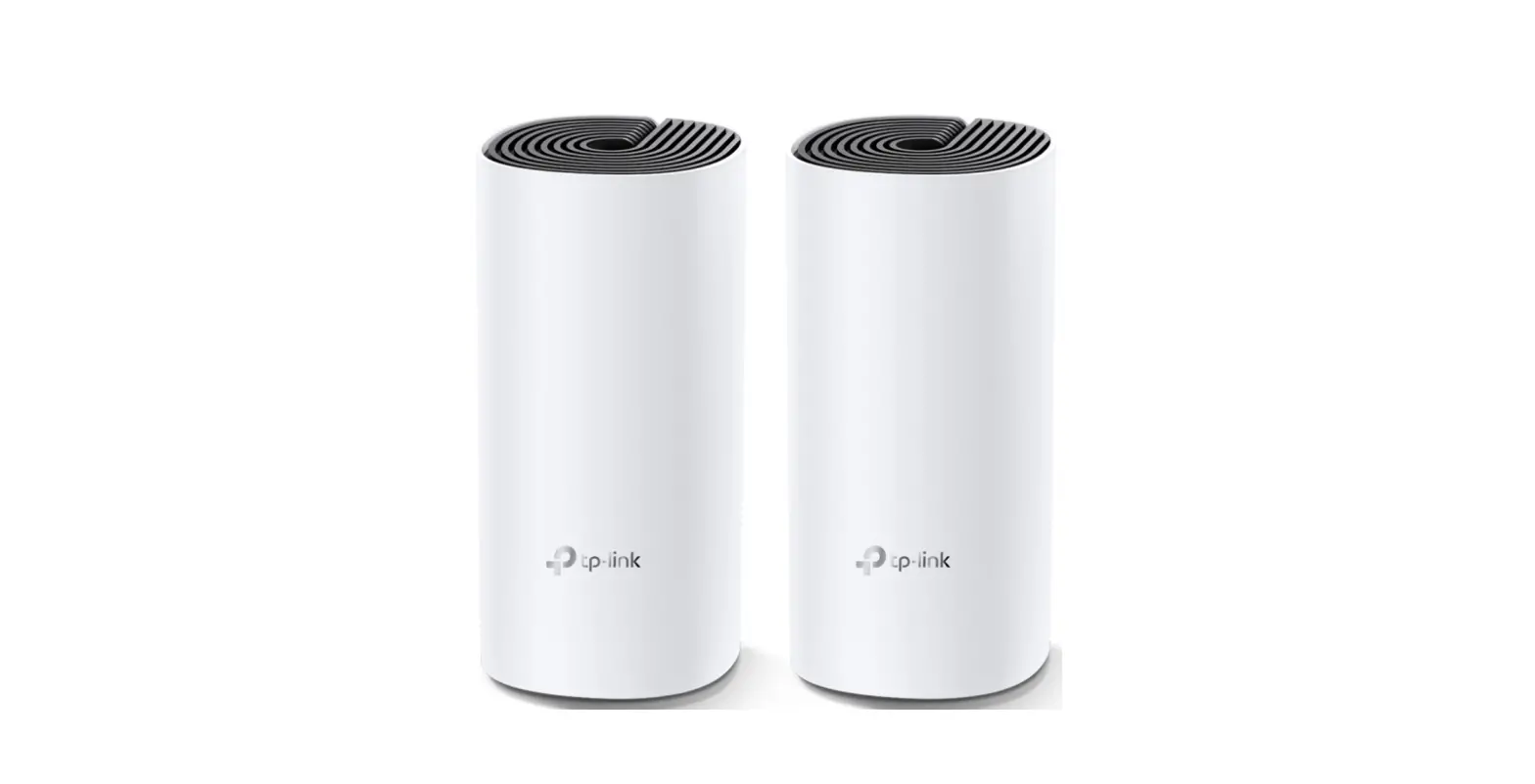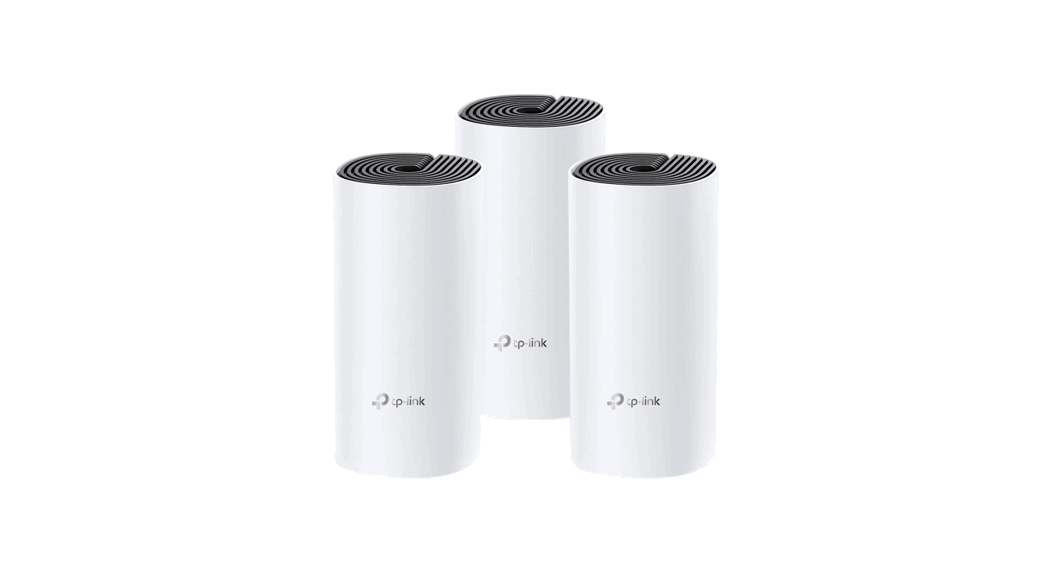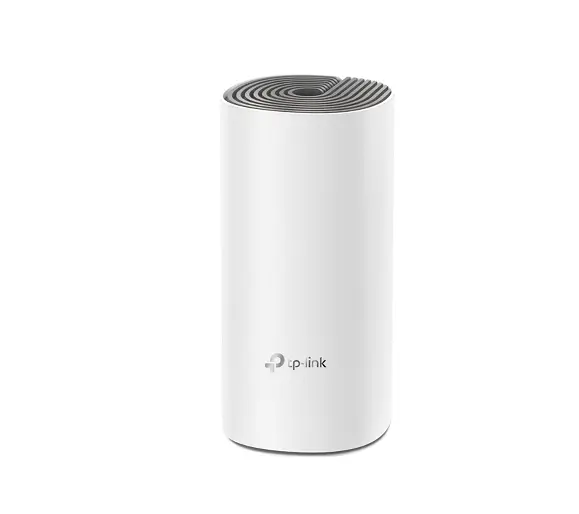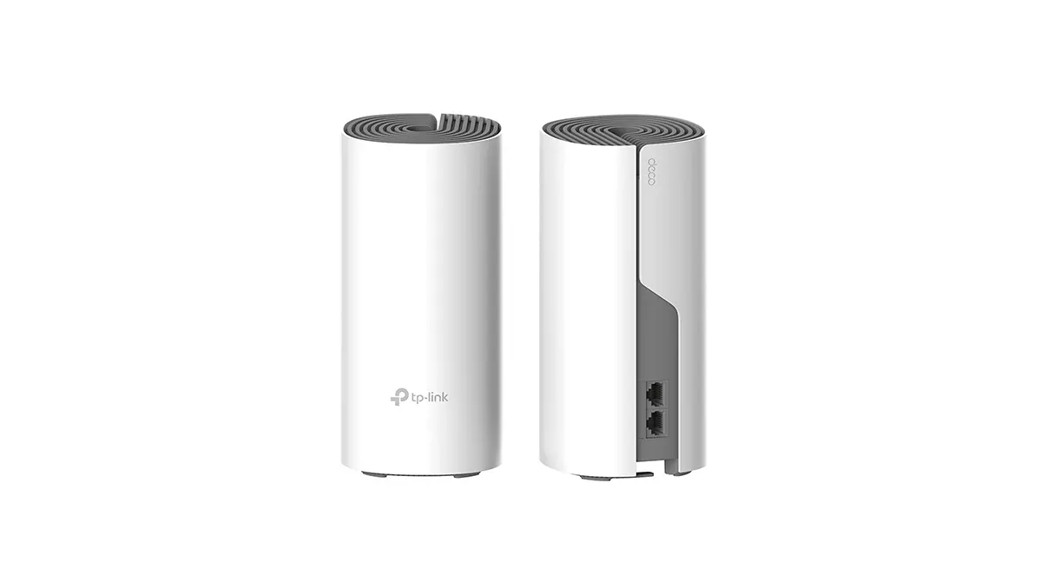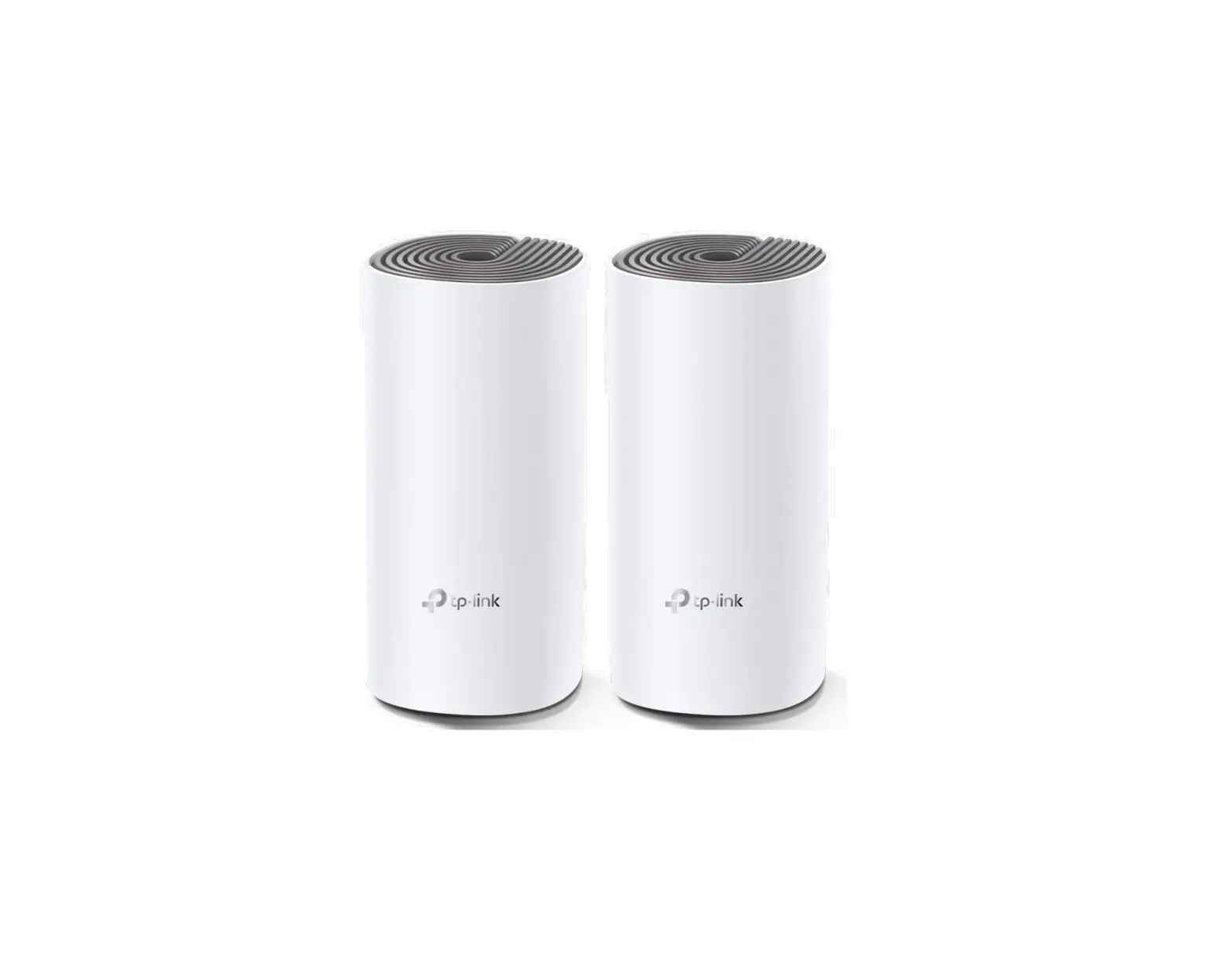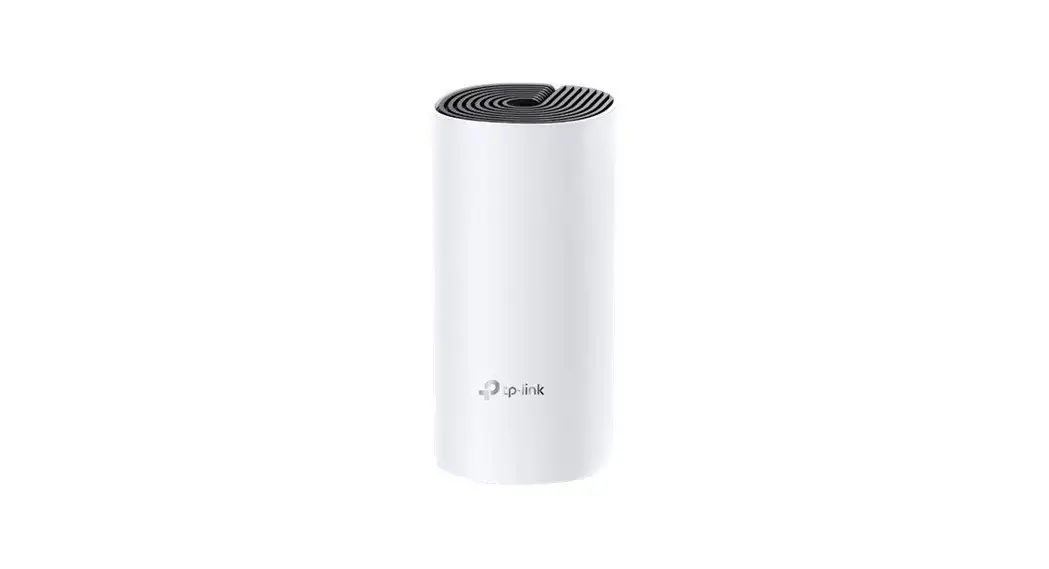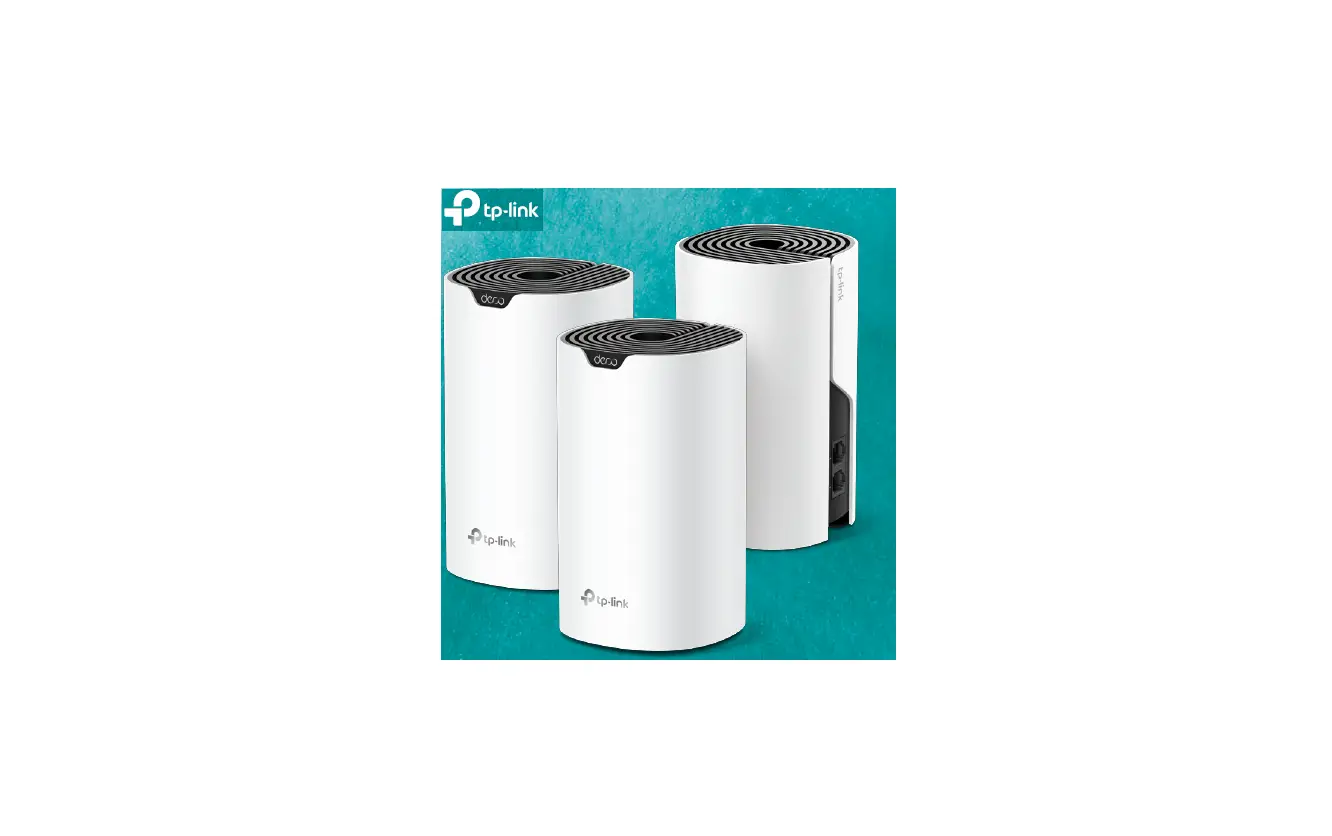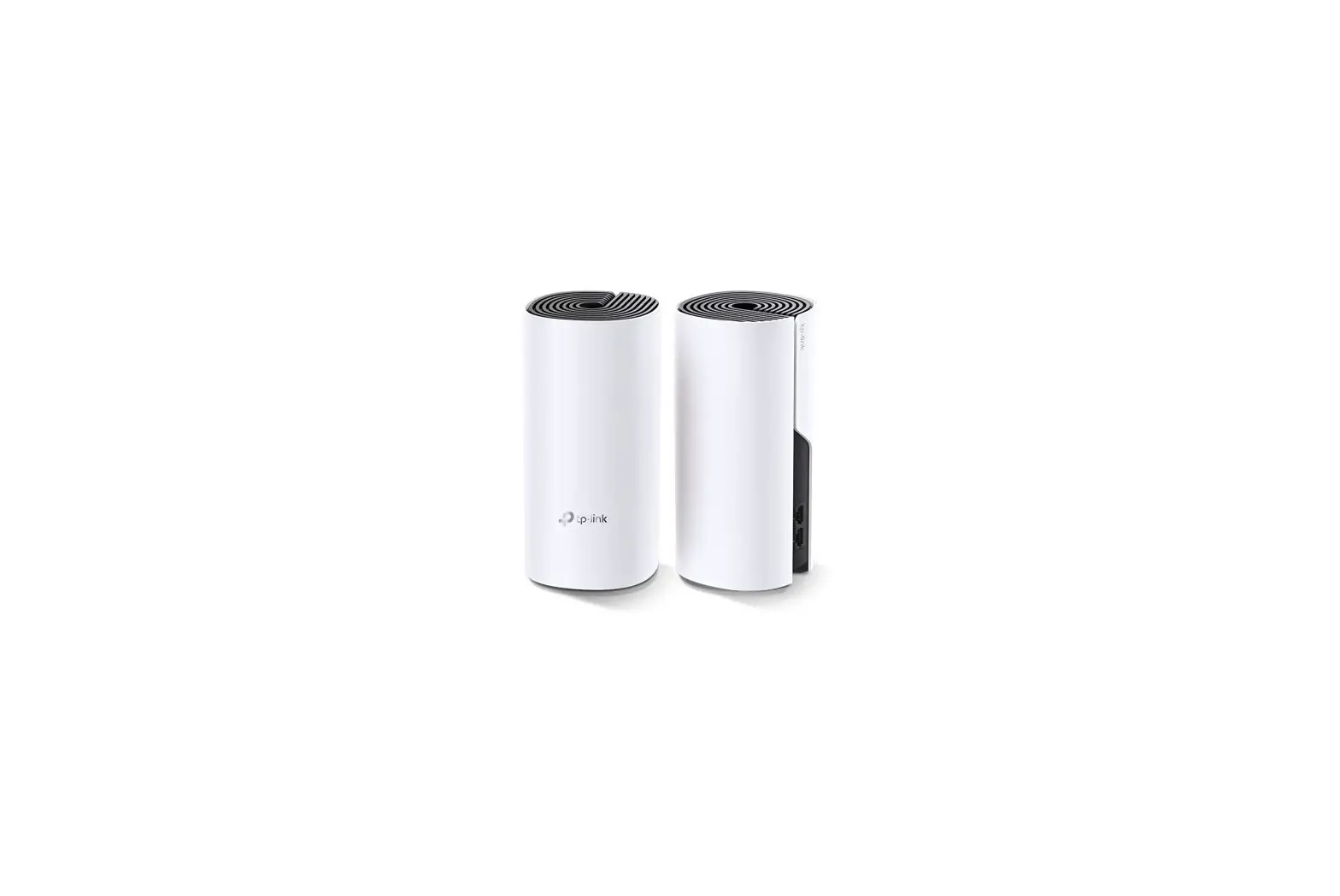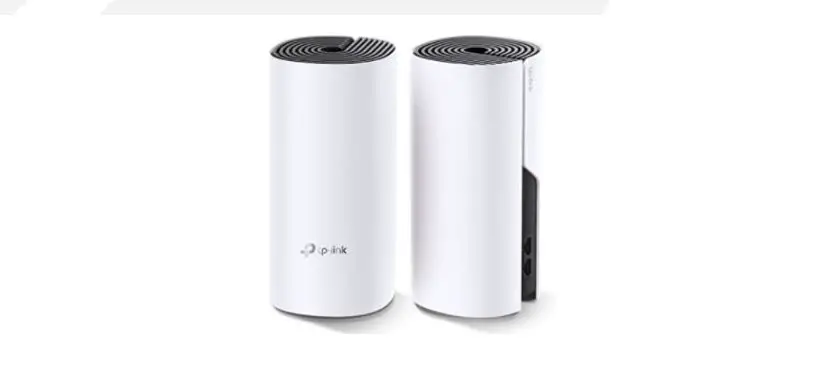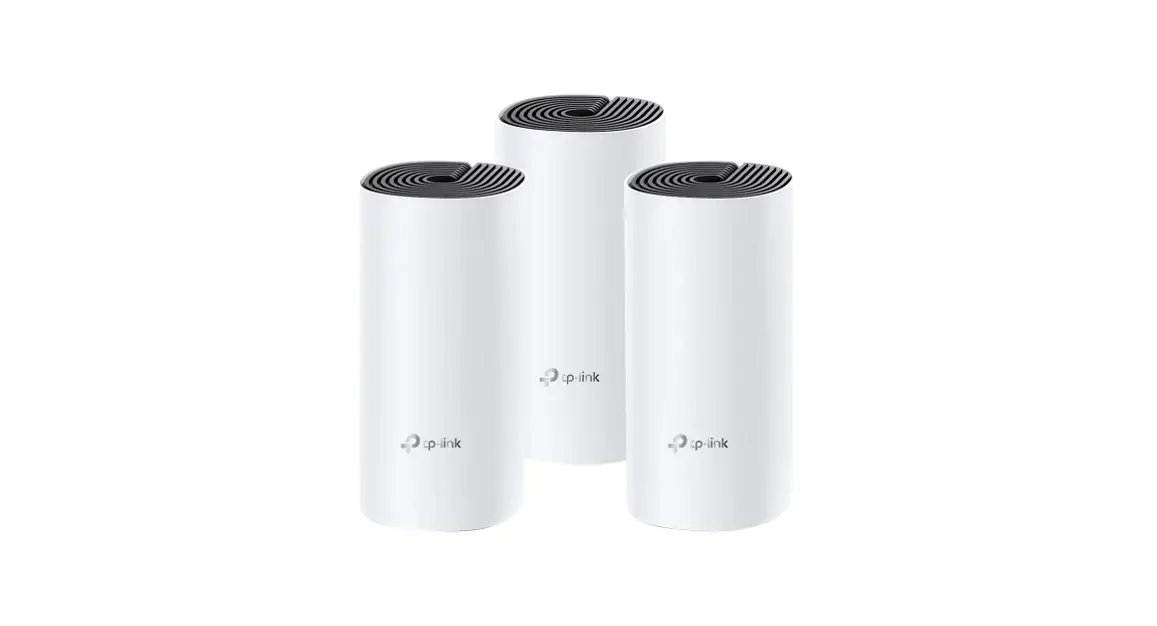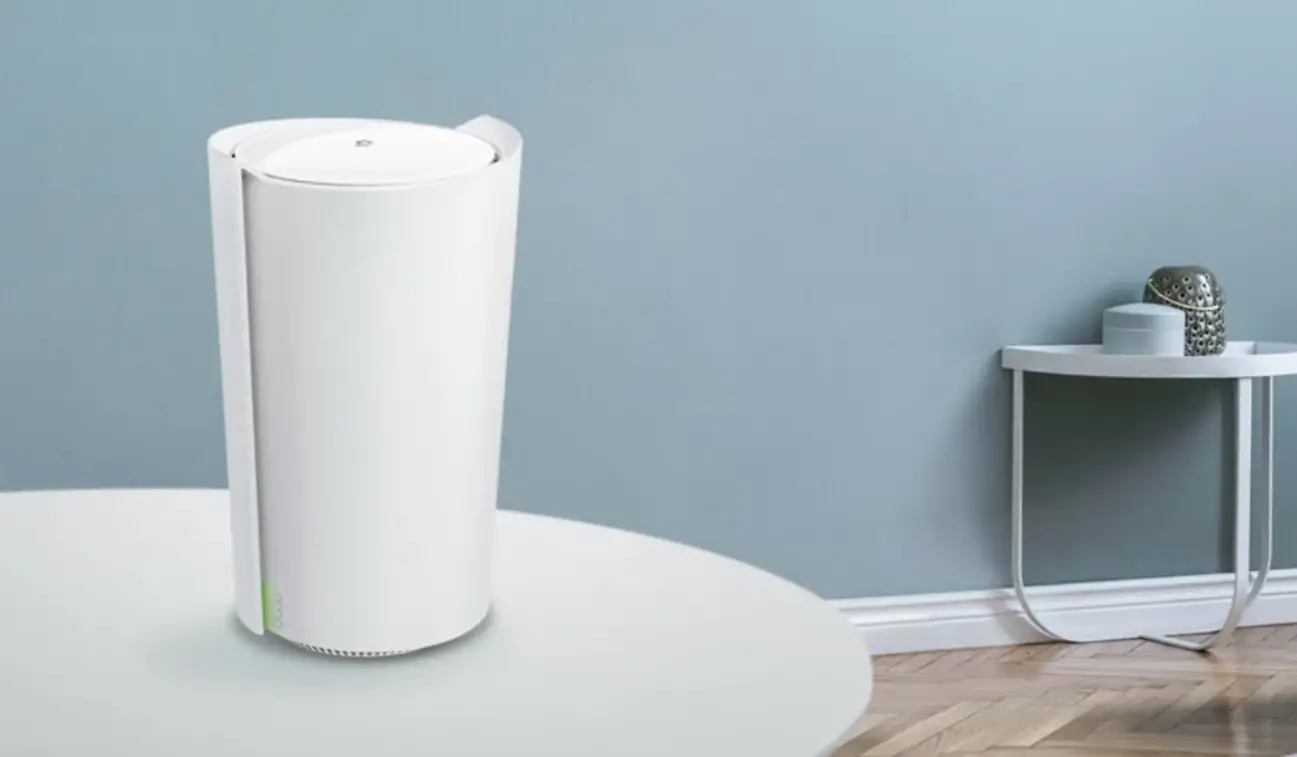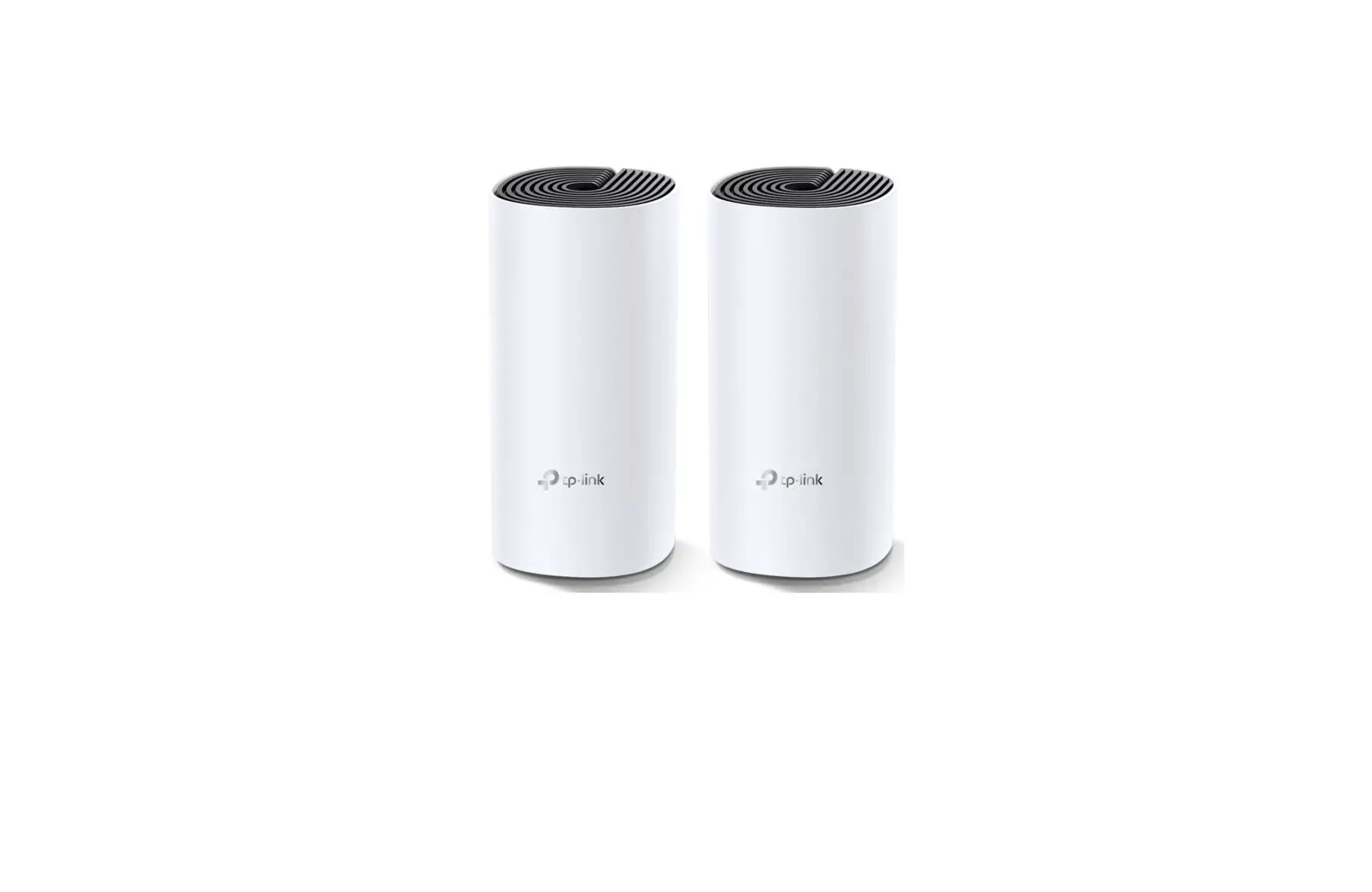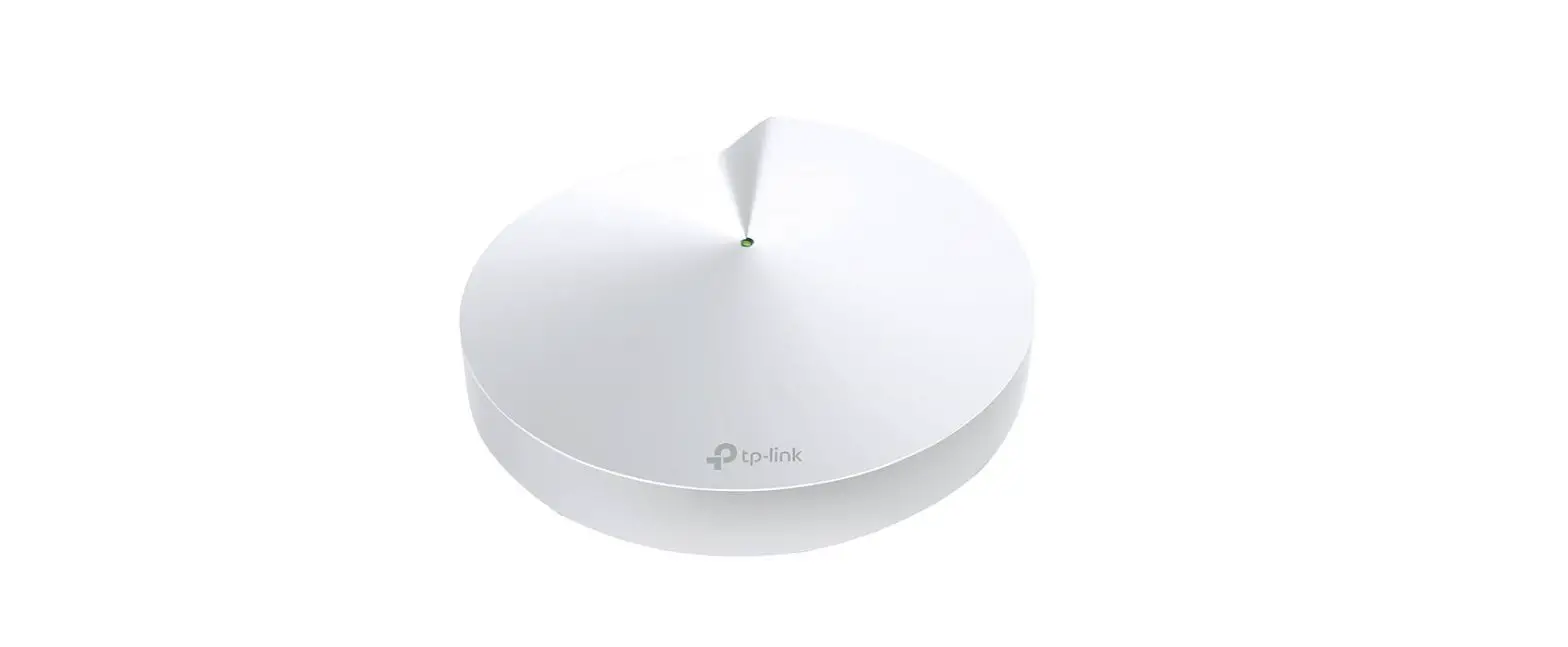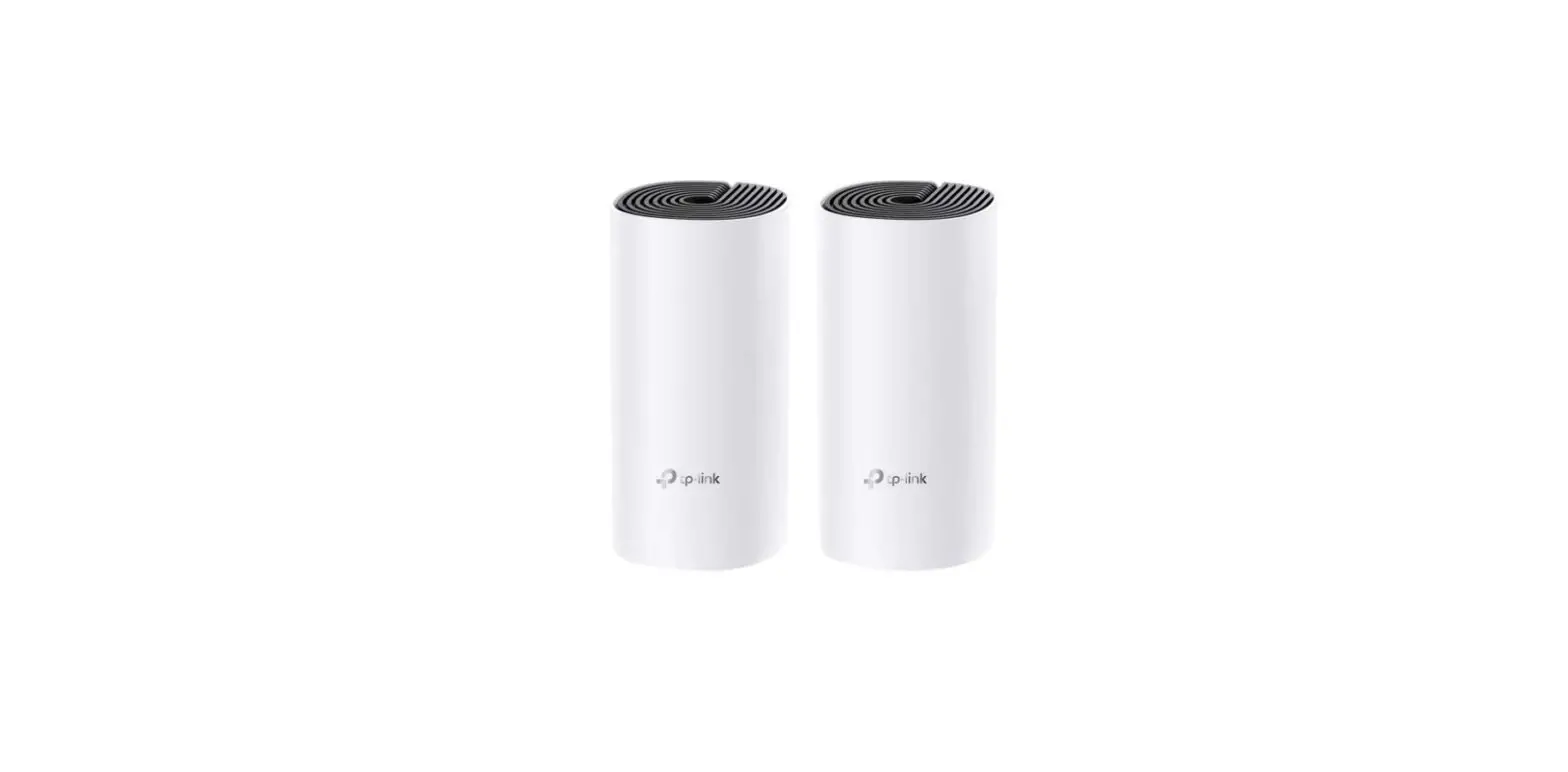

tp-link Deco M4 AC1200 Whole Home Mesh Wi-Fi System

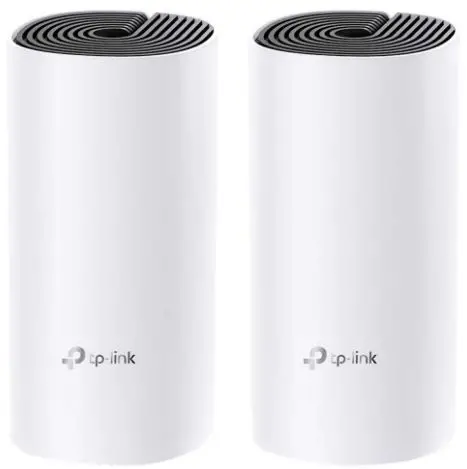
Getting Started
- Download the TP-Link Deco app for iOS or Android.
- Follow app instructions to set up your Gateway Deco (DSL/4G) first, then add other Decos to the network.
Need Help?
For answers to frequently asked questions (FAQs) and technical
support, please go to
- https://www.tp-link.com Navigate to Deco’s support page
- the Deco app Swipe right at the main page and select ? Help from the menu.
LED Status
Each Deco has an LED light that changes color according to its status. See the explanation below.
| LED | DECO STATUS |
| Pulse Yellow | Deco is resetting. |
| Solid Yellow | Deco is starting up. |
| Pulse Blue | Deco is ready for setup. |
| Solid Blue | Deco is setting up. |
| Pulse Green/Pulse White | Deco is upgrading firmware. |
| Solid Green/Solid White | Deco is all set up and connected to internet. |
| Pulse Red | The satellite Deco is disconnected from main Deco. |
| Solid Red | Deco has an issue. |