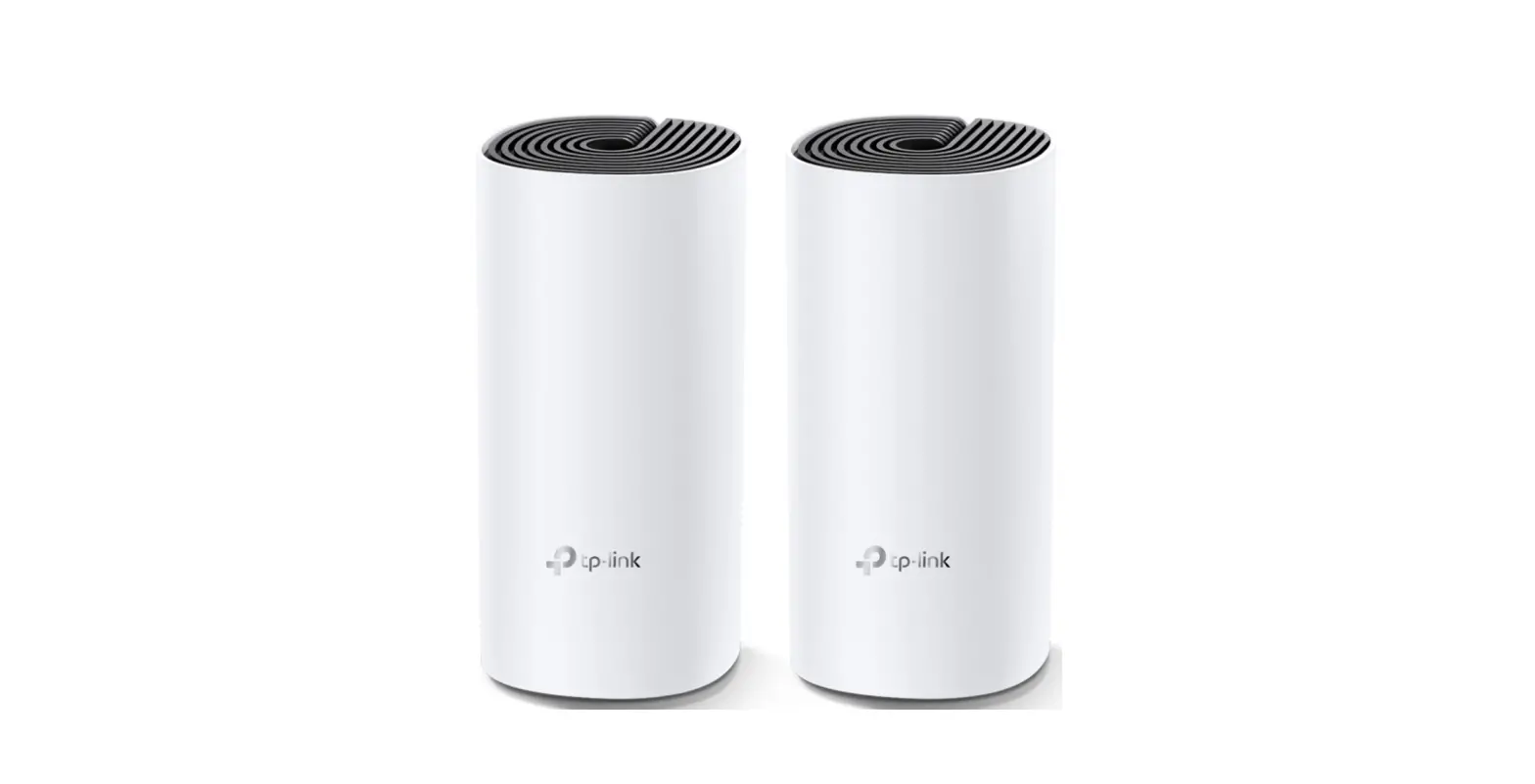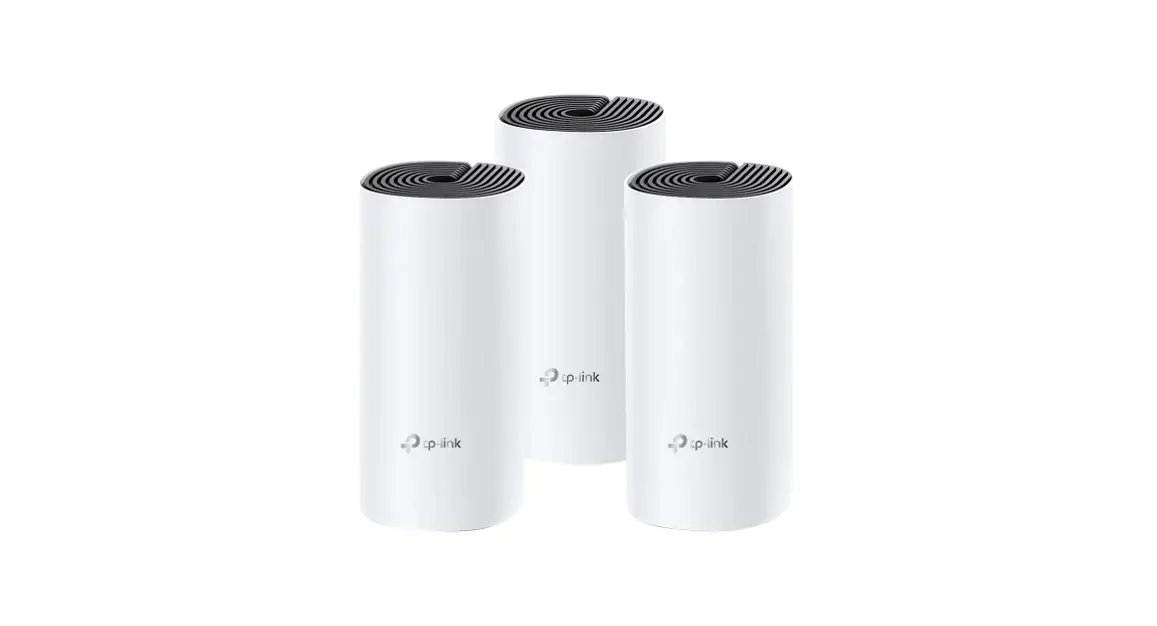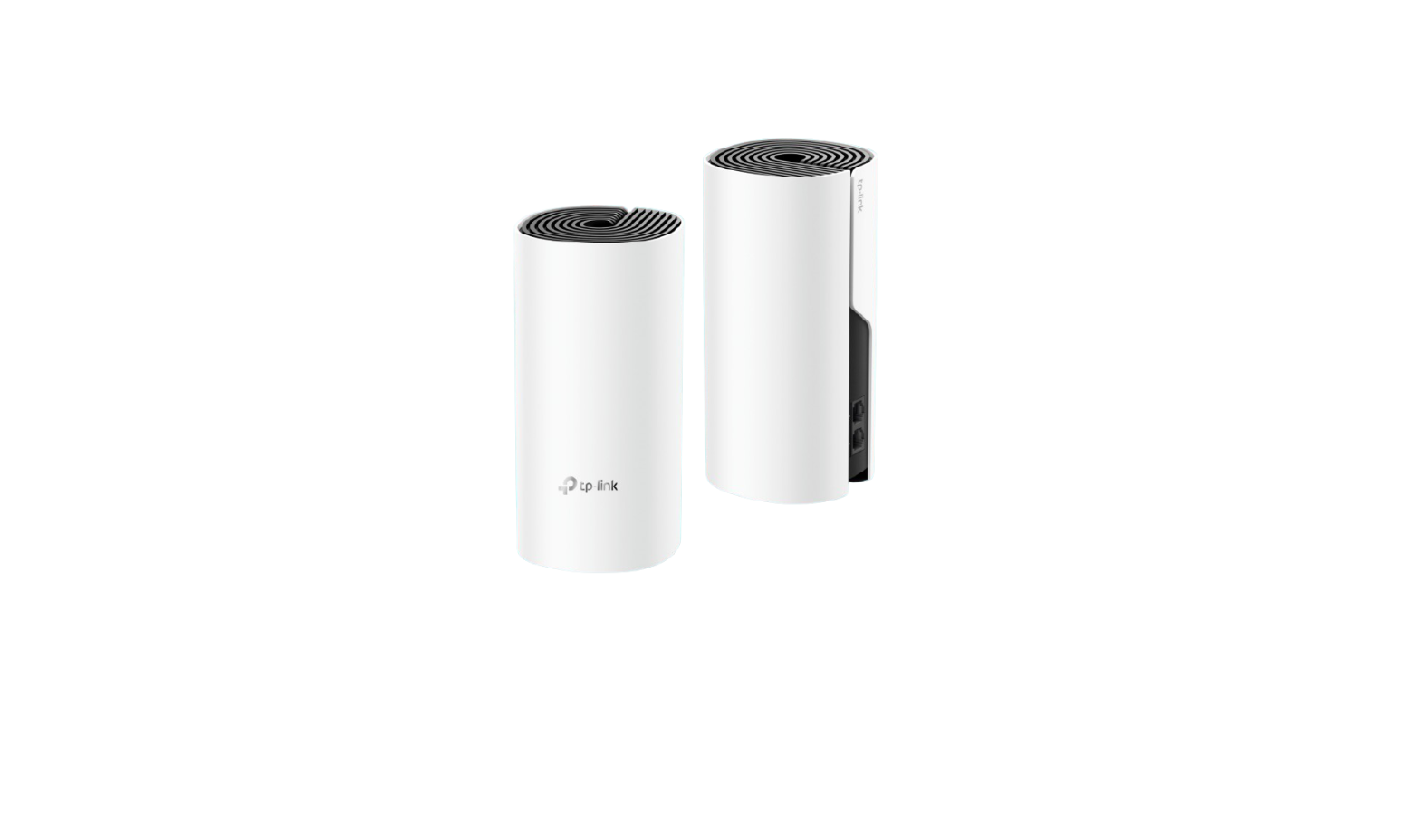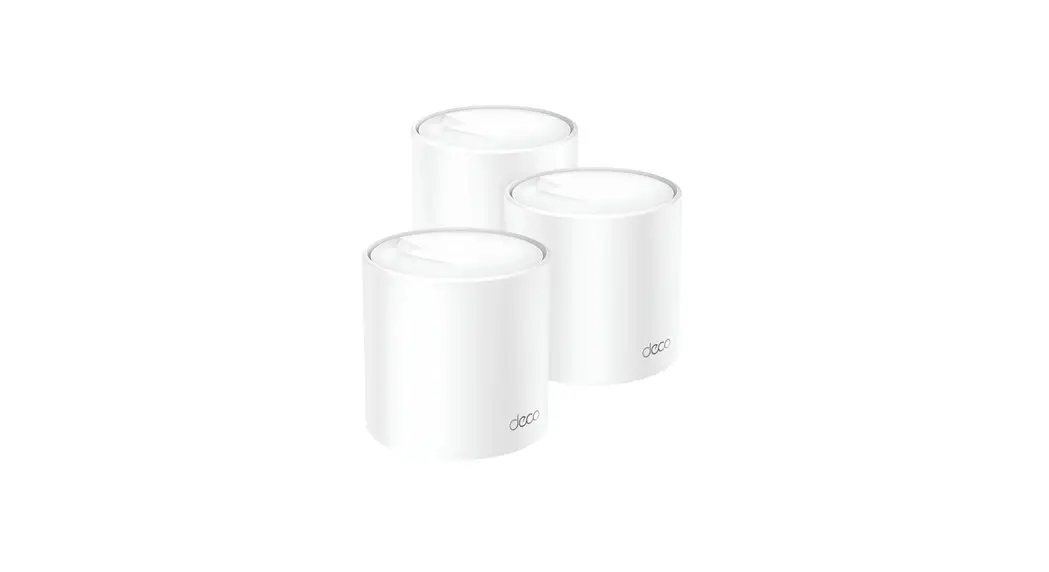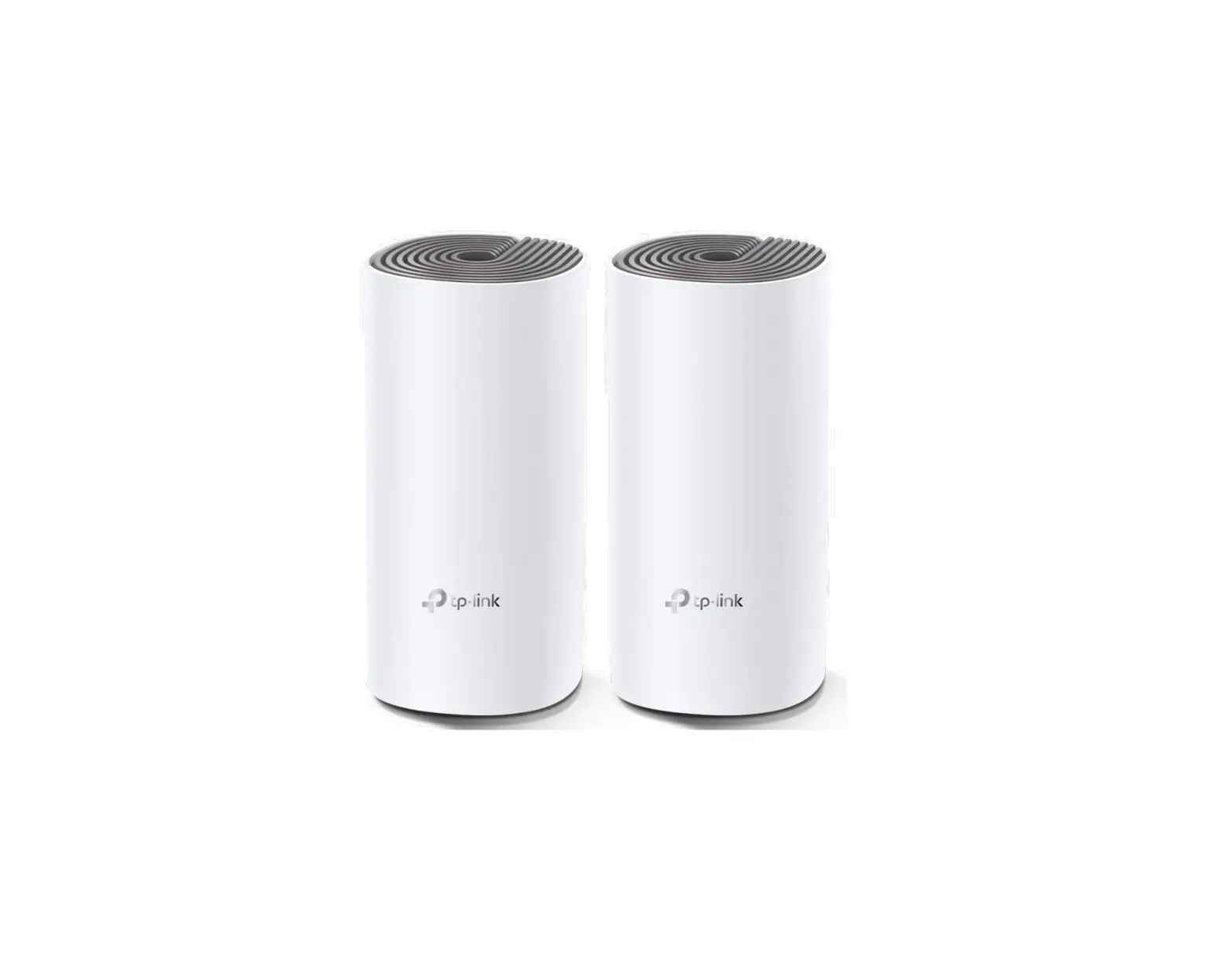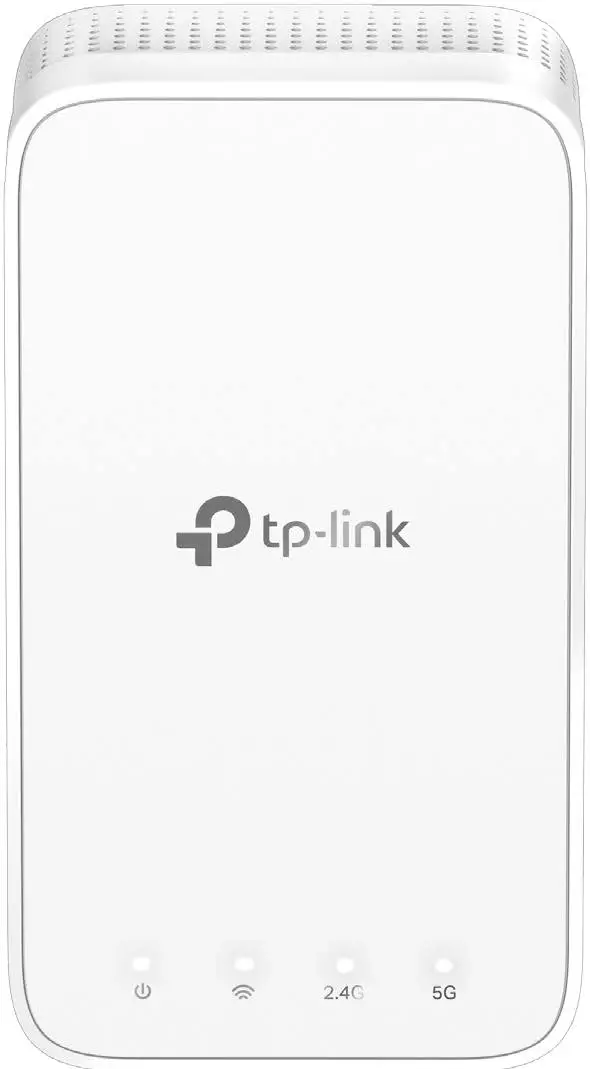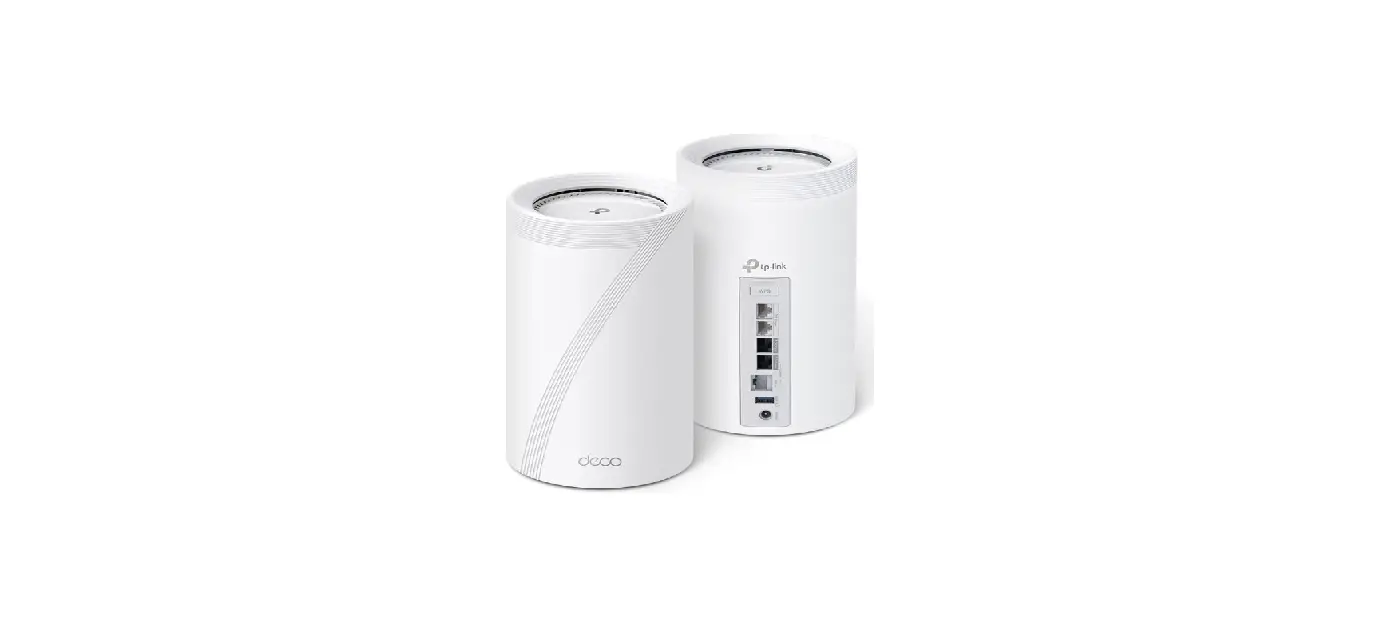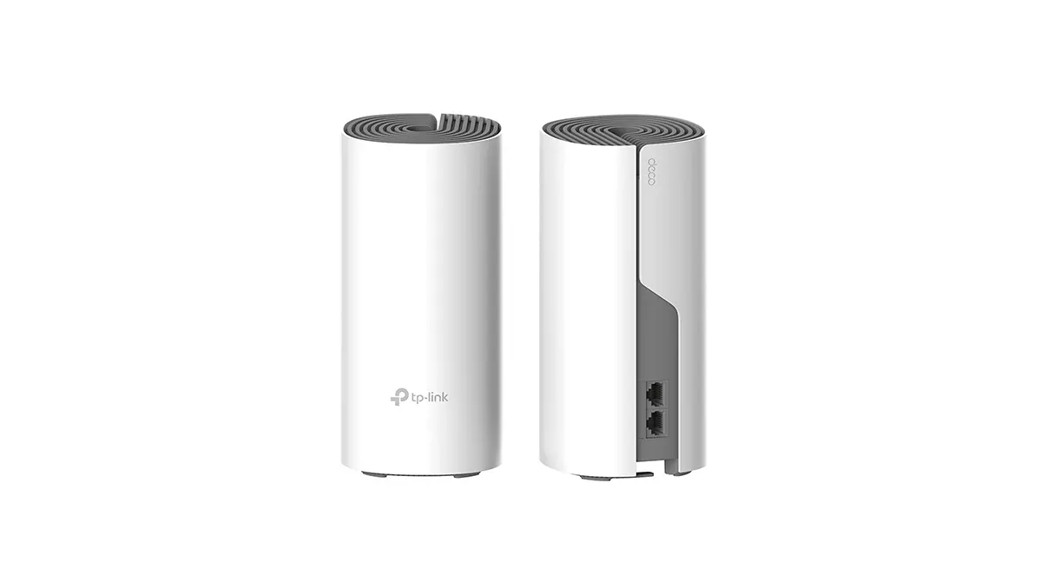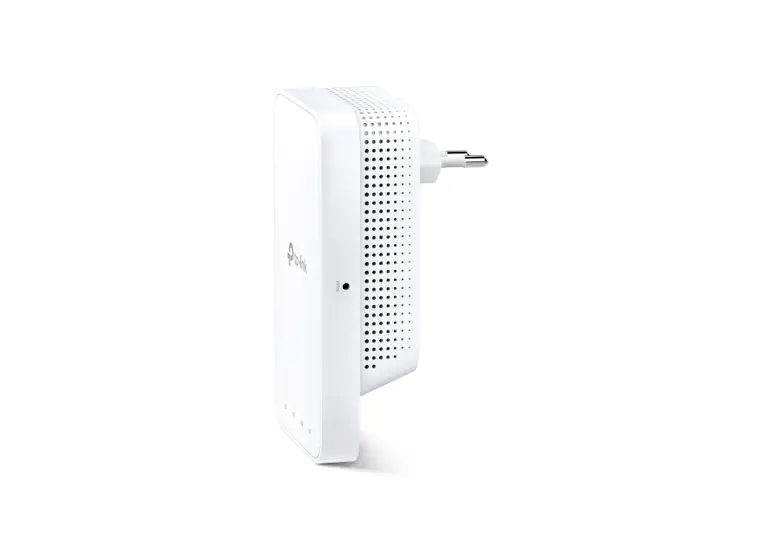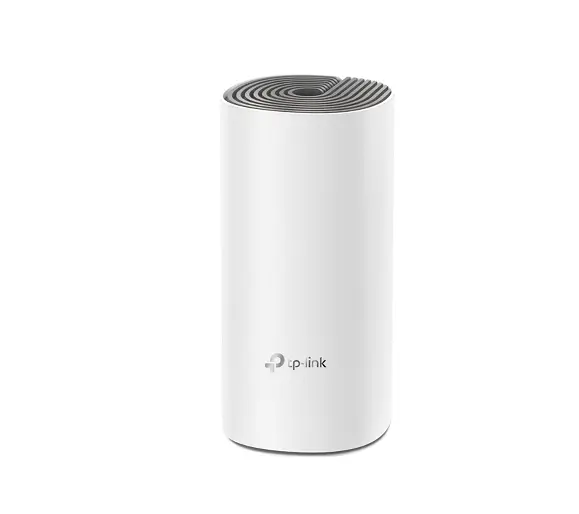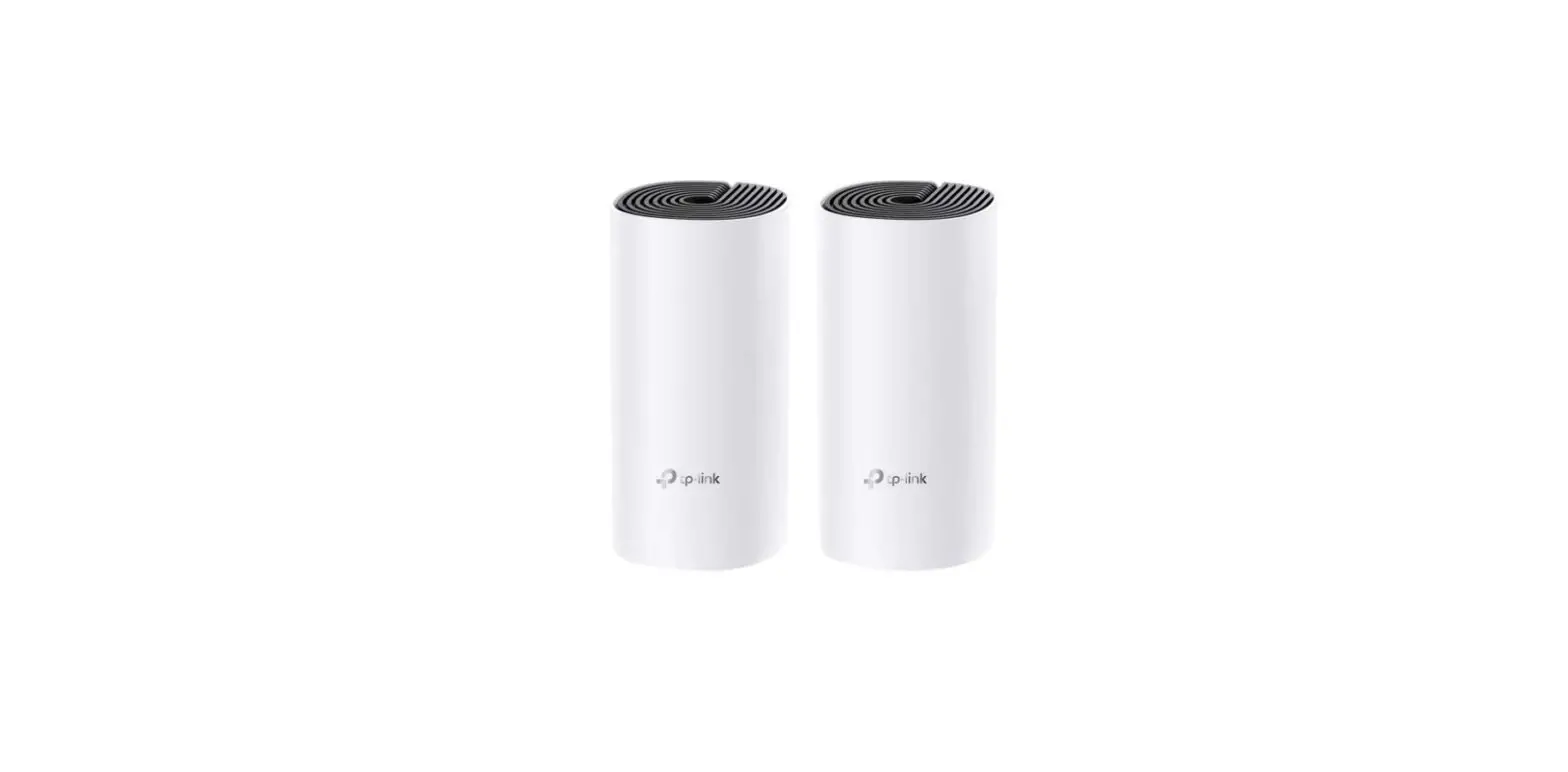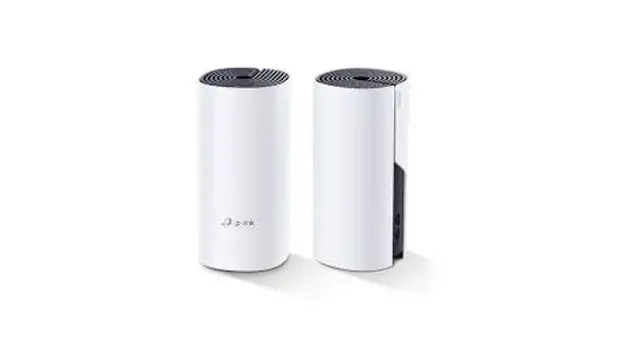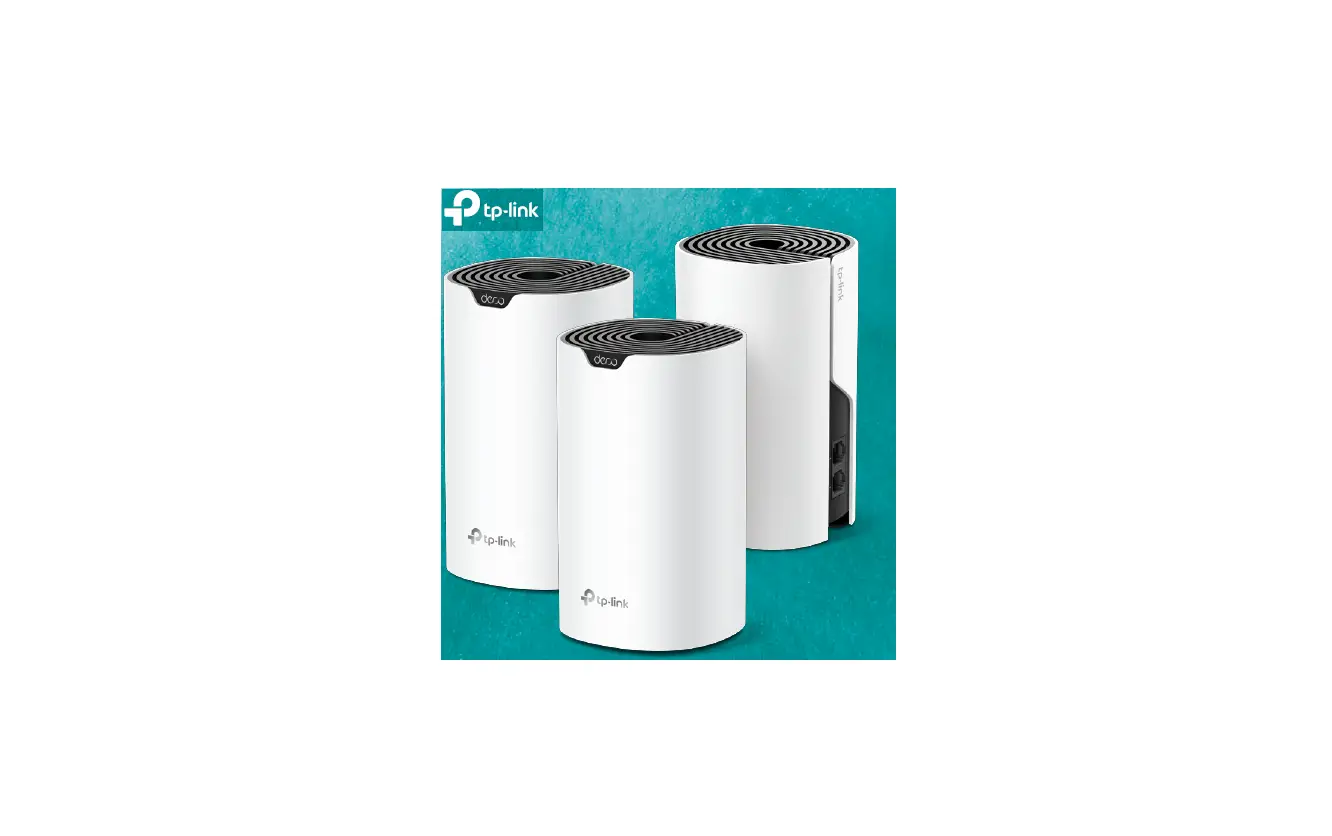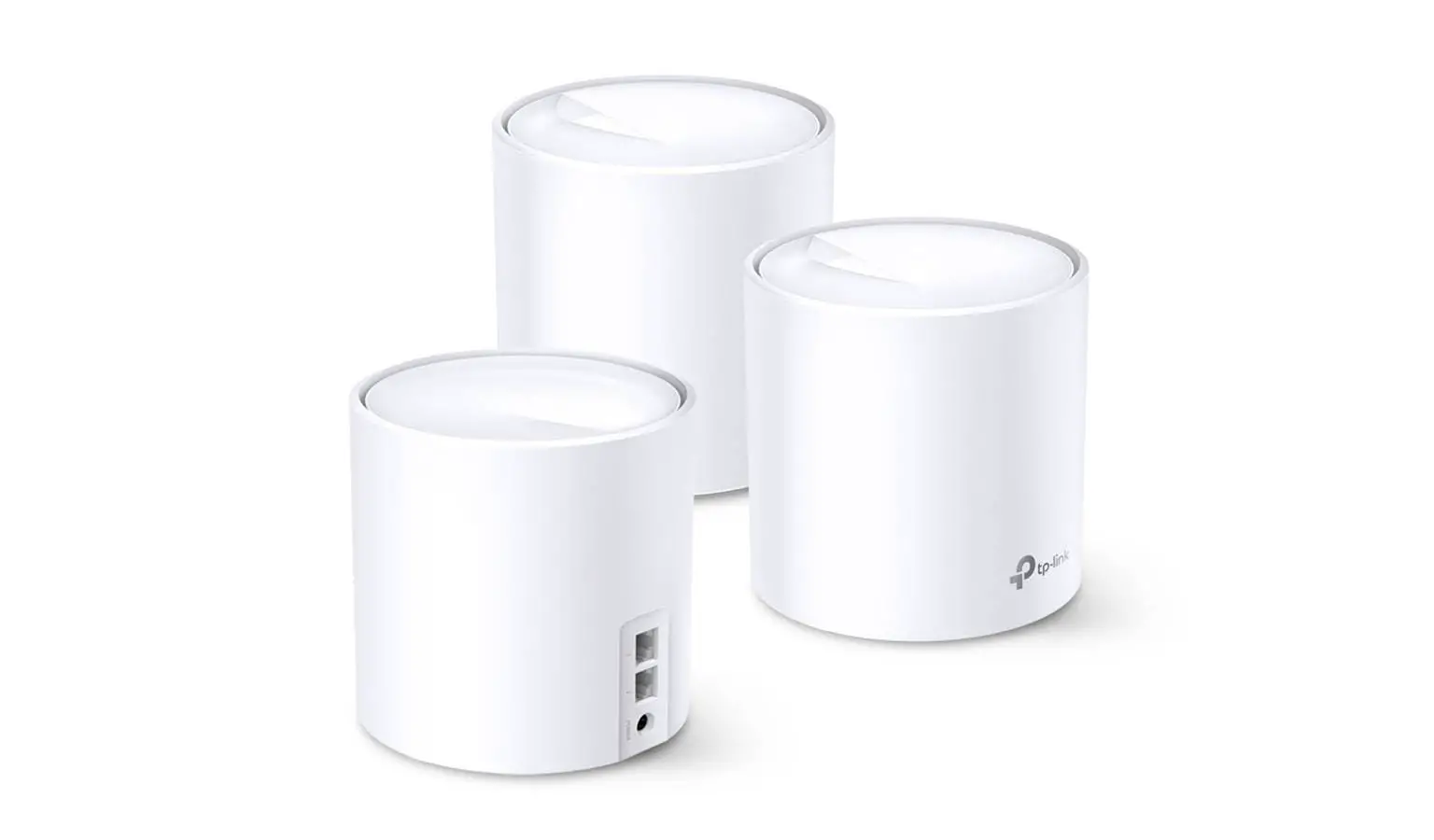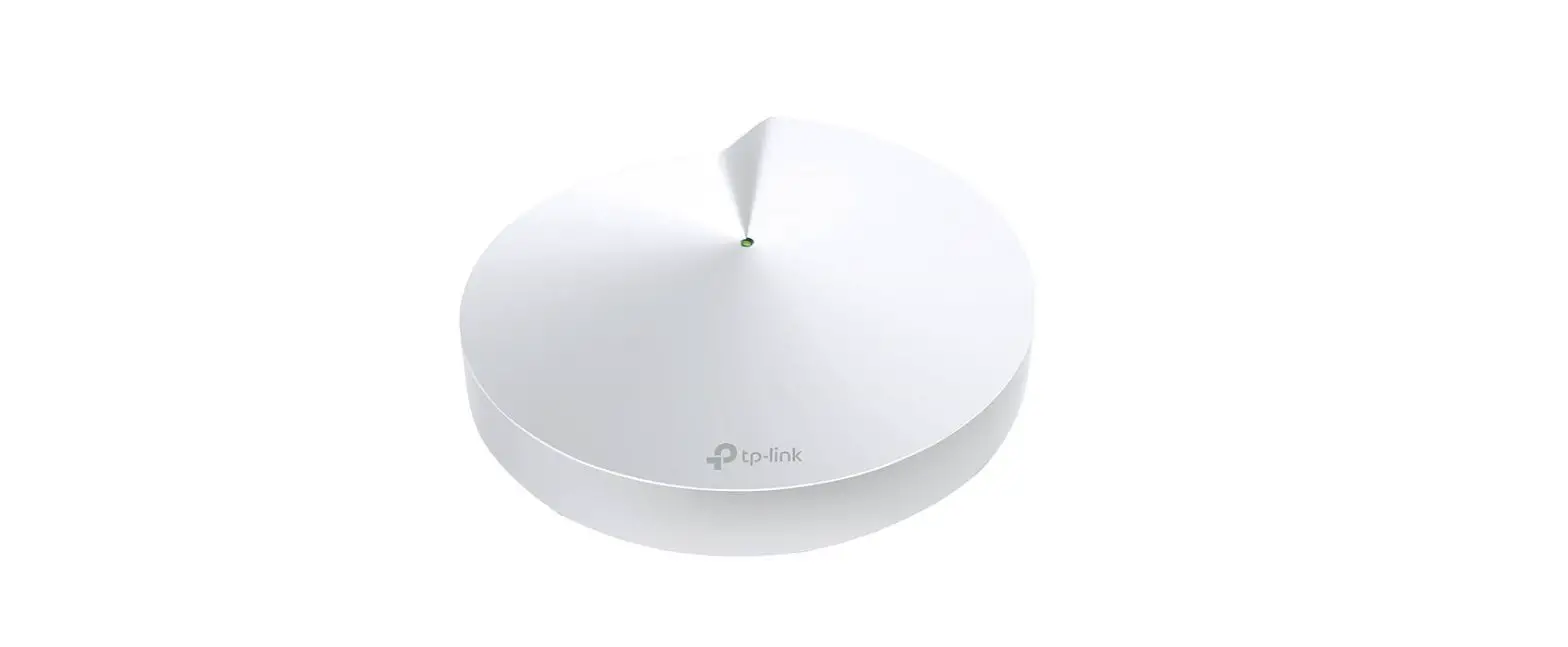
 M5V32 AC1300 Whole Home Mesh Wi-Fi System
User Guide
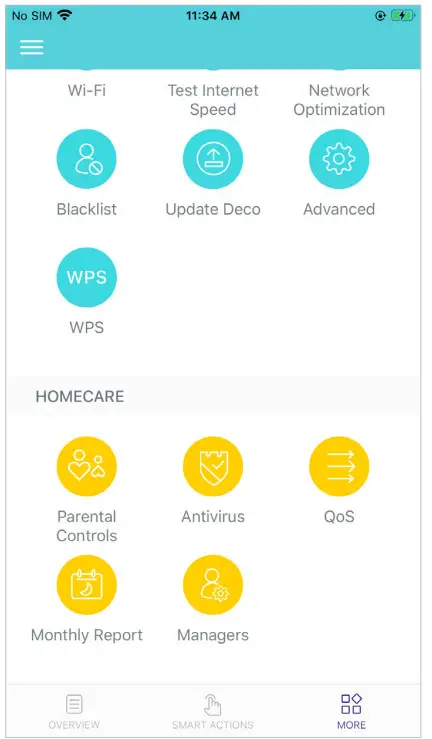
Parental Controls
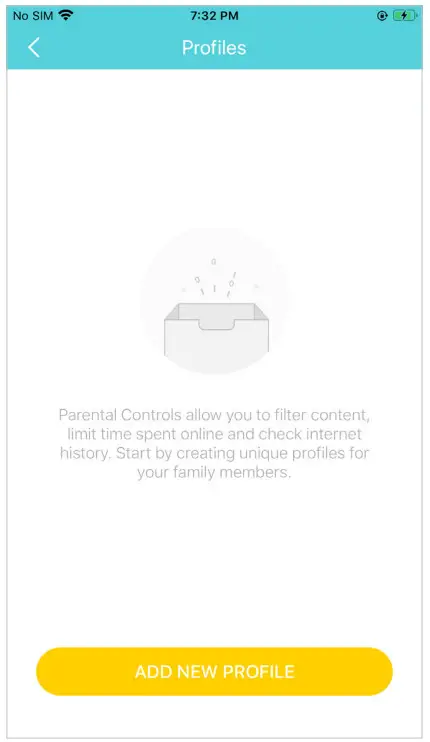
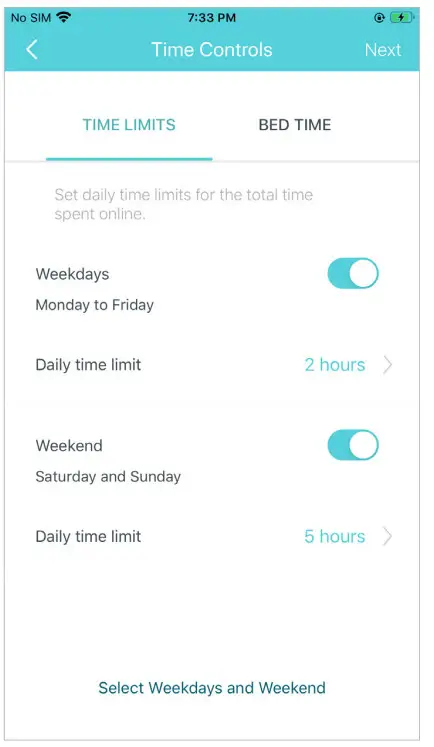
Parental Controls allows you to filter content, limit time spent online and check internet history. Start by creating unique profiles for members.
Tap > Parental Controls > Parental Controls | Create unique profiles for family members |
 |  |
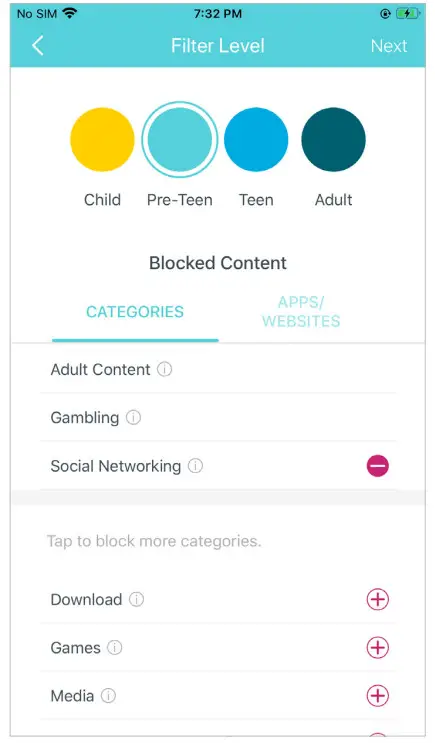
| Set filter level to block inappropriate contents | Set daily time limits for the total time spent online |
 |  |
Antivirus
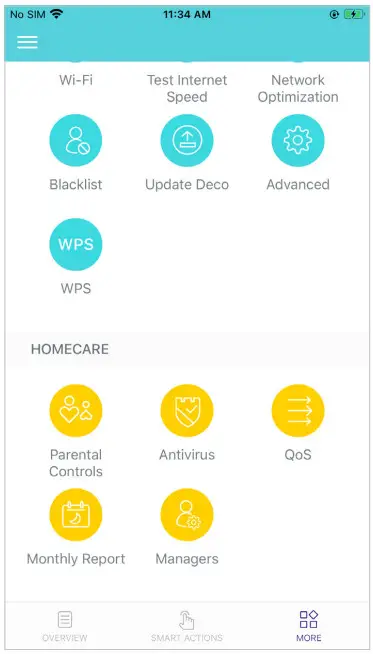
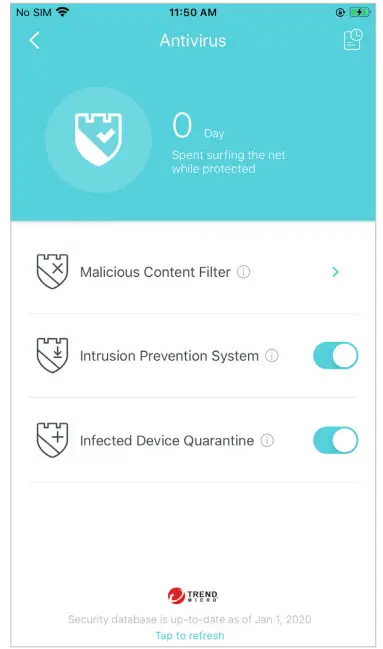
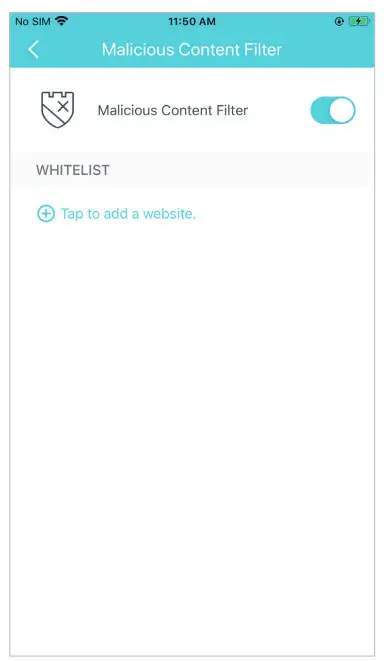
Deco’s Antivirus feature blocks malicious websites to ensure you can safely surf the internet, protects your network against external attacks and eliminates vulnerabilities, and prevents infected devices from sending sensitive information or security threats to devices outside your network. Enable them all to keep your network safe all the time.
| Tap > Antivirus | Enable the Antivirus features as needed | Add a website to Whitelist that will not be blocked. |
 |  |  |
QoS
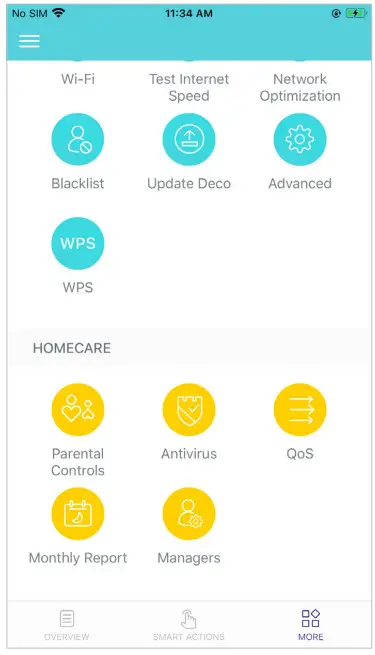
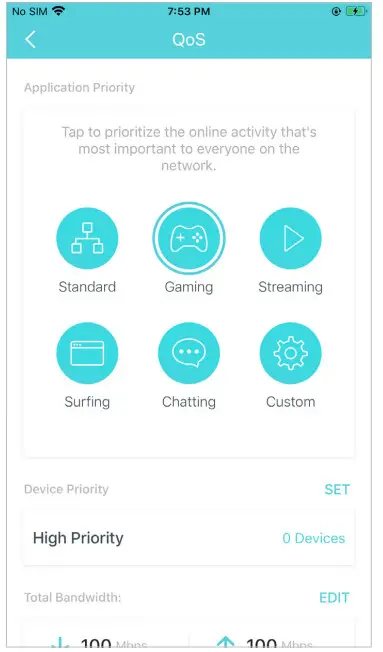
QoS (Quality of Service) helps you set priority for specific applications and devices so that they can perform better with lower latency.
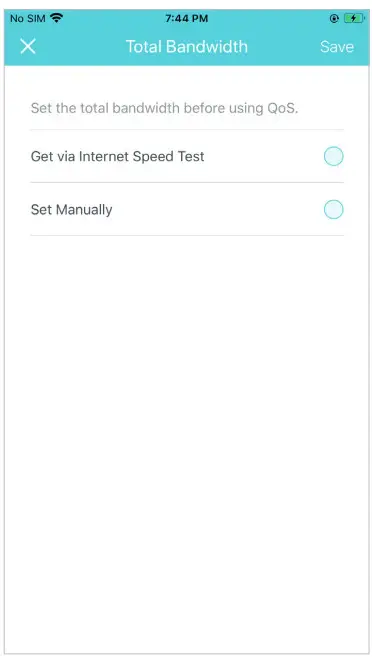
| Tap > QoS | Set the total bandwidth before using QoS |
 |  |
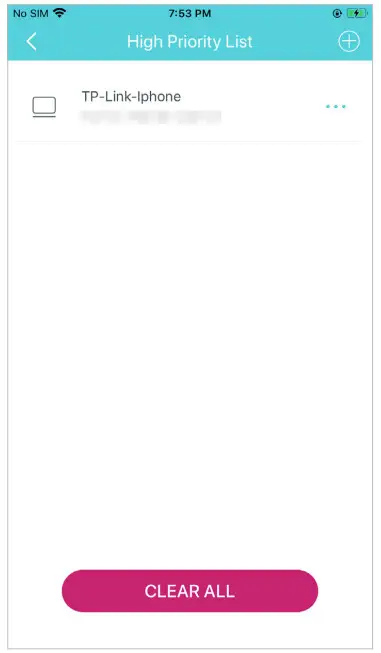
| Tap to prioritize the online activity that’s most important | Add devices you want to prioritize to guarantee a better network performance |
 |  |
Monthly Report
Review the monthly usage statistics, such as security threats and total connected network devices each day.
| Tap > Monthly Report | View monthly reports |
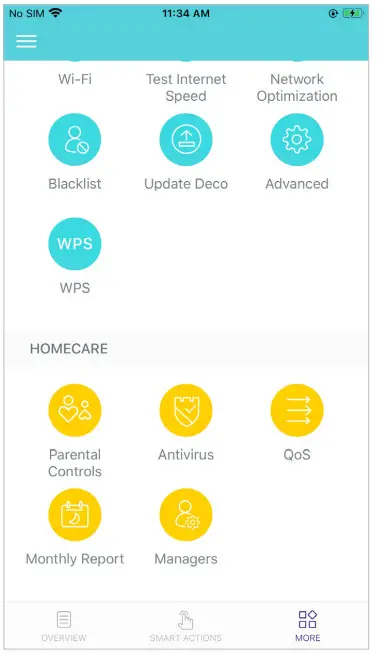 | 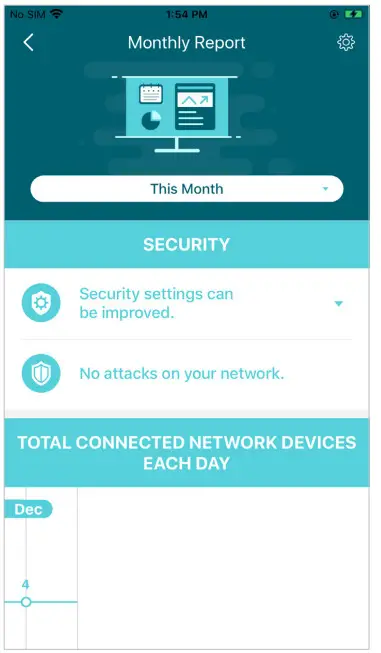 |
| Enable or disable monthly report | Clear monthly report data |
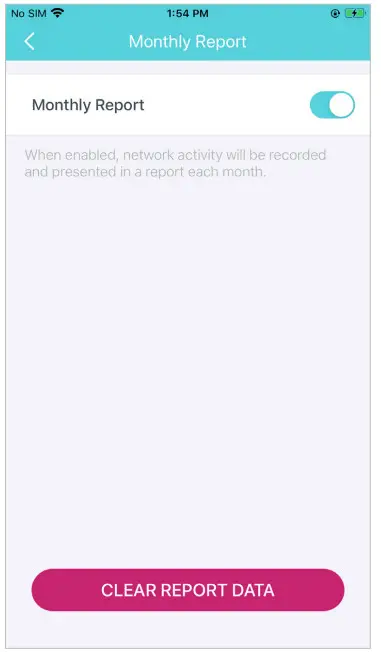 | 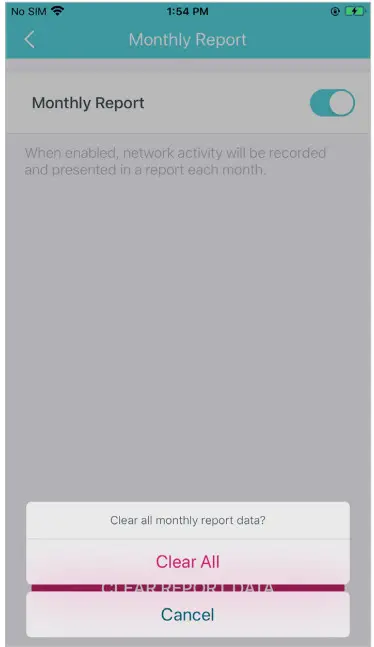 |
Managers
Add friends and family members to help manage your network. Each manager should have their own TP-Link ID.
| Tap > Managers | Add other accounts as managers |
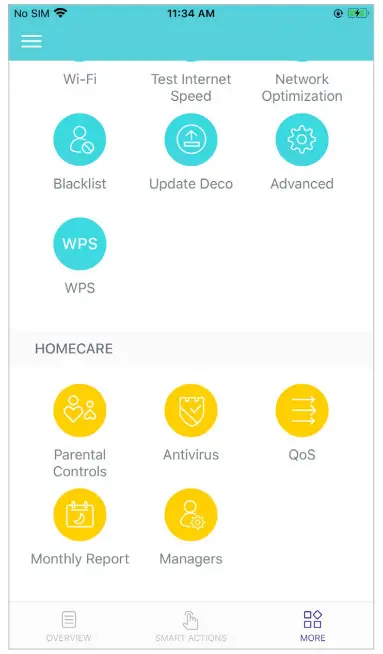 | 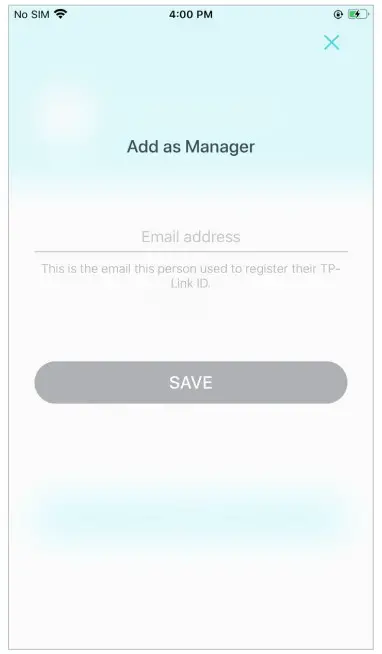 |
| Set privileges for managers | Remove manager |
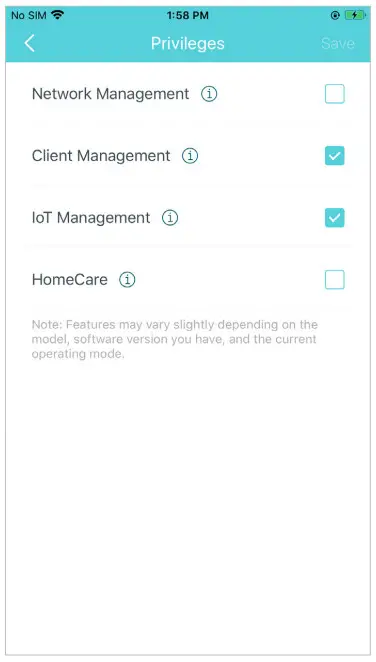 | 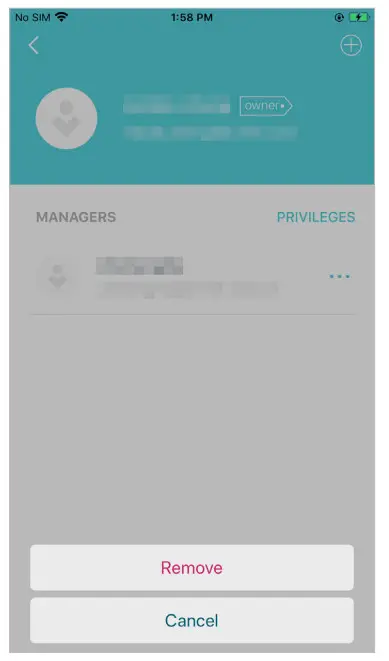 |
Advanced Features
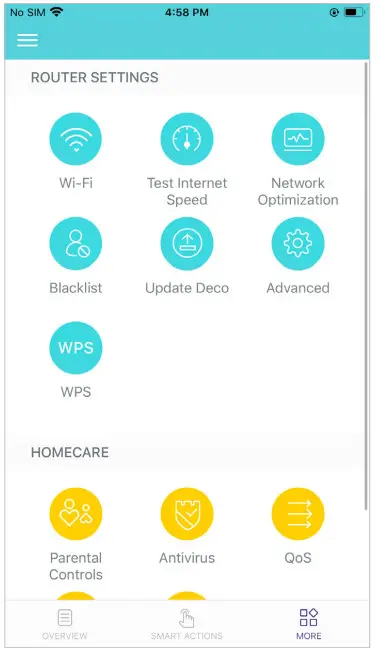
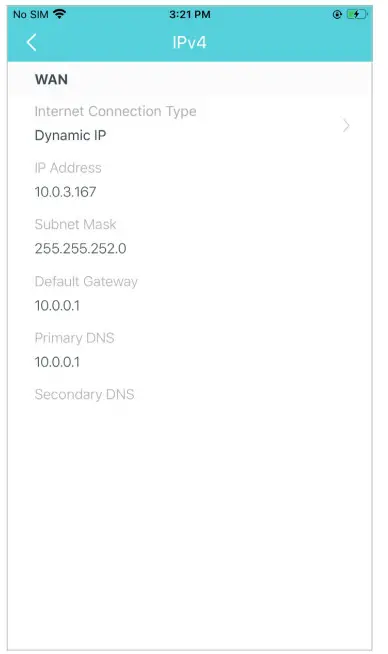
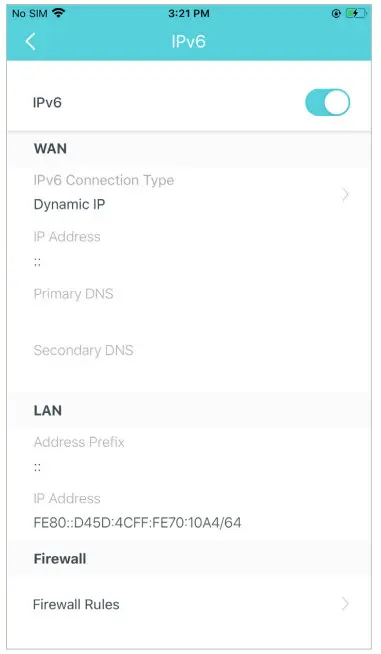
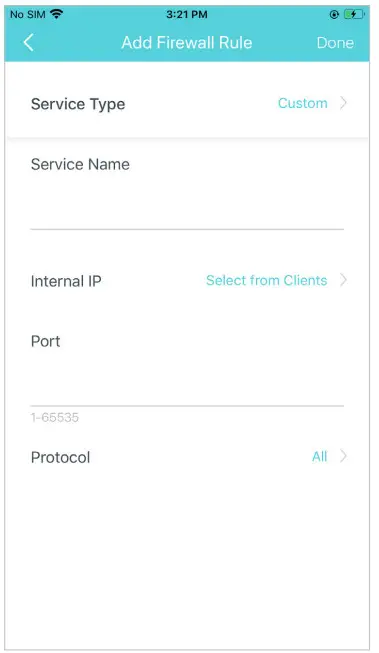
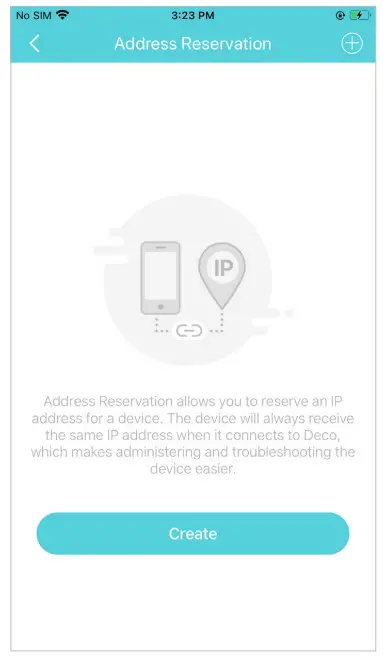
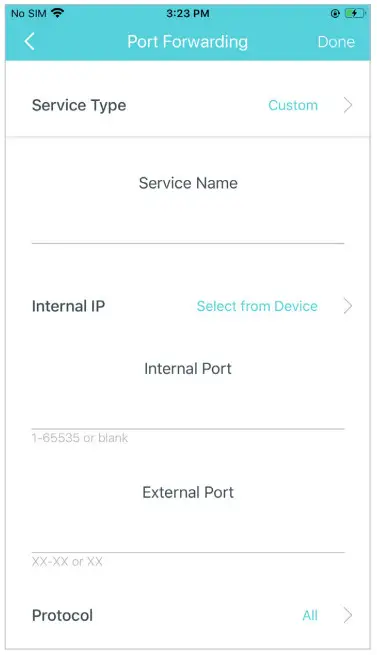
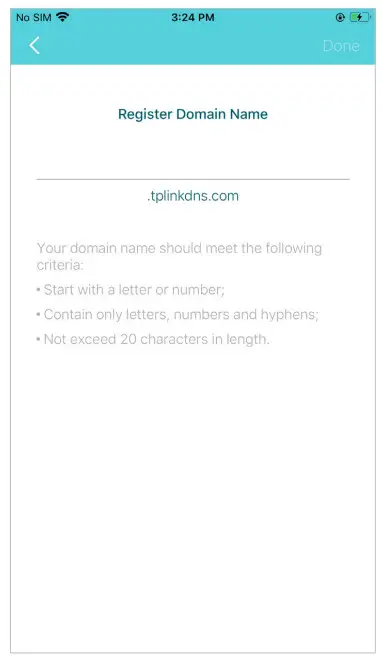
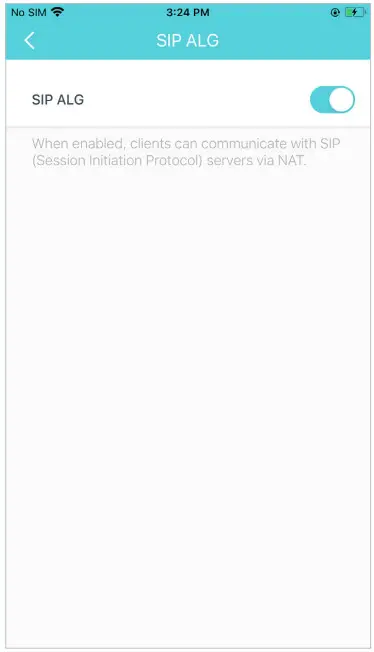
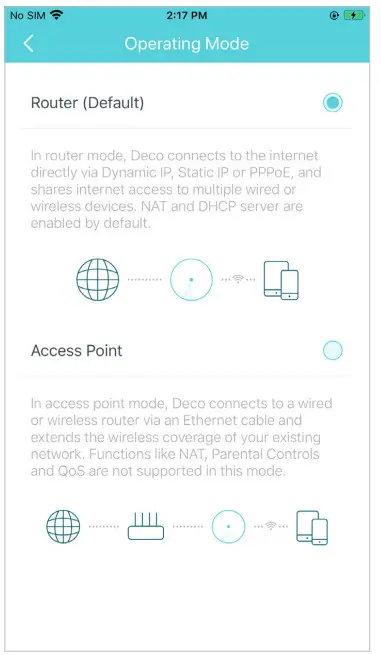
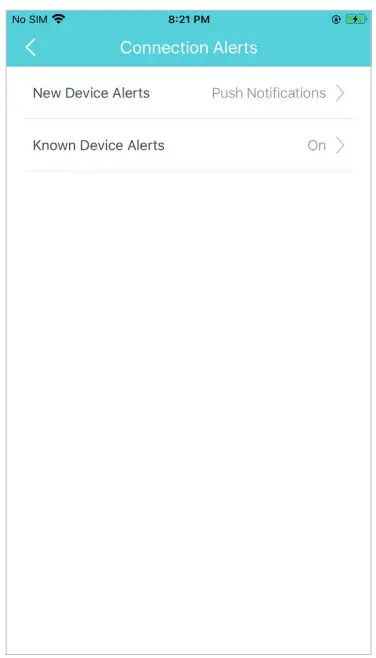
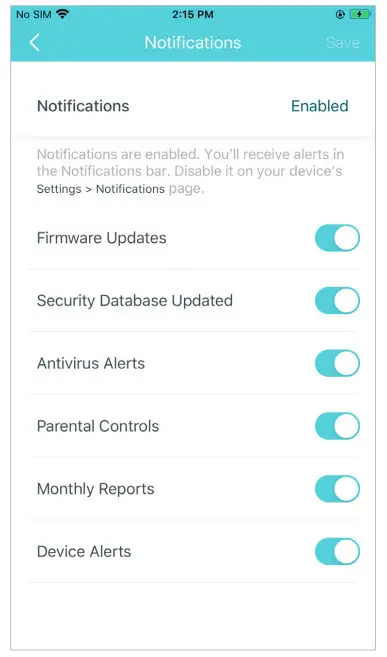
Additional features are available under the Advanced menu. You can modify WAN settings (IPv4 & IPv6), add IPv6 firewall rules, modify LAN IP, set up DHCP server, enable VLAN/IPTV/MAC Clone mode, reserve the same IP address for a specific device, set up port forwarding rules to make your local computers accessible to other devices over the internet, enable TP-Link DDNS, SIP ALG, fast roaming and beamforming, control Deco’s LED, change the working mode, and configure the notification settings.
| Tap > Advanced | View IPv4 details or change the internet connection type |
 |  |
| Enable IPv6 to set up an IPv6 internet connection | Add IPv6 firewall rules to allow specific devices to access the specified services |
 |  |
| Modify LAN IP to avoid IP address conflict | Change DHCP server settings |
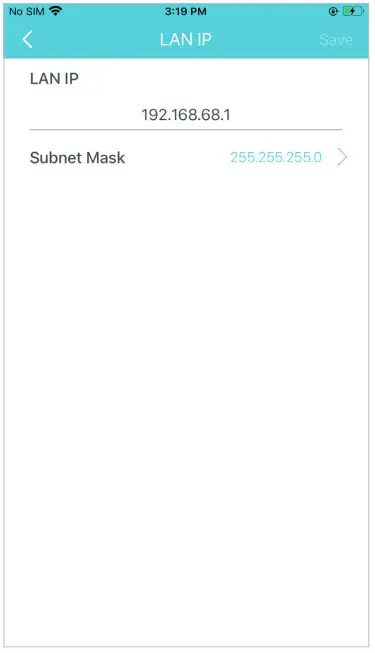 | 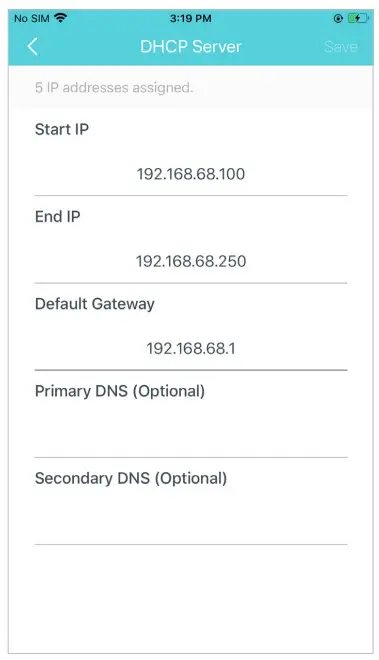 |
| Enable IPTV/VLAN mode to support IPTV services | Enable MAC Clone if Deco fails to connect to the internet Tip: For more about MAC Clone, refer to Tip: For more about MAC Clone, refer to |
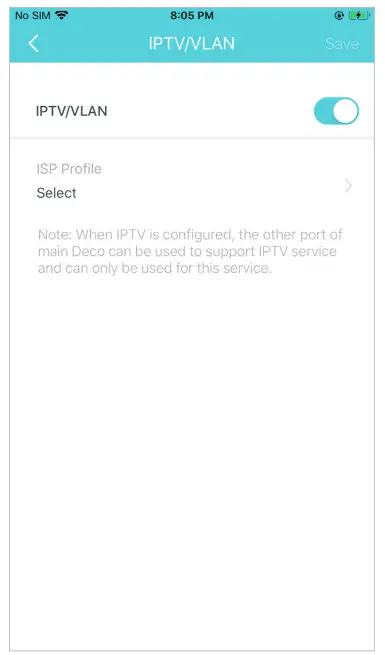 | 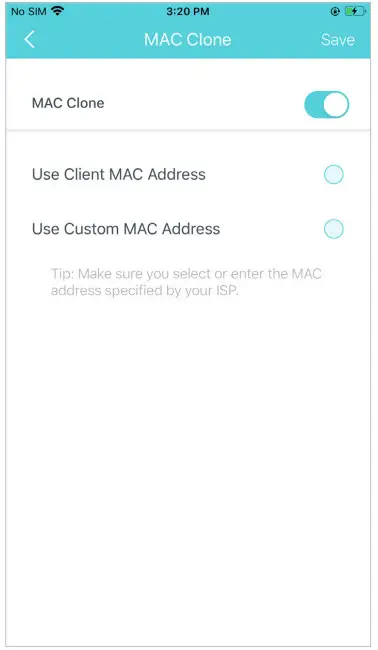 |
| Reserve IP addresses for specific devices to recognize and manage the device more easily | Set up port forwarding rules to enable devices in your network accessible over the internet with safety |
 |  |
| Register a TP-Link DDNS domain name to access your router and local servers using a domain name | Enable SIP ALG to communicate with SIP (Session Initiation Protocol) servers via NAT) |
 |  |
| Enable UPNP to enable devices on your local network to dynamically open ports for applications such as multiplayer gaming | Enable Fast Roaming to allow your wireless devices to switch connections to different Decos |
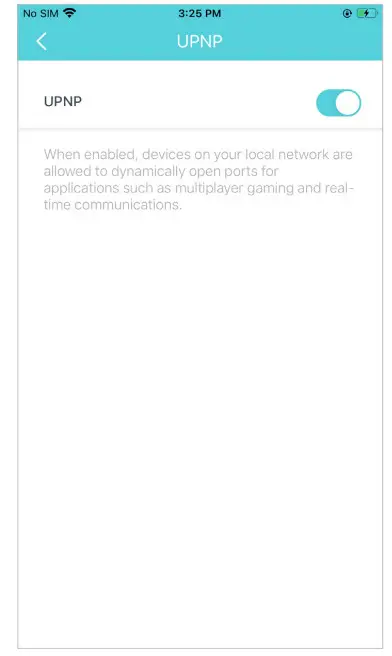 | 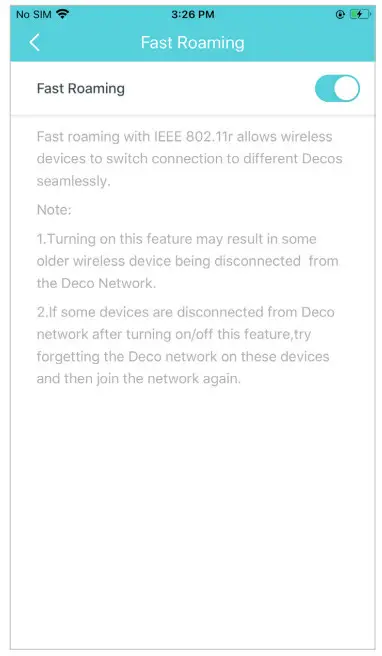 |
| Enable Beamforming to concentrate Wi-Fi signal towards connected devices for stronger connections | Toggle off LED to turn off the light on Deco. Configure the Night Mode to turn off the LED light at bedtime only |
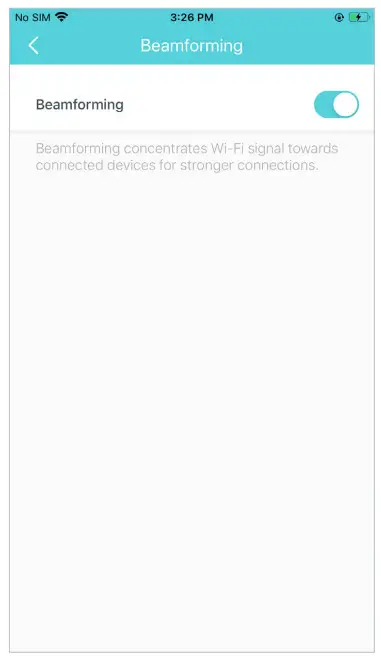 | 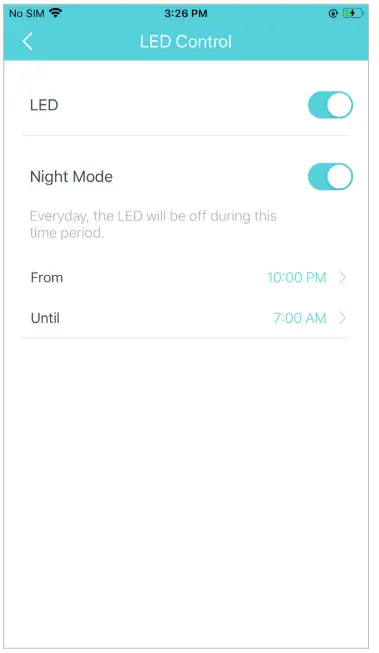 |
Change the operating mode Note: When the Deco works in Access Point mode, advanced features such as IPv4, Address Reservation, Port Forwarding, and DHCP server are not available. Note: When the Deco works in Access Point mode, advanced features such as IPv4, Address Reservation, Port Forwarding, and DHCP server are not available. | Set connection alerts to receive notifications once the clients connect to or disconnect from Deco |
 |  |
| Set notifications to receive alerts in the notification bar | |
 | |
https://www.tp-link.com/support/faq/2925/
Authentication
FCC compliance information statement Product Name: AC1300 Whole Home Mesh Wi-Fi System
Model Number: Deco M5
| Component Name | Model |
| I.T.E. POWER SUPPLY | T120120-2B4 |
Responsible party:
TP-Link USA Corporation, d/b/a TP-Link North America, Inc.
Address: 145 South State College Blvd. Suite 400, Brea, CA 92821
Website: http://www.tp-link.com/us/
Tel: +1 626 333 0234
Fax: +1 909 527 6803
E-mail: [email protected]
This equipment has been tested and found to comply with the limits for a Class B digital device, pursuant to part 15 of the FCC Rules. These limits are designed to provide reasonable protection against harmful interference in a residential installation. This equipment generates, uses and can radiate radio frequency energy and, if not installed and used in accordance with the instructions, may cause harmful interference to radio communications. However, there is no guarantee that interference will not occur in a particular installation. If this equipment does cause harmful interference to radio or television reception, which can be determined by turning the equipment off and on, the user is encouraged to try to correct the interference by one or more of the following measures:
- Reorient or relocate the receiving antenna.
- Increase the separation between the equipment and receiver.
- Connect the equipment into an outlet on a circuit different from that to which the receiver is connected.
- Consult the dealer or an experienced radio/ TV technician for help.
This device complies with part 15 of the FCC Rules. Operation is subject to the following two conditions:
- This device may not cause harmful interference.
- This device must accept any interference received, including interference that may cause undesired operation.
Any changes or modifications not expressly approved by the party responsible for compliance could void the user’s authority to operate the equipment.
Note: The manufacturer is not responsible for any radio or TV interference caused by unauthorized modifications to this equipment. Such modifications could void the user’s authority to operate the equipment.
FCC RF Radiation Exposure Statement
This equipment complies with FCC RF radiation exposure limits set forth for an uncontrolled environment. This device and its antenna must not be co-located or operating in conjunction with any other antenna or transmitter.
“To comply with FCC RF exposure compliance requirements, this grant is applicable to only Mobile Configurations. The antennas used for this transmitter must be installed to provide a separation distance of at least 20 cm from all persons and must not be co-located or operating in conjunction with any other antenna or transmitter.”
We, TP-Link USA Corporation, have determined that the equipment shown above has been shown to comply with the applicable technical standards, FCC part 15. There is no unauthorized change is made in the equipment and the equipment is properly maintained and operated.
FCC compliance information statementProduct Name: I.T.E POWER SUPPLY
Model Number: T120120-2B4
Responsible party:
TP-Link USA Corporation, d/b/a TP-Link North America, Inc.
Address: 145 South State College Blvd. Suite 400, Brea, CA 92821
Website: http://www.tp-link.com/us/
Tel: +1 626 333 0234
Fax: +1 909 527 6803
E-mail: [email protected]
This equipment has been tested and found to comply with the limits for a Class B digital device, pursuant to part 15 of the FCC Rules. These limits are designed to provide reasonable protection against harmful interference in a residential installation. This equipment generates, uses and can radiate radio frequency energy and, if not installed and used in accordance with the instructions, may cause harmful interference to radio communications.
However, there is no guarantee that interference will not occur in a particular installation. If this equipment does cause harmful interference to radio or television reception, which can be determined by turning the equipment off and on, the user is encouraged to try to correct the interference by one or more of the following measures:
- Reorient or relocate the receiving antenna.
- Increase the separation between the equipment and receiver.
- Connect the equipment into an outlet on a circuit different from that to which the receiver is connected.
- Consult the dealer or an experienced radio/ TV technician for help.
This device complies with part 15 of the FCC Rules. Operation is subject to the following two conditions:
- This device may not cause harmful interference.
- This device must accept any interference received, including interference that may cause undesired operation.
Any changes or modifications not expressly approved by the party responsible for compliance could void the user’s authority to operate the equipment.
We, TP-Link USA Corporation, have determined that the equipment shown above has been shown to comply with the applicable technical standards, FCC part 15. There is no unauthorized change is made in the equipment and the equipment is properly maintained and operated.
CE Mark Warning This is a class B product. In a domestic environment, this product may cause radio interference, in which case the user may be required to take adequate measures.
OPERATING FREQUENCY(the maximum transmitted power)
2412MHz—2483.5MHz (20dBm)
5150MHz—5250MHz (23dBm)
EU declaration of conformity
TP-Link hereby declares that the device is in compliance with the essential requirements and other relevant provisions of directives 2014/53/EU, 2009/125/EC, 2011/65/EU, and (EU)2015/863.
The original EU declaration of conformity may be found at https://www.tp-link.com/en/ce.
RF Exposure Information
This device meets the EU requirements (2014/53/EU Article 3.1a) on the limitation of exposure of the general public to electromagnetic fields by way of health protection.
The device complies with RF specifications when the device used at 20 cm from your body.
National Restrictions
Attention: This device may only be used indoors in all EU member states and EFTA countries.
 | AT | BE | BG | CH | CY | CZ | DE | DK |
| EE | EL | ES | Fl | FR | HR | HU | IE | |
| IS | IT | LI | LT | LU | LV | MT | NL | |
| NO | PL | PT | RO | SE | SI | SK | UK |
Canadian Compliance Statement
This device contains license-exempt transmitter(s)/receiver(s) that comply with Innovation, Science and Economic Development Canada’s license-exempt RSS(s). Operation is subject to the following two conditions:
- This device may not cause interference.
- This device must accept any interference, including interference that may cause undesired operation of the device.
Caution:
The device for operation in the band 5150–5250 MHz is only for indoor use to reduce the potential for harmful interference to co-channel mobile satellite systems.
Radiation Exposure Statement:
This equipment complies with IC radiation exposure limits set forth for an uncontrolled environment. This equipment should be installed and operated with a minimum distance of 20cm between the radiator & your body.
Industry Canada Statement
CAN ICES-3 (B)/NMB-3(B)
| Equipment name AC1300 Whole Home Mesh Wi-Fi System | Type designation (Type) Deco M5 | |||||
| Unit | Restricted substances and its chemical symbols | |||||
| Lead (Pb) | Mercury (Hg) | Cadmium (Cd) | Hexavalent chromium (Cr+6) | Polybrominated biphenyls (PBB) | Polybrominated diphenyl ethers (PBDE) | |
| PCB | ○ | ○ | ○ | ○ | ○ | ○ |
| Note 1: “Exceeding 0.1 wt %” and “exceeding 0.01 wt %” indicates that the percentage content of the restricted substance exceeds the the reference percentage value of the present condition. Note 2:“○” indicates that the percentage content of the restricted substance does not exceed the percentage of the reference value of presence. Note 3:The “−” indicates that the restricted substance corresponds to the exemption. | ||||||


Safety Information
- Keep the device away from water, fire, humidity or hot environments.
- Do not attempt to disassemble, repair, or modify the device.
- Do not use a damaged charger or USB cable to charge the device.
- Do not use any other chargers than those recommended
- Do not use the device where wireless devices are not allowed.
- Adapter shall be installed near the equipment and shall be easily accessible.
- Use only power supplies which are provided by the manufacturer and in the original packing of this product. If you have any questions, please don’t hesitate to contact us.
- Operating Temperature: 0°C~40°C (32°F~104°F)
- Storage Temperature: -40°C~60°C (-40°F~140°F)
- Operating Humidity: 10% to 90% RH non-condensing
- Storage Humidity: 5% to 90% RH non-condensing
Please read and follow the above safety information when operating the device. We cannot guarantee that no accidents or damage will occur due to improper use of the device. Please use this product with care and operate at your own risk.
Explanation of the symbols on the product label
| Symbol | Explanation |
 | DC voltage |
 | Indoor use only |
 | Caution |
 | Operators manual |
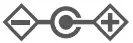 | The polarity of output terminals |
 | Energy efficiency Marking |
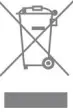 | RECYCLING This product bears the selective sorting symbol for waste electrical and electronic equipment (WEEE). This means that this product must be handled pursuant to European directive 2012/19/EU in order to be recycled or dismantled to minimize its impact on the environment. The user has the choice to give his product to a competent recycling organization or to the retailer when he buys new electrical or electronic equipment. |