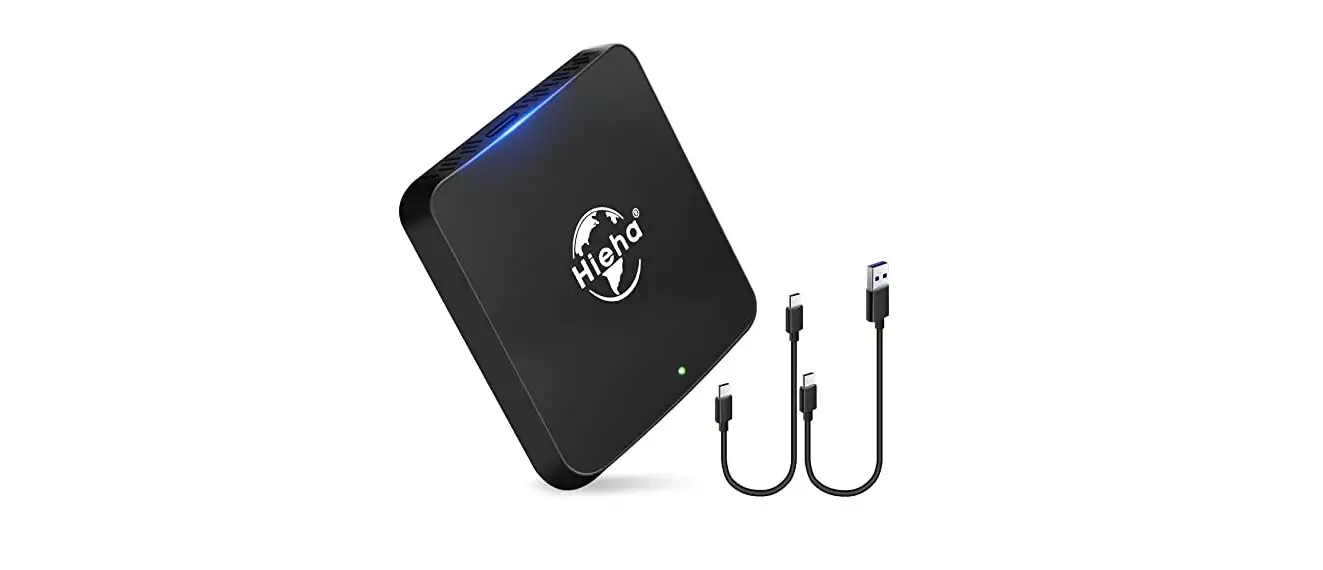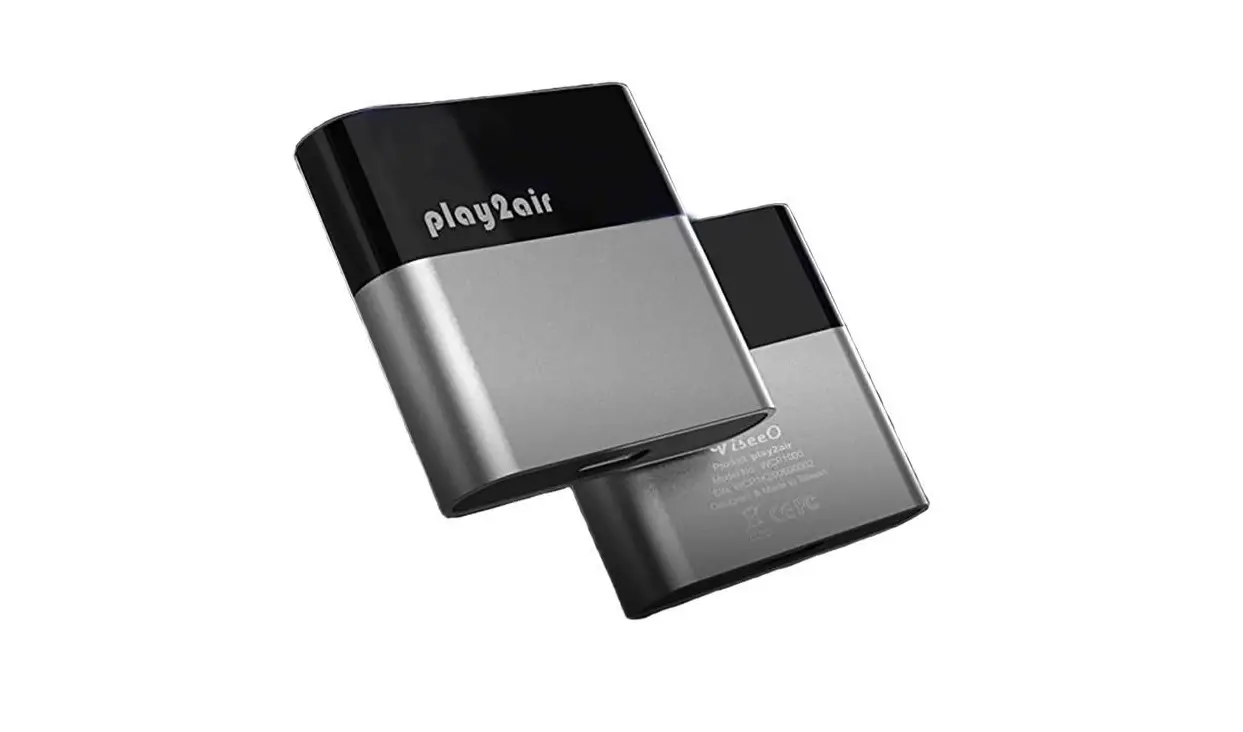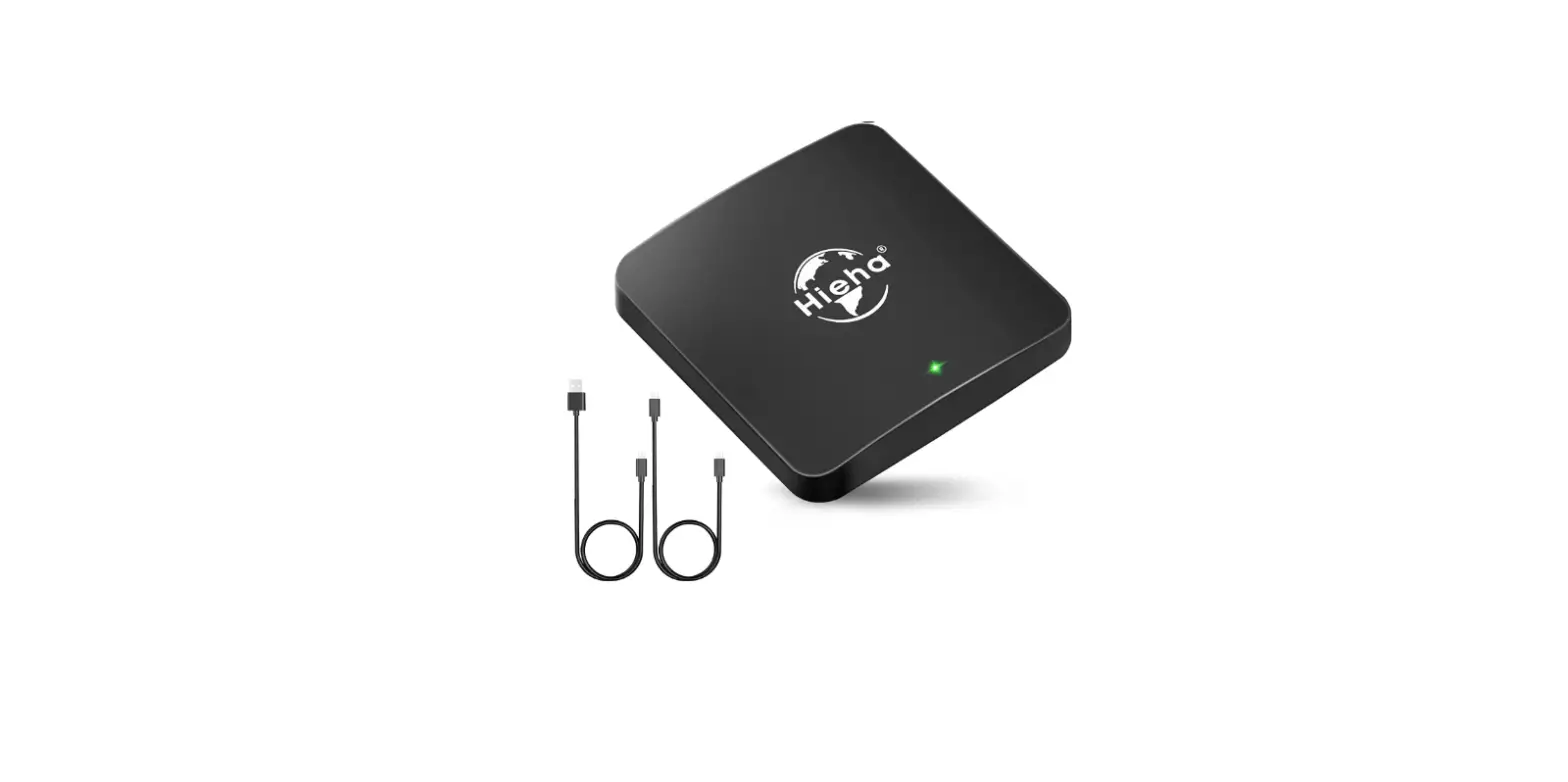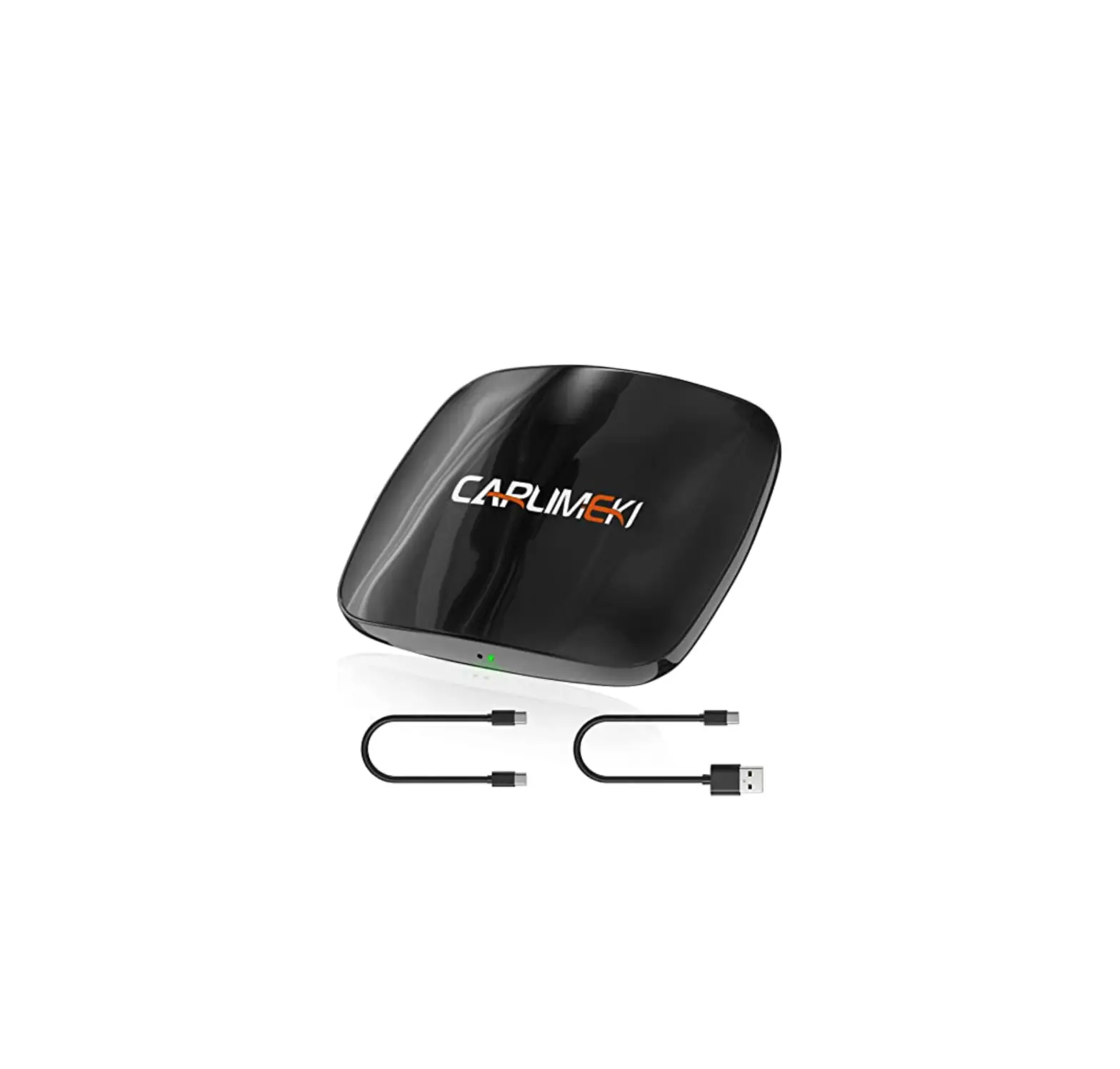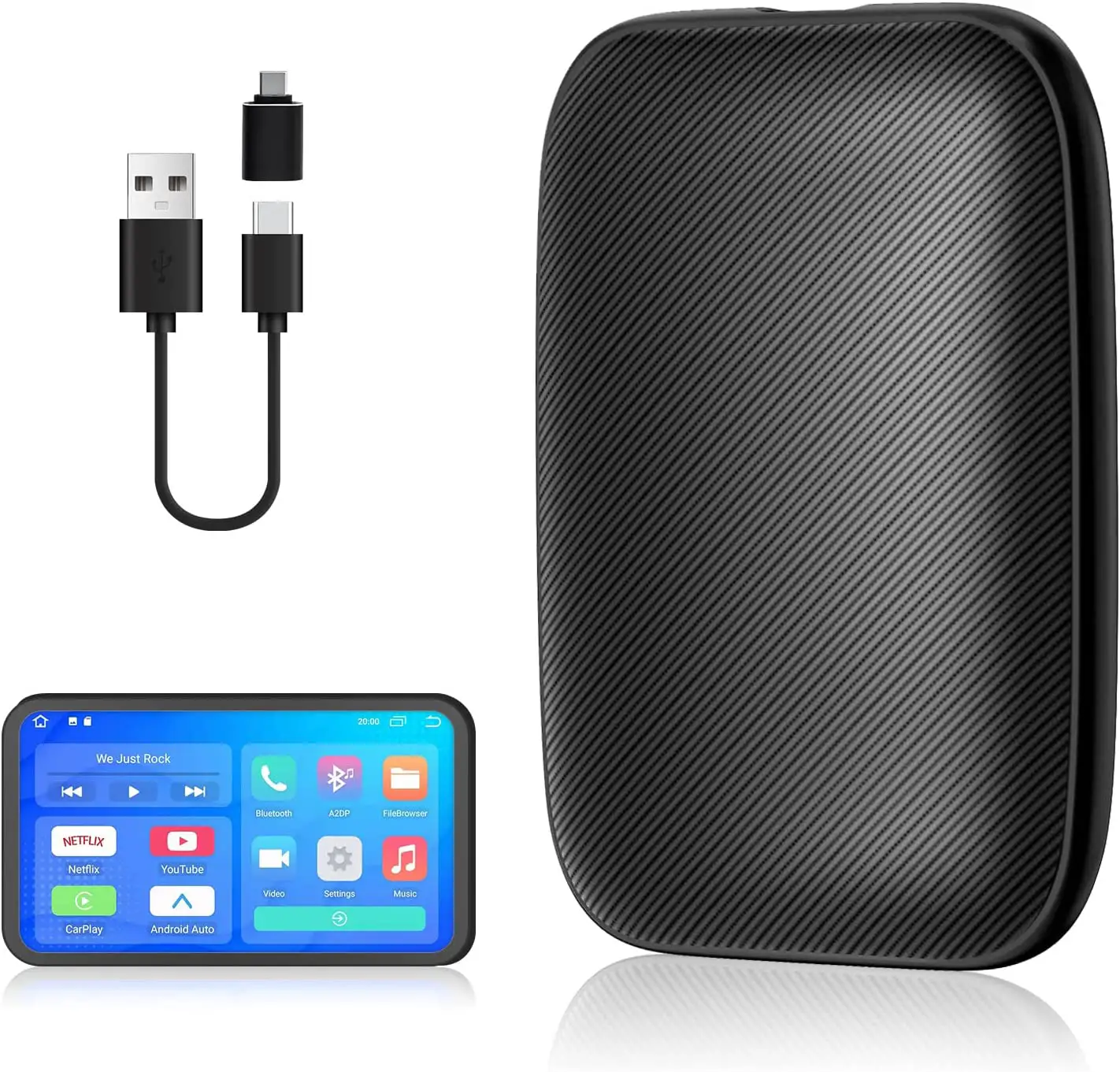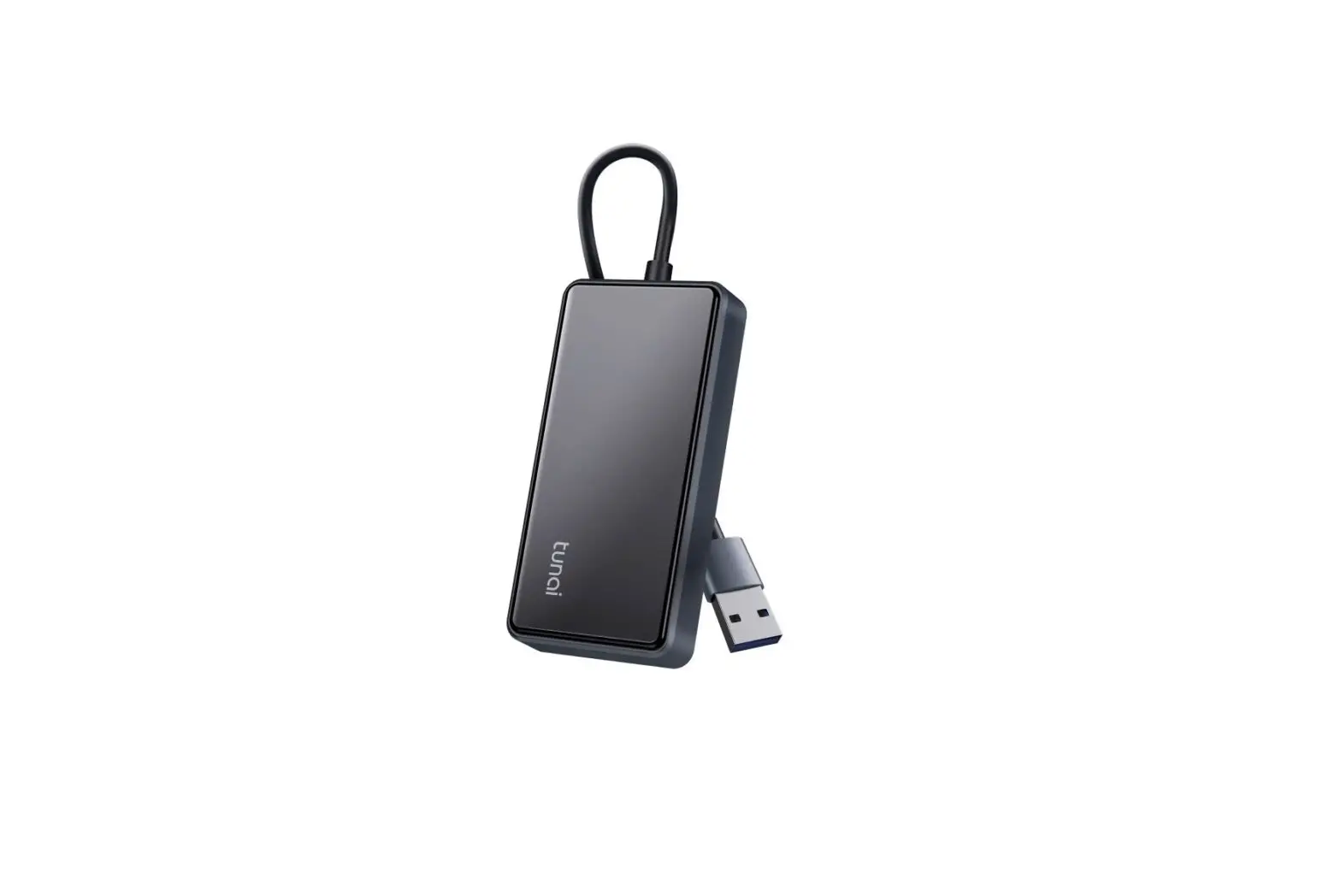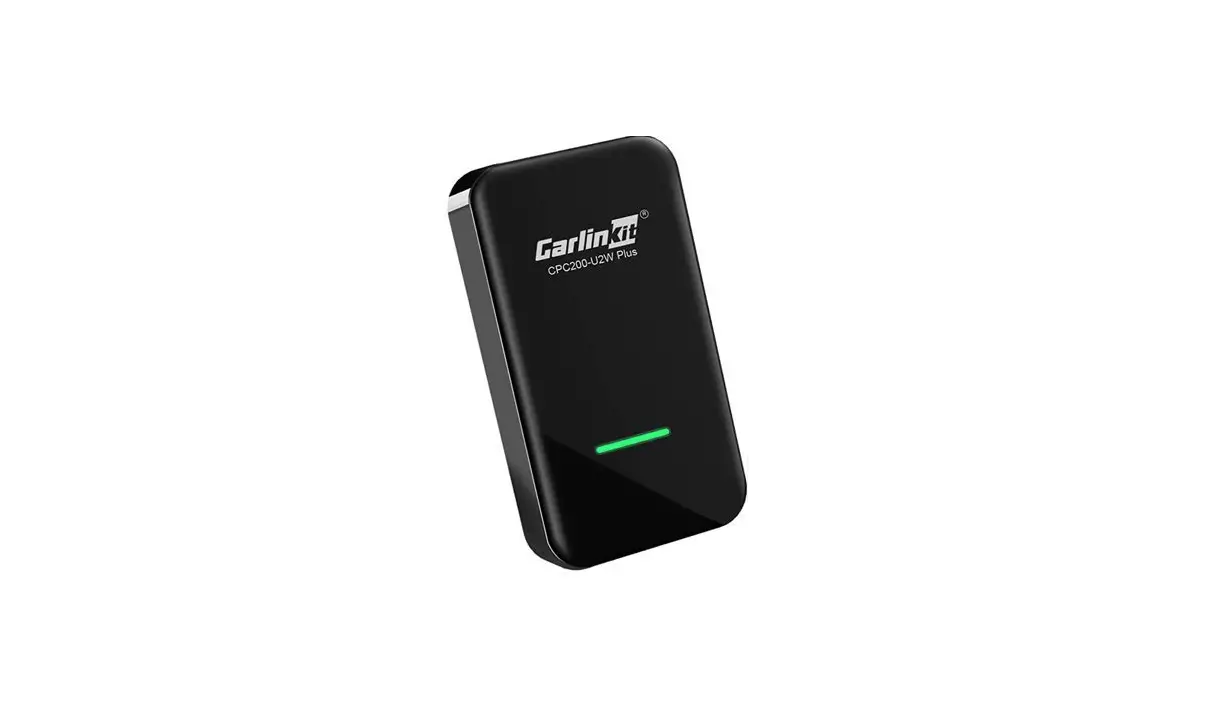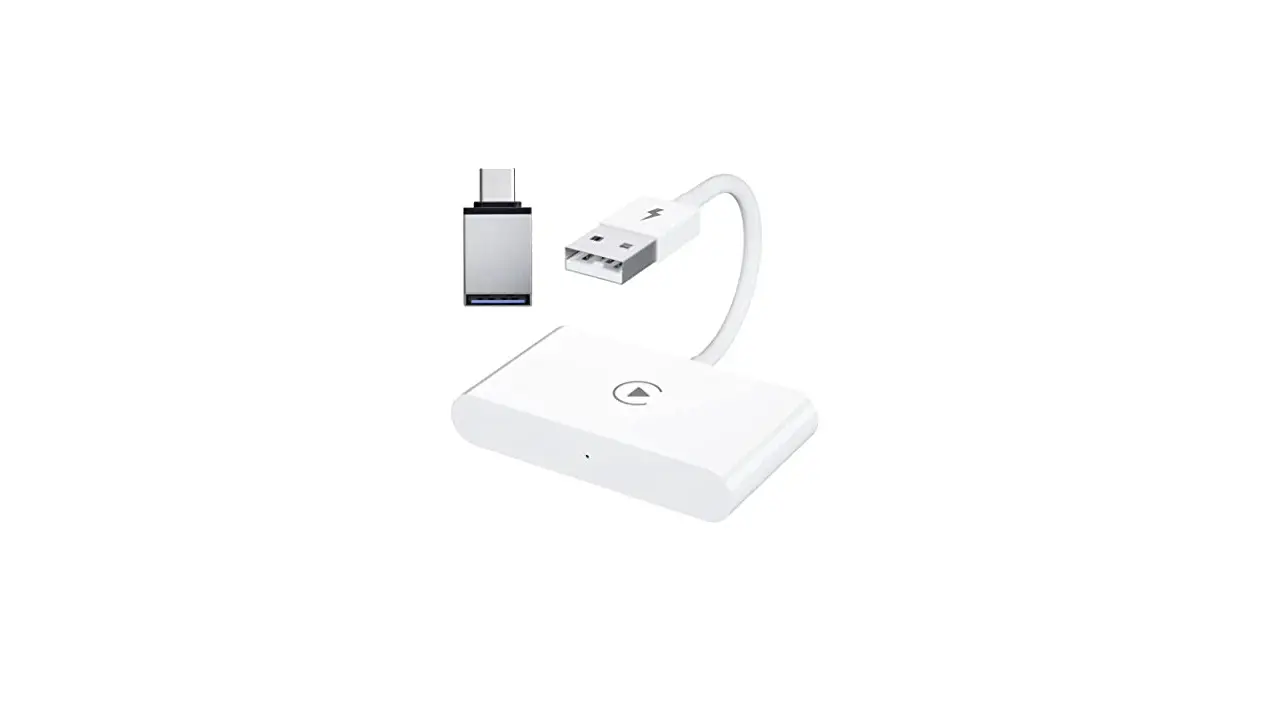
 WCA01 Wireless Car Play Adapter
User Guide
 AUDIO LATENCY
 AUDIO LATENCY
A:The adaptability of each system to external software is different, and the adaptability of on-board systems is like that also. They will change with the upgrading and reconstruction of vehicles. Only about 1% of the car models will have audio delay problems, but this is a normal phenomenon within the range, because wireless carp lay adapter with transmission technology, and the data needs to be cached during the transmission process. If the cache is lowered, it will cause lag issues.
DISCONNECTING & RECONNECTING
A:On your iPhone make sure WIFI is on, go to “General”==>“Car Play” on your phone, then on the wireless Adapter device name, make sure Carp lay is on, then forget BT connection history on your phone, repair using a new connection again. If that does not correct the issue please add a delay on the Settings page of the Adapter start with 10s.
POOR SCREEN RESOLUTION
A:1. After Carplay is paired, on the internet browser of iPhone input 192.168.1.101 to enter settings. Go down to “Connection Setup” and tap to enter it.
2. Turn on the “Compatibility mode”, leave the settings page, then try again to see if the display issue disappears.
3. If it doesn’t, On the browser input 192.168.1.101 to enter settings again, go back to “Connection setup”, then turn off “Enable connections tips “and try again.
SOFTWARE UPGRADING STUCK AT 1%
A:Do not use the head unit USB for Software upgrading. Use a laptop USB socket or a phone charger USB socket to upgrade the software. Connect to the adapters WiFi using password “88888888” that is 8 times the number 8.