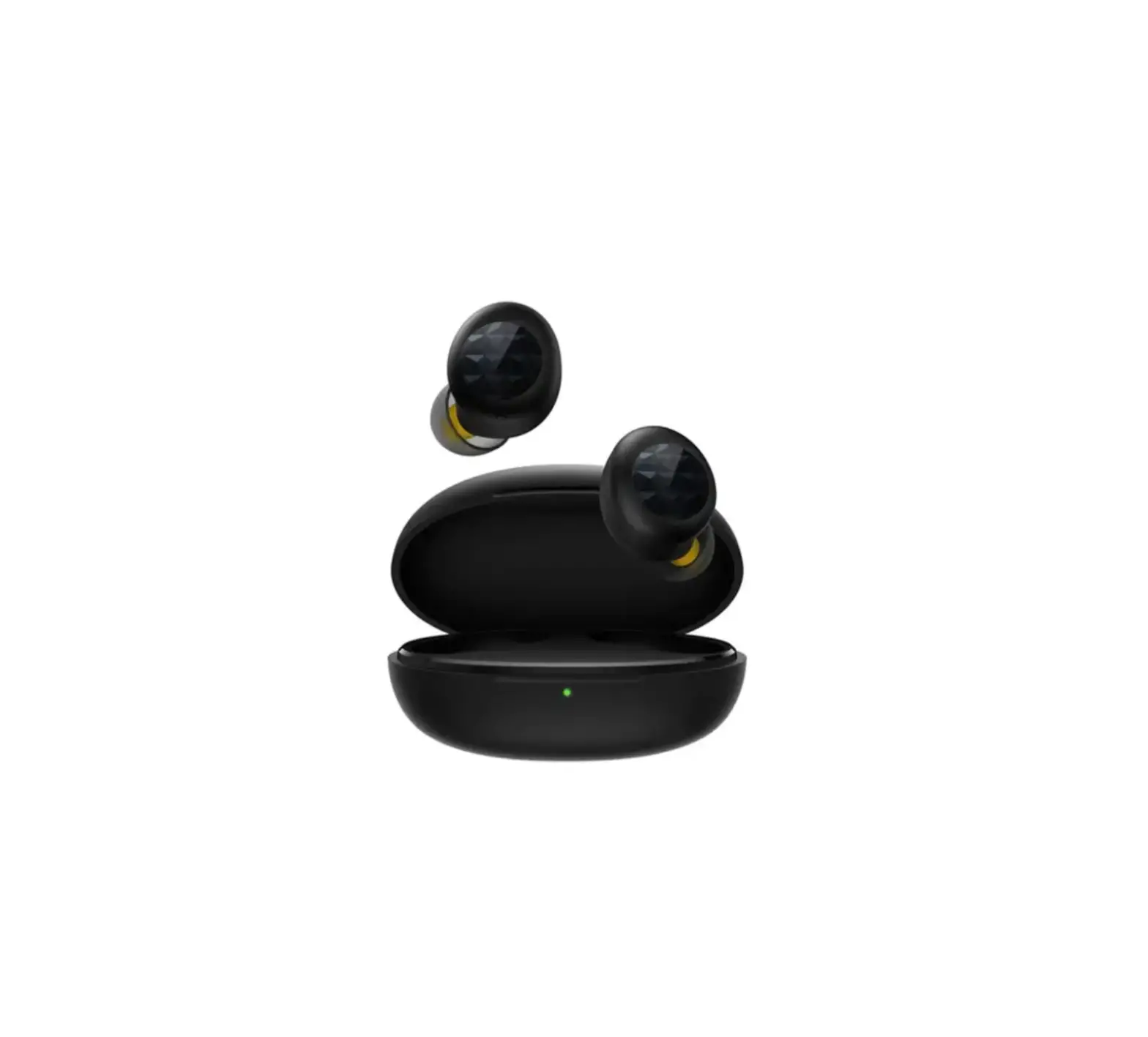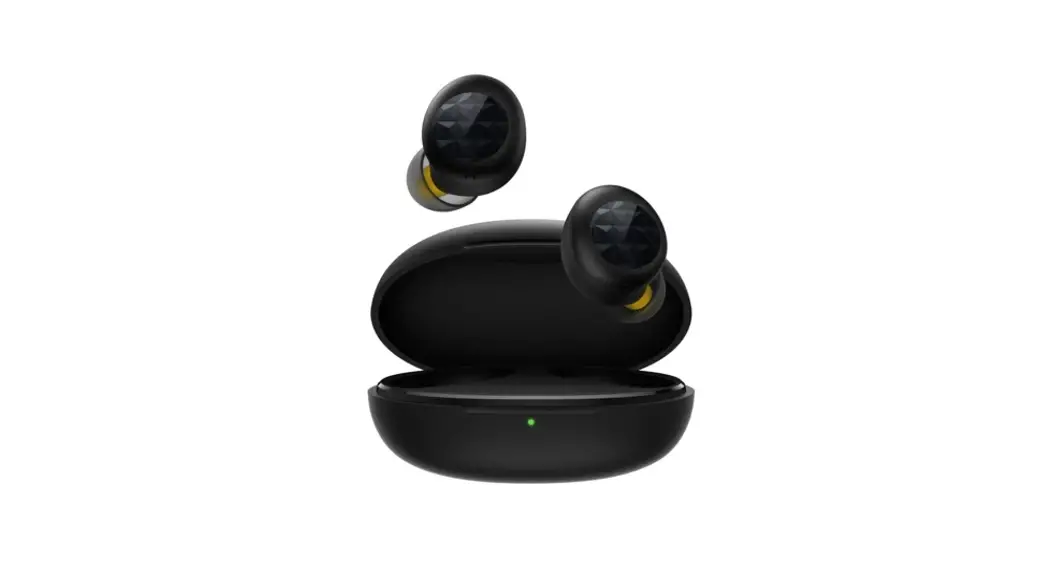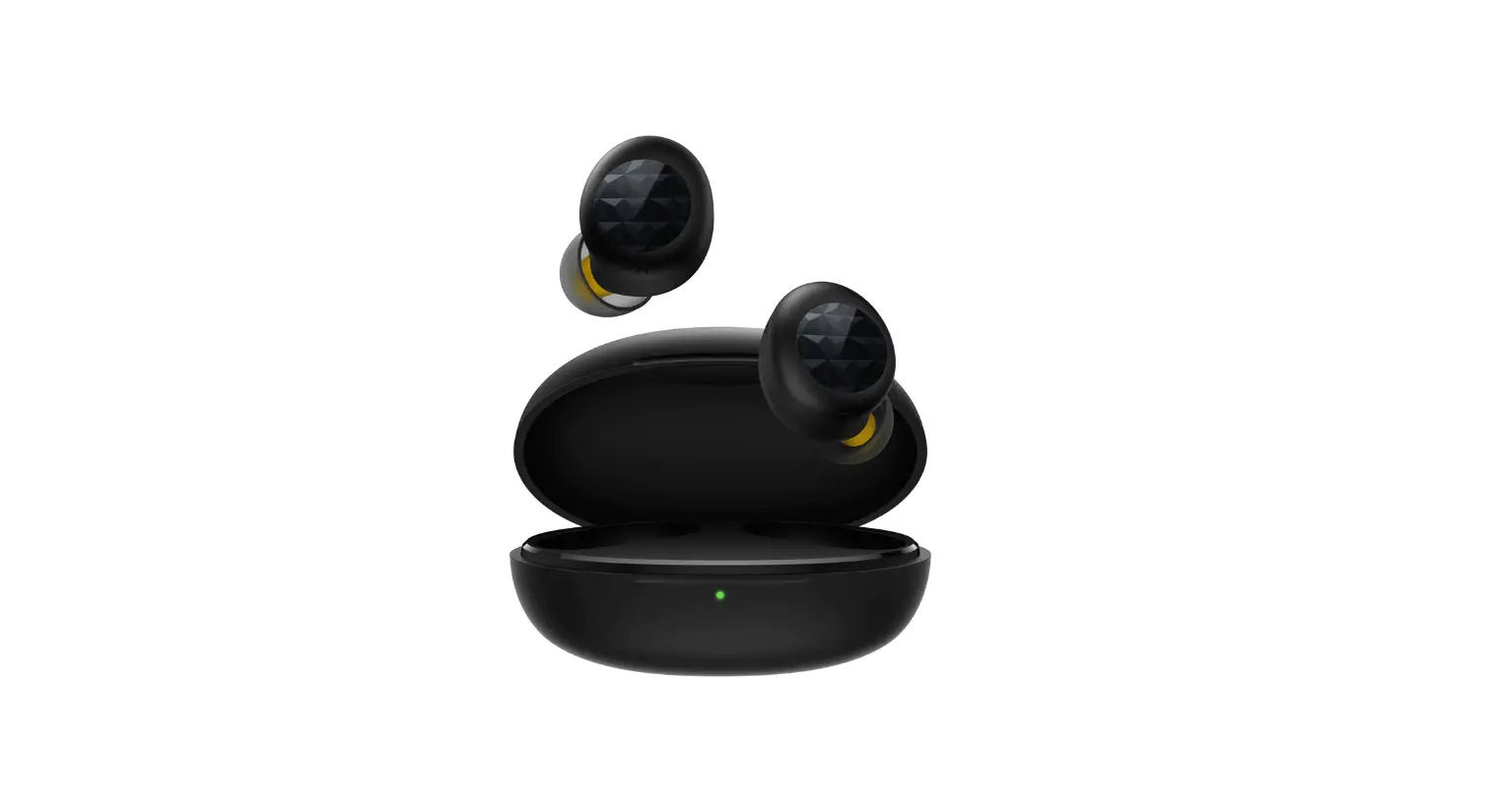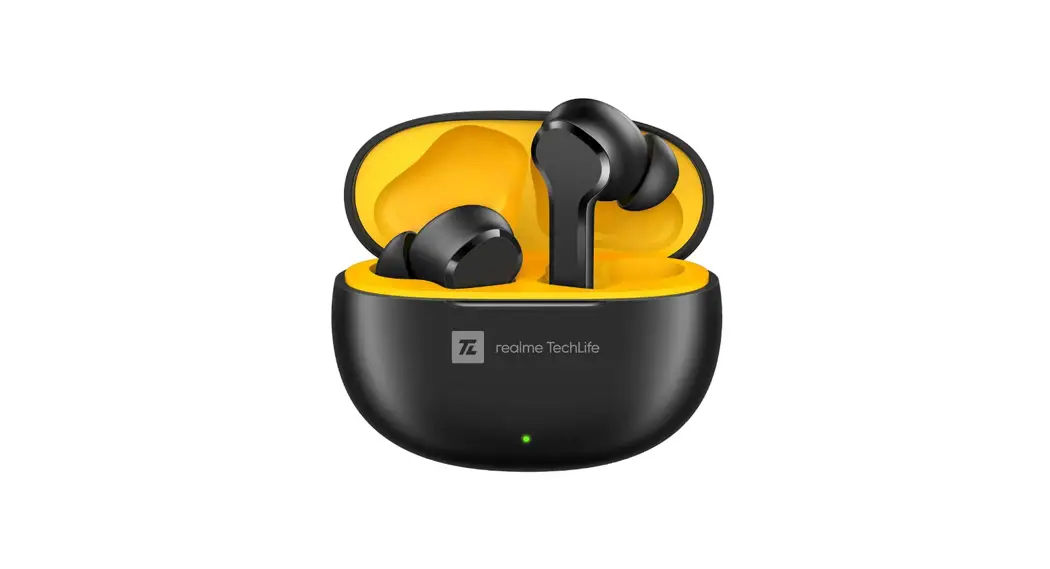

realme TechLife Buds T100
User Guide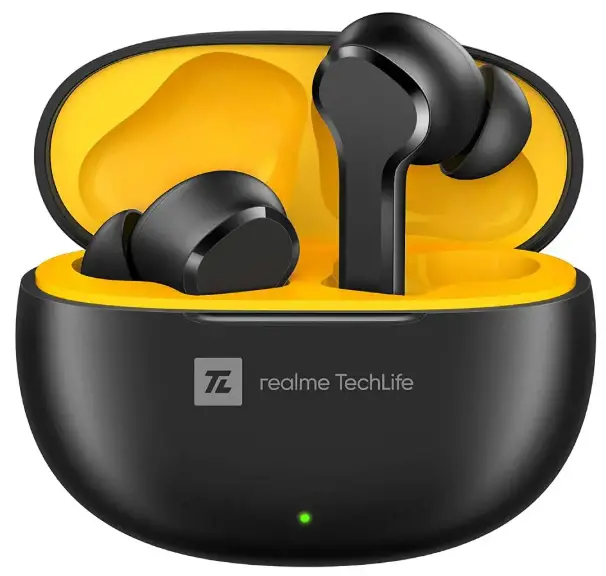
TechLife Buds T100
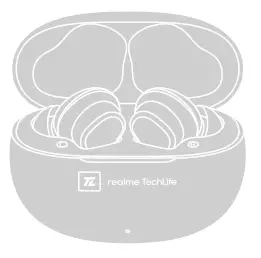
- Enter pairing mode
Open up the charging case and keep both earbuds in the case.
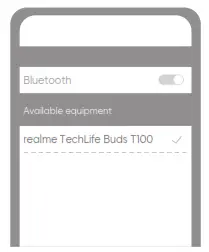
- Connect earbuds
Turn on Bluetooth on smartphone, search and connect to “realme TechLife Buds T100”.
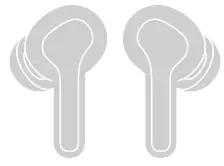
Touch operation
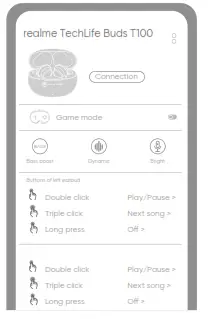
Double click: music-play/pause; call-answer/hang up.
Triple click: Next song.
Long press for 2 seconds: reject the call.
Press both ears for 2 seconds at the same
Use with realme Link
Users can download realme Link to install additional features for realme TechLife Buds T100 Search realme Link in APP Store, or scan the following QR code to download .
https://www.realme.com/app-download#realmeLink
Basic Parameters
| Product name | realme TechLife Buds T100 |
| Product model | RMA2109 |
| Bluetooth version | Bluetooth 5.3 |
| Bluetooth protocol | HFP/A2DP/AVRCP |
| Bluetooth code | SBC, AAC |
| Charging interface | Tpye-c |
| Endurance (music) | About 6h (earbuds) About 24h (use with charging case) |
| Charging time | About 2h |
| Bluetooth communication distance | ≤10m |
| Working frequency | 2.4GHz~2.4835 GHz |
| Max power rate | ≤10dBm |
Packing List
- Earphone *1
- Ear tips *6 (two of them have been mounted)
- User Guide *1
- Type-C charging cable*1
Battery warning
The built-in lithium battery of the product is forbidden to be disassembled, impacted, extruded or put into fire. The battery under the very low air pressure may result in explosion or flammable liquid or gas leakage. Avoid the battery in a high-temperature environment or being exposed to strong sunlight to avert explosion. Don’t use the battery continuously in case of serious ballooning. The battery shall be handled pursuant to the local regulations and shall not be disposed as household garbage. Don’t try to repair, remove or refit the battery. The explosion may happen if the battery is replaced by the one subject to incorrect model. Don’t compress or puncture the battery with hard object. The battery leakage, overheating or outbreak of a fire may occur if the battery is destroyed.
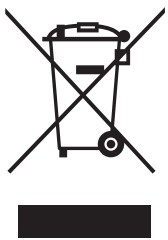 This symbol means that aocorcing to looal laws and regulations your product and/or its battery shall be disposed of separately from household waste.
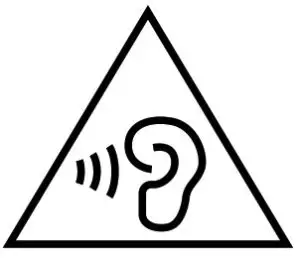 When this product reaches its end of life, user has the choice to give his product to a competent recycling organization. Proper recycling of your product will protect human health and the environmerrt.
FCC statement
This equipment has been tested and found to comply with the limits for a Class B digital device, pursuant to Part 15 of the FCC Rules. These limits are designed to provide reasonable protection against harmful interference in a residential installation. This equipment generates, uses and can radiate radio frequency energy and, if not installed and used in accordance with the instructions, may cause harmful interference to radio communications. However, there is no guarantee that interference will not occur in a particular installation. If this equipment does cause harmful interference to radio or television reception, which can be determined by turning the equipment off and on, the user is encouraged to try to correct the interference by one or more of the following measures:
- Reorient or relocate the receiving antenna.
- Increase the separation between the equipment and receiver.
- Connect the equipment into an outlet on a circuit different from that to which the receiver is connected.
- Consult the dealer or an experienced radio/TV technician for help.
This device complies with Part 15 of the FCC Rules. Operation is subject to the following two conditions:
- this device may not cause harmful interference, and
- this device must accept any interference received, including interference that may cause undesired operation.
The SAR limit of USA (FCC) is 1.6 W/kg averaged over gram of tissue. Device types RMA2109 (FCC ID: 2AUYFRMA2109) has also been tested against this SAR limit.
Recycling Initiative
At realme we understand that our responsibility doesn’t end at selling you our products. realme has been working in the area of safe disposal of electronic waste. Since mobiles, tablets and other electronic items are made of hazardous constituents. Under the Guidelines of Ministry of Environment, Forest and Climate Change, Government of India, E-waste (Management) Rule, 2016 and Amendment E-waste Rule 2018. realme will seek shared responsibility and cooperation from customers in reducing the environmental impact of their products. realme will comply with all the applicable laws related to
E-waste management.
For more information on safe disposal, recycling and you may log on to https://www.realme.com/in/legal/e-waste-management or write an email to [email protected] or contact our Toll Free No. 1800-102-2777
Disposal and Recycling Information
This symbol (with or without a solid bar) on the device, batteries (included), and / or the packaging, indicates that the device and its electrical accessories (for example, a headset, adapter or cable) and batteries should not be disposed of as household garbage.
Warranty
Thank you for purchasing realme products. If any manufacturing defect problems occur within 12 months from the date of purchase, user can enjoy our company’s warranty service.
Matters Needing Attention:
- When you buy the product, the sales unit will issue a valid proof of purchase.
- The warranty card and the proof of purchase should be kept by the user properly, and it will not be replaced if lost.
- If the product fails due to non-human factors, the user can present the warranty card and proof of purchase to the realme customer service center for free maintenance during the warranty period.
Non-warranty situation:
This warranty does not cover the following cases:
- Out of warranty period.
- Damage caused by use not in accordance with the instructions.
- Damage caused by man-made causes.
- Failure caused by unauthorized disassembly, maintenance, or modification of the product.
- Damage caused by force majeure factors (such as floods, earthquakes, lightning, etc.).
- There is no warranty card, invoice, or warranty card that does not match the invoice information.
- The product wears naturally.
- Other failures and damages that are not caused by the quality of the product itself.
Website: www.realme.com
Warranty Card (Stub Copy)
Dear user, thank you for using the product of our company. Please read and keep properly the warranty card after purchasing the product so that we can provide better services to you.
User Information
User’s name————–
Phone Number———
Address—————–
Email——————–
Product Information
Product Model ————————–
Product Serial Number—————-
Sales Information
Purchase Date———————–
Invoice Number——————
Sales Unit————————–
Phone Number —————–
Address————————–
Warranty Card (Customer Copy)
Dear user, thank you for using the product of our company. Please read and keep properly the warranty card after purchasing the product so that we can provide better services to you.
User Information
User’s name ————————
Phone Number ——————-
Address—————————–
Email ——————————
Product Information
Product Model ——————
Product Serial Number ——–
Sales Information
Purchase Date ——————–
Invoice Number —————–
Sales Unit ————————-
Phone Number- —————
Address ————————
Realme Chongqing Mobile Telecommunications Corp., Ltd.
No.178 Yulong Avenue, Yufengshan, Yubei District, Chongqing, China
 REV.1.0
 realme (Global) - Dare to Leap