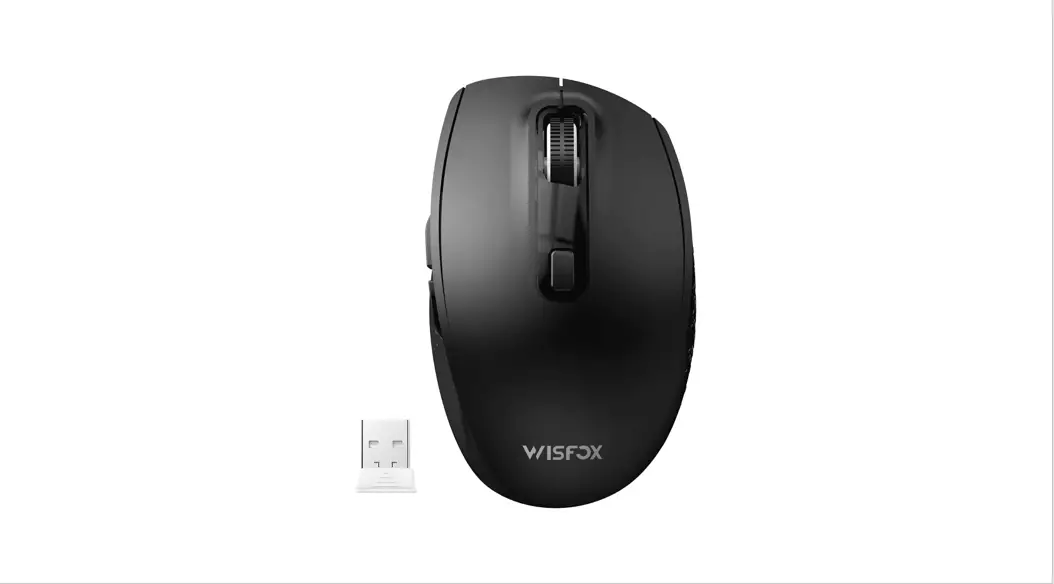
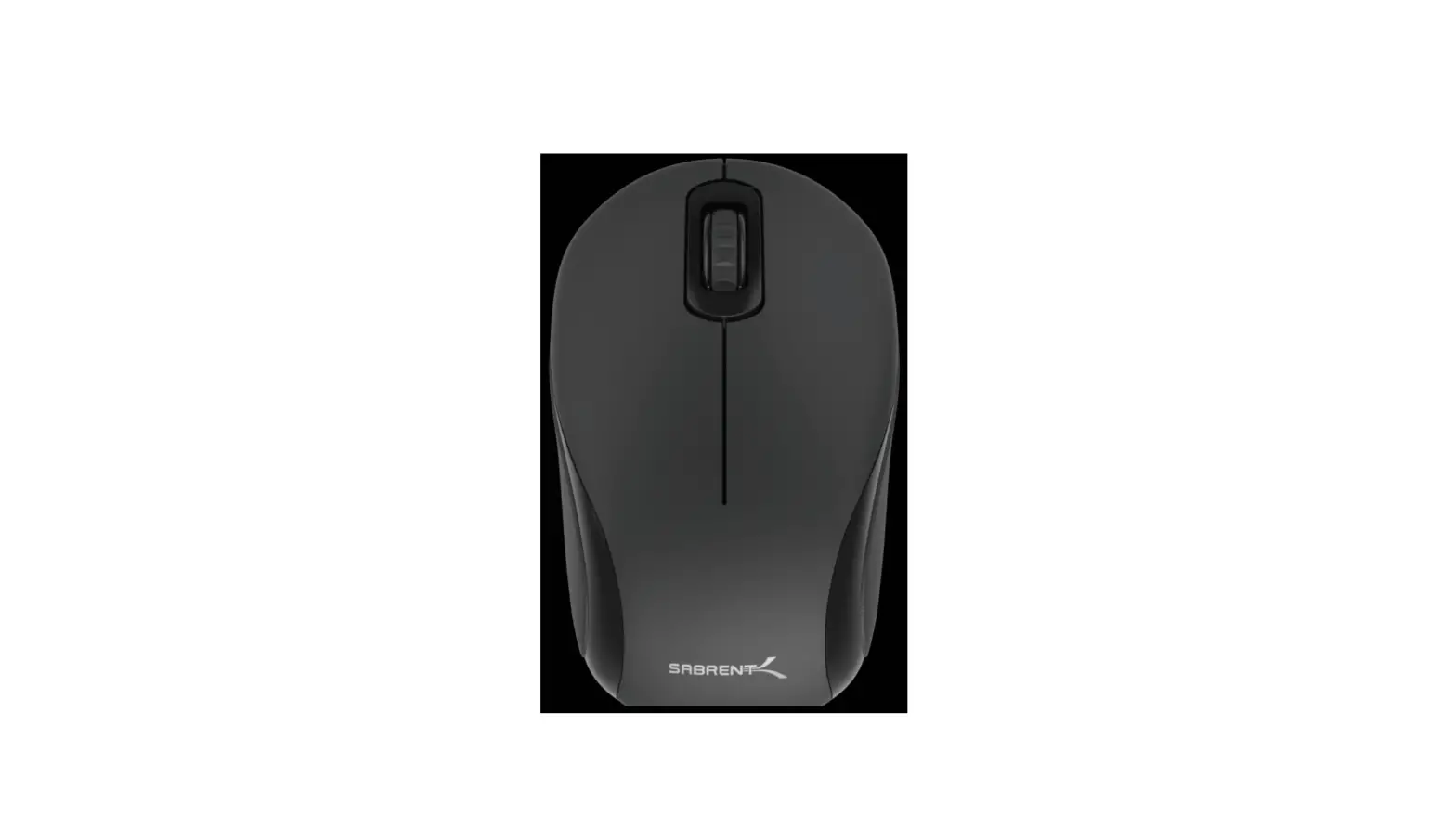
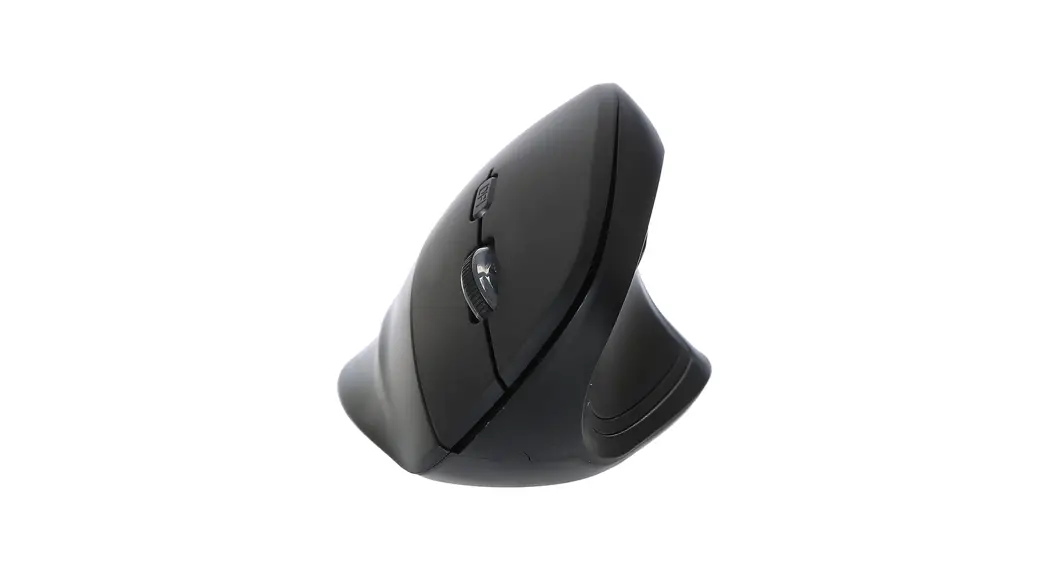
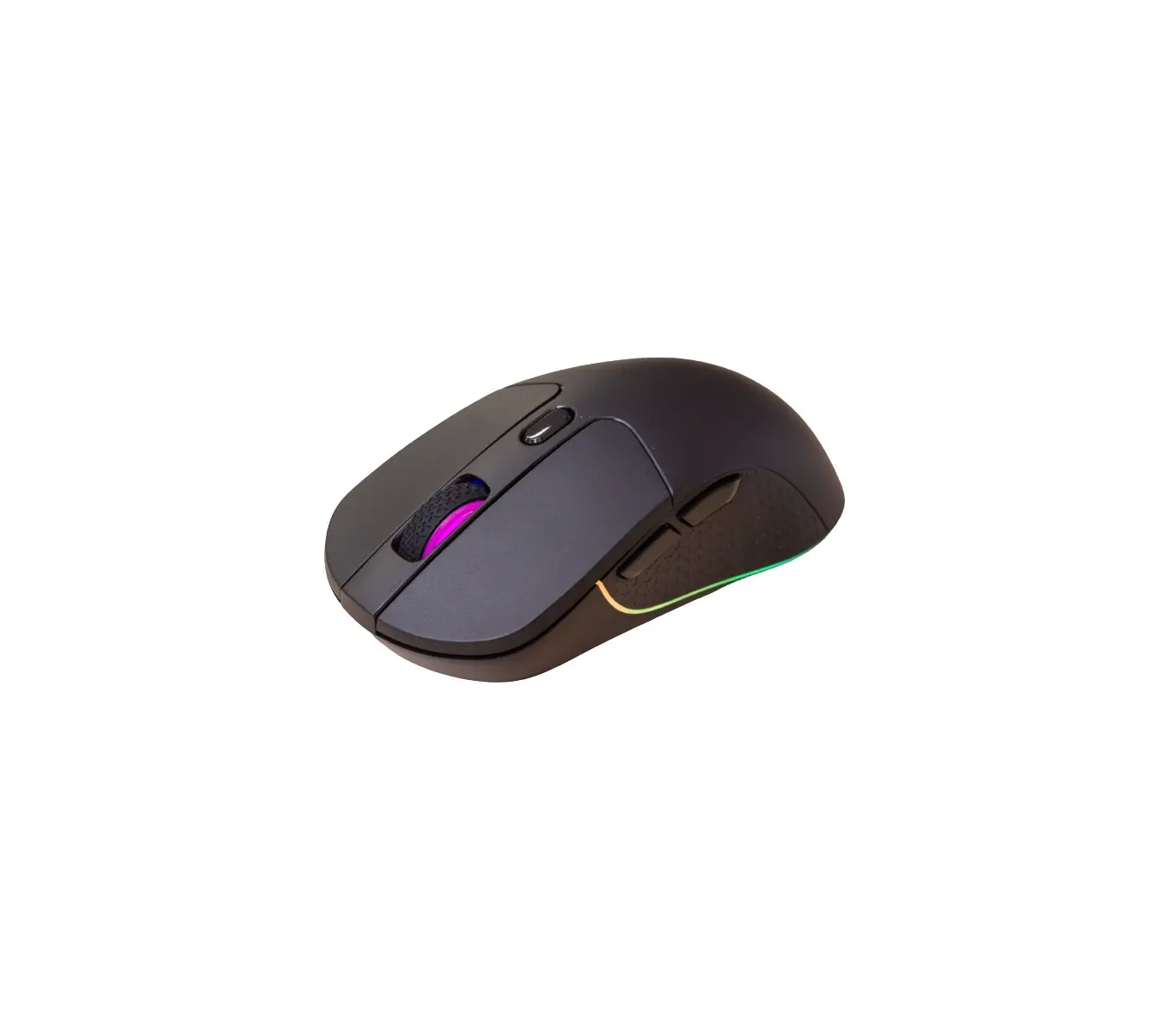
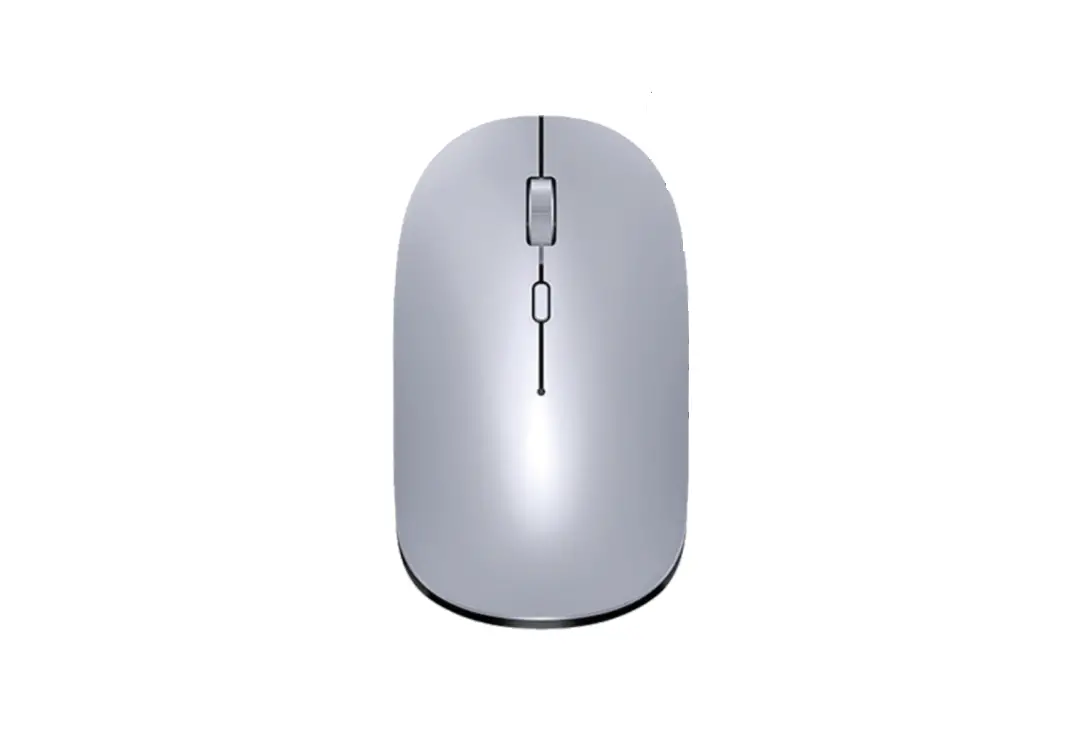
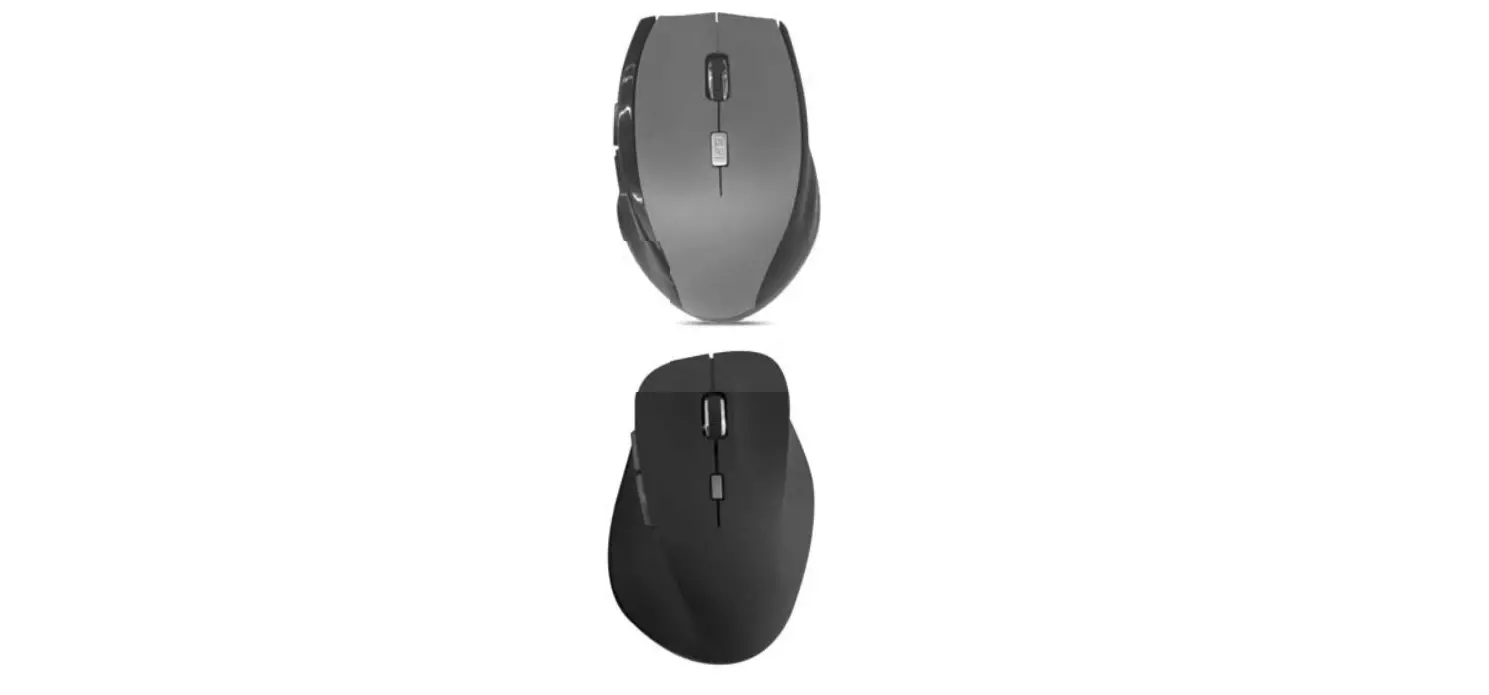
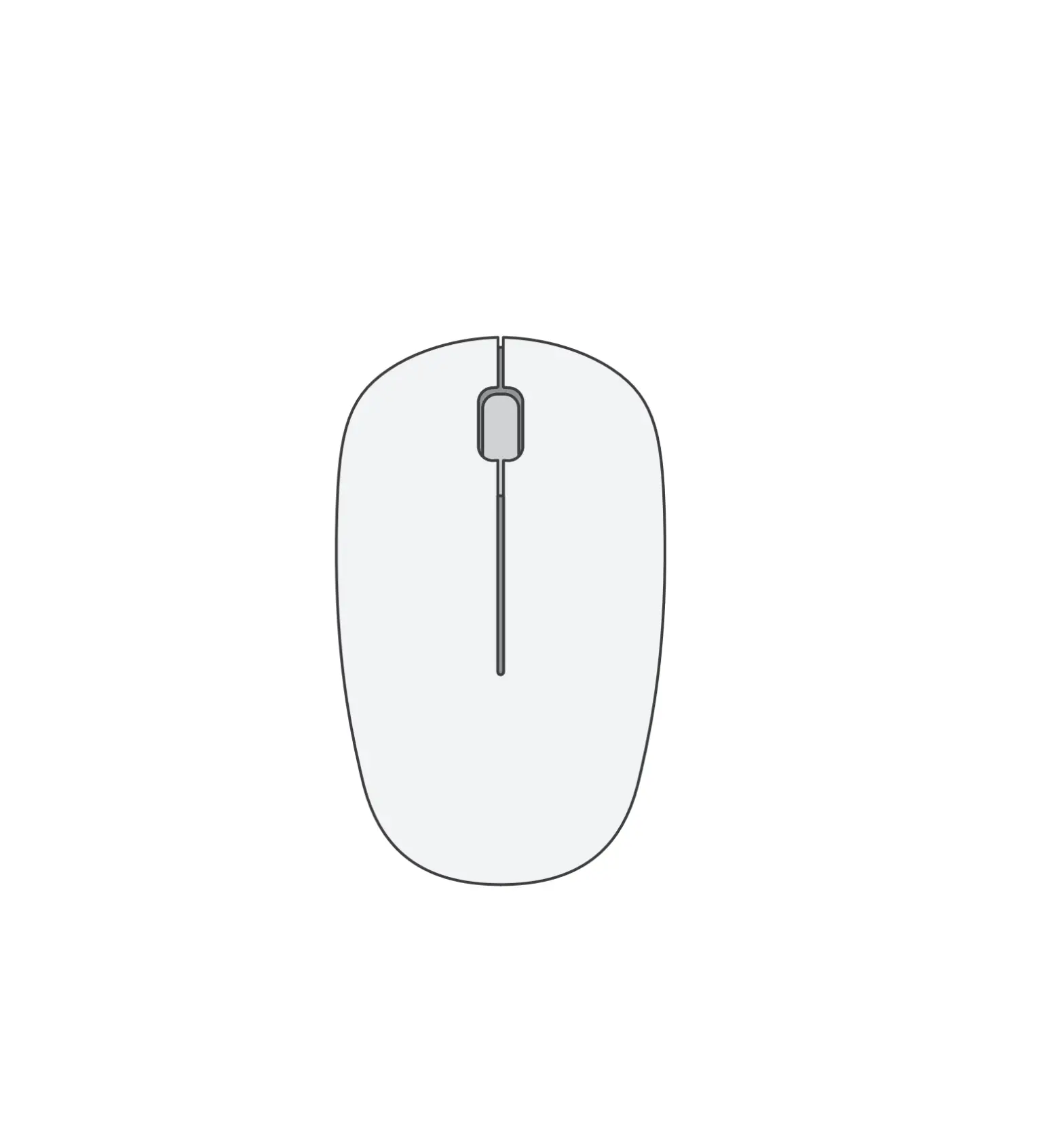
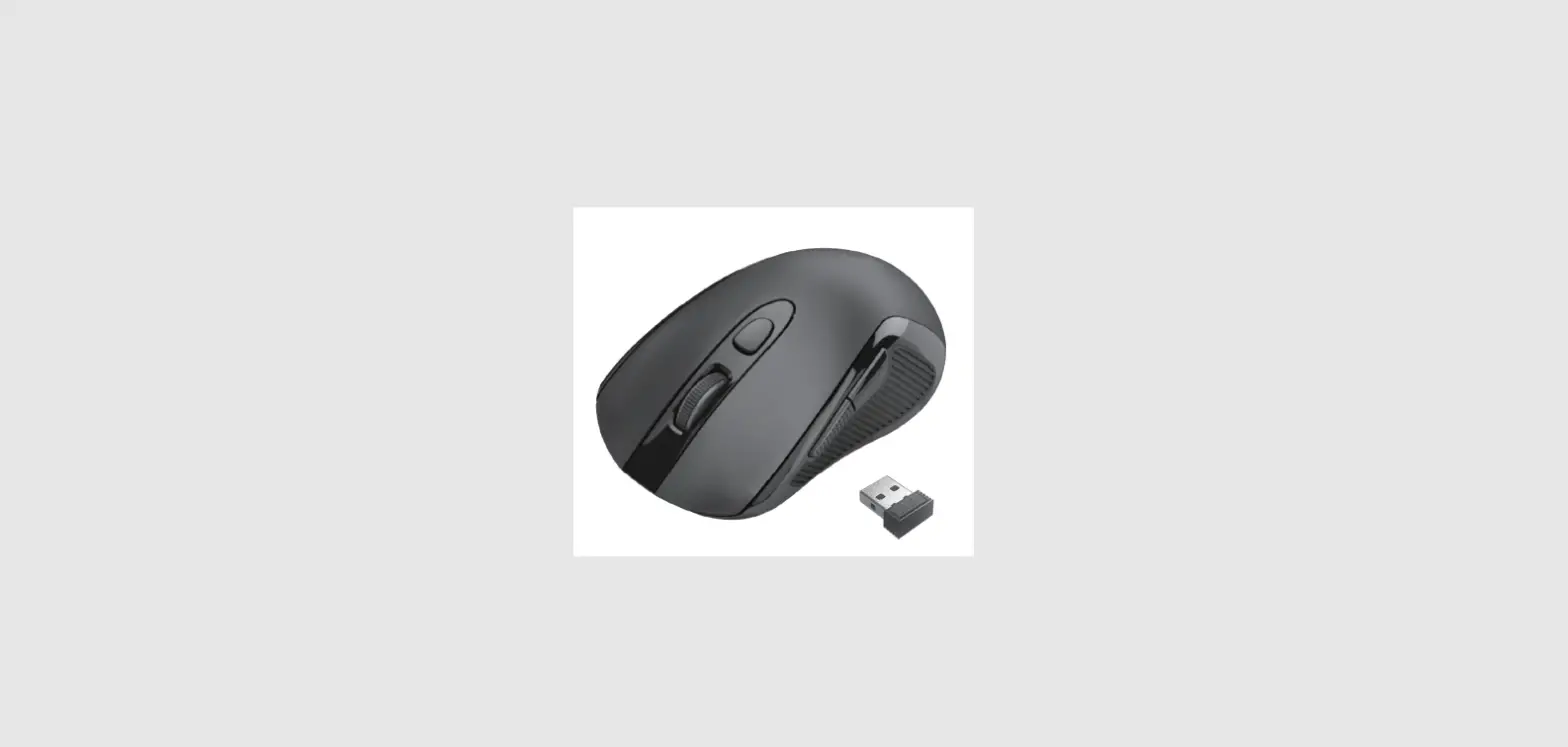
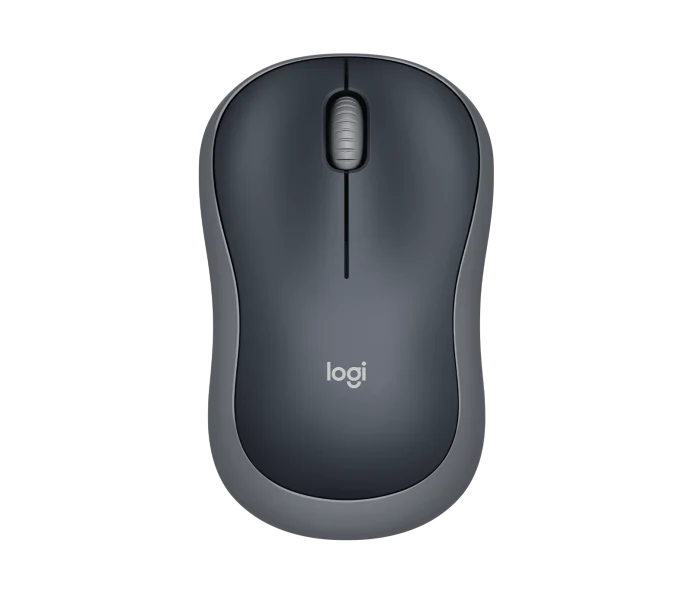
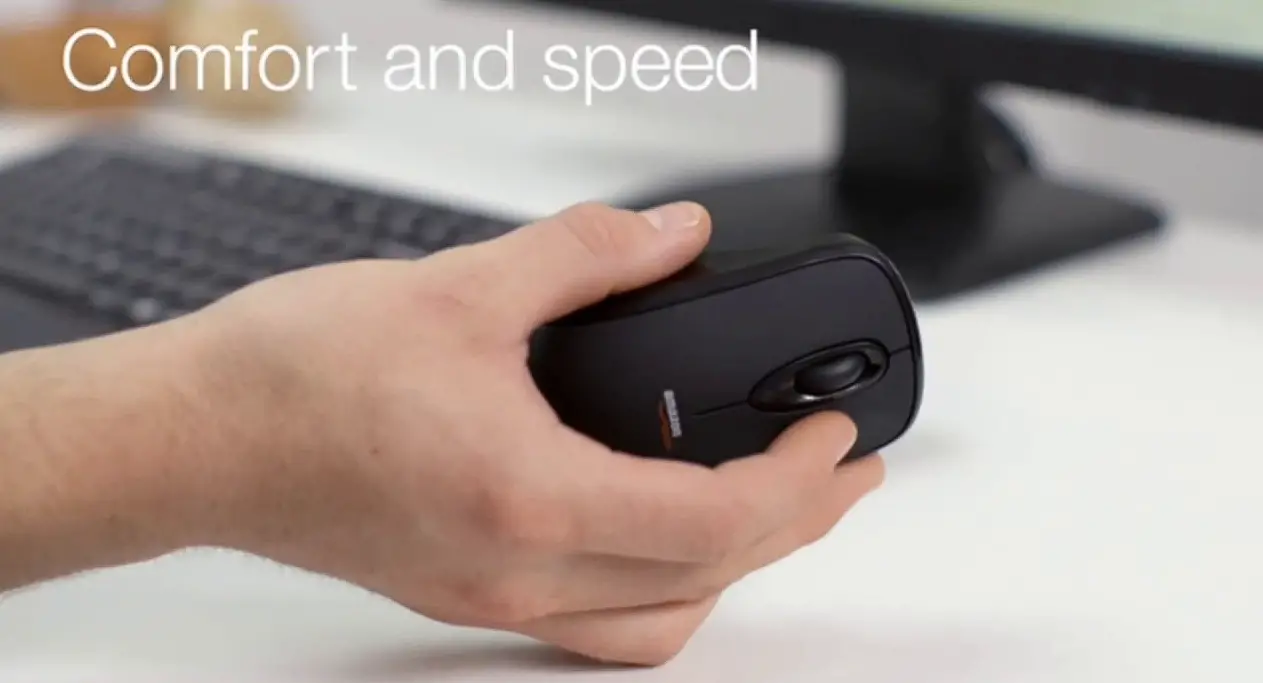
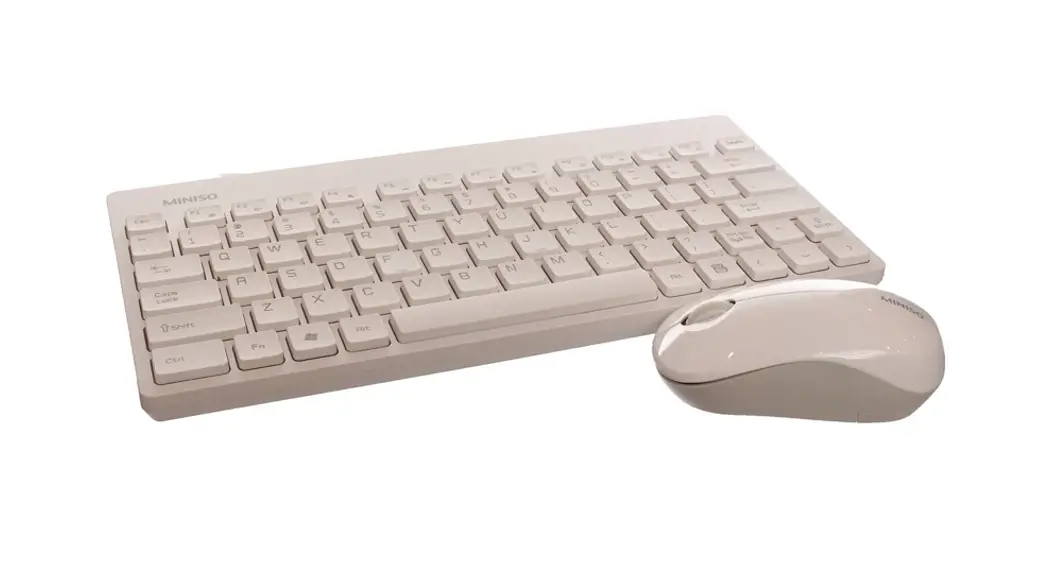
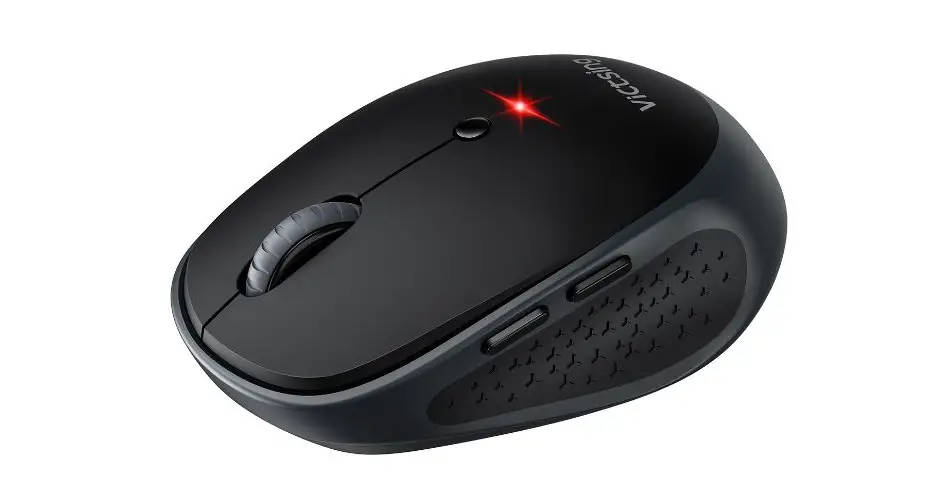
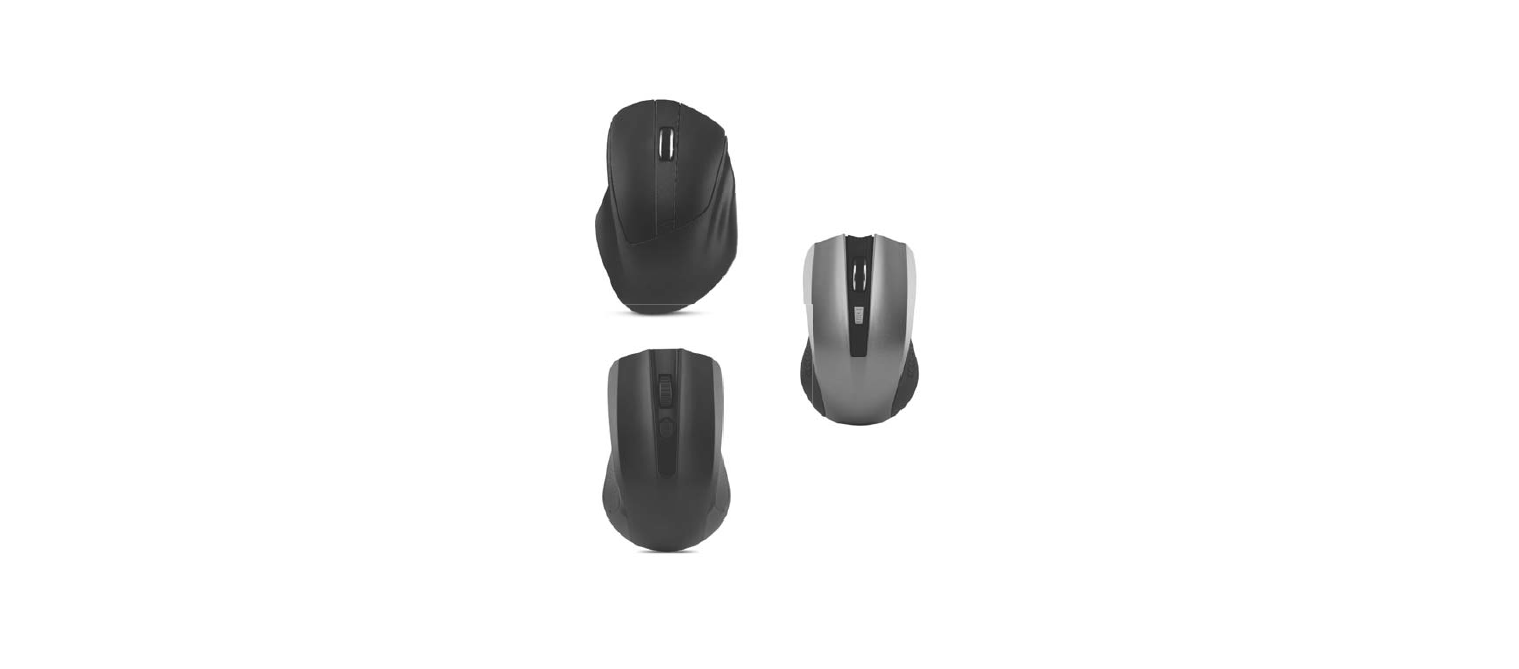
CM675W Wireless Mouse for Office
Product Information
Product Name: Wireless Mouse for Office
Model Number: CM675W
Features:
- Wireless connectivity
- Left and right buttons
- LED indicator
- Compatible with most operating systems
Storage Temperature: 0-40°C
Humidity: 85%-90% RH
FCC Compliance:
- Complies with Part 15 of the FCC Rules
- Operation subject to certain conditions
RF Exposure Requirement:
- Meets general RF exposure requirement
- Can be used in portable exposure condition without
restriction
Product Usage Instructions
- Check whether the battery is working normally.
- If the battery is working normally and the mouse is
functioning, you may re-match the code by following these steps:- Hold the receptor close to the mouse.
- Press the left and right buttons of the mouse with your right
hand while installing the battery. - The LED indicator flashing at the bottom of the mouse indicates
successful code matching. Release the right and left buttons.
Wireless mouse for office
CM675W
Specifications Wireless Mouse Mouse113.72×61.35×36.31mm Receptor 18.75×14.55×6.0 mm Wireless transmission
frequency 2.402~2.480GHz Working voltage mouse 1.5V Service life of button 2000000 times Effective using distance 6-8m Compatibility Windows98/Me/2000/xp/Vista/7/8/10 Mac/LINUX Product Features Fashionable model To operate by left or right hand2.4G Hz transmission Nano receptorMagnet-sucked buttonPlastic roller1600DPI Material ABS plastic Aluminium scroll wheel Electric Elements Usage Uncover the top button and install 1 AA battery(not included) according to the polarity shown on the mouse. Insert the receptor and use the mouse after a few seconds following auto installation on the computer.
CqutionWhenthemousemalunations 1.Checkwhetherhebatteryisworkingasnommal. 2.1ithebettenyisworkingnommallyandthe
mouse is functioning you may re-match code. A(H. roew-ptlougmaantcdhrec-oddiaelthe receptor. B. press on the left and night buttonsofthemousebytherighthandwhileinstaingbettery. C.TheLEDindicator’sHlashingatthebottom ofthemouseindicates successful code matching. And then release right and left buttons.) storageTempereture0-40C.Humidity.85%-9ORH
FCC Warning
This device complies with Part 15 of the FCC Rules. Operation is subject to the following two conditions: (1) This device may not cause harmful interference, and (2) this device must accept any interference received, including interference that may cause undesired operation.
NOTE 1: This equipment has been tested and found to comply with the limits for a Class B digital device, pursuant to part 15 of the FCC Rules. These limits are designed to provide reasonable protection against harmful interference in a residential installation. This equipment generates, uses and can radiate radio frequency energy and, if not installed and used in accordance with the instructions, may cause harmful interference to radio communications. However, there is no guarantee that interference will not occur in a particular installation. If this equipment does cause harmful interference to radio or television reception, which can be determined by turning the equipment off and on, the user is encouraged to try to correct the interference by one or more of the following measures: – Reorient or relocate the receiving antenna. – Increase the separation between the equipment and receiver. -Connect the equipment into an outlet on a circuit different from that to which the receiver is connected. -Consult the dealer or an experienced radio/TV technician for help.
NOTE 2: Any changes or modifications to this unit not expressly approved by the party responsible for compliance could void the user’s authority to operate the equipment.
The device has been evaluated to meet general RF exposure requirement. The device can be used in portable exposure condition without restriction.