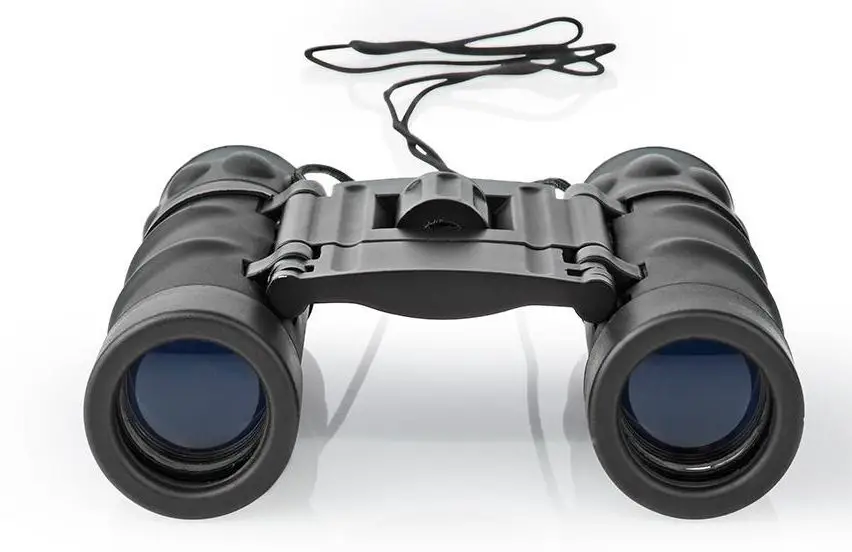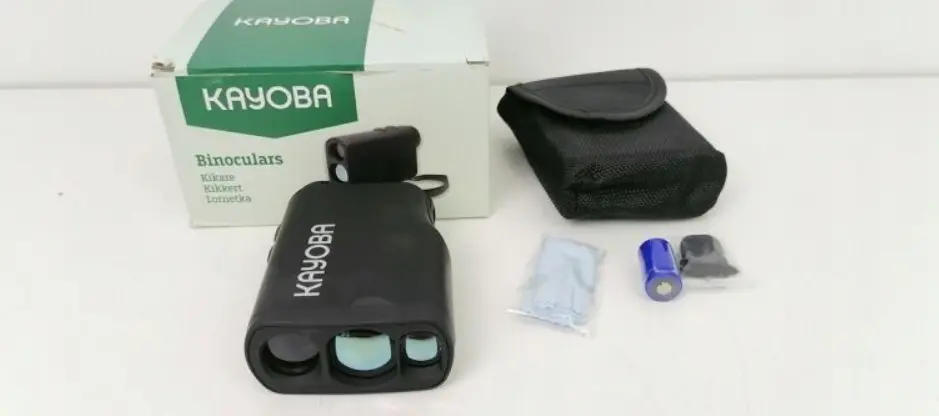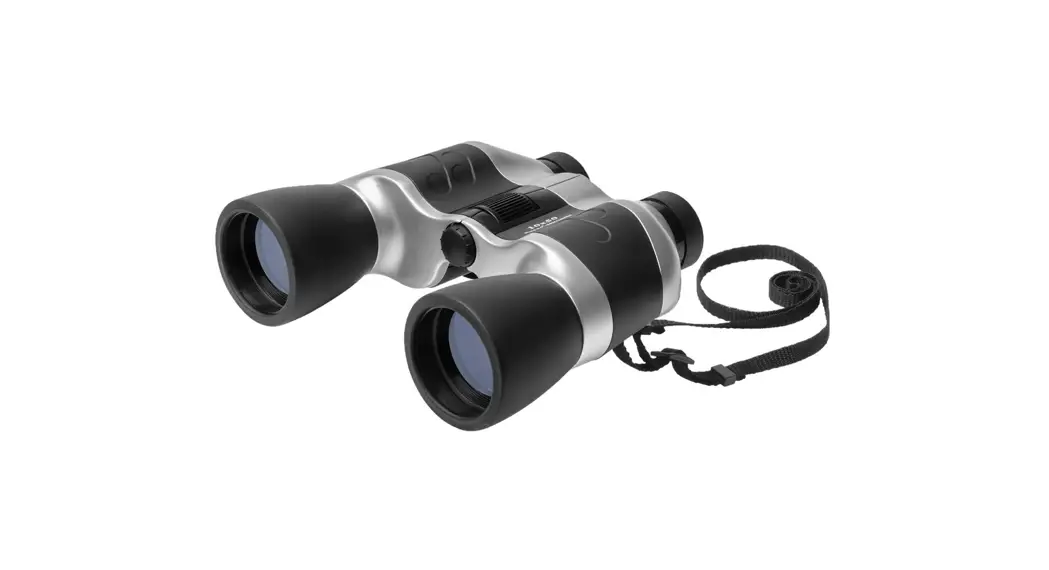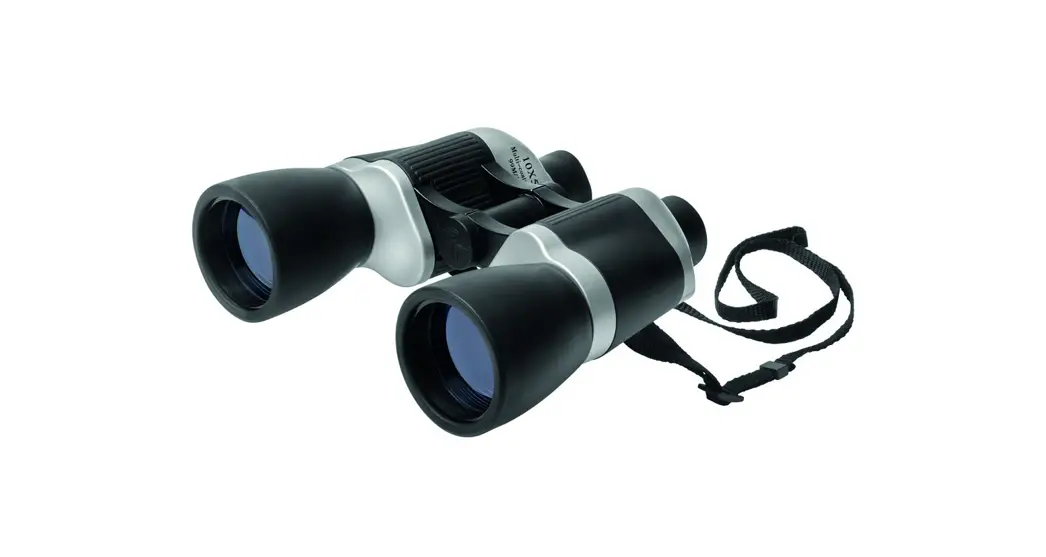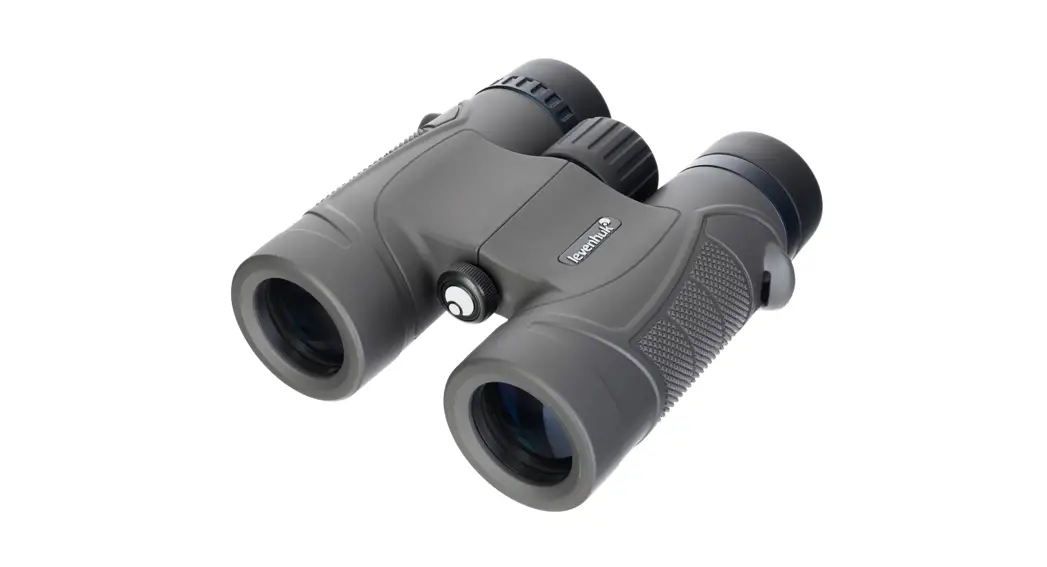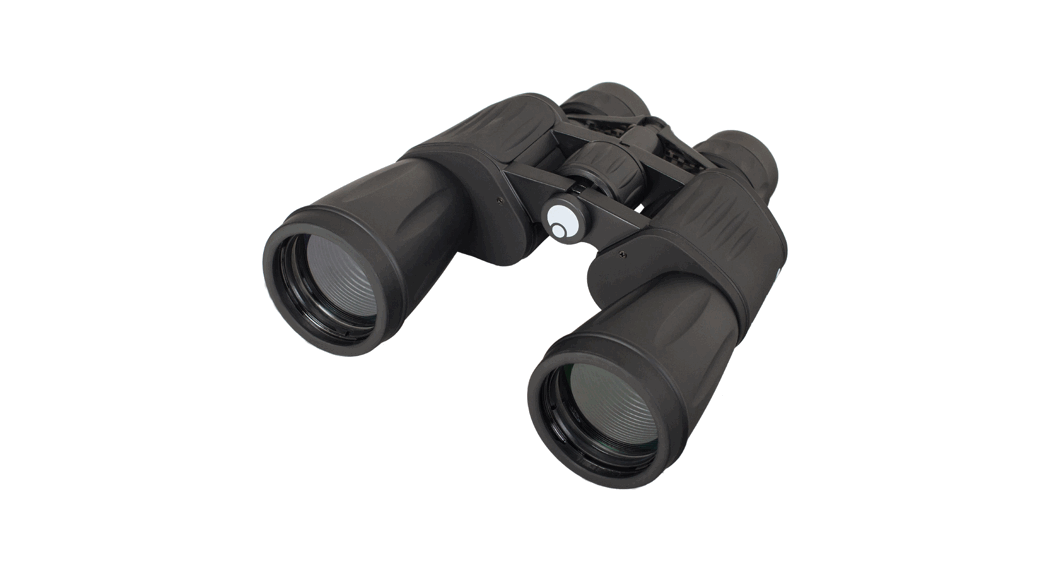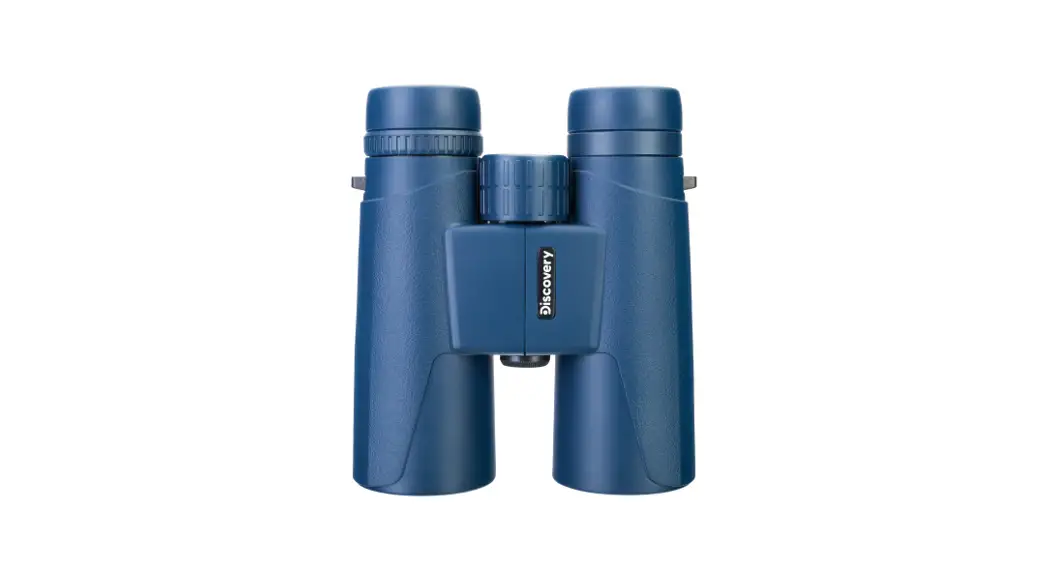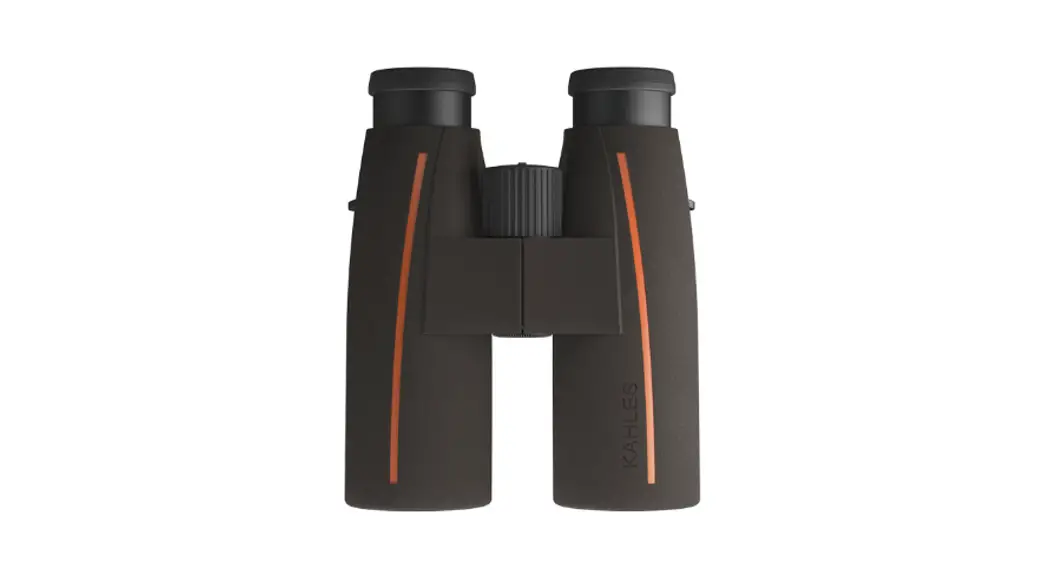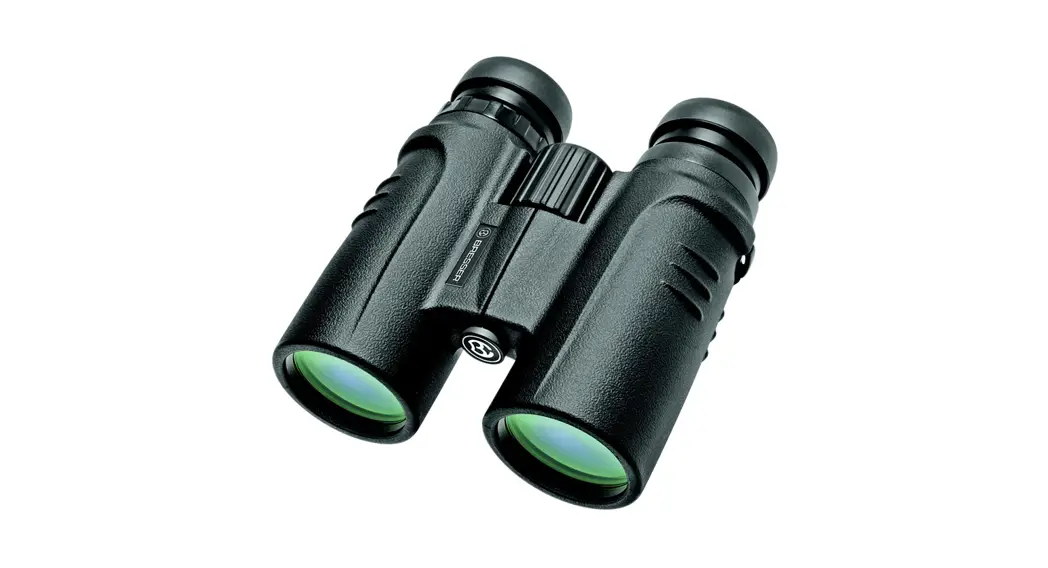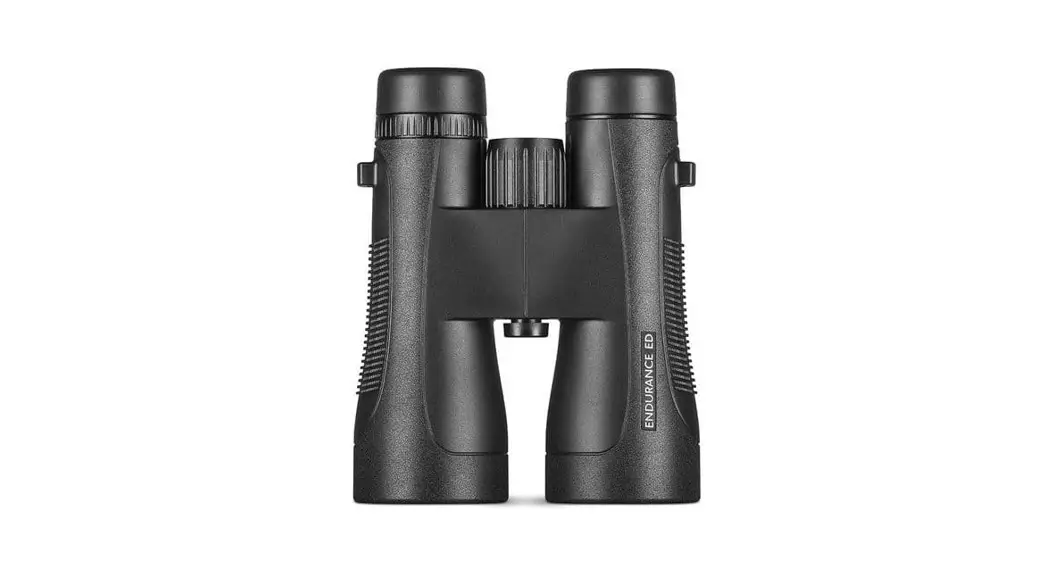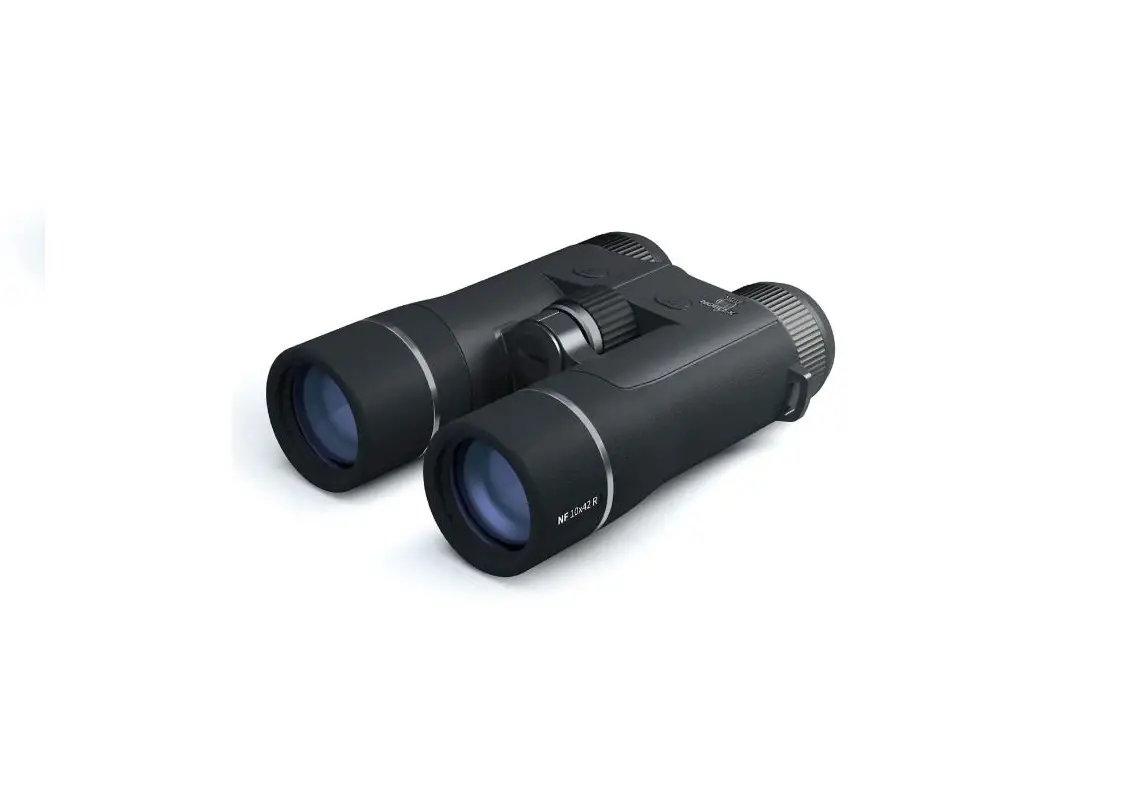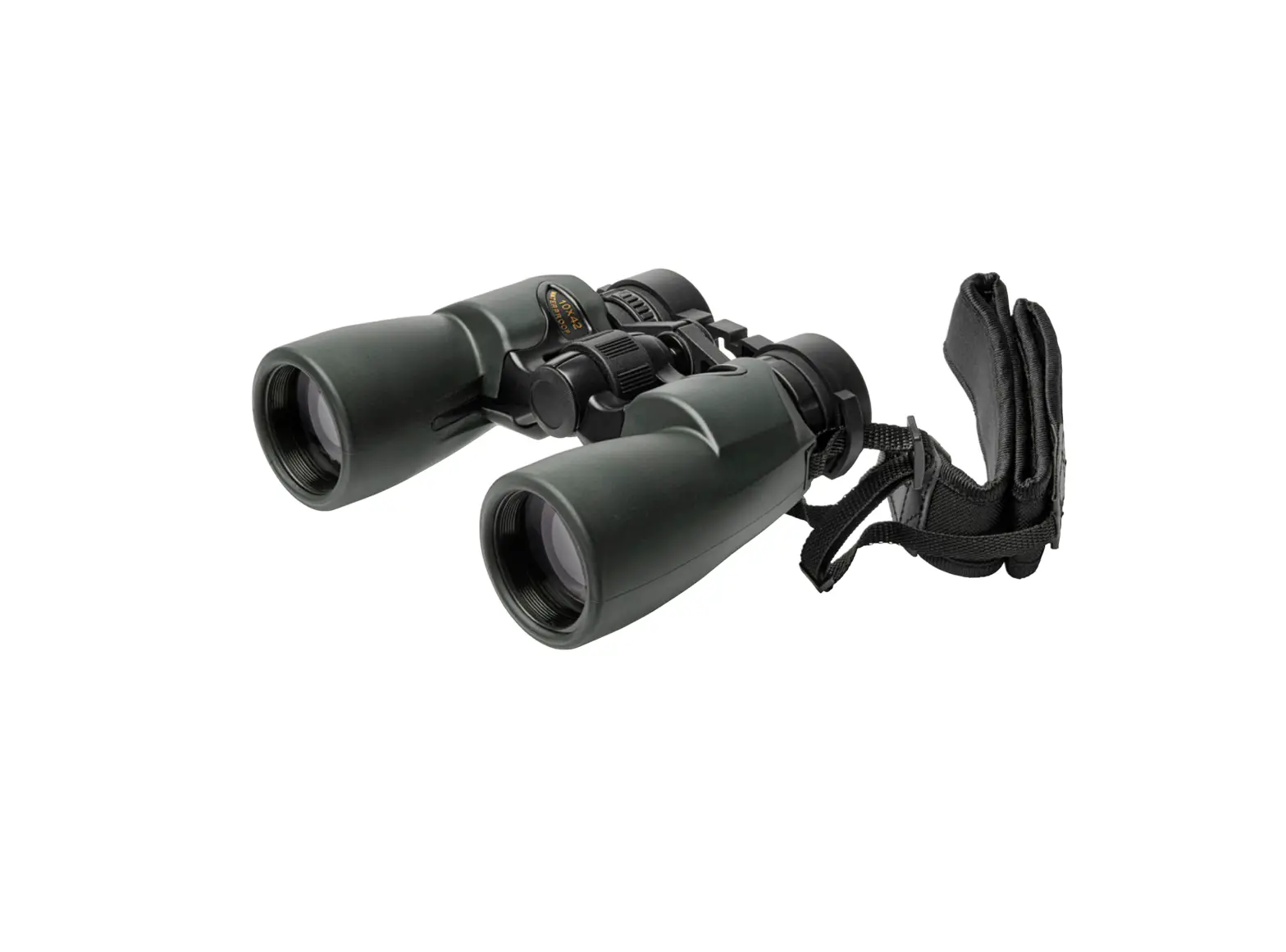
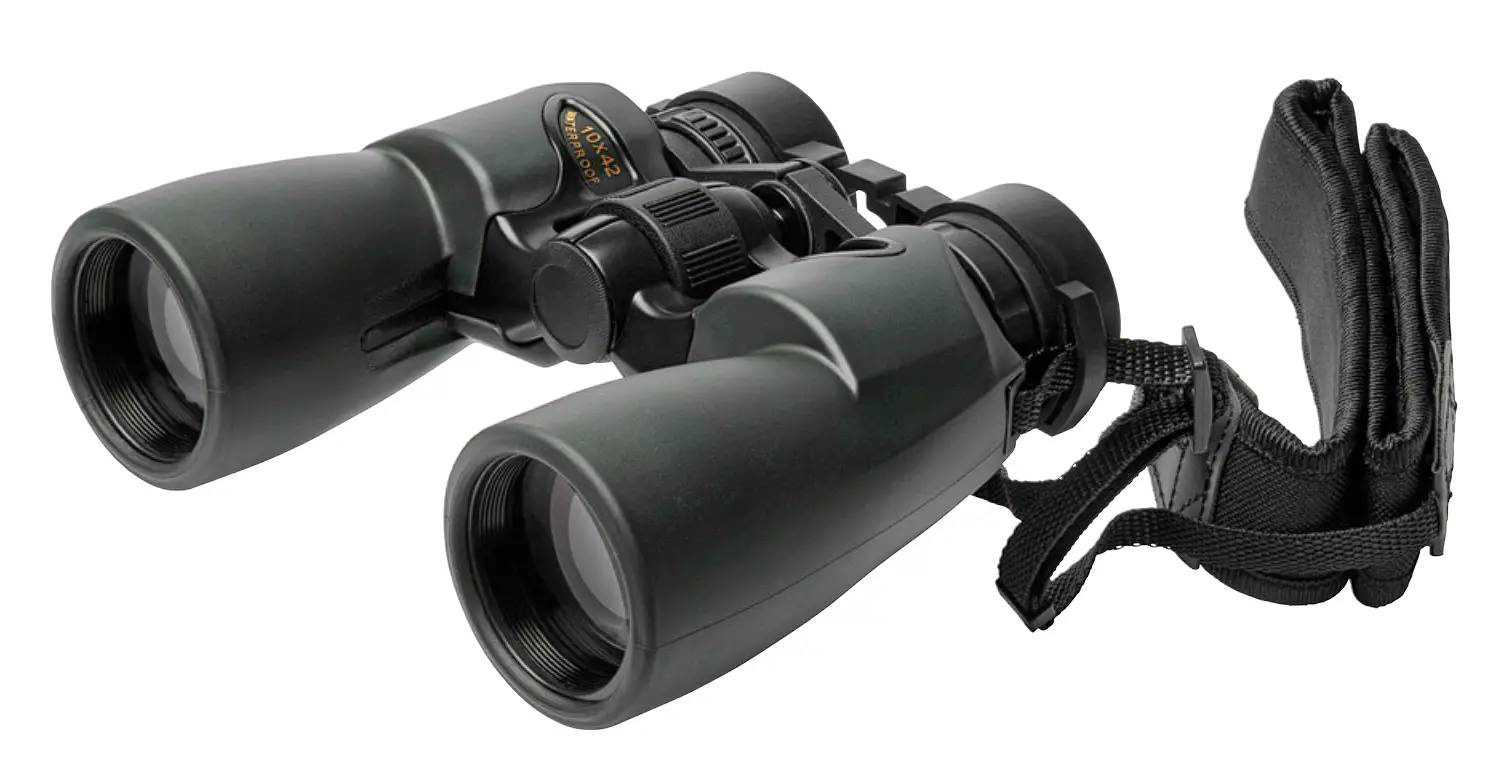
KAYOBA 009128 Binoculars with 10x Magnification and 42mm Lens
SAFETY INSTRUCTIONS
WARNING!
- Never attempt to clean the inside of the binoculars or to open them!
- Never look at the sun, either with or without the binoculars. This can result in permanent eye injury.
SYMBOLS
 | Read the instructions |
TECHNICAL DATA
| Magnification | 10x |
| Closest focusing distance | 3.5 m |
| Field of vision (7,000 m) | 705 m/6° |
| Lens | 42 mm |
DESCRIPTION
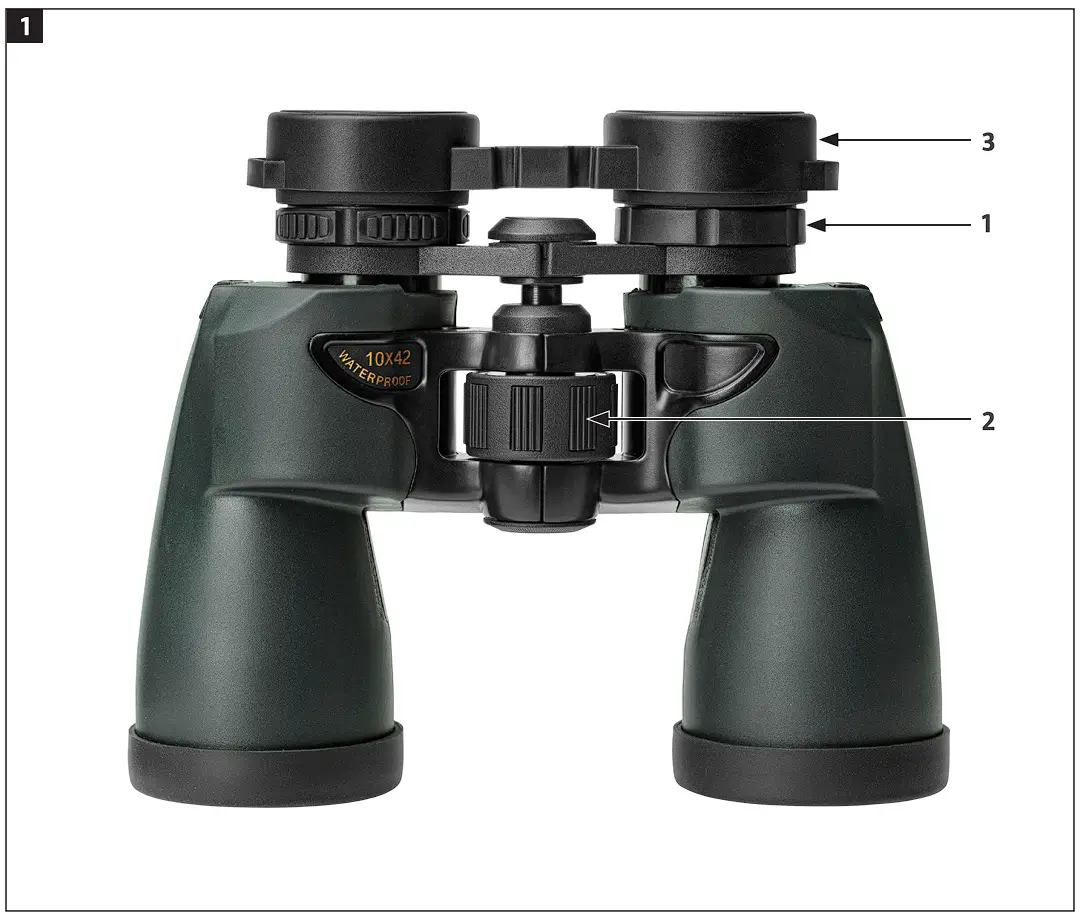
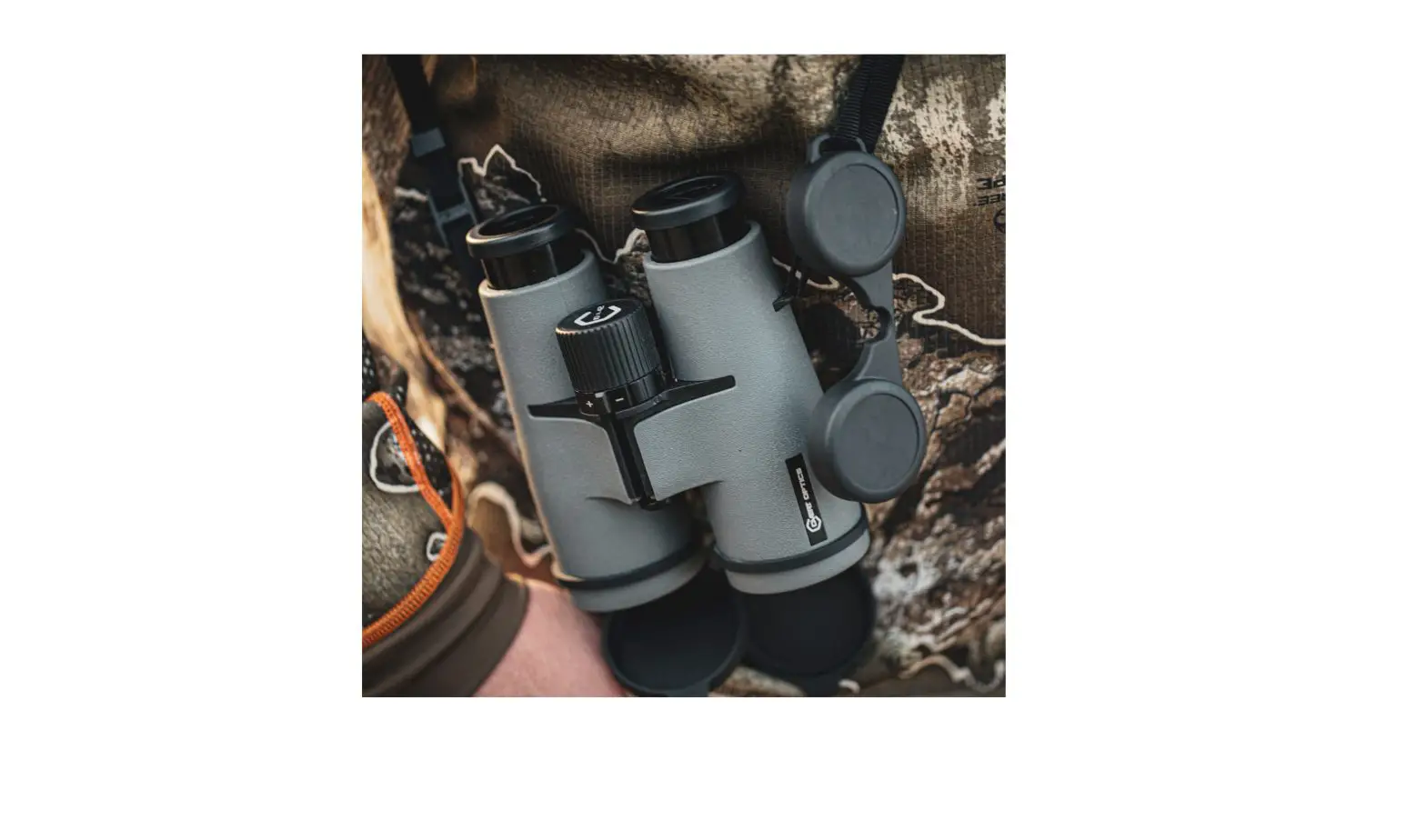
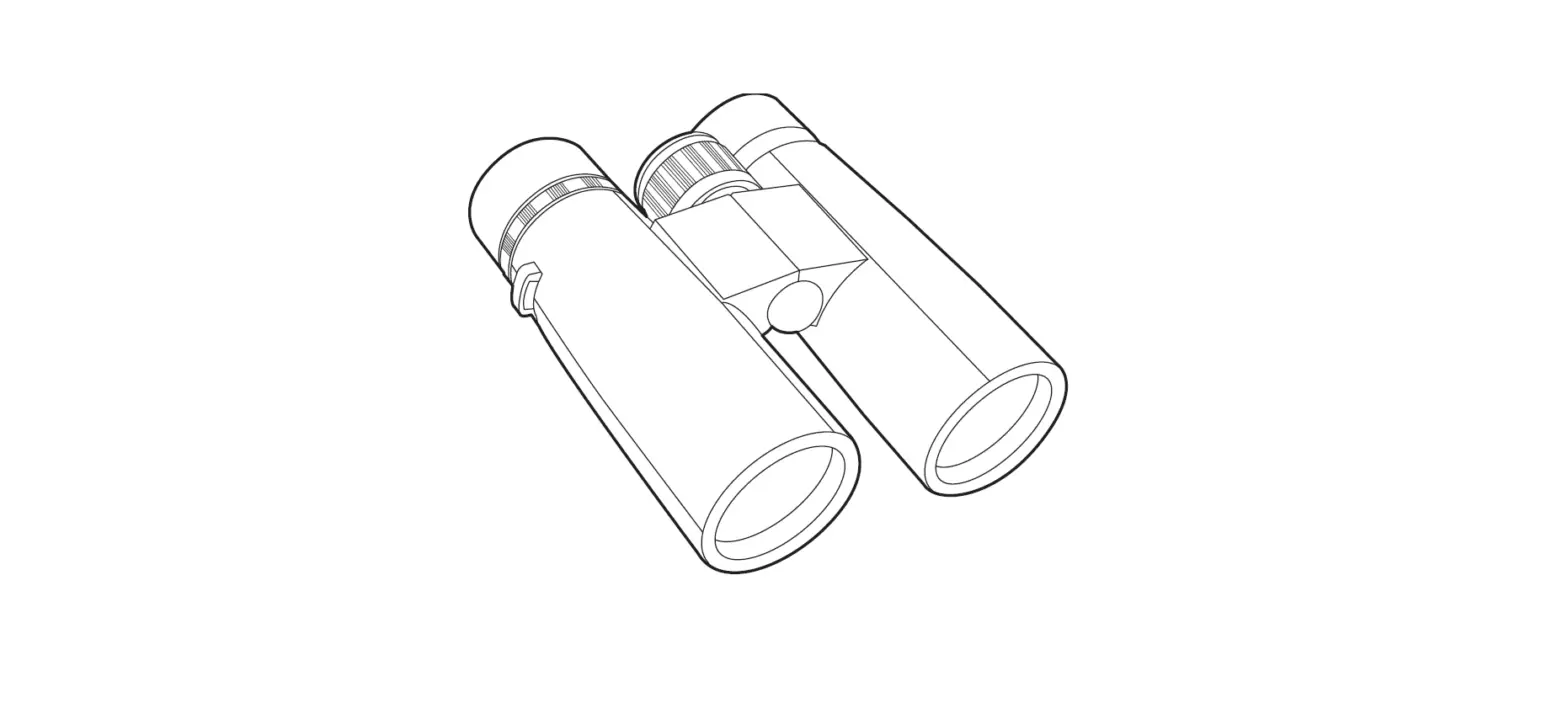
- Diopter setting for eyepiece
- Focus ring
- Folding rubber eye cups


HOW TO USE
ADJUSTING THE FIELD OF VISION
In order to adjust the binoculars according to the distance between your eyes, hold thebinoculars in front of your eyes and move the eyepiece tubes together or apart until the field of vision is clear and coherent.
FOCUSING
- Set the right eyepiece (1) to zero and look at a distant object.
- Hold your hand in front of the right lens and turn the focus ring (2) until the image in the left eyepiece is clear. Keep both eyes open when making this adjustment.
- Hold your hand in front of the left lens and turn the right eyepiece until the image is clear.
- The binoculars are now adjusted for your eyes. Note the diopter setting on the right eyepiece for future reference.
FOLDING DOWN THE EYE CUPS
People who were glasses can fold down the eye cups (3). This reduces the distance between the eyepieces and your eyes, which gives a better field of vision.
MAINTENANCE
CLEANING
- Clean the lenses with a soft brush or a soft, lint-free cloth.
- Any detergent should be sprayed on the cloth, never directly on the glass.