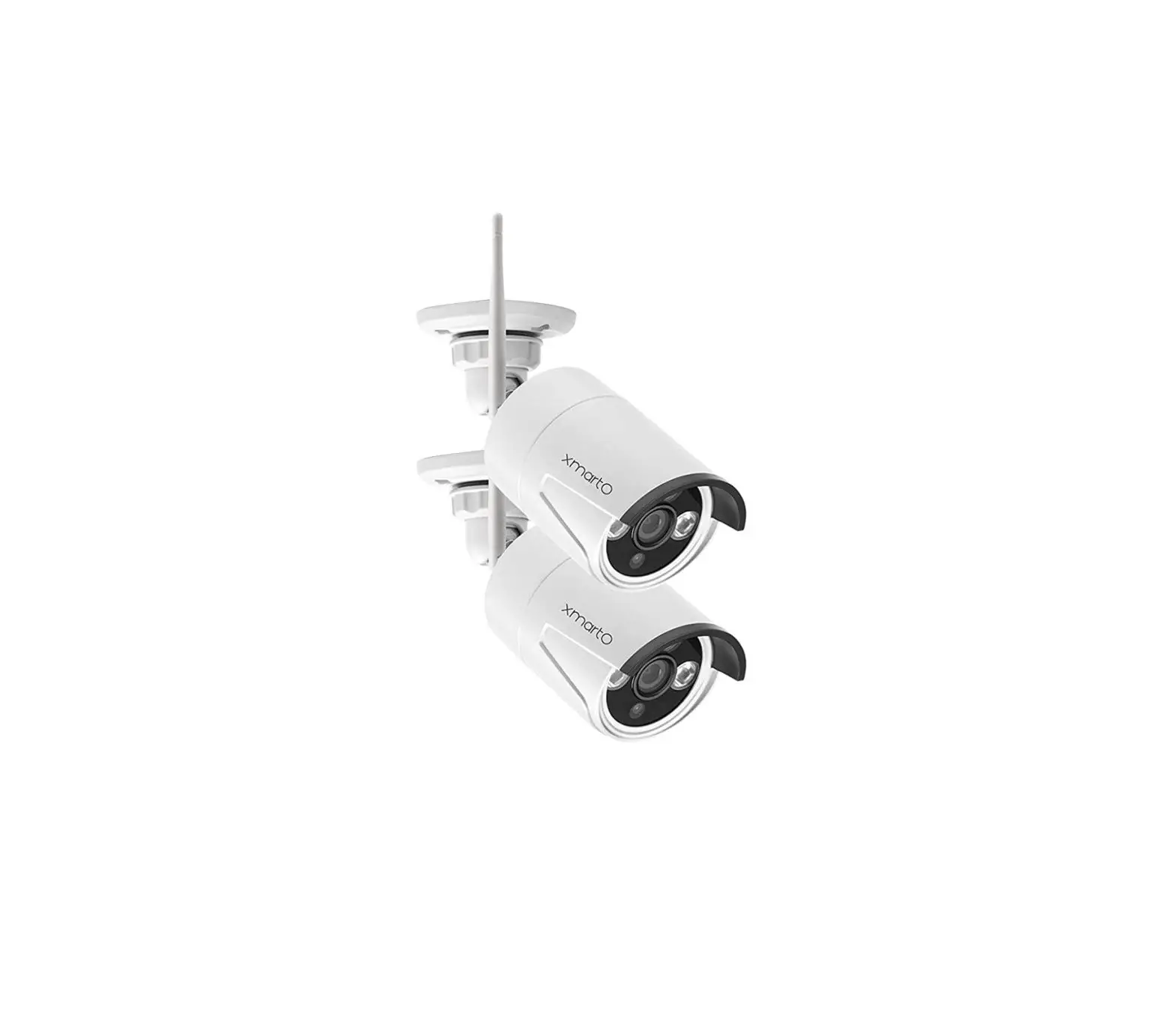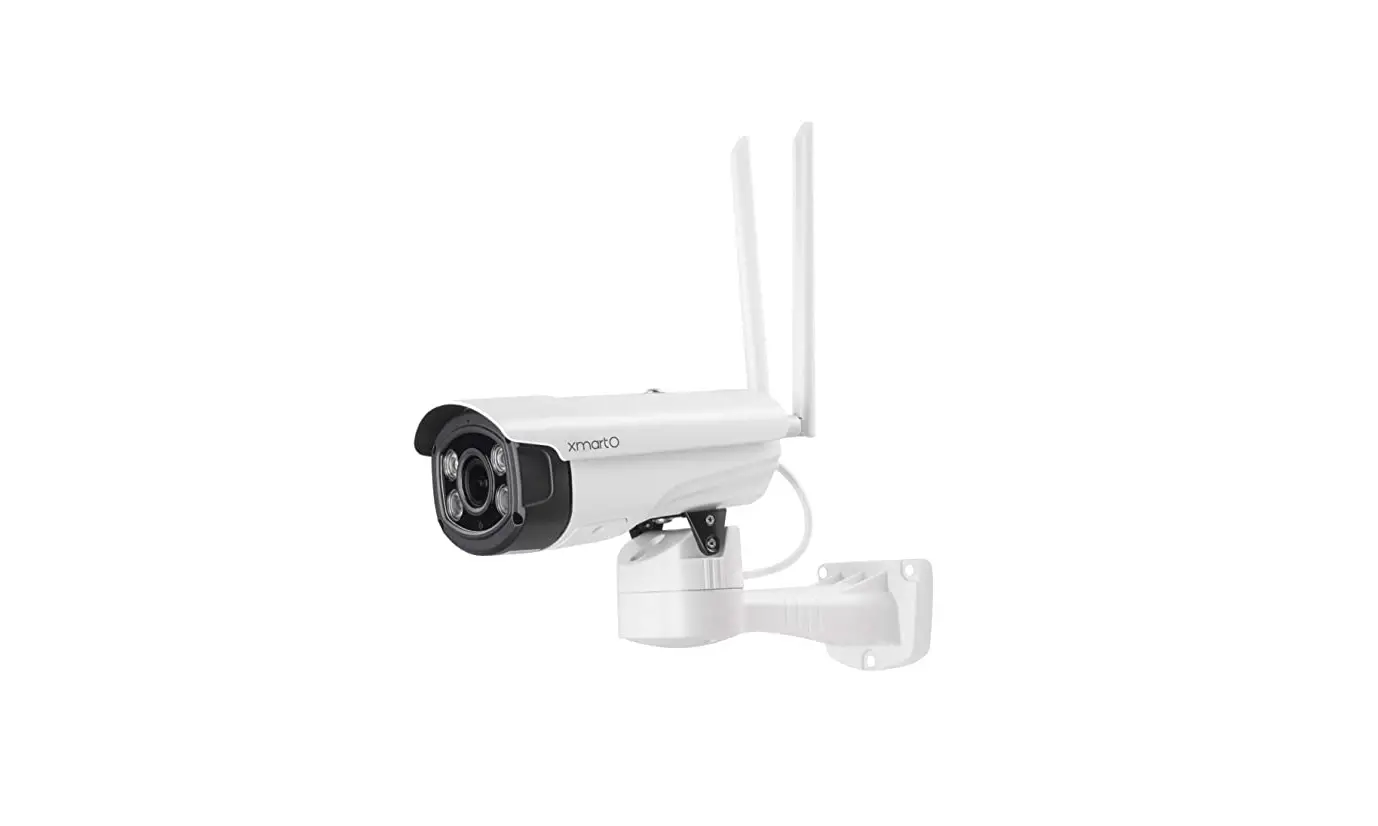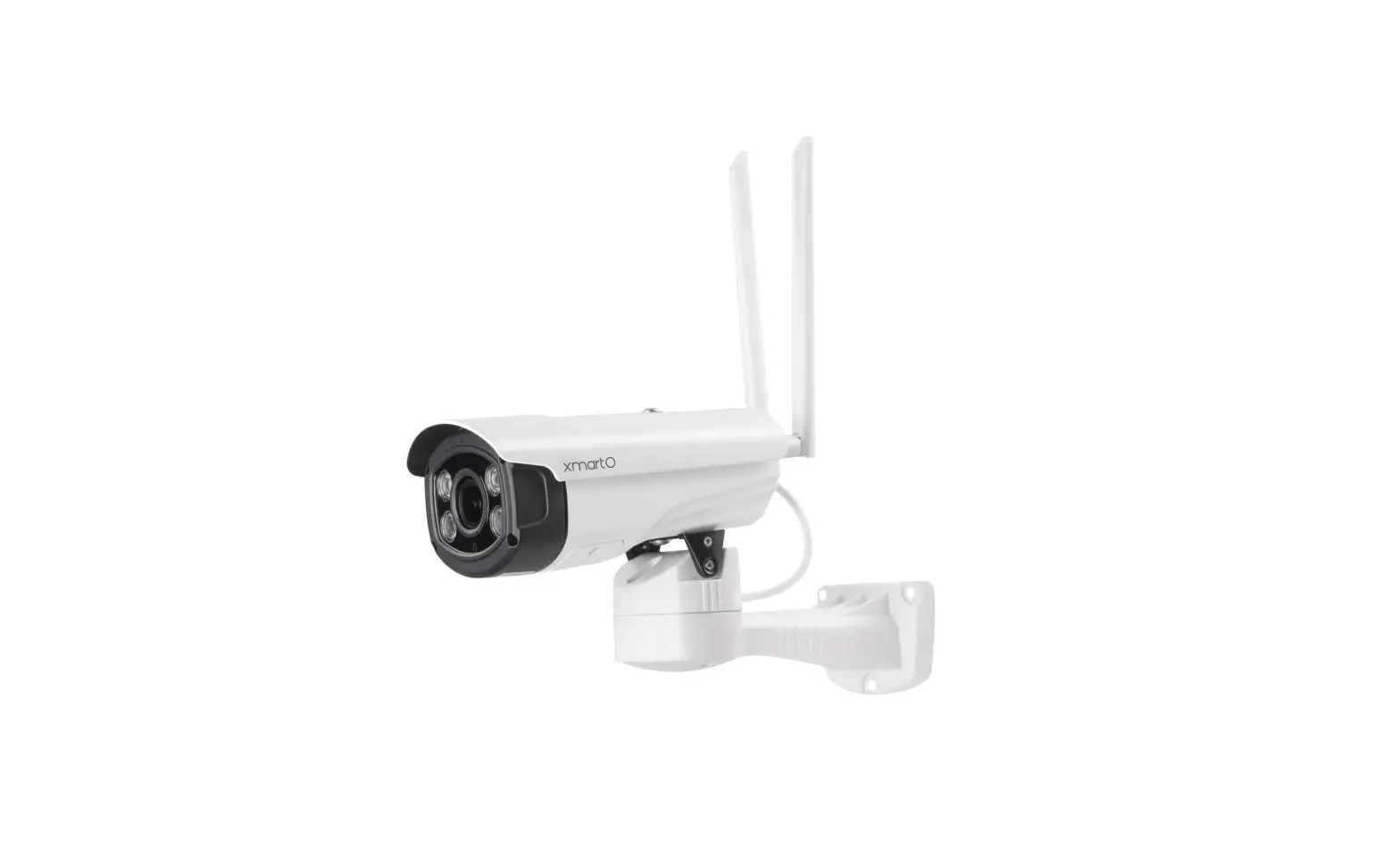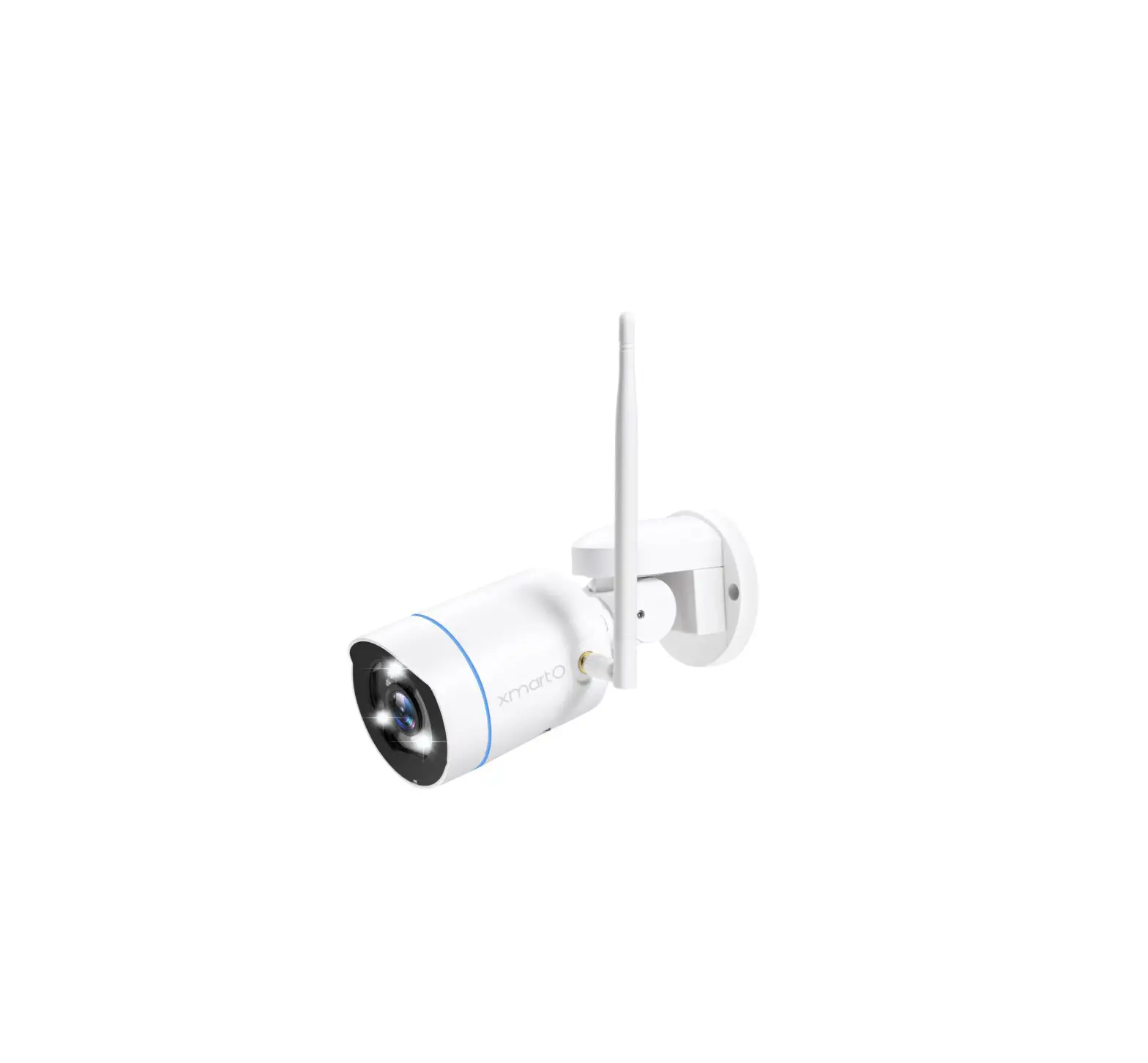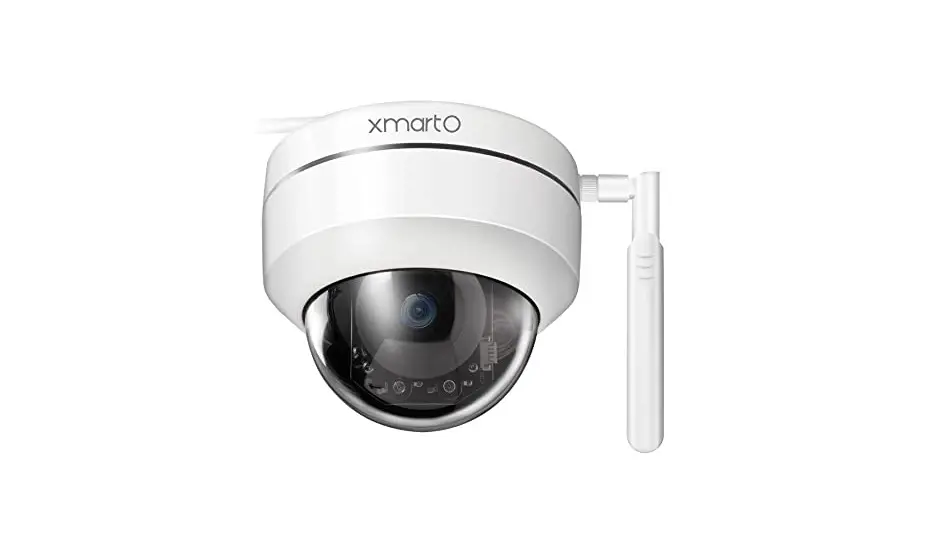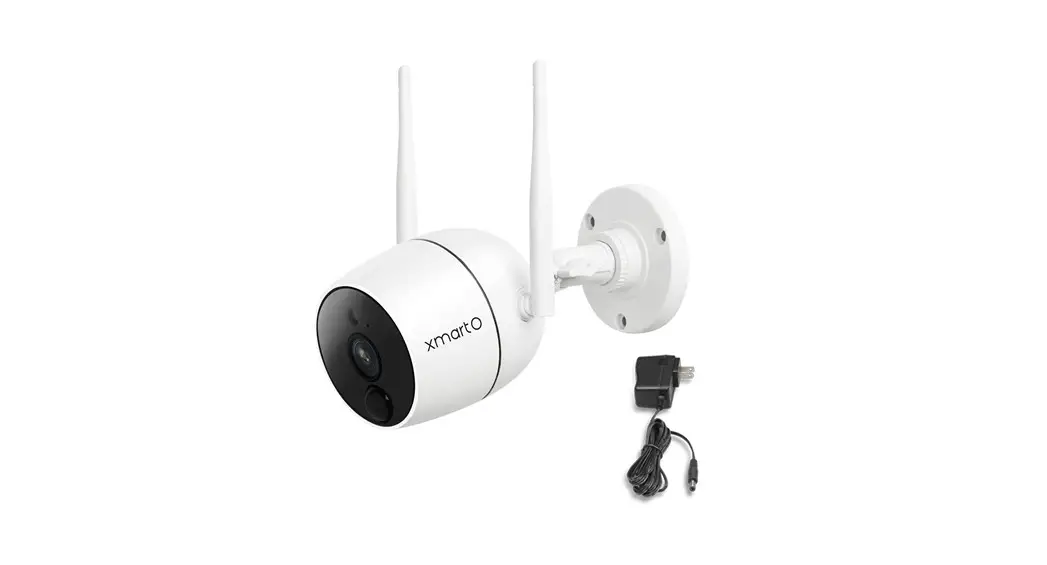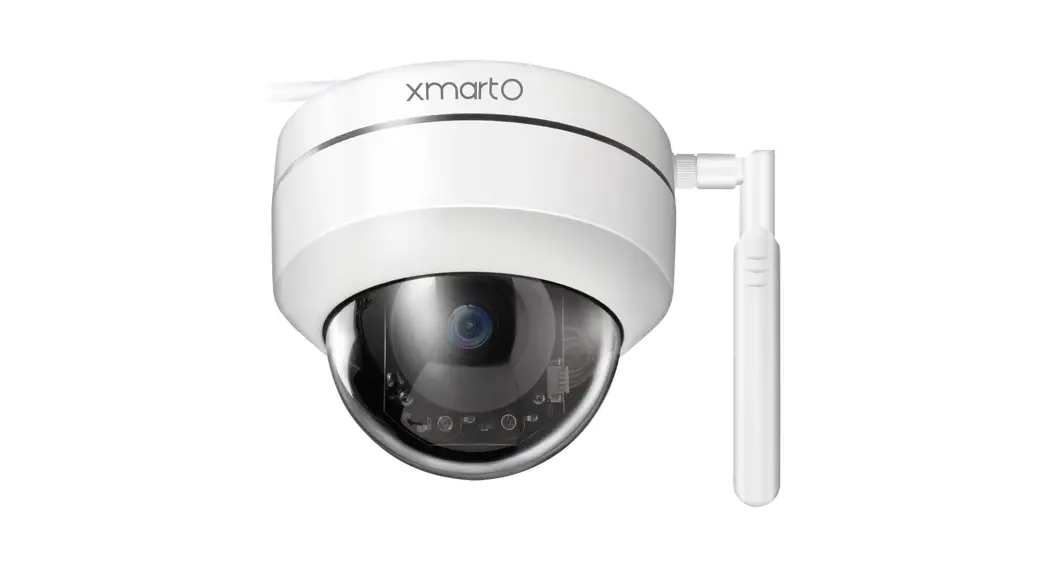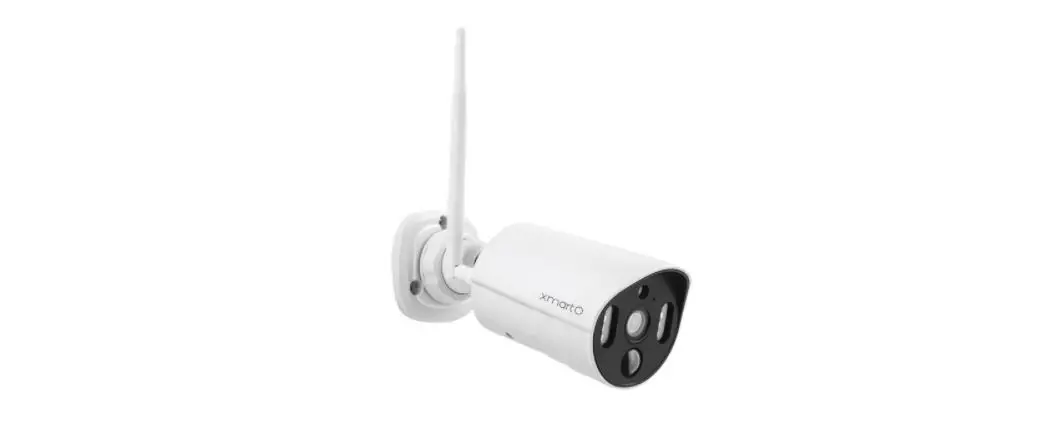
xmartO WP1324 WiFi Cameras Installation Guide
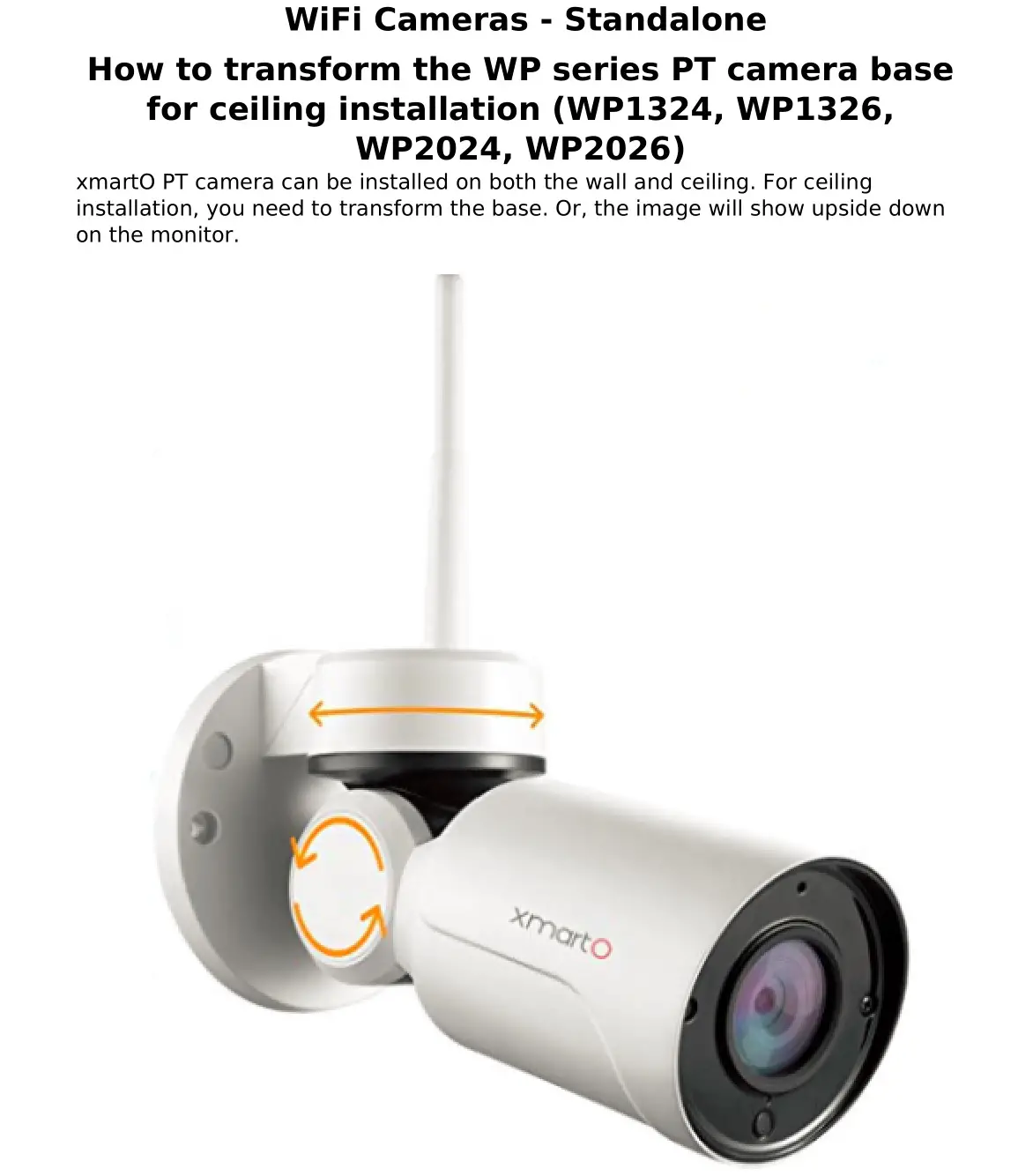
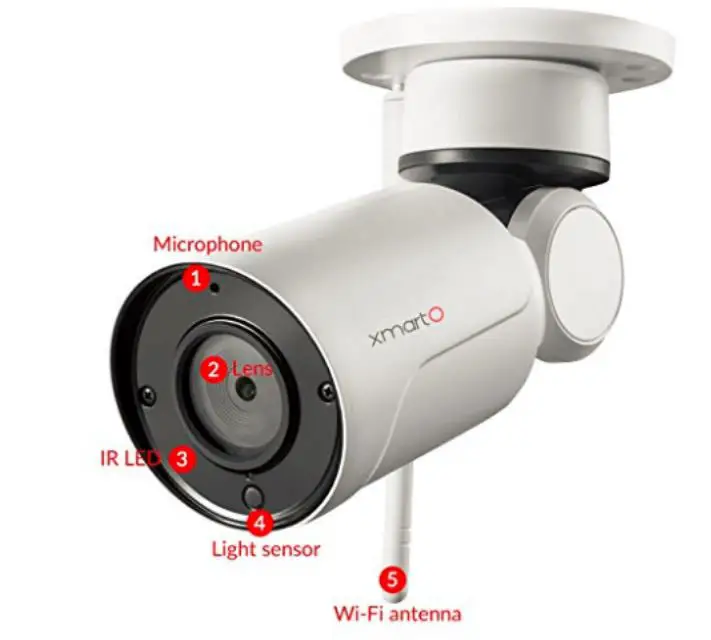
Below is how to transform the base for ceiling installation:
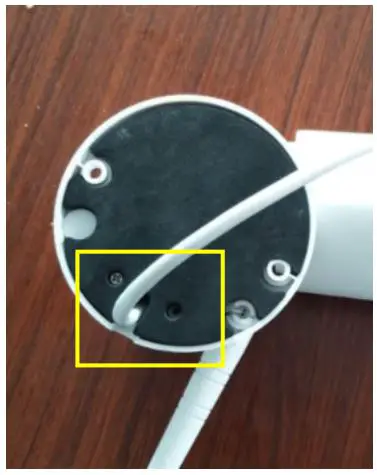
1. There are two small screws on the bottom. Shown in the picture below. Unscrew the two screws.
2. Loosen the base, then you can move the base to the right until it can overlap with the base connector. Shown as below.
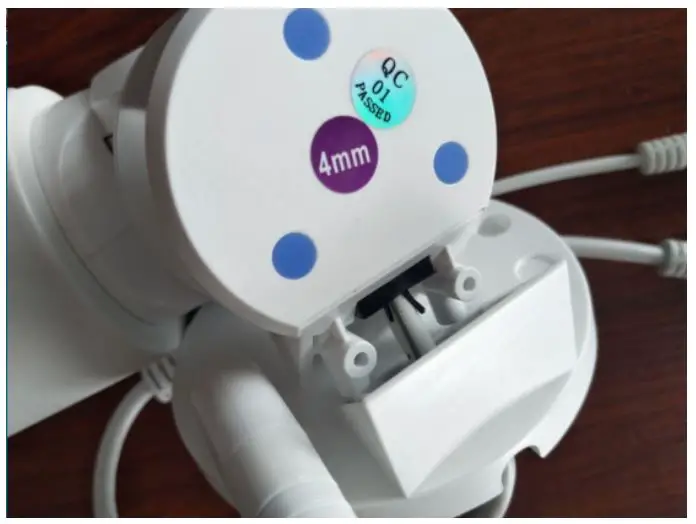
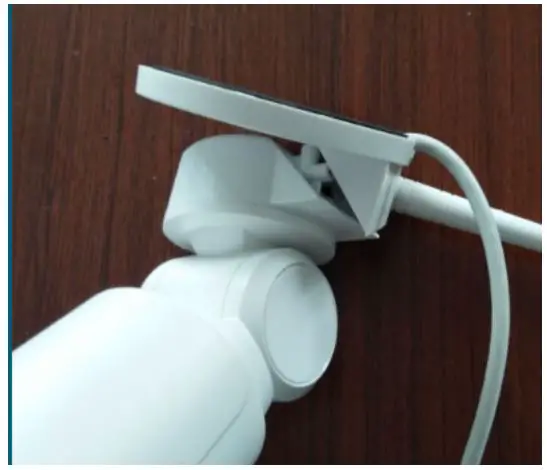
Attention: There is a thin cable connected to the camera antenna. When you transform the base, please do it slowly can carefully to well protect the cable.
3. Then screw back the two small screws to fixate the base. Then you can mount the camera your ceiling.
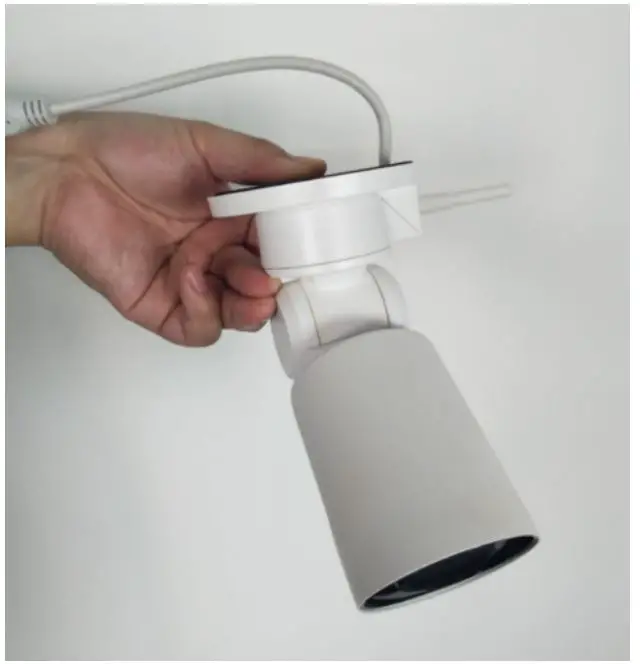
Note: Before mounting the camera, please don’t forget to pair the camera to the NVR first.
Unique solution ID: #1012
Author: Admin
Last update: 2020-04-23 08:13
(c) 2021 Mark <[email protected]> | 2021-10-25 20:54
URL: https://www.xmarto.com/helpcenter/index.php?action=artikel&cat=2&id=13&artlang=en