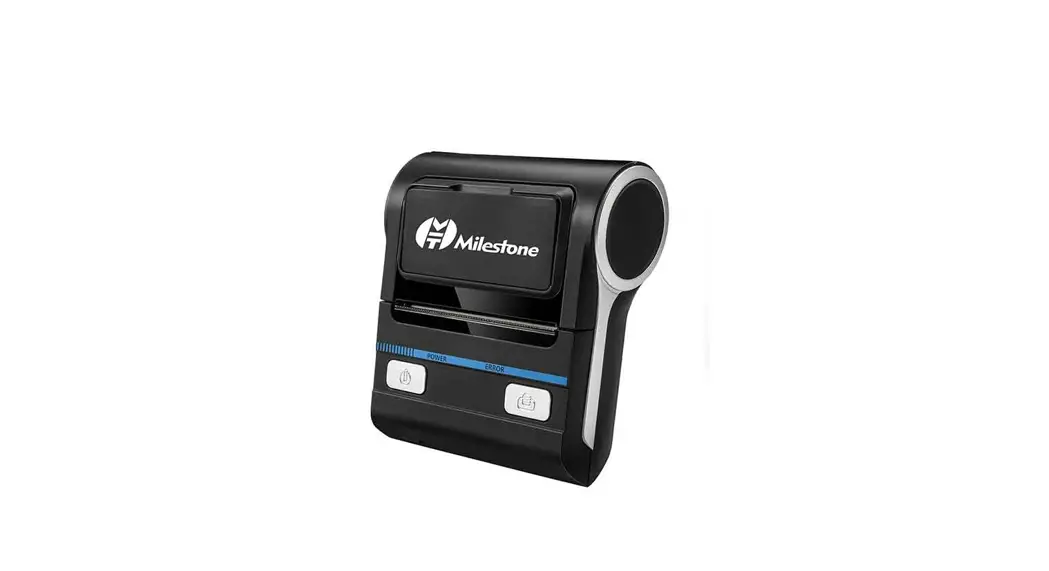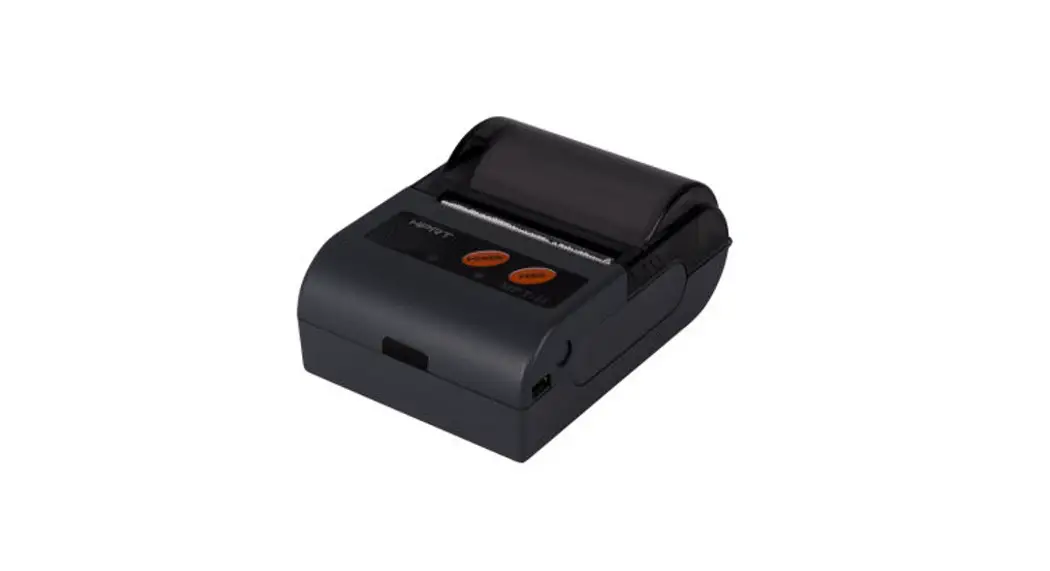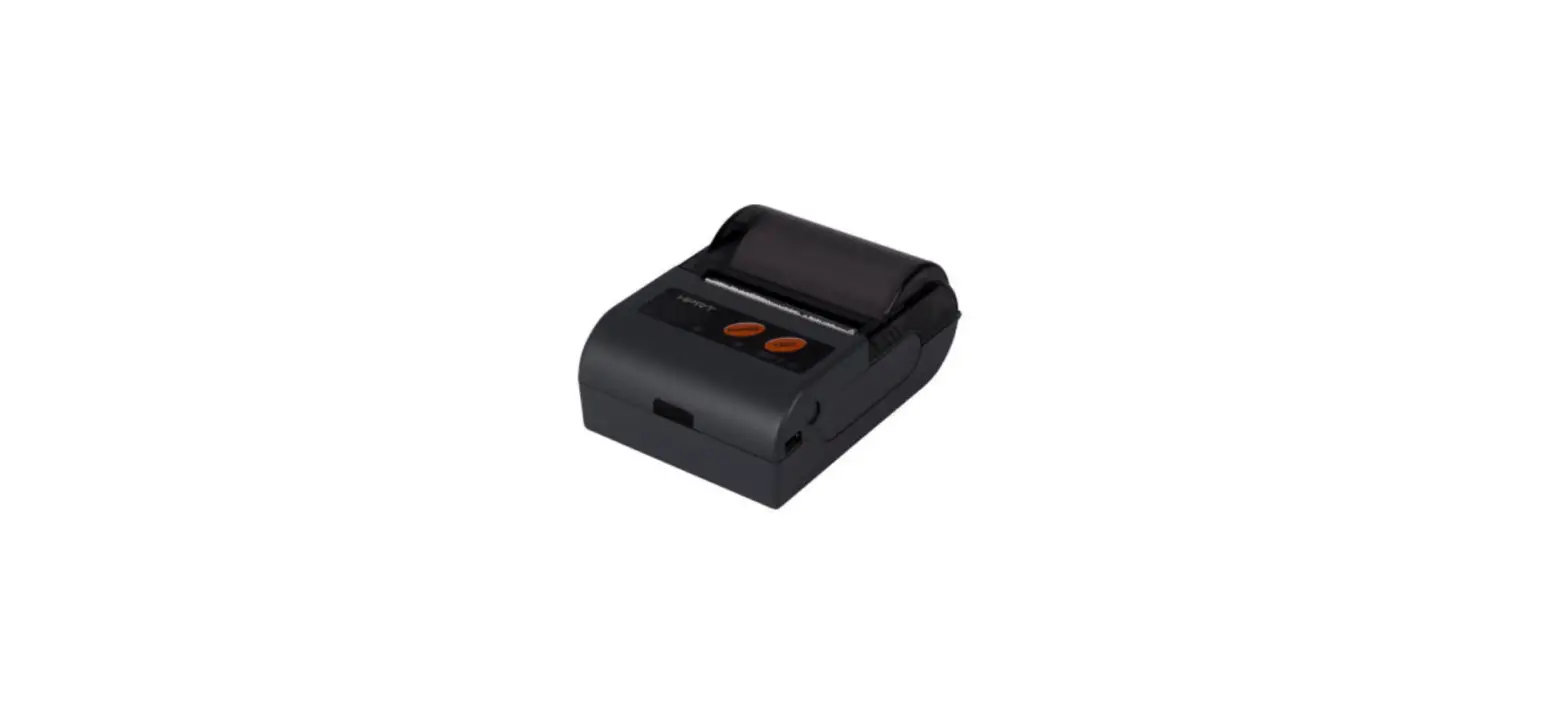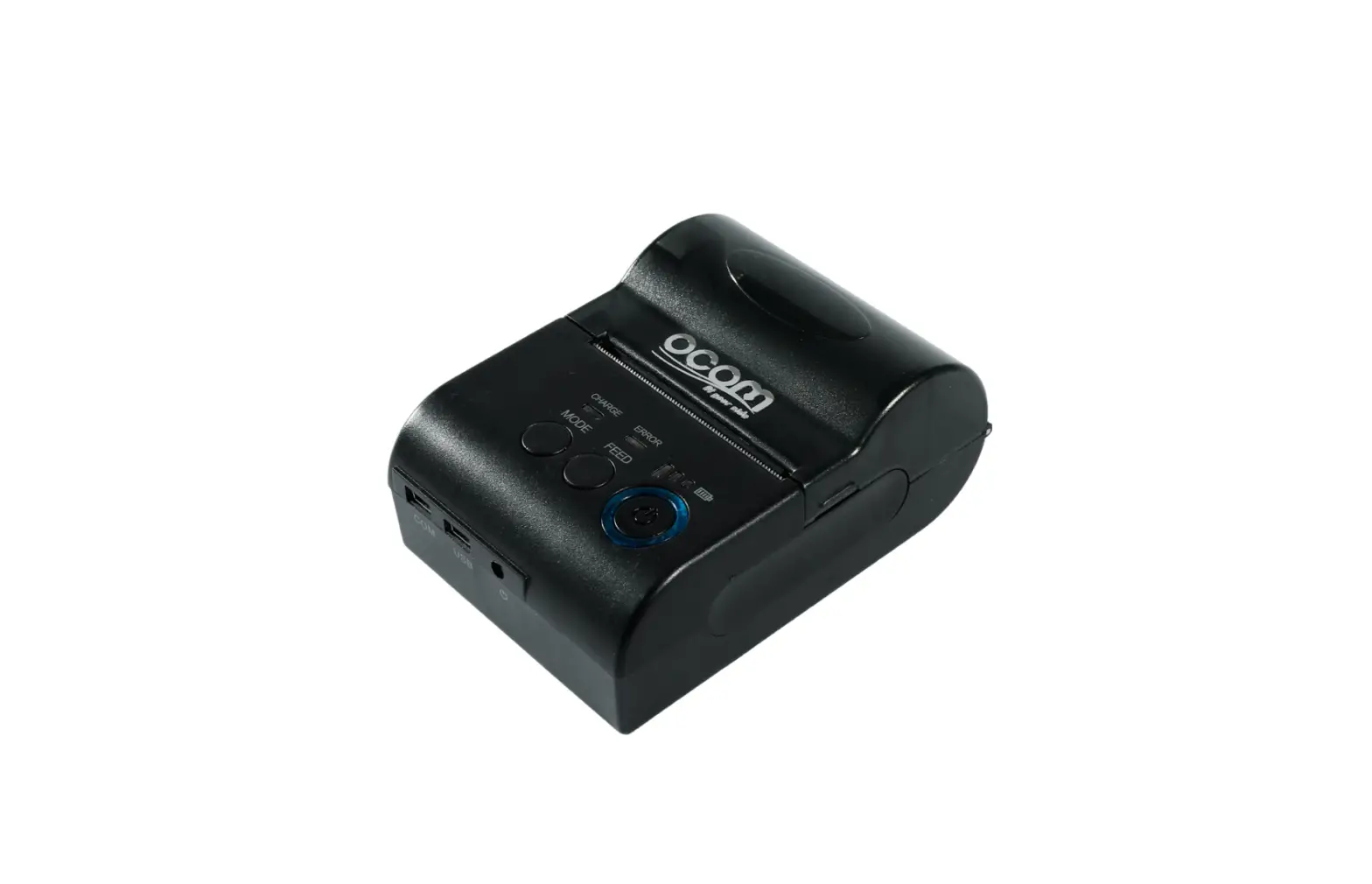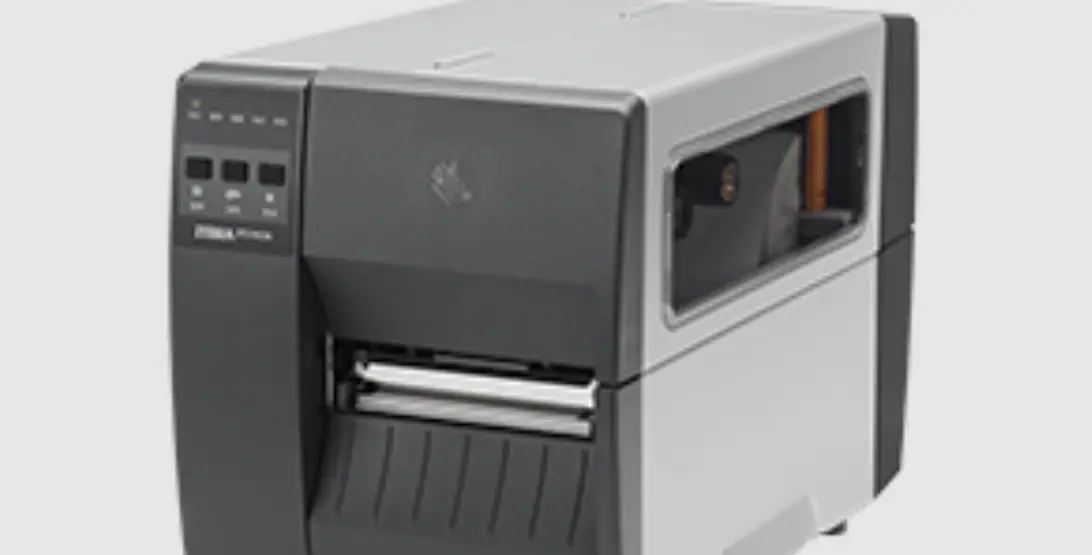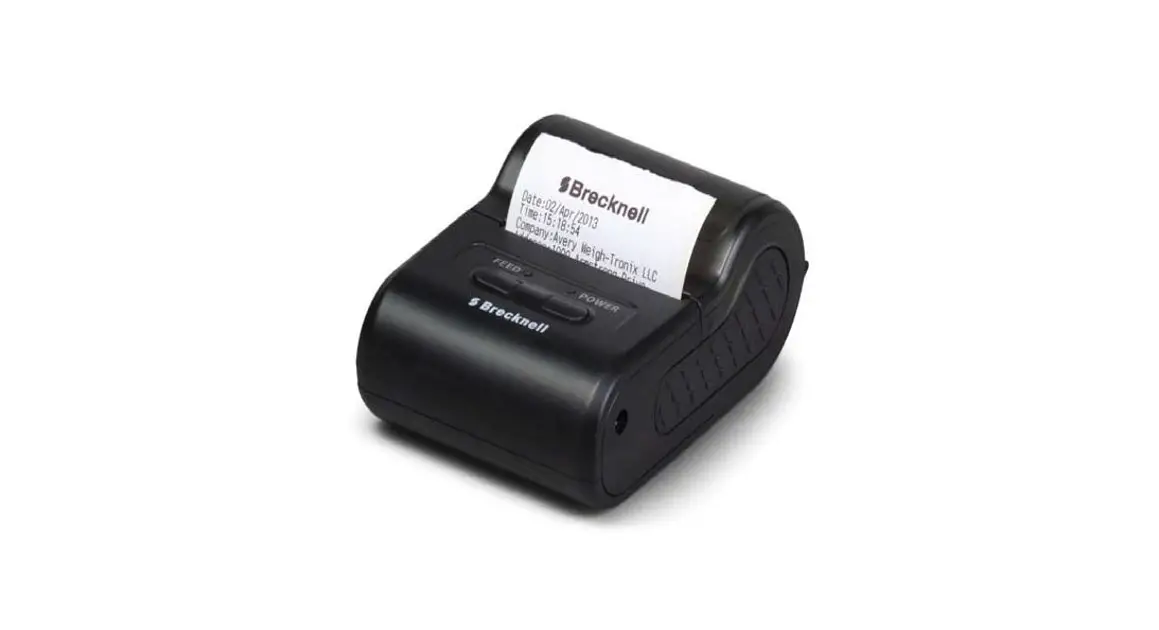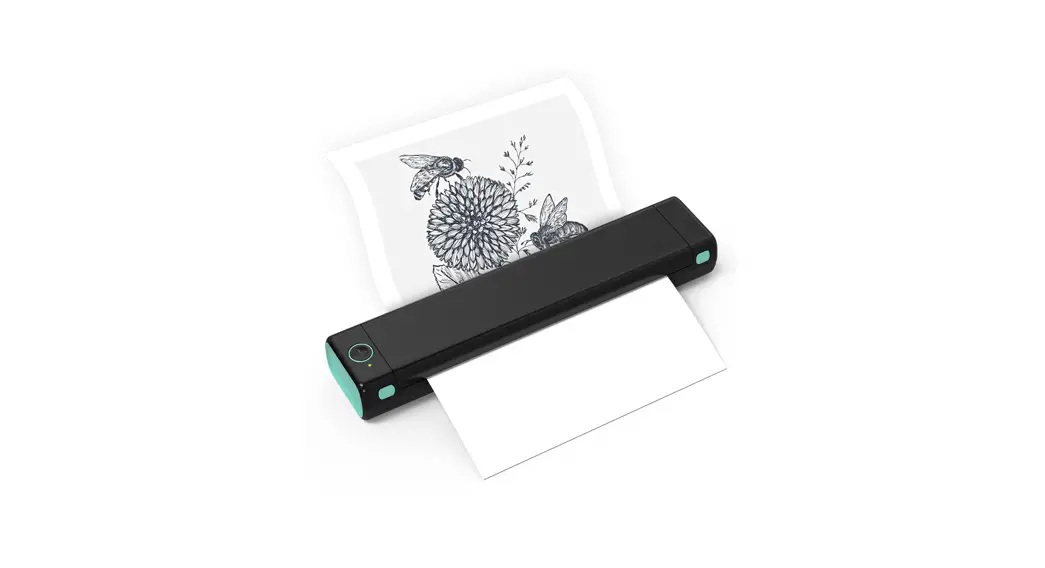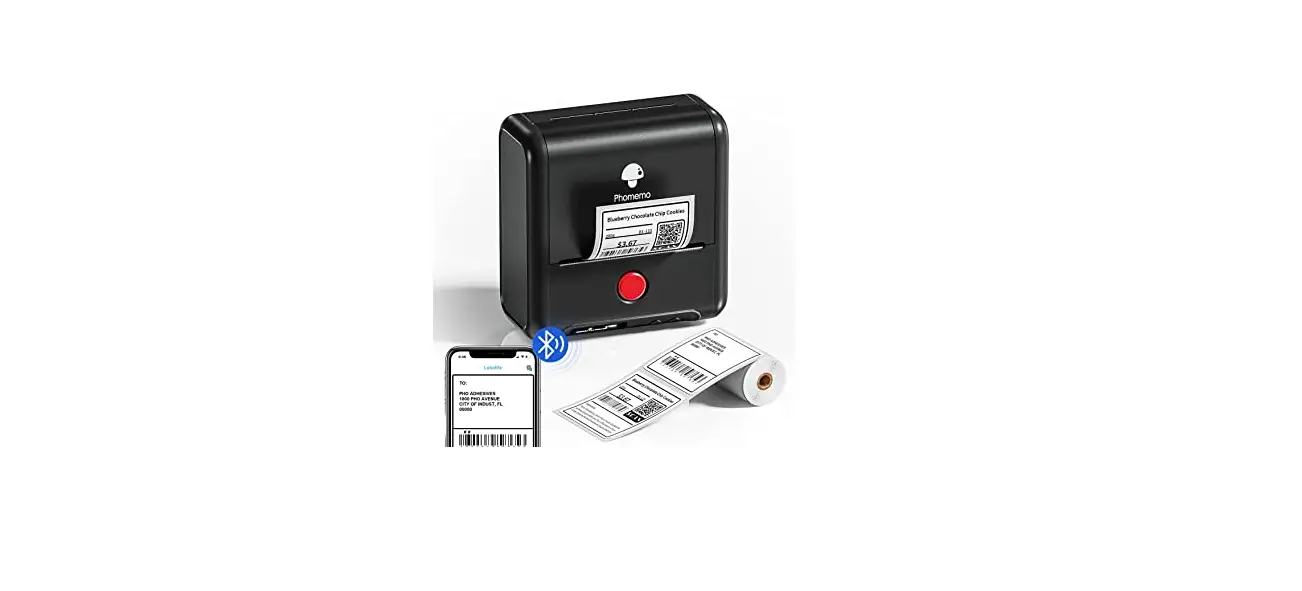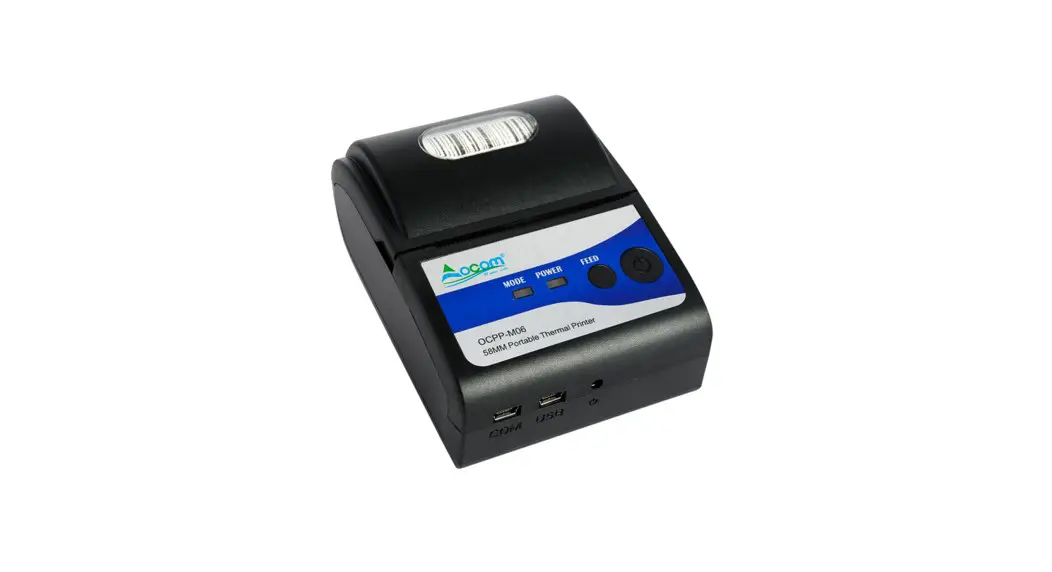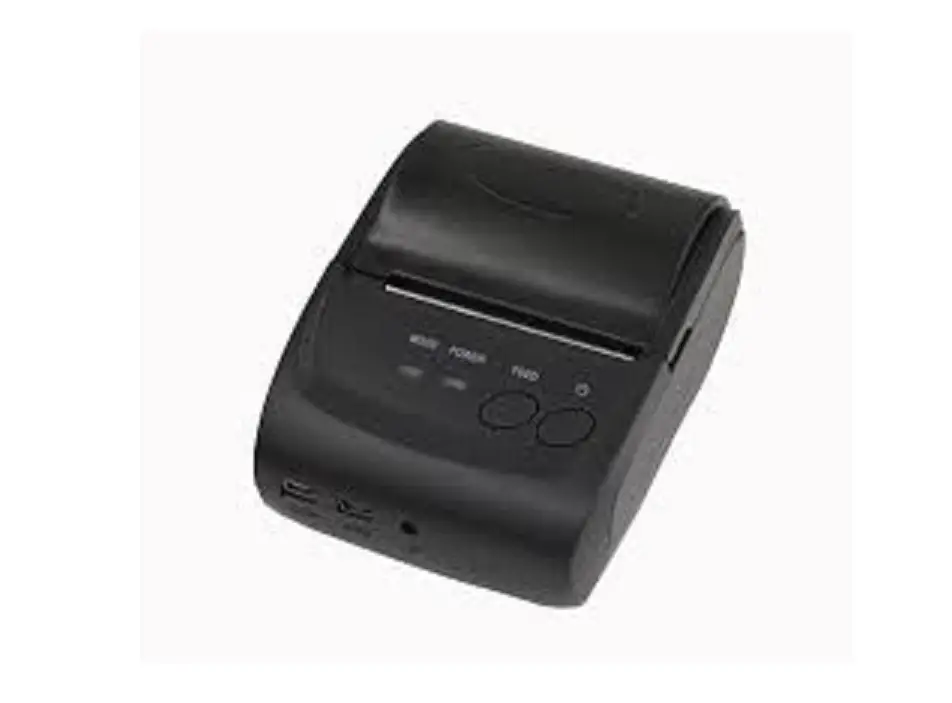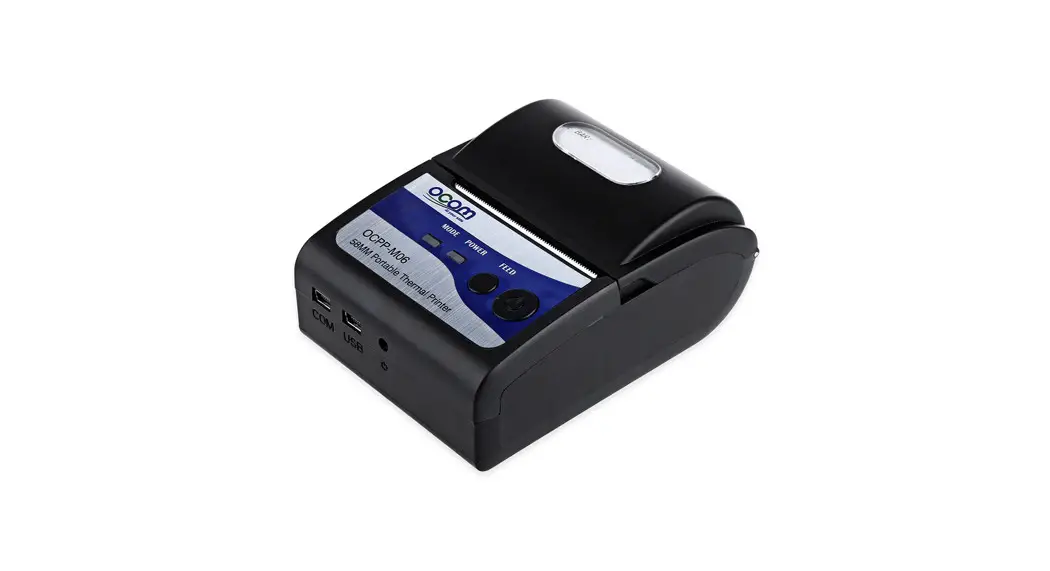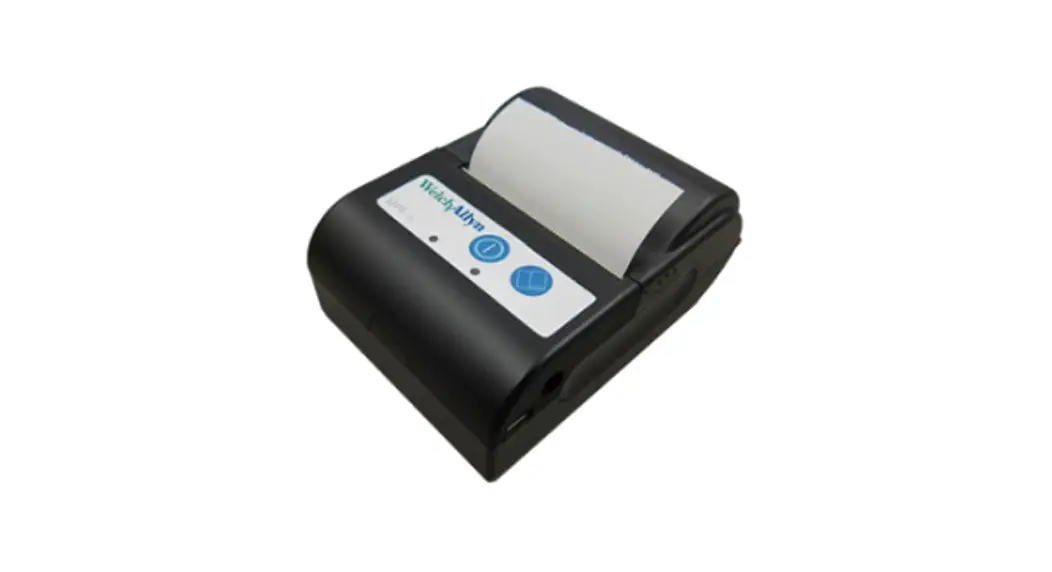
 MPT-II Mobile Thermal Mini Printer
Instructions for use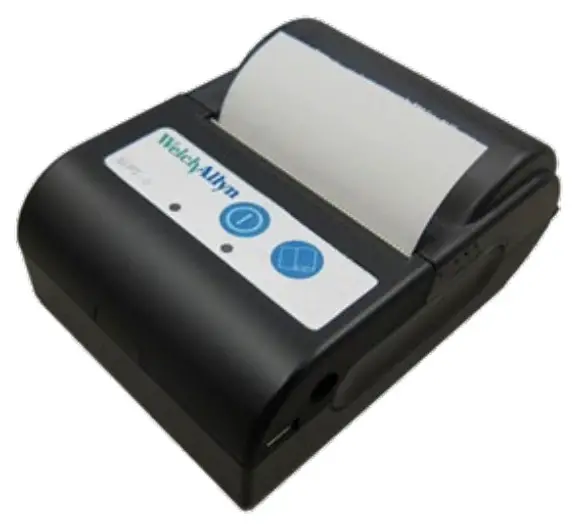
Cautions
- Use only Welch Allyn approved batteries. Unapproved batteries could leak, causing a safety hazard.
- Install battery so like terminals connect.
- Separate batteries from general waste. Do not dispose batteries with unsorted municipal waste.
- The printer can become hot.
- Do not open the cover while printing.
- Keep the printer in a dry place. Exposure to liquids can damage the printer.
- Remove the battery if the printer is to be stored for a long period of time.
- Use only Welch Ally approved chargers. Unapproved chargers can damage the device.
General information
MPT-II printer kit includes:
- 1 pcs. MPT-II printer
- 1 pcs. MPT-II rechargeable battery pack
- 2 pcs. 40mm diameter thermal paper
- 1 pcs. Power supply, WA # 39407
- 5 pcs. Adapters for power supply for world-wide connection
- 1 pcs. User manual
Connection cable supplied separately, depending on instrument.
Operation
Paper loading:
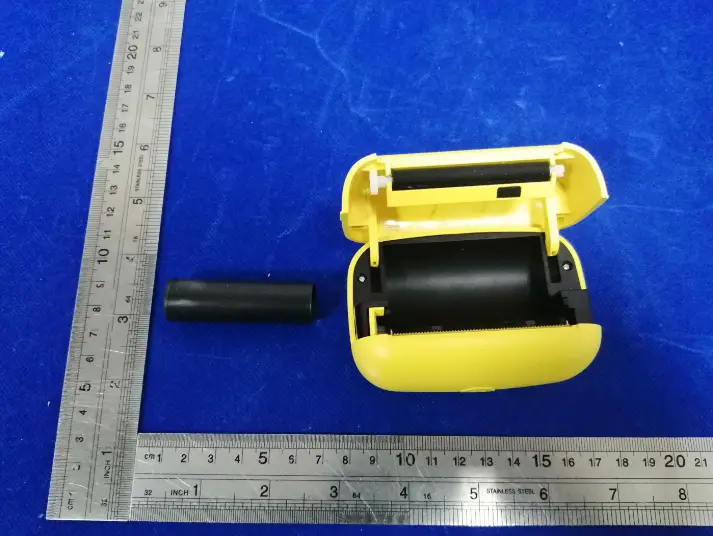
Open the lid by pushing on the sides, insert paper roll as shown, and close the lid.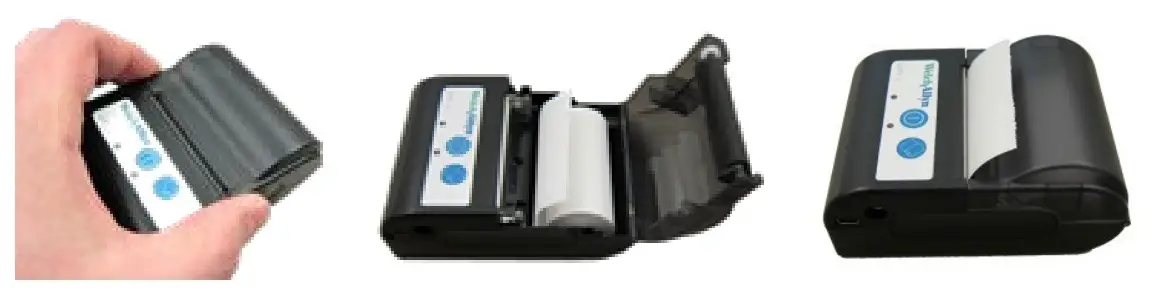 order paper from your local Welch Allyn distributor.
Caution: Do not disassemble the printer.
Battery pack insertion:
Insert battery as shown.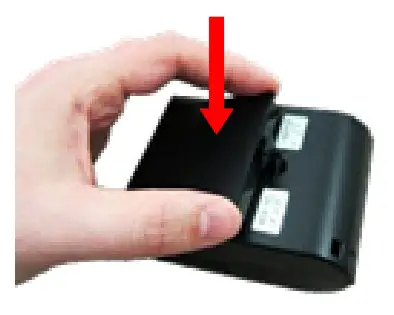 Power on:
Push POWER BUTTON
for two seconds to power ON or OFF.
One short beep will be heard at power ON, two short beeps at power OFF.
Green Power Indicator will be lit if printer is powered by battery. Indicators:
Green LED indicator  | Blue LED indicator  | Status | Sound | Note |
Off  | Fast flash  | Charging | Power On | |
| Off | On | Charging | Power Off | |
| Off | Slow flash | Battery nearly discharged | ||
| Off | On | Charging completed | Power On | |
| Off | Off  | Charging completed | Power Off | |
| On | Off | Power ON, battery powered | ||
Slow flash  | Slow flash | Out of paper | Beep | |
| Slow flash | Off | Sleep mode |
Self-test:
While printer is powered OFF, press and hold PAPER FEED  button, then press and hold POWER BUTTON
  simultaneously.
When beep is heard after approx. 3 seconds, release both buttons, and a test page will print with information on current status and character samples.
Paper feed:
When powered press PAPER FEED button. Paper will feed as long as the button is pressed.
Wireless setup:
Pairing with the instrument is necessary before printing via wireless is possible.
The pairing process is done like this:
- Power on printer
- Let the instrument / PC search for other wireless devices
- A device called “PRT-XX-XX” should appear in the list of devices.
- Finish pairing
For detailed instructions how to initiate wireless search, please refer to your device’s user manual.
Note: Do not have several printers powered on and within range while searching.
It is possible to pair up to 8 instruments with one printer. If more instruments are paired the oldest will be deleted.
Technical specifications
Print mode:
Thermal line dot print
Printing width: 48mm
Resolution: 8 dots/mm (203dpi)
Dots per line: 384 dots
Thermal paper:
Paper width = 56mm +/- 1mm max 40mm diameter
Printer mechanism life:
10^8 print pulses or 50km paper
Interface options:
USB (Mini-USB)
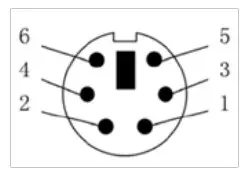
RS-232 (6-pin mini-DIN)
Infrared (RAW_IR, VIR, IrDA)
Wireless Class2 (up to 10m range) – serial port profile (SPP)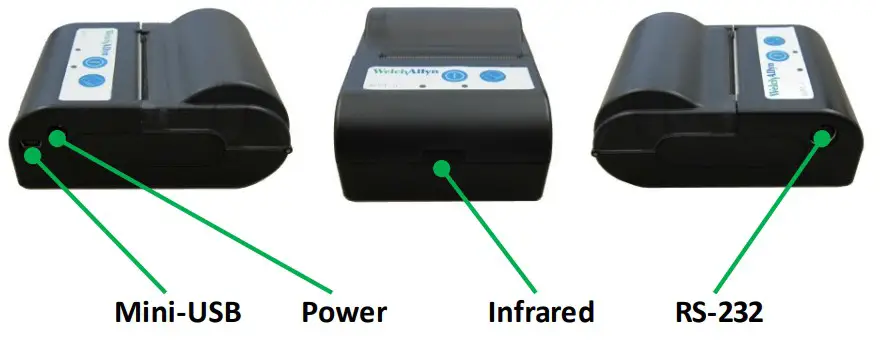 RS-232 pinout:
- TXD
- RTS
- DND
- Reserved pins
- RXD
- Reserved pins
 Battery pack:
2-cell Li-Ion battery pack 7.4V-1500mAh
Power supply / charger:
39407
Maximum current consumption 0.5A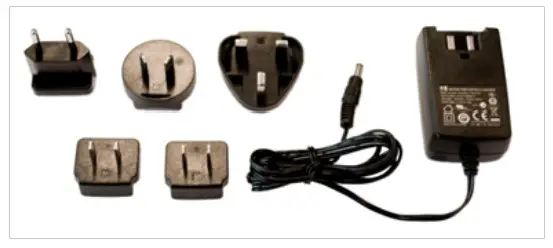 Physical properties:
Size: 102x75x45mm (WxLxH)
Weight: 205g including battery, without paper
Environmental specifications:
Operational temperature range: -10C to 50C (14F to 122F)Operational humidity range: 20% to 85%
Storage temperature range: -20C to 70C (-4F to 158F)
Distributed by:
Welch Allyn, Inc.
4341 State Street Road
Skaneateles Falls, NY 13153 USA
www.welchallyn.com 39511-4 (CD)
DIR 80022352 Ver. D, Revised 2022-06
8108699 Rev 4