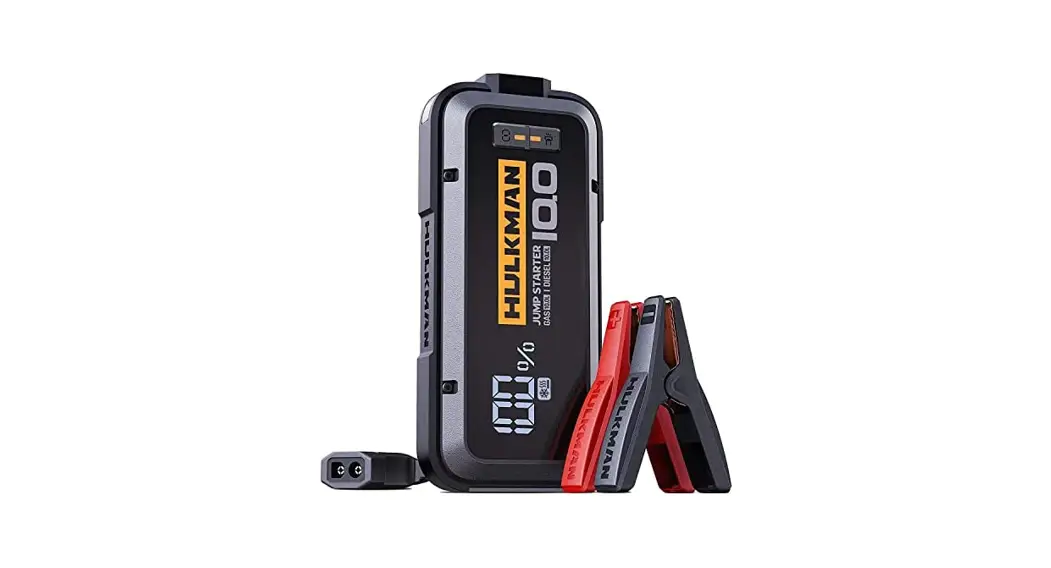
 USER GUIDE
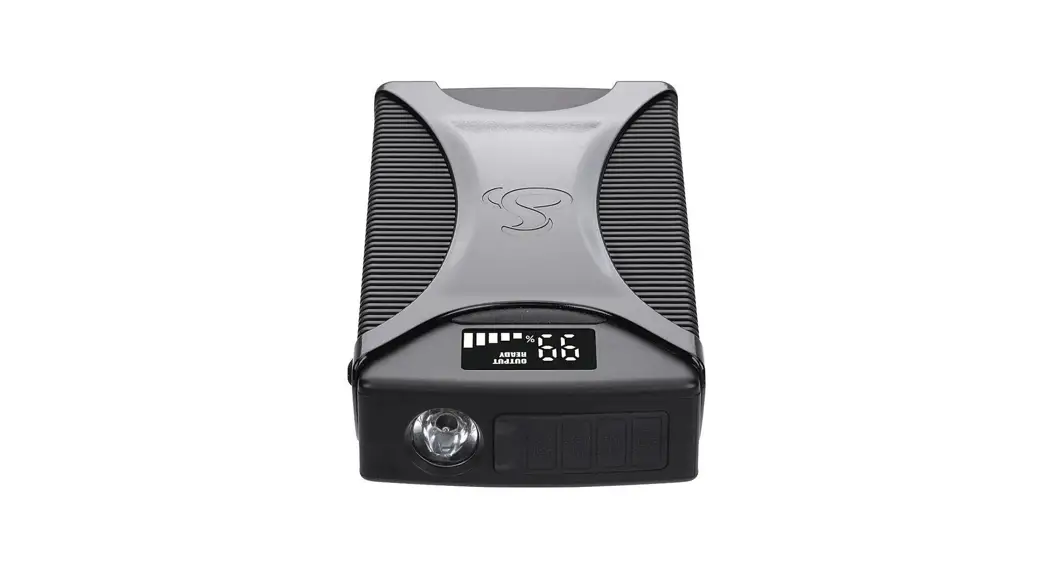
Model: Alpha 100
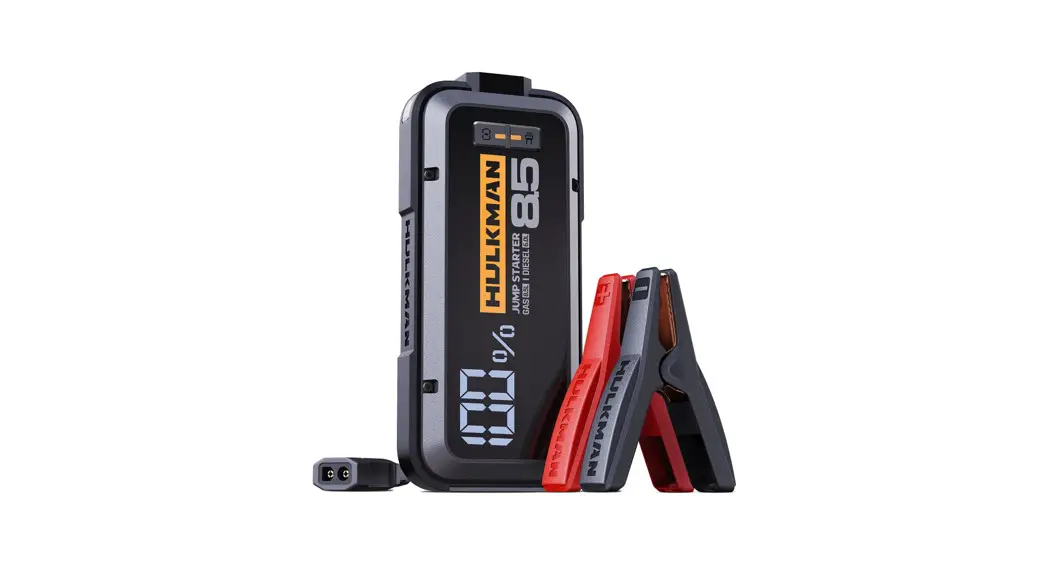
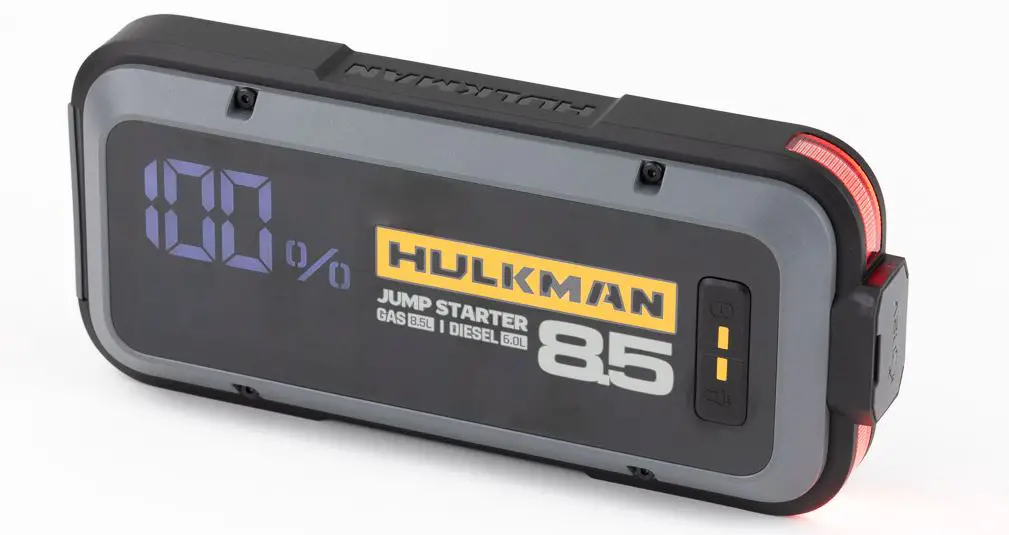
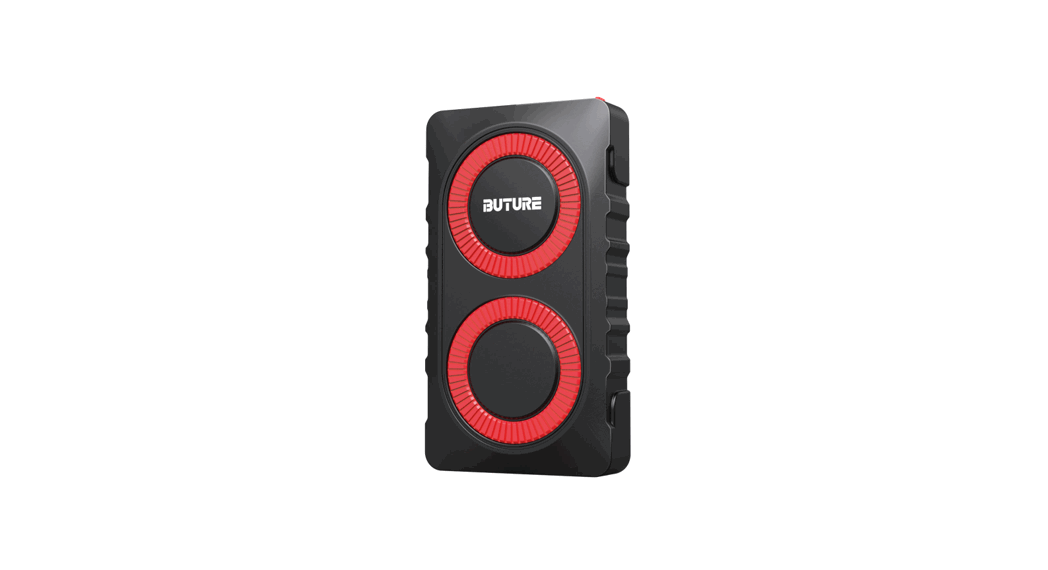
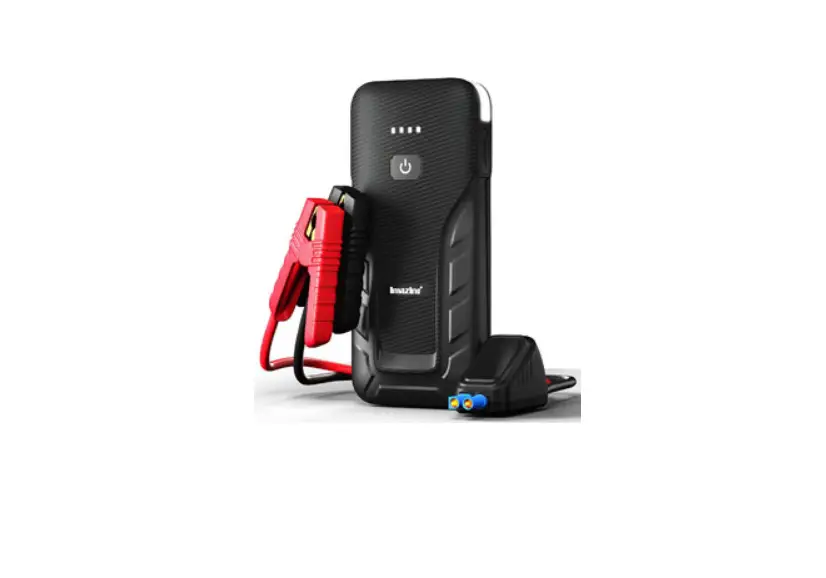
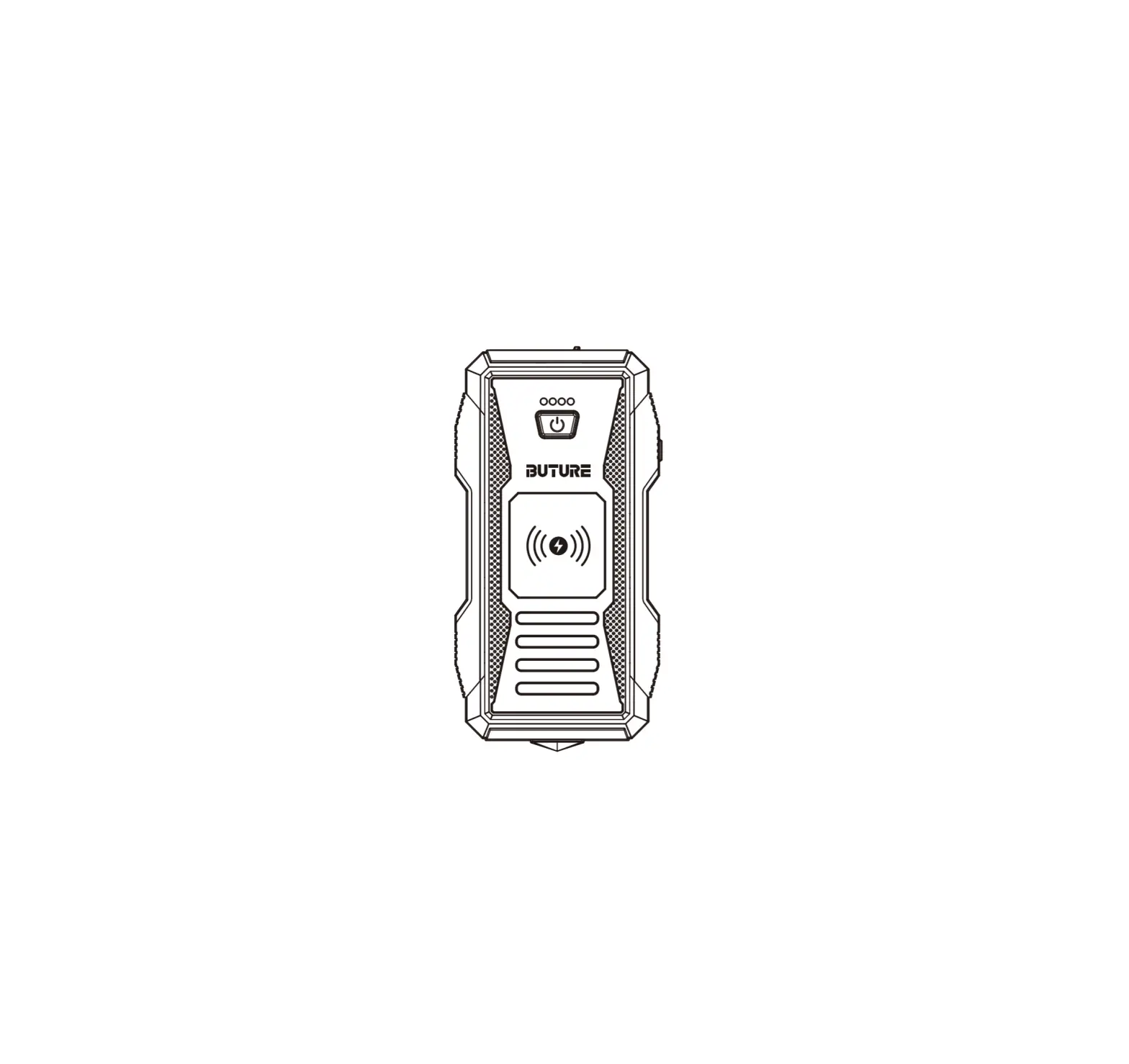
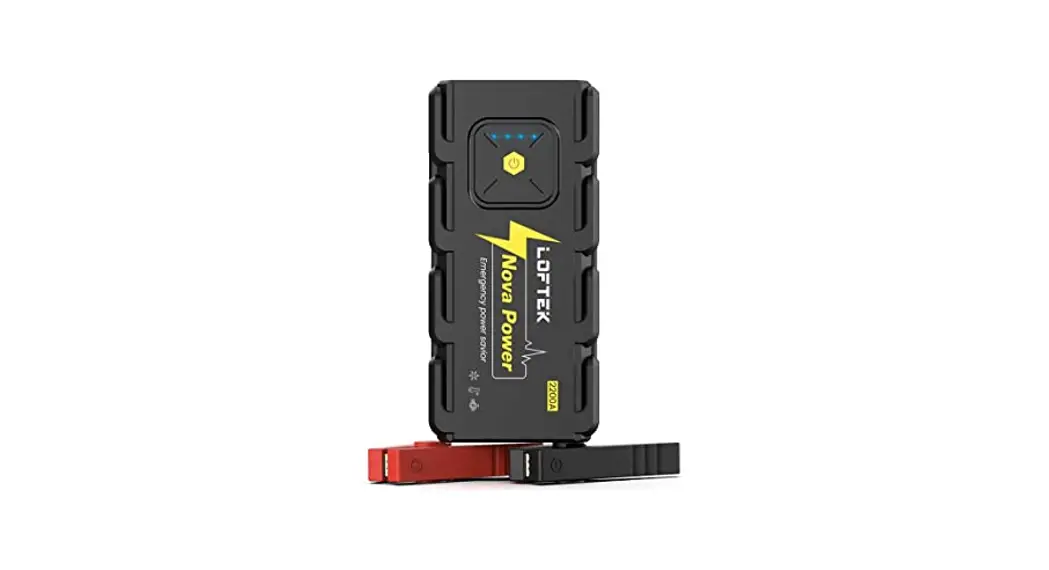
Alpha 100 4000A Heavy Duty Jump Starter
STEPS TO JUMP START YOUR VEHICLE
 | ||
| 1.Insert the jumper cable into the jump starter and connect the clamps to the car battery. | 2.‘’READY’’ sign shows on the screen. | 3.Start your car engine. |
ABOUT THE FORCE START FUNCTION:
Why the screen shows nothing when you try to start your car ?
If the screen doesn’t display anything when you have correctly connected the clamps to your car, you can use the Force Start Function to enter boost mode.

3 steps to fix your problem:
- Check the clamps connection and the product’s battery is above 20%.
- Press the Power Button and Flashlight Button simultaneously for 2-3 seconds.
- The screen will shows “READY”, and go back to start engine ignition.
Warning: When using the Force Start Function, auto-detection and safety features will be disabled.
ABOUT THE ERROR CODE:
| Error Code | Reason | Solution |
 | “+”and “-” poles of battery clips reversed. | Reverse the clips and ensure the correct connection. |
 | The voltage of the car battery is between 2-8V. | Press the Power Button and Flashlight Button simultaneously for 2-3s to start force output. (Force Start Function) |
 | CD The product’s operating temperature is too high. (?1 1 3°F) C) Charge the device at extremely low or high temperature. | WPlease store it back to where the temperature is between : -40°F-1 1 3°F. u (2-, Please charge the device at room temperature. |
 | Jump start the battery more than 5 times within 10 minutes, the product will automatically enter the safe mode. | The safe mode will be off automatically after 10 minutes waiting. (Please do not turn off the product during the process) |
ABOUT USB-A OUTPUT PORT:
 | |
| 1.Plug the cable into the USB-A output port. | 2.Press the Power Button. |
ABOUT 12V DC OUTPUT PORT (MAX 15V/10A):
 | ||
| 1.Plug the 12V cigarette lighter socket adapter into the 12V DC output port. | 2.Connect your 12V DC appliances to the cigarette lighter adapter. | 3.Press the Power Button. |
ABOUT LED FLASHLIGHT

- Hold the Flashlight Button for 1-2s.
- Press briefly to switch the light modes.
• 50% Lumen Light → 100% Lumen Light → White Strobe Light → White SOS Light → Red Strobe Light
ABOUT PRE-HEAT TECH:

- Connect the clamps to the car battery correctly.
- The Pre-Heat Function will operate automatically and the icon will be displayed on the screen when the detected temperature is below the ideal operating temperature.
- The screen will show “READY” after preheating , then start your car engine.
CONTACT HULKMAN
Tel : +1 (877) 892-9703
Email:[email protected]
Address: 46 Smith Alley, Suite 200 Pasadena, CA 91103
Our help center: https://support.hulkman.com