 User Manual
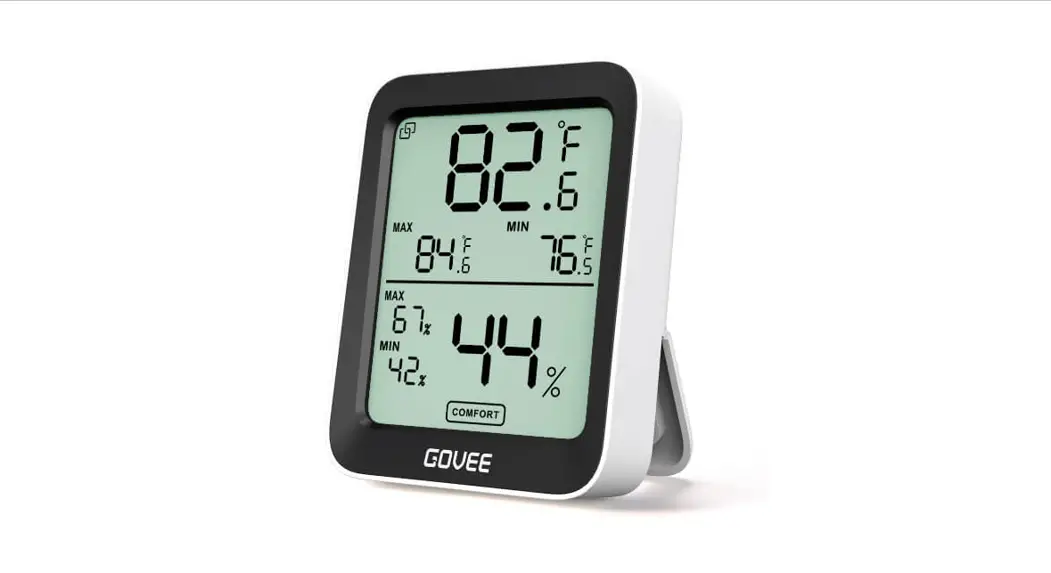
Model:H5151,H5100 Smart Thermo-Hygrometer
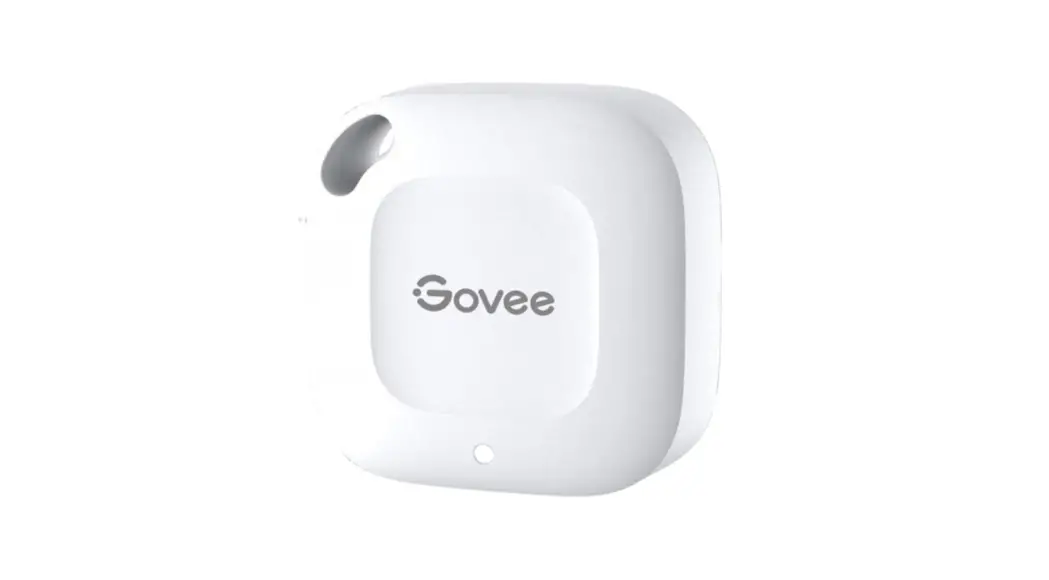
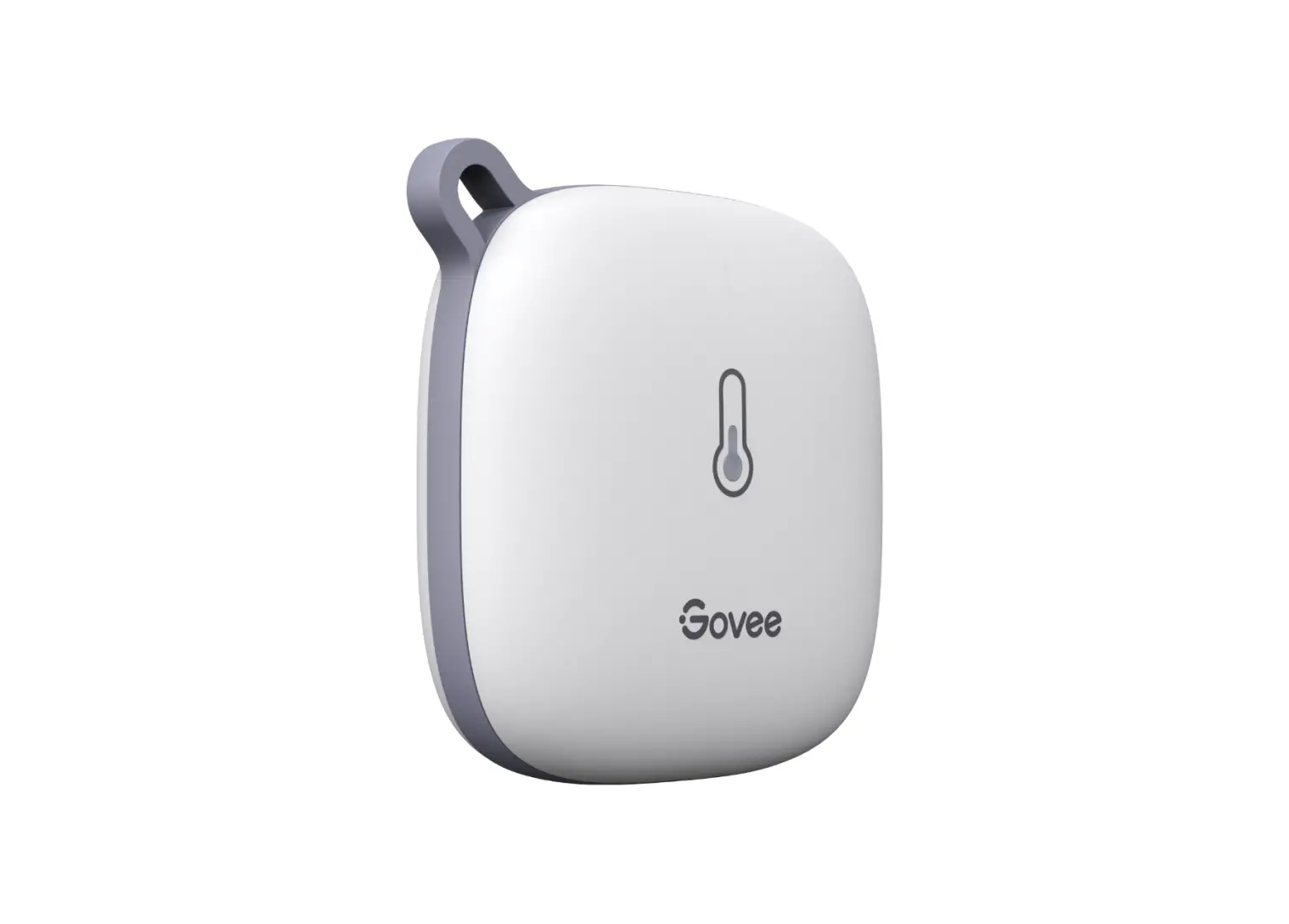
At a Glance
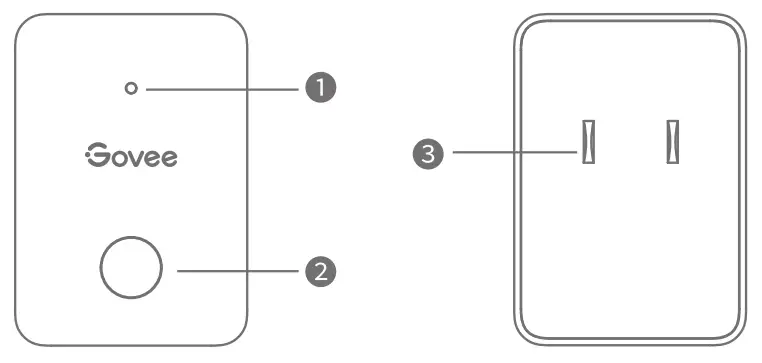
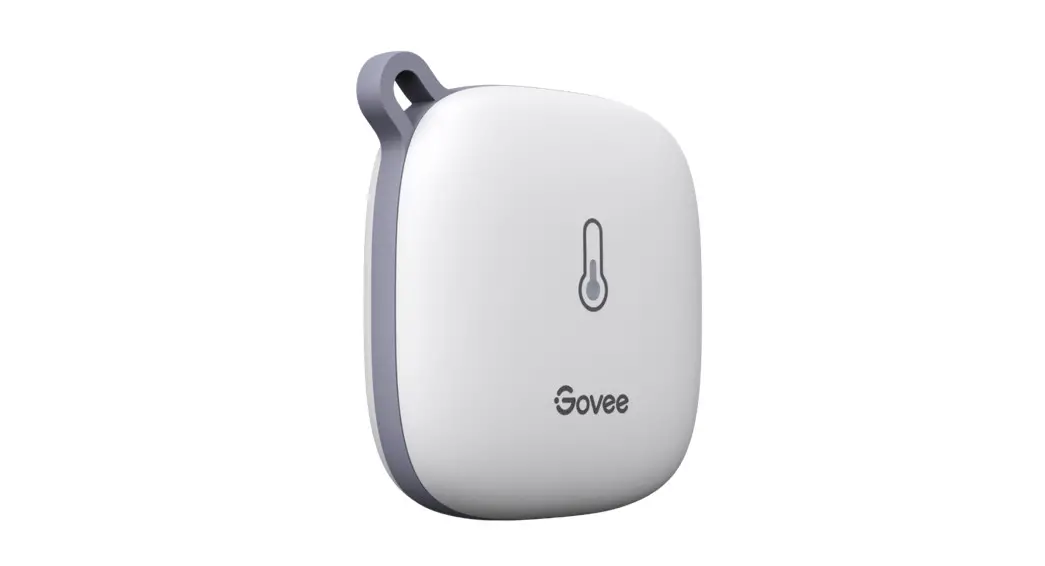
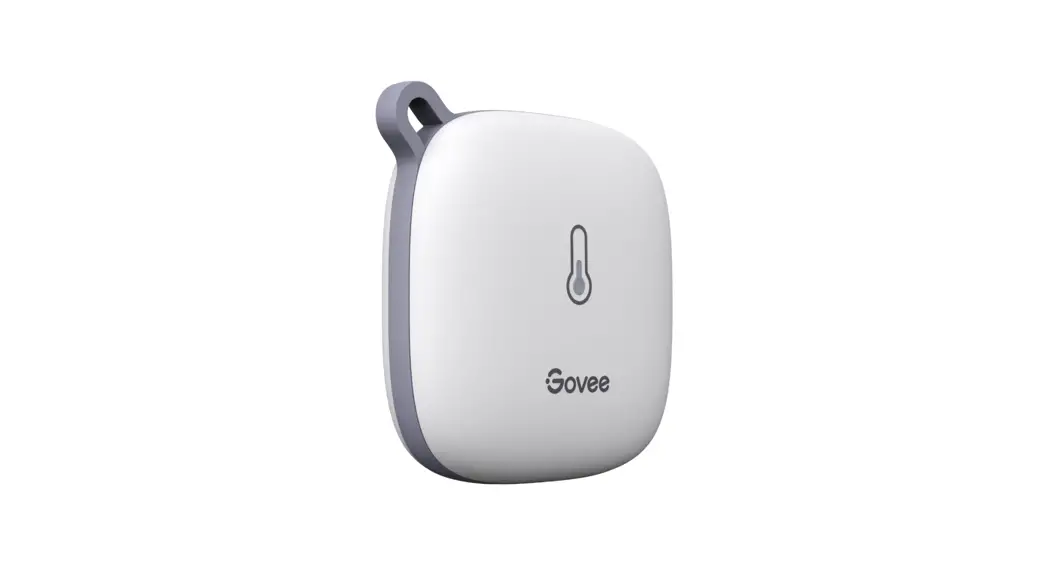
- Indicator Light
- Function Button
- Power Prongs
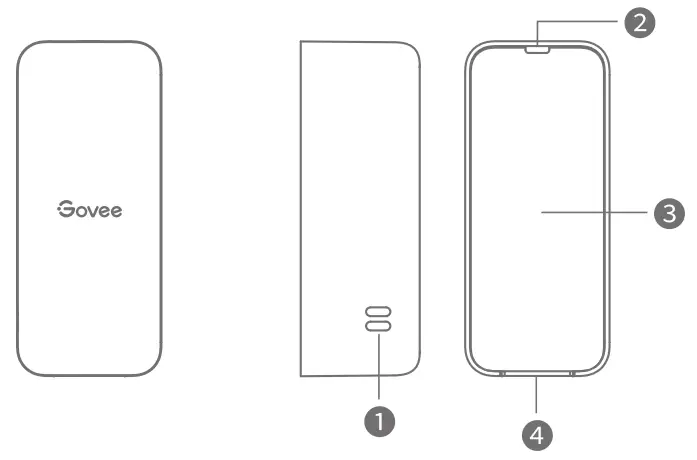
- Sensor opening
- Lanyard Loop hole
- Battery Compartment Cover
- Indentation
What You Get
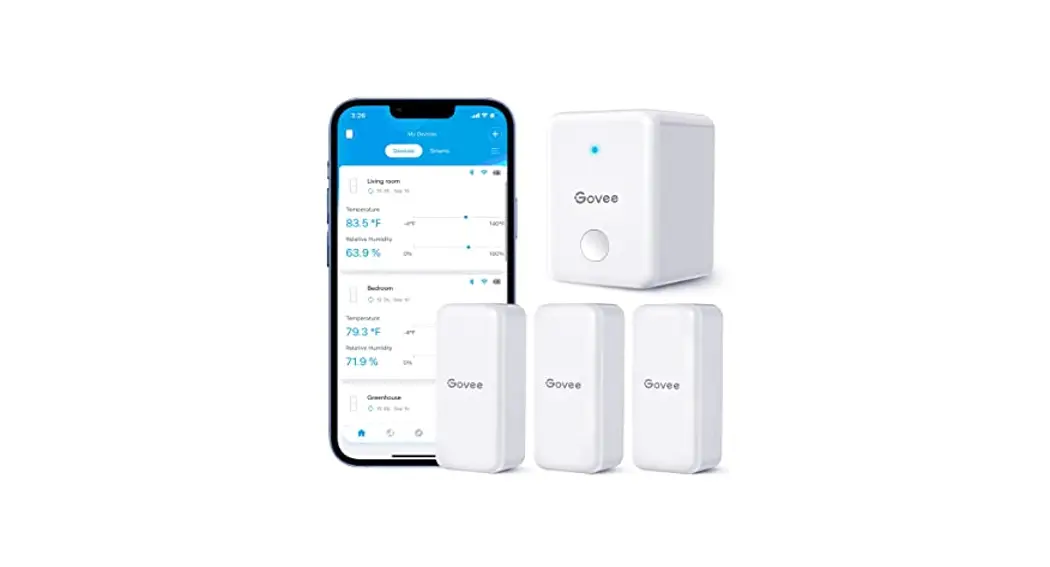
| Wi-Fi Gateway | 1 |
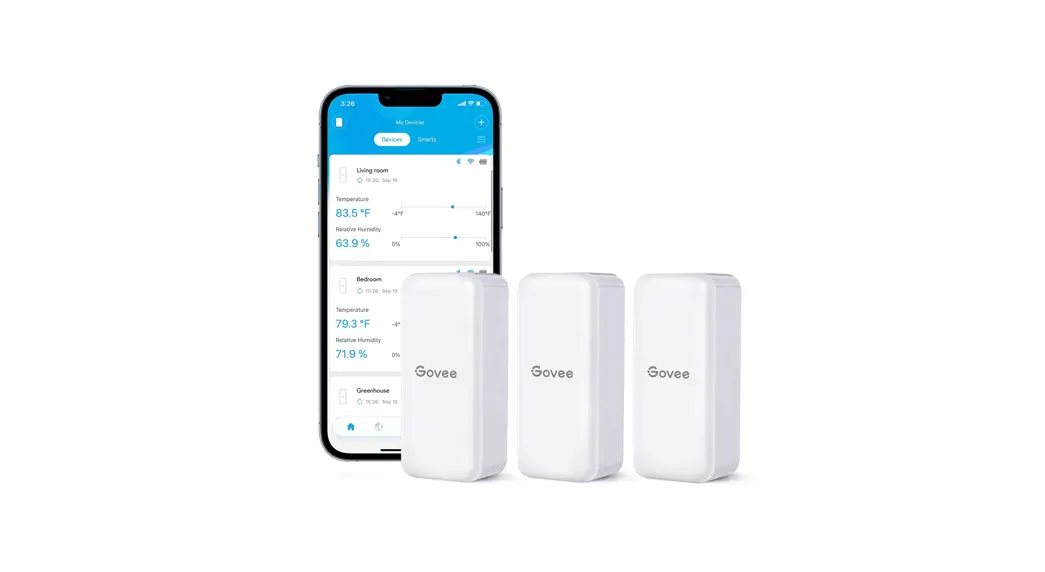
| Thermo-Hygrometers | 3 |
| AAA Batteries (pre-installed) | 3 |
| Lanyards | 3 |
| Label with serial numbers | 1 |
| User Manual | 1 |
| Service Card | 1 |
Specifications
| Thermo-Hygrometers | |
| Accuracy | Temp: ±0.54°F/±3°C Humidity: ±3% |
| Operating Temp | -4°F to 140°F(-20°C to 60°C) |
| Operating Humidity | 0 to 99% |
| Wi-Fi Gateway | |
| Input | 100-240V ∼50/60Hz |
| Wi-Fi Frequency | 2.4Ghz |
| Max Amount of Connected Thermo-Hygrometers | 10 |
Installing Your Device
Thermo-Hygrometer
- Pull out the battery insulator tab from the Thermo-Hygrometer.
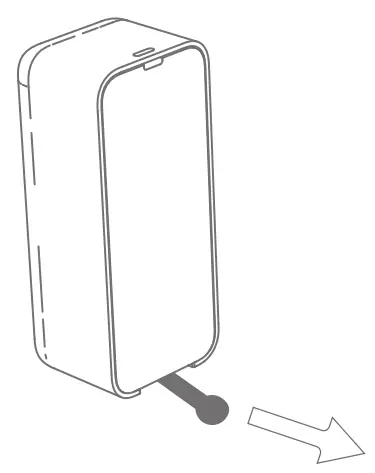
- The attached sticker is used to stick on the thermo-hygrometer to distinguish the equipment. (optional)
- Install the lanyard (optional)
1. Open the back
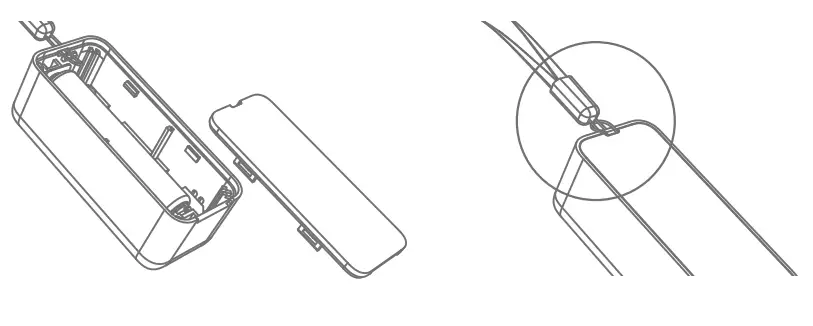
2. Put the lanyard through cover the lanyard hole
3. Close the back cover
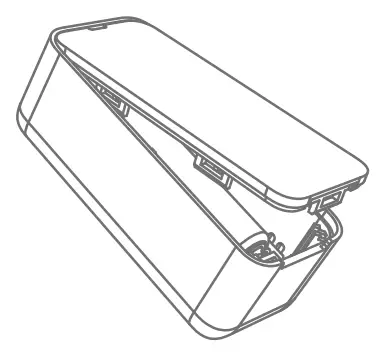
Wi-Fi Gateway
- Plugin the Wi-Fi Gateway.
Downloading the Govee Home App
Download the Govee Home app from the App Store (i05 devices) or Google Play (Android devices).
Pairing with Govee Home App
- For Thermo-Hygrometers
a. Turn on Bluetooth on your phone and place each thermo-hygrometer and your phone close to each other. (Location Services/GPS should be turned on for Android users).
b.Open Govee Home App, tap the “+” icon in the top right corner, and select “H5100”.
c. Follow the in-app instructions to complete pairing.
d. Repeat the steps above to add the other thermo-hygrometers.
e. Please check the above steps and try again if the pairing fails. - For Wi-Fi Gateway
Note: Make sure your 2.4Ghz Wi-Fi network is functioning properly before pairing the Wi-Fi Gateway to the network.
a. Turn on Bluetooth in your phone and place the Wi-Fi Gateway and phone close to each other. (Location Services/GPS should be turned on for Android users).
b. Open Govee Home App, tap the “+” icon in the top right corner, and search “H5151”.
c. Follow the in-app instructions to complete pairing.
d.The Wi-Fi Gateway icon will show in the top left corner on the “My Device” page when pairing is completed. If pairing fails, please check the above steps and try again. - When pairing is complete, press the Wi-Fi Gateway icon to enter the gateway list. Select one or more thermo-hygrometers from the gateway list to pair each thermo-hygrometer with the Wi-Fi Gateway. If you still have questions about pairing with the app, please check the tutorial in the “Connection Settings Tutorial” in the Setting page of the H5100 thermo-hy-grometer.
Using Your Thermo-Hygrometer
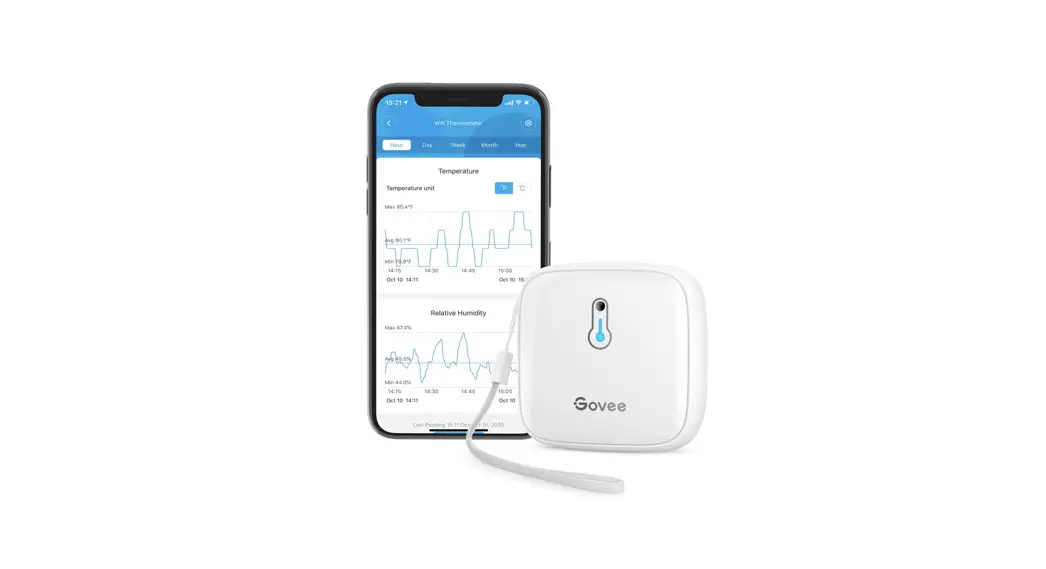
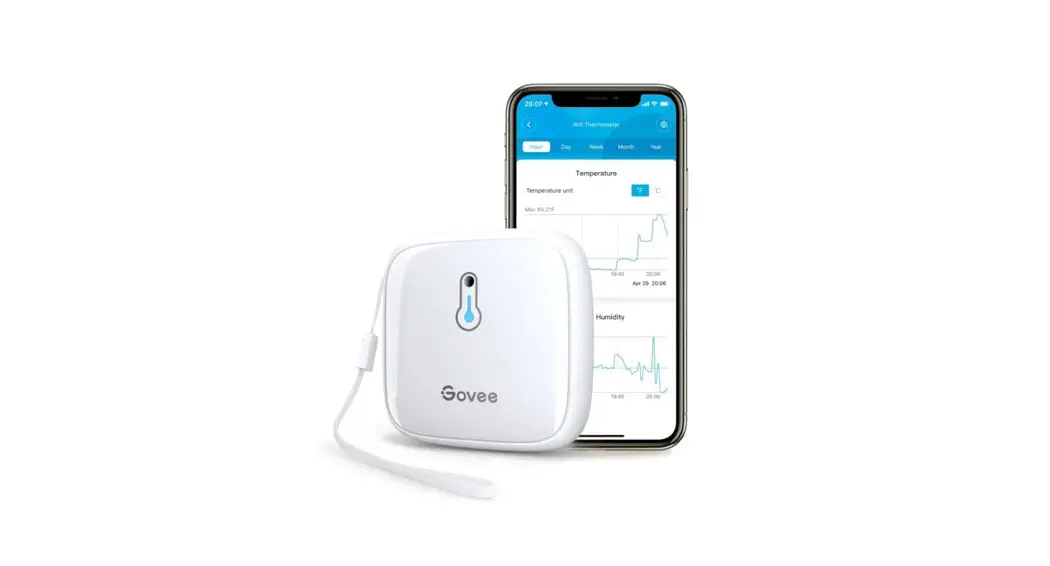
Controls and features in Govee Home App.
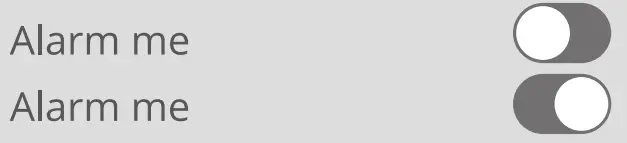
Message Alert: The app pushes alert messages once temp/humidity is beyond a preset range.
Export Data: Export data in CSV format after entering your email address and confirming the date/time range.
 Temperature unit
Unit Switch Switch temperature units are displayed in the app. (Note: Exported temp info will be in the same unit asset in the app)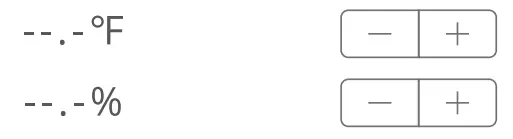
Calibration: Calibrate temp/humidity data. The calibration range for temperature is ±5.4°F/±3°C; for humidity is ±20%.
LED Indicator Status Guides
For H5151 Wi-Fi Gateway Only
| Working Status | Indicator Status |
| The Wi-Fi gateway is powered on for the first time. | Slowly flashes red and blue |
| Searching and connecting to Wi-Fi | Quickly flashes blue |
| Wi-Fi Connected | Solid Blue |
| Wi-Fi Connection Error | Solid Red |
Troubleshooting
- The Wi-Fi gateway could not be connected to the Wi-Fi network or the connection is unstable. Product supports only 2.4 GHz (not 5 GHz) Wi-Fi networks. Check the name of the network and the password. Please try to avoid special characters. The device should be placed within the coverage of the router signal. Please keep the distance between the gateway and the router within 100 meters (328ft). Reduce barriers like metal doors or multiple or thick walls.
- The thermo-hygrometer does not work. Pull out the plastic insulator tab before using. Check that the batteries contain a charge. Check if the sensor is installed correctly.
- The message alert is delayed or there is no alert Turn on the relevant permissions for Govee Home App. Shorten the distance and reduce the barriers between the thermo-hygrometer and the Wi-Fi gateway.
- The thermo-hygrometer’s readings are faulty or data is missing Shorten the distance and reduce the barriers between the thermo-hygrometer and Wi-Fi gateway. Unpair all the H5100 thermo-hygrometers from the device list in the app and then pair again. Replace the battery.
Warning
- The thermo-hygrometer is rated to work in environments with temperatures ranging from -4°F to 140°F (-20°C to 60°C) and humidity from 0%RH to 99%RH.
- Please always handle these devices with care and do not attempt to disassemble them.
- Do not immerse these devices in water.
Customer Service
 | Warranty: 12-Month Limited Warranty |
 | Support: Lifetime Technical Support |
 | Email: [email protected] |
 | Official Website: www.govee.com |
 | @Govee  @govee_officia @govee_officia  @govee.official @govee.official |
 | @Goveeofficial @Govee.smarthome @Govee.smarthome |
Compliance Information
EU Compliance Statement:
Shenzhen Intellirocks Tech Co. Ltd. hereby declares that this device is in compliance with the essential requirements and other relevant provisions of the Directive 2014/53/EU. A copy of the EU Declaration of Conformity is available online at www.govee.com/
EU contact address: BellaCocool GmbH (E-mail: [email protected]) PettenkoferstraRe 18, 10247 Berlin, Germany
UK Compliance Statement:
Shenzhen Intellirocks Tech. Co., Ltd. hereby declares that this device is in compliance with the essential requirements and other relevant provisions of the Radio Equipment Regulations 2017 A copy of the UK Declaration of Conformity is available online at www.govee.com/
| Bluetooth® | |
| Frequency | 2.4GHz |
| Maximum Power | <10dBm |
Environmentally friendly disposal
Old electrical appliances must not be disposed of together with the residual waste, but have to be disposed of separately. The disposal at the communal collecting point via private persons is for free. The owner of old appliances is responsible to bring the appliances to these collecting points or to similar collection points. With this little personal effort, you contribute to recycling valuable raw materials and the treatment of toxic substances.
FCC Statement
This device complies with Part 15 of the FCC Rules. Operation is subject to the following two conditions:
(1) This device may not cause harmful interference, and
(2) This device must accept any interference received, including interference that may cause undesired operation. Warning: Changes or modifications not expressly approved by the party responsible for compliance could void the user’s authority to operate the equipment.
NOTE: This equipment has been tested and found to comply with the limits for a Class B digital device, pursuant to Part 15 of the FCC Rules.
These limits are designed to provide reasonable protection against harmful interference in a residential installation. This equipment generates uses and can radiate radio frequency energy and, if not installed and used in accordance with the instructions, may cause harmful interference to radio communications. However, there is no guarantee that interference will not occur in a particular installation. If this equipment does cause harmful interference to radio or television reception, which can be determined by turning the equipment off and on, the user is encouraged to try to correct the interference by one or more of the following measures:
- Reorient or relocate the receiving antenna.
- Increase the separation between the equipment and receiver.
- Connect the equipment into an outlet on a circuit different from that to which the receiver is connected.
- Consult the dealer or an experienced radio/TV technician for help.
FCC Radiation Exposure Statement
This equipment complies with FCC radiation exposure limits set forth for an uncontrolled environment. This equipment should be installed and operated with a minimum distance 20cm between the radiator & your body.
IC Statement
This device complies with Industry Canada licence-exempt RSS standard(s). Operation is subject to the following two conditions: (1) this device may not cause interference, and (2) this device must accept any interference, including interference that may cause undesired operation of the device.
IC RF Statement
When using the product, maintain a distance of 20cm from the body to ensure compliance with RF exposure requirements.
Responsible party :
Name: GOVEE MOMENTS(US) TRADING LIMITED
Address: ‘13013 WESTERN AVE STE 5 BLUE ISLAND IL 60406-2448
Email: [email protected]
Contact information: https://www.govee.com/support

Indoor use only
CAUTION: RISK OF EXPLOSION IF BATTERY IS REPLACED BY AN INCORRECT TYPE. DISPOSE OF USED BATTERIES ACCORDING TO THE INSTRUCTIONS.
The Bluetooth® word mark and logos are registered trademarks owned by Bluetooth SIG, Inc., and any use of such marks by Shenzhen Intellirocks Tech. Co., Ltd. is under license.
Govee is a trademark of Shenzhen Intellirocks Tech Co., Ltd. Copyright ©2021 Shenzhen Intellirocks Tech Co., Ltd. All Rights Reserved.
 https://www.govee.com/apps/qrcode
Govee Home App
For FAQs and more information,
please Visit: www.govee.com