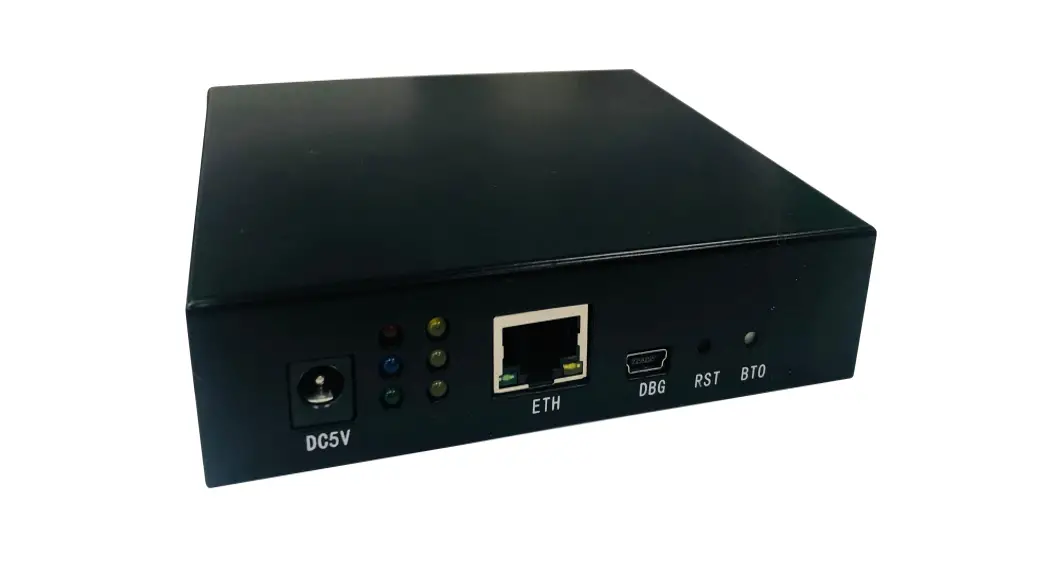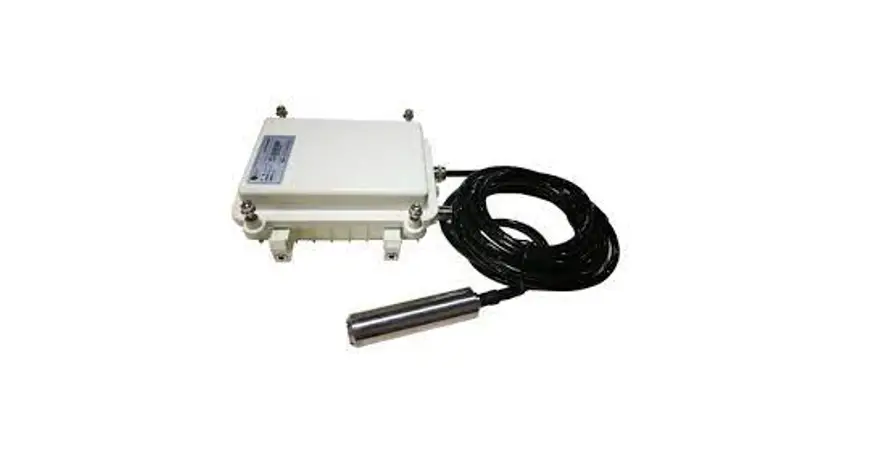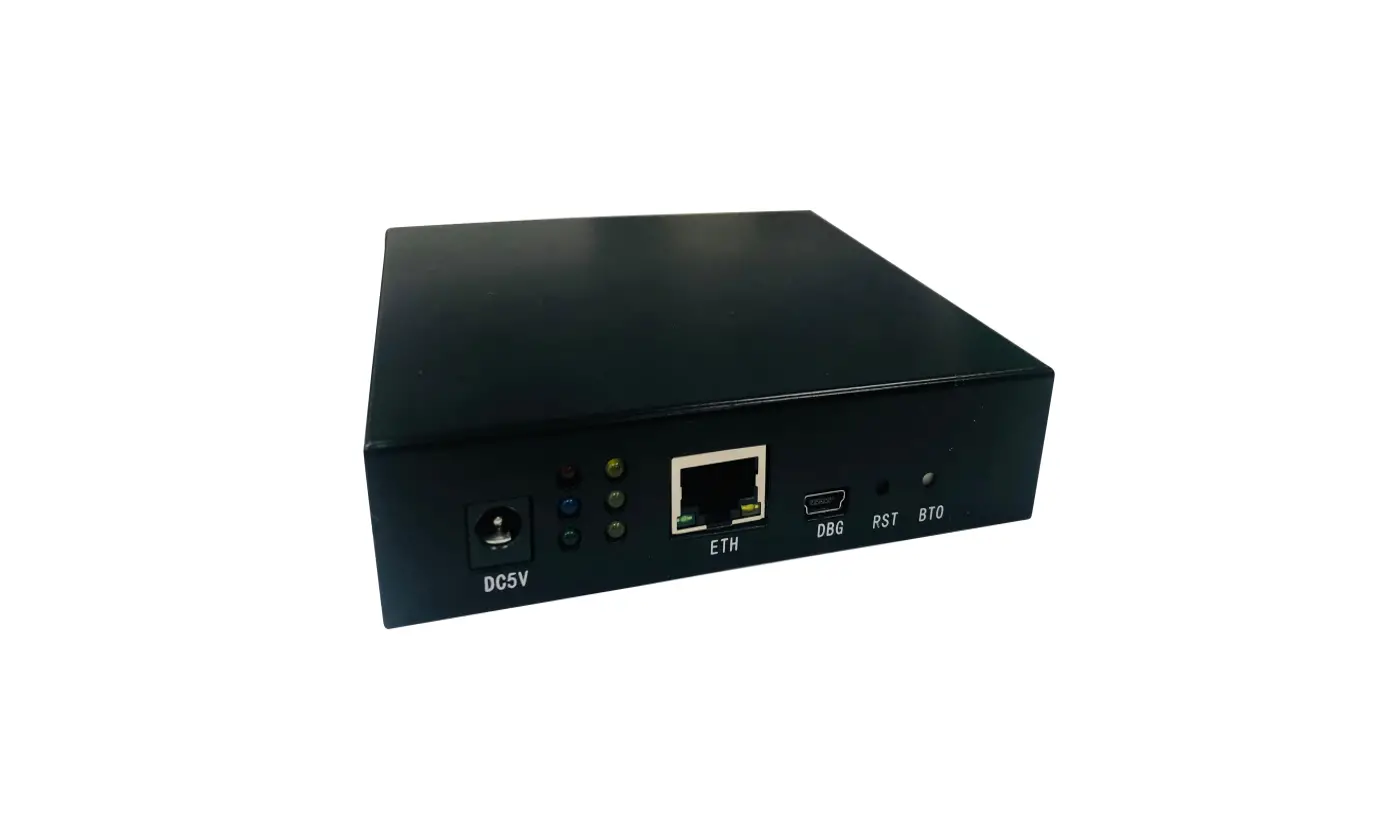

 ZETA®Low-Power Wide Area Networks
ZETA Mote
Copyright Statement
ZiFiSense owns the copyright on this specification. No part of this specification may be reproduced in any form or means, without the prior written consent of ZiFiSense. Disclaimer
This specification is preliminary and is subject to change at any time without prior notice. ZiFiSense assumes no responsibility for any errors contained herein. ZiFiSense is not responsible for any patent infringement of third parties on its use or as a result of its uses. Other products/services not certified by the patent license, shall be deemed within patent ownership of ZiFiSense.
Product Description
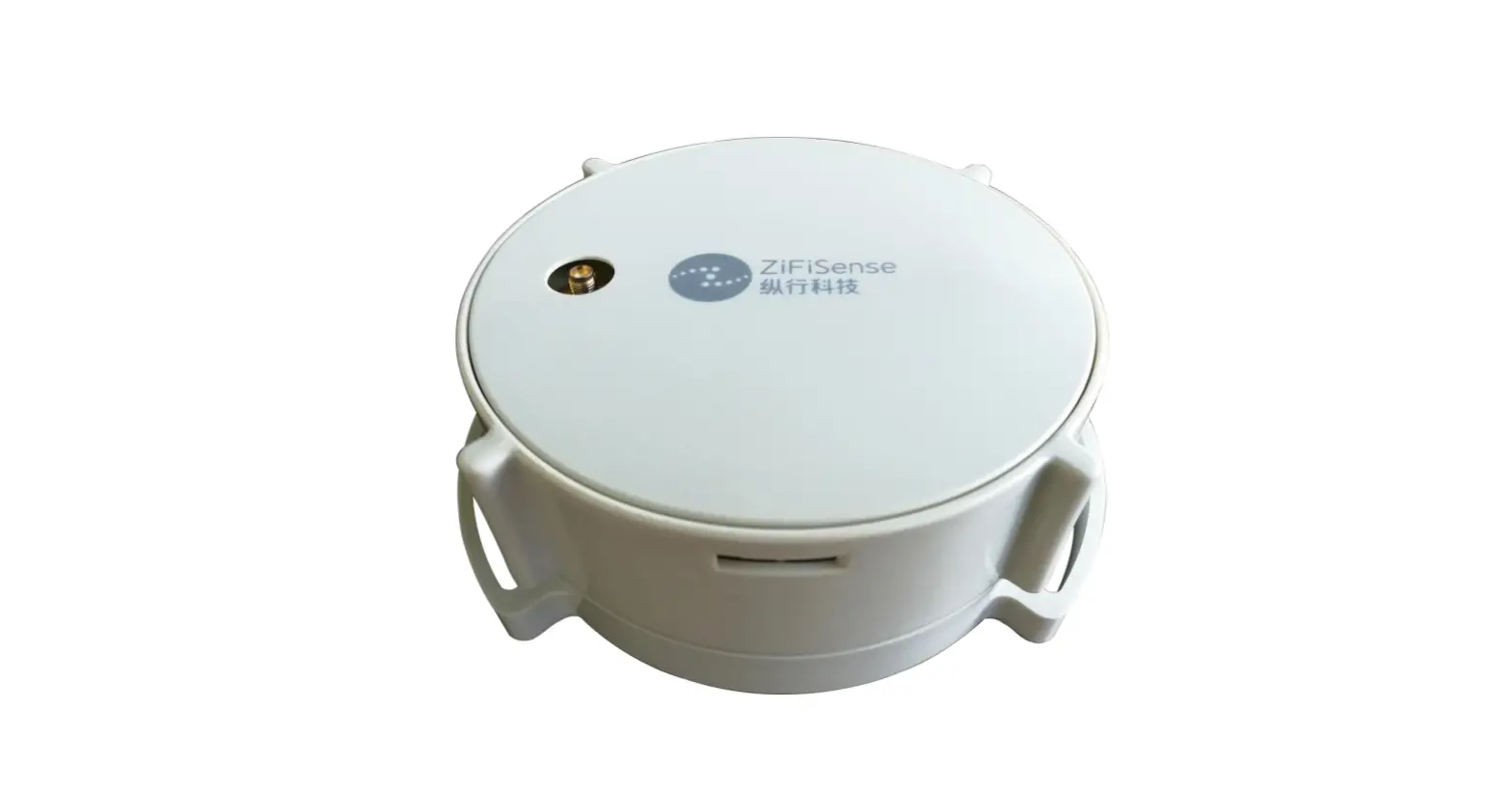
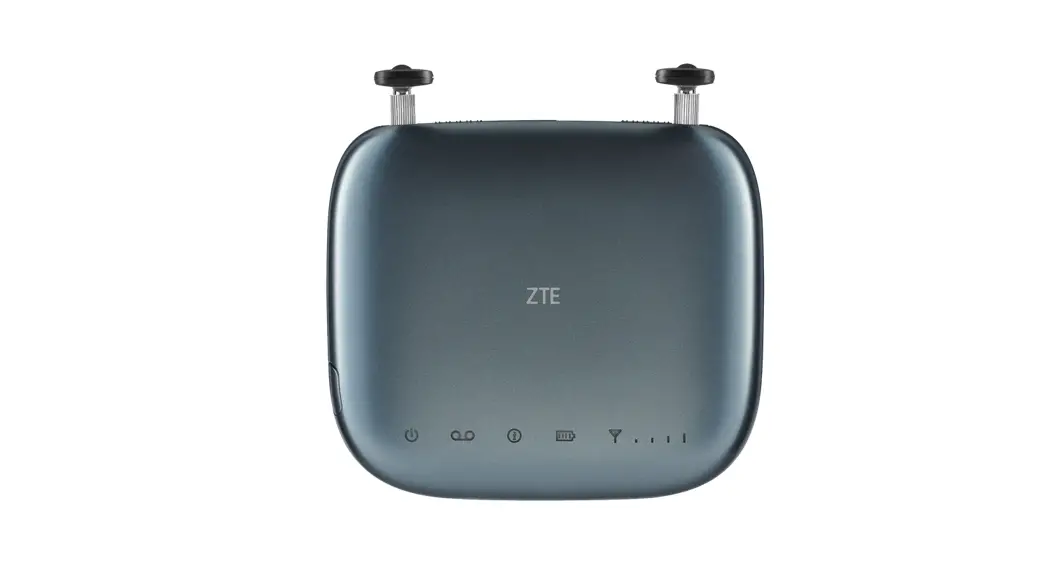
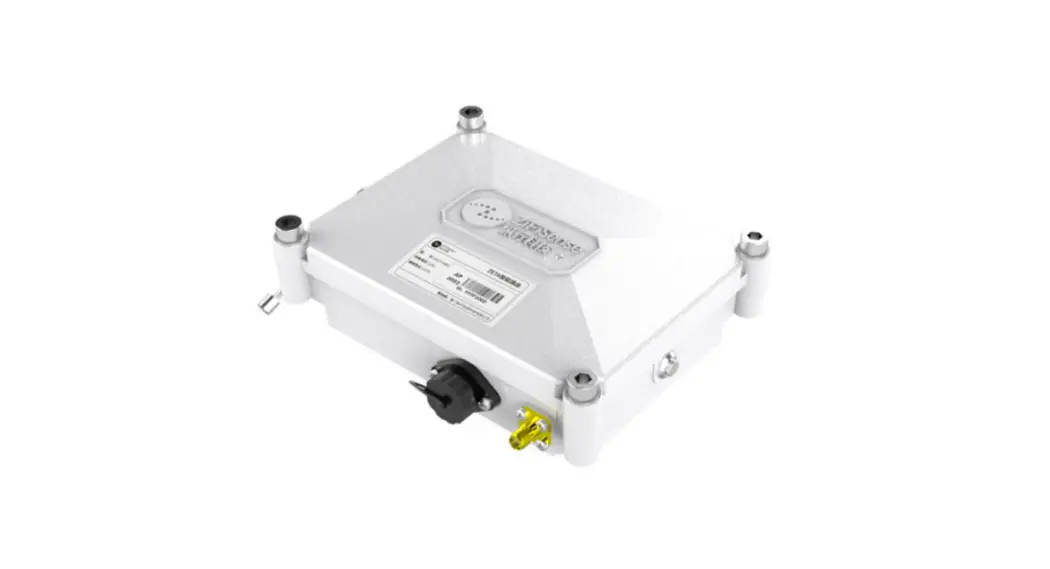
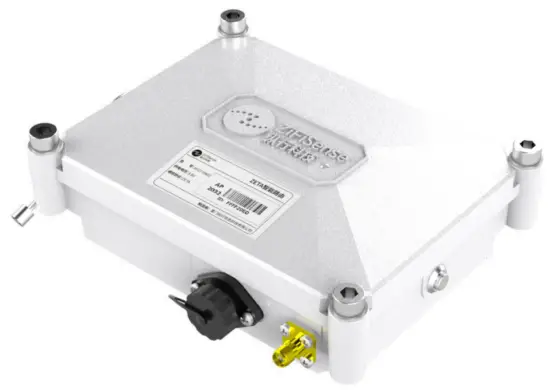
ZETA Mote is a low-power mesh layer relay that can build up to four layers of tree-type networking, effectively increasing single-station coverage, with signal blind area coverage, preventing data congestion, etc. Two-way communication, ultra-wide coverage, multiple security, ultra-low power consumption, battery-powered, easy installation and support for null port upgrade. The product complies with IEC 60079 intrinsically safe explosion-proof standard, the explosion-proof mark is Ex ia IIC T4 Ga, and the operating environment temperature is -20℃~+60℃. Suitable for industrial and chemical scenarios.
Applications
ZETA network device, connect other ZETA modules to the ZETA AP,
increasing a single AP coverage area.
Features
- Two-way communication, super-wide coverage
- Extreme capacity, multiple safety
- Multi-hop networking, multiple protocols
- Battery-powered, low power consumption
- Adjustable bandwidth and spectrum
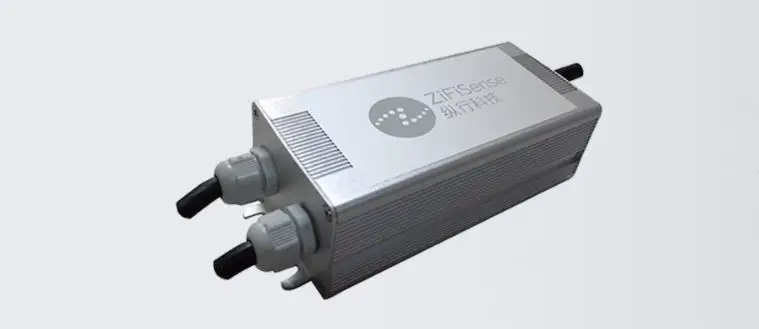
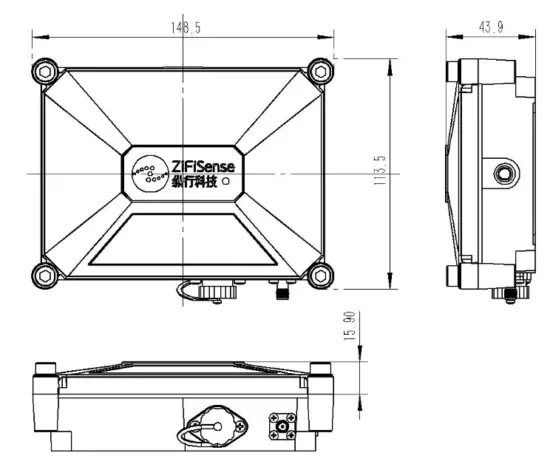
Appearance and size
L148.5mm * W113.5mm * Th43.9mm
(Excluding mounting bracket dimensions)
Product No. | MTZT-IN01 | |
| Electrical Features | Power supply | DC SV / Battery:2*ER34615 |
| Battery capacity | 2*19000 mAh | |
| Stand-by current | ≤10 µA | |
| Working current | ≤ 70 mA | |
| Physical Features | Weight | 0.6kg |
| Size | 148.5*113.5*43.9mm | |
| Enclosure material | ADC12 Aluminum alloy | |
| Antenna | FRP Antenna | |
| Environment | Operating temperature | -20°C~+60°C |
| Storage temperature | -30°C~+85°C | |
| Specification | Ingress protection | IP65 |
| Hazardous environment | Ex is IIC T4 Ga | |
Packing List
| ZETA Mote | 1 |
| 0.4m FRP Antenna | 1 |
Installation
7.1. Wall mounting
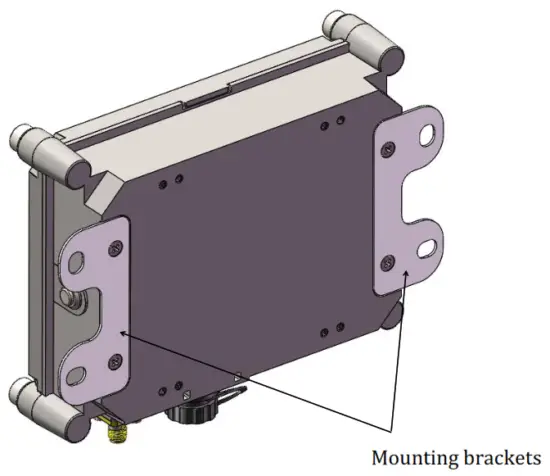
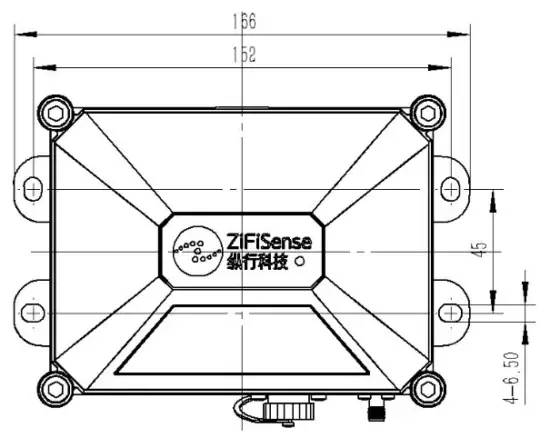
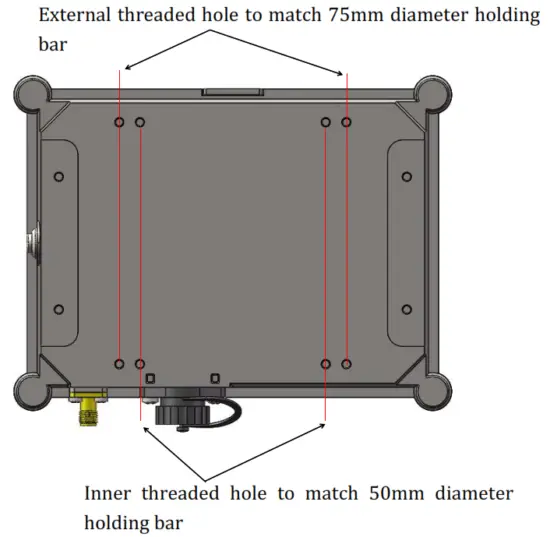
Hoop installation
Externally threaded hole to match 75mm diameter holding bar
Battery replacement
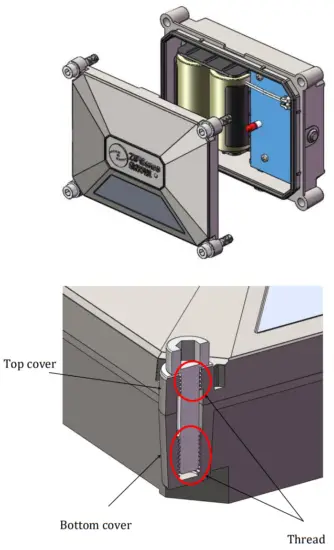
Loosen the 4 M6 socket head cap screws (Lanyard) and open the top cover.
Operating Instructions
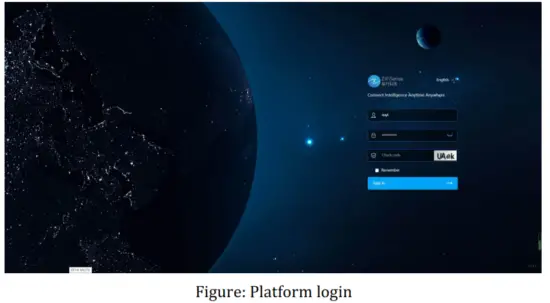
9.1. Platform login
Log in to the ZETA network management platform, platform address
https://platforms.zifisense.com/network/#/login
9.2. Device configuration
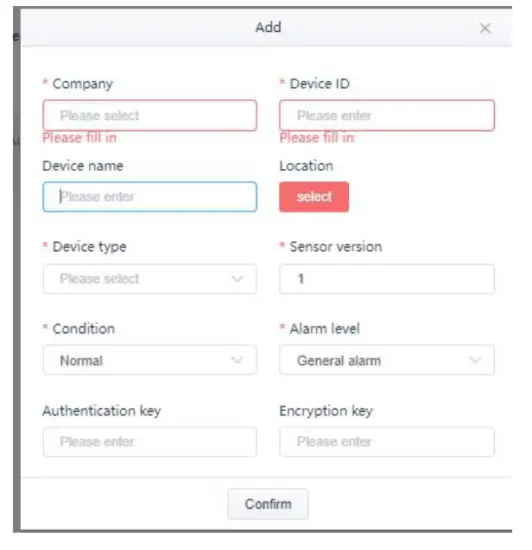
After logging in, go to the Network Device – ZETA Mote page and click the Add button to add a new device. And add the Mote information in the pop-up window (see the actual device nameplate information for details).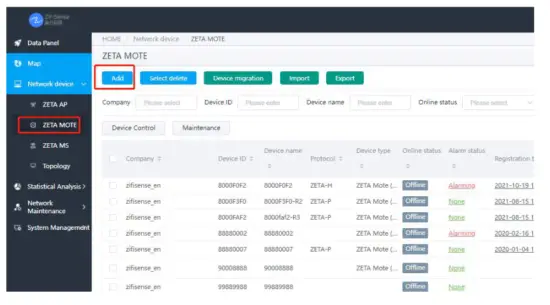
 9.3. Check Status
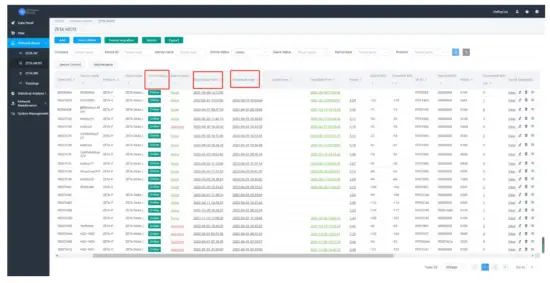
After the device is added, you can view the data of the added device in the list. When the device is powered on, the online status will change from “offline” to “online”, and the startup time, registration time and heartbeat time are updated.
Common faults and handling
- Ensure ZETA signal coverage
- Check the power supply to ensure that the power supply is normal
- Check the antenna to see if the antenna is connected and the antenna interface is properly tightened.
- Check the device power, check whether the device is in a low power state in the platform list data, or use the tool to measure whether the voltage is low or low.
- Please contact ZiFiSense for additional help.
Safety instructions
- Avoid an ignition hazard due to impact or friction.
- Potential electrostatic charging hazard: clean the antenna only with a damp cloth.
- Only ER34615 lithium thionyl chloride battery produced by EVE Energy Co., Ltd. is allowed to be used as the power supply. Do not charge the battery. Do not replace the battery when an explosive atmosphere is present.
Revision
| Version | File name | Revised by | Date | Description |
| V1.0.0 | ZETA Mote User Manual | OUYI | 2021.12.20 | First edition |
| V1.0.1 | ZETA Mote User Manual | OUYI | 2022.6.1 | Add operation instruction part |
FCC Statement:
Any Changes or modifications not expressly approved by the party responsible for compliance could void the user’s authority to operate the equipment. This device complies with part 15 of the FCC Rules. Operation is subject to the following
two conditions:
- This device may not cause harmful interference, and
- This device must accept any interference received, including interference that may cause undesired operation.
| Shanghai, China Room B, 20th Floor, No. 1098 Dongdaming Road (Pujiang International Financial Plaza), Hongkou District, Shanghai +86 +86(0) 21-61320820 | Xiamen, China Room 803, Building A-05, Software Park Phase III, Jimei District, Xiamen, P.R. China +86 (0) 592 6070310 | Cambridge, UK |
Connected Intelligence, Anytime Anywhere
 platforms.zifisense.com/network/#/login