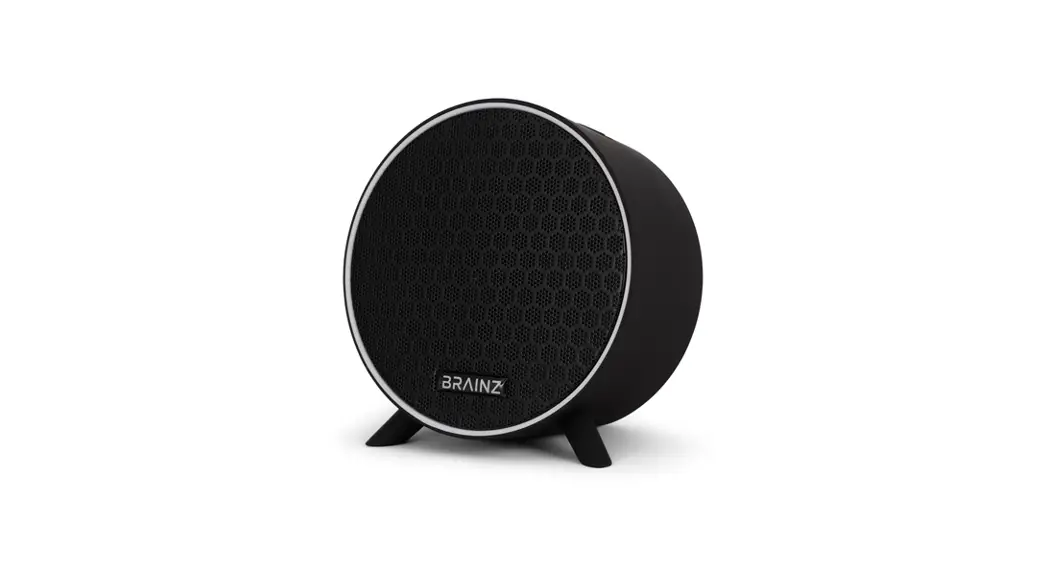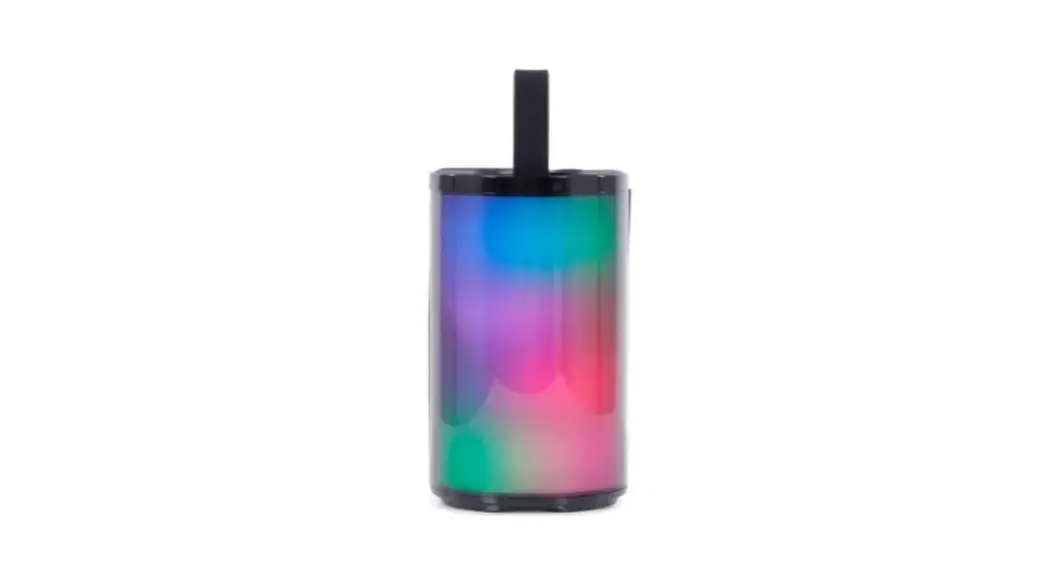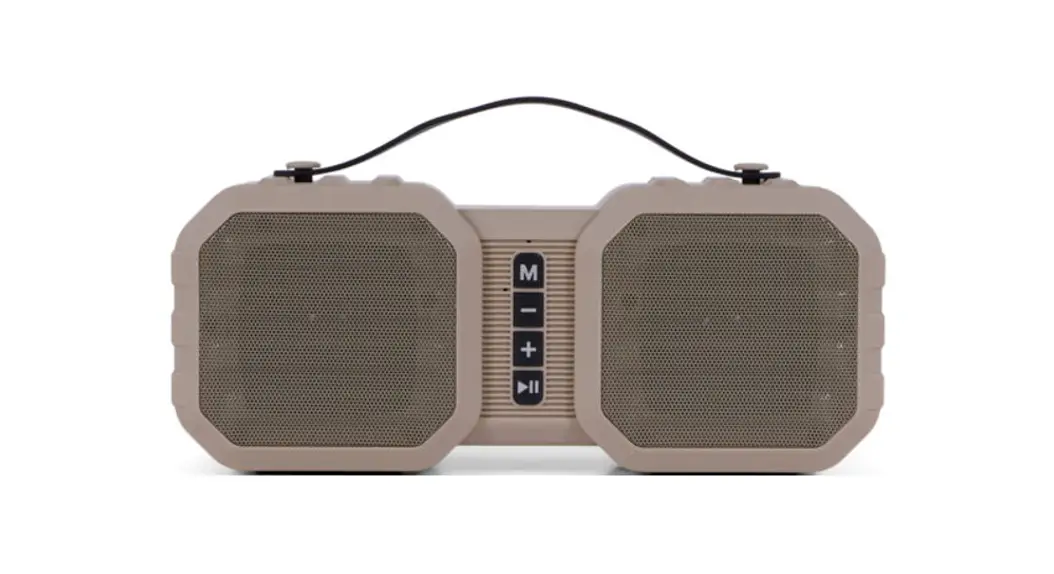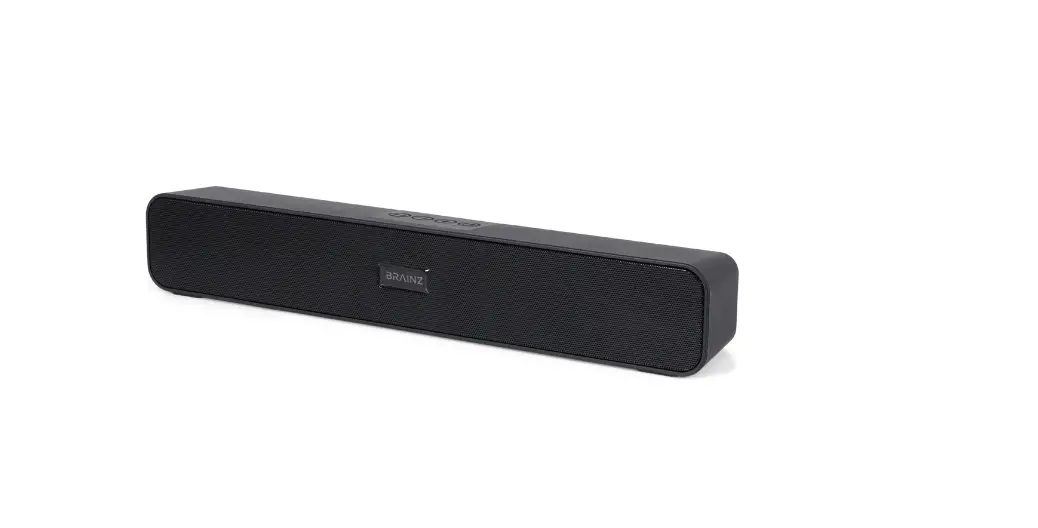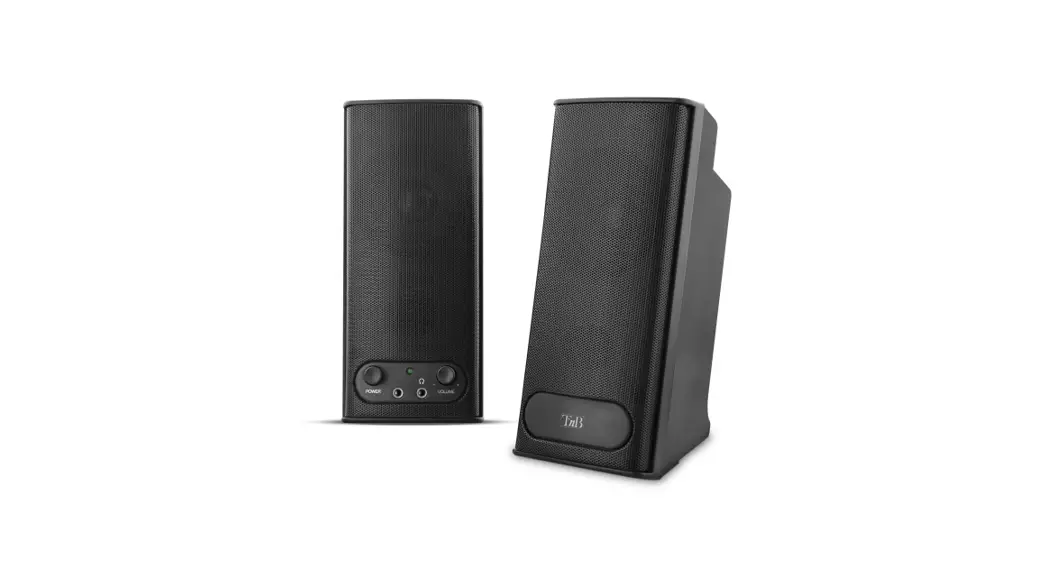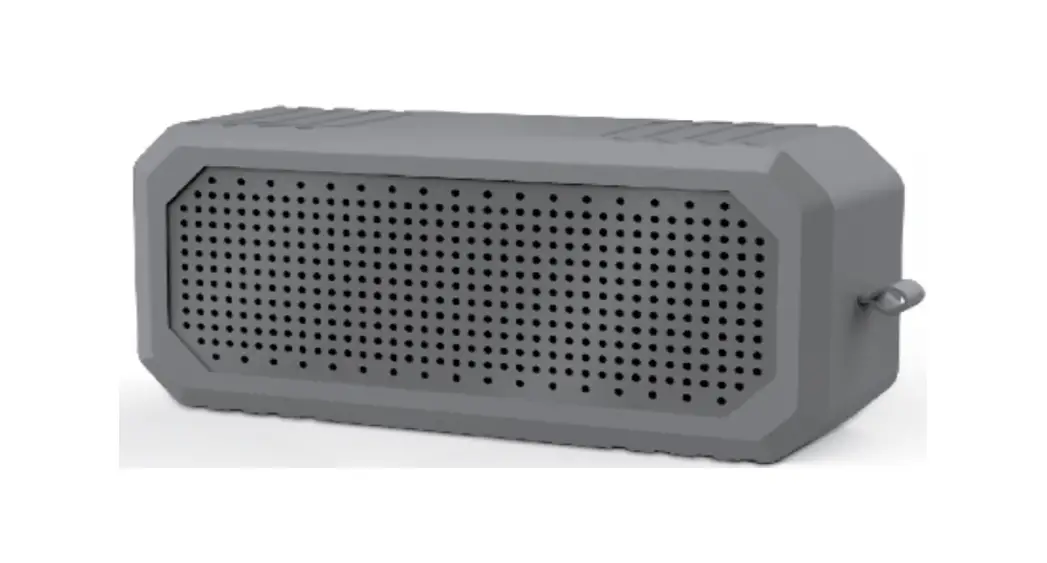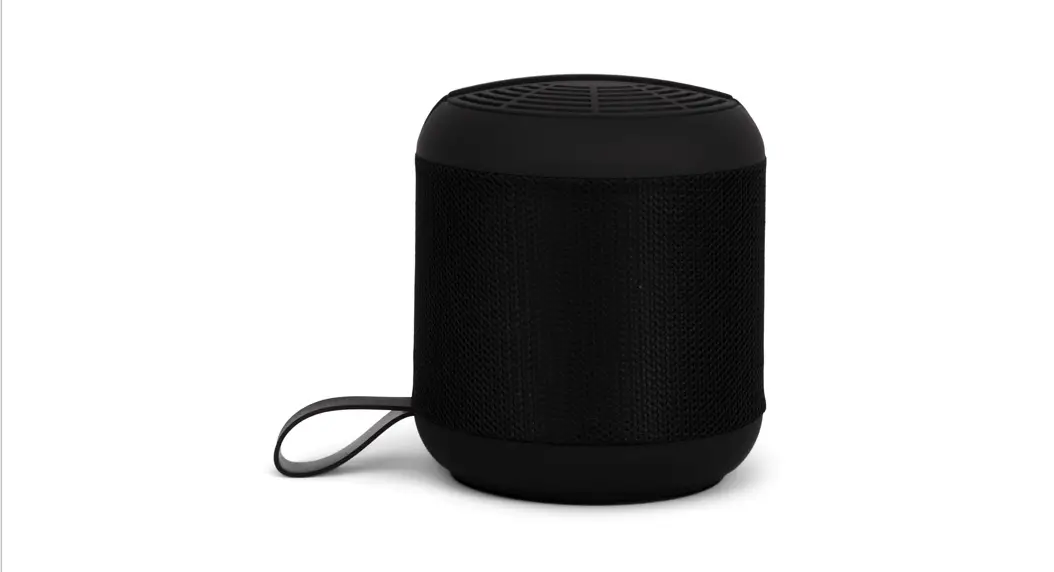
 BRAINZ RYTHM SPEAKER
INSTRUCTION MANUAL
PLEASE READ ALL INSTRUCTIONS CAREFULLY AND
RETAIN FOR FUTURE USE

What you need
- USB Cable (included)
- USB Adaptor (not included)
- Mobile phone or other Bluetooth enabled device (not included)
How to charge it
Connect the supplied cable to the speaker and connect the USB side to a power source. Once you have done this, a red light will light up under the speaker. This means that the speaker is charging. The speaker is fully charged when the light under the speaker turns off.
How to set it up
Press and hold the button with the  icon for 3 seconds to turn the speaker on. The speaker will appear under your new Bluetooth connections on your phone as BRAINZ Speaker S35. By clicking on it, your phone will connect and the speaker is ready for use.
Volume
The ‘+’ button increases the volume. Use the ‘-‘ button to decrease the volume.
Pause
To pause the music, press the pause button (middle button) under the speaker. You can resume music the same way.
Incoming call
If you receive a call while connected to the speaker, simply press the ‘Phone’ button underneath the speaker and it will pick up the call. You can now talk through the speaker thanks to the built-in microphone.
Hanging up
To hang up, press the ‘Phone’ button for a few seconds.
To turn off
You can turn the speaker off by pressing the button with the icon for 3 seconds.
This manual applies to article number 38529.
For more information about this product, please visit www.brainz-electronics.nl