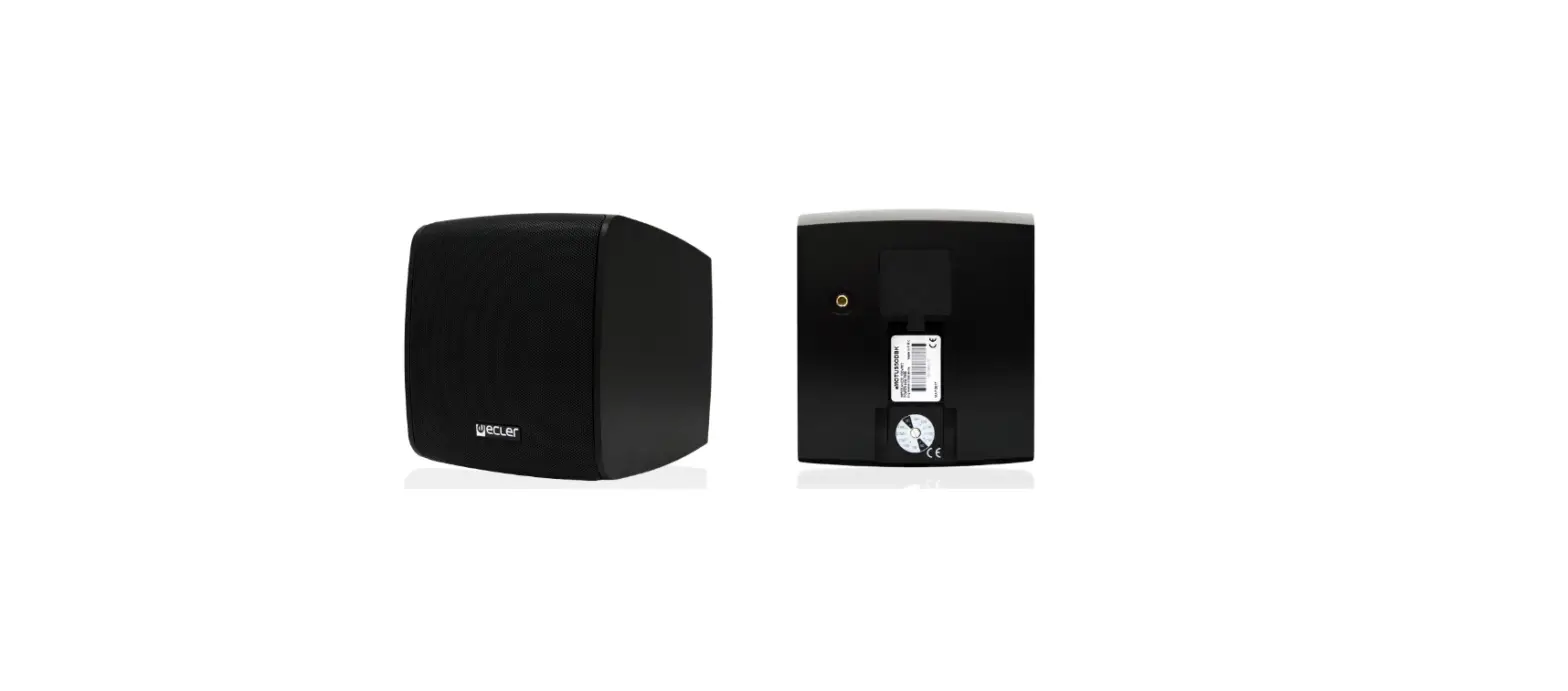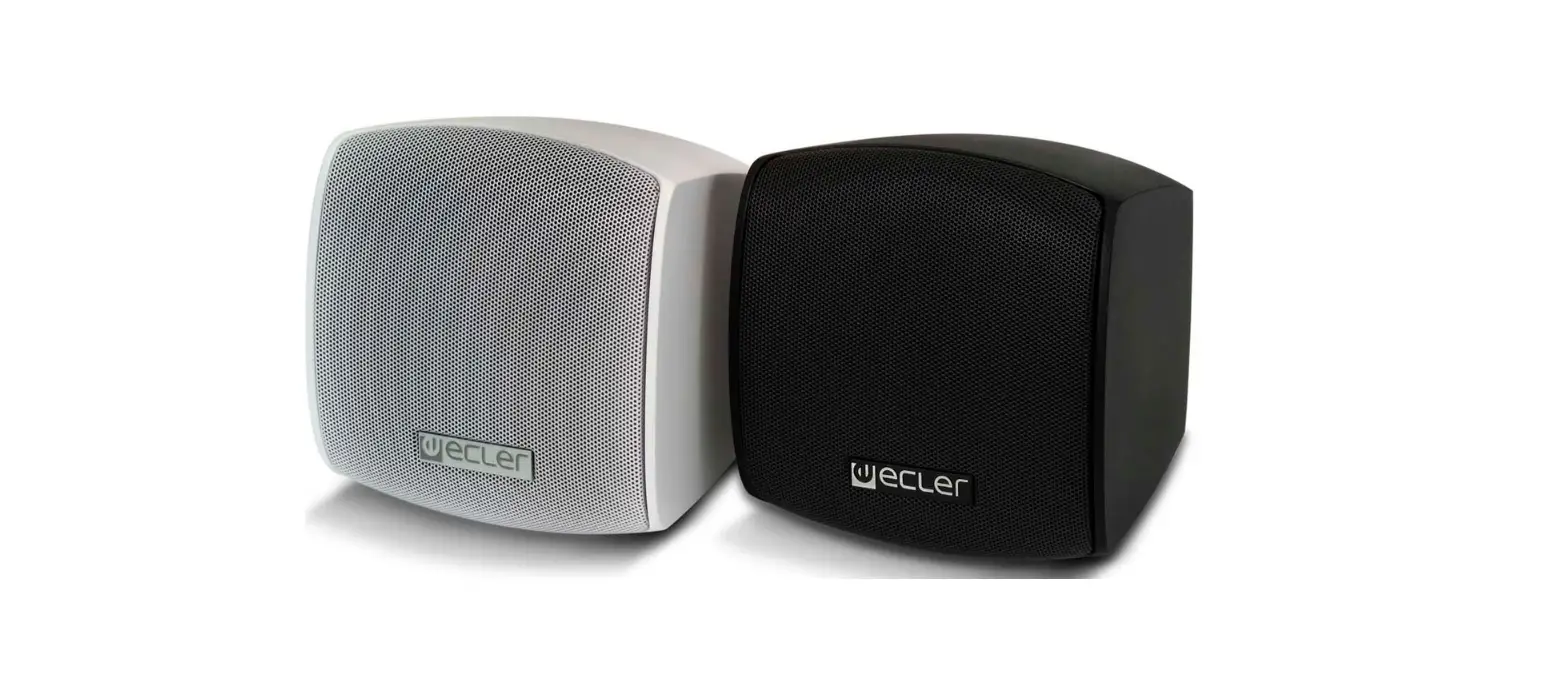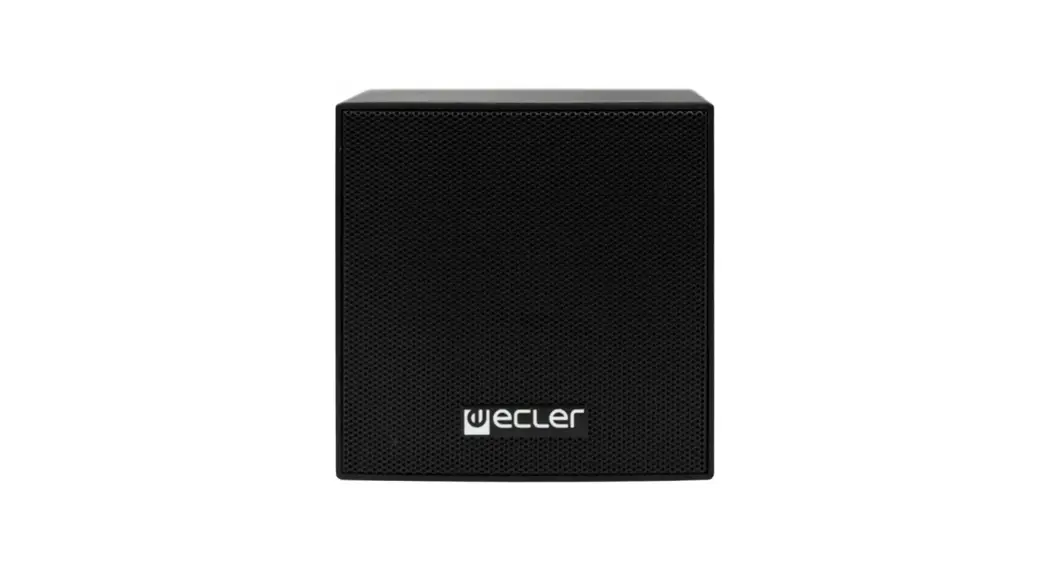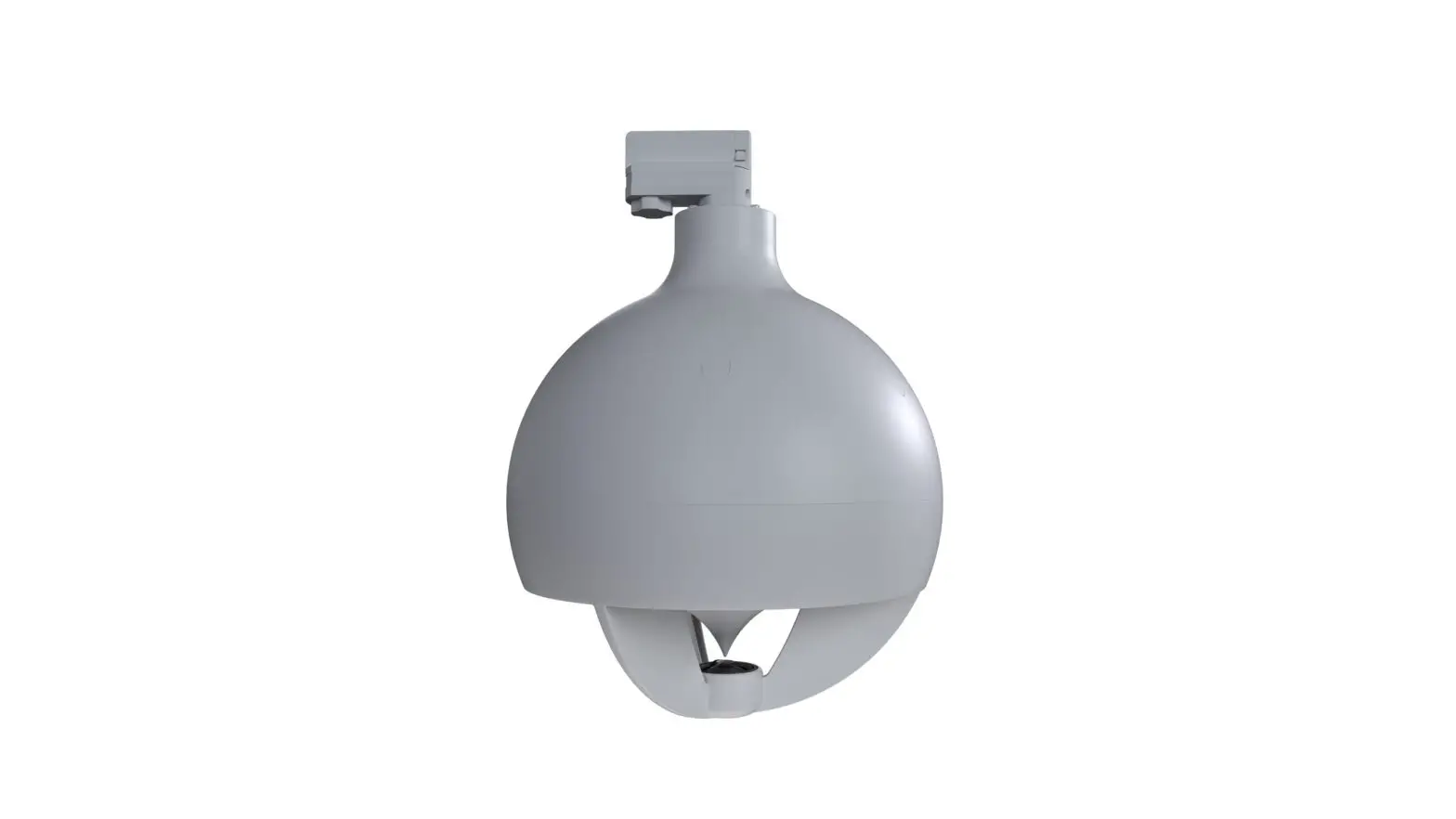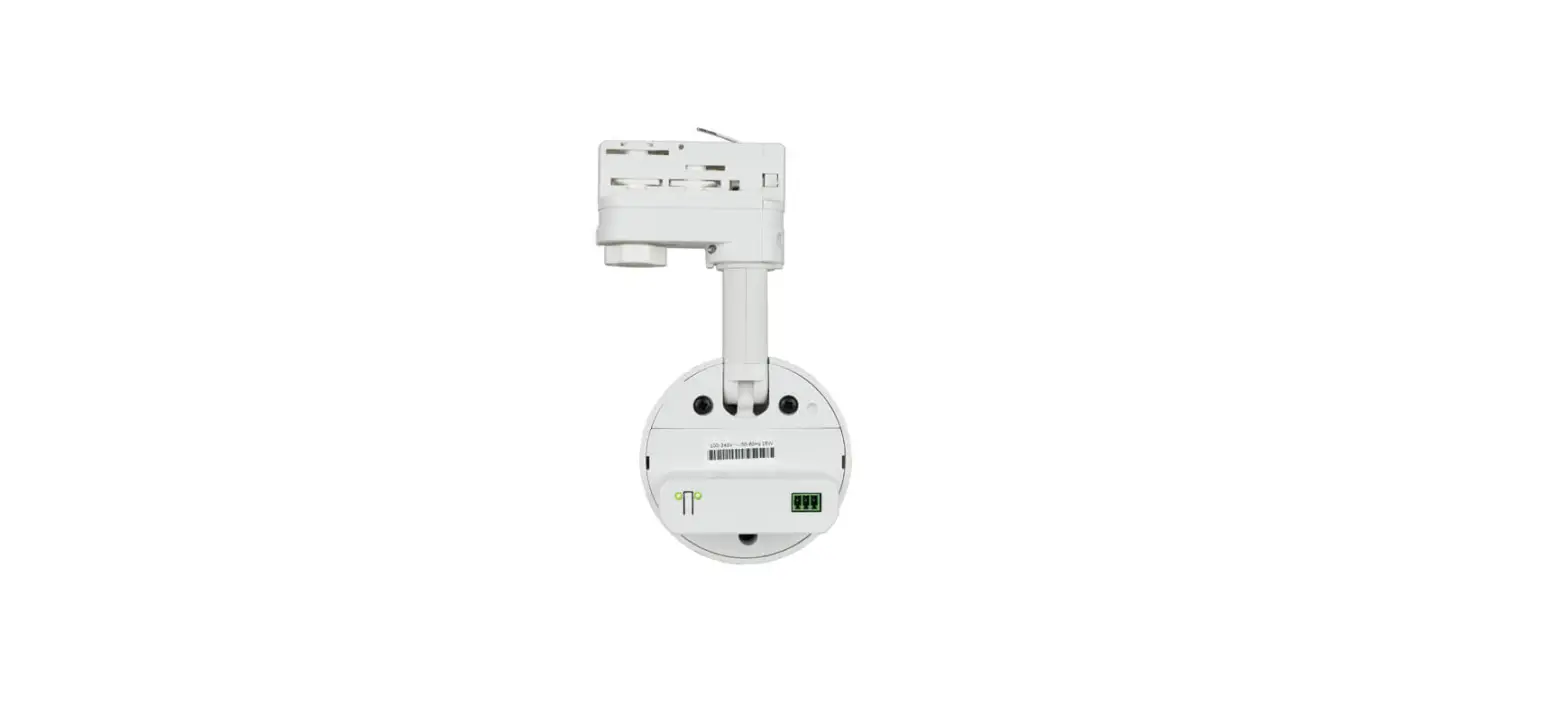
 ecler Tube Rail-Mount Wireless Loudspeaker
 ecler Tube Rail-Mount Wireless Loudspeaker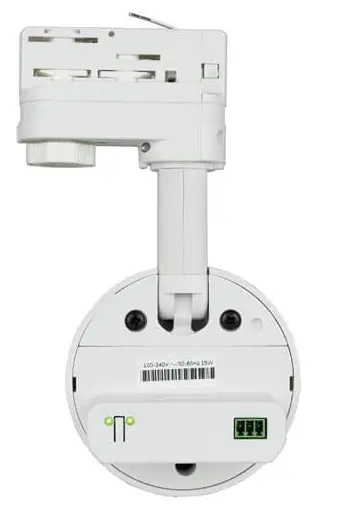
INSTALLATION INSTRUCTIONS
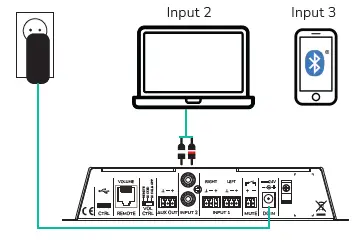
- Plug in CORE transmitter

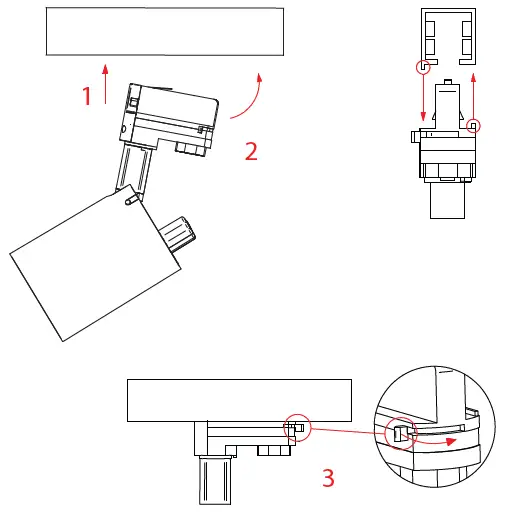
Connect the transmitter DC adapter to the electrical outlet and use one of the 3 available audio inputs to connect the music source - Insert TUBE in the lighting rail

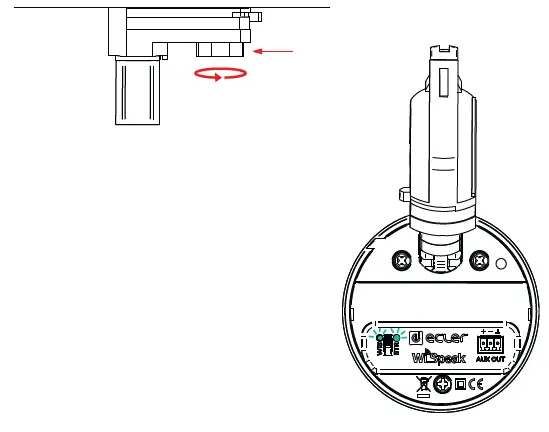
Rotate the safety lug to secure the loudspeaker on the lighting rail - Power ON TUBE

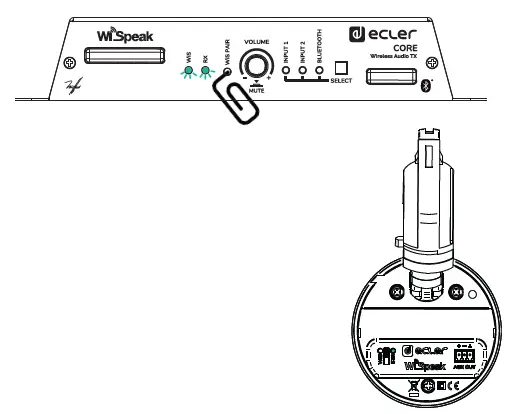
Check whether the unit is really powered or not by watching the LED indicators at its rear panel. If the green LED start blinking the unit is ready to pair - Pair the devices

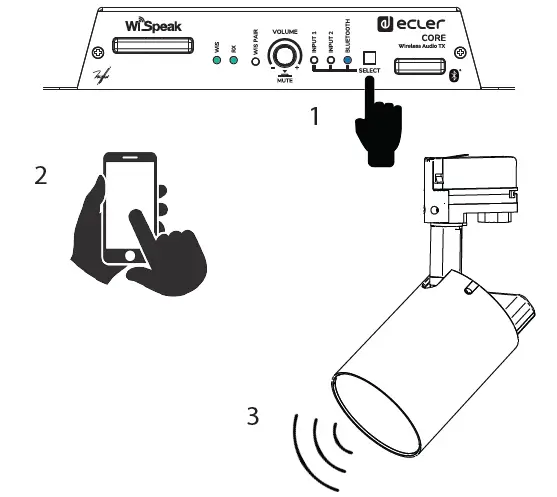
When CORE and TUBE lights stop blinking, the devices are paired - Select the input and play the music

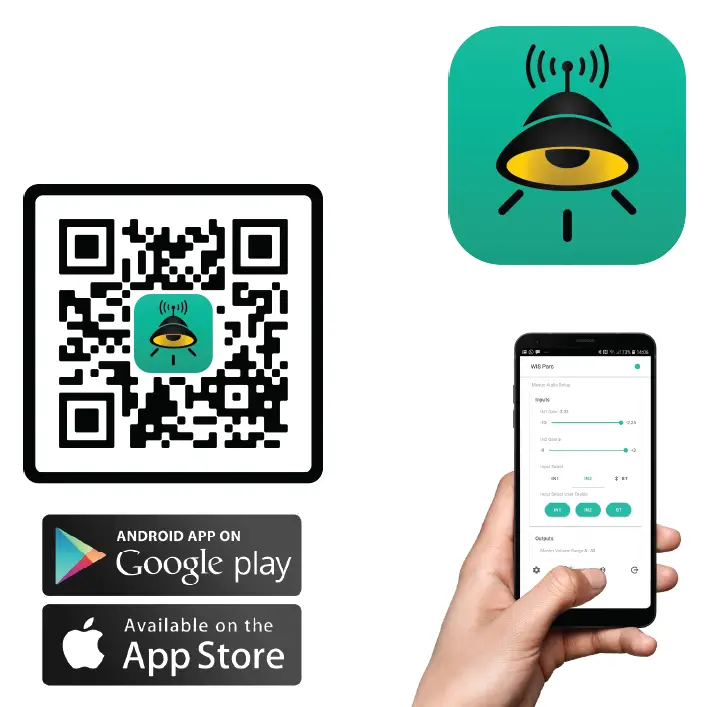
WiSpeak grip
Use WiSpeak grip app for set up and control functions