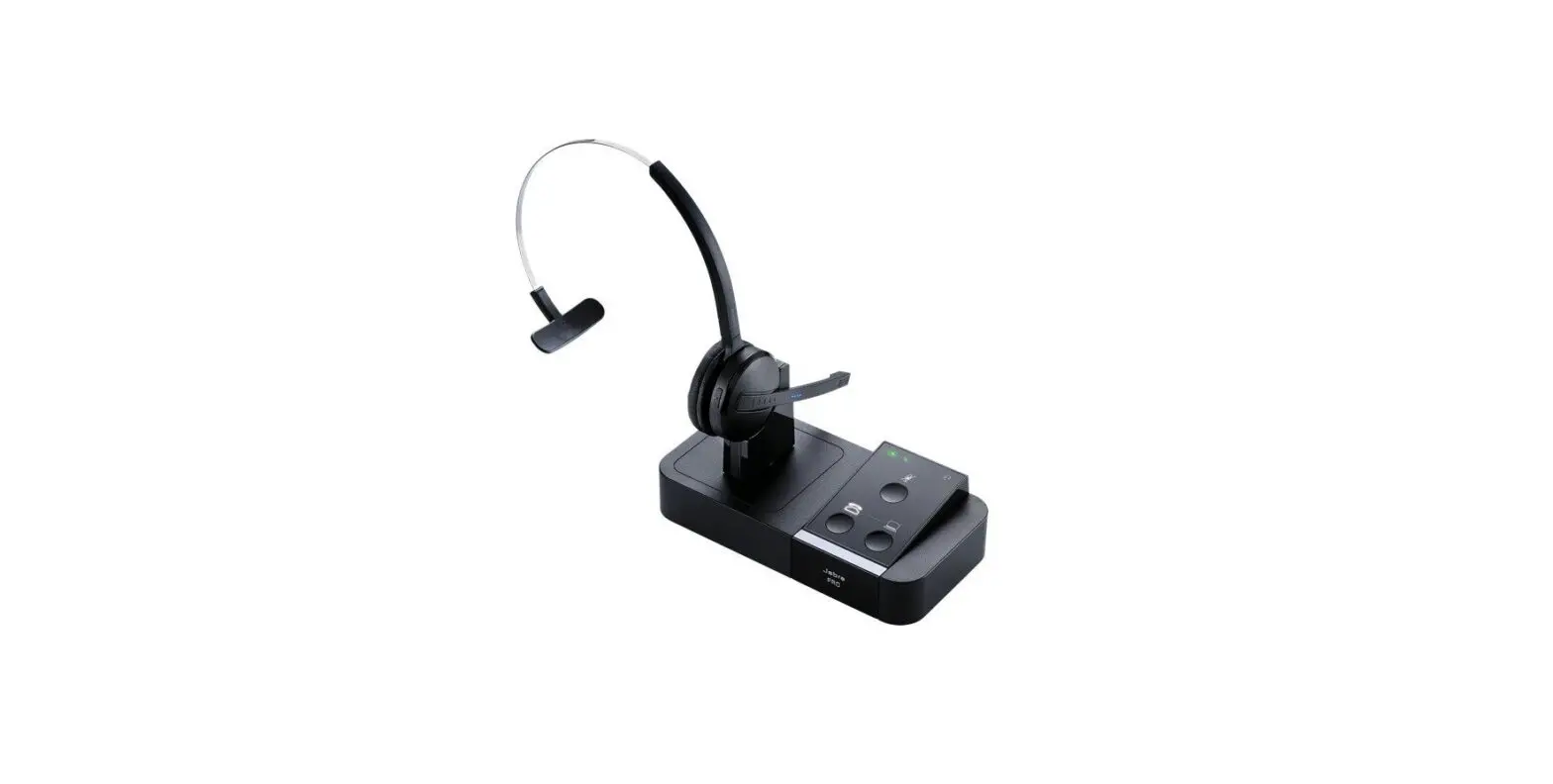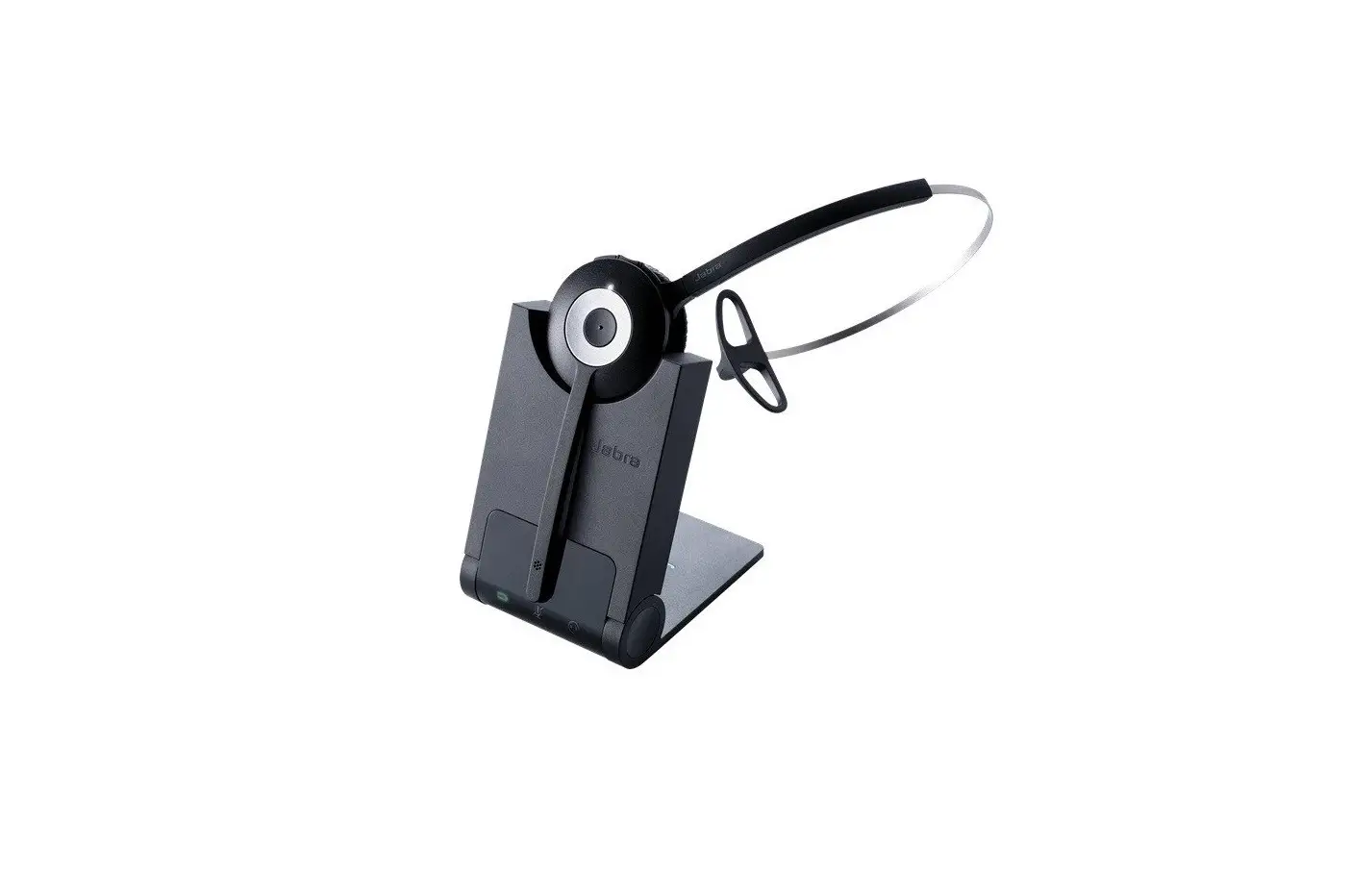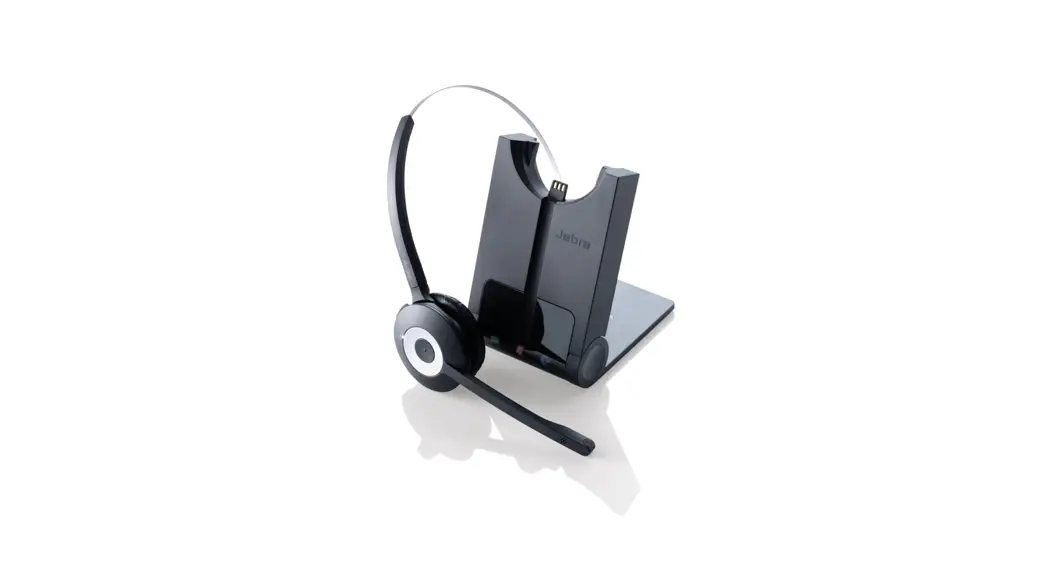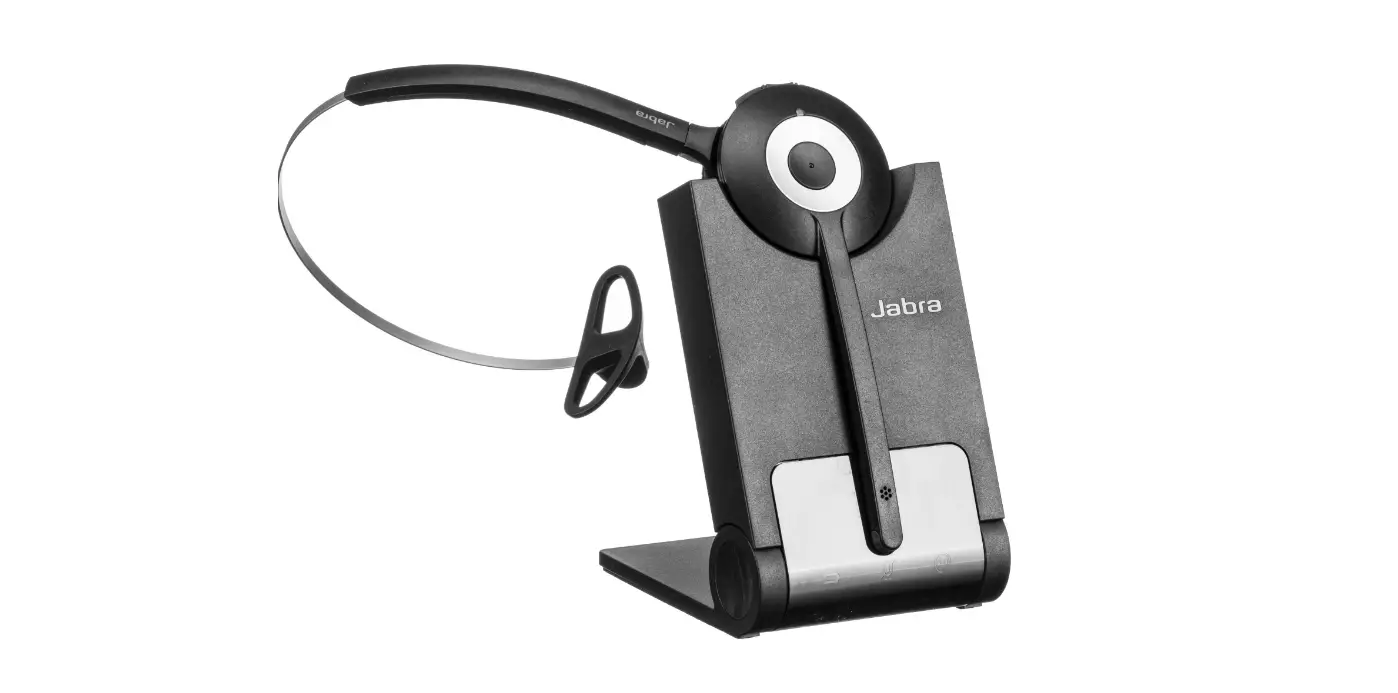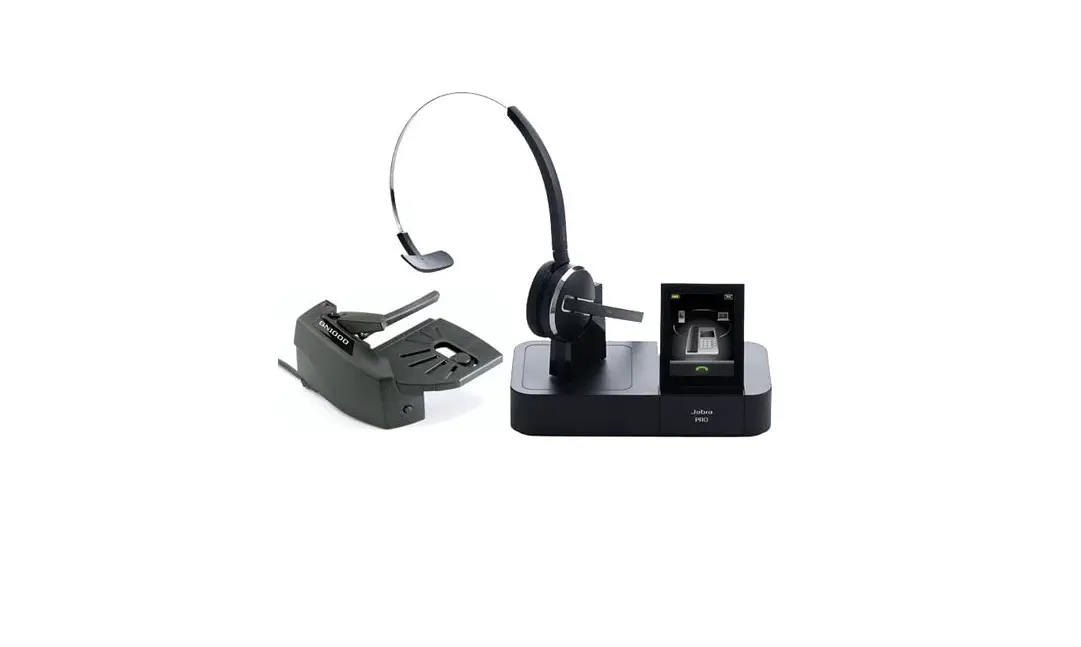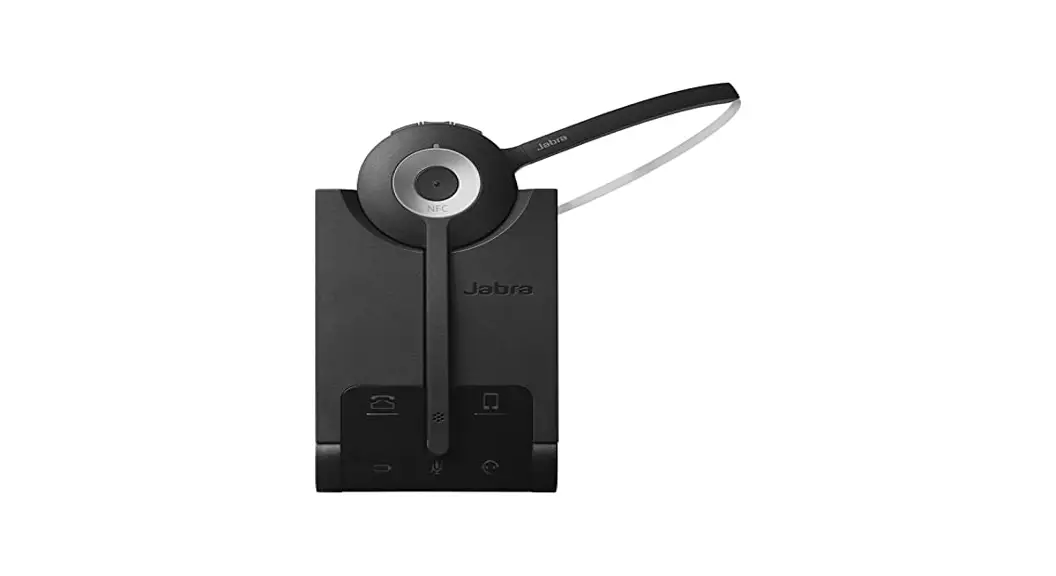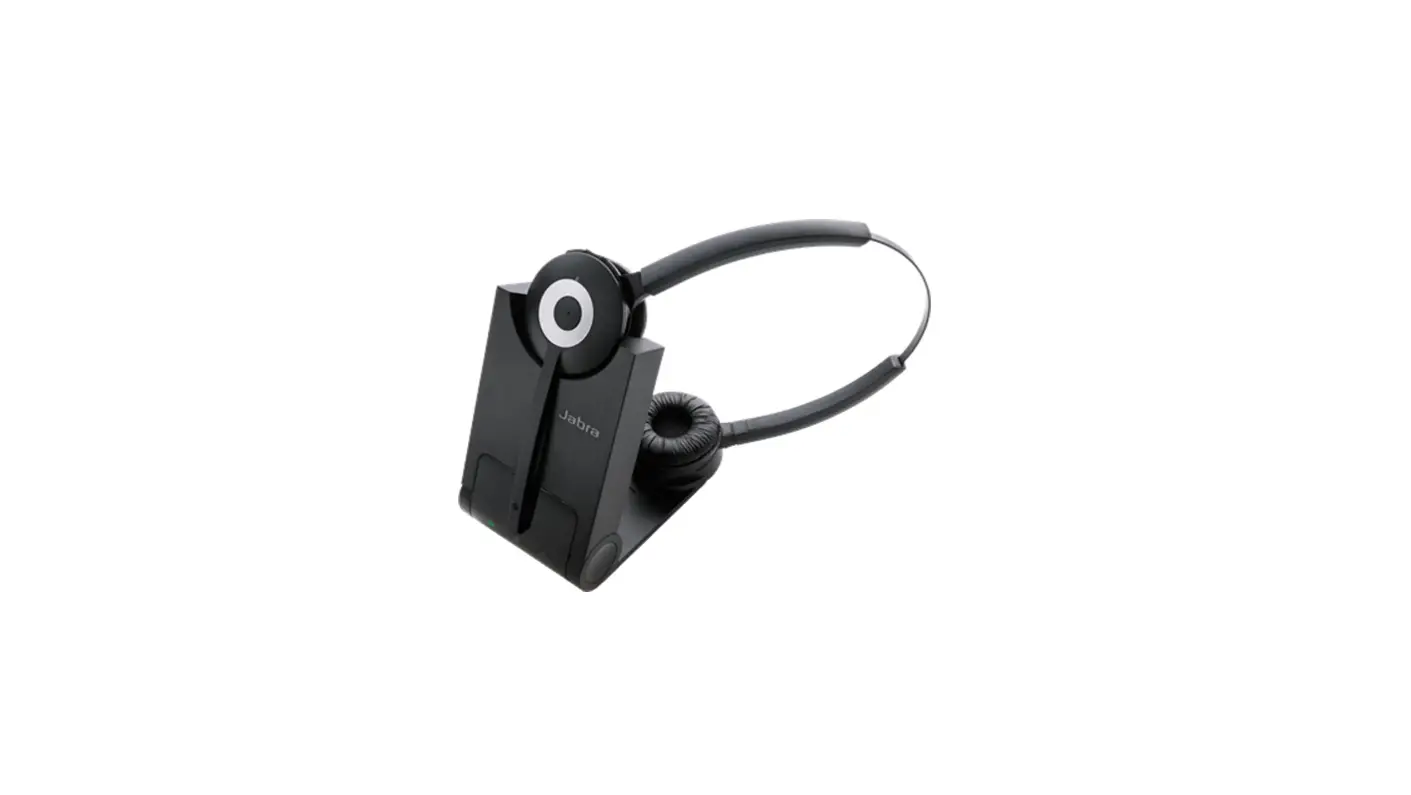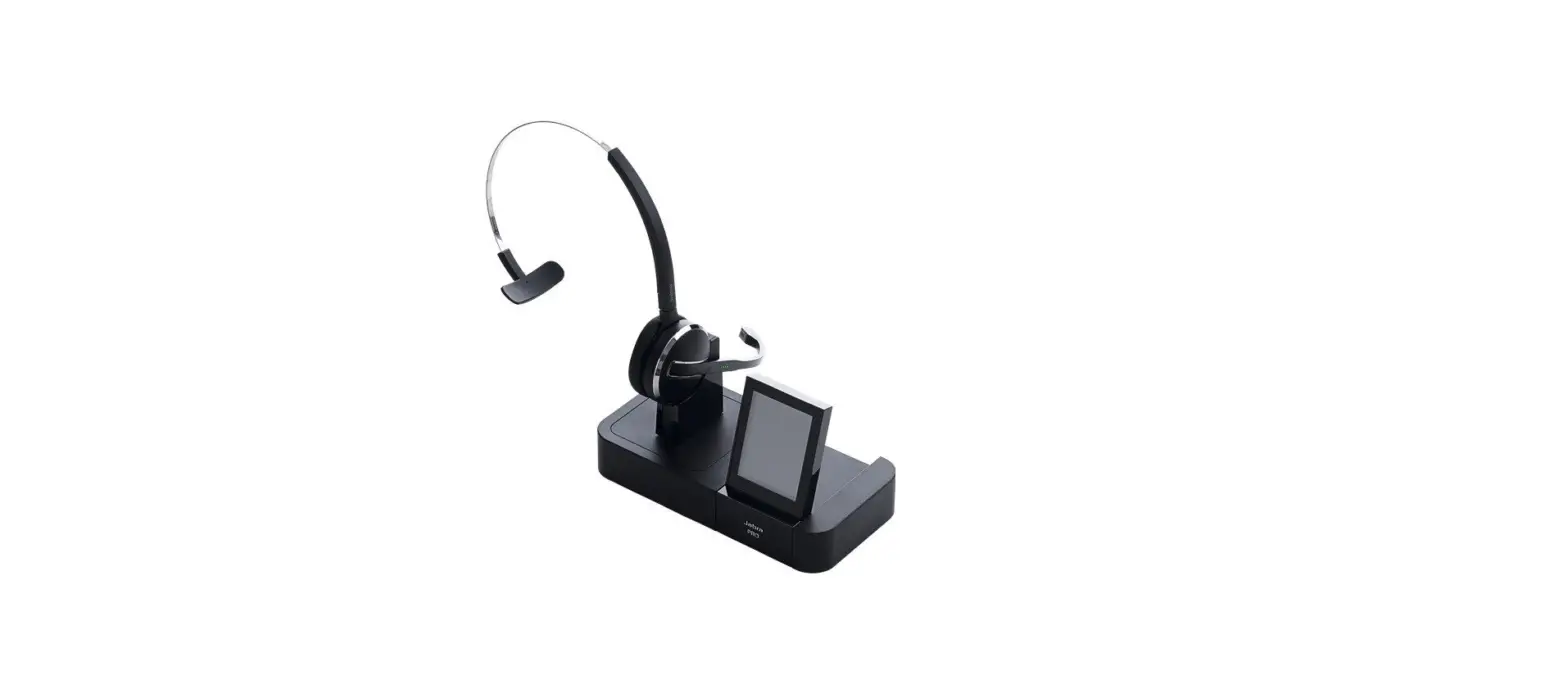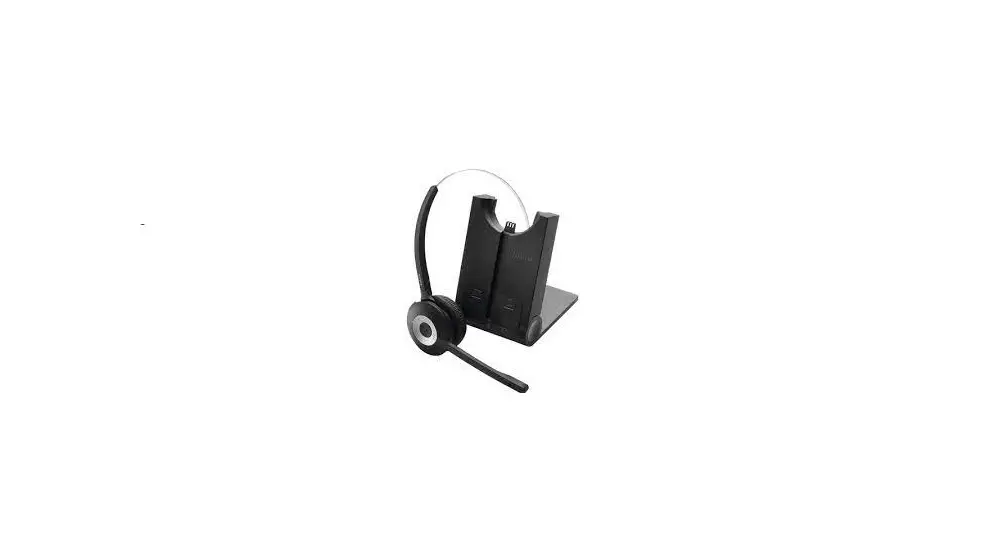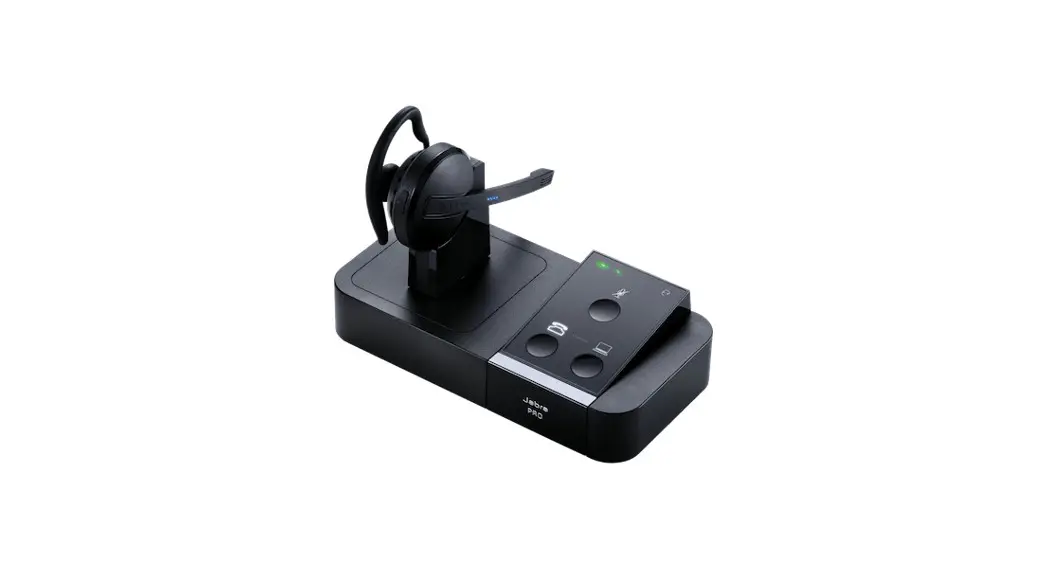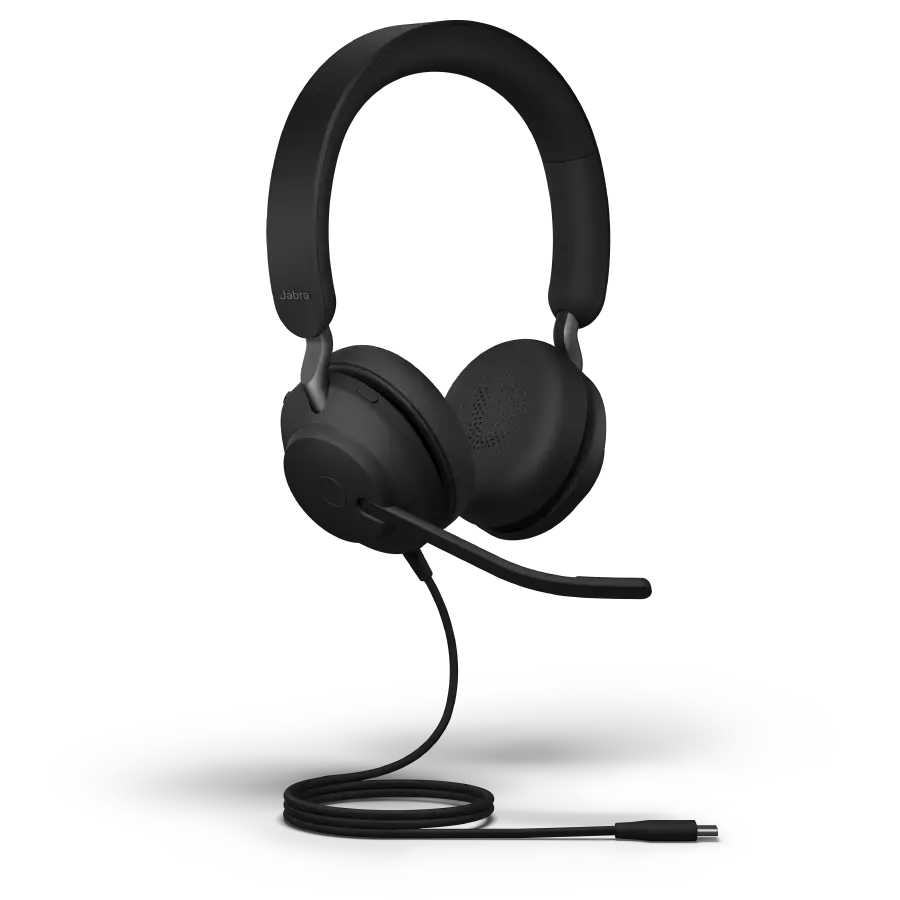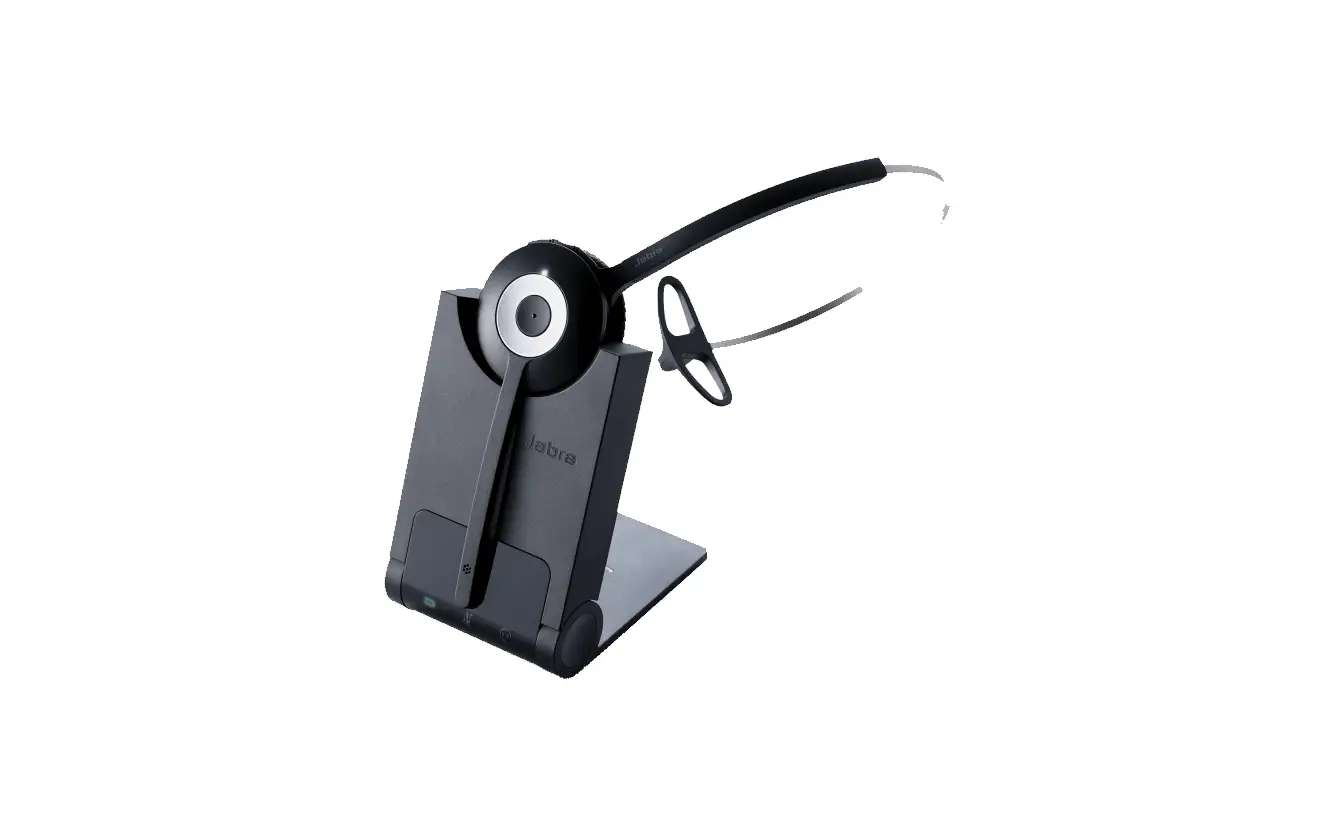

Jabra Pro 900 Series Headset
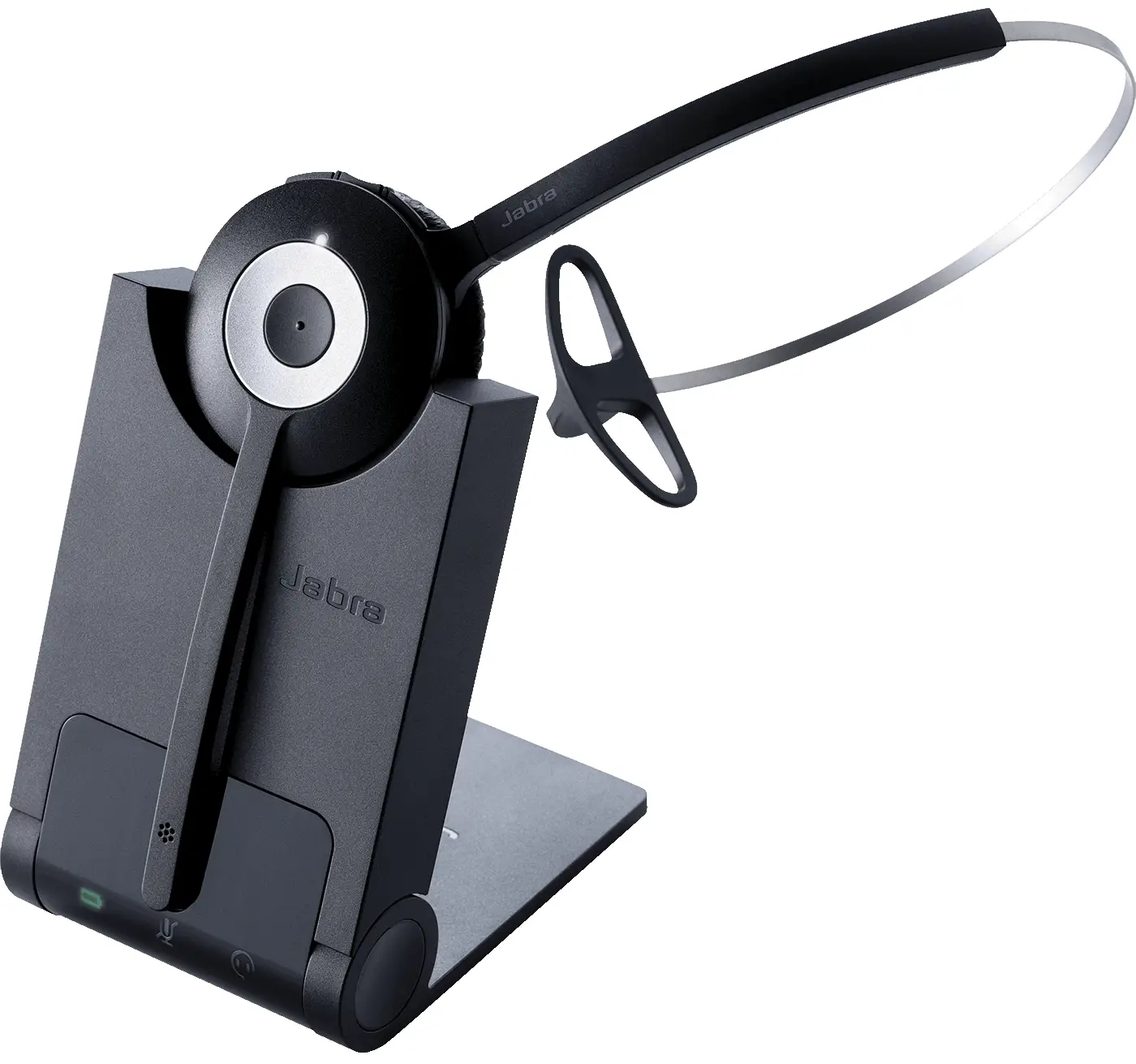
reset my Jabra Pro 900 series headset
How do I manually reset my Jabra Pro 900 series headset to the default settings?
When you reset your Jabra Pro 900 Series headset to the default settings, the previous settings will be cleared.
To reset, follow these steps:
- Put on your Jabra Pro 900 series headset.
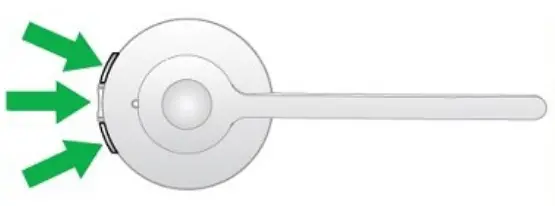
- Simultaneously press and hold the Mute button and both Volume buttons until the voice prompt says “Factory default”.

- Release the buttons.
After resetting, the base will restart.
FOR MORE INFO: https://www.jabra.sg/supportpages/jabra-pro-930/930-25-509-103/faq/a0fae2b7-5926-4651-9e6a-ebc2090bea30
 [FAQTitle] | Jabra Pro 930 Mono | FAQ | Jabra Support