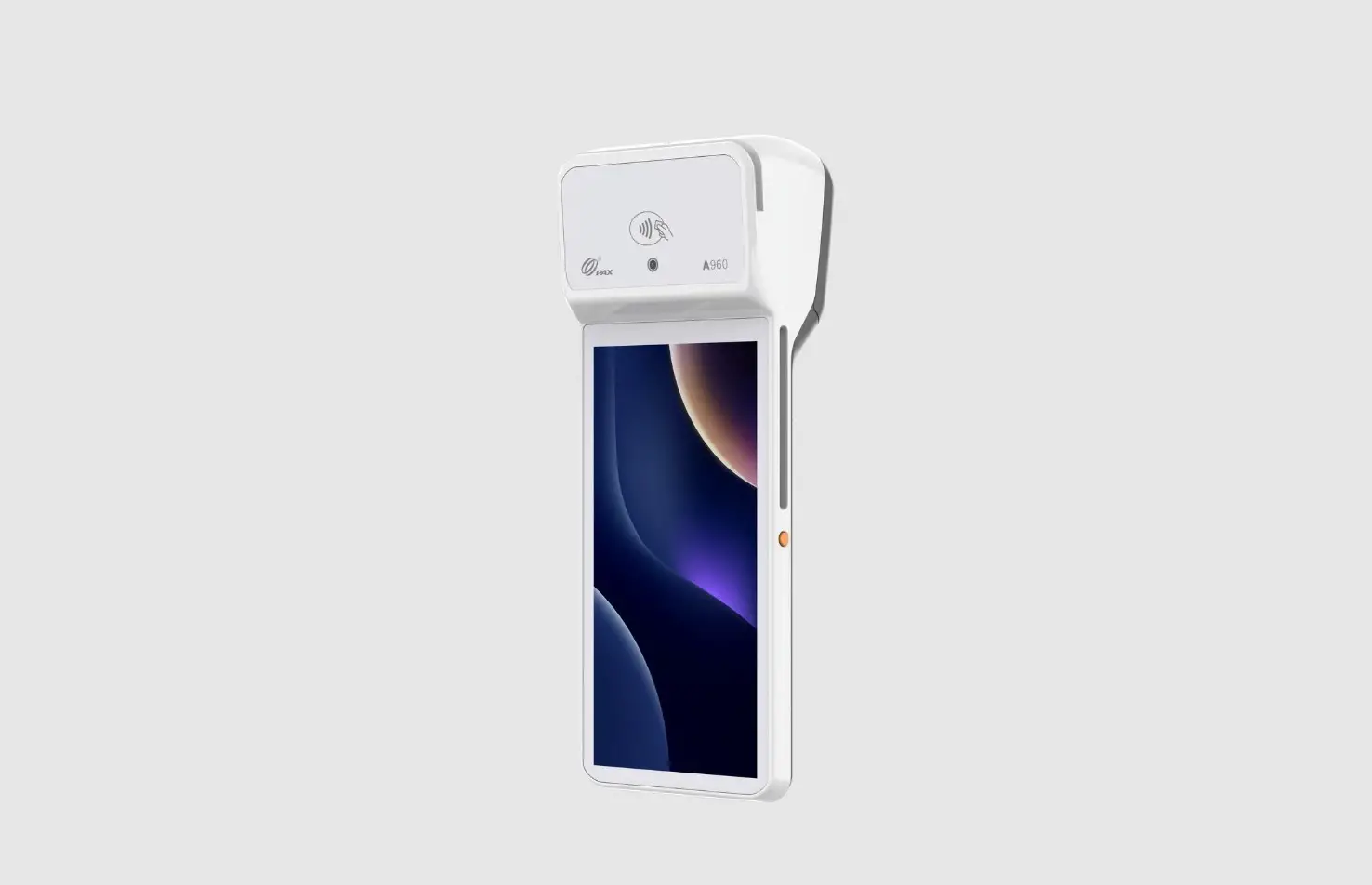
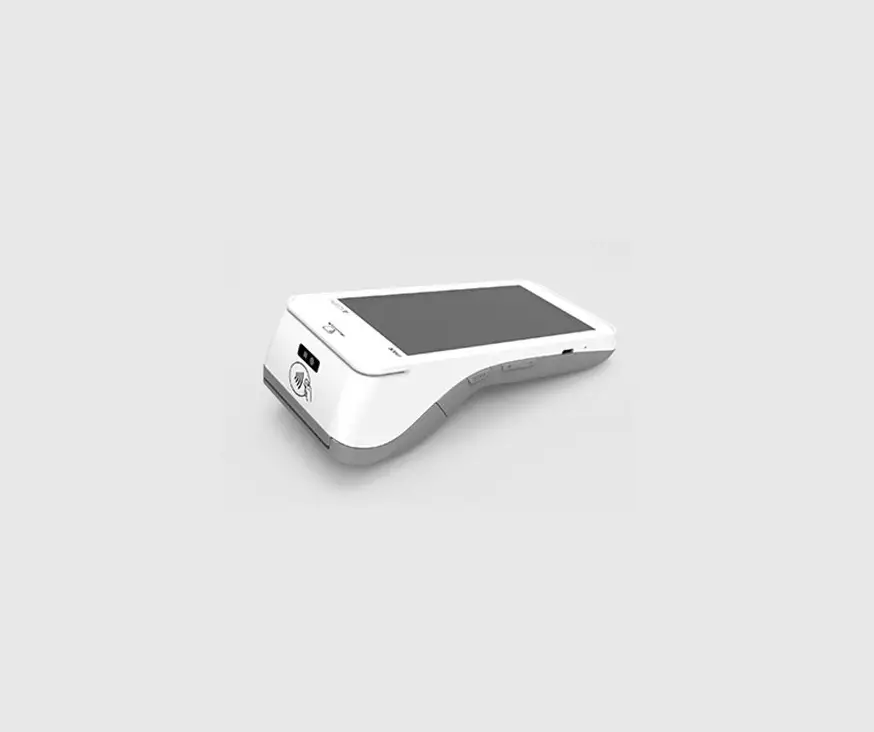
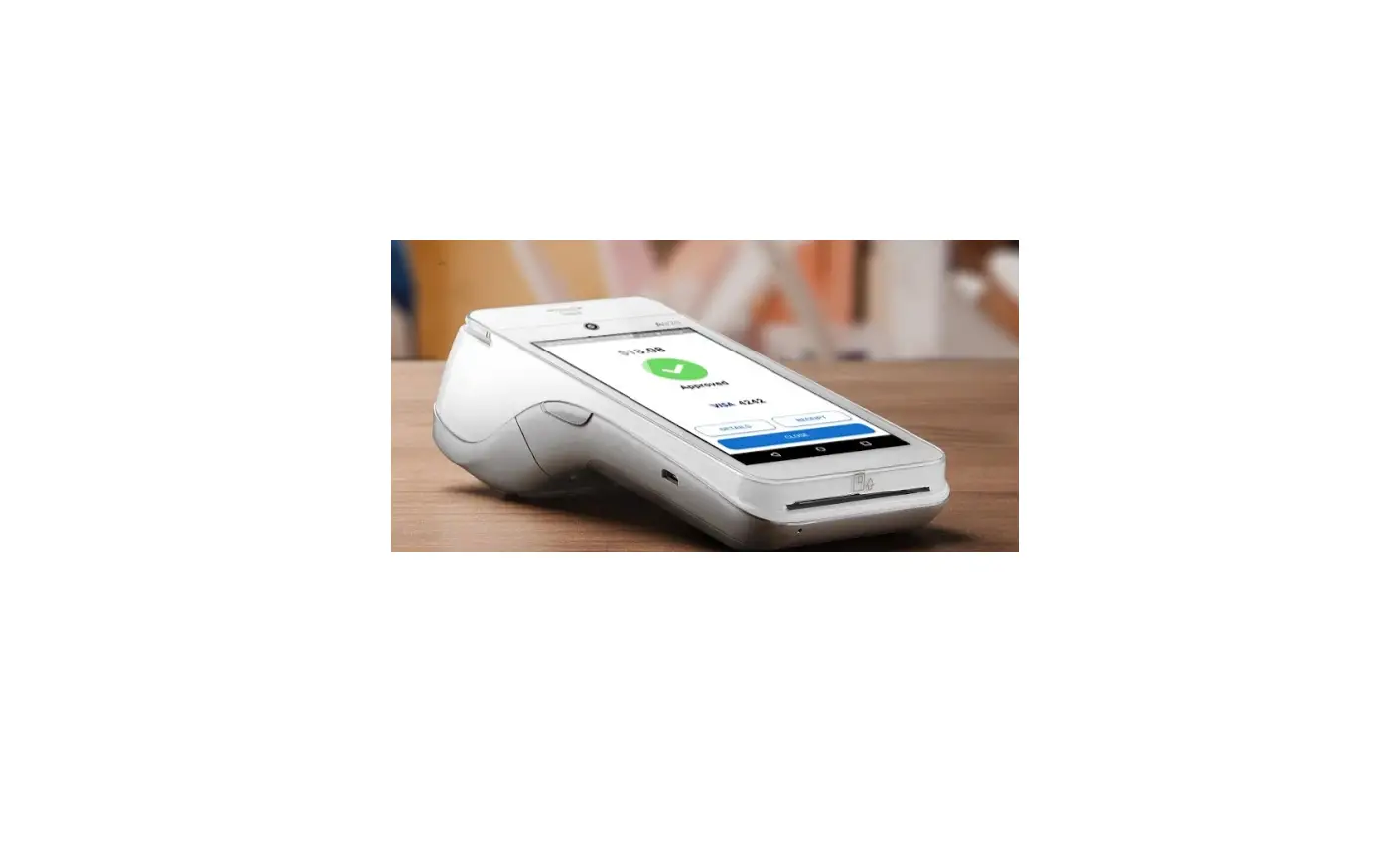
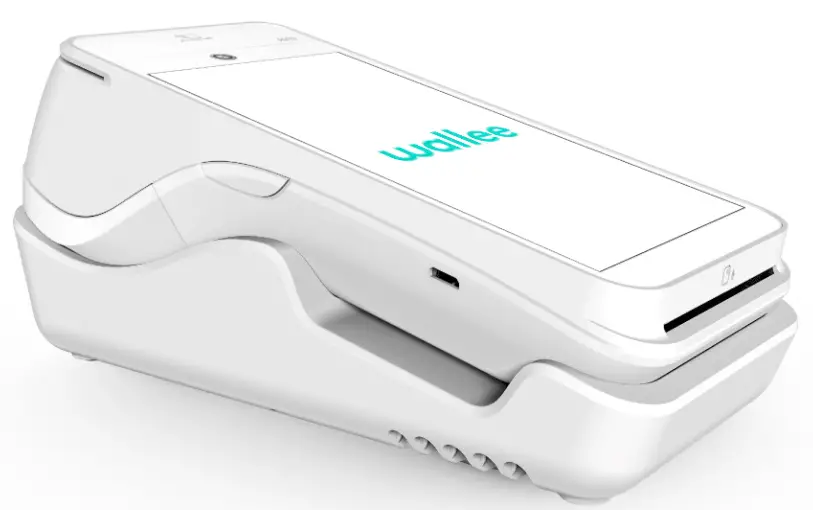
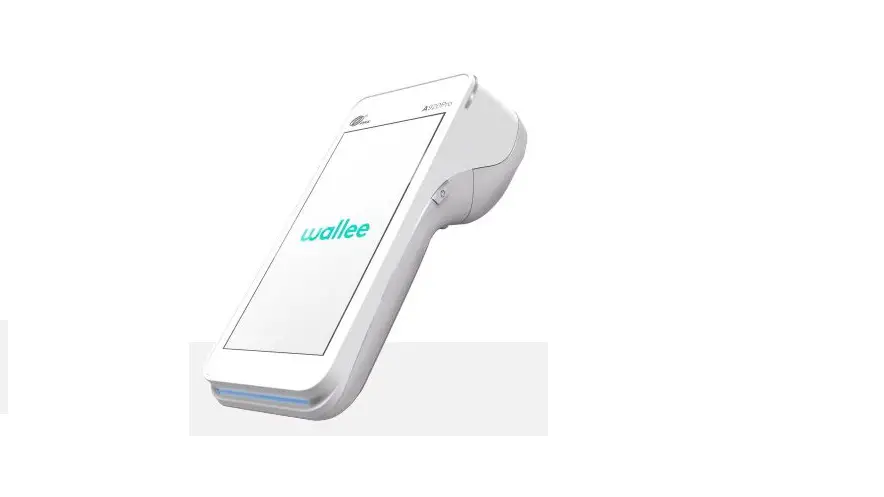
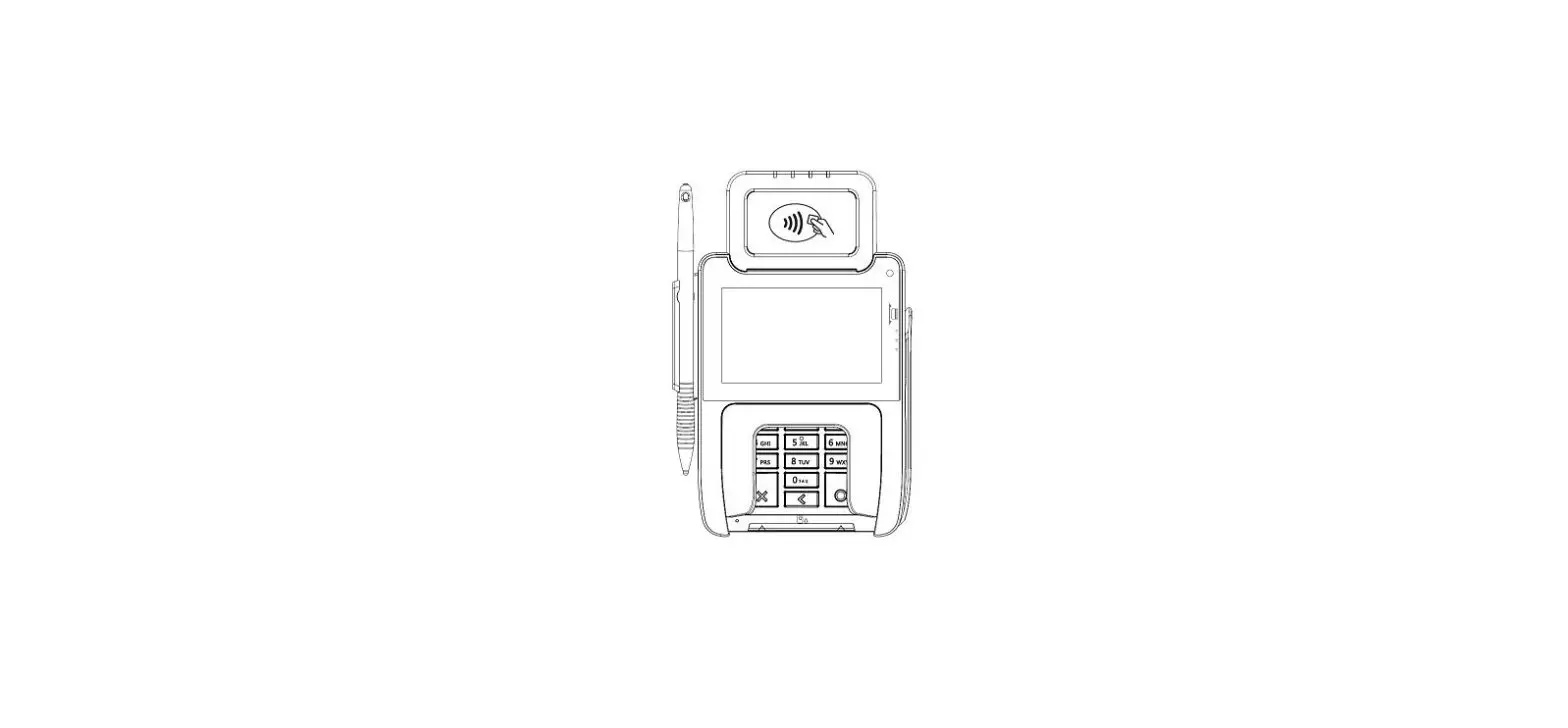
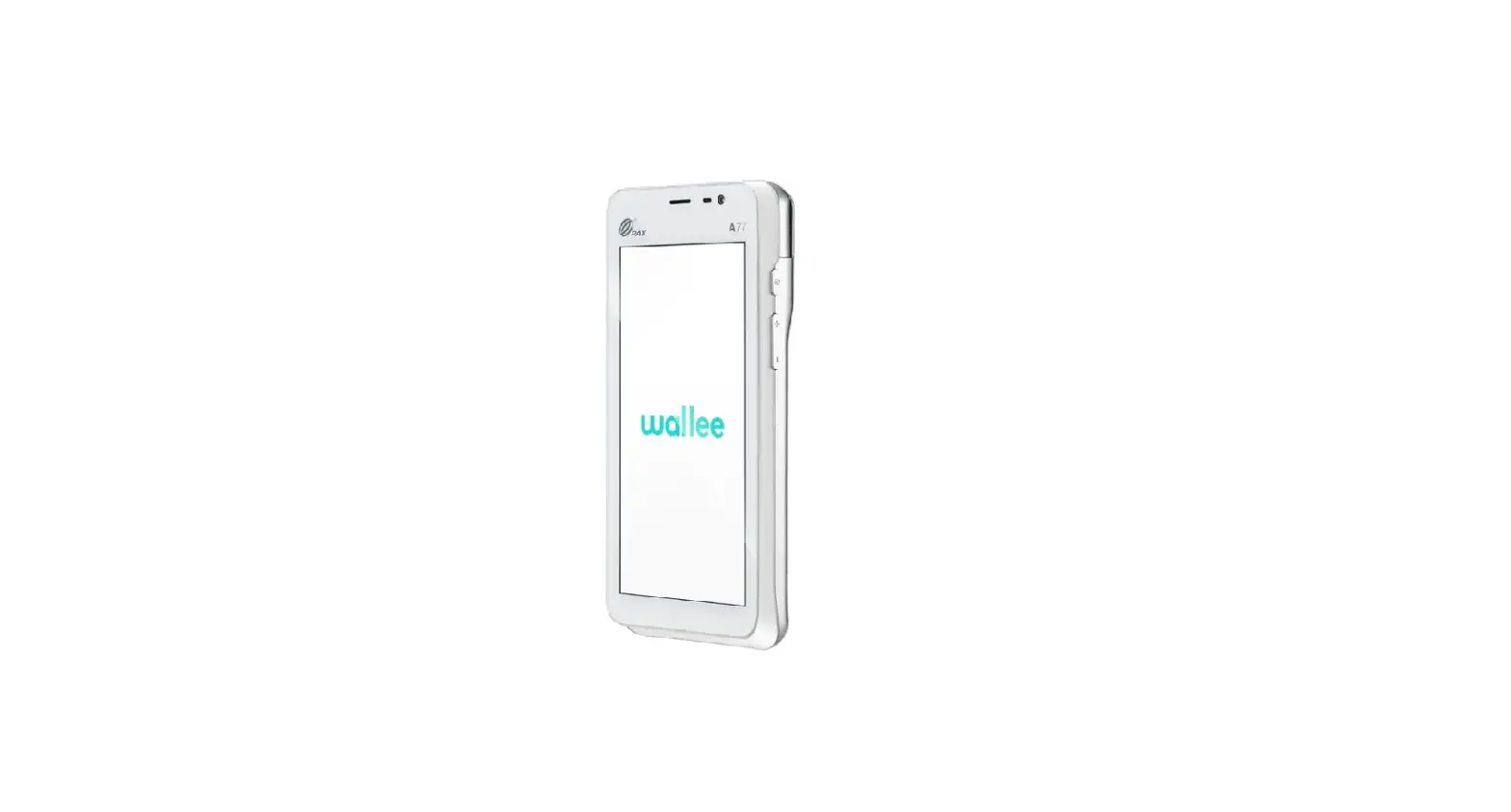
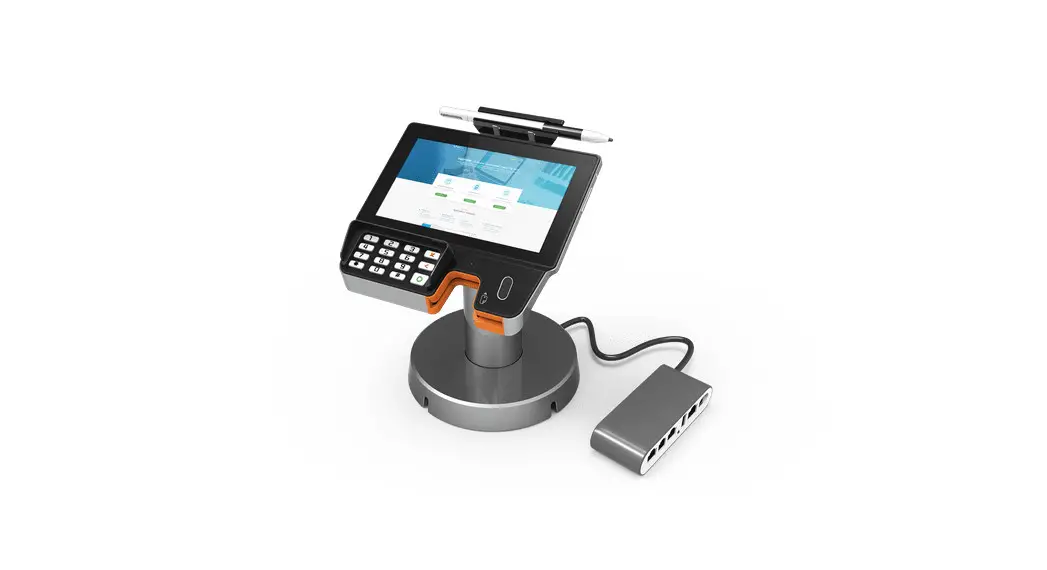
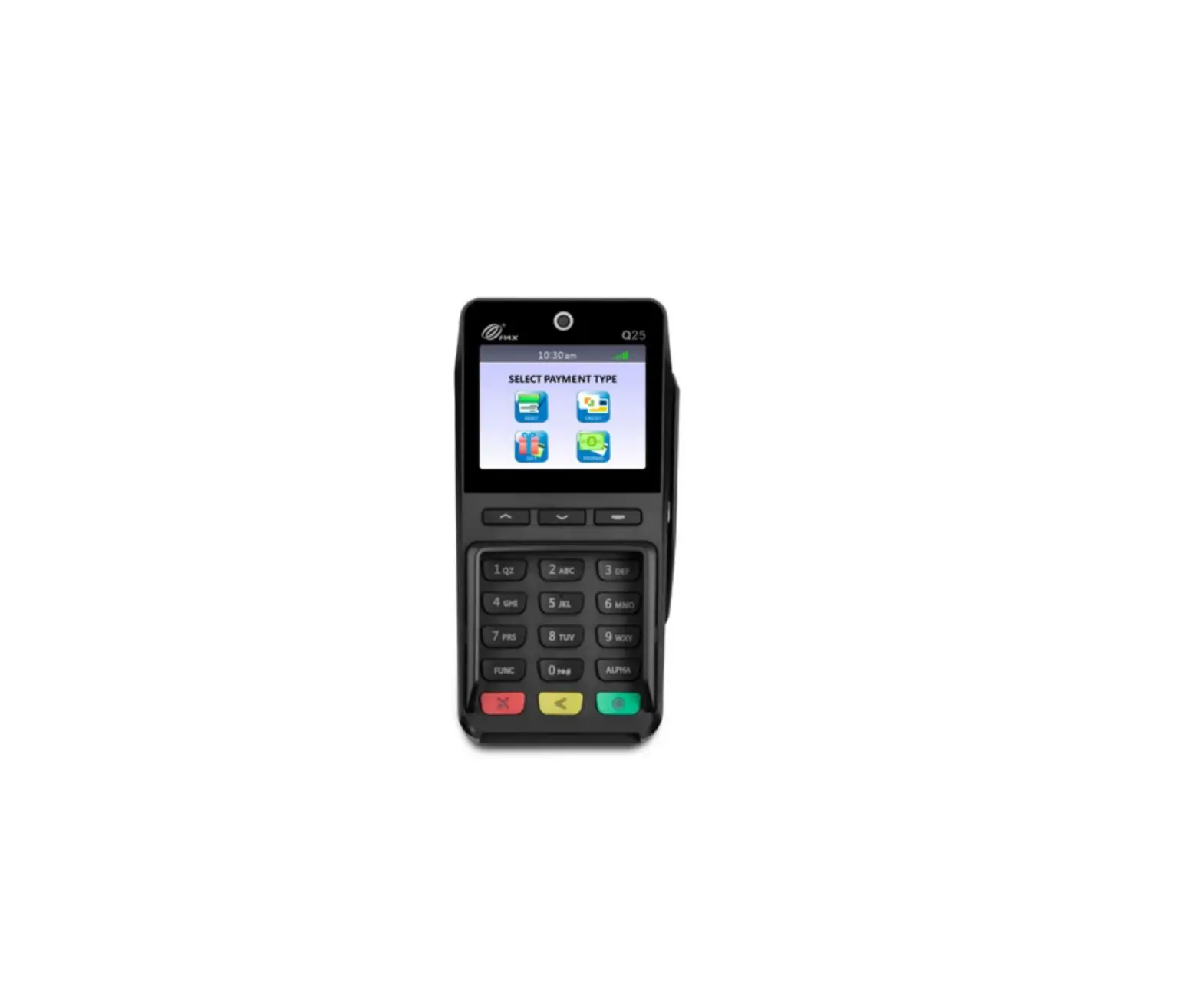
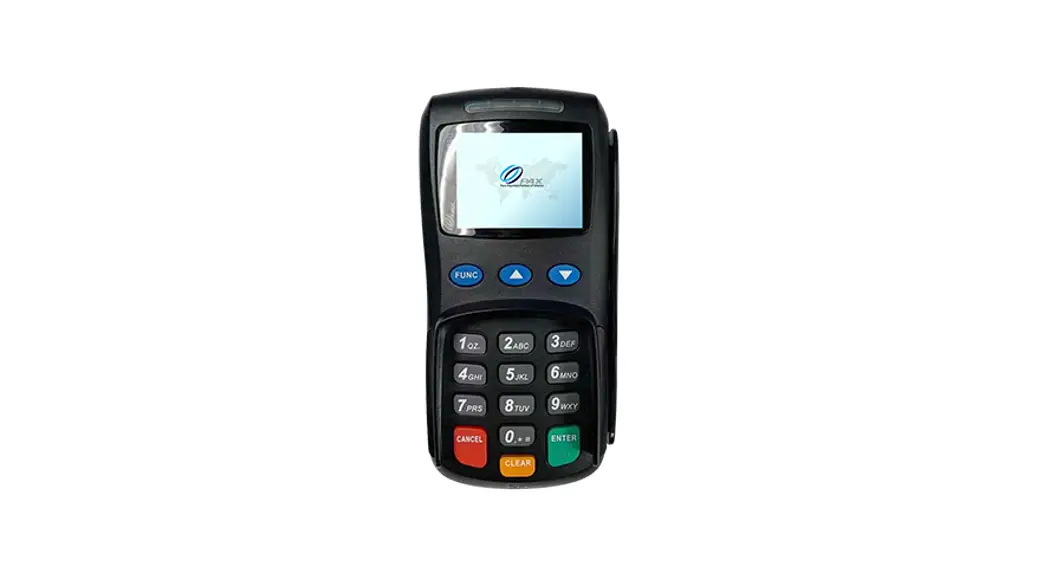
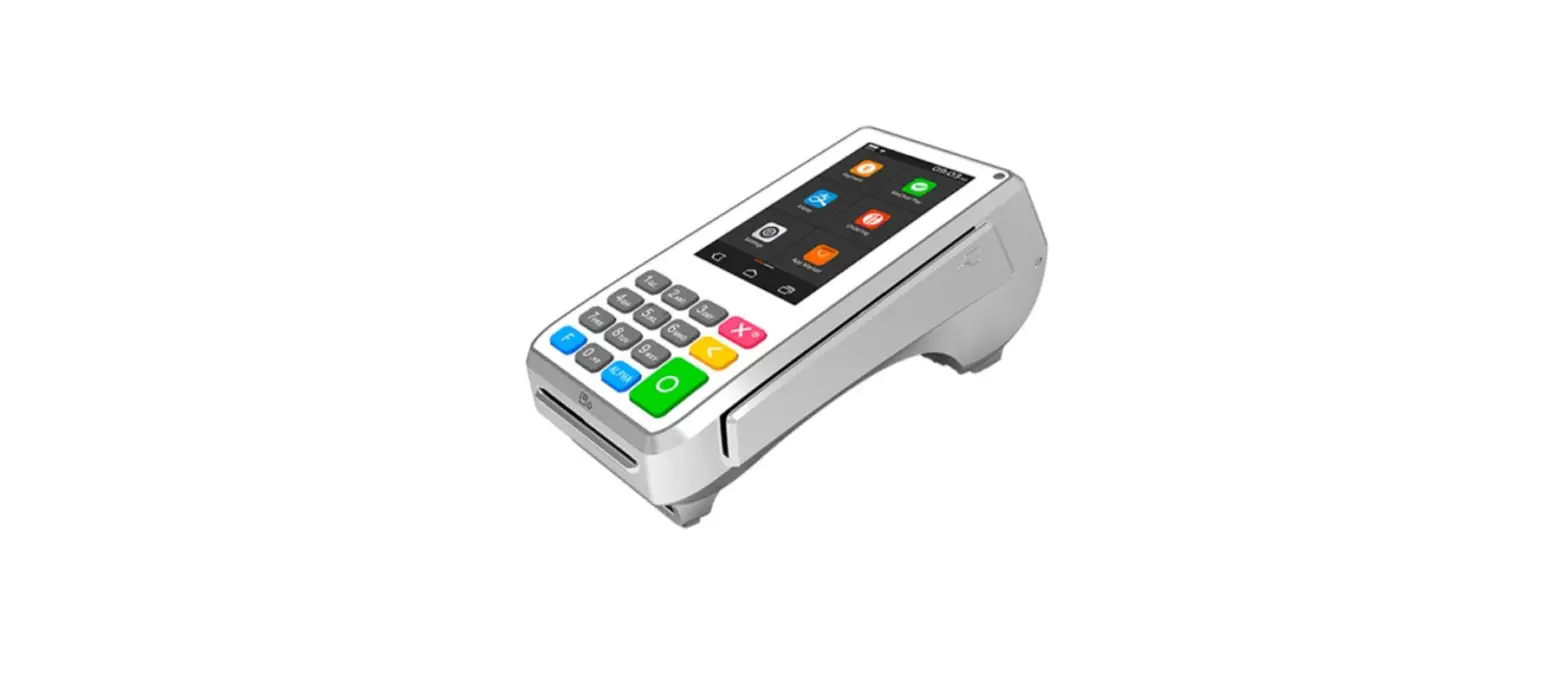
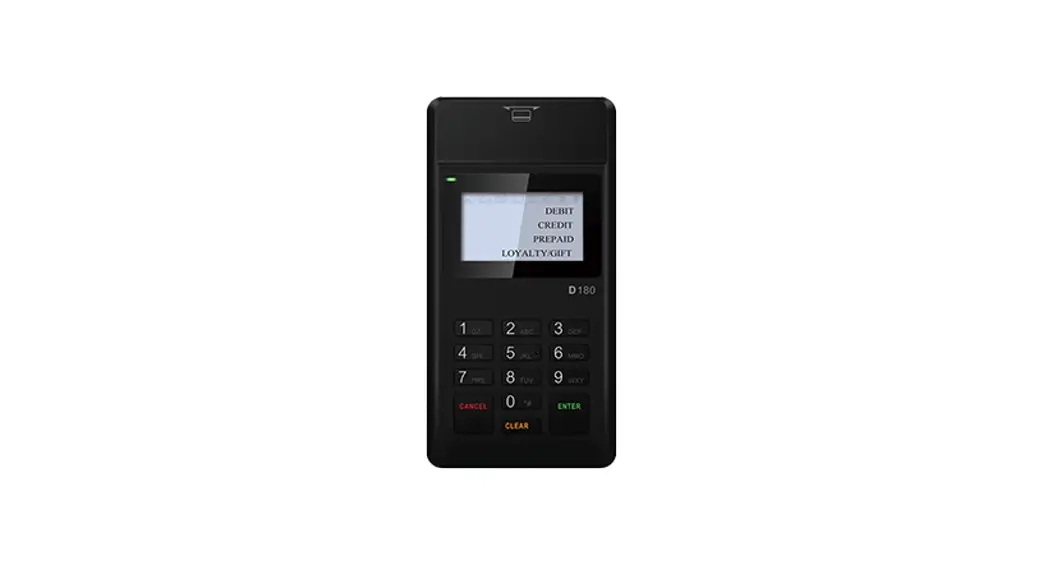
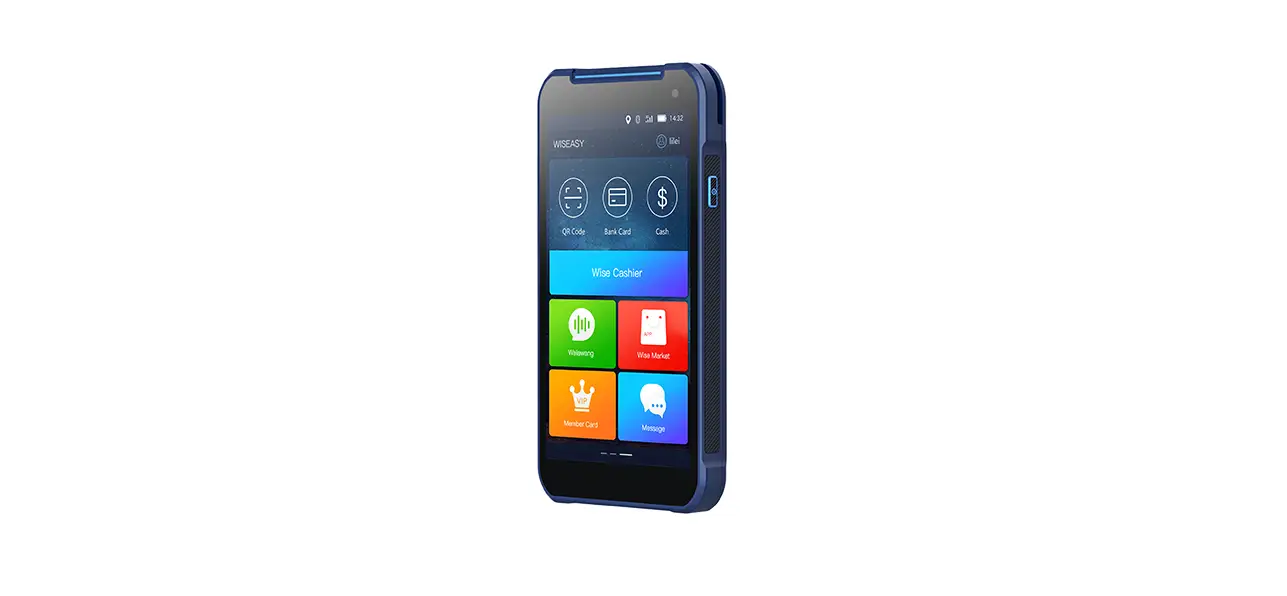
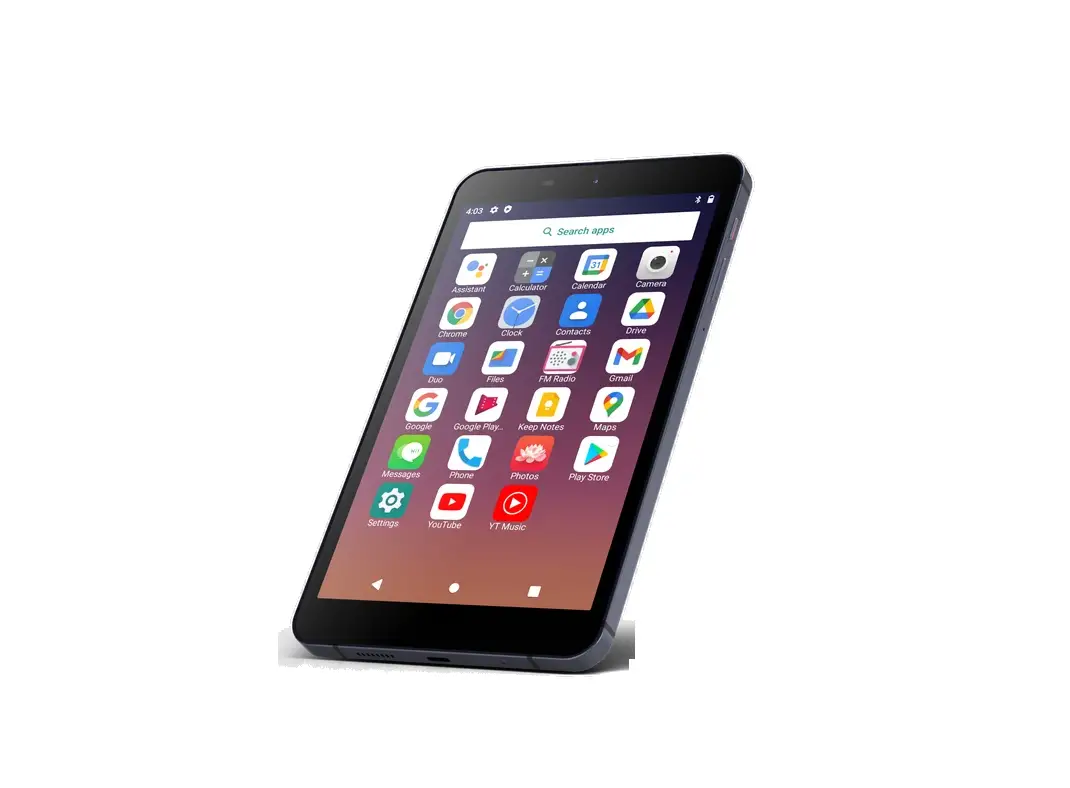
A920MAX Smart Mobile Payment Terminal
Product Information
The PAX A920MAX Smart Mobile Payment Terminal is a portable
payment device manufactured by PAX Technology Limited. It is
designed to facilitate quick and secure mobile payment
transactions.
- Package Contents:
- 1 x PAX A920MAX Smart Mobile Payment Terminal
- 1 x Thermal Paper Roll
- 1 x AC Power Adapter
- 1 x Battery
- 1 x Cable
- Product Features:
- Contactless Card Reader
- Scan Button
- Volume+ and Volume- Buttons
- Magstripe Card Reader
- Power Button
- LCD Display
- Smart Card Reader
Product Usage Instructions
Checklist
Congratulations on receiving your PAX Technology payment
terminal. To get started, please ensure that you have the following
items:
- PAX A920MAX Smart Mobile Payment Terminal
- Thermal Paper Roll
- AC Power Adapter
- Battery
- Cable
Please only use the original accessories including the USB
cable, power adapter, and battery.
Installation
To install the PAX A920MAX Smart Mobile Payment Terminal:
- Open the battery cover underneath the terminal.
- Remove the battery.
- Insert the SAM/SIM/microSD cards into the corresponding card
slots.
Note: The USB port can be used to connect the terminal to a
USB-enabled device.
Instructions
Power On/Off
To power on the terminal:
- Press and hold the Power button for 5 seconds until the LCD
lights on, indicating that the terminal is being turned on.
To power off the terminal:
- Press and hold the Power button for 3 seconds until the
shutdown menu appears. - Tap “Power Off”.
- Click “Power Off” when prompted, and “Shutting Down” will
appear on the screen.
Contactless Transactions
To process a contactless transaction:
Tap a contactless enabled card or smartphone in proximity to the
top end of the terminal where the contactless sensor is located.
The contactless icon indicates the location of the sensor.
Chip Card Transactions
To process a chip card transaction:
With the card’s chip facing upwards, insert the chip card fully
into the chip card slot.
Magnetic Stripe Transactions
To process a magnetic stripe transaction:
With the card’s magnetic stripe facing downwards, swipe the card
through the magnetic reader at a constant speed, in either
direction.
Paper Receipts
To tear off a paper receipt:
Tear off the receipt at a 45-degree angle to the paper
cutter.
Battery Charging
To charge the device’s battery:
Connect a charging cable to the device. The charging status will
be displayed on the screen.
General Usage Tips
- Avoid placing the product in direct sunlight for extended
periods or in environments with excessively high temperature,
moisture, or dust. - Only qualified personnel should repair the product.
- Before using cards in the chip & magstripe readers, ensure
they are free from any foreign objects.
Important Safety Warning
- Do not place the terminal or battery in direct sunlight or in
environments with excessively high temperatures, smoke, dust, or
dampness. - Do not attempt to disassemble the battery or insert/use foreign
objects to penetrate the casing. - Never place the battery in a fire or on excessively hot
surfaces. Take care not to drop the battery, as external shocks or
pressure may cause battery liquid leakage, fire, or explosion. Keep
the battery away from children and animals. - Immediately replace any battery that appears deformed,
expanded, or in an overheated state. - It is recommended to use power adaptors supplied by PAX
Technology. If using third-party supplier accessories, ensure their
specifications meet those recommended for the product and comply
with international and local regulations and standards.
Non-compatible power supplies, chargers, or batteries may cause
fires, explosions, and invalidate any product warranty.
Quick Setup Guide A920MAX Smart Mobile Payment Terminal
PAX Technology Limited
1
1. Checklist
Congratulations on receiving your PAX Technology payment terminal. We do hope you enjoy it! The box you have just opened should contain the following items: 1 x PAX A920MAX Smart Mobile Payment Terminal 1 x Thermal Paper Roll 1 x AC Power Adapter 1 x Battery 1 x Cable
Please use the original accessories including the USB cable, power adapter and battery.
2. Product Description
Contactless Card ReaderScan ButtonVolume+Volume-Magstripe Card Reader Power ButtonLCD DisplaySmart Card Reader
3. Installation
2
ScannerSAM 1 Card SlotSIM 2/SAM 2 Card SlotSIM 1 Card SlotmicroSD Card Slot USB Port: connect to a USB-enabled device. SAM/SIM/microSD Cards:
a) Open the battery cover underneath the terminal; b) Remove the battery; c) Insert SAM/SIM/microSD cards into the corresponding card slots.
4. Instructions
Power On/OffPower On: press and hold the Power button for 5 seconds until the LCD lights on, showing that the terminal is being turned on. Power Off: press and hold the Power button for 3 seconds until the shutdown menu appears, tap Power Off > Click Power Off, and “Shutting Down” will appear.
Contactless TransactionsTap a contactless enabled card or smartphone in proximity to the top end of the terminal where the contactless sensor is located, indicated by the contactless icon.
Chip Card TransactionsWith the card’s chip facing upwards, insert the chip card fully into the chip card slot.
Magnetic Stripe TransactionsWith the card’s magnetic stripe facing downwards, swipe the card through the magnetic reader at a constant speed, in either direction.
Paper ReceiptsTear off the receipt at a 45-degree angle to the paper cutter. Battery ChargingWith a charging cable connected, the device’s charging status
shows on the display.
5. General Usage Tips
3
Avoid placing this product in direct sunlight for extended periods, nor in environments
with excessively high temperature, moisture or dust.
Only qualified personnel should repair this product. Before using cards in the chip & magstripe readers, please ensure they are free from
any foreign objects.
6. Important Safety Warning
Do not place the terminal or battery in direct sunlight, nor in environments with excessively
high temperatures, smoke, dust, or dampness.
Do not attempt to disassemble the battery, nor insert or use foreign objects to penetrate
the casing. Never place the battery in a fire or excessively hot surfaces. Take care not to drop the battery. Excessive external shocks or pressure could cause battery liquid leakage or result in the battery catching fire or even exploding. Keep the battery well away from children and animals.
Immediately replace any battery which appears to be deformed, expanded or in an
overheated state.
We recommend you only use power adaptors supplied by PAX Technology. If you must
use 3rd party supplier accessories, please ensure specifications meet exactly those recommended for our products, which must comply with international and local regulations & standards. Non-compatible power supplies, chargers or batteries could cause fires or even explosions, and will invalidate any product warranty.
Charge the battery when the indicator level is low, but make sure to never charge a battery
continuously for more than 24 hours. If a battery is not used for a long time, please charge it at least once every 6 months to avoid overcharge or discharge damage. For long-term optimal product performance, it is recommended that a battery be replaced after 2 years of continual usage.
When disposing of the device, battery, or accessories, please do so responsibly and
according to local regulations. These are not household waste items. Improper disposal of the battery could cause a fire or explosion, and any liquid leakage could be damaging to the environment and toxic to humans & animals.
7. Environmental Parameters
Working Environment: Temperature: 045 (32113)
Storage Environment: Temperature: -20~70(-4~158) (non-charging)
Humidity:5%~95% (non-condensing)
8. Icons
Dispose in a professional recycling manner
Class II equipment
4
For indoor use only
Energy efficiency marking
AC voltage
DC voltage
microSD logo Trademark notice: microSD logo is a trademark of SD-3C LLC.
FCC compliance statement This device complies with Part 15 of the FCC Rules. Operation is subject to the following two conditions: (1) this device may not cause harmful interference, and (2) this device must accept any interference received, including interference that may cause undesired operation. Changes or modifications not expressly approved by the party responsible for compliance could void the user’s authority to operate the equipment. This equipment has been tested and found to comply with the limits for a Class B digital device, pursuant to Part 15 of the FCC Rules. These limits are designed to provide reasonable protection against harmful interference in a residential installation. This equipment generates, uses and can radiate radio frequency energy and, if not installed and used in accordance with the instructions, may cause harmful interference to radio communications. However, there is no guarantee that interference will not occur in a particular installation. If this equipment does cause harmful interference to radio or television reception, which can be determined by turning the equipment off and on, the user is encouraged to try to correct the interference by one or more of the following measures: — Reorient or relocate the receiving antenna. — Increase the separation between the equipment and receiver. — Connect the equipment into an outlet on a circuit different from that to which the receiver is connected. — Consult the dealer or an experienced radio/TV technician for help.
ISED compliance statement This device contains licence-exempt transmitter(s)/receiver(s) that comply with Innovation, Science and Economic Development Canada’s licence-exempt RSS(s). Operation is subject to the following two conditions: (1) This device may not cause interference. (2) This device must accept any interference, including interference that may cause undesired operation of the device.
L’émetteur/récepteur exempt de licence contenu dans le présent appareil est conforme aux CNR d’Innovation, Sciences et Développement économique Canada applicables aux appareils radio exempts de licence. L’exploitation est autorisée aux deux conditions suivantes :
5
(1) L’appareil ne doit pas produire de brouillage; (2) L’appareil doit accepter tout brouillage radioélectrique subi, même si le brouillage est susceptible d’en compromettre le fonctionnement.
The user manual for LE-LAN devices shall contain instructions related to the restrictions mentioned in the above sections, namely that: the device for operation in the band 51505250 MHz is only for indoor use to reduce the potential for harmful interference to co-channel mobile satellite systems; le dispositif utilisé dans la bande 5150-5250 MHz est réservé à une utilisation en intérieur afin de réduire le risque de brouillage préjudiciable aux systèmes mobiles par satellite dans le même canal; FCC SAR statement This equipment complies with FCC radiation exposure limits set forth for an uncontrolled environment. End user must follow the specific operating instructions for satisfying RF exposure compliance. This transmitter must not be co-located or operating in conjunction with any other antenna or transmitter. The portable device is designed to meet the requirements for exposure to radio waves established by the Federal Communications Commission (USA). These requirements set a SAR limit of 4W/kg averaged over ten grams of tissue. The highest SAR value reported under this standard during product certification for use when properly worn on the limbs.
IC SAR statement This equipment complies with ISED radiation exposure limits set forth for an uncontrolled environment. End user must follow the specific operating instructions for satisfying RF exposure compliance. This transmitter must not be co-located or operating in conjunction with any other antenna or transmitter. The portable device is designed to meet the requirements for exposure to radio waves established by the ISED. These requirements set a SAR limit of 4W/kg averaged over ten grams of tissue. The highest SAR value reported under this standard during product certification for use when properly worn on the limbs. Cet équipement est conforme aux limites d’exposition aux rayonnements ISED établies pour un environnement non contrôlé. L’utilisateur final doit suivre les instructions spécifiques pour satisfaire les normes. Cet émetteur ne doit pas être co-implanté ou fonctionner en conjonction avec toute autre antenne ou transmetteur. Les appareils portables sont conçus pour répondre aux exigences d’exposition aux ondes radio établies par ISDE. Ces exigences fixent une limite SAR de 4 W / kg en moyenne pour un tissu de 10 grammes. La valeur SAR la plus élevée rapportée conformément à cette norme lors de la certification du produit lorsqu’il est porté correctement sur les membres.
6
PAX continually invests to maintain its high quality products up to date with the latest certifications, therefore a comprehensive list can be requested via the website’s contact form or on downloadable product brochures.
PAX TECHNOLOGY LIMITED
Manufacturer: PAX Computer Technology (Shenzhen) Co.,Ltd.
Address:4/F, No.3 Building, Software Park, Second Central Science-Tech
Road, High-Tech Industrial Park, Shenzhen, Guangdong, P.R.C.
Tel: 0755-86169630
Fax: 0755-86169634
Website: http://www.pax.com.cn
Responsible Party:PAX Technology, Inc.
8880 Freedom Crossing Trail, Building 400, 3rd Floor Suite 300,
Jacksonville , Florida, 32256
Help-desk
1 877-859-0099
7
 PAX Technology | Global Website | Payment Terminals