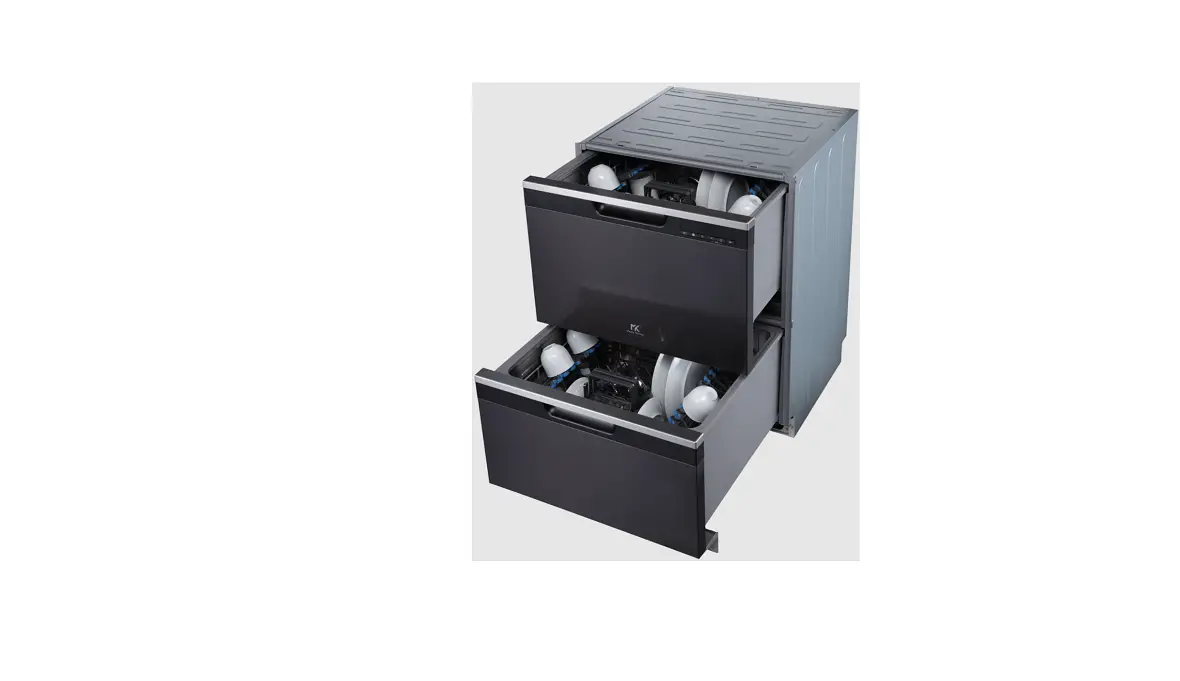
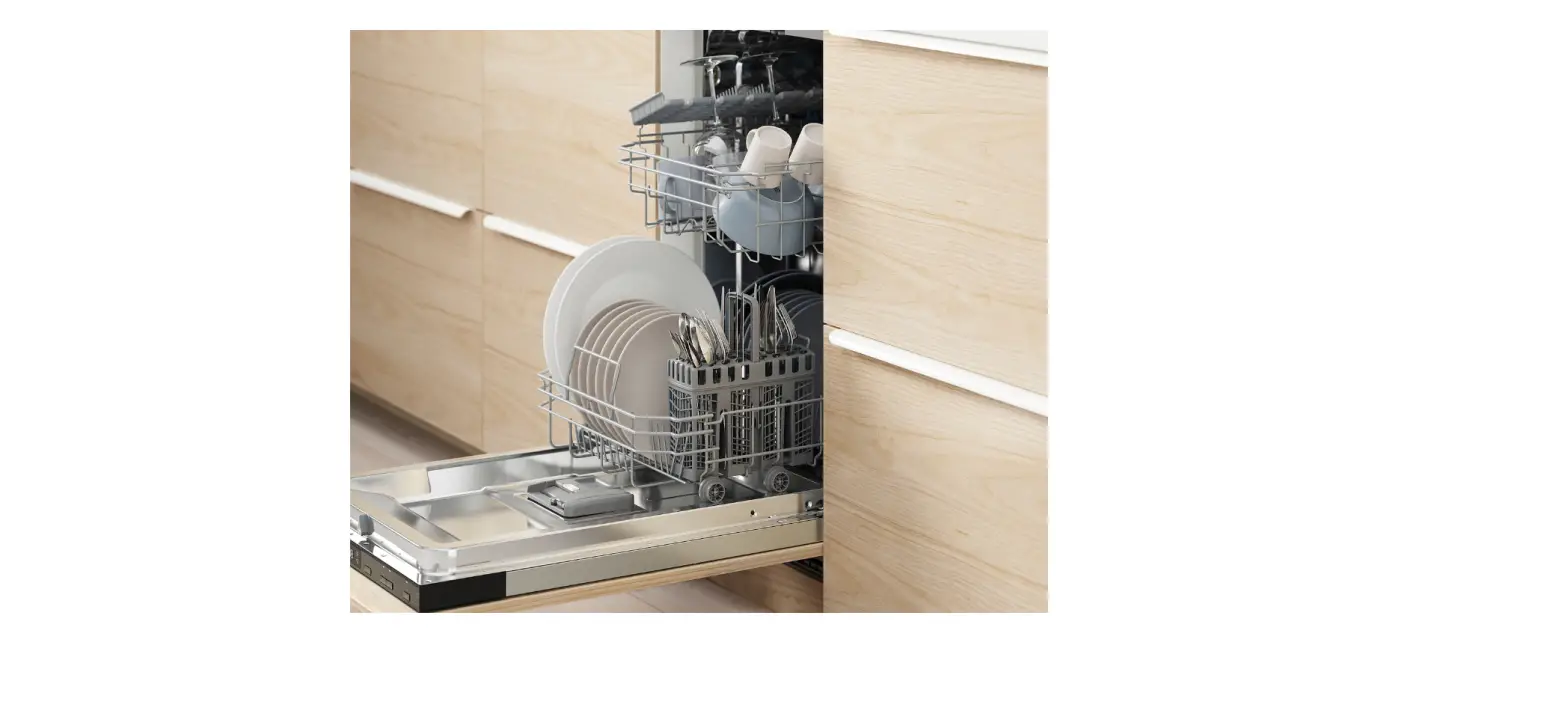
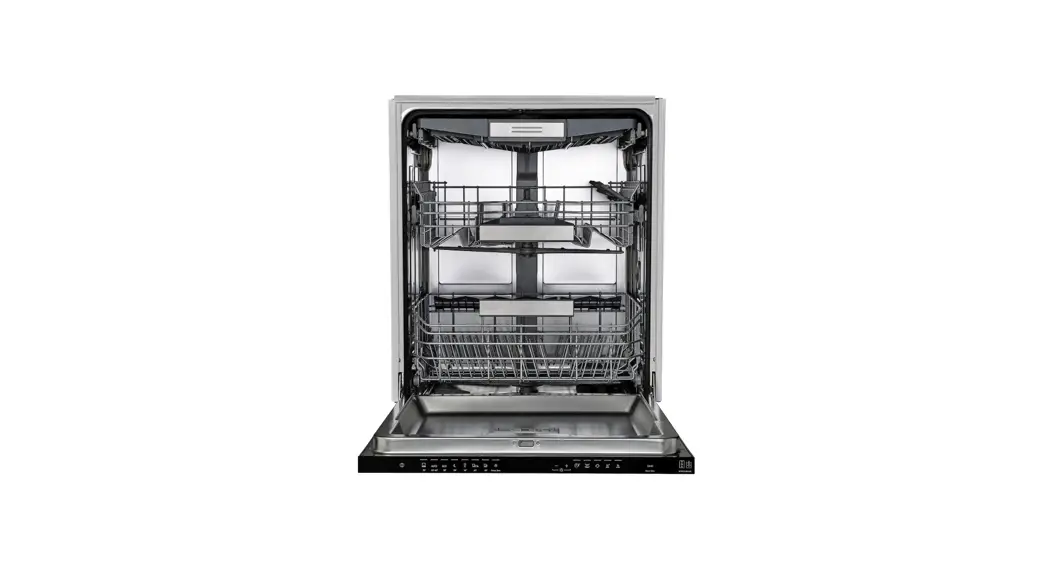
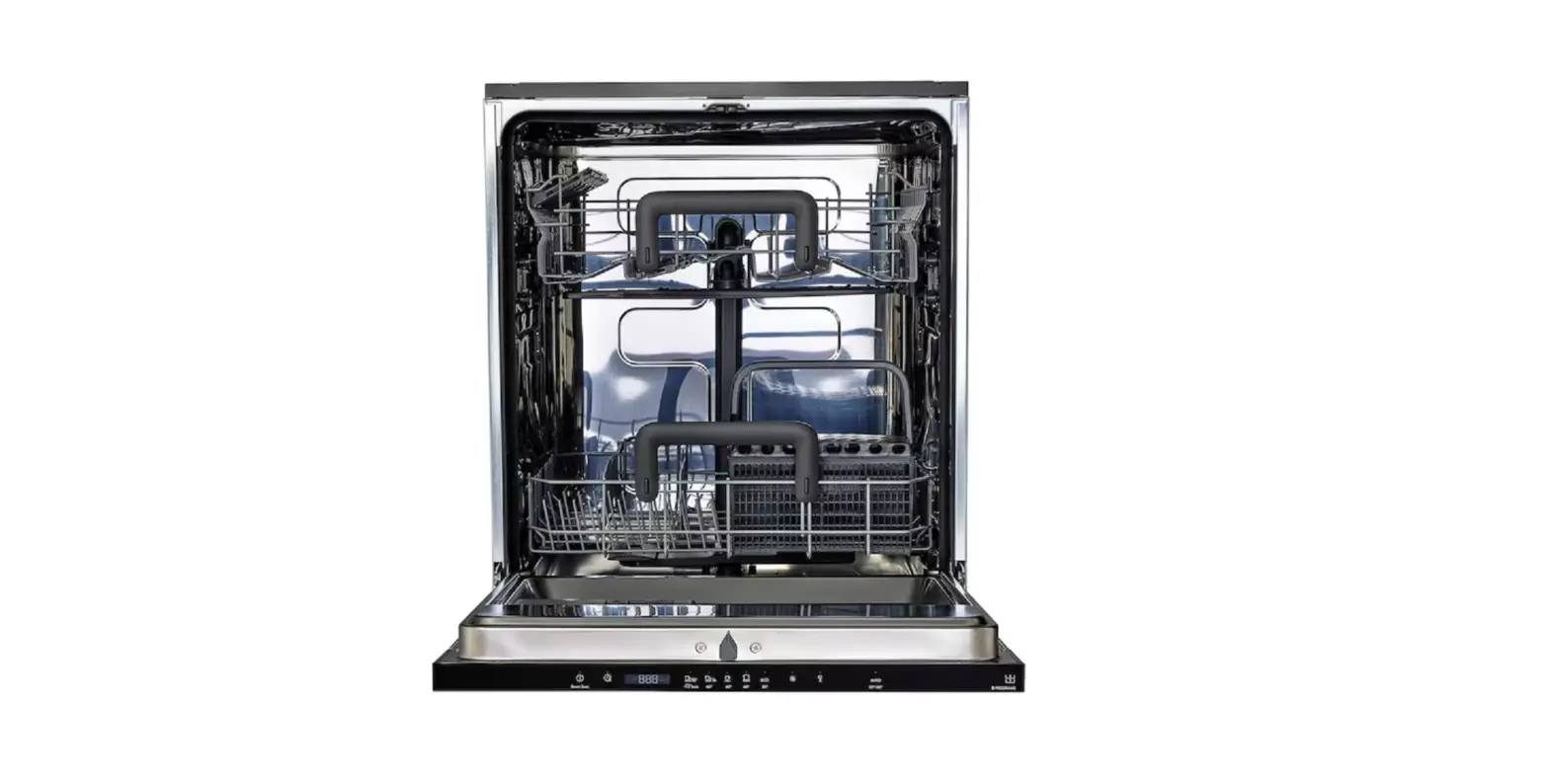
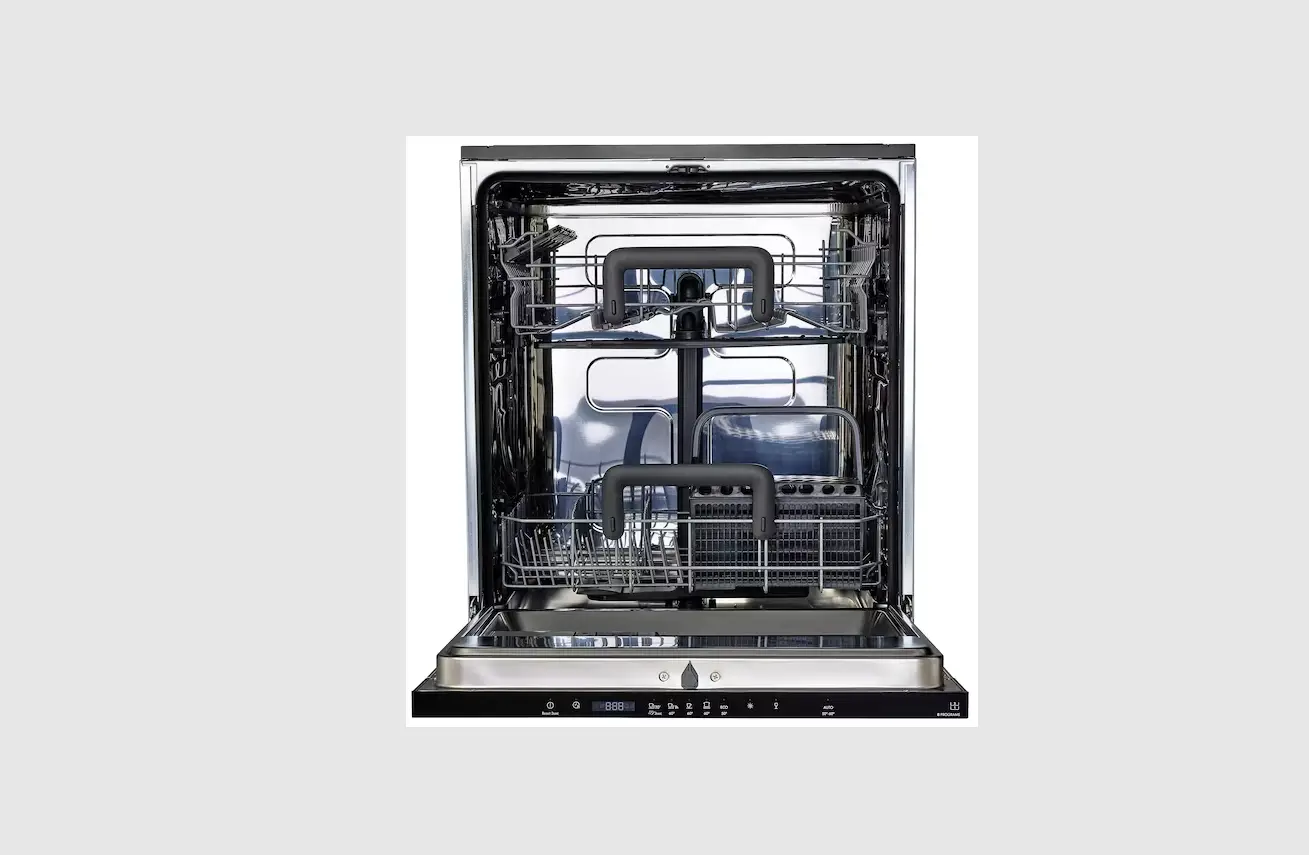
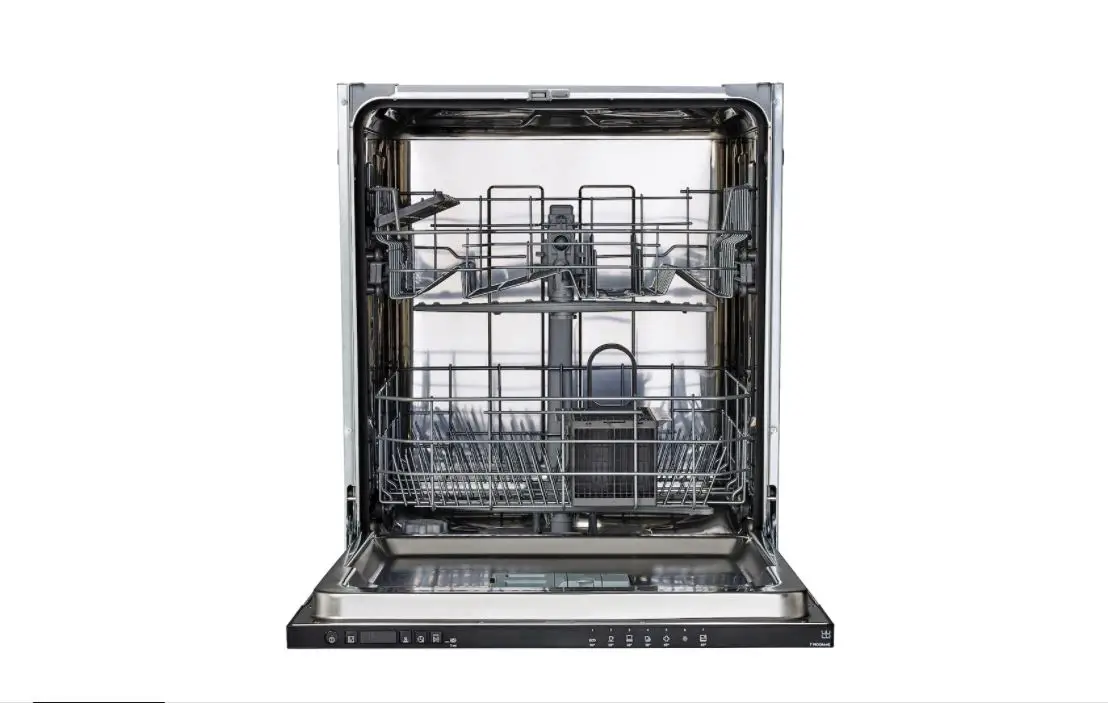
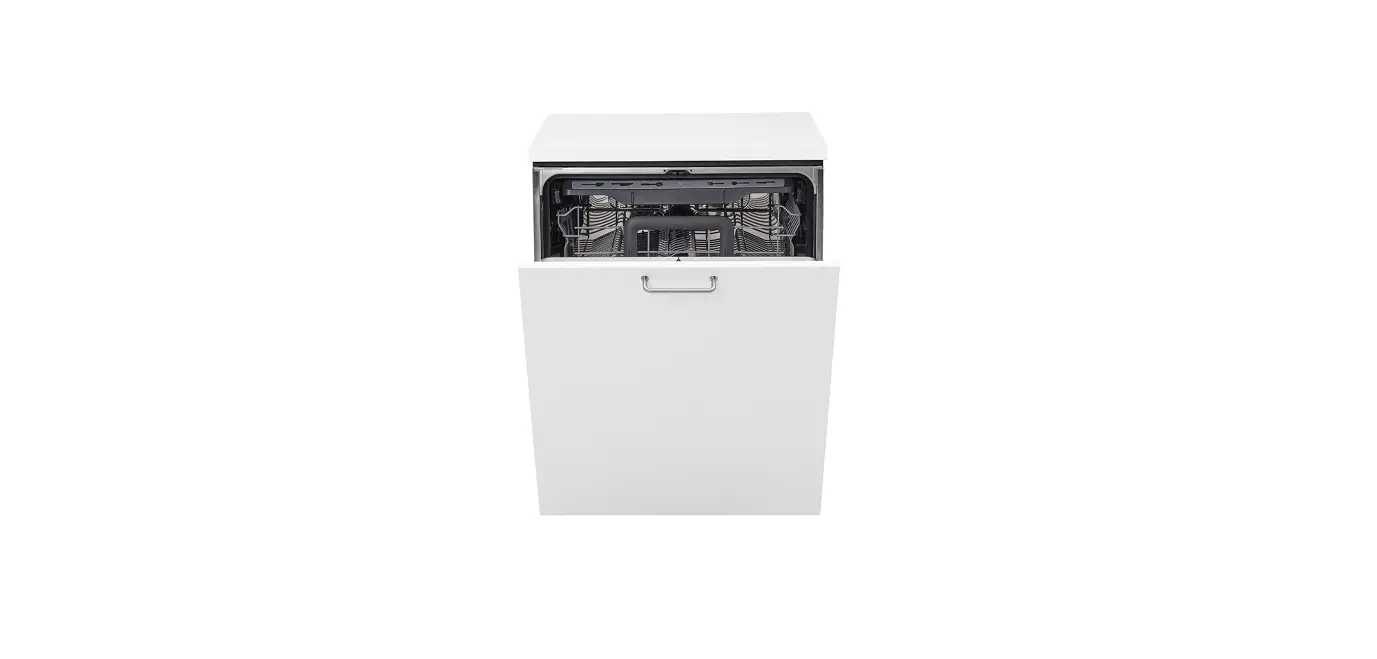
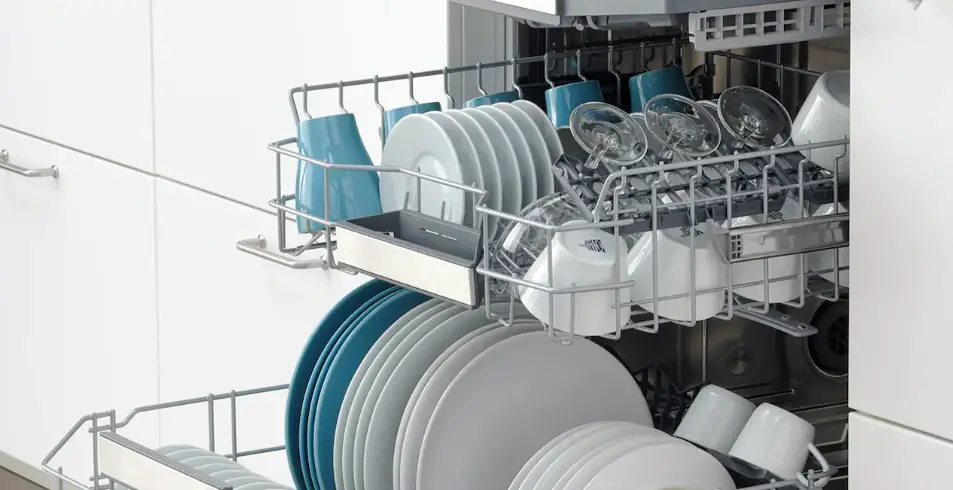
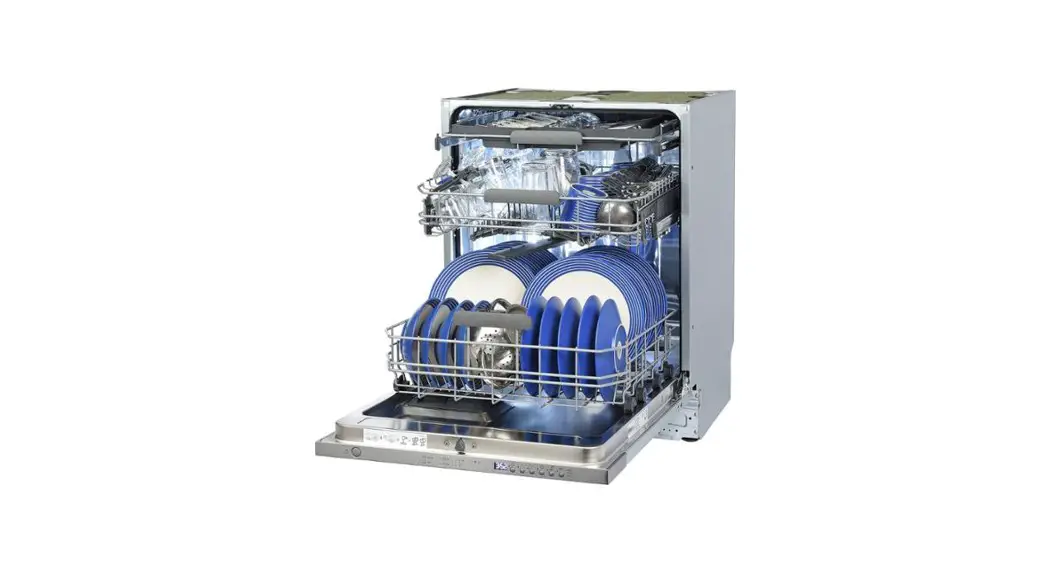
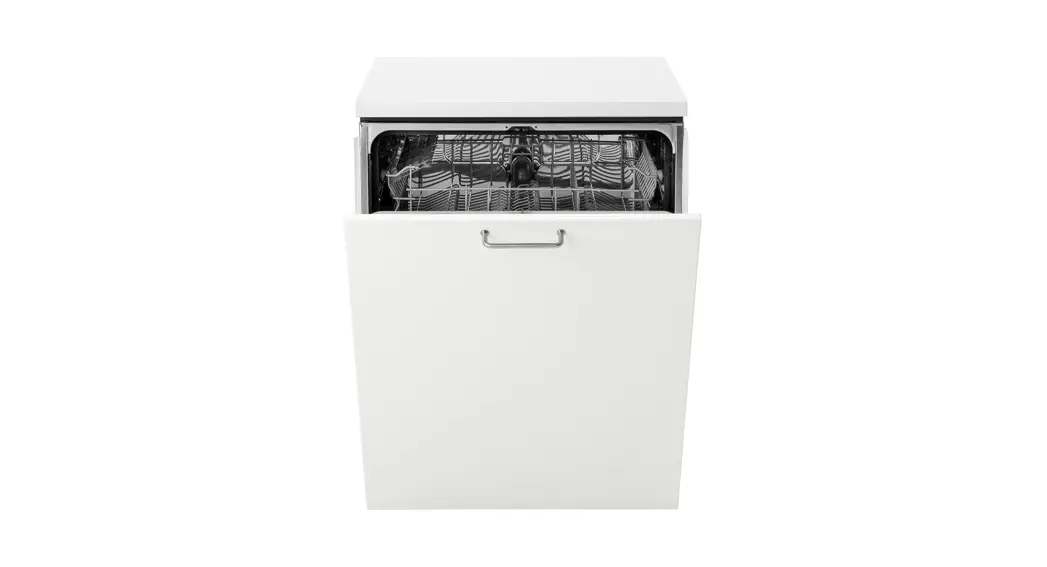
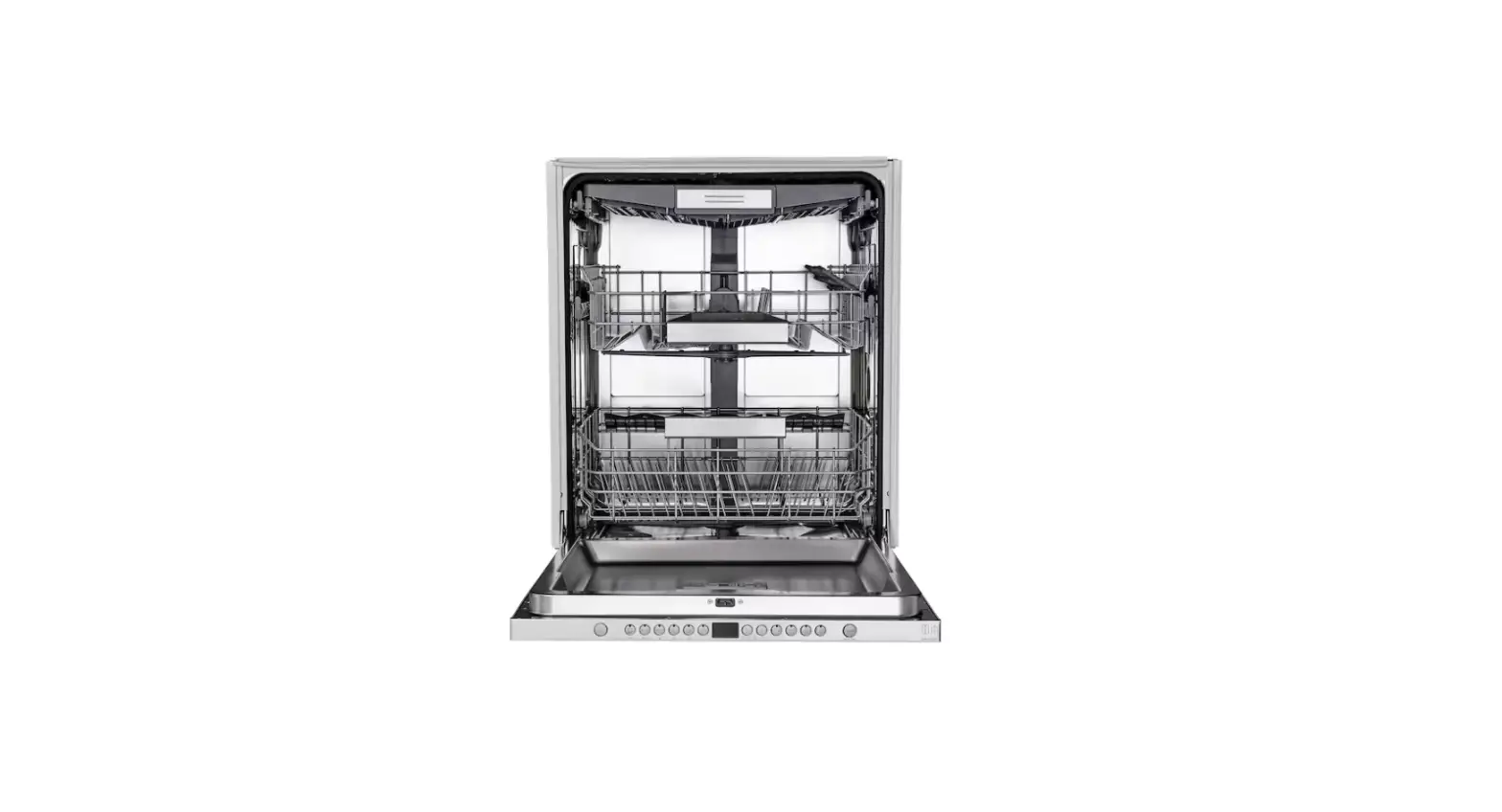
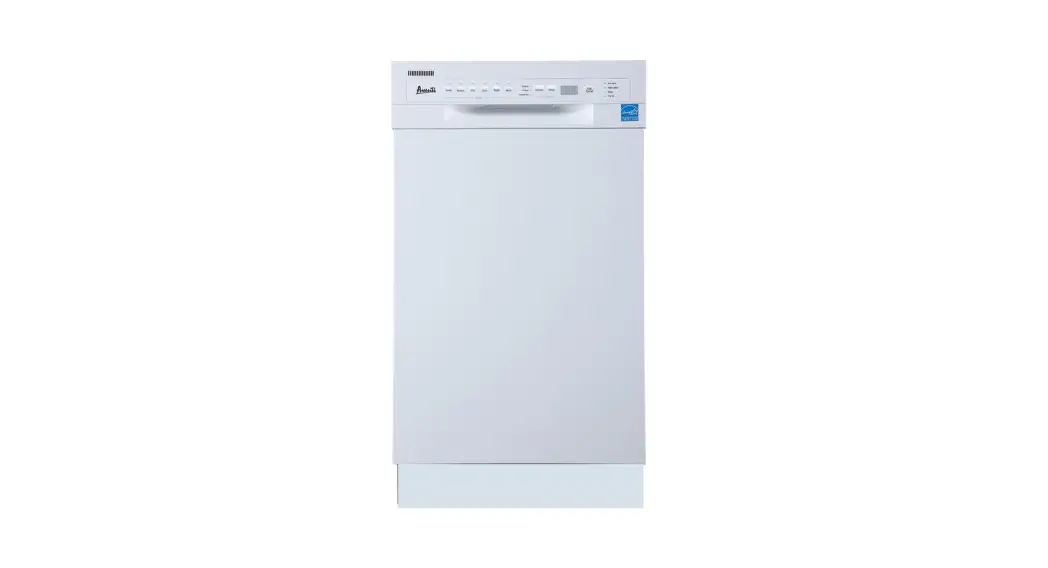
ODD614X Double Drawer Dishwasher
Product Information
Product Name: Double Drawer Dishwasher
Model: ODD614X
Brand: Omega
Thank you for purchasing an Omega appliance. Omega is known for
its sleek, chic, and sophisticated designs that combine stunning
form with effortless functionality. Our products are crafted with
the best innovation and craftsmanship from international
design-houses, ensuring a design-led balance.
This instruction manual provides important information about
your Omega Appliance, including installation, operation
requirements, and maintenance. Please read it carefully to ensure
optimum performance.
If you need further information, warranty registration, manuals,
features, and specifications, please visit omegaappliances.com.au
(for Australia) or omegaappliances.co.nz (for New Zealand). You can
also contact our Customer Care team through the provided email or
phone numbers.
Product Usage Instructions
Safety Information
Before installing and using the appliance, it is crucial to read
the instruction booklet provided. Retain these instructions, proof
of purchase, and other important documents for future reference.
Improper installation or use of the appliance may cause damage to
property or persons, and the manufacturer will not be responsible
for such incidents.
Installation Instructions
Refer to the installation instructions in the manual for
detailed steps on installing the double drawer dishwasher. It
includes information on product dimensions, pre-installation
requirements, electrical connections, cold water connection, and
connection of the drain hose.
Using Your Dishwasher
Follow these guidelines for using your Omega Double Drawer
Dishwasher:
- Read the basket use tips provided in the manual to optimize
loading efficiency. - Prepare and load dishes according to the instructions to ensure
effective cleaning. - Add the appropriate amount of detergent and rinse aid for each
wash cycle.
Operating the Appliance
Refer to the wash cycle table in the manual to select the
appropriate program for your cleaning needs. Follow these steps to
operate the dishwasher:
- Select a drawer for your wash cycle.
- Start the cycle wash.
- If needed, you can change the program once it has started.
- You can also add items while a wash is in progress.
Maintenance and Cleaning
To ensure the longevity and performance of your dishwasher,
follow these maintenance and cleaning tips:
- Refer to the provided instructions for external and internal
care of the appliance. - Follow the guidelines for caring for the dishwasher to keep it
in optimal condition.
Troubleshooting Tips
If you encounter any issues with your dishwasher, refer to the
error codes section in the manual for troubleshooting guidance. It
also includes product specifications for your reference.
Disposal Information
Most of the packaging materials used for this product are
recyclable. Please dispose of them through your local recycling
depot or appropriate collection containers.
Instruction Manual
Double Drawer Dishwasher
ODD614X
Thank you for purchasing an Omega appliance
Tailored for the modern aesthetic and lifestyle of busy people, your new Omega Appliance will make a welcome addition to the family.
Omega caters to style-savvy customers who look for balance between stunning form and clever function. This means a combination of sleek, chic, sophisticated design yet effortless functionality. And we source from the best. The best craftsmanship. The best innovation. From the best international design-houses.
All brought together under an appliance that stands for design-led balance.
Please take the time to read through the following instruction manual to familiarise yourself with the installation, operation requirements and maintenance to ensure optimum performance.
Further Information
For important information about your Omega Appliance such as warranty registration, manuals, features, and specifications please visit omegaappliances.com.au (if you are in Australia) and omegaappliances.co.nz (if you are in New Zealand) or contact our Customer Care team on the below email or phone numbers.
Registering Your Warranty
For peace of mind you can register your warranty at omegaappliances.com.au. Further information on the Warranty can be found at the end of this manual.
Contact Us
Our customer service team is here to help you with any question or concern.
Both teams are on call Monday to Friday 9.00am to 5.00pm and of course you can always send an email at your convenience.
Australia Contact Details
Monday to Friday 9.00am 5.00pm Email: [email protected] Phone: 1300 11 4357
New Zealand Contact Details Monday to Friday 9.00am 5.00pm Email: [email protected]
Phone: 09 415 6000
To stay up to date and find simple and easy recipes, follow us on our socials:
facebook.com/omegaappliances instagram.com/omegaappliances_aus
READ THE INSTRUCTION BOOKLET BEFORE INSTALLING AND USING THE APPLIANCE.
It is important that you retain these instructions, proof of purchase as well as other important documents about this product for future reference. The manufacturer will not be responsible for any damage to property or to persons caused by incorrect installation or improper use of the appliance.
Due to continual product development, Omega reserves the right to alter specifications and appearances without notice.
CONTENTS
1 SAFETY INFORMATION
7 PRODUCT DESCRIPTION 7 Product Overview 8 Control Panel
11 INSTALLATION INSTRUCTION
11 Product Dimensions
12 Before Installation
Due to continua13l proIndstuacllitngdeYovuerloDpishmweanshte,rOmega reserves the right to alter specifications and appearances without
notice.
17 Electrical Requirements 17 Cold Water Connection
18 Connection Of The Drain Hose
20 USING YOUR DISHWASHER
20 Basket Use Tips 23 Preparing And Loading Dishes 26 Adding Detergent 26 Adding Rinse Aid
·
28 OPERATING THE APPLIANCE
28 Wash Cycle Table
·
29 Select A Drawer
29 Starting A Cycle Wash
30 Changing The Program Once Started
30 Adding Items While A Wash Is In Progress
31 MAINTENANCE AND CLEANING
31 External Care
31 Internal Care
34 Caring For The Dishwasher
35 TROUBLESHOOTING TIPS
37 Error Codes 38 Product Specification
Disposal Information
Most of the packaging materials are recyclable. Please dispose of these materials through your local recycling depot or by placing them into appropriate collection containers.
If you wish to discard this product, please contact your local authorities and ask for the correct method of disposal.
SAFETY INSTRUCTIONS
WARNING READ ALL INSTRUCTIONS BEFORE USE
It is your responsibility to use caution when installing, maintaining, and operating your dishwasher. We will not be liable for any damage resulting from improper use. This is the safety alert symbol. This symbol alerts you to potential hazards that can result in property damage or serious bodily harm, even death. The safety alert symbol will be followed by either the word “WARNING” or “CAUTION” then an important safety message. These words mean:
WARNING CAUTION
Indicates the possibility of serious bodily harm or death. Indicates the possibility of injury or damage to property.
Basic Safety Precautions
This appliance is intended to be used in household and similar applications such as: – staff kitchen areas in shops, offices and other
working environments; – farm houses;
1
SAFETY INSTRUCTIONS
– by clients in hotels, motels and other residential type environments;
– bed and breakfast type environments. This appliance is not intended for use by persons (including children ) with reduced physical, sensory or mental capabilities, or lack of experience and knowledge, unless they have been given supervision or instruction regarding the use of the appliance by a person responsible for their safety. Children being supervised not to play with the appliance. Packaging material could be dangerous for children! This appliance is for indoor household use only. To protect against the risk of electrical shock, do not immerse the unit, cord or plug in water or other liquid. Unplug before cleaning and performing maintenance on the appliance. Do not put downward force on either opened drawer prior to the dishwasher being fully installed. It will be unstable and may tip forward.
2
SAFETY INSTRUCTIONS
Warning: Knives and other utensils with sharp points must loaded in the basket with their points down or placed in a horizontal position.
Do not use the dishwasher before it is fully installed as per the Installation Instructions. It will be unstable and be likely to tip forward. Do not operate the dishwasher without all the enclosures fixed in place. Some dishwasher detergents are strongly alkaline. They can be extremely dangerous if swallowed. Avoid contact with the skin and eyes and keep children away from the dishwasher when the door is open. Check that the detergent receptacle is empty after completion of the wash cycle. The door should not be left in open position since this could present a tripping hazard. When emptying the dishwasher, check that all the detergent has been dissolved. The inlet water hose supplied must be used. Do not reuse a used or old hose. The power cable must be safely routed. If it is ever damaged, it must be replaced with a similar item by a registered electrician. An earthed 3 pin socket must be used. Consult a registered electrician if there is doubt regarding the earth connection.
3
7 place settings for top drawer and 7 place settings for bottom drawer. If the supply cord is damaged, it must be replaced by the manufacturer, its service agent or similarly qualified persons in order to avoid a hazard. Maximum inlet water pressure: 1.0 MPa Minimum inlet water pressure: 0.04 MPa
QUICK USER GUIDE
Starting A Wash
1 Discard scraps Scrape large food particles off and remove any foreign objects.
2 Load dishes carefully For better washing result, place the dishes properly avoiding any contact or overlapping between them.
3 Check spray arm Ensure there are no items blocking the spray arm from rotating.
4
4 Add detergent and check rinse aid If the ” ” indicator is lit, or the rinse aid is below the minimum capacity line, please refill.
1
2
5 Set up the dishwasher function Power the dishwasher on, then select drawer, wash program and function.
6 Start wash or set Delay start Close the drawer and press ” “.
After The Wash
The drying fan may continue to run for a set time after that the washing cycle is over or until the drawer is open. For best drying result, we recommend remove unloading the dishes when they have cooled down.
NOTE:
Reviewing the section on TROUBLESHOOTING TIPS will help you solve some common problems by yourself. If you cannot solve the problems by yourself, contact customer service or a
professional technician.
The manufacturer, following a policy of constant development and updating of the product, may make modifications without giving prior notice. If lost or out-of-date, a replacement copy can be found at www.omegaappliances.com.au. or responsible vendor.
5
Product Disposal
The packaging can be recycled. If the product is to be disposed of, do this responsibly at your local Council Waste Depot. DISPOSAL: Do not dispose this product as unsorted municipal waste. Collection of such waste separately for special treatment is necessary.
6
PRODUCT DESCRIPTION
IMPORTANT:
To get the best performance from your dishwasher, read all operating instructions before using it for the first time.
Product Overview
Control panel
Upper drawer
Handle
Lower drawer
Cutlery basket
Drying fan
Spray arm
Detergent chute
Adjustable racks
Basket
Cup rack
Filter assembly
Tub
Dispenser
7
Control Panel
8
9
10
11
1
2
3
4
6
5
7
Operation (Button)
1 Power
Press this button to turn on your dishwasher, the screen will light up.
2
Drawer selector
Press the button to select either upper drawer or lower drawer loaded, the corresponding indicator will light up.
3
Program selector
Press this button to select the appropriate washing program, the selected program indicator will light up.
4
Option selector
Press the button to select an option, corresponding indicator will be lit. Press and hold the Option button for 3 seconds in standby mode to run the Dry & Fresh option immediately.
5 Delay start 6 Child lock
Press the button to increase the delay start time. Delay a cycle for up to 24 hours in one-hour increments. After setting the delay time, press the Start/Pause button to start.
This option allows you to lock the buttons on the control panel, so children cannot accidently start the dishwasher by pressing the buttons on the panel. Only the Power button and Drawer selector button remain active. To lock or unlock the buttons on the control panel, press and hold the Option button+ Delay button for 3 seconds simultaneously.
8
7 Start/Pause
To start the selected washing program or pause it when the dishwasher is operating. When the dishwasher is running, if you need to open the drawer, please press the “Start/Pause” button first and wait a few seconds, then open the door slowly.
Display
8
Washing program
9 Screen
Auto Auto sensing wash, lightly, or heavily soiled crockery, with or with out dried-on food.
Intensive For the heaviest soiled crockery, such as pots, pans, casserole dishes and dishes that have been sitting with dried food on them for some time.
ECO For normally soiled loads, such as pots, plates, glasses and lightly soiled pans, standard everyday cycle.
Heavy For heavily soiled loads, such as pots, plates, glasses and lightly soiled pans.
Wash&Dry For lightly soiled plates and pans that need a quick wash.
Super Fast A shorter wash for lightly soiled loads that do not need drying.
Delicate For fragile items such as fine china and glassware.
Displays the operating drawer, time reminding, delay time, error code and child lock indication.
9
Display
10 Option
11 Warning
Delay Time If the delay time is set, the corresponding indicator will be lit.
Extra Dry For better drying result. (It can only be used with Intensive, ECO, Heavy, Wash&Dry, Delicate)
Dry&Fresh For removing bad odor and moisture even when dishes a re left longer time in the baskets. A) when selected this option will start to run at the end
of the washing cycle, its indicator will blink. B) Press and hold the Option button for 3s, when
dishwasher is on, for let the option run immediately.
Water Supply Failure If the ” ” indicator is lit, it means that no water is reaching the dishwasher.
Rinse Aid If the ” ” indicator is lit, it means the dishwasher is low on dishwasher rinse aid and requires refilling.
Washing progress
Main-wash Rinse Drying End
10
INSTALLATION INSTRUCTION
Product Dimensions
D1
W
H1
H2 D2
Height (H1) Height (H2) Width (W) Depth (D1) Depth (D2)
820 mm 85-135 mm (Height of kick plate) 595 mm 570 mm 1080 mm (Drawer open)
11
Before Installation
Parts supplied
Mounting brackets (4)
Ensure that the inner end of the tab is protruding by one material thickness
Wire clamps (2) (for drain hose coupling)
Hose clamp (1) (for sink waste connection)
Drain hose coupling (1)
Moisture protection tape (1)
Drain hose support (1)
Kick plate brackets (2) (For installing kick plate)
Screws (8) 12
Installing Your Dishwasher
Prepare the cavity
The cavity will need to conform to the dimensions in the diagram. The water supply and power point for the appliance cannot be in the dishwasher cavity. Ideally they should be in an adjacent cavity, easily accessed for isolating the product. An opening to allow the hoses and power cord to exit is required on either side of the cavity with the minimum dimensions shown.
90 °
90 °
min. 820 mm min. 580 mm
Electrical, drain and water supply line entrances
80
100 Space between cabinet
bottom and floor
min. 600 mm
Prepare the dishwasher
Drawer dishwashers are unstable until they are secured to their surrounding cabinetry. Study the two options for securing offered and choose one that suits your cabinetry. Fit the mounting brackets supplied to the top or sides of the product, ensuring the locking tab effectively retains the bracket in place. Adjust the tabs if needed. With the aid of pliers pre form the bracket to match the surface it will be fitted to. Shorten the tab if needed.
45°
13
Installation method (A) Attach top mounting brackets
Installation method (B) Attach side mounting brackets
14
Fit the dishwasher
Position the dishwasher in the cavity so the the drawer fronts are inline with the adjacent cabinetry. Draw the hoses and power cord through the their opening as you slide the product in. This can be checked by using a spirit level on an open drawer.
Moisture protection tape must be applied.
Spirit level
If need be, adjust the feet in each corner to ensure the product sits evenly on the floor, and is level both left to right and front to back. This can be checked by using a spirit level on an open drawer.
Secure the product in place
With suitable fasteners, fix the mounting brackets to the cabinetry.
15
Install the kick plate
1. Prepare a kick plate as shown.
(The mounting hole position is measured by the machine at the factory state. If the height of the feet is adjusted, the position of the mounting hole should be changed according to the actual situation.)
595
48.5
498
51 15
Unit: mm
2. Set the insertion length of the kick plate and bend the bracket teeth with pliers.
3. Secure the brackets to the kick plate with screws and install the kick plate to the bottom of the dishwasher.
Method A:
Method B:
Side view
6 mm clearance
min.10 mm clearance kick plate
bracket
min.10 mm clearance
16
If you need to install the kick plate inside, please cut the kick plate to the appropriate height according to the actual situation, and ensure that the clearance between the bottom surface of the kick plate and the ground is at least 10 mm.
Electrical Requirements
WARNING
Electrical Shock Hazard Disconnect electrical power before installing dishwasher. Failure to do so could result in death or electrical shock.
Attention
The installation of the pipes and electrical equipments should be done by professionals.
The dishwasher requires a 220-240 Volt 50 Hz AC supply through a 10 amp rated power outlet. Ensure that the supply is properly earthed.
Cold Water Connection
Cold water connection
The Inlet Hose supplied requires a 3/4 inch BSP Male fitting, suitable for a flat sealing
washer.
A faucet is important for isolating the supply to the dishwasher.
Ensure that the sealing washer supplied inside the hose connection is firmly in place.
Check that the initial water is clean, particularly if the supply has not been used for
some time.
Back of dishwasher
3/4 BSP thread Rubber sealing washer
Drainage pipe
17
Inlet pipe Power cable
Connection Of The Drain Hose
There are two recommended options for connecting the drain hose.
Option A: Connecting to the sink waste
This is the typical modern method. Check if your sink waste pipe has provision for this method. Beware if it has the drain hose spigot that has never been used, it will likely be blanked off inside the spigot. This will need careful drilling/cutting out to make it operational. Ensure that the opening you make has no ragged edges that will likely lead to debris snagging over time and causing a blockage. First cut off the head of the drain hose. When inserting the hoses into the Y piece, wet the hose ends for ease of insertion. Insert fully. Use the hose support clip provided, install as per the illustration. Insure that the hoses have a straight run from the clip to the connection to the waste pipe. Cut off the head of the drain hose
Drain hose support cup
Cold water supply with faucet
Drain hoses must not loop downwards
18
Option B: Connecting to a standpipe
The standpipe must be a minimum diameter of 38 mm (1 1/2 inch) and requires a trap for odor control. Use the hose support clip to secure the hoses, ensure they do not enter the standpipe more than 120 mm.
120 mm maximum entry
Standpipe 38 mm minimum
NOTE:
If there is surplus length of the drain hose it can be shortened. The Inlet Hose cannot be shortened. Whilst the very first wash cycle is operating, observe all pipe and hose connections for leaks. Checking for any trace of water on the floor in the cavity where the connections are after the first full cycle is a good practice.
19
USING YOUR DISHWASHER
Before using your dishwasher :
1. Remove the larger residue from the wash items 2. Load the basket 3. Load the detergent 4. Fill the rinse aid dispenser
Basket Use Tips
There are many ways to adjust the loading pattern of the basket.
Removing the rear rack
The rear rack can be removed to create a flat surface for such things as pots and pans.
2 1
Rear rack
Front rack
20
Folding down the pins
The spacing between the pins can be increased by folding them down. This will help the loading of large bowls and deep pots and pans. Folding down the pins, the maximum size 290mm plates can be loaded.. The pins on the front rack can also be folded down to create a flat space. Do not load the basket with the front rack removed. It is removable only to allow access to the filters for servicing. If removed, there is a high risk that items could fall in the open space and damage the rotating spray arm. If returning the rear rack, be sure to firmly set it into it’s correct place.
MAX 290mm
Using the cup racks
Cups, glasses and large utensils fit on the cup racks. The fronts of the racks are designed to secure wine glasses.
21
Adjustable the cup racks You can adjust these cup racks to different heights independently: 1. Fold the cup racks if you need more space. 2. Remove the cup holder and install it on a iron wire of different height to adjust the
height of the cup holder.
1
2
Two positions cutlery basket
The cutlery basket is made of two fold-able halves. It is possible to use either open or folded, as pictured below.
Press
Pull
Pull
Press
You can use the cutlery basket with the cover open.
22
Preparing And Loading Dishes
Consider buying utensils which are identified as dishwasher-proof. For delicate items, select a program with the lowest possible temperature. To prevent damage, do not take glass and cutlery out of the dishwasher immediately after the program has ended.
For washing the following cutlery/dishes
Are not suitable Cutlery with wooden, horn china or mother-of-pearl handles Plastic items that are not heat resistant Older cutlery with glued parts that are not temperature resistant Bonded cutlery items or dishes Pewter or copper items Crystal glass Steel items subject to rusting Wooden platters Items made from synthetic fibres
Are of limited suitability Some types of glasses can become dull after a large number of washes Silver and aluminum parts have a tendency to discolor during washing Glazed patterns may fade if machine washed frequently
Recommendations for loading the dishwasher
Scrape off any large amounts of leftover food. Soften remnants of burnt food in pans. It is not necessary to rinse the dishes under running water. For best performance ,remove follow these loading guidelines. Place objects in the dishwasher in the following way:
Items such as cups, glasses, pots/pans, etc. are faced downwards. Curved items, or ones with recesses, should be loaded on a slant so that water can run off. All utensils are stacked securely and can not tip over. Be sure that no wash items protrude through the basket base where they will likely damage the spray arm. Load hollow items such as cups, glasses, pans etc. With the opening facing downwards so that water cannot collect in the item. Dishes and items of cutlery must not lie inside one another, or cover each other.
23
To avoid damage, glasses should not touch one another. Please do not overload your dishwasher. This is important for good results and for reasonable consumption of energy.
NOTE:
Very small items should not be washed in the dishwasher as they could easily fall through the basket.
CAUTION
Items will be hot! To prevent damage, do not take glass and cutlery out of the dishwasher for around 15 minutes after the program has ended.
Loading the dishwasher
The loading pattern in the illustration is recommended for the design of basket. It is the pattern used for the Standards Wash Test (AS/NZS 2007.1).
NOTE:
Cups and glasses face downwards. Plates face the back of each other, as do side plates, soup plates and saucers.
Soup plates Dinner plates
Cups
Glasses
Cutlery basket
Detergent chute
Dessert dishes
24
Glasses Saucers
Loading the cutlery basket
You can place each knife, spoon, or fork separately into the spoon stands in the basket’s covers to prevent chipping and discoloration. Below image demonstrates the suggested placement of cutlery items. Match the numbers in the diagram to the numbers in the list of cutlery items above.
WARNING
Always load sharp utensils with the sharp end pointing down! Do not let any item extend through the bottom.
3333333
1
1
1
1
1
1
1
222 2222 5555555 4444444
1
2
3
4
5
Number
1 2 3 4 5
Item
Soup spoons Forks Knives Teaspoons Dessert spoons
Settings for Standards Wash Test AS/NZS 2007.1 Capacity: 7 place settings per drawer Wash Program: ECO Detergent quantity: 23.75g Rinse Aid setting: D3
25
To shorten the drying time, the drawer can be opened approx. 50mm at the end of the wash cycle. This however is not compulsory. The wash load will dry completely given the drying time suggested in the table on page 21
50 mm
Adding Detergent
The chemicals in Dishwasher Detergent are necessary to remove, dissolve and help dispose of all the soils from the wash load. Only specific Electric Dishwasher Detergent is capable of doing this.
WARNING
Dishwasher detergent is dangerous. Avoid skin and eye contact Keep the dishwasher detergent out of reach of children. Keep it sealed in a dry place.
Add the recommended quantity of detergent to the detergent chute on the basket.
Adding Rinse Aid
Rinse Aid is added during the final rinse to assist the wash load drying and to prevent spots and streaks on glassware. For guaranteed excellent drying results, always use a branded Rinse Aid. No other products are suitable.
Filling the Rinse Aid Dispenser
Refill the dispenser when either the level is at the low level mark by the indicator
window, or when the display indicate the rinse aid symbol (
) .
26
1 Undo the plug by turning it anticlockwise.
2 Fill the dispenser slowly to avoid spillage. Each dispenser will take 300ml from empty.
NOTE:
It is important to clean up any spills rinse aid, as it will cause excessive foaming in the wash cycle.
3 Close the plug by rotating it clockwise.
Adjusting the rinse aid dispenser
To achieve the best drying result, with the least amount of rinse aid being used, the dispenser can be adjusted by the user. There are 5 levels of adjustment, the factory setting is D3. This setting will provide excellent drying results. If the dishes are not drying properly or with cloudy stains, the setting of D4 or D5 will be required. If there are sticky whitish stains on your dishes or a bluish film on glassware or knife blades, the dispenser can be set back to either D2 or D1 to reduce any unnecessary waste of rinse aid, whilst maintaining excellent drying results. Follow the steps below: 1. Switch on the dishwasher by pressing the Power button. 2. Within 60 seconds after step 1, press the Start/Pause button more than 5 seconds,
the rinse aid indication blinks. 3. Press the Start/Pause button to select the proper set according to your using habits,
the sets will change in the following sequence: D1->D2->D3->D4->D5->D1. 4. Without any operations in 5 second, or exit the set mode through the power
button, the new setting is active. 27
OPERATING THE APPLIANCE
Wash Cycle Table
The table below shows which programs are best for the levels of food residue on them and how much detergent is needed. It also show various information about the programs.
Program Auto
Water temp ()
Detergent required grams or tablets
Auto wash (45-50)
Rinse Rinse (50) Auto Rinse (60-70)
23.75g 1 piece
Drying
Running Time (min)
150
Drying Time (min)
40
Energy Water usage usage (Kwh) (L)
0.5-1 6-9
Intensive
Wash (65) Rinse Rinse (45) Rinse (65) Drying
23.75g
1 piece
140
35
0.85 11.5
(*AS/NZS 2007.1)
Wash(45) Rinse Rinse Rinse(45) Drying
23.75g 1 piece
170
33
0.367 6.6
Heavy
Wash(60) Rinse Rinse Rinse(60) Drying
23.75g 1 piece
120
35
0.6
8
Wash (55)
Wash&Dry
Rinse (55) Rinse (55) Rinse (55)
23.75g 1 piece
58
17
0.55
11
Drying
Super Fast
Wash (50) Rinse (55)
23.75g 1 piece
29
0
0.33
4
28
Program Delicate
Water temp ()
Wash (50) Rinse Rinse Rinse (55) Drying
Detergent required grams or tablets
Running Time (min)
Drying Time (min)
Energy Water usage usage (Kwh) (L)
23.75g
1 piece
85
25
0.45
8.5
NOTE:
AS/NZS 2007.1: This program is the test cycle. The information for comparability
test in accordance with AS/NZS 2007.1.
Select A Drawer
1. Close the drawer, press the Power button to switch on the machine. 2. Press the Drawer button to choose a drawer. After selecting a drawer, the response
light will turn on, and the corresponding drawer program, reservation, and other information are displayed.
NOTE:
After selecting the drawer, all other buttons (except the power button) operate only for the current drawer.
Starting A Cycle Wash
1. After selecting the drawer, press the Program button to select the required program. 2. Press the Start/Pause button, the dishwasher will start its cycle.
NOTE:
When the current drawer is running, you can press the drawer selection key to switch to another drawer, and set and start the operation. Switch to the running drawer after switching to the non-operating drawer after 5 seconds. If two drawers are running at the same time, both drawer indicators light up. This icon” “indicates the currently displayed drawer. After that the washing cycle of one drawer is ended , meanwhile another cycle in the other basket is still running, the display will continue to show the information above the finished cycle for 5 minutes. After that the information shown will be the one of the currently running cycle.
29
Changing The Program Once Started
A wash program can only be changed if it has not been running long. You need to ensure that the wash water is still present and it has not drained out and began rinsing. Detergent will have to be re added if there is no wash water present. Here are the instructions to change the program: 1. Press the Start/Pause button to pause the washing. 2. Press the Program button for more than 3 seconds, the program will be cancelled. 3. Press the Program button to select the desired program. 4. Press the Start/Pause button, the dishwasher will start.
Adding Items While A Wash Is In Progress
You can add items after the wash program has begun. However, if the machine no longer in the wash cycle, anything added may not be well washed, washed properly, and result in food particles being transferred to already washed items.Check that the machine is not rinsing. Follow these instructions: 1. Press the Start/Pause button to pause the washing. 2. Wait 5 seconds then open the drawer. 3. Add the extra items. 4. Close the drawer.
CAUTION It is dangerous to open the drawer mid-cycle, as hot steam may scald you.
NOTE:
When the dishwasher is operating, do not force open the drawer, press the Start/Pause button, and wait a few seconds before opening the drawer. If the electric power to the dishwasher is interrupted during a wash program, it will continue to the end of the program when the power is restored.
30
MAINTENANCE AND CLEANING
Keeping your dishwasher clean improves its performance, reduces unnecessary repairs, and lengthens its life.
WARNING
Disconnect the dishwasher from the power supply (unplug or switch off at the circuit breaker) and allow all its parts to cool before any cleaning or maintenance.
External Care
It’s best to clean spills on the outside of your dishwasher as they occur. Use a soft, damp cloth on the control panel to gently wipe away spills and dust. Do not use benzene, wax, thinner, chlorine bleach, or alcohol. These materials may discolor the inner walls and cause stains. Do not clean the dishwasher by sprinkling water over it and avoid letting water come into contact with any of the electrical parts.
NOTE:
If your dishwasher has a stainless steel door panel, you can clean it with a stainless steel cleaner for home appliances or a similar product using a clean, soft cloth.
Internal Care
Filtering system
The filtering system in the base of the wash cabinet traps coarse debris from the washing cycle. The collected coarse debris may cause the filters to clog. Check the condition of the filters regularly and clean them if necessary under running water. Follow the steps below to clean the filters.
CAUTION
Do not over tighten the filters. Put the filters back in sequence securely, otherwise coarse debris could get into the system and cause a blockage. NEVER use the dishwasher without filters in place. Improper replacement of the filter may reduce the performance level of the appliance and damage dishes and utensils.
31
1 Lift up the handles and remove the plate support
2 Rotate the Cylinder filter counterclockwise. Lift the Cylinder filter upwards and out of under the basket.
3 Pull forward the Fine filter.
4 Tilt the Fine filter and remove it from under the basket.
5 Rinse with running water. For a more thorough clean, use a soft cleaning brush.
6 Reinstall the filters in reverse order making sure the Fine filter locks into place.
7 Rotate the Cylinder filter clockwise
to the close arrow.
32
Spray arms
If you are in a hard water area, it is necessary to clean the spray arms regularly for hard water chemicals will clog the spray arm jets and bearings.
To clean the spray arms, follow the instructions below:
1 With one hand raise the basket slightly, and with the other hand reach under the basket.Hold the spray arm and lift it up.
2 Slightly tilt the arm and remove it from under the basket.
3 Wash the arms in soapy and warm water and use a soft brush to clean the jets. After cleaning, replace it in the opposite direction.
33
Caring For The Dishwasher
Frost precaution
If you live in a region that is where the inside temperature can drop below zero, care needs to be taken to avoid possible damage if the water in the dishwasher freezes. 1. Turn off the mains power to the dishwasher. 2. Turn off the water supply and disconnect the Water Inlet Hose. Drain the water
inside the hose then reconnect. 3. Remove the coarse filters in the tubs and soak up all water possible with a sponge.
Then re-assemble.
Cleaning
Only use gentle cleaning products on the exterior of the dishwasher, no solvents or abrasive compounds. Products specifically for cleaning the stainless steel interior are effective in restoring the original bright interior.
Long term storage
Disconnect the power supply and the water supply. Remove the coarse filters and soak up all water possible with a sponge. This reduces the chance of any odors developing inside the tubs.
34
TROUBLESHOOTING TIPS
Before Calling For Service
Before calling for service, check the following list for problems probable causes and what you can do.
Problem
Possible Causes
Dishwasher won’t start No power.
What To Do
Check that the power cord is plugged in to a live powerpoint and it is turned on.
No water supply.
Check that the hose is connected to a water supply and it is turned on.
There is water remaining in the tub
Kinked or blocked drain hose.
Check the drain hose routing.
Clogged filters in the tub.
Check the filters. If they are clogged, remove them carefully to avoid dropping anything into the sump that could cause a blockage.
The wash items are not clean
Incorrect wash program Select a more intensive program chosen.
Obstacle obstructing the spray arm from turning.
Check the washload for items protruding through the bottom of the basket, or if an item has fallen through the basket.
Loading pattern too tight
Check for adequate spacing between items.
Filters not correctly in place.
If either filter is found to be out of place, also check spray arm for blockages.
Blocked spray arm.
Check that the holes in the spray arm are all clear. Back flush with water to clear.
Insufficient detergent loaded.
Increase detergent quantity
35
Problem
Possible Causes
What To Do
Wash items are not fully dry
Unloading dishwasher too soon.
The drying cycle must be complete before the dishwasher is unloaded. Check the Display for end time.
Insufficient Rinse Aid.
Check for Low Rinse Aid Level warning and re fill if necessary.
Rinse Aid setting too low. Increase Rinse Aid setting as per instructions on page 20
Glassware developing cloudy stains and calcium rings
Wash items showing signs of rust
Insufficient Rinse Aid being dispensed.
Items are unsuitable for dishwasher use.
Adjust the Rinse Aid Dispenser as per the instructions on page 20
Discontinue washing such items in the dishwasher.
Tub becoming dull in color
Tub requires rejuvenation. Dose the tub with specific Stainless Steel Tub /Bowl Cleaner.
Traces of detergent in Incomplete/interrupted
the tub
wash cycle.
Rerun wash program to ensure wash load is not contaminated with detergent.
Foam in the wash tub Non electric dishwasher detergent used.
Use correct detergent.
Spilt Rinse Aid present. Repeat the Rinse Program until clear.
36
Error Codes
If there is a malfunction, the dishwasher will display error codes to identify the symptom.
Codes Meanings
Possible Causes
E1
Extended Water Inlet Time. Water supply failure, closed faucet, or
insufficient supply water pressure.
E3
Water temperature not
Heating element malfunction.
reaching target.
E4
Leak Detected.
For some reason water has leaked from the wash system. Possibilities are over height item in the washload stopping lid from sealing; internal plumbing or seal failure.
Ec
Washing Control System
Electronics or Motor failure.
failure.
Ed
Failure of connection
Wiring failure between the two devices.
between Display Unit
and the Control System.
EH
The cover does not open
The cover motor device damage or foreign
or close properly.
matter stuck.
37
Product Specification
Manufacturer Type/Description Standard place settings Energy efficiency class Water consumption class Standard cleaning cycle Energy consumption of the standard cleaning cycle Water consumption of the standard cleaning cycle Program duration of the standard cleaning cycle Noise level Mounting Could be built-in Power consumption Rated voltage/frequency Water supply pressure
Omega ODD614X 7 place settings top drawer 7 place settings bottom drawer
3.5 4.5 ECO 0.367 kWh 6.6 liter 170 mins 47 dB(A) re 1 pW Built-in YES 1930-2280 W AC 220-240 V/50 Hz 0.04-1.0 MPa=0.4-10 bar
38
Warranty
WARRANTY TERMS AND CONDITIONS
3. During the Warranty Period Residentia Group or
DISHWASHERS
its ASR will, at no extra charge if your Appliance is readily accessible for service, without special
This document sets out the terms and conditions
equipment and subject to these terms and
of the product warranties for Residentia Group
conditions, repair or replace any parts which it
Appliances. It is an important document. Please keep
considers to be defective. Residentia Group or
it with your proof of purchase documents in a safe
its ASR may use remanufactured parts to repair
place for future reference should you require service
your Appliance. You agree that any replaced
for your Appliance.
Appliances or parts become the property of
Residentia Group. This warranty does not apply
1. IN THIS WARRANTY (a) `acceptable quality’ as referred to in clause 10 of
to light globes, batteries, filters, seals or similar perishable parts.
this warranty has the same meaning referred to in the ACL; (b) `ACL’ means Trade Practices Amendment
4. Parts and Appliances not supplied by Residentia Group are not covered by this warranty.
(Australian Consumer Law) Act (No.2) 2010;
(c) `Appliance’ means any Residentia Group
5. You will bear the cost of transportation, travel
product purchased by you accompanied by this
and delivery of the Appliance to and from
document;
Residentia Group or its ASR. If you reside
(d) `ASR’ means Residentia Group authorised
outside of the service area, you will bear the
service representative;
cost of:
(e) `Residentia Group’ means Residentia Group Pty (a) travel of an authorised representative;
Ltd of 165 Barkly Ave, Burnley VIC 3121, ACN (b) transportation and delivery of the Appliance to
600 546 656 in respect of Appliances purchased
and from Residentia Group or its ASR, in all
in Australia;
instances, unless the Appliance is transported
(f ) `major failure’ as referred to in clause 10 of
by Residentia Group or its ASR, the Appliance is
this warranty has the same meaning referred
transported at the owner’s cost and risk while in
to in the ACL and includes a situation when
transit to and from Residentia Group or its ASR.
an Appliance cannot be repaired or it is
uneconomic for Residentia Group, at its
6. Proof of purchase is required before you can
discretion, to repair an Appliance during the
make a claim under this warranty.
Warranty Period;
(g) `Warranty Period’ means: (i) where the Appliance is used for personal, domestic or household use (i.e. normal
7. You may not make a claim under this warranty unless the defect claimed is due to faulty or defective parts or workmanship. Residentia
single family use) as set out in the
Group is not liable in the following situations
instruction manual, the Appliance is
(which are not exhaustive):
warranted against manufacturing defects (a) the Appliance is damaged by:
for 24 months, following the date of original
(i) accident
purchase of the Appliance;
(ii) misuse or abuse, including failure to
(h) `you’ means the purchaser of the Appliance not having purchased the Appliance for re-sale, and `your’ has a corresponding meaning.
properly maintain or service (iii) normal wear and tear (iv) power surges, electrical storm damage or
incorrect power supply
2. This warranty only applies to Appliances
(v) incomplete or improper installation
purchased and used in Australia and is in
(vi) incorrect, improper or inappropriate
addition to (and does
operation
not exclude, restrict, or modify in any way) any
(vii) insect or vermin infestation
non-excludable statutory warranties in Australia.
(viii) failure to comply with any additional
instructions supplied with the Appliance;
— THIS WARRANTY IS VALID IN AUSTRALIA ONLY —
22
Warranty
(b) the Appliance is modified without authority from Residentia Group in writing;
(c) the Appliance’s serial number or warranty seal has been removed or defaced;
(d) the Appliance was serviced or repaired by anyone other than Residentia Group, an authorised repairer or ASR.
8. This warranty, the contract to which it relates and the relationship between you and Residentia Group are governed by the law applicable where the Appliance was purchased.
9. To the extent permitted by law, Residentia Group excludes all warranties and liabilities (other than as contained in this document) including liability for any loss or damage whether direct or indirect arising from your purchase, use or non use of the Appliance.
10. For Appliances and services provided by Residentia Group in Australia, the Appliances come with a guarantee by Residentia Group that cannot be excluded under the Australian Consumer Law. You are entitled to a replacement or refund for a major failure and for compensation for any other reasonably foreseeable loss or damage. You are also entitled to have the Appliance repaired or replaced if the Appliance fails to be of acceptable quality and the failure does not amount to a major failure. The benefits to you given by this warranty are in addition to your other rights and remedies under a law in relation to the Appliances or services to which the warranty relates.
12. Missing parts are not covered by warranty. Residentia Group reserves the right to assess each request for missing parts in a case by case basis. Any parts that are not reported missing in the first week after purchase will not provide free of charge.
13. To enquire about claiming under this warranty, please follow these steps:
(a) carefully check the operating instructions, user manual and the terms of this warranty;
(b) have the model and serial number of the Appliance available;
(c) have the proof of purchase (e.g. an invoice) available;
(d) telephone the numbers shown below.
14. You accept that if you make a warranty claim, Residentia Group and its ASR may exchange information in relation to you to enable Residentia Group to meet its obligations under this warranty.
IMPORTANT Before calling for service, please ensure that the steps in point 13 have been followed.
CONTACT SERVICE
Service:
1300 11 HELP (4357)
11. At all times during the Warranty Period, Residentia Group shall, at its discretion, determine whether repair, replacement or refund will apply if an Appliance has a valid warranty claim applicable to it.
The Australian Consumer Law requires the inclusion of the following statement with this warranty:
Our goods come with guarantees that cannot be excluded under the Australian Consumer Law. You are entitled to a replacement or refund for a major failure and for compensation for any other reasonably foreseeable loss or damage. You are also entitled to have the goods repaired or replaced if the goods fail to be of acceptable quality and the failure does not amount to a major failure.
— THIS WARRANTY IS VALID IN AUSTRALIA ONLY —
221
1
 Omega Appliances (@omegaappliances_aus) • Instagram photos and videos
 Omega New Zealand, Kitchen Appliances For The Home
 Omega Appliances
 Omega Appliances