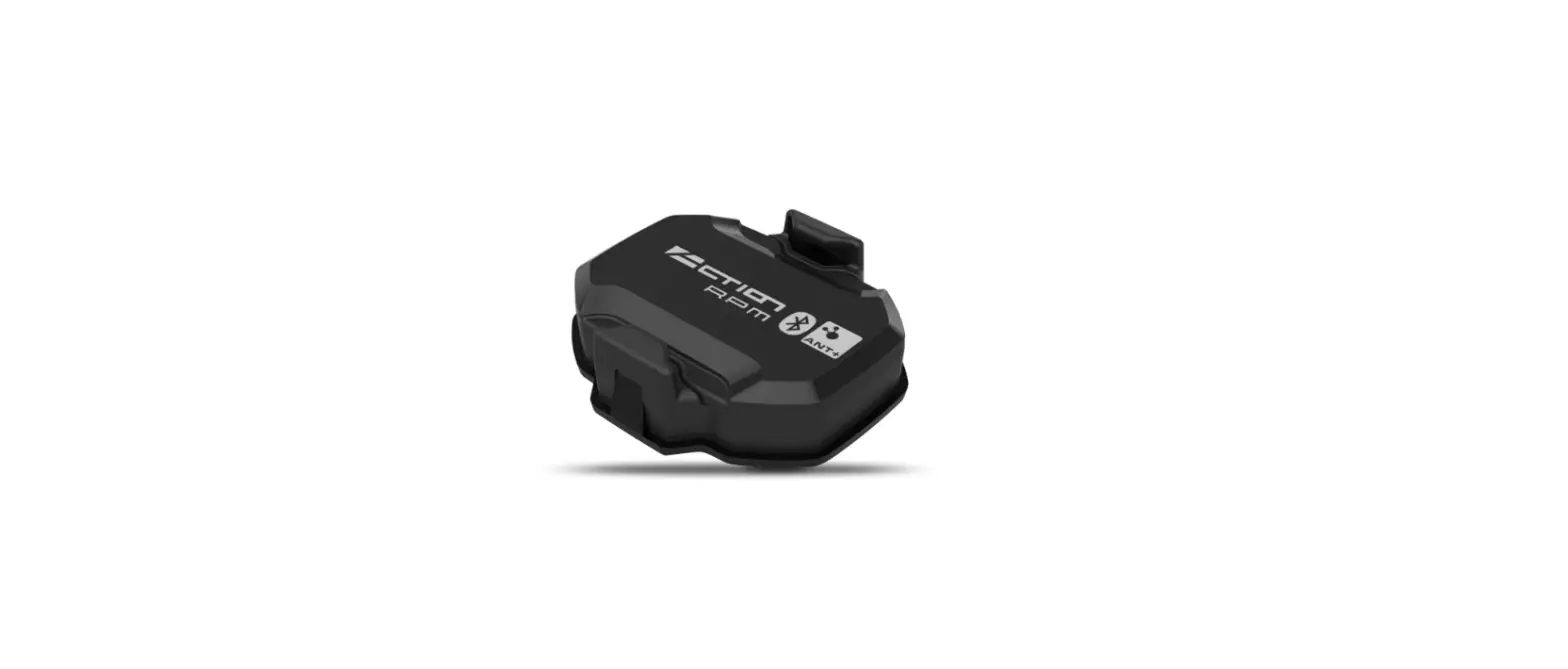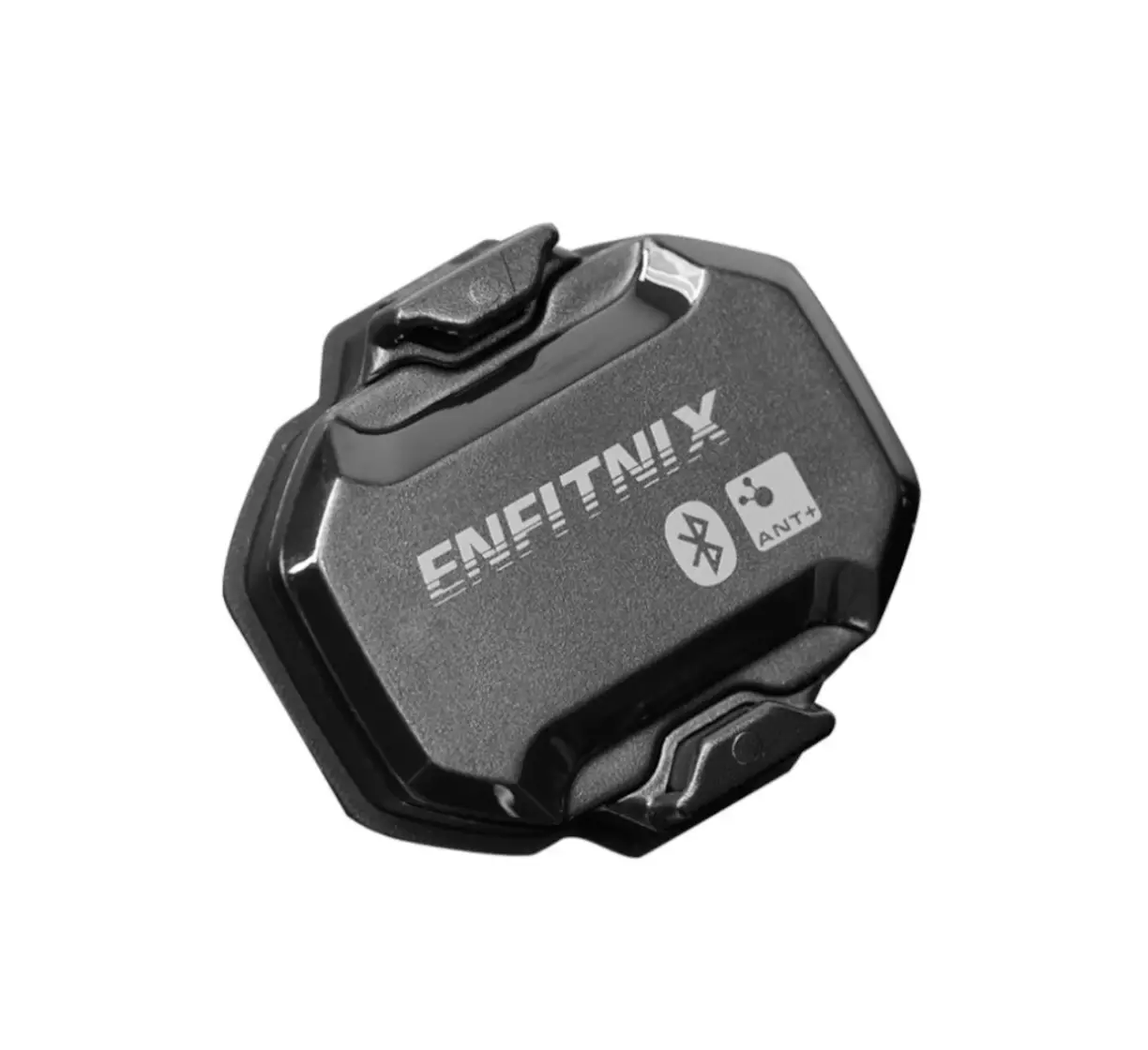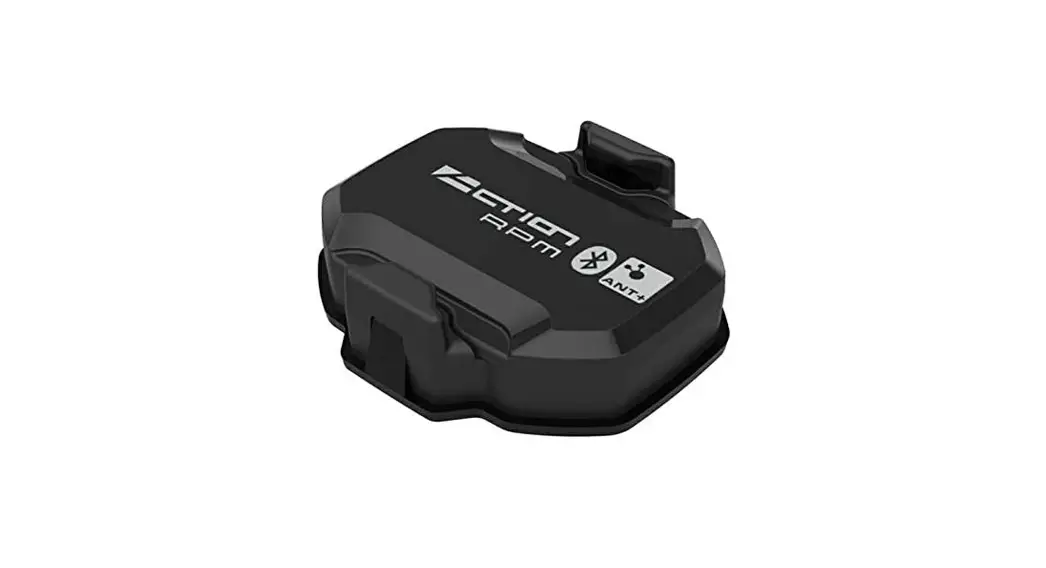
 TMS10 Magnetless Speed Sensor
User Manual
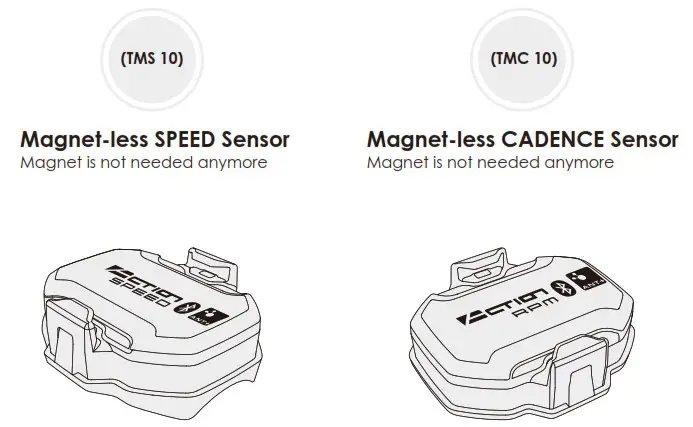
TMS10 Magnetless Speed Sensor
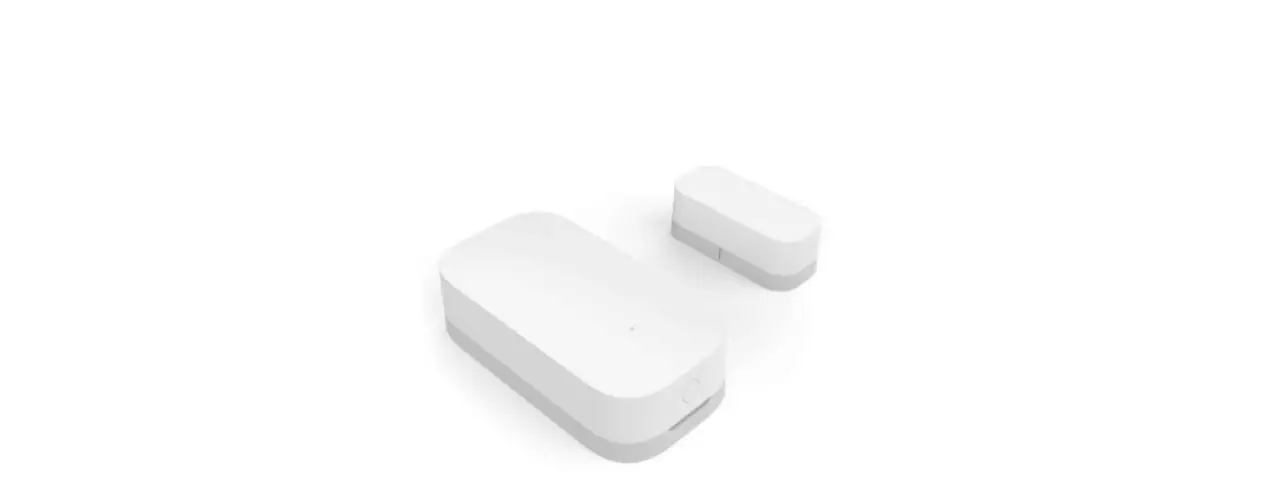
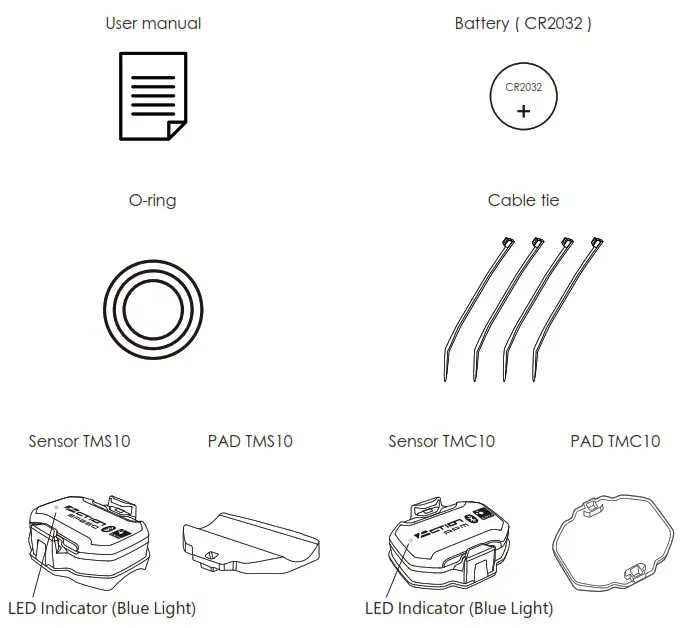
What You Will Have
Install / Replace the battery
- Use a coin and turn the battery cover counter-clockwise to ”
 ” to open.
 - Install one new lithium battery (CR2032) into the sensor with the (+) side facing upward. Make sure the small plastic o-ring is correctly fastened around the battery cover to ensure waterproof.
- Then put the battery cover back and turn it clockwise from ” ” to”▲” to fasten.
- Shake the sensor for 3 seconds and check the LEFT side of the ACTION logo at the front of sensor. When the LED indicator keeps flashing the sensor is working.
If the indicator does not flash, do again from (1) to (4), or change one new battery.
 ” to open.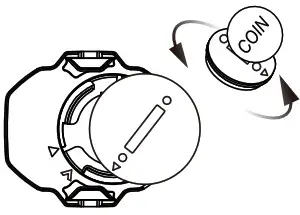
Warning / Caution:
- Keep battery away from children.
If it is swallowed, contact the doctor immediately. - The battery should be disposed in compliance with local regulation.
- Risk of explosion if you insert battery with incorrect type.
How to Mount the Sensor
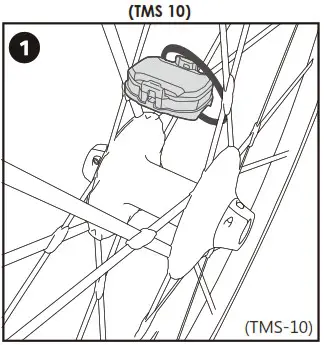 | 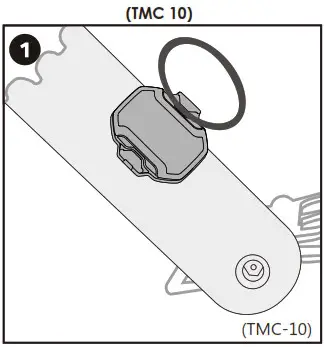 |
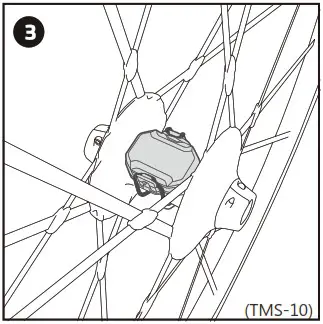
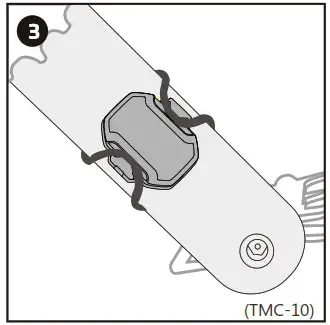
| 1. Use the appropriate rubber O-ring or cable tie and place the sensor on the wheel hub. | 1. Use the appropriate rubber O-ring or cable tie and place the sensor at inside of the crack arm. |
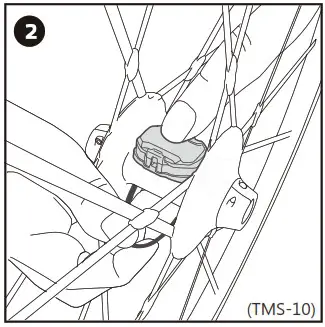 | 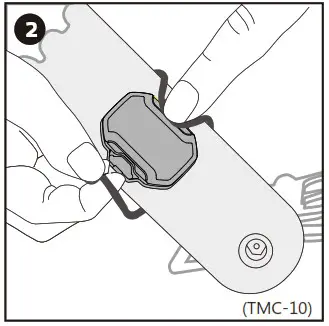 |
| 2. Wrap the rubber O-ring/cable tie around the hub. | 2. Wrap the rubber O-ring/cable tie around the crank. |
 |  |
| 3. Ready for paring (please see the “Advice of Paring” below). | 3. Ready for paring (please see the “Advice of Paring” below). |
Advice of Paring
- You can connect any Bluetooth 4.0 or ANT+ enabled device (smart phone is suggested) with the TopAction sensor.
- You can download any of the APPs below to work with the sensor.
iOS Cateye Cycling Cateye Cycling Wahoo Bikeboard(BBB) Android TopAction - Ride your bike for 5 seconds to wake up the sensor. When you see the LED indicator flashing, you can pair the sensors with the APP of your smart phone.
Remark:
- The device (ex: smart phone) should be within 3 meters long from the sensor
- Stay away from other Bluetooth 4.0/ ANT+ sensors while pairing (at least 10 meters long)
Specification
| Battery Type | CR2032 |
| Battery Life | 10 months (using one hour per day) |
| Operation Temperature | 0°C to 50°C (32°F to 122°F) |
| Wireless System | Bluetooth 4.0 & ANT+ |
| Waterproof | IP68 |
Warranty
We provide limited one-year warranty for the sensor valid from the date of purchase.
- The warranty does not cover the battery, damage due to misuse, abuse, accidents or non-compliance with the precautions.
- The warranty does not cover any damage, losses, costs or expenses, directly or indirectly related to the product.
- Items purchased second-handed are not covered within warranty, unless otherwise stipulated by local law.
The warranty will only be provided when you purchase from the company authorized by TopAction.
5020100292