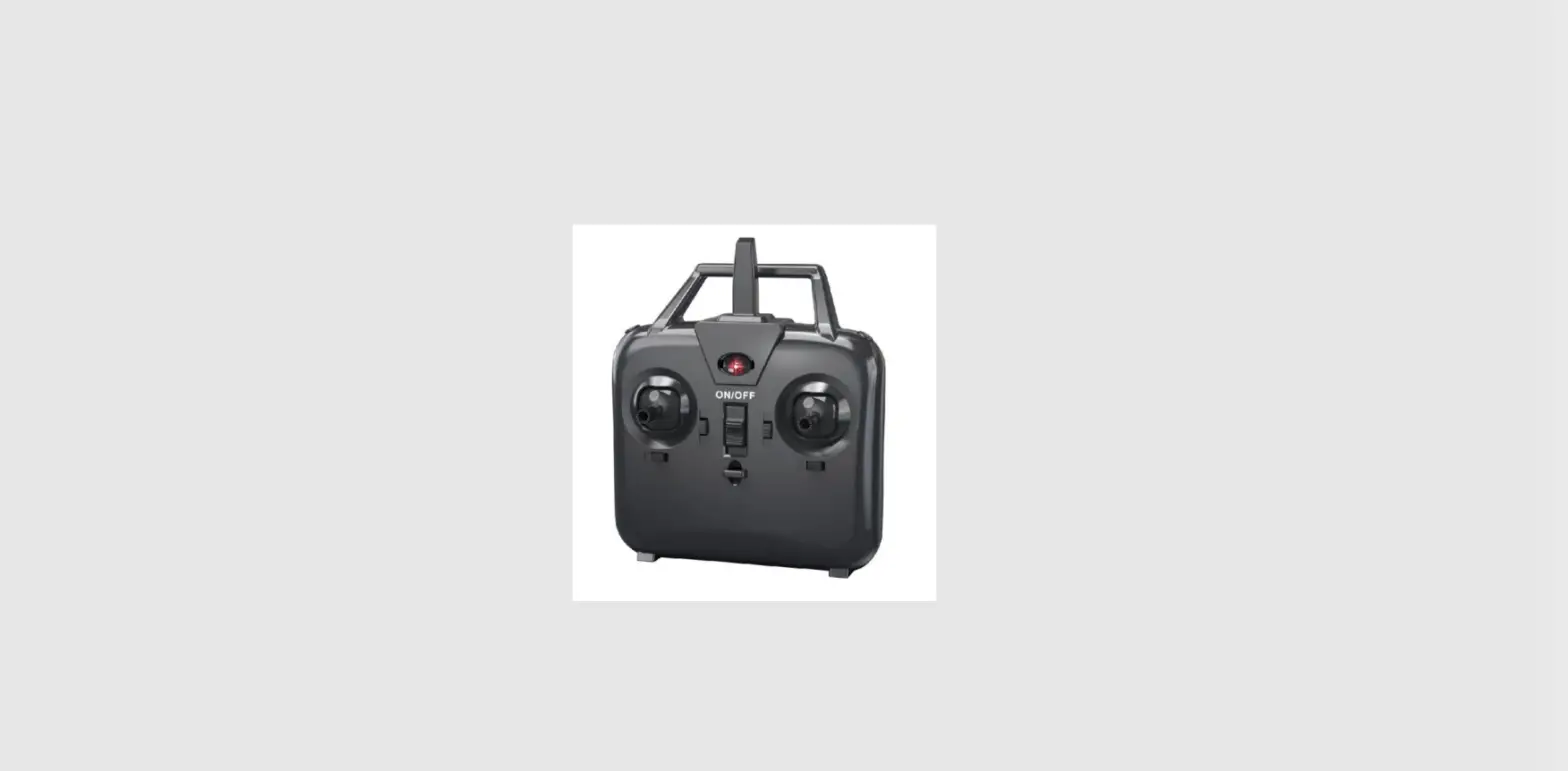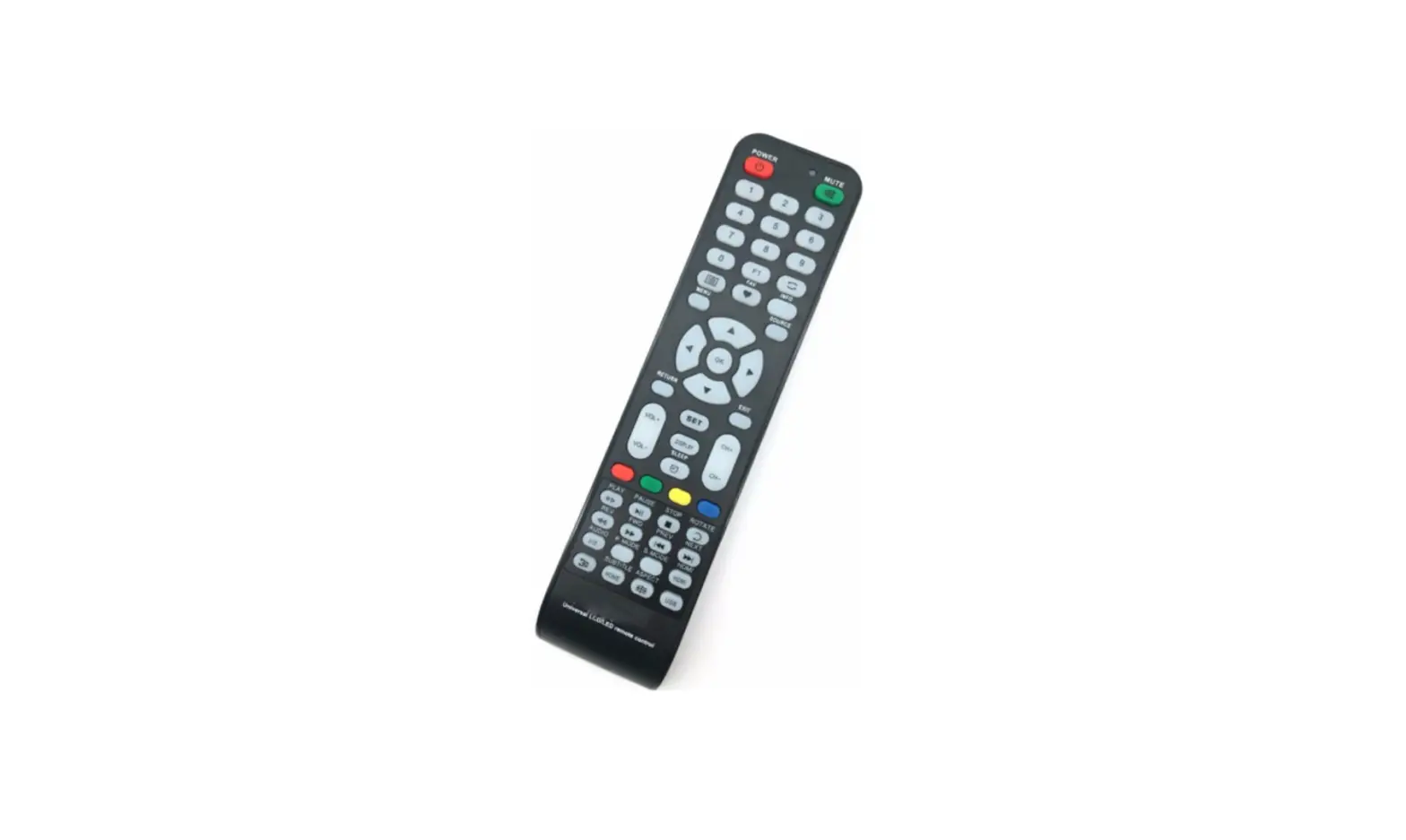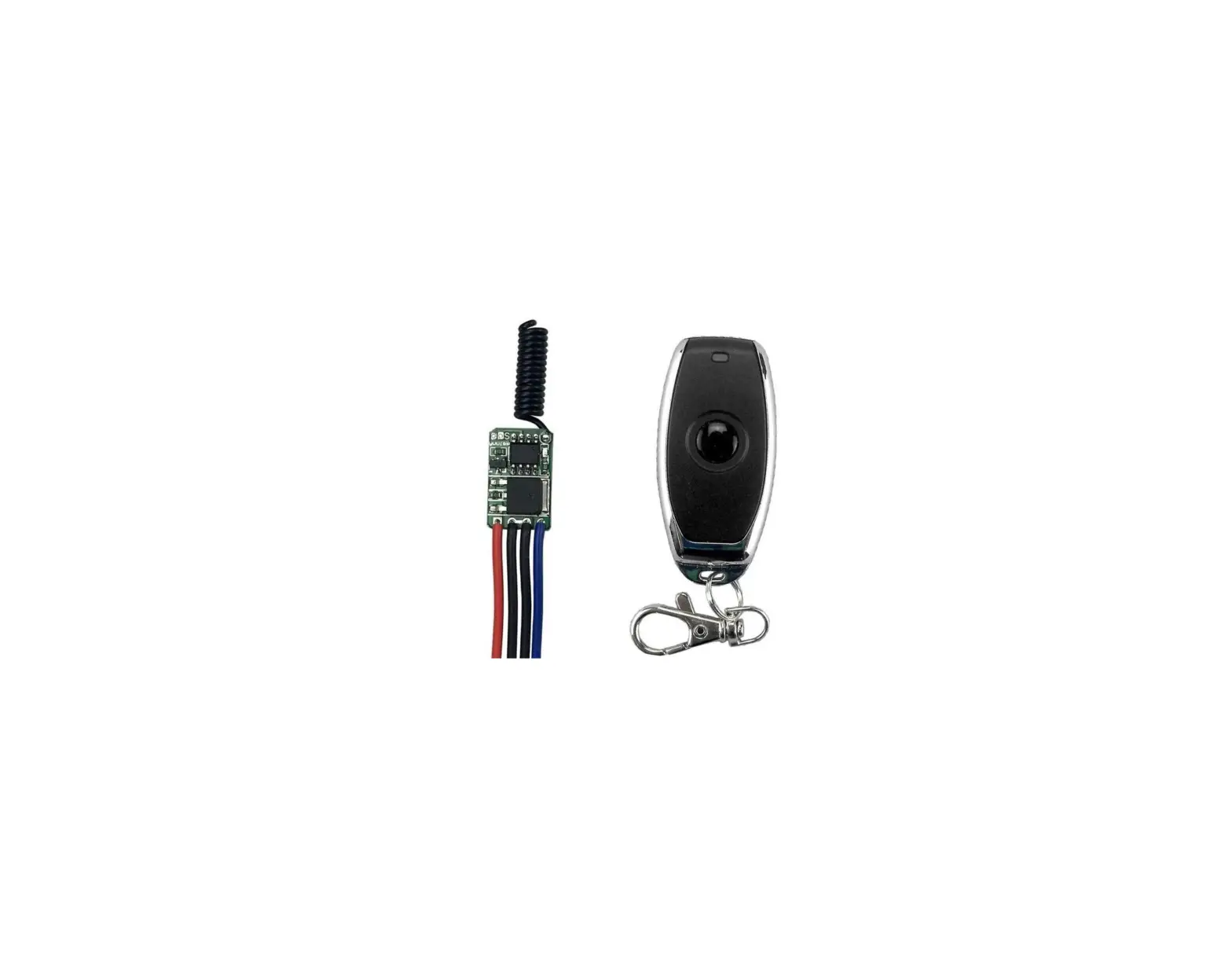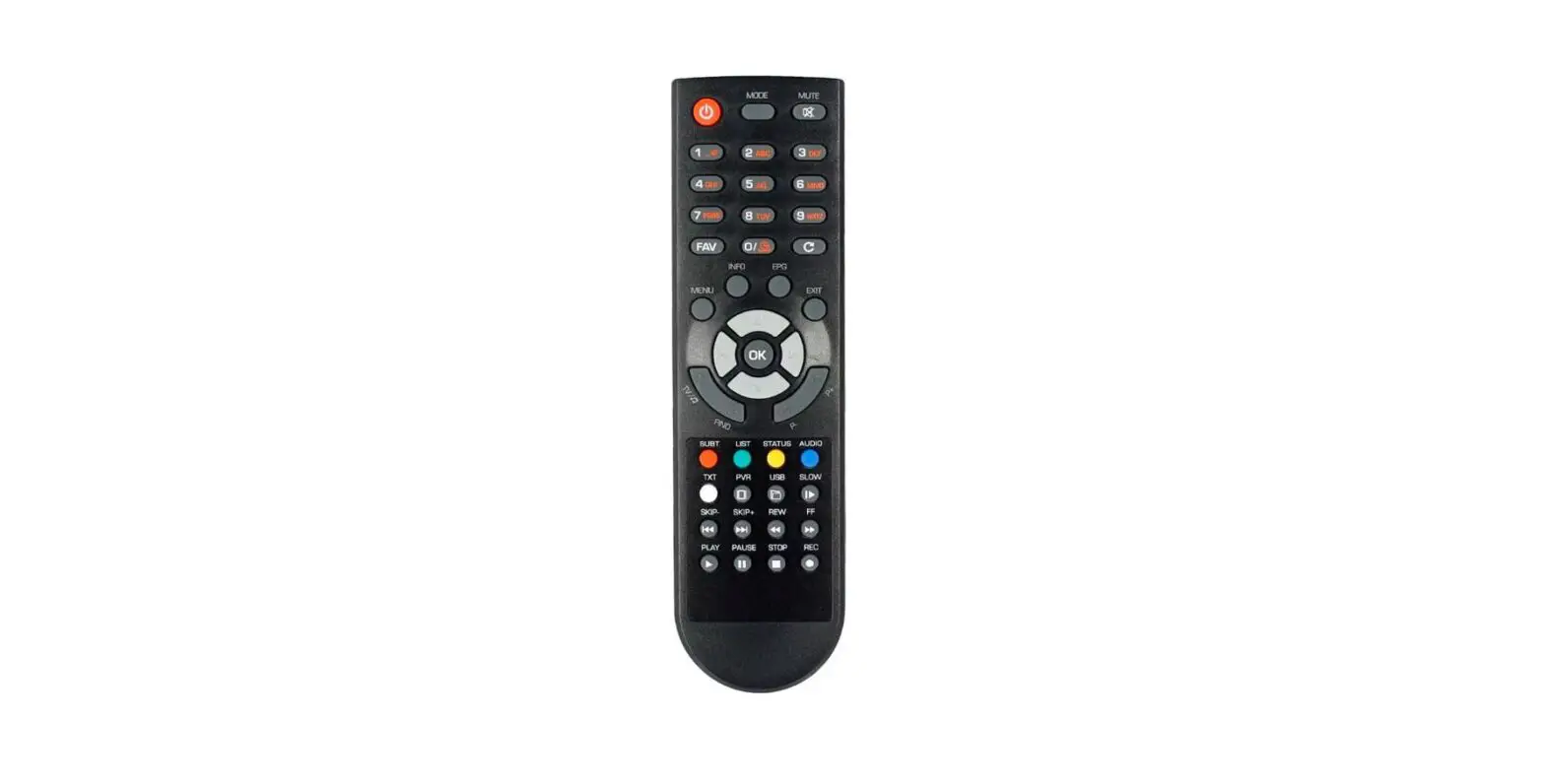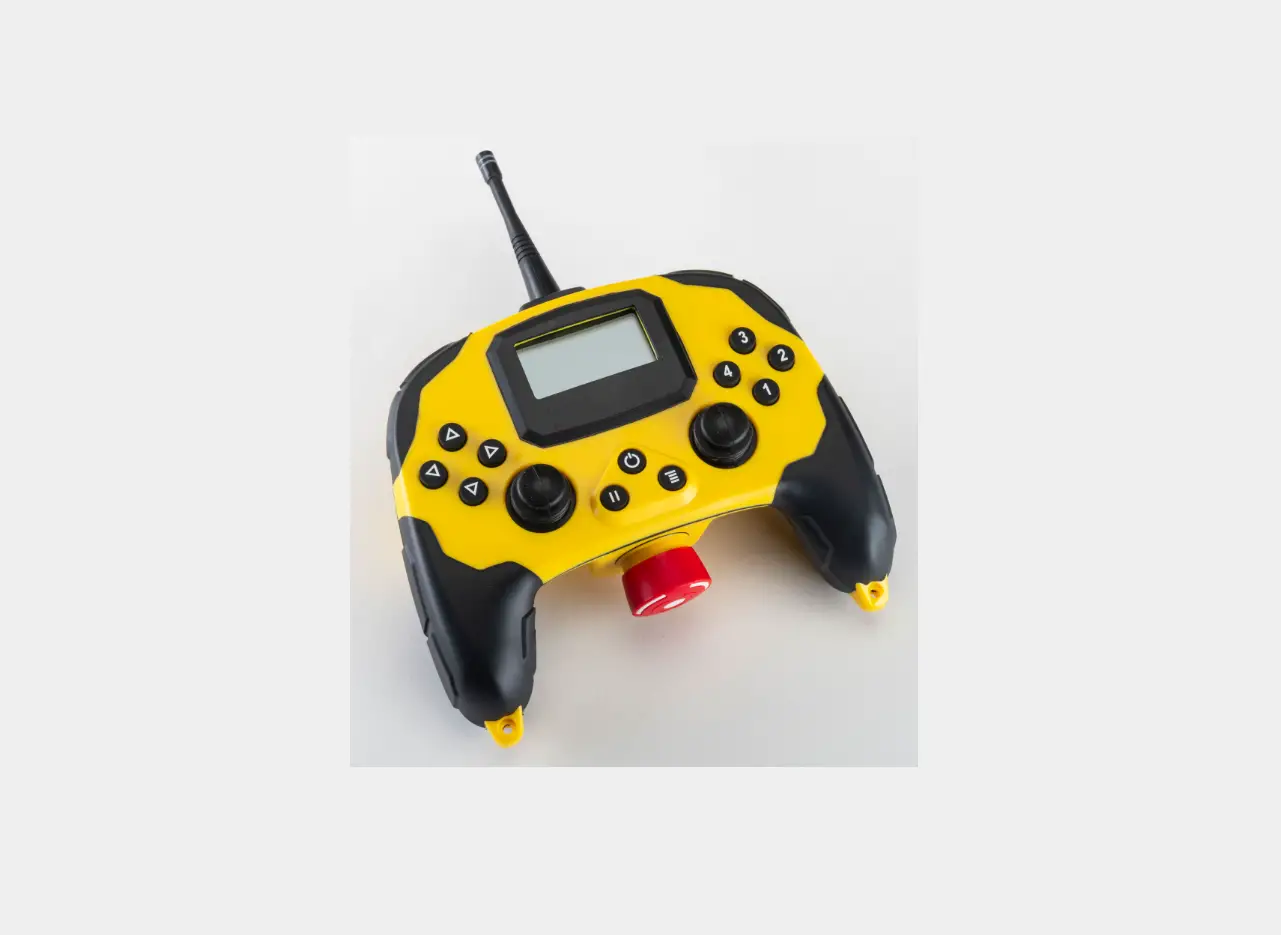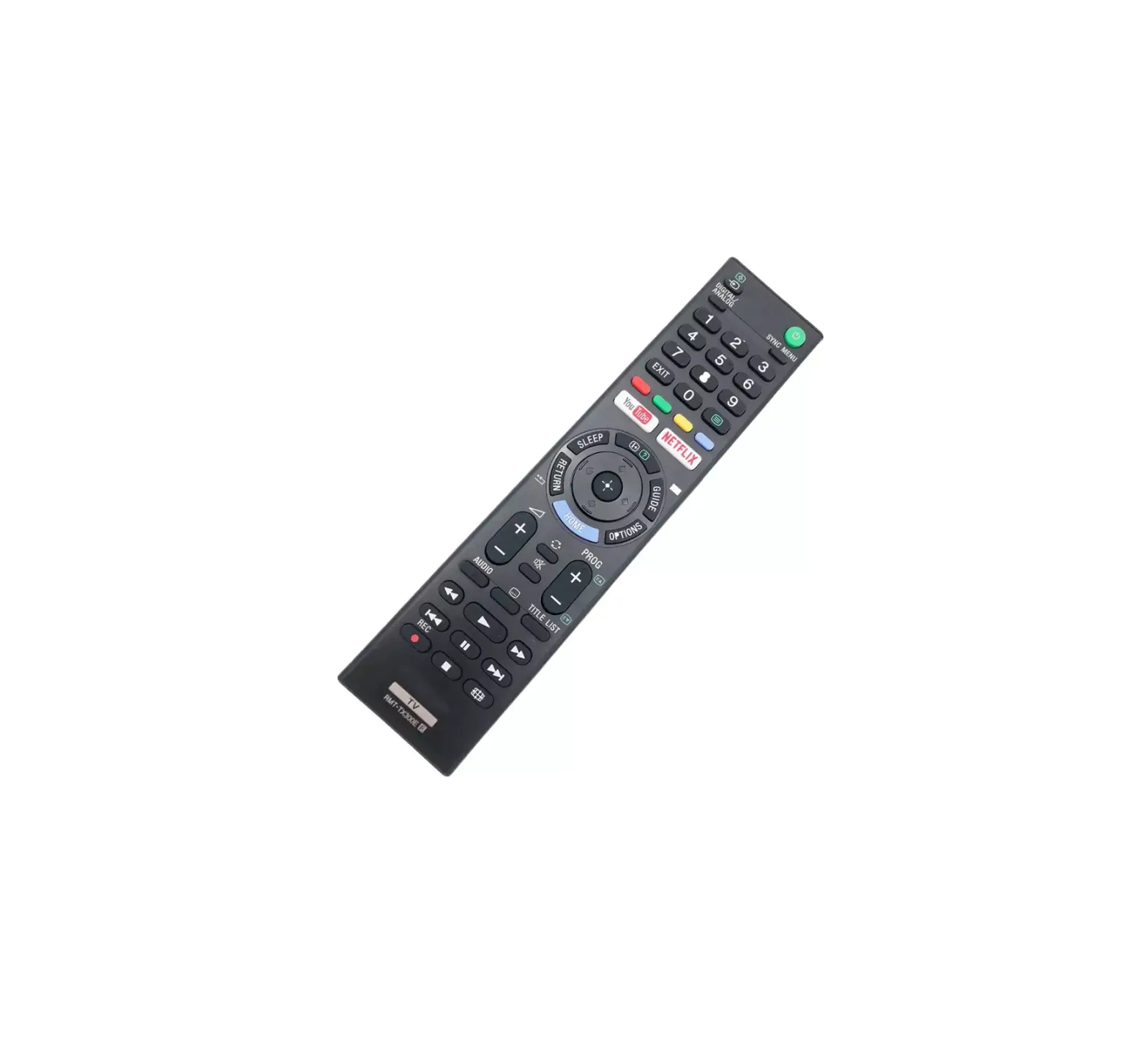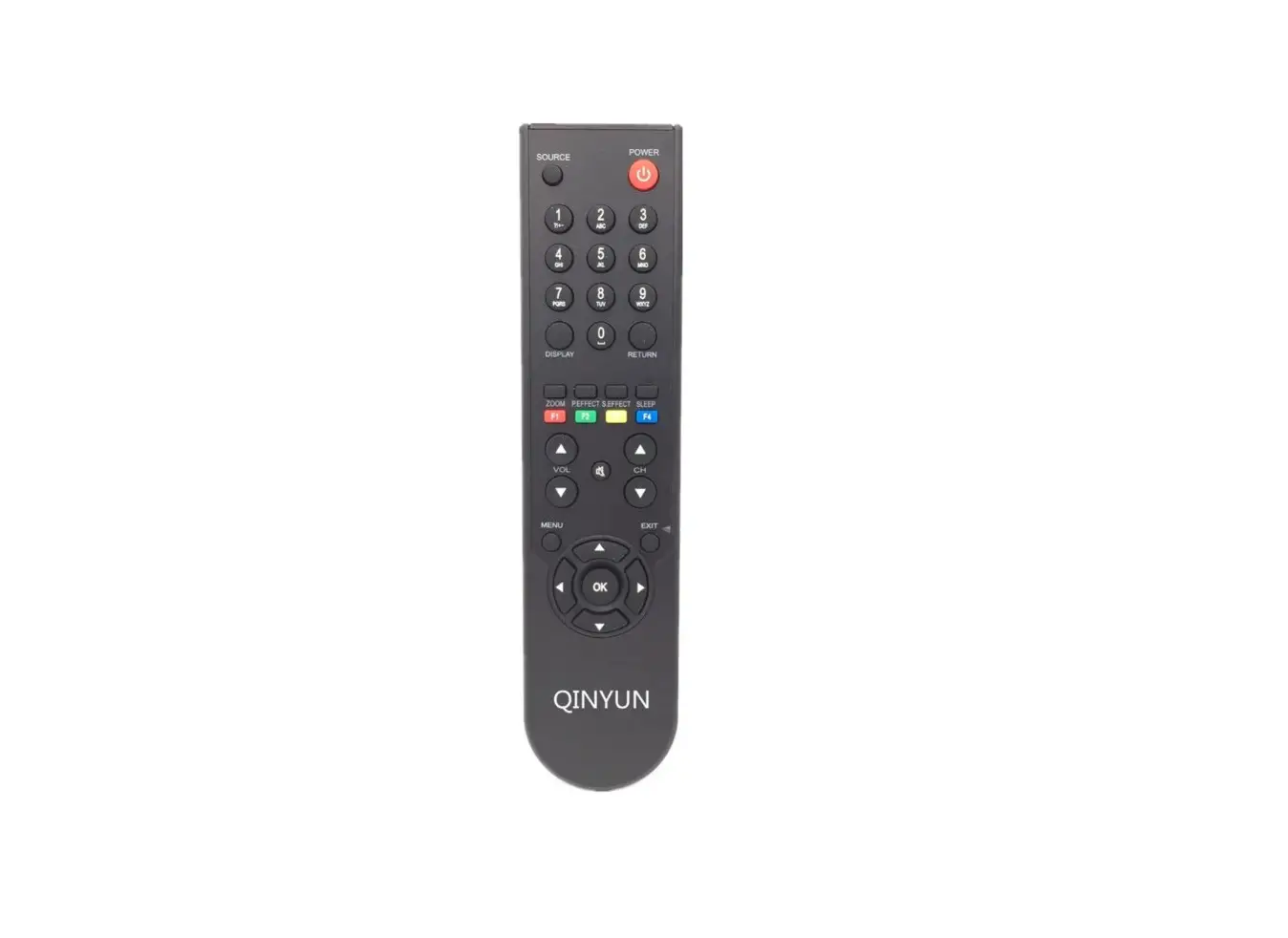
Guangzhou Huanhui Industrial RF CONTROL RF Remote Control
Instruction Manual
PLEASE READ INSTRUCTIONS CAREFULLY BEFORE INSTALLATION
ACCESSORIES G INSTALLATION
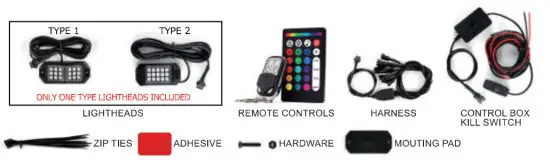
PACKAGE INCLUDES
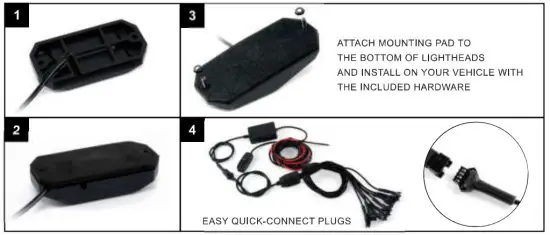
INSTALLATION STEPS
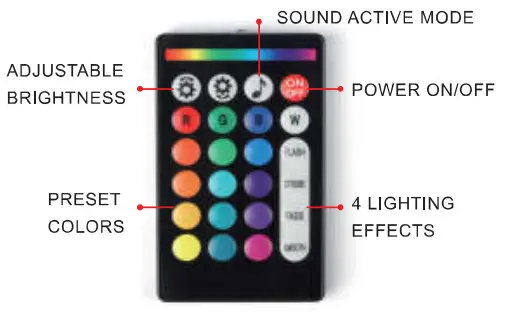
RF WIRELESS REMOVE
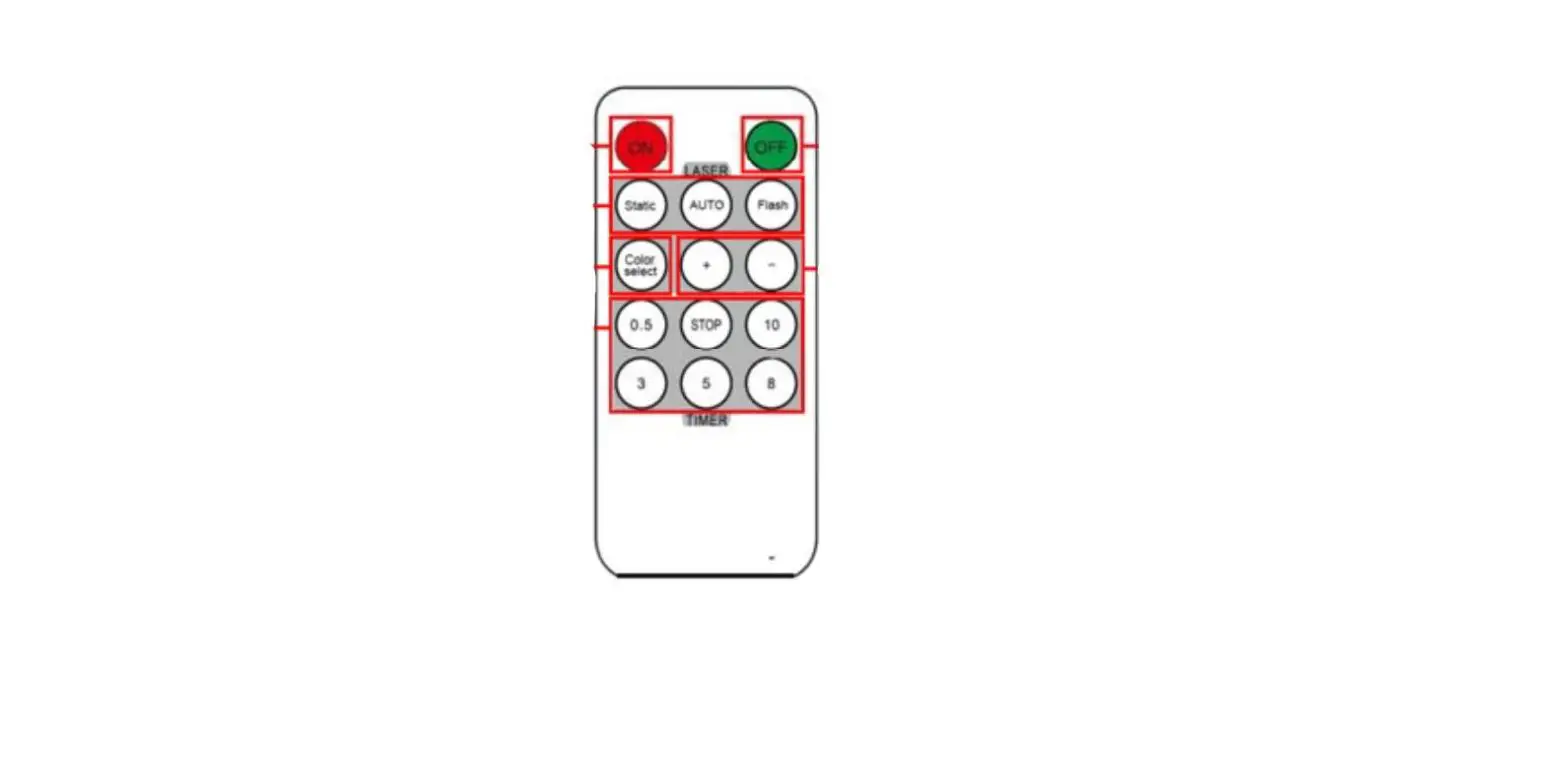
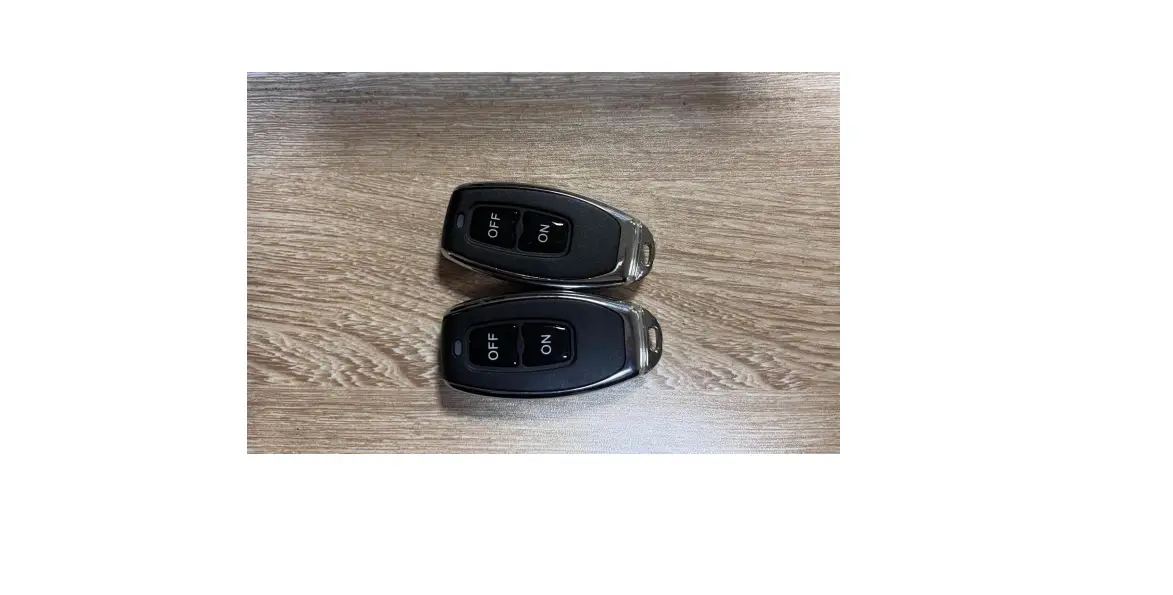
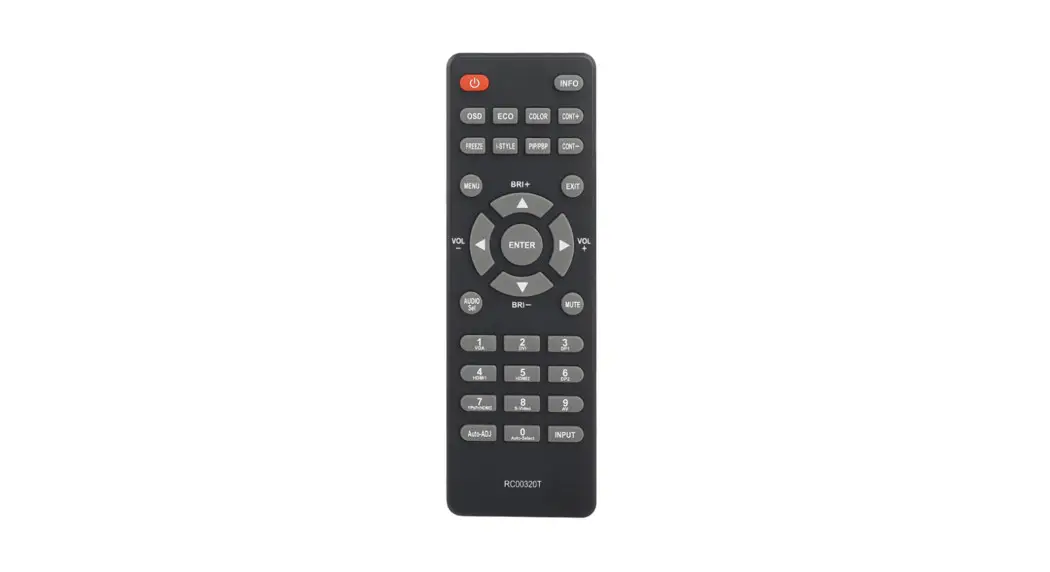
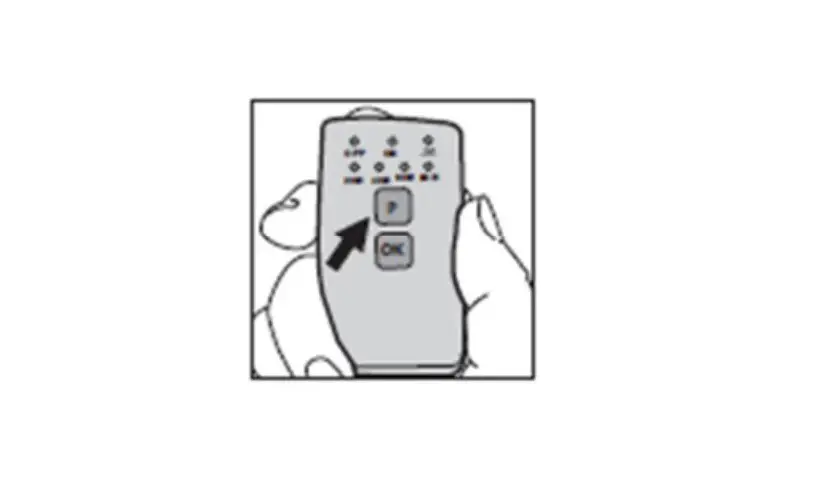
TO SYNC: WITHIN 5 SECONDS OF CONNECTING POWER, PRESS AND HOLD THE POWER BUTTON FOR A FEW SECONDS UNTIL ALL LIGHTS FLASH. THE LIGHTS ARE ONLY ABLE TO BE CONTROLLED BY THIS REMOTE FROM NOW ON.
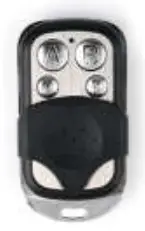 A = POWER ON/OFF
B = SOUND SENSOR
C = FADING/FLASHING PATTERN
D = CHANGE COLORS
CONNECTION DIAGRAME
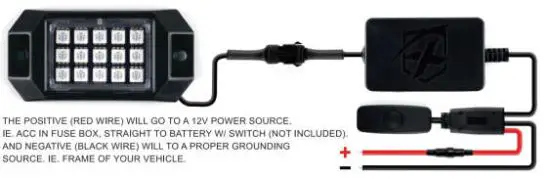
BE SURE TO CLEAN MOUNTING AREAS BEFORE STICKING FOR A BETTER HOLD. USE ZIP TIES IN EVERY OPPORTUNITY FOR MORE SECURITY AND TO TIGHTEN UP ANY WIRES.
Specs
| Item | Requirements | ||
| Phone/Pad OS Requirement | Android 4. 3 and above | ||
| ios 7. 0 and above | |||
| Phone/Pad Bluetooth requirement | Bluetooth 4.0 Low Energy(BLE) | ||
| Bluetooth Effective Range | 15M | ||
| Change Brightnese/Color | √ | ||
| Dynamic Lighting Effects | √ | ||
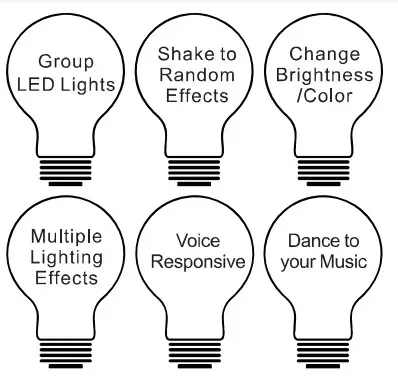
Product Features
Install Application
Make sure your Bluetooth is turned on

THANK YOU FOR YOUR PURCHASE. A BLUETOOTH DEVICE MUST DOWNLOAD THE LOTUS LANTERN APP TO BE ABLE TO CONTROL THE RGB LIGHTS. AVAILABLE FOR FREE IN THE APPLE APP STORE AND GOGGLE PLAY STORE.
Scan & Connect
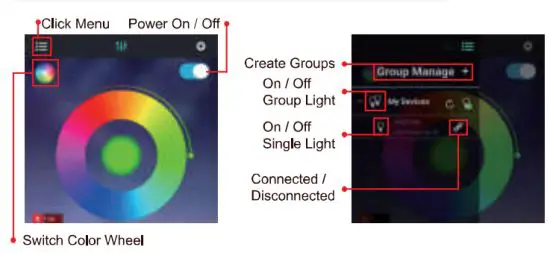 MANAGE MULTIPLE DEVICES IN YOUR CUSTOM GROUPS. “CLICK SCAN* IN THE MENU TO LIST ALL LEDS AVAILABLE. CLICK LED ICON TO CONNECT. IF YOU HAVE TROUBLE. PLEASE DOUBLE-CHECK BLUETOOTH IS ACTIVE ON YOUR DEVICE. ALTERNATIVELY, YOU CAN TRY ANOTHER DEVICE TO MAKE SURE THE PROBLEM IS NOT WITH YOUR DEVICE.
Light Control
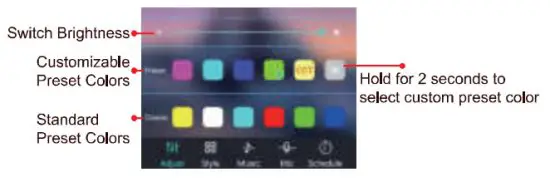
A simple press on the color wheel to the color you desire.
Note 1:
5 PALETTES ARE PROVIDED TO SET UP FREQUENTLY USED COLOR PRESETS, TO SET UP FREQUENT COLORS. PRESS A COLOR BLOCK THEN PRESS ON THE COLOR WHEEL TO THE COLOR YOU WOULD LIKE TO REPLACE IT WITH.
Note 2: STANDARD COLORS ARE DEFAULT COLORS.
Music Responsive
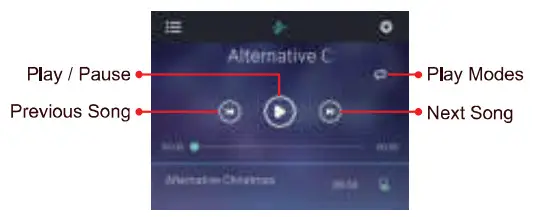
CURRENTLY, MUSIC MODE IS ONLY AVAILABLE FOR SONGS THAT HAVE BEEN DOWNLOADED ONTO YOUR PHONE. APPLE MUSIC, SPOTIFY, AND OTHER STREAMING SERVICES GENERALLY DO NOT DOWNLOAD SONGS TO YOUR PHONE. AS A SOLUTION, YOU CAN USE THE “MIC” MODE SO THAT YOUR LIGHTS AUTOMATICALLY ADJUST TO THE SOUND OF MUSIC.
Sound Responsive
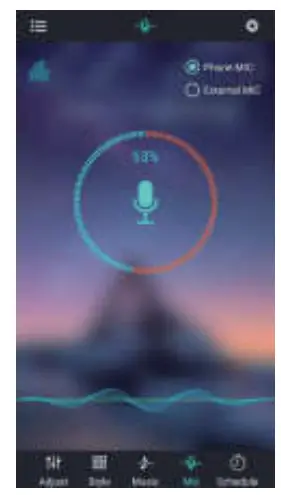
THIS APP CAN RESPOND TO SOUND ON YOUR DEVICE AND THE BRIGHTNESS AND COLORS WILL CHANGE.
light Patterns
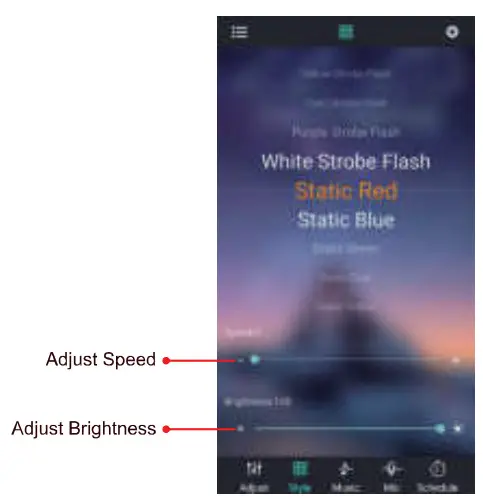
SCROLL UP AND DOWN TO CHANGE PATTERNS
Timing Function
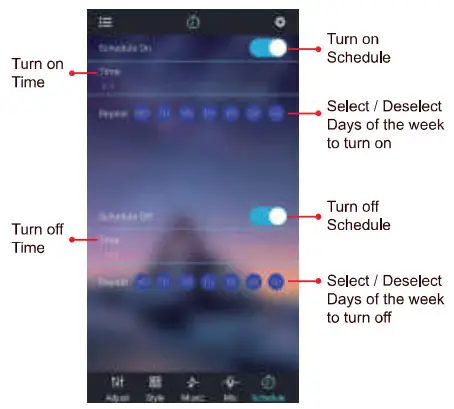
- BY USING THE’ LOTUS LANTERN” APP TIMER FEATURE. YOU CAN SET THE CORRECT TIME AND CORRECT COLOR MODE FOR THE WAKE-UP LIGHTING.
- SET A SCHEDULE OF LIGHTS TO TURN ON AND OFF AUTOMATICALLY IN YOUR SCHEDULE.
Shake to change color
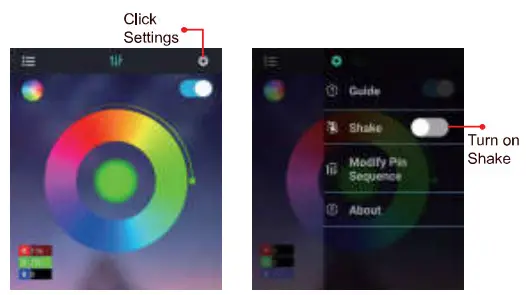
SIMPLY SHAKE YOUR DEVICE TO RANDOMLY CHANGE COLORS AND PATTERNS
RGB Sequence
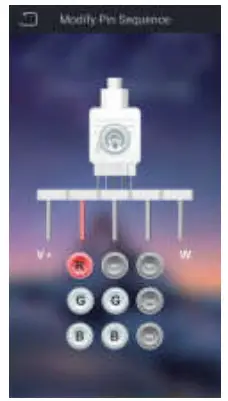 HERE YOU CAN CORRECT OR ADJUST THE RGB (RED / BLUE / GREEN) SEQUENCE SET-TINGS. LEDS USE THESE RGB BASE COLORS TO CREATE A LARGE VARIETY OF OTHER COLORS. IF YOU FIND THAT THE PRESETS ARE NOT PRODUCING THE CORRECT COLOR YOU CAN MAKE THE SEQUENCE ADJUSTMENTS HERE.
Note:
IF YOU FIND THAT YOUR DEVICE CAN NOT, PLEASE TRY TO REBOOT YOUR DEVICE.
FCC Warning:
This equipment has been tested and found to comply with the limits for a Class B digital device, pursuant to part 15 of the FCC Rules. These limits are designed to provide reasonable protection against harmful interference in a residential installation. This equipment generates, uses, and can radiate radio frequency energy and, if not installed and used in accordance with the instructions, may cause harmful interference to radio communications. However, there is no guarantee that interference will not occur in a particular installation. If this equipment does cause harmful interference to radio or television reception, which can be determined by turning the equipment off and on, the user is encouraged to try to correct the interference by one or more of the following measures:
- Reorient or relocate the receiving antenna.
- Increase the separation between the equipment and receiver.
- Connect the equipment into an outlet on a circuit different from that to which the receiver is connected.
- Consult the dealer or an experienced radio/TV technician for help.
Caution: Any changes or modifications to this device not explicitly approved by the manufacturer could void your authority to operate this equipment.
This device complies with part 15 of the FCC Rules. Operation is subject to the following two conditions:
(1)This device may not cause harmful interference, and (2) this device must accept any interference received, including interference that may cause undesired operation. This equipment complies with FCC radiation exposure limits set forth for an uncontrolled environment. This equipment should be installed and operated with a minimum distance of 20cm between the radiator and your body.
RF Exposure Information for remote control
The device has been evaluated to meet general RF exposure requirements. The device can be used in portable exposure conditions without restriction.