TRI-CO GO 7570 GigSpire Blast
U4 User Guide

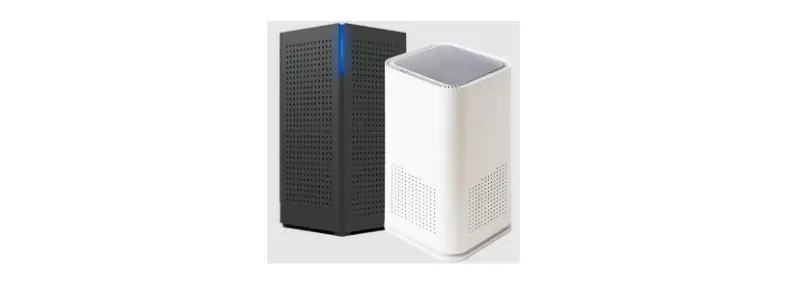
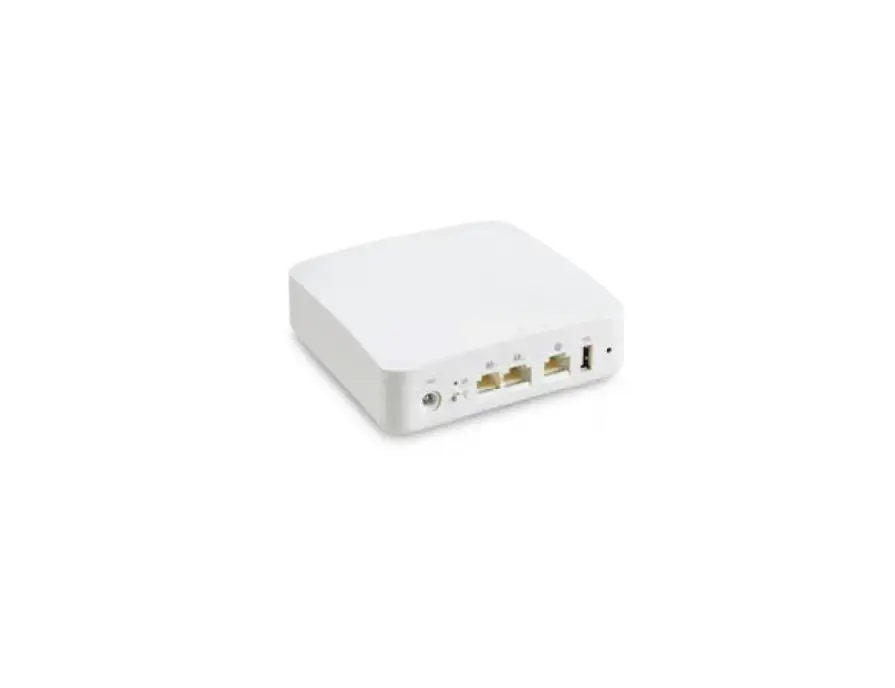
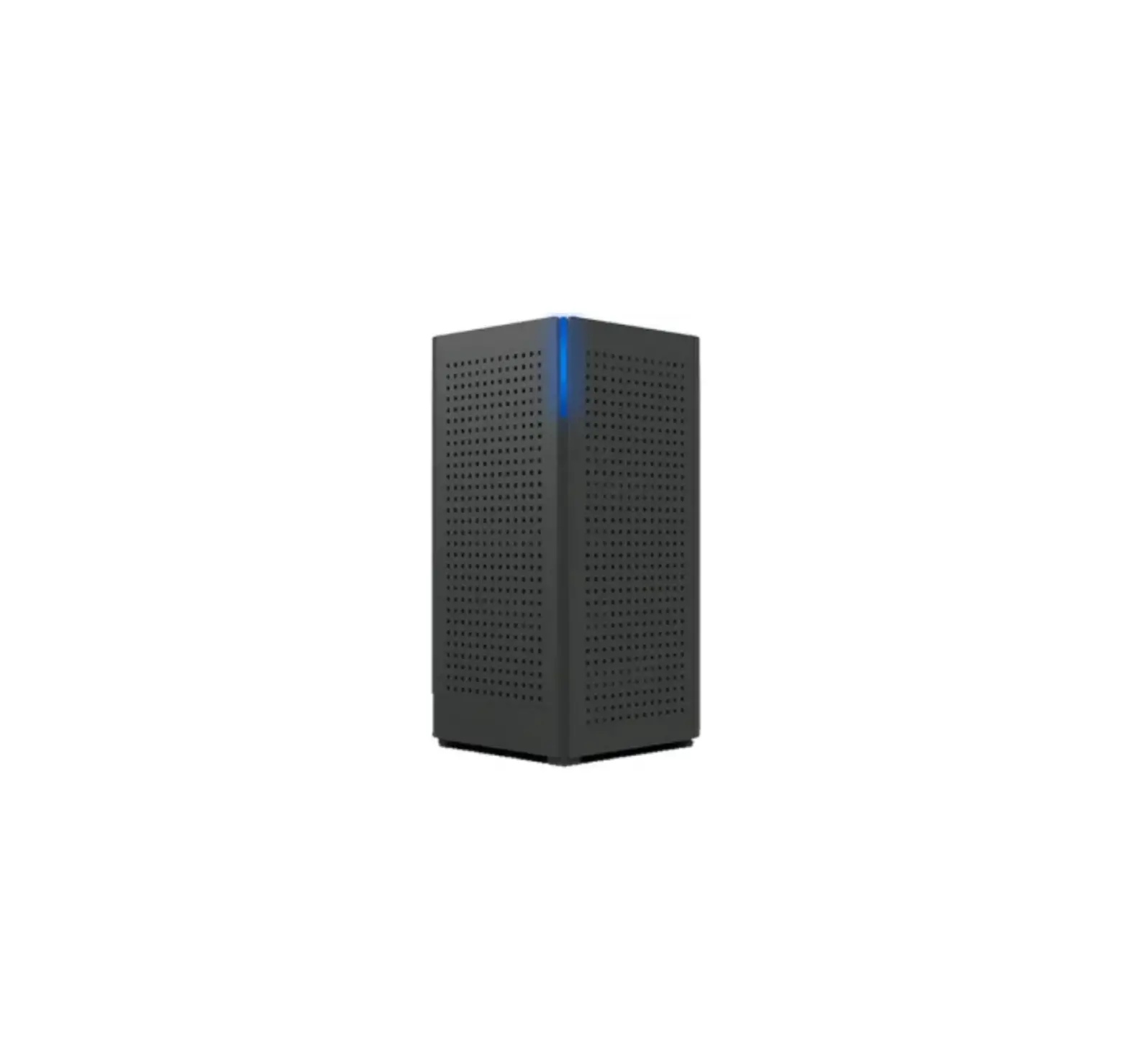
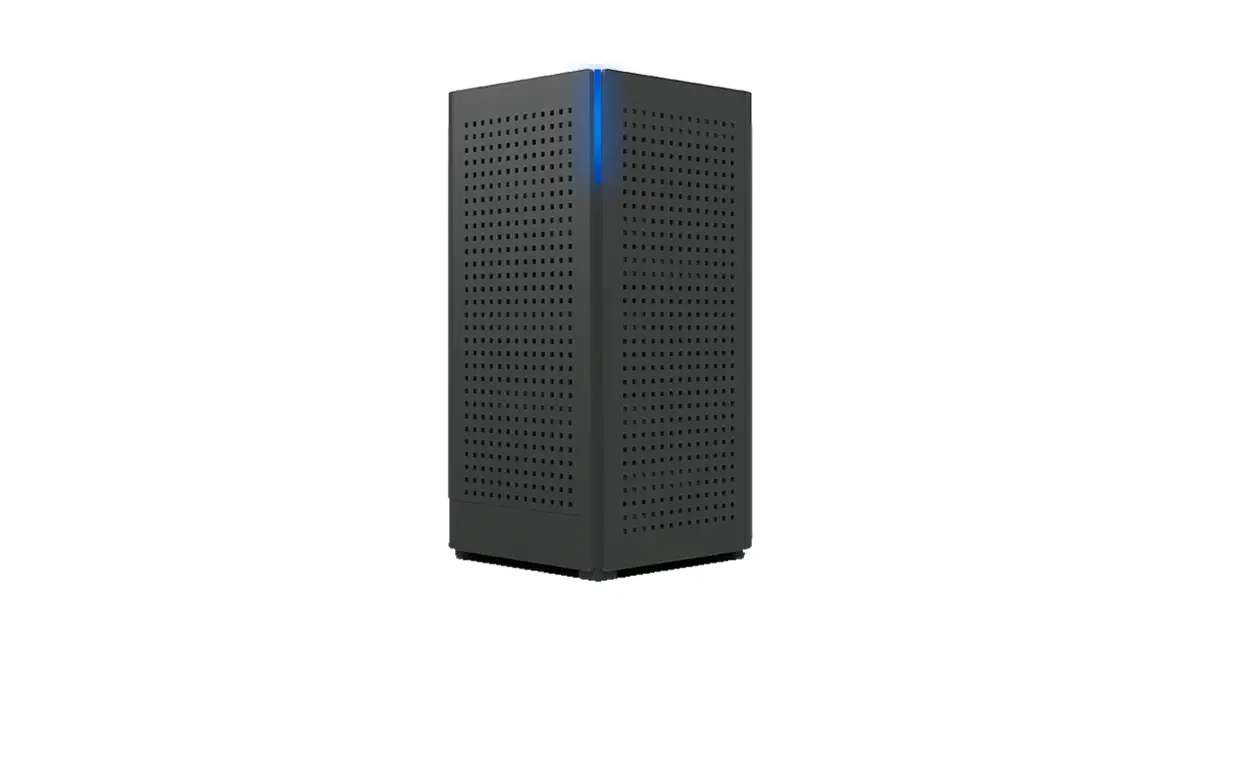
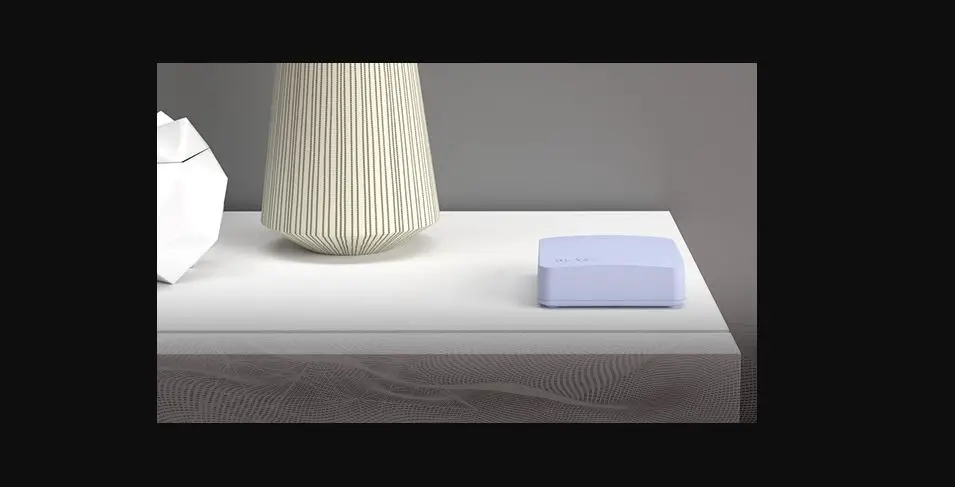
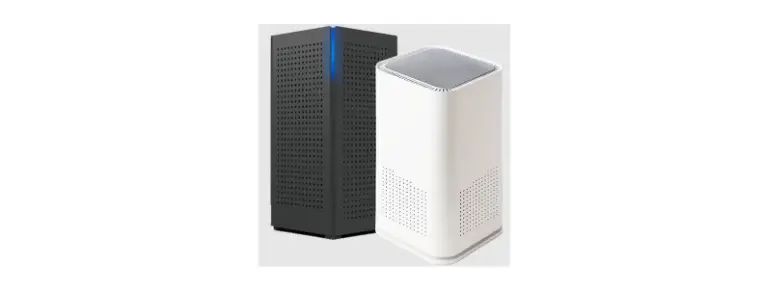
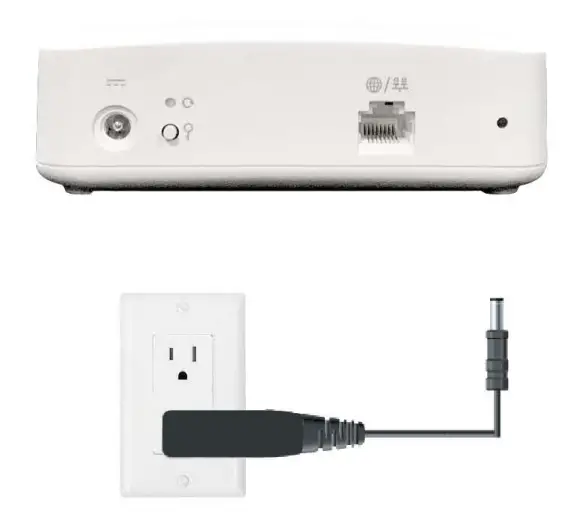
- Connect GigaSpire BLAST u4m to power outlet.

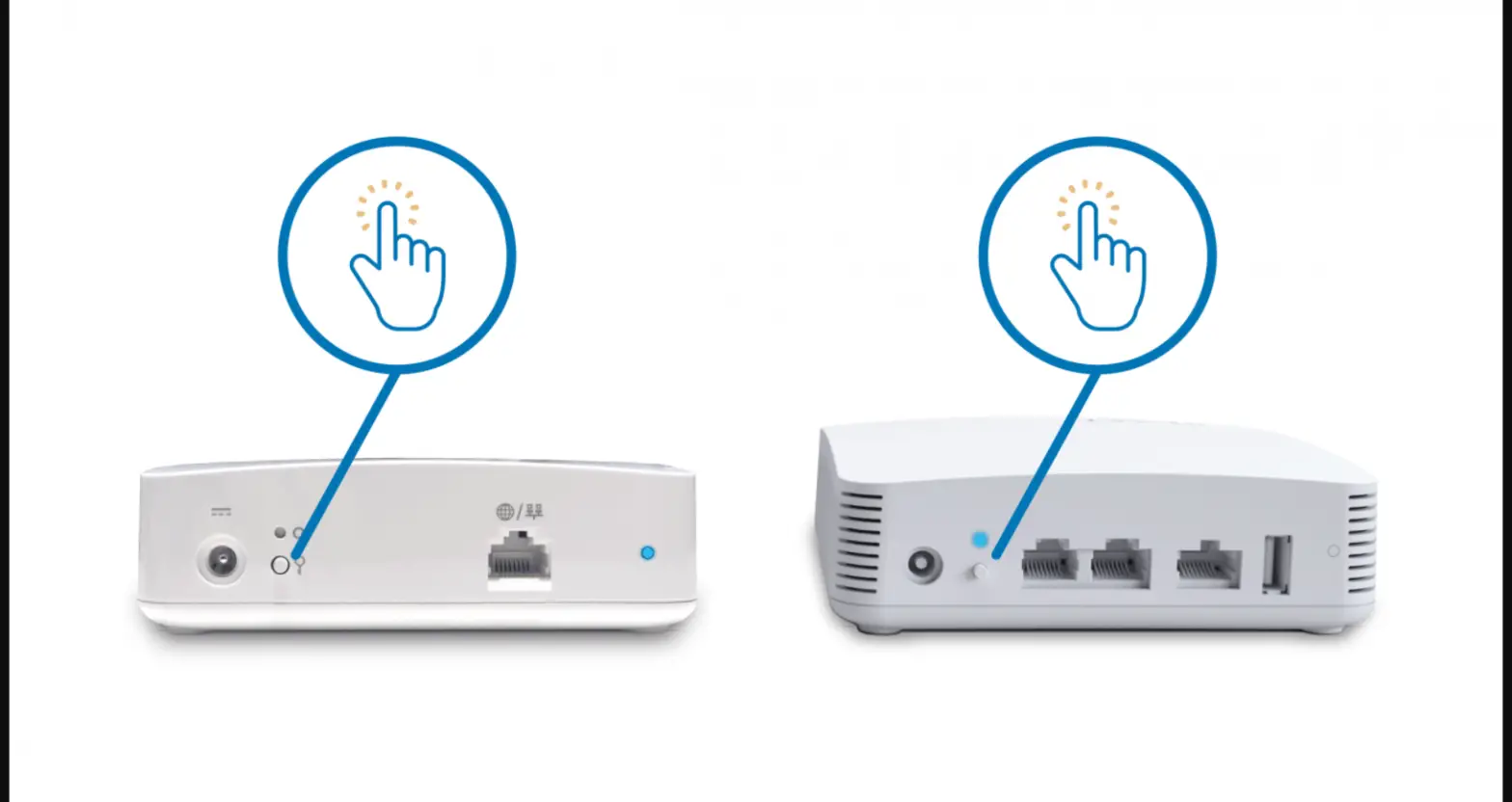
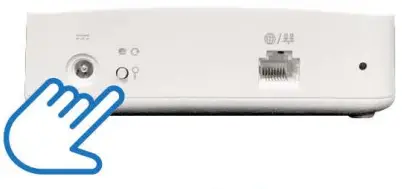
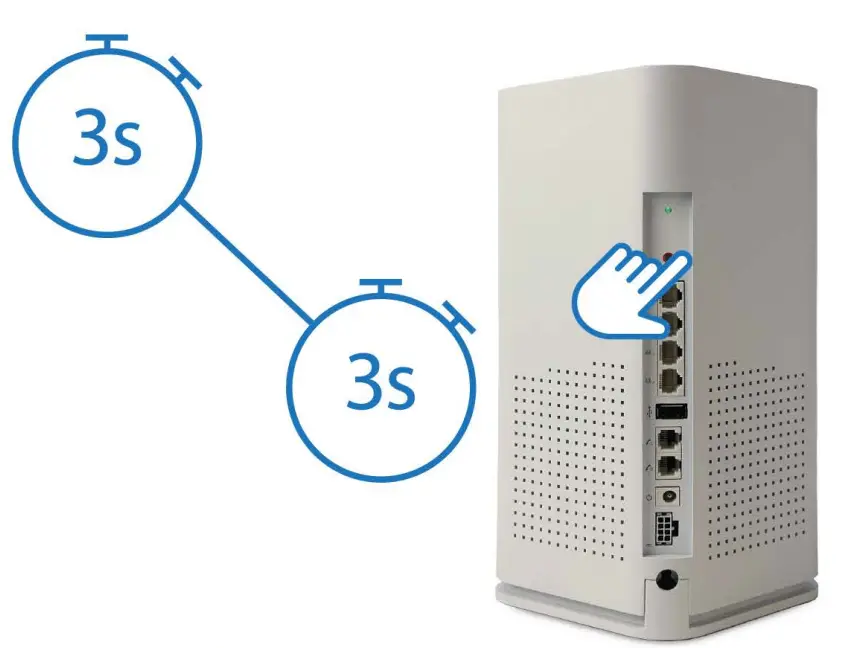
- When the LED is flashing red, you can pair the GigaSpire BLAST u4m with the GigaSpire BLAST u6x. Press and hold the WPS buttons on the GigaSpire BLAST u4m and then the GigaSpire BLAST u6x for 3 seconds each (less than 30 seconds apart). The LED flash green while attempting to pair.

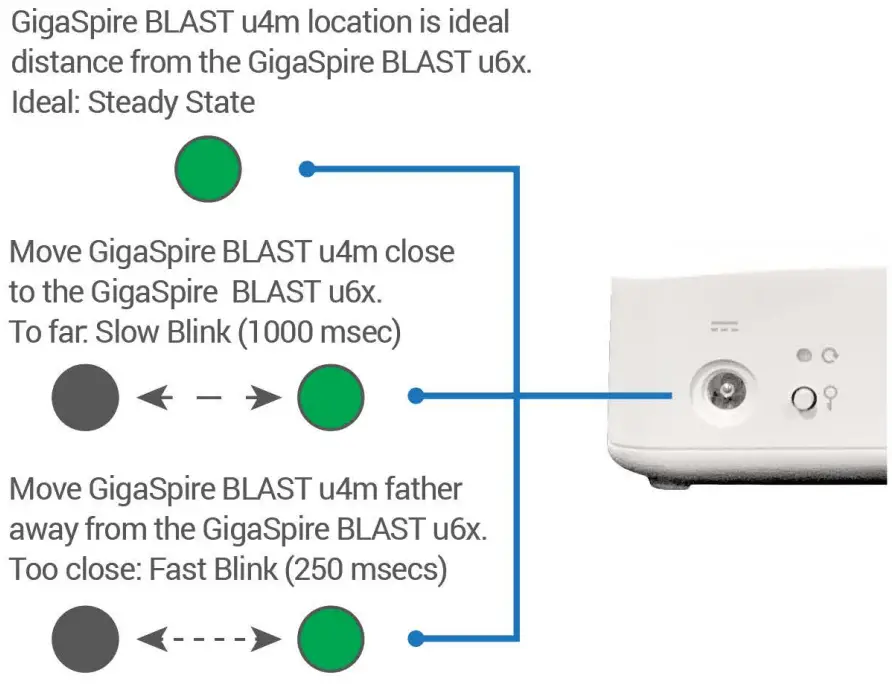
- Use the solid green LED indicator (displays for 60 seconds at end of pairing cycle) to determine ideal location for the u4m. If necessary, relocate it to a more ideal distance from the GigaSpire BLAST and confirm successful pairing after the u4m reboots (repeating steps 2-3 as needed).

Note: Once successful pairing is complete, the GigaSpire BLAST and GigaMesh LEDs will both show a solid green colour. It may take several minutes to reach this state. - If applicable, use the CommandlQ app to set up the GigaSpire BLAST. See the CommandlQ Quick Start Guide for guidance.
Need help?
Contact support: 844-662-7570