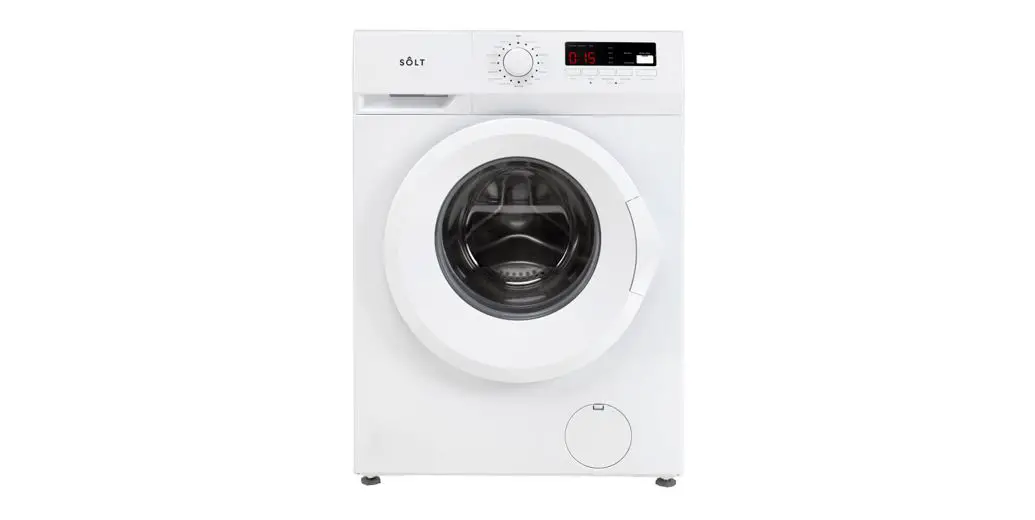
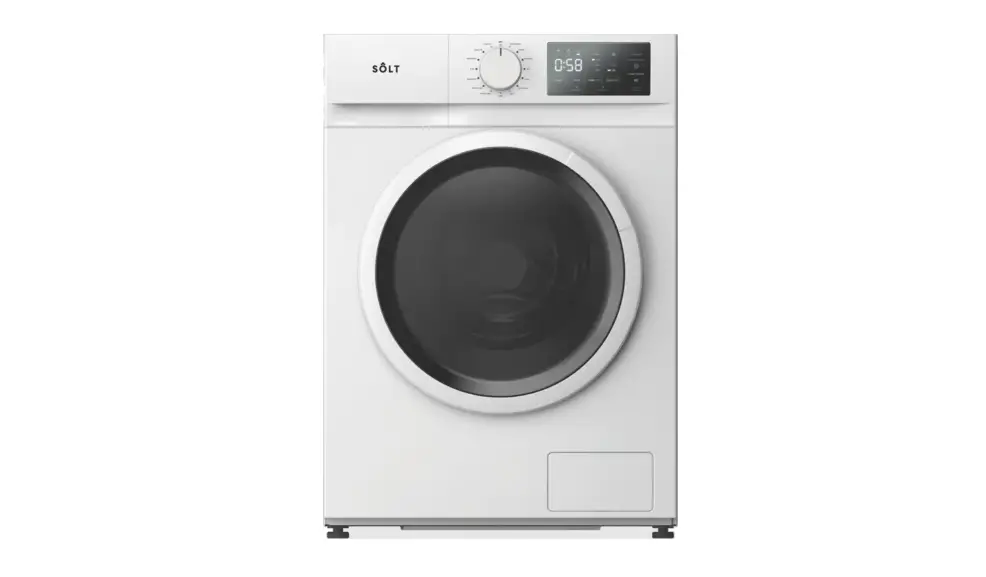
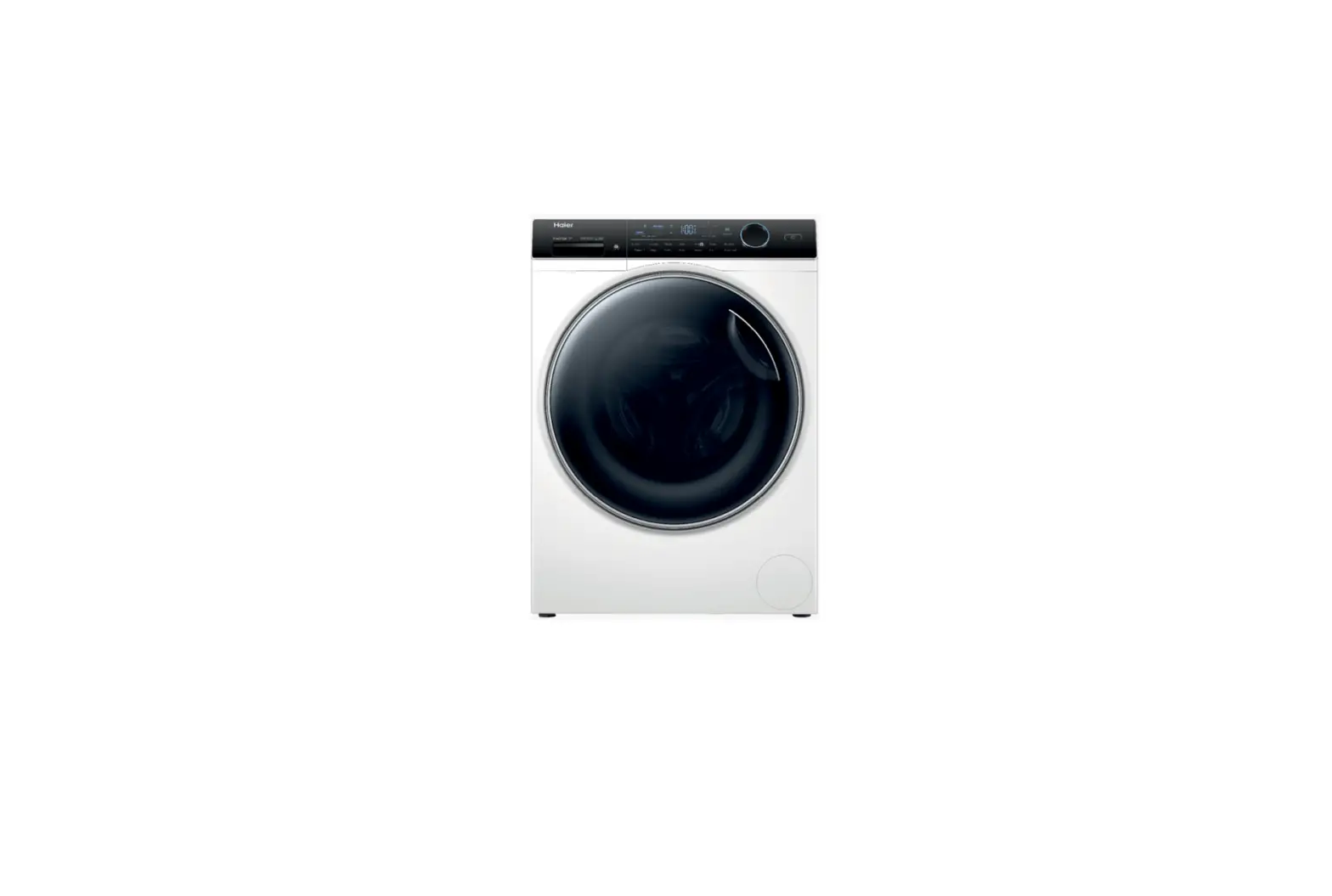
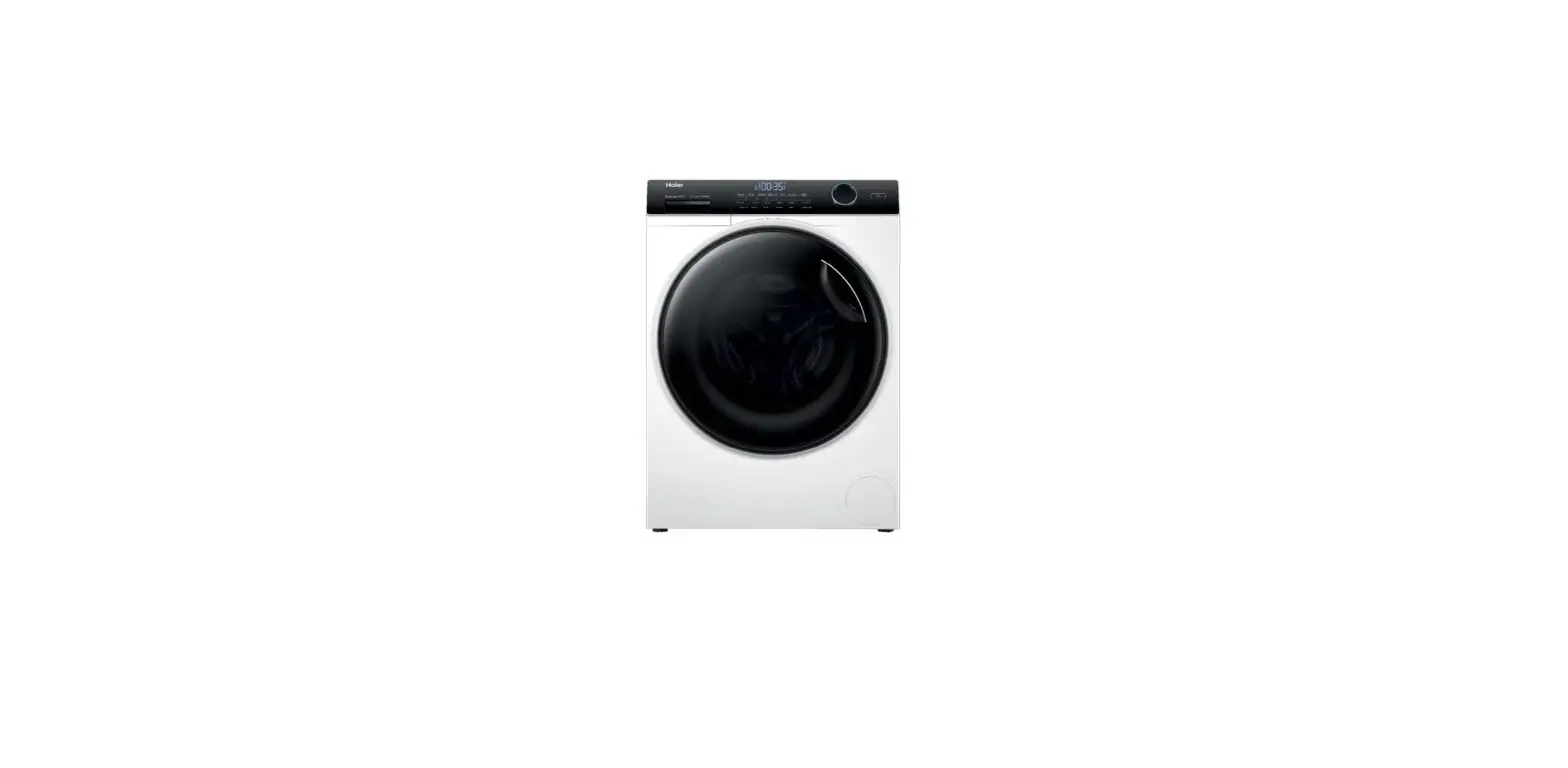
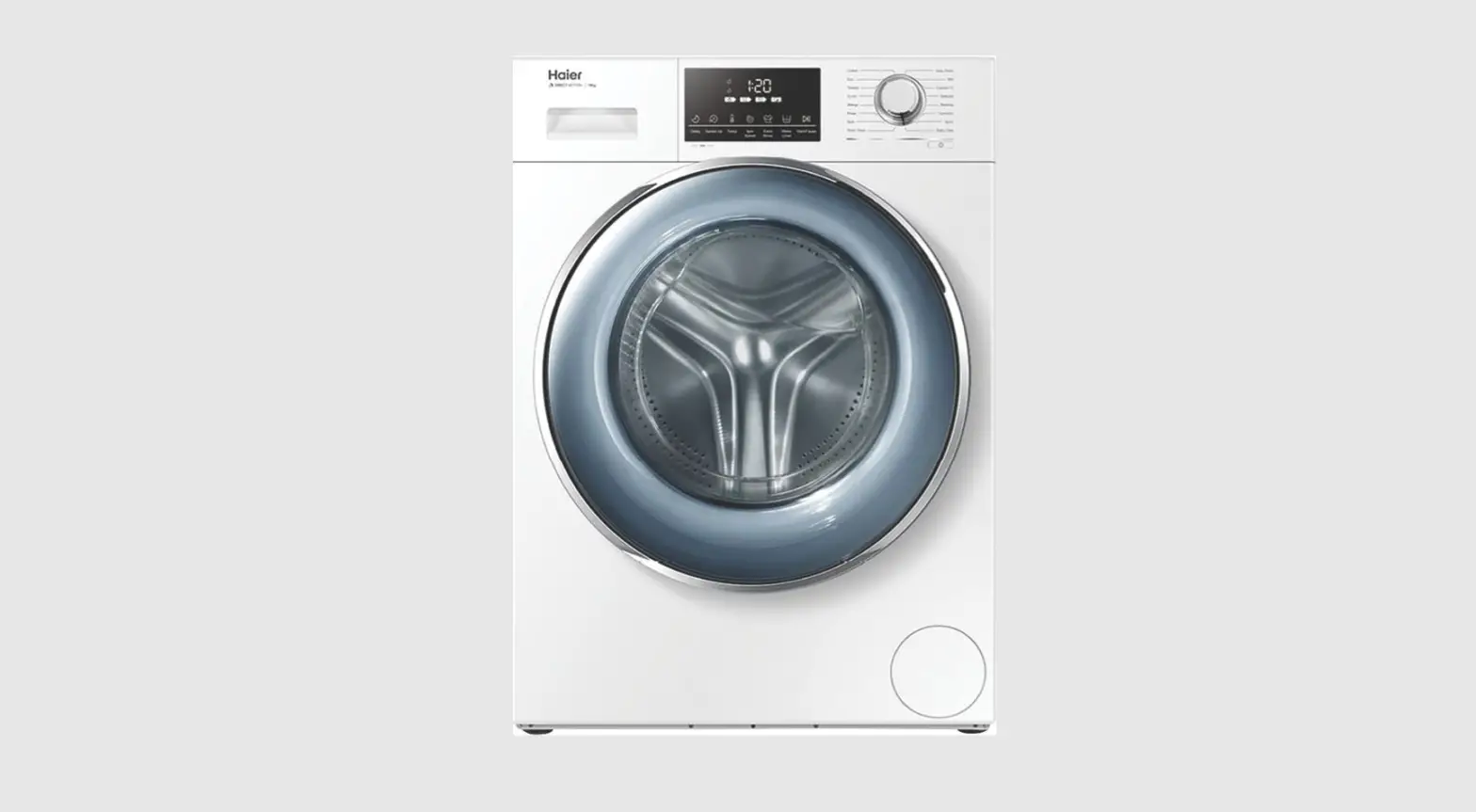
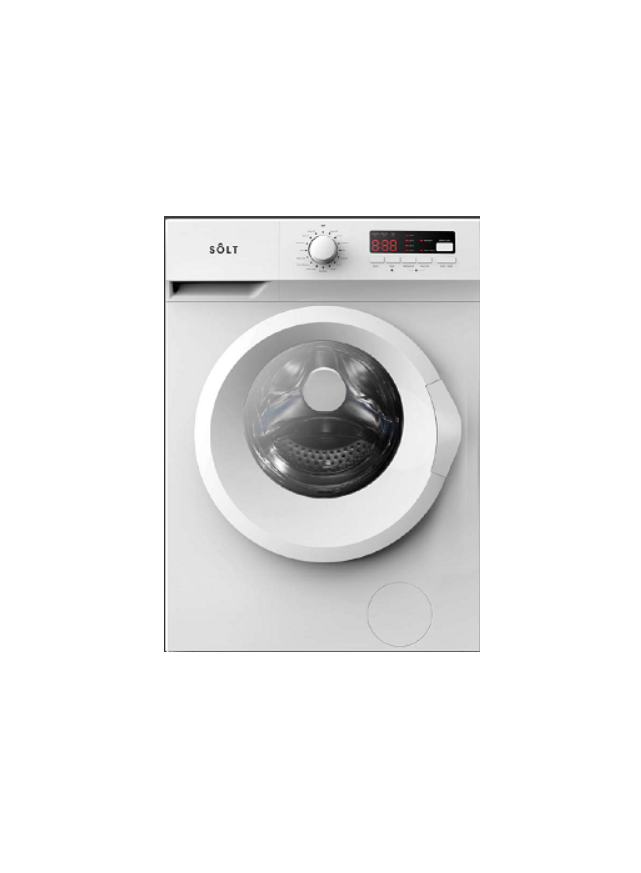
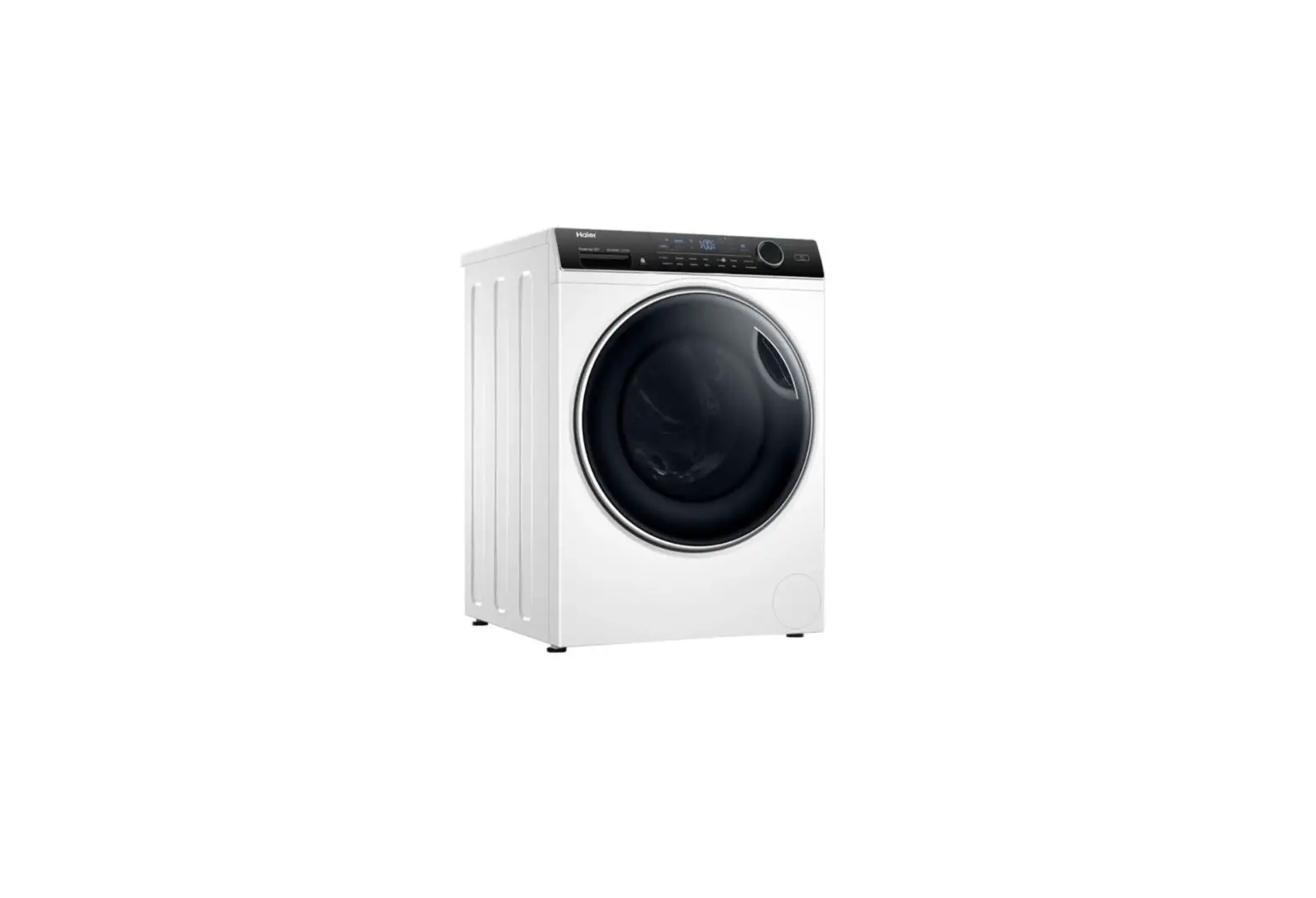
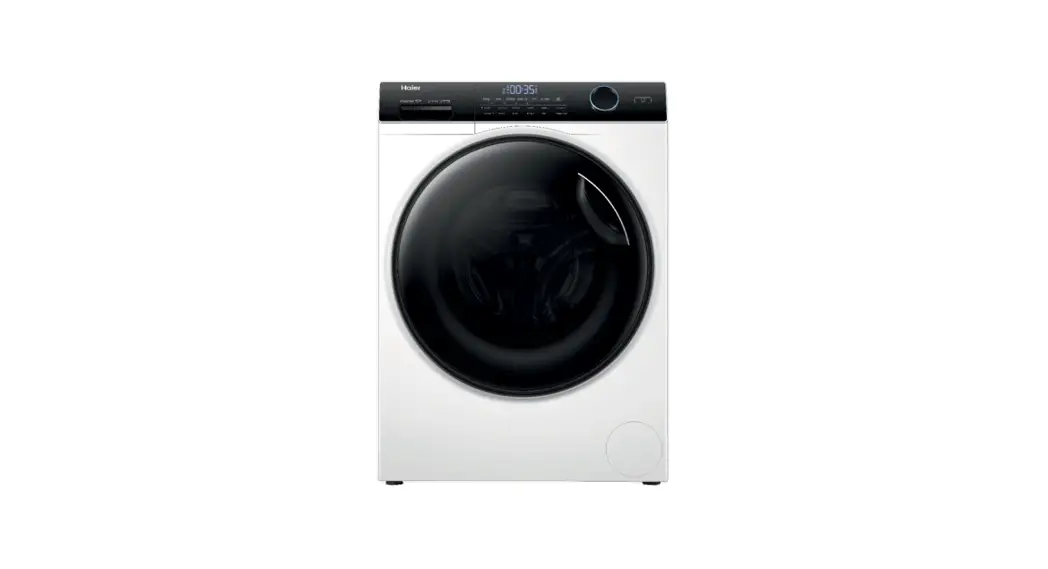
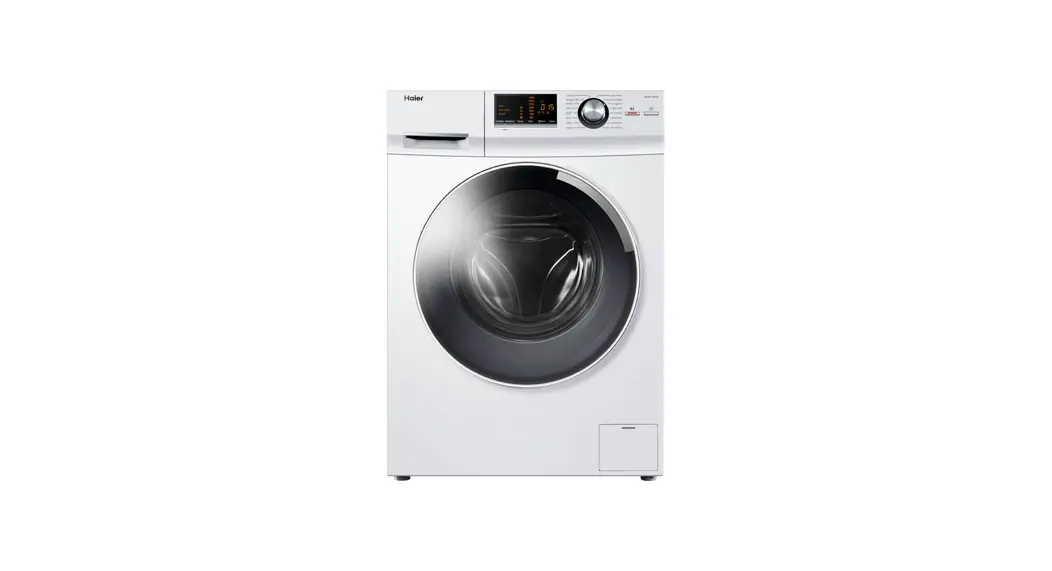
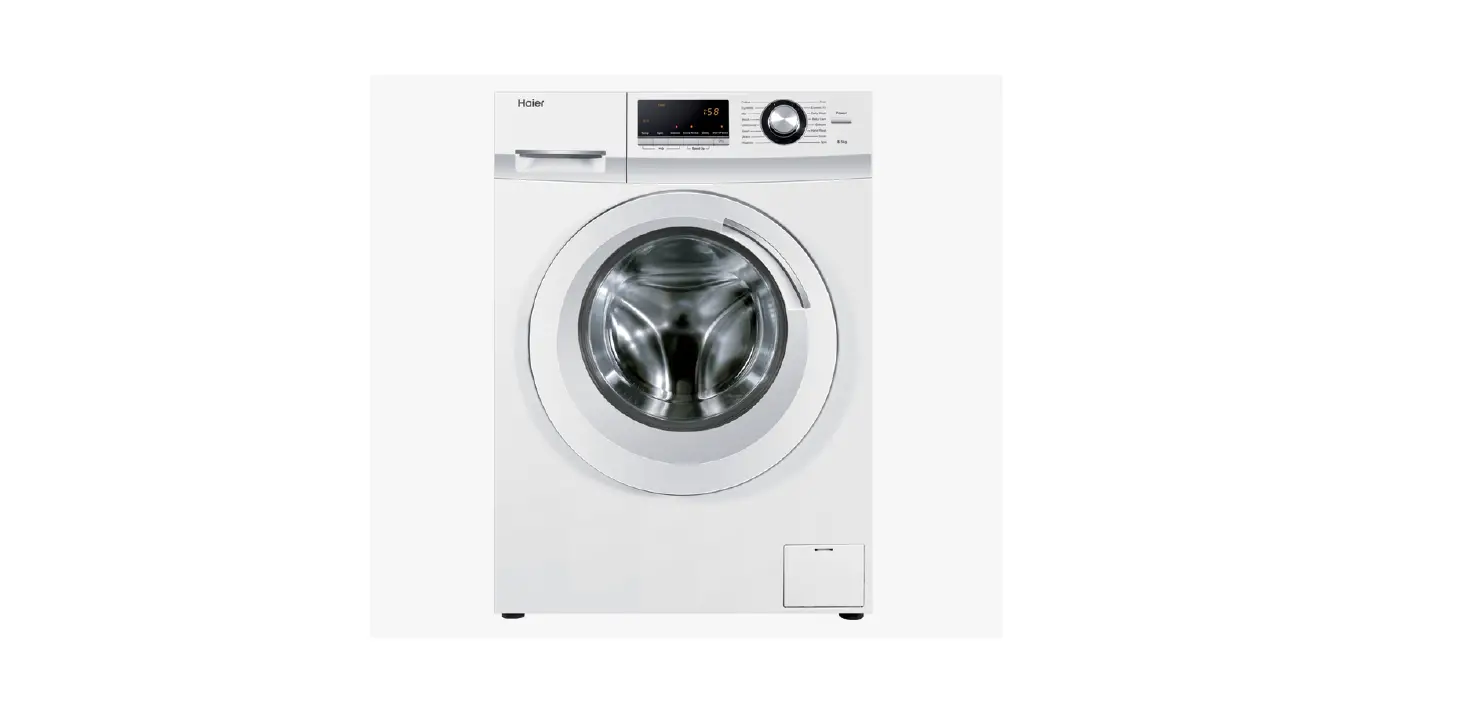
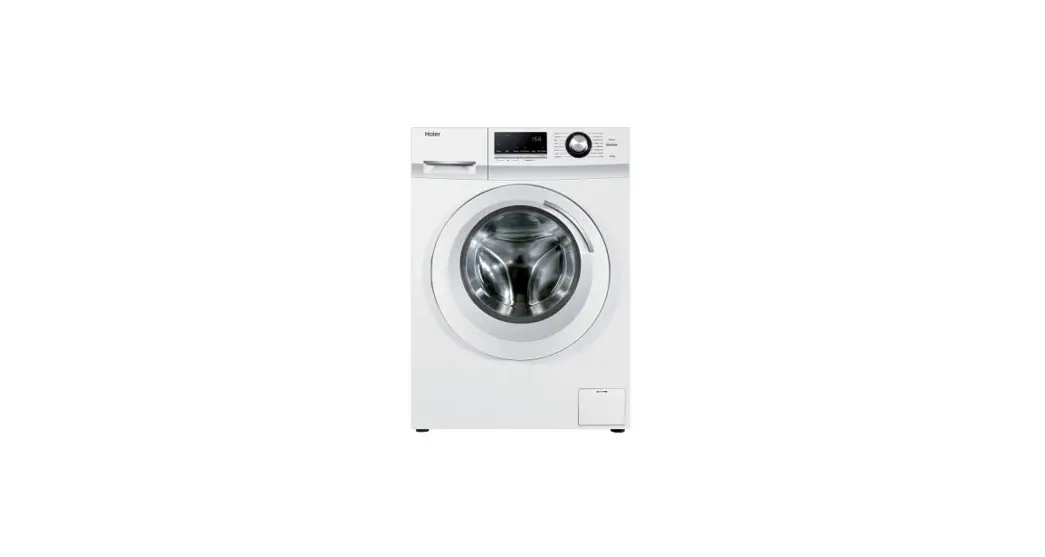
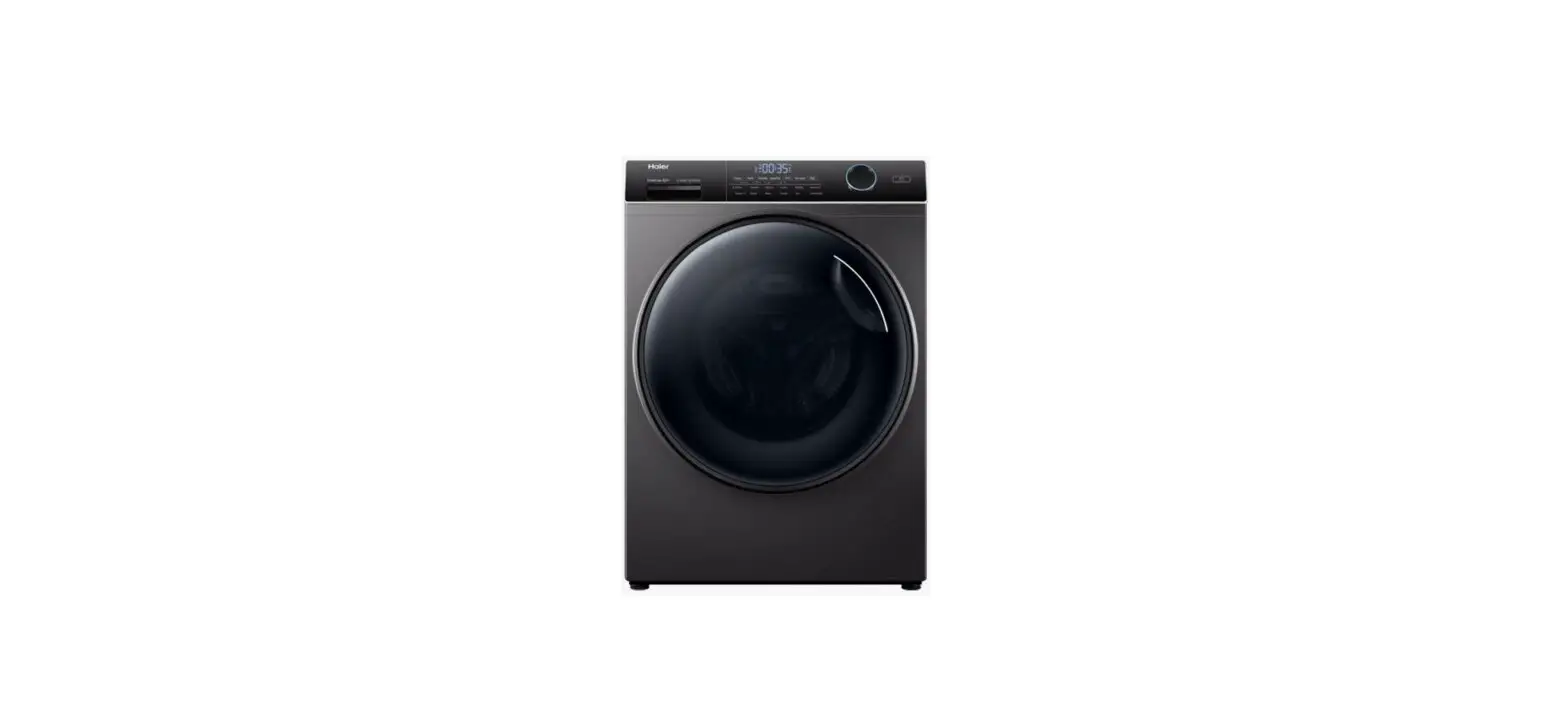
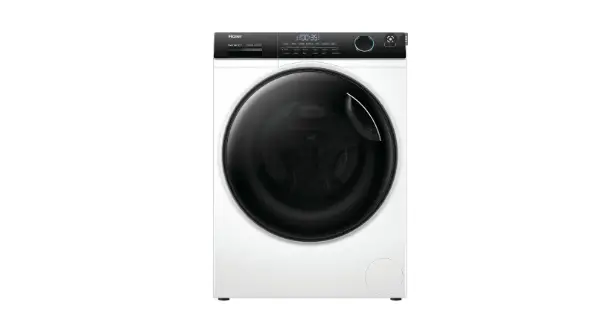
GGSFLW900B 9.0kg Front Load Washing Machine
Product Information: Front Load Washing Machine 9.0kg
Capacity
The Front Load Washing Machine with a capacity of 9.0kg is
designed to provide efficient and effective washing for your
laundry needs. The model number for this machine is GGSFLW900B.
Product Usage Instructions:
- Preparing for first use:
- Make sure the washing machine is properly connected to a power
source and water supply. - Press the ‘On/Off’ button to power on the front load washing
machine.
- Turn the Program Selection Dial to select your desired washing
cycle. - Use the additional function buttons on the right-hand side
panel to select any preferred washing options different from the
default cycle settings. - Press the ‘Start/Pause’ button to initiate the selected
cycle.
- The washing machine is calibrated automatically and does not
require manual calibration.
- After 25 washes, the Drum Clean light will illuminate as a
reminder to run this cycle. - To cancel the reminder for another 25 cycles, press and hold
the Drum Clean button for 3 seconds.
For more information or assistance, please call 1300 11 43 57 or
visit our website at www.solt.house.
ESSENTIALS FOR LIFE
Front Load Washing Machine 9.0kg Capacity Quick Start Guide
Tips for Using & Operating Your Washing Machine Model: GGSFLW900B
MODEL GGSFLW900B
Front Load Washing Machine 9.0kg Capacity Getting Started…
Preparing for first use
· Before washing, please ensure that the transport bolts are removed from the rear of the machine and that it is installed correctly following the instructions on page 7 of the user manual.
· Operate the washing machine for one full Cotton cycle at 90° C without clothes inside to ensure that the drum is as clean as possible.
· It’s recommended to calibrate the machine, to ensure optimal performance.
Operating the Washing Machine
1 Press `On/Off’ to power on your front load washing machine.
2 Select your desired washing cycle by turning the Program Selection Dial.
3 Select your preferred washing options using the additional function buttons on the right hand side panel (should you wish to select options different from the default cycle settings).
4 Touch the `Start/Pause’ button to start the cycle.
Calibration
· Remove all accessories from the drum and close the door;
· Insert the mains plug to the socket; · Switch on the washing machine, and within
10 seconds, press “Delay” and “Temp.” simultaneously for approximately 3 seconds until “t19″ is displayed on the display. · Press the Start/Pause to start the appliance, initially”—” is displayed, and then “***” (such as “126”) is displayed to indicate the real time drum speed. When the number reaches a certain value (and stop changing), it means the washing machine is successfully calibrated.
For detailed Operating Instructions, refer to pages 1519 of your user manual.
Drum Clean
After 25 washes, the Drum Clean light will illuminate to remind you to run this cycle.
This program provides a 90°C high temperature sterilisation cycle to clean the drum and tube. When this procedure is performed, clothes or other items should not be added. Use this program regularly according to your needs.
To cancel the reminder for another 25 cycles, press and hold the Drum Clean button for 3 seconds.
For more information please call 1300 11 43 57
W W W.SOLT.HOUSE
ESSENTIALS FOR LIFE