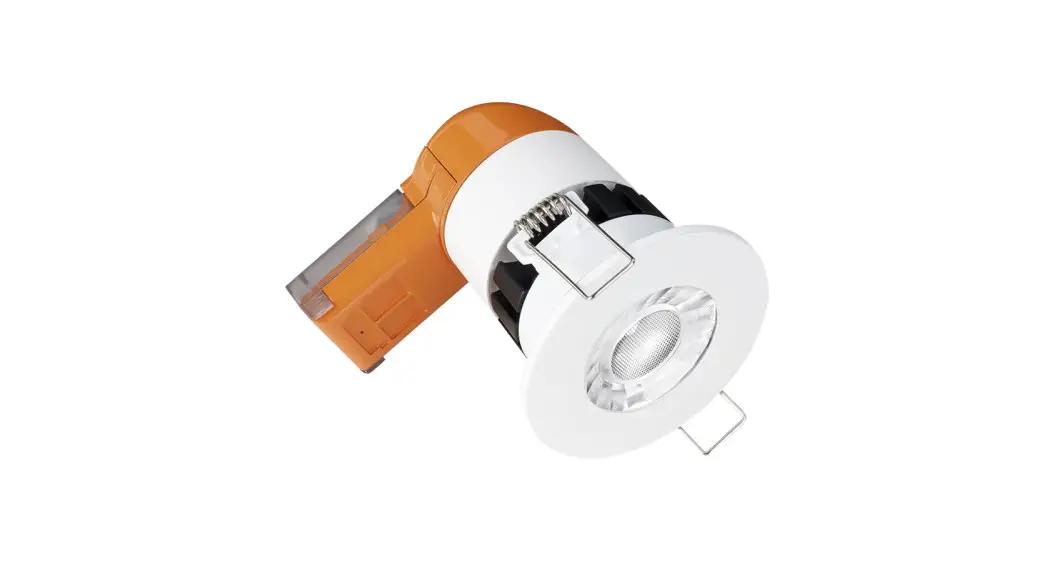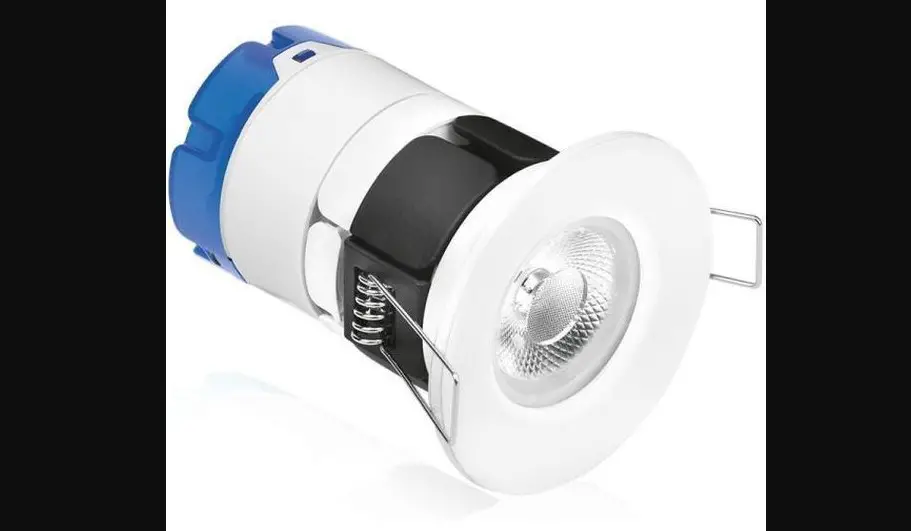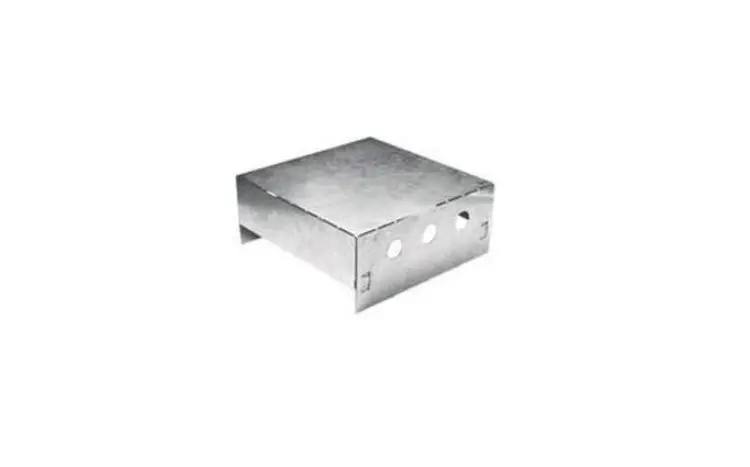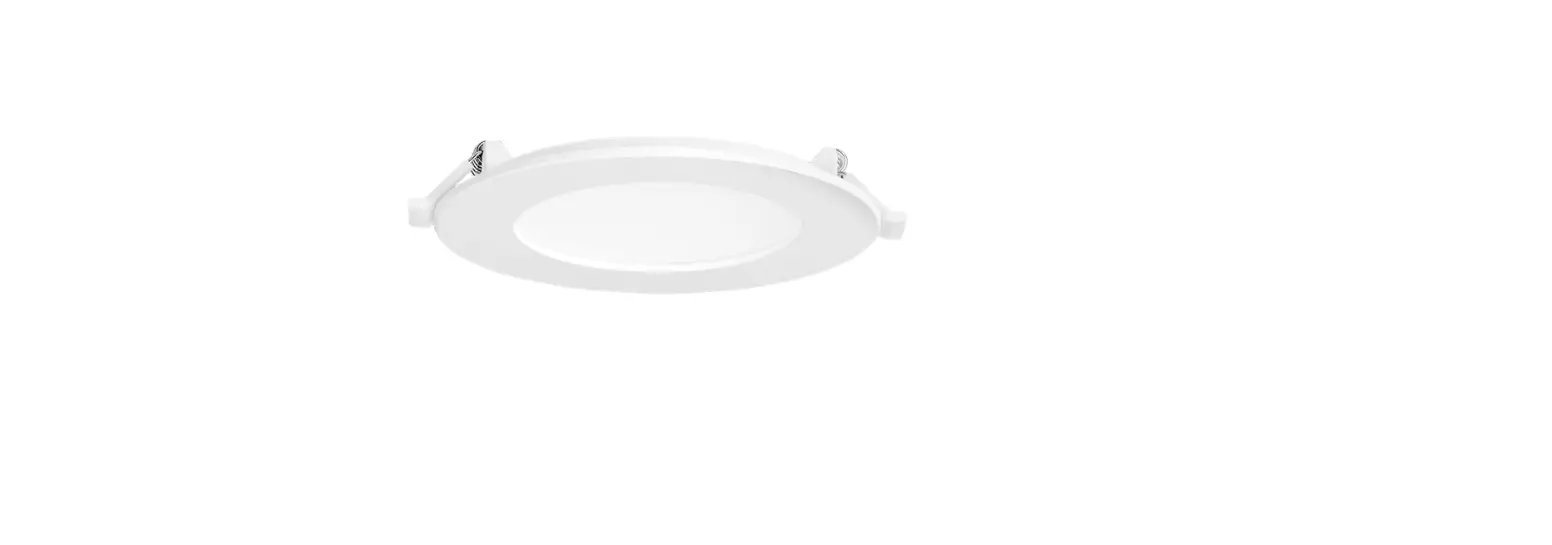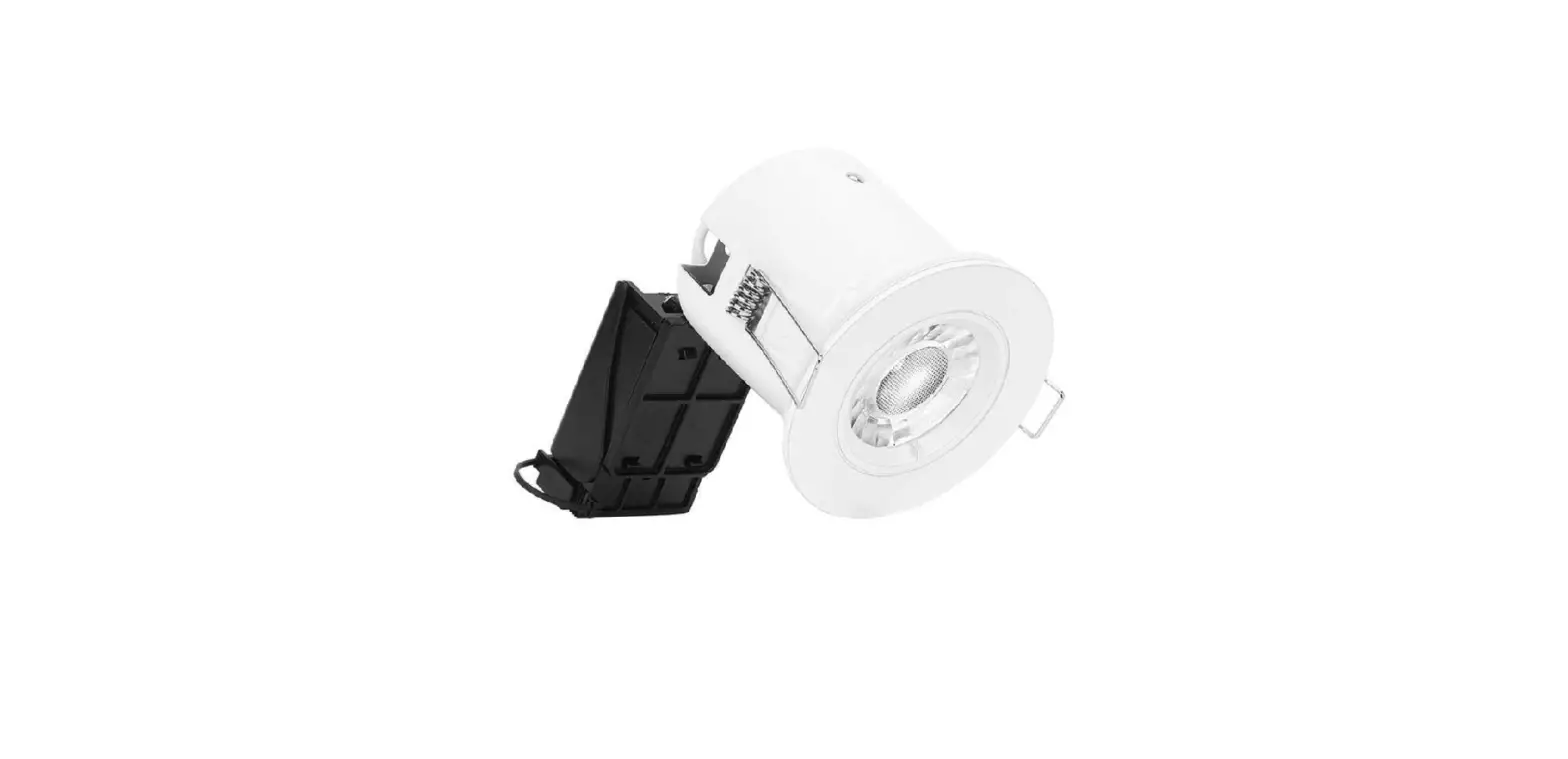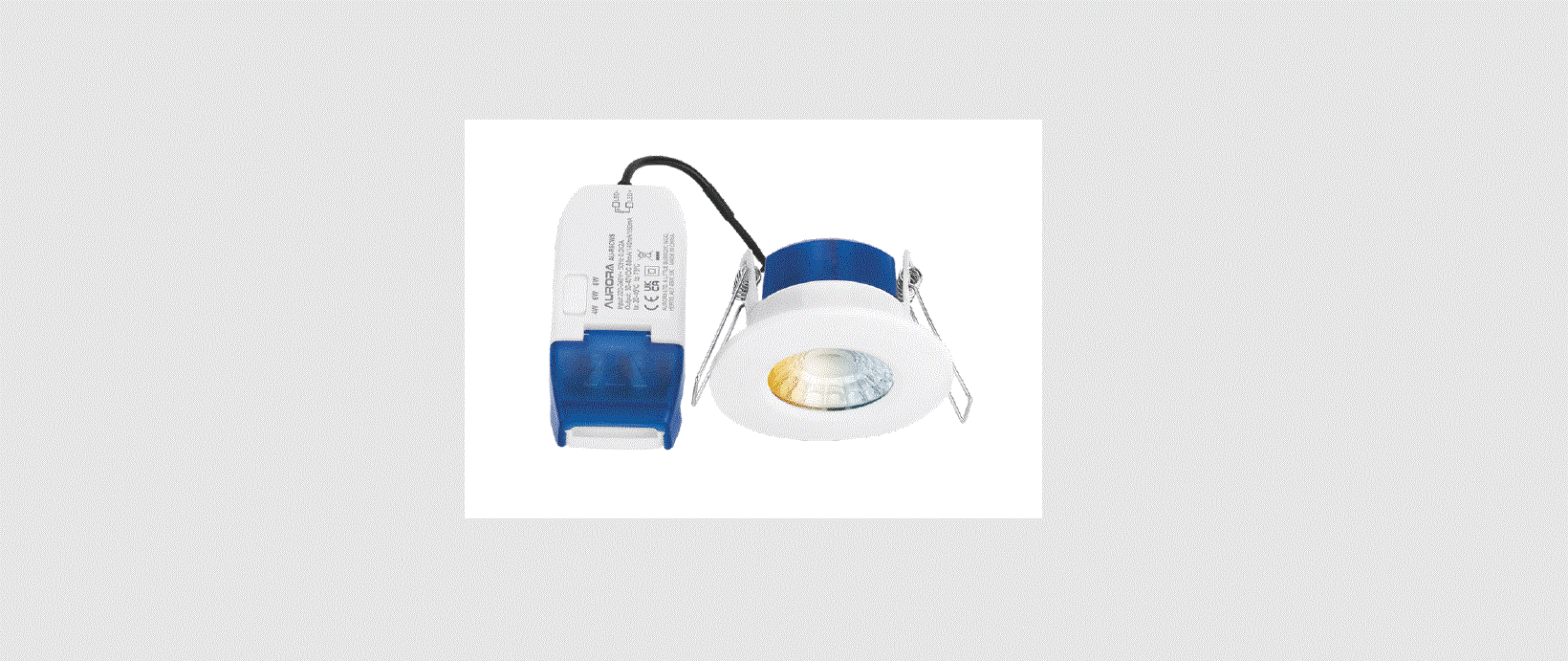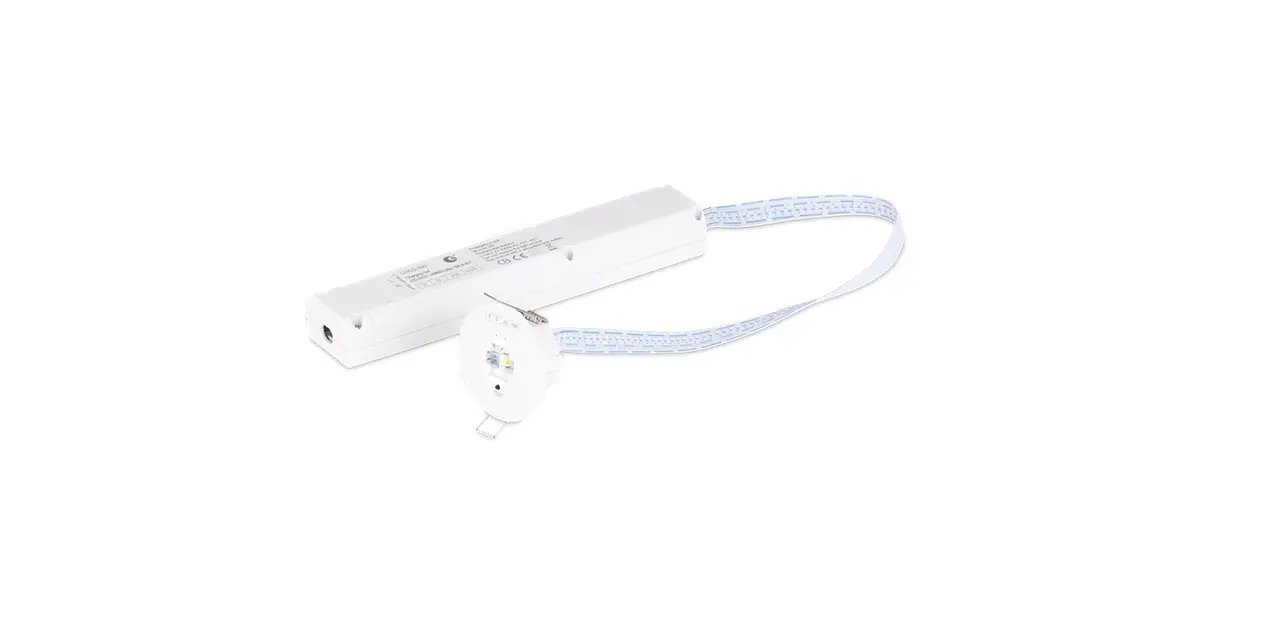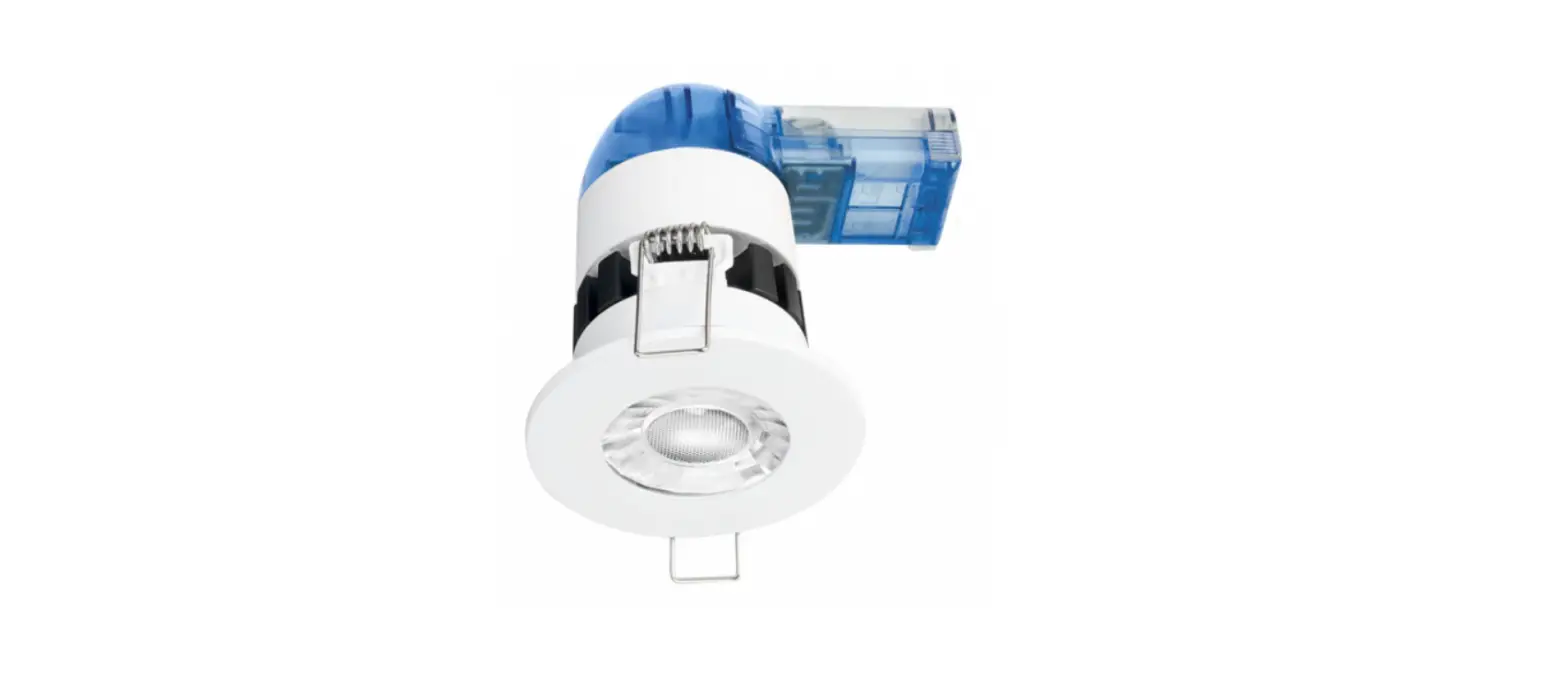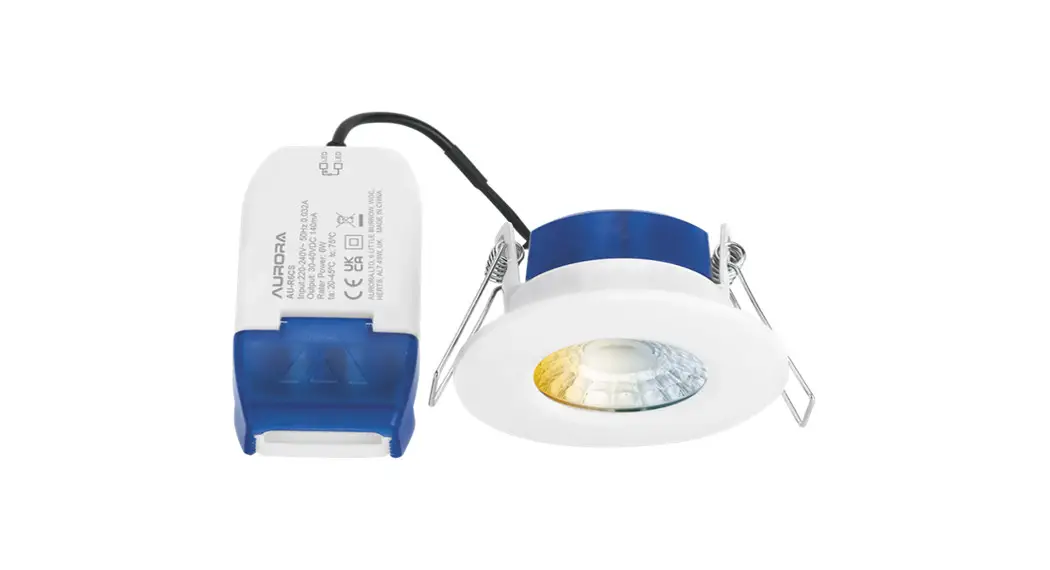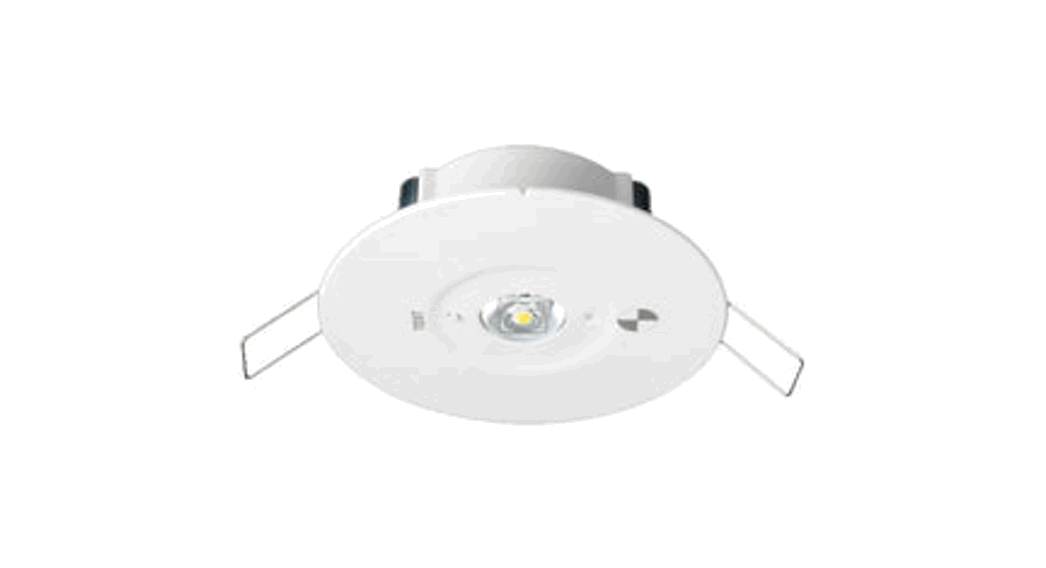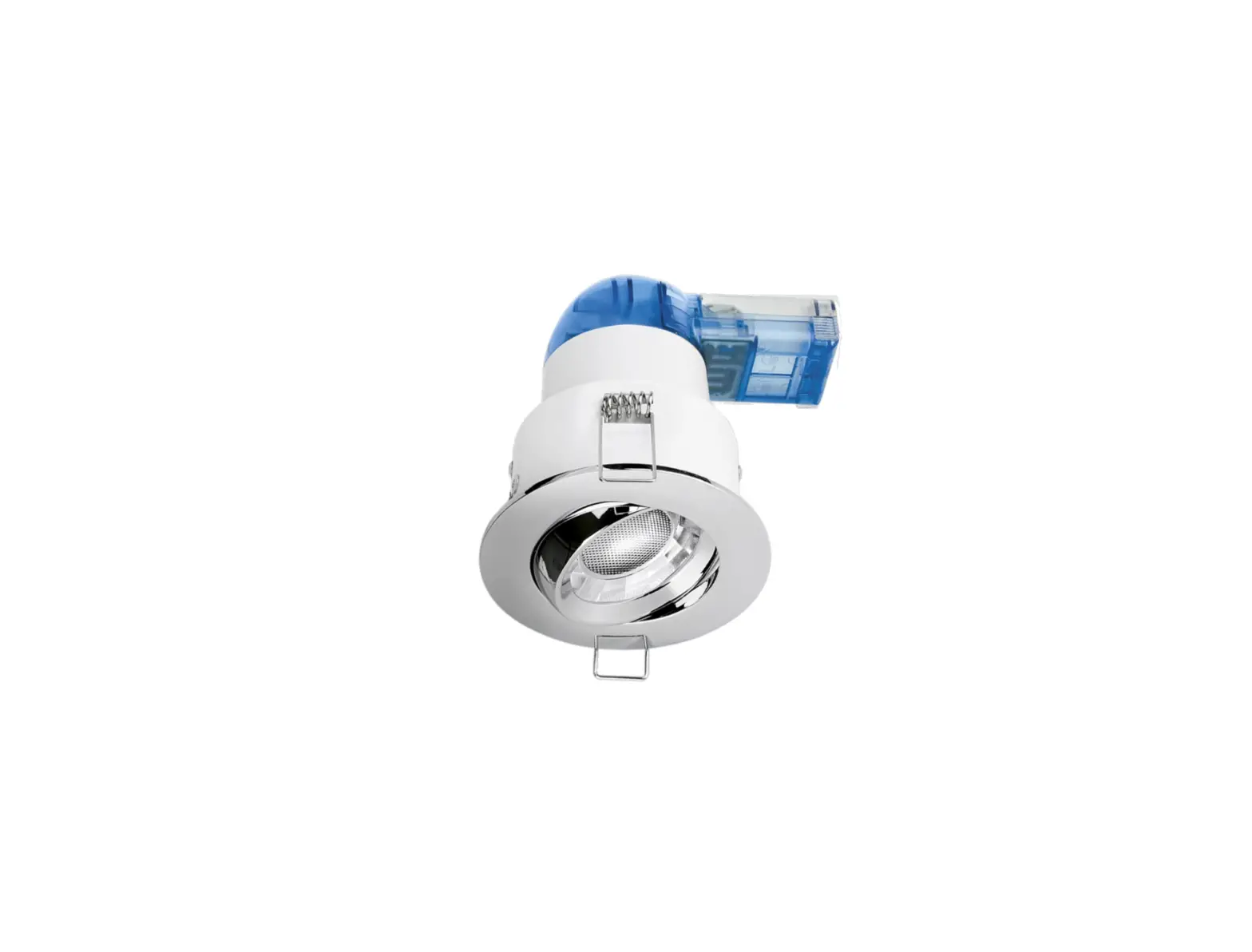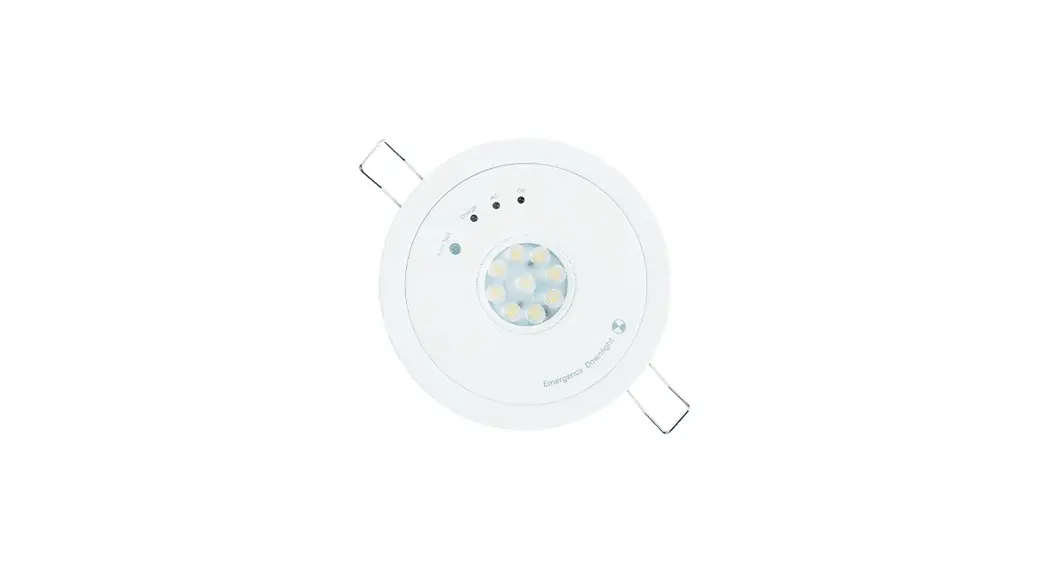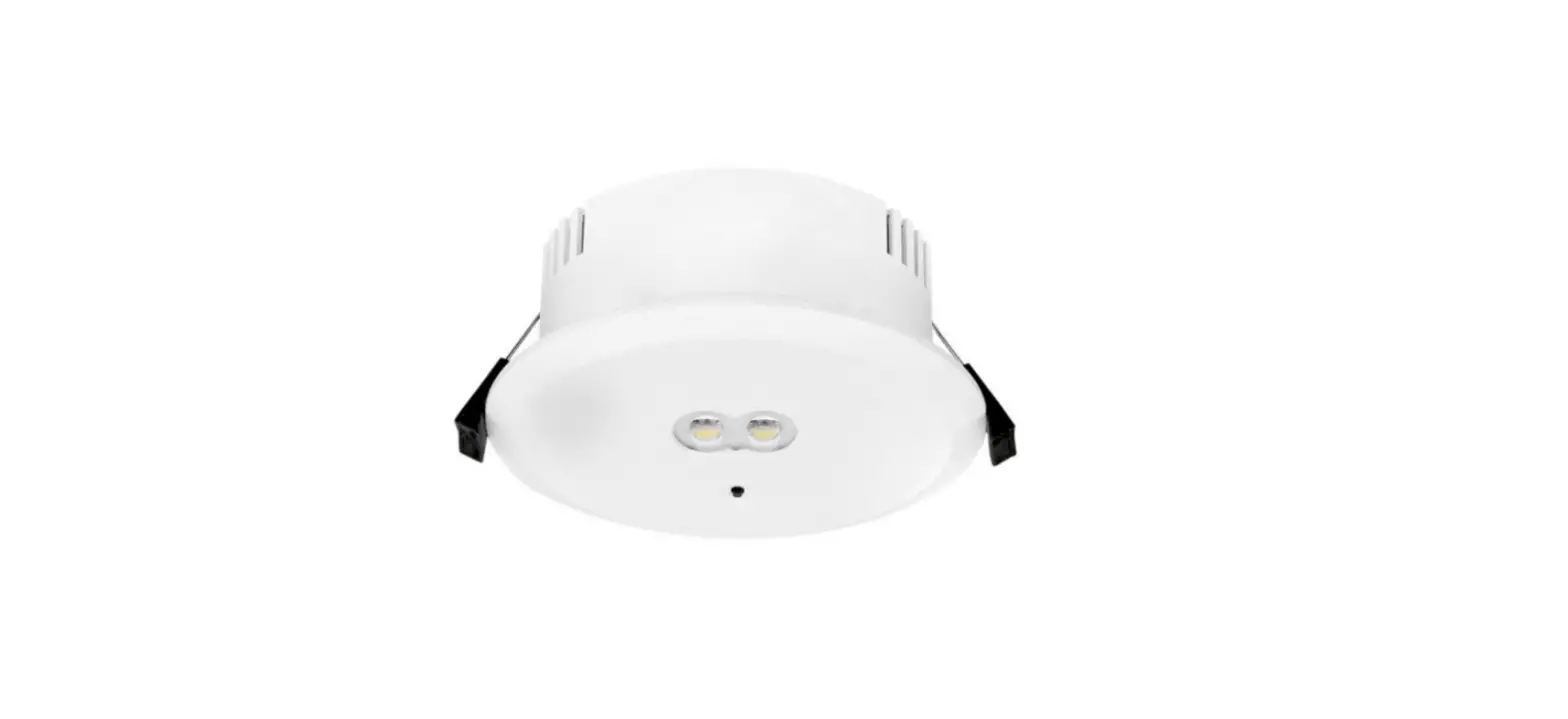

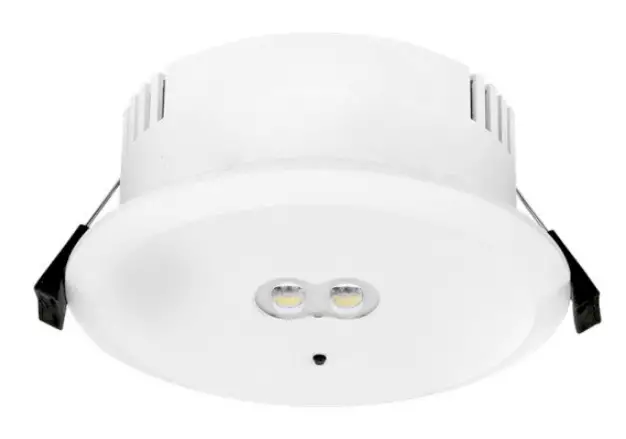
AURORA EN-EMDLST 3W Self Test Emergency Downlight
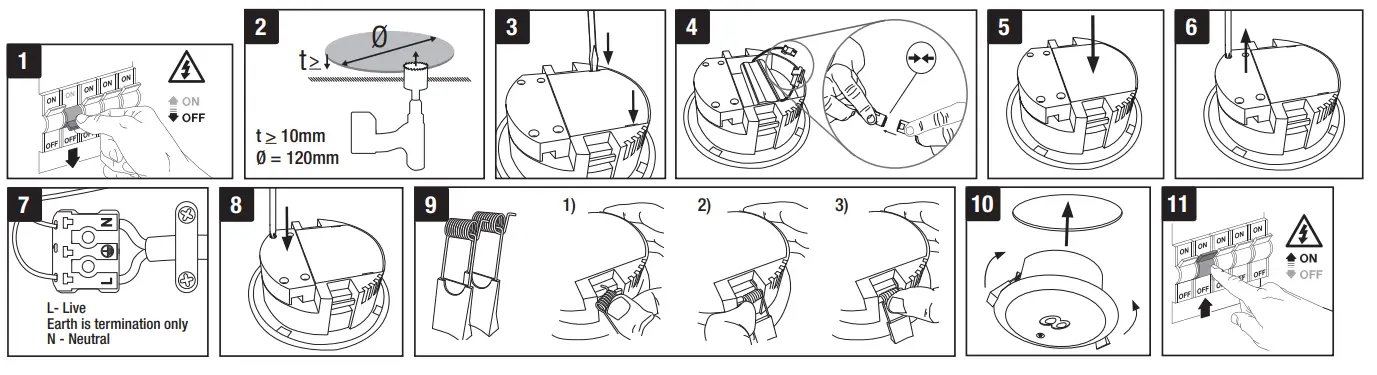
RECESS MOUNT
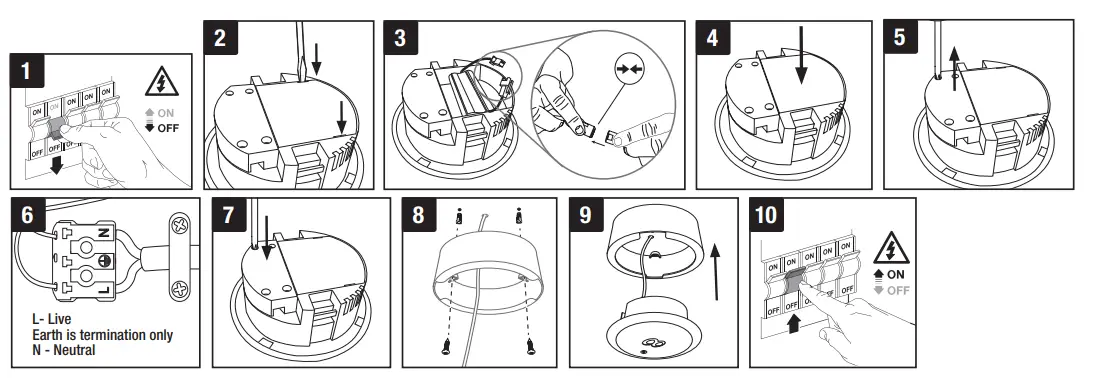
SURFACE MOUNT
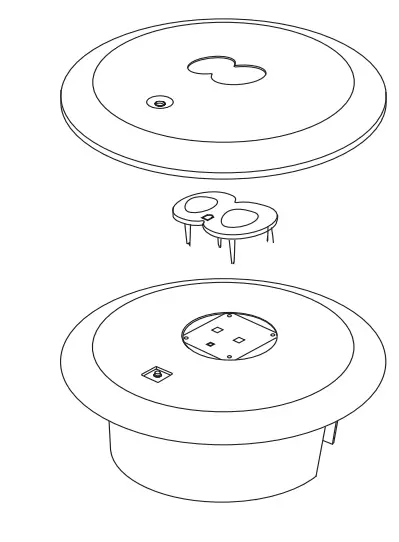
CHANGING THE LENS
IMPORTANT INSTALLATION INFORMATION
- Installation should be carried out in accordance with the current edition of the National Wiring Regulations. If in doubt, consult a qualified electrician.
- These luminaires are for indoor use only,
- Maximum Input Voltage– 200V-240V AC 50Hz
- Ensure that ALL electrical connections are tight with no loose strands.
- Before commencing installation or maintenance, ensure electricity is switched off at the mains.
- Class II, Double Insulated earth is not required.
- Earth terminal is for Termination only.
- This luminaire is not dimmable.
ONCE THE UNIT IS POWERED IT WILL AUTOMATICALLY INITIATE A SELF-TEST AND DIAGNOSTICS AS FOLLOWS:
- Every 4 seconds: The unit will check for battery disconnection, charger board fault, lamp fault, and transfer fault.
- Every month: Performs a 3-minute duration battery discharge test.
- Every year: Performs a 3-hour duration battery discharge test.
LED INDICATOR STATUS MEANINGS
| • | One flash, 4 second pause | Battery not connected |
| • • | Two flash, 4 second pause | Battery short or low battery voltage |
| • • • | Three flash, 4 second pause | Charger board fault |
| • • • • | Four flash, 4 second pause | AC/DC transfer fault |
| • • • • • | Five flash, 4 second pause | LED lamp fault |
MANUAL TESTING
| Press test button once | 30 second duration battery discharge test |
| Press test button two times within 2 seconds | 3 minute duration battery discharge test |
| Press test button three times within 2 seconds | 30 minute duration battery discharge test |
| Press test button four times within 2 seconds | 3 hour duration battery discharge test |
NOTE: After repairing a service fault, press and hold the test button for 2 seconds to reset the flashing indicator light to green
EMERGENCY TESTING
After connecting the mains supply check the following:
- The unit should be left on charge for a minimum of 24 hours before testing the emergency mode.
- To simulate normal mains supply failure, operate your key switch or test button on the front of the fitting.
- The lamp will now light under emergency conditions.
- When the unit no longer meets its rated duration of operation the battery pack must be replaced with a battery of the same type, voltage and Amp-hour rating.
Emergency Installation and Inspection
| Installation / Test Record | Serial / Luminaire Number: | |||
| Installed By: | Date: | |||
| Commissioned By: | Date: | |||
| Year 1 | Year 2 | Year 3 | Year 4* *The battery must be replaced | |||||||
| Monthly test | Signed | Date | Signed | Date | Signed | Date | Signed | Date | ||
| 1 | ||||||||||
| 2 | ||||||||||
| 3 | ||||||||||
| 4 | ||||||||||
| 5 | ||||||||||
| 6 | ||||||||||
| 7 | ||||||||||
| 8 | ||||||||||
| 9 | ||||||||||
| 10 | ||||||||||
| 11 | ||||||||||
| 12 | ||||||||||
Environmental Protection (W.E.E.E.) – Aurora’s WEEE Reg.No. WEE/BG0130YX (UK Only)
Waste Electrical & Electronic Equipment Regulations (WEEE) require that any of our products showing this marking (left) must not be disposed of
with other household or commercial waste. Aurora does not levy any WEEE disposal charges to its customers for affected WEEE-related products.
To prevent possible harm to the environment or human health from uncontrolled waste disposal, please separate any such product from other
waste types and recycle it responsibly at your local facilities. Check with your Local Authority, Recycling Centre or retailer for recycling advice. If,
when you purchased any Aurora product, your supplier included a WEEE disposal fee, you should then contact your supplier for advice on his take
back of the product for the correct disposal.
GUARANTEE
This product is guaranteed for a period of 3 years from the date of purchase. The guarantee is invalid in the case of improper use, installation, tampering,
and removal of the Q.C. date label, installation in an improper working environment or installation not according to the current edition of the National
Wiring
Regulations. Should this product fail during the guarantee period it will be replaced free of charge, subject to correct installation and return of the faulty
unit. Aurora does not accept responsibility for any installation costs associated with the replacement of this product. This warranty is in addition to the
statutory rights in your country of purchase. Aurora reserves the right to alter specifications without prior notice.
 Oslo Sportslager - kvalitet - service - kunnskap i 90 år